Best Business Expense Tracker App in 2026: 9 Tools Compared
WLWPLegible EditorsLast verified 24 Nov 2026How we rank14 min read
★ Short answer
Ramp is the best business expense tracker app for most companies: its free core plan includes unlimited corporate cards, expense tracking and receipt capture, and it is rated 4.8 out of 5 on G2. Pick Brex for global teams, or Expensify for simple receipt-based reports without switching cards.
How we make this list: we compare pricing pages, product documentation and public user reviews, then re-check every price before each update. No product paid for a place. Disclosure.
Ramp and Brex both give away a full core platform for free, funded by their corporate card programs.
Expensify stays the simplest receipt-first tool, with Collect at $5 per member a month and no card switch needed.
Zoho Expense is the cheapest paid plan in this list, at $3 per user a month billed annually.
BILL Spend & Expense charges $0 per user a month for cards, budgets and AI receipt matching.
SAP Concur bills per expense report, about $7 on Base, so its cost grows with report volume, not headcount.
What a business expense tracker should cover
A business expense tracker turns receipts, card charges and mileage into reports a finance team can approve and sync to accounting. The best ones capture the receipt at the moment of spend, not weeks later.
There are two kinds of tool in this list. Card-led tools such as Ramp, Brex and BILL issue the cards and enforce policy before the purchase. Report-led tools such as Expensify, Zoho Expense and Fyle process expenses after the spend, and often work with cards you already have.
Receipt capture is the feature to check first. Look for photo capture, email forwarding and automatic matching of receipts to card transactions, so staff do not retype the same expense twice.
Price is hard to compare across this list, because some tools charge per user, one charges per report and three are free at the core. Our guide on how to budget for a WordPress website shows the same renewal-price habit that matters here: judge a tool by its regular price, not its signup offer.
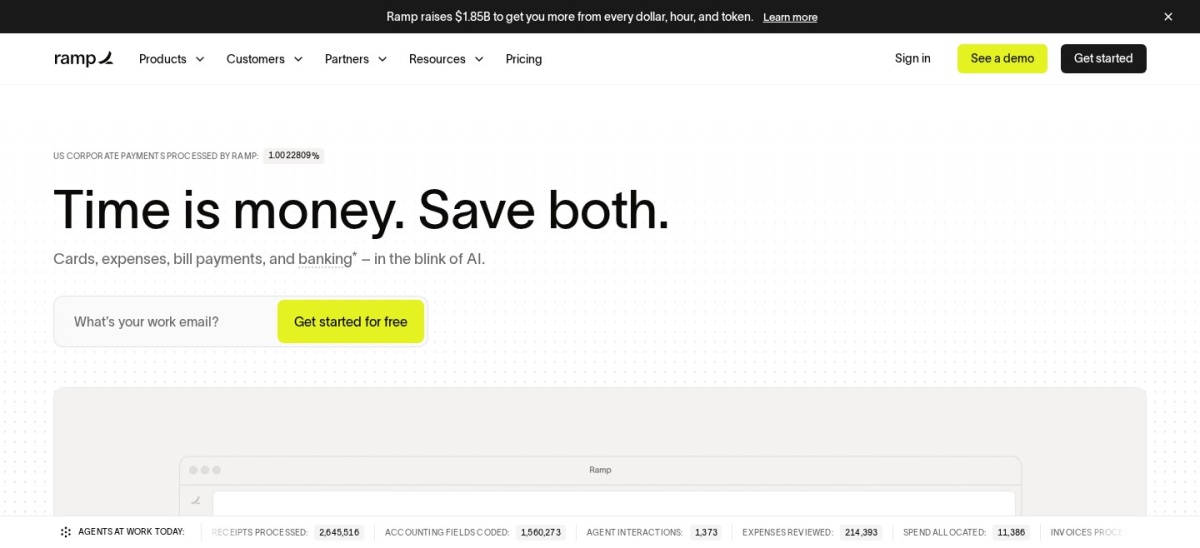
Ramp is a spend platform that pairs corporate cards with expense tracking, and its core plan costs nothing. The free tier includes unlimited physical and virtual cards, expense management, bill pay, receipt capture and sync to QuickBooks Online and Xero.
The trade off is the paid tier. Plus costs $15 per user a month, or $12 with annual billing, plus a platform fee based on team size that Ramp does not publish. It suits companies that will run Ramp cards and want NetSuite or Sage Intacct sync.
What we like
Free core plan with unlimited cards
Strong receipt capture and approvals
Syncs with QuickBooks and Xero for free
Watch out for
Plus platform fee is not published
Multi-entity and ERP sync need Plus
Plus adds NetSuite and Sage Intacct sync and multi-entity supportVisit ramp.com
02
Brex
4.8/5on G2 (1,643 reviews, checked Nov 2026)
Paid from$12/mo
Best for startups and global teams
Free planYes, Essentials
Cheapest paidPremium, $12/user/mo
Card coverage210+ countries
Entities on free planUp to 2
brex.com
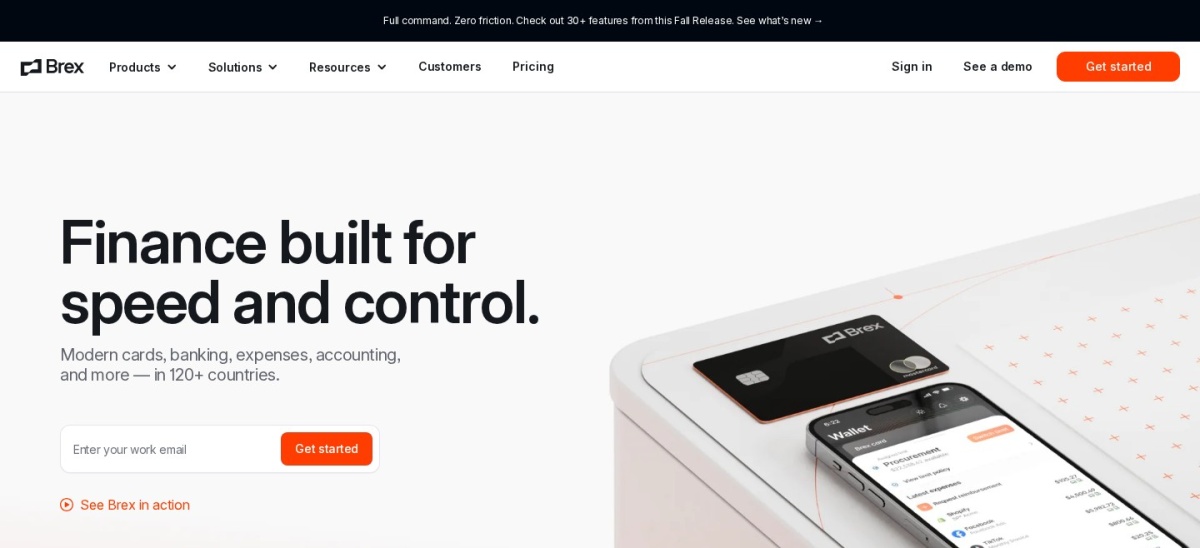
Brex homepage, captured Nov 2026.
Brex is a corporate card and spend platform that combines cards, expenses, bill pay and travel in one dashboard. The free Essentials plan includes global cards, reimbursements, accounting integrations and travel booking at $0 per user.
The trade off is control depth. Premium costs $12 per user a month and adds multiple expense policies, live budgets, multi-entity support and ERP integrations. It suits startups and scale-ups with teams in more than one country.
What we like
Full card and expense platform for free
Cards in local currency in 50+ countries
Two entities included on the free plan
Watch out for
Advanced policies and budgets need Premium
Card declines are a common reviewer complaint
Premium adds multiple policies, live budgets and ERP integrationsVisit brex.com
03
Expensify
4.5/5on G2 (5,688 reviews, checked Nov 2026)
Paid from$5/mo
Best for simple receipt scanning
Free planYes, Submit
Cheapest paidCollect, $5/member/mo
Receipt scanSmartScan OCR
CardBring your own card
expensify.com
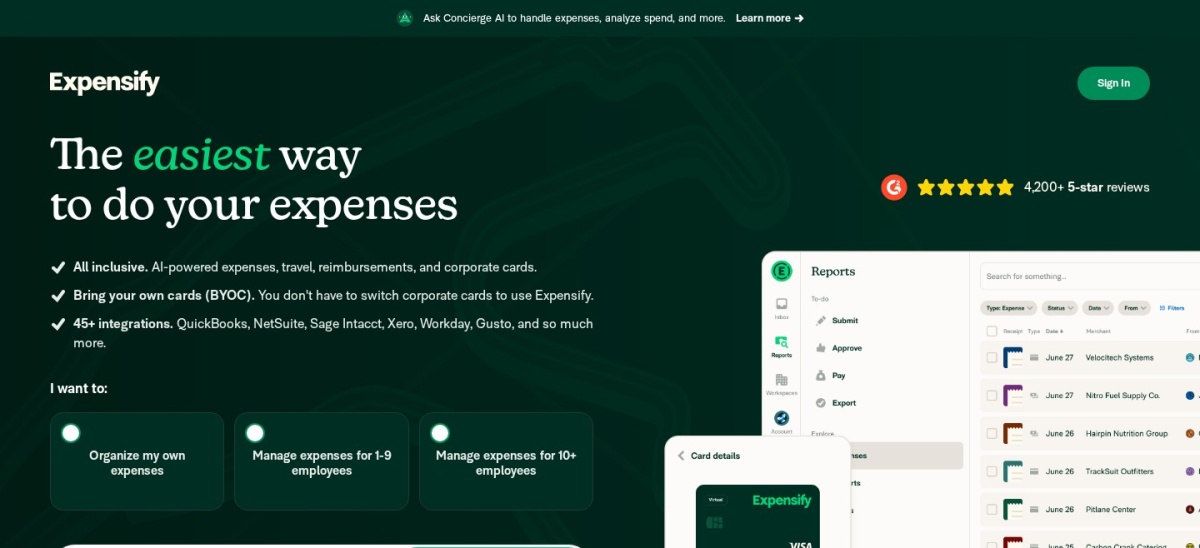
Expensify homepage, captured Nov 2026.
Expensify is the classic expense-report tool, built around SmartScan receipt capture. Snap a photo or forward a receipt and it builds the report, with mileage tracking, approvals and sync to QuickBooks and Xero on the Collect plan.
The trade off is price at the top. Control costs $18 per member a month on an annual plan, or $36 pay-per-use, and Expensify Card spend can cut it by up to half. It suits small teams that want simple reports without switching cards.
What we like
Fastest receipt-to-report flow in this list
Works with cards from 10,000+ banks
Bills only members who submit an expense
Watch out for
Control is costly without card spend
Reviewers note SmartScan misreads need fixing
Control adds multi-level approvals and NetSuite and Sage Intacct syncVisit expensify.com
04
Zoho Expense
4.5/5on G2 (1,590 reviews, checked Nov 2026)
Paid from$3/mo
Best budget pick
Free planYes, up to 3 users
Cheapest paidStandard, $3/user/mo
Receipt scans20 per user/mo free
Accounting syncZoho Books, QuickBooks, Xero
zoho.com
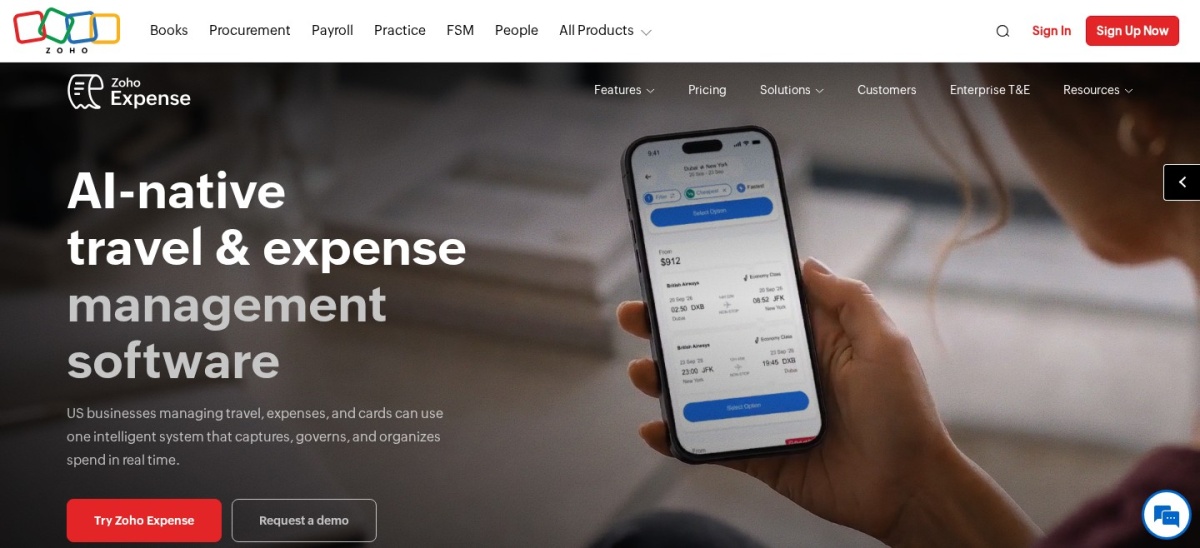
Zoho Expense homepage, captured Nov 2026.
Zoho Expense is a low-cost expense tool with a free plan for up to 3 users. It covers receipt capture, mileage tracking, multi-currency expenses and approvals, and only users who create expenses are billed.
The trade off is scale. Standard costs $3 per user a month billed annually, or $4 monthly, and adds corporate card feeds and multi-level approvals. It suits small businesses that want a cheap per-user price.
What we like
Cheapest paid plan in this list
Free plan covers 3 users with no contract
Only expense creators are billed
Watch out for
Free plan caps receipt scans at 20 a month
Travel features need the Premium plan
Premium adds travel requests, live mileage and budgets at $5 a monthVisit zoho.com
05
BILL Spend & Expense
4.5/5on G2 (2,241 reviews, checked Nov 2026)
PriceFree
Best free card and expense combo
Free planYes, all features
Cheapest paid$0 per user
Corporate cardsSmart and virtual cards
Accounting syncQuickBooks, NetSuite, Xero
bill.com
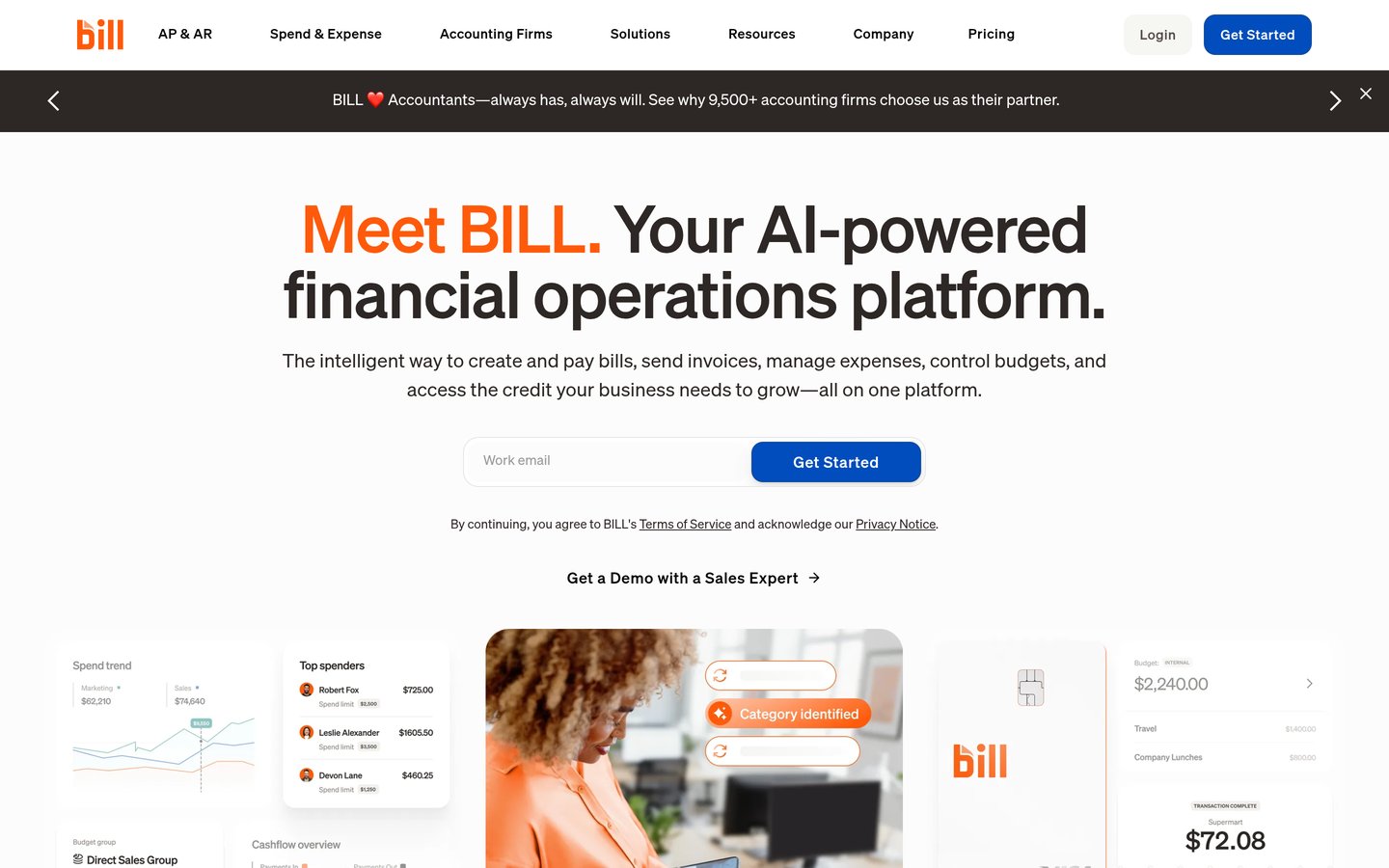
BILL Spend & Expense homepage, captured Nov 2026.
BILL Spend & Expense is a free expense platform with smart corporate cards, budget controls and AI receipt matching. It charges $0 per user a month and syncs with QuickBooks, NetSuite, Xero and Sage Intacct.
The trade off is breadth. It is built for small and mid-market teams, so larger companies with complex procurement may need a second system. It suits teams that want cards, budgets and expenses free in one place.
What we like
No per-user fee at all
AI receipt matching and categorisation
G2 ranked it best spend management in 2026
Watch out for
Accounts payable is a separate BILL product
Card program required to get the most value
BILL Accounts Payable and Receivable are paid add-onsVisit bill.com
06
Fyle
4.6/5on G2 (1,821 reviews, checked Nov 2026)
Starts at$11.99/mo
Best for keeping your own cards
Free planNo
Cheapest paidGrowth, $11.99/user/mo
Card feedsVisa, Mastercard, Amex
Minimum users5 active users
fylehq.com
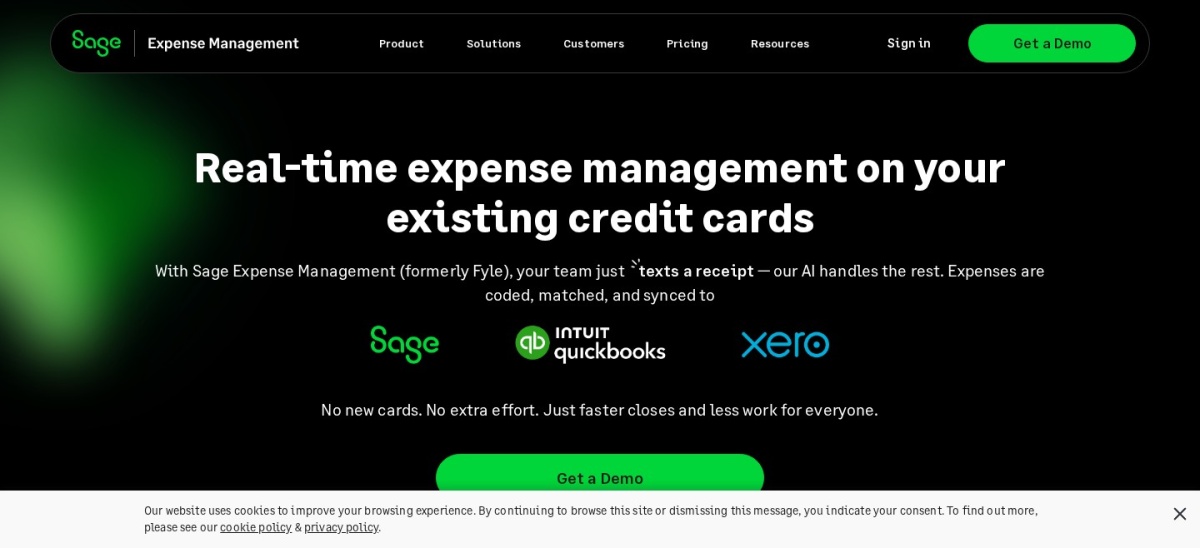
Fyle homepage, captured Nov 2026.
Fyle is an expense tool that works with the corporate cards a team already has, instead of forcing a card switch. Real-time card feeds capture transactions as they happen, and staff can submit receipts by texting a photo.
The trade off is the minimum. Growth costs $11.99 per active user a month billed annually, with a 5-user minimum, and only active users are billed. It suits teams on Sage Intacct or NetSuite that want to keep their bank cards.
What we like
No card switch needed
Real-time feeds from Visa, Mastercard and Amex
Only active users are billed
Watch out for
No free plan, and a 5-user minimum
Now sold as Sage Expense Management, which confuses listings
Business adds more controls at $14.99 per active user a monthVisit fylehq.com
07
Navan
4.7/5on G2 (9,297 reviews, checked Nov 2026)
Paid from$15/mo
Best for travel-heavy teams
Free planYes, 5 expense users
Cheapest paidExpense, $15/user/mo
TravelFirst-party booking
CardWorks with existing cards
navan.com
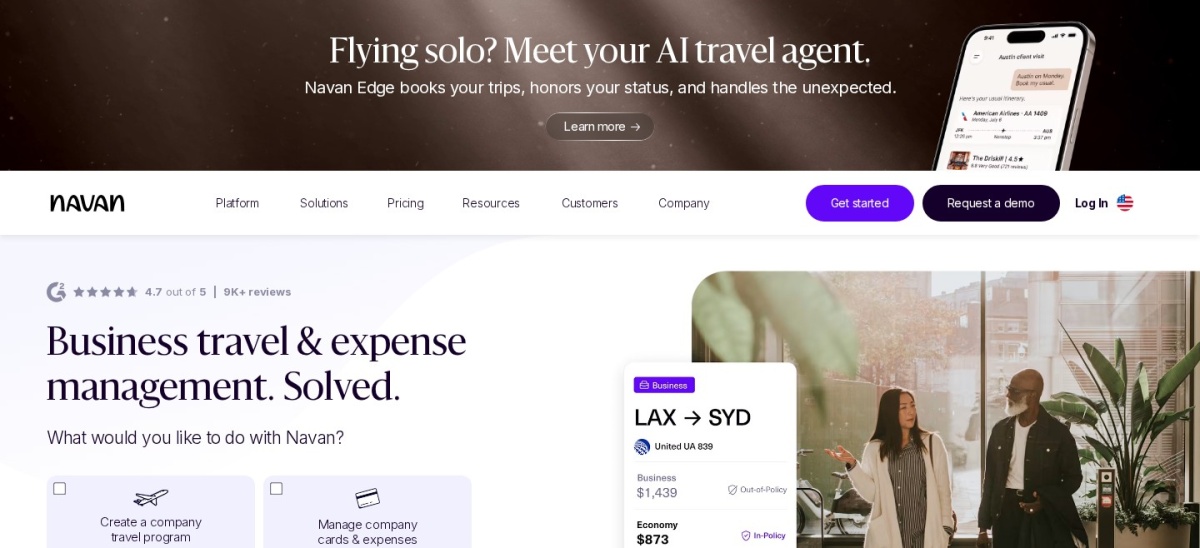
Navan homepage, captured Nov 2026.
Navan is a travel and expense platform that puts booking, policy checks and expense reports in one place. Travel is free for up to 300 employees, and Expense is free for 5 users, then $15 per user a month.
The trade off is scope. Navan has no bill pay or AP module, so supplier invoices still need a second system. It suits teams where travel is the main expense and booking policy matters most.
What we like
Strongest travel booking in this list
Works with existing Visa, Mastercard and Amex cards
Largest review base in this list
Watch out for
No bill pay or AP module
Reimbursements run on a weekly batch
Enterprise is custom-priced for larger travel programsVisit navan.com
08
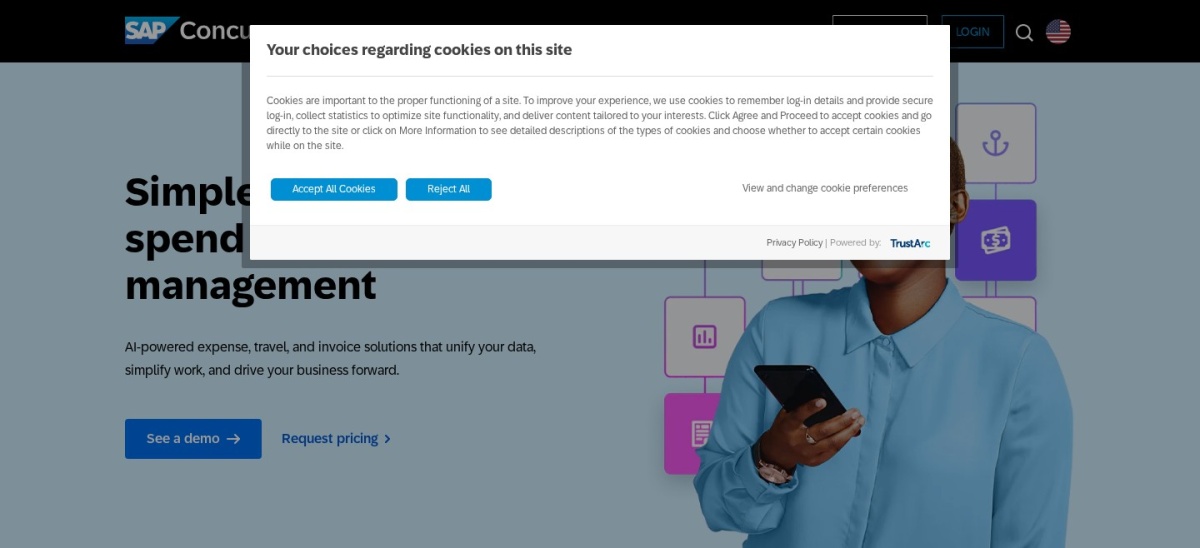
SAP Concur
4/5on G2 (7,232 reviews, checked Nov 2026)
Starts at$7/report
Best for large global enterprises
Free planNo
Cheapest paidBase, $7 per report
UsersUnlimited users
Integrations300+ integrations
concur.com
SAP Concur homepage, captured Nov 2026.
SAP Concur is the enterprise standard for travel and expense, with Concur Expense, ExpenseIt receipt capture and more than 300 integrations. Its Base plan charges about $7 per expense report and includes unlimited users.
The trade off is cost and setup. Plus costs about $11 per report, Premium is custom-priced, and implementation can take months. It suits large companies with global travel and SAP systems.
What we like
Unlimited users on every plan
Deepest enterprise and travel feature set
Widest integration list in this list
Watch out for
Per-report billing grows with volume
No free plan or trial
Lowest G2 rating in this list
Premium adds Concur Travel and Intelligence on a custom quoteVisit concur.com
09
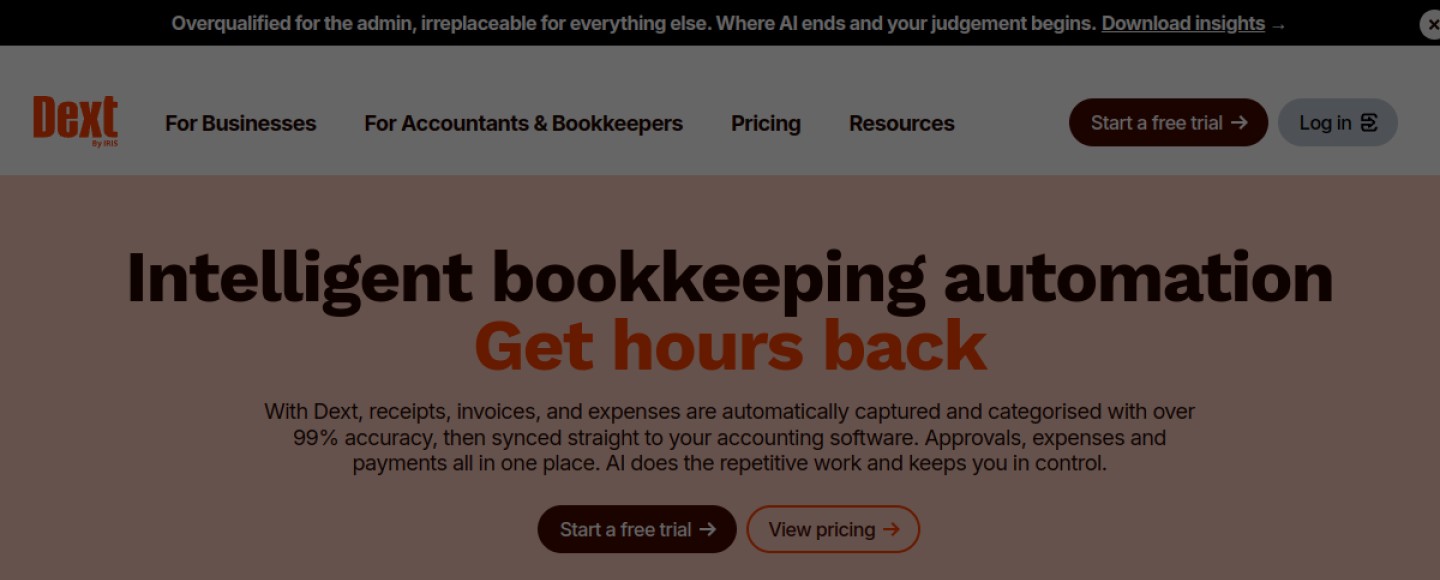
Dext
4.6/5on G2 (450 reviews, checked Nov 2026)
Starts at$25.21/mo
Best for receipt capture for accountants
Free planNo, 14-day trial
Cheapest paid$25.21/mo billed annually
Documents250 per month
Accounting sync30+ accounting tools
dext.com
Dext homepage, captured Nov 2026.
Dext is a receipt and document capture tool that feeds expenses into accounting software. It extracts supplier, amount, tax and due date from photos and PDFs, then syncs to Xero, QuickBooks and Sage.
The trade off is the cap. The base plan costs $25.21 a month billed annually, or $31.50 monthly, for 250 documents and 5 users. It suits accountants and small teams that file receipts in bulk.
What we like
Strong OCR with line-item extraction
Syncs with 30+ accounting tools
Highest G2 rating among the capture-first tools
Watch out for
Document cap of 250 a month on the base plan
Not a full expense approval system on its own
Dext Expense add-on adds employee expense claims at $9 per user a monthVisit dext.com
Free vs paid: what you give up
Free plans in this list are real products, not trials. Ramp, Brex and BILL give away cards, expenses and approvals, and earn on card spend instead of subscriptions.
Paid plans mostly add control and reach. You get multi-entity support, deeper ERP sync, travel booking and advanced approvals.
Per-user pricing is the easiest to budget, but check the billing basis. Several tools bill only active users, while SAP Concur bills per report, so a busy month costs more.
If expenses are a small part of your finance work, start free and pay only when a missing feature blocks a real workflow.
How we chose
We started from the best-known expense tracker apps on G2, then kept 9 with a published price or a free plan and a clear expense focus.
Prices come from each vendor's pricing page or a pricing page read in November 2026, checked on 24 November 2026. Ratings and review counts come from G2 on the same day. Where a vendor shows a sale, the list shows the regular price.
We left out tools with no published price and no free plan, and quote-only enterprise suites. No vendor paid for a place, and we do not claim hands-on testing for this list.
How to choose a business expense tracker app
Start with your cards, then match the tool to how your team actually spends.
Decide whether you will switch cards. Ramp, Brex and BILL need their cards for the free plan to make sense. Expensify, Fyle and Navan work with the cards you already have.
Count who really submits expenses. Tools that bill only active users cost less for teams with occasional spenders, while per-report billing suits teams with few reports.
Check the accounting sync you need. QuickBooks and Xero sync is common, but NetSuite and Sage Intacct sync often sits on a paid tier, so confirm it before you buy.
Run one month on the free plan or trial. Submit real receipts, approve a real report and sync it to accounting, then check the time saved before you commit.
FAQ
What is the best business expense tracker app?
Ramp is the best pick for most companies. Its free core plan includes unlimited corporate cards, expense tracking, receipt capture and bill pay, and it is rated 4.8 out of 5 on G2 from more than 2,500 reviews.
Is there a free business expense tracker app?
Yes. Ramp, Brex and BILL Spend & Expense all offer a free core plan with cards and expenses, funded by card spend. Zoho Expense is free for up to 3 users, and Navan Expense is free for 5 users.
How much does an expense tracker app cost?
Paid plans in this list run from $3 per user a month for Zoho Expense to $15 per user a month for Ramp Plus and Navan Expense. SAP Concur is different: it charges about $7 per expense report instead of per user.
Do I need to switch corporate cards to use one?
Not always. Expensify, Fyle and Navan work with the cards you already have. Ramp, Brex and BILL issue their own cards, and their free plans only make sense if you use them.
Which expense tracker is best for small businesses?
Zoho Expense is the cheapest paid option at $3 per user a month, and Expensify Collect at $5 a member is the simplest. Small teams that want cards as well should start with the free Ramp or BILL plan.
Does SAP Concur charge per user?
No. SAP Concur charges per expense report, about $7 on Base and about $11 on Plus, with unlimited users on every plan. That suits large teams with few reports, but the bill grows fast when report volume rises.