Camtasia is the best of the ScreenFlow alternatives for most Mac and Windows users, pairing screen recording with a full editor from $39 a year and a 4.6 out of 5 G2 rating. Pick Loom for fast shared clips, or OBS Studio if you want a free recorder with no watermark.
How we make this list: we compare pricing pages, product documentation and public user reviews, then re-check every price before each update. No product paid for a place. Disclosure.
Camtasia is the closest match to ScreenFlow: recording plus a full editor, from $39 a year, rated 4.6 out of 5 on G2.
OBS Studio is the only free tool here with no watermark and no time limit, rated 4.6 out of 5 on G2.
Loom caps free videos at 5 minutes and 25 videos; paid starts at $15 a creator a month billed annually.
ScreenPal is the cheapest paid plan at $48 a year, and Bandicam is the cheapest Windows-only recorder at $36.95 a year.
Snagit costs $39 a year but is a capture tool first, with only light video trimming, not full editing.
What should you look for in ScreenFlow alternatives?
ScreenFlow is Mac-only, so the first question is which system you record on. Most alternatives here run on Mac and Windows, while Bandicam is Windows-only and ScreenFlow itself never left the Mac.
Recording and editing are two different jobs. Camtasia, Descript and Filmora record and edit in one app, while Loom and Screencastify record fast and leave heavy editing to another tool.
Free plans differ most on watermarks and time limits. OBS Studio never adds a watermark, while Loom stops free videos at 5 minutes and 25 videos, and ScreenPal stops free clips at 15 minutes.
Sharing matters as much as recording. Loom and ScreenPal host videos behind a link, so there is nothing to upload, while desktop tools such as Camtasia and OBS Studio save a file you host yourself. Our guide on embedding a video in WordPress shows how to publish that file once it is exported.
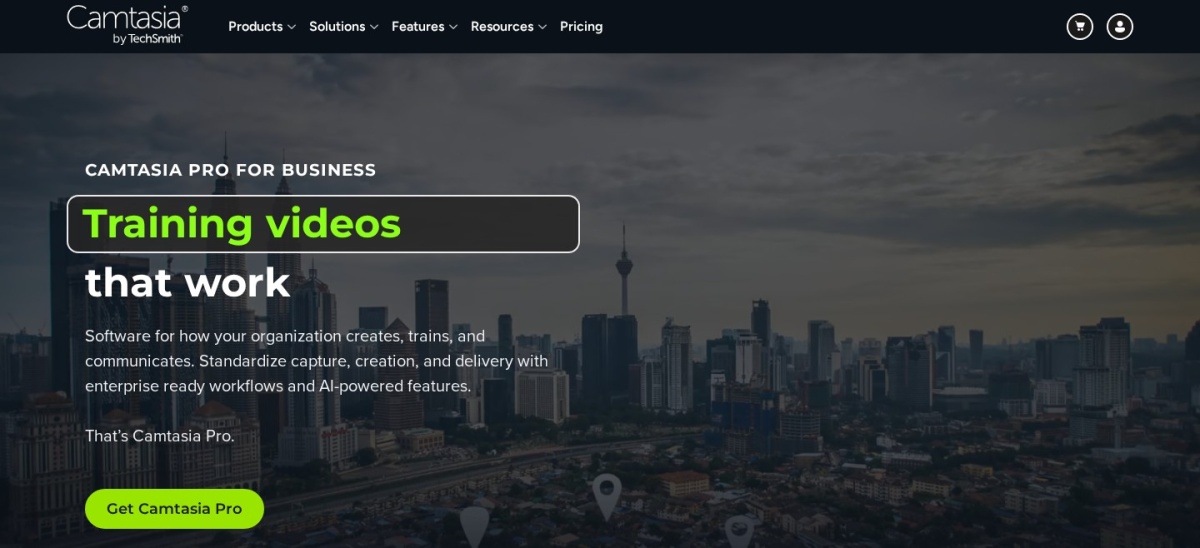
Camtasia is TechSmith's screen recorder and video editor for tutorials, training videos and online courses. It records screen, webcam and audio together, then edits on a multi-track timeline with annotations, quizzes and captions.
The trade off is the watermark. The $39 Starter plan still watermarks exports, so watermark-free editing starts at Essentials for $179.88 a year. It suits trainers and course creators who want one app for recording and editing.
What we like
Full editor and recorder in one app
Annotations, quizzes and captions built in
Runs on Mac and Windows
Large library of templates and effects
Watch out for
Cheapest plan watermarks exports
Watermark-free editing costs $179.88 a year
Can feel slow on long projects
Essentials at $179.88 a year removes the watermark and adds Audiate.Visit techsmith.com
02
Loom
4.7/5on G2 (2,414 reviews, checked Nov 2026)
Paid from$15/mo
Best for fast shared video messages
Free planYes, 25 videos at 5 minutes
Paid planBusiness, $15/creator/mo
PlatformsMac, Windows and web
Video hostingIncluded, share by link
loom.com
Loom homepage, captured Nov 2026.
Loom is Atlassian's async video messenger that records screen, camera and microphone into a shareable link in seconds. The free plan covers 25 videos of up to 5 minutes each, with viewer comments and basic editing.
The trade off is depth. Loom trims and captions but is not a full editor, and the 5-minute free cap pushes regular users to Business at $15 a creator a month billed annually. It suits teams replacing short meetings with quick video updates.
What we like
Fastest path from record to shared link
Free plan for occasional clips
Comments and reactions on videos
AI titles, summaries and captions on paid plans
Watch out for
Free videos capped at 5 minutes
No multi-track timeline editing
Paid price is per creator, so teams add up fast
Business adds unlimited videos, custom branding and viewer insights.Visit loom.com
03
OBS Studio
4.6/5on G2 (141 reviews, checked Nov 2026)
PriceFree
Best free ScreenFlow alternative
Free planYes, fully free
Paid planNone, open source
PlatformsMac, Windows and Linux
WatermarkNone
obsproject.com
OBS Studio homepage, captured Nov 2026.
OBS Studio is a free, open-source recorder and live-streaming app for Mac, Windows and Linux. It captures screen, webcam and audio from several sources at once, with scenes, filters and high-resolution recording.
The trade off is editing. OBS Studio has no video editor, so clips need another app for cutting and titles, and the settings take time to learn. It suits streamers and creators who want free, watermark-free recording and already have an editor.
Snagit is TechSmith's screen capture app for Windows and Mac, built for documentation and training material. It covers region, window and scrolling captures, plus screen recording with a webcam overlay and text extraction from images.
The trade off is video depth. Snagit trims clips and builds step guides, but it has no timeline editor, so finished tutorials need Camtasia or another editor. It suits support teams and technical writers who capture screens all day.
What we like
Best scrolling capture and annotation in this list
Step Capture turns clicks into numbered guides
Text extraction from images
One-time licence option at $62.99
Watch out for
No free plan, only a 15-day trial
Video editing stops at trimming
Individual licence cannot be transferred between staff
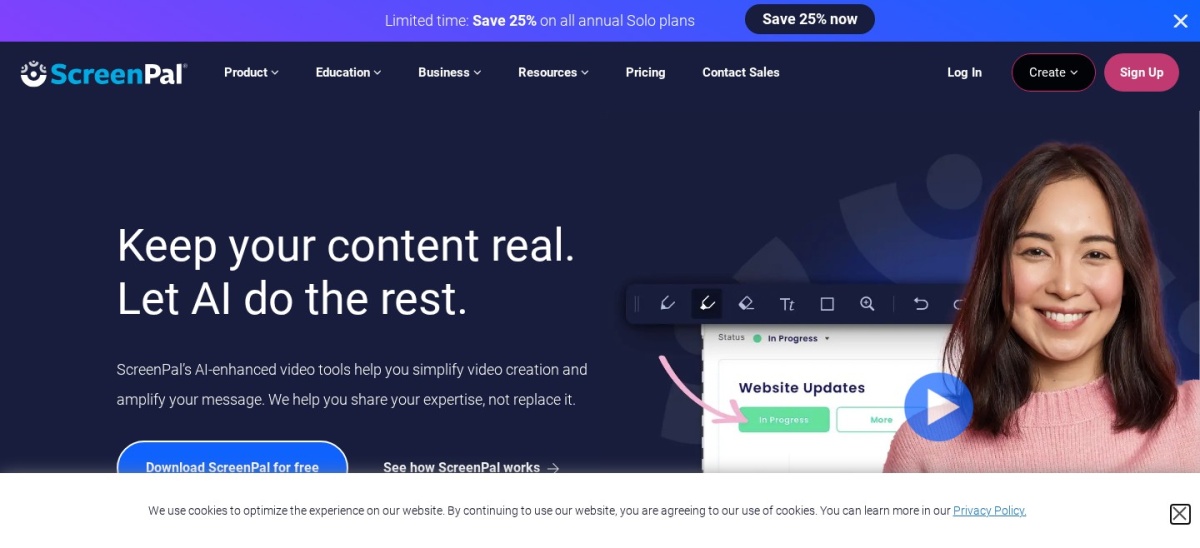
ScreenPal is a screen recorder, video editor and video host in one app, built for teachers and small teams. The free plan covers screen, webcam and audio recording in clips of up to 15 minutes, with basic editing and unlimited hosting.
The trade off is polish. The interface looks dated next to Loom, and there is no 4K recording, so creators who want a modern look may prefer a pricier tool. It suits educators and small teams who want the cheapest paid plan in this list.
Descript is a video and audio editor that edits from a transcript: delete a sentence from the text and the matching clip disappears. The free plan covers 1 media hour a month with watermarked exports at 720p.
The trade off is the meter. Paid plans limit media hours and AI credits each month, and Hobbyist at $16 a month billed annually caps exports at 1080p. It suits podcasters and course creators who edit people talking to camera.
Filmora is Wondershare's video editor for creators who want effects, titles and AI tools without a steep learning curve. The free version includes the full editor with a watermark, and Basic at $49.99 a year removes it with 4K export.
The trade off is extras. Many premium templates, effects and AI credits cost more on top of the subscription, and it has no screen recorder as strong as Camtasia's. It suits YouTubers and social creators who edit more than they record.
What we like
Gentle learning curve with a strong effects library
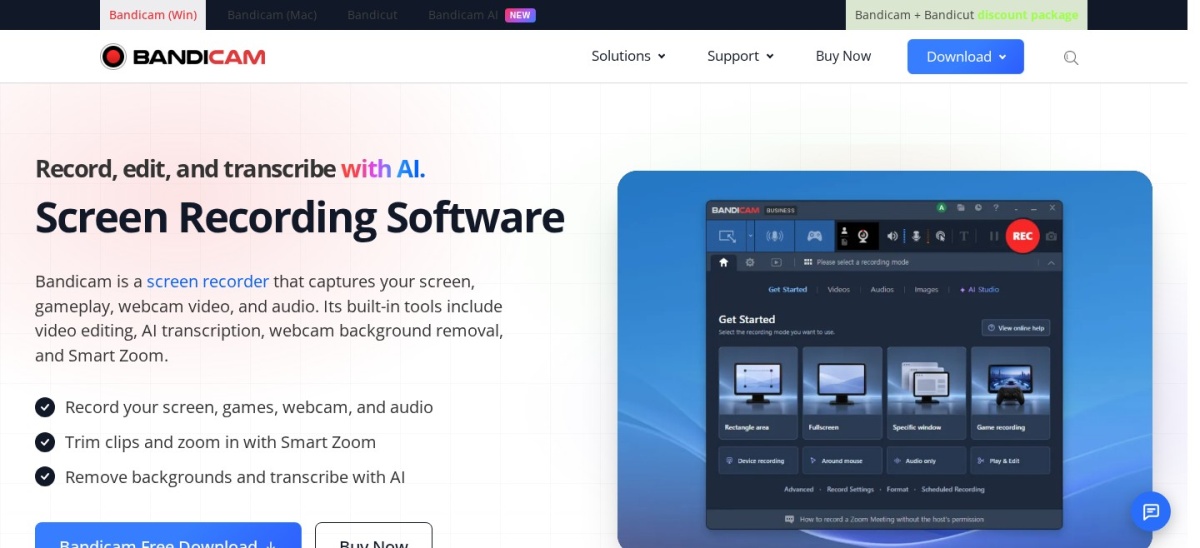
Bandicam is a light Windows screen recorder for gameplay, tutorials and webcam capture. The free version records clips of up to 10 minutes, and the paid licence at $36.95 a year removes the watermark and the time limit.
The trade off is platform. Bandicam runs on Windows only, so Mac users must look elsewhere, and it has no video editor beyond basic trimming. It suits Windows users who want cheap, low-impact recording.
What we like
Low yearly price at $36.95
Light on system resources
Records games and webcam together
Simple one-screen interface
Watch out for
Windows only, no Mac version
Free clips capped at 10 minutes with a watermark
No full video editor
The paid licence removes the watermark and the 10-minute cap.Visit bandicam.com
09
Screencastify
4.6/5on G2 (83 reviews, checked Nov 2026)
Paid from$7/mo
Best for quick Chrome recordings
Free planYes, with limits
Paid plan$7/mo
PlatformsChrome browser
Video hostingIncluded, share by link
screencastify.com
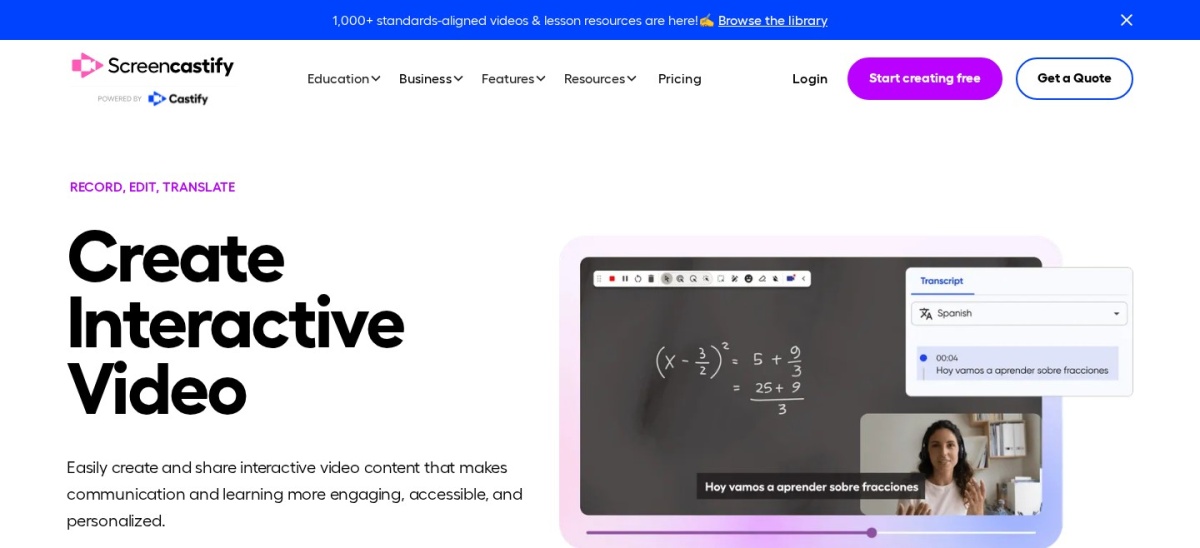
Screencastify homepage, captured Nov 2026.
Screencastify is a Chrome-based screen recorder for quick tutorials and classroom videos. It records the browser tab, desktop or webcam, then shares the clip by link with light trimming and annotation.
The trade off is scope. It lives in the browser, so it cannot match a desktop editor for long or complex videos, and the free plan is limited. It suits teachers and teams who record short explainers in Chrome.
ScreenFlow runs on Mac only, so Windows users need an alternative whatever they choose. Camtasia, Loom, OBS Studio, Snagit, ScreenPal, Descript and Filmora all run on both Mac and Windows.
Bandicam is the one Windows-only pick in this list, and it is also the cheapest paid plan at $36.95 a year. Mac users who want the same low price should look at ScreenPal instead.
If you record on a Mac today but may switch later, pick a cross-platform tool now. Moving to Camtasia or OBS Studio keeps your workflow intact, while ScreenFlow projects do not open in any other editor.
How we chose
We started from the screen recorders most often named as ScreenFlow replacements in G2 reviews and round-ups, then kept nine with a public rating, a clear price and a real free plan or trial.
Prices come from each vendor's pricing page or G2 pricing data, checked on 29 November 2026. Ratings and review counts come from G2, except Bandicam, which comes from GetApp. Where a vendor shows a sale, the list shows the regular price.
We left out tools with no public rating, such as Screen Studio, and Movavi, whose published prices disagreed across sources. No vendor paid for a place, and we do not claim to have used these tools ourselves.
How to choose a ScreenFlow alternative
Match the tool to the job, not to the feature list.
Decide whether you need an editor or just a recorder. If you cut, caption and polish every video, pick Camtasia, Descript or Filmora. If you only record and share, Loom or OBS Studio is enough.
Check your system first. ScreenFlow is Mac-only, so confirm the replacement runs where you record. Bandicam is Windows-only, while the other eight picks run on Mac.
Test the free plan against your longest video. Free caps bite on length: Loom stops at 5 minutes, ScreenPal at 15 and Bandicam at 10, while OBS Studio has no cap at all.
Price the plan that removes the watermark. The cheapest paid plan is not always the usable one. Camtasia's $39 plan still watermarks exports, so budget for Essentials at $179.88 a year if the watermark matters.
FAQ
What is the best ScreenFlow alternative in 2026?
Camtasia is the best ScreenFlow alternative for most people. It pairs screen recording with a full editor on Mac and Windows, from $39 a year, and it is rated 4.6 out of 5 from 1,792 G2 reviews.
What is the best free alternative to ScreenFlow?
OBS Studio is the best free alternative to ScreenFlow. It is free and open source, records without a watermark or time limit, and is rated 4.6 out of 5 on G2, though it has no built-in video editor.
How much does a ScreenFlow alternative cost?
ScreenFlow alternatives cost from $0 to $192 a year for the cheapest paid plan. OBS Studio is free, Bandicam costs $36.95 a year, and the dearest entry plan here is Descript at $16 a month billed annually.
Is there a ScreenFlow alternative for Windows?
Yes, most of them run on Windows. Camtasia, Loom, OBS Studio, Snagit, ScreenPal, Descript and Filmora all run on Windows as well as Mac, while Bandicam is Windows-only.
Which ScreenFlow alternative is easiest for beginners?
Loom is the easiest for beginners who share short clips, because recording ends with a shareable link and no export step. ScreenPal is the easiest budget pick, with recording, editing and hosting in one app.
Camtasia vs Loom: which is better for tutorials?
Camtasia is better for polished tutorials, because it records and edits on a timeline with annotations, quizzes and captions. Loom is better for quick walkthroughs, because it shares a link in seconds but only trims.
Can I switch from ScreenFlow without losing my old projects?
No, ScreenFlow project files do not open in any other editor. Export finished videos from ScreenFlow first, then start new projects in the replacement, and keep the original project files as a backup.
SaaS SEO and WordPress specialist with about 8 years of experience. Rakib compares WordPress plugins, themes, hosting and software using public pricing, documentation and user reviews. See how we rank.