Monograph is the best resource planning software for architecture firms for most small studios, because it plans staff by design phase and tracks fees against each phase, rated 4.5 out of 5 on G2. Pick Productive for budgets and profitability at $9 a user a month, or Float for a simple visual schedule at $7.
How we make this list: we compare pricing pages, product documentation and public user reviews, then re-check every price before each update. No product paid for a place. Disclosure.
Monograph is the only pick built for architects, with staffing and fees tracked by design phase at $60 a user a month.
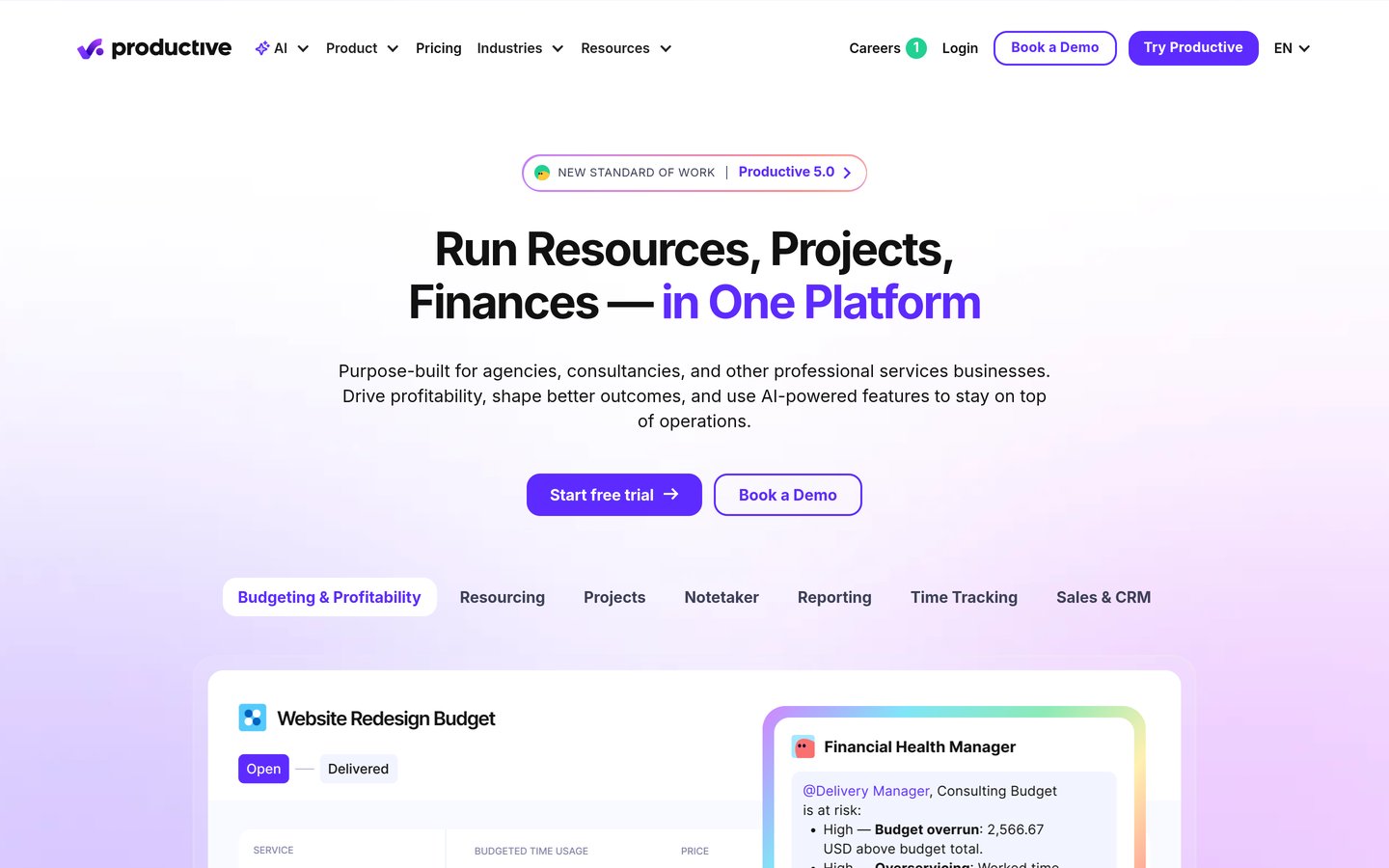
Productive is the best-value full platform: budgets, resourcing and profitability from $9 a user a month.
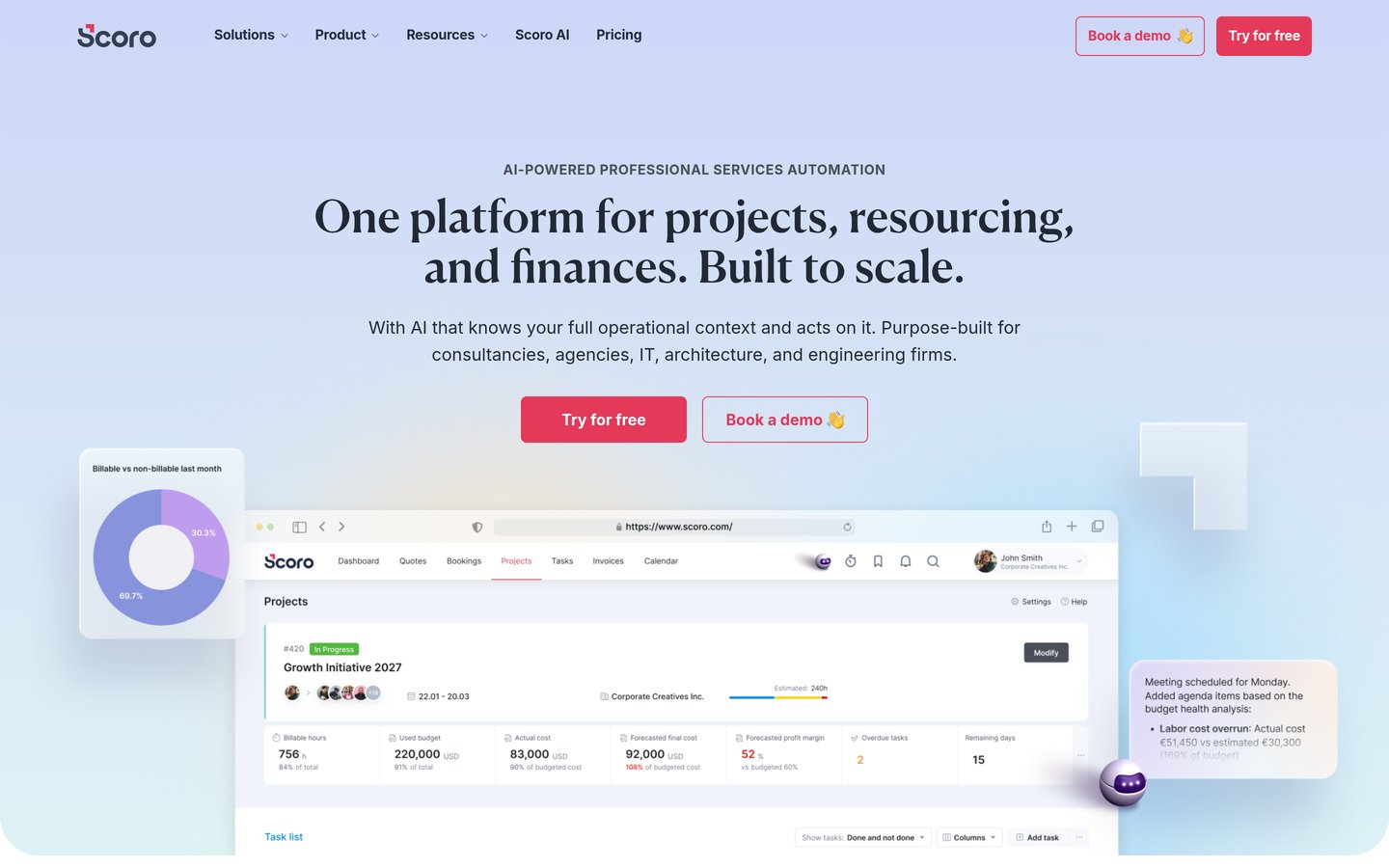
Scoro's resource planning starts at $29 a user a month; its $17 entry plan covers time and billing only.
Float, Resource Guru and Runn cover pure scheduling from $5 to $10 a person a month, with no invoicing built in.
Deltek Ajera sells by custom quote only, so budget for a sales call and a setup of about 3 months.
How do you choose resource planning software for architecture firms?
Architecture firms plan people by phase, not by task. A project moves from concept design through schematic design, design development and construction documents, and each phase carries its own fee and its own team. A tool that only lists tasks cannot show whether a phase is overstaffed or underfunded.
The fee is the deciding number. The best resource planning software for architecture firms compares planned hours against the fee left in each phase, so a principal can see trouble weeks before the invoice goes out. Tools that only draw a schedule leave that check to a spreadsheet.
Cheap scheduling and full firm management are different buys. Float, Resource Guru and Runn show who is free and when, while Monograph, Productive and Scoro tie the same bookings to budgets and invoices. Paying for the bigger system only makes sense when the fee check is part of daily work.
Start with the smallest tool that shows utilisation. A five-person studio needs a shared calendar and a fee check per phase, while a fifty-person firm needs forecasting across offices and consultants. Buying the bigger system first usually means paying for reports nobody opens.
The 9 best resource planning tools for architecture firms
01
Monograph
4.5/5on G2 (39 reviews, checked Nov 2026)
Starts at$60/mo
Best resource planning software for architecture firms overall
Planning byDesign phase
Fee trackingBy phase, with MoneyGantt
Accounting syncQuickBooks Online
Paid planGrow, $60/user/mo
monograph.com
Monograph homepage, captured Nov 2026.
Monograph is a firm management platform built for architecture and engineering firms, and it is the only pick here designed around how architects bill. Time is logged against design phases such as schematic design and construction documents, and the MoneyGantt view puts budget status beside the schedule. It serves more than 16,000 architects and engineers and syncs with QuickBooks Online for invoicing.
The trade off is price and access. The starting price is $60 per user a month, with no free plan, and the pricing page uses a calculator that shows $45 to $490 a month by firm size, so confirm the figure for your team before you budget. It suits small studios that bill by phase and want planned, logged and invoiced amounts on one timeline.
What we like
Phase-based budgets and fee tracking
MoneyGantt puts budget beside schedule
QuickBooks Online sync for invoicing
Built only for architecture and engineering firms
Watch out for
$60 a user a month is the highest published price here
Productive is a professional services platform that holds projects, schedules, time, budgets and invoices in one system. Its entry plan, Essential, includes budgeting, resource planning, project and task management, time tracking, expense management and reporting, so a small firm gets the financial core without moving to a higher tier. Client access is free, so adding clients does not add seats.
The trade off is depth at the top. Revenue forecasting and the scenario builder sit on the most expensive tier, and reviewers note a learning curve when the whole platform is switched on at once. It suits studios of 10 to 100 people that want utilisation and margin visible every day.
What we like
Budgeting and resourcing in the entry plan
Free client access
Lowest-priced full platform here at $9 a user a month
Scoro is a professional services platform that connects project delivery, resource planning, time tracking, billing and financial reporting in one place. The Projects & Resources plan at $29 per user a month adds the planner, so a firm can assign people to phases and see what time means in revenue. It also handles quotes, so pipeline work can be pencilled against the same budgets.
The trade off is the entry price. The $17 Time-billing plan covers time and invoicing only, and every plan needs at least five users, so a two-person studio pays for five seats. It suits mid-size firms that want quotes, resourcing and invoicing in one system.
What we like
Quotes, resourcing and invoicing in one flow
Rated 4.5 out of 5 on G2 from 510 reviews
Utilisation and revenue forecasting on higher plans
Watch out for
Resource planning needs the $29 plan, not the $17 entry plan
Five-user minimum on every plan
Pricey for small teams
Higher plans add revenue forecasting and multi-entity supportVisit scoro.com
04
Float
4.2/5on G2 (2,249 reviews, checked Nov 2026)
Starts at$7/mo
Best visual schedule for small studios
SchedulingDrag-and-drop timeline
Time trackingPro plan only
Capacity viewYes, by person
Paid planStarter, $7/person/mo
float.com
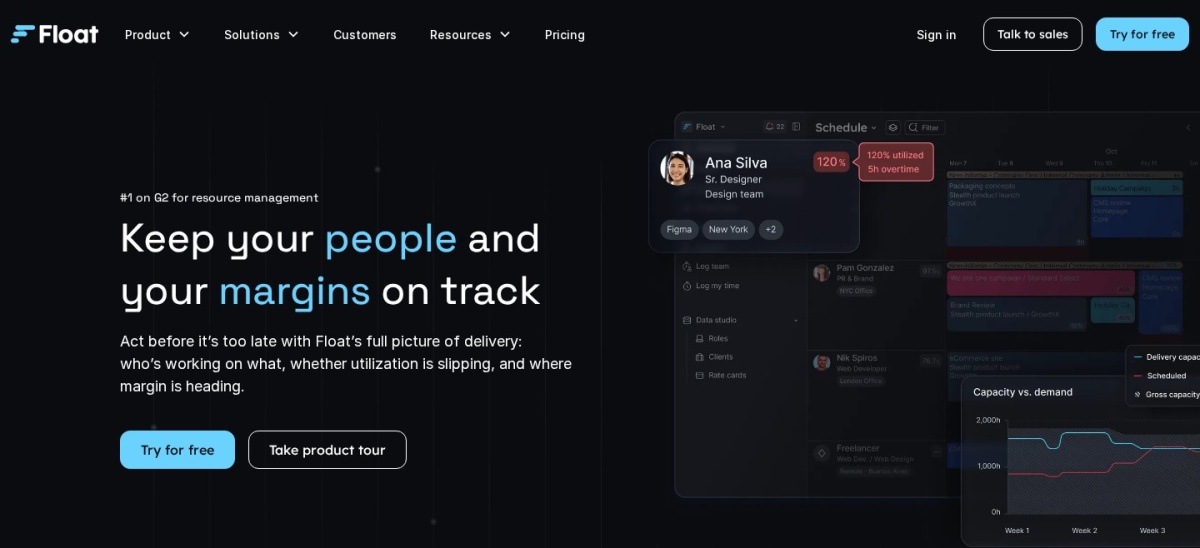
Float homepage, captured Nov 2026.
Float is a visual resource scheduling tool that shows each person, their assignments and their available hours on a single timeline. The Starter plan at $7 per scheduled person a month covers capacity management, project margin tracking and basic integrations, with unlimited projects. It is rated 4.2 out of 5 on G2 from more than 2,200 reviews, the largest base in this list.
The trade off is that Float schedules work rather than running the firm. Time tracking and estimates-versus-actuals reporting need the $12 Pro plan, and there is no invoicing, so fees and billing stay in another tool. It suits studios that want a shared visual schedule fast.
What we like
Clearest visual schedule in this list
Largest review base here at 2,249 G2 reviews
Charged per scheduled person, not per viewer
Watch out for
No invoicing built in
Time tracking needs the $12 Pro plan
Reporting is light for complex needs
Pro adds time tracking, SSO and estimates-versus-actualsVisit float.com
05
BigTime
4.4/5on G2 (1,833 reviews, checked Nov 2026)
Starts at$20/mo
Best for time, budgets and billing together
Time trackingYes, with expenses
InvoicingYes, QuickBooks sync
Resource planningStaffing and budgets
Paid planEssentials, $20/user/mo
bigtime.net
BigTime homepage, captured Nov 2026.
BigTime is a professional services platform built around time tracking, expenses, project budgets and invoicing for architecture, engineering and consulting firms. The Essentials plan at $20 per user a month covers time and expense entry, project management and billing, with a QuickBooks sync for the books. It is rated 4.4 out of 5 on G2 from more than 1,800 reviews.
The trade off is that resource planning is lighter than in the dedicated schedulers. Staffing views exist, but capacity forecasting and phase-level fee tracking are not the focus, and per-user pricing climbs as the team grows. It suits firms that bill by the hour and want time, budgets and invoices together.
What we like
Time, budgets and invoicing together
QuickBooks sync for the books
Rated 4.4 out of 5 from more than 1,800 G2 reviews
Watch out for
Lighter capacity forecasting than dedicated schedulers
Resource Guru is a simple people scheduler with drag-and-drop bookings, clash alerts, leave management and calendar sync. The Grasshopper plan at $5 per person a month covers scheduling, tentative bookings and a waiting list, with no seat minimum. It is rated 4.6 out of 5 on G2 from 506 reviews.
The trade off is financial depth. Timesheets, project budgets and custom reports need the $8 Blackbelt plan, and there is one rate per person with no cost rate, so margin reporting stays basic. It suits small studios that mainly need a clean schedule and leave in one place.
What we like
Cheapest dedicated scheduler here at $5 a person a month
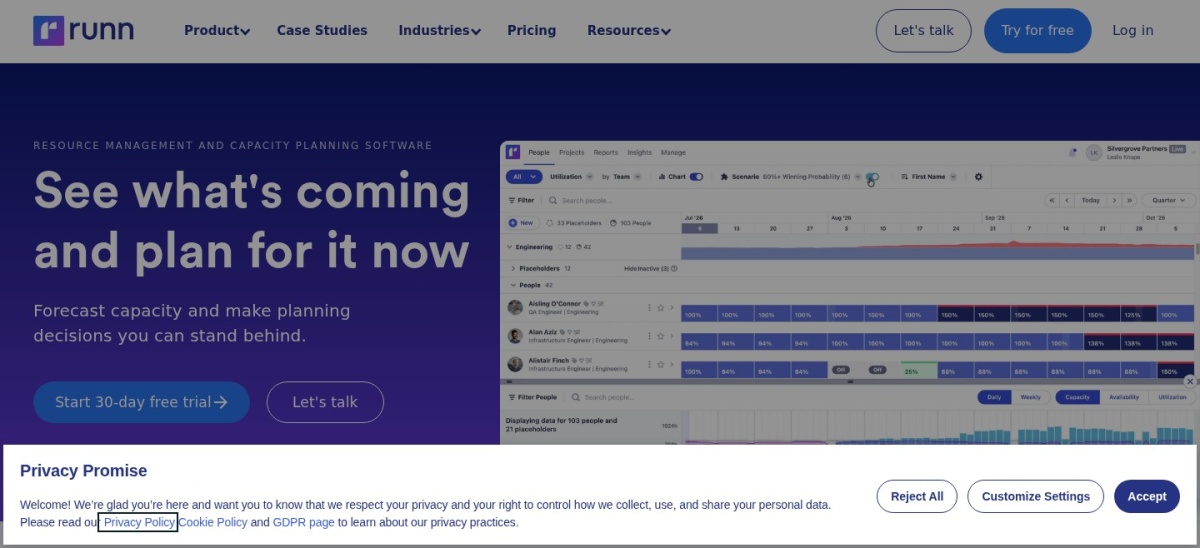
Runn is a resource management and capacity planning platform that forecasts who is available, what projects need and where utilisation is heading. The Starter plan at $10 per person a month covers resource planning, forecasting and reporting, and teams of up to five people can use it free. Placeholder bookings let a firm plan work before a hire is named.
The trade off is the thin review record. It holds 4.8 out of 5 on Capterra from 30 reviews, so the score is encouraging but rests on a small sample, and deeper scenario modelling lags more mature tools. It suits growing teams that want forecasting without a full PSA rollout.
What we like
Free for teams of up to five people
Forecasting and placeholder bookings
Simple to start
Watch out for
Small review base at 30 Capterra reviews
Scenario modelling lags more mature tools
$10 per person adds up as the team grows
Professional adds custom fields and advanced filtersVisit runn.io
08
Teamdeck
4.6/5on G2 (15 reviews, checked Nov 2026)
Starts at$2/mo
Best low-cost option for small teams
SchedulingCalendar with conflict flags
Time trackingFull Member seats only
Leave managementYes
Paid planLight Member, $2/person/mo
teamdeck.io
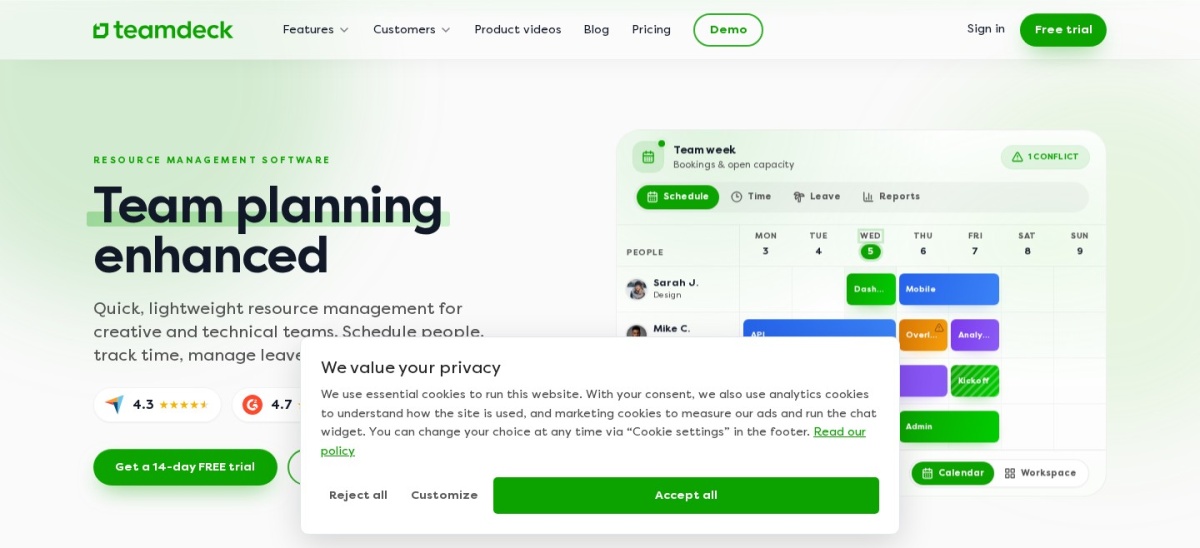
Teamdeck homepage, captured Nov 2026.
Teamdeck is a lightweight resource scheduling, time tracking and leave management platform for creative and technical teams. Every account gets the same features, with Light Member seats at $2 per person a month for calendar and report access and Full Member seats at $6 for scheduling and time tracking. It is rated 4.6 out of 5 on G2 from 15 reviews.
The trade off is the seat split. Light seats cannot log time, request leave or use the mobile app, so most teams pay the Full Member price for anyone who works in the tool, and the review base is the smallest here. It suits small teams that want the lowest per-seat price for a simple schedule.
What we like
Lowest per-seat price here at $2 a person a month
Time tracking and leave management included
Simple setup
Watch out for
Light seats cannot log time
Only 15 G2 reviews, the smallest base here
Reporting is basic
Full Member seats add time tracking, leave and mobile accessVisit teamdeck.io
09
Deltek Ajera
4.1/5on G2 (206 reviews, checked Nov 2026)
PricingCustom/yr
Best for small A&E project accounting
Project accountingFull, incl. general ledger
Resource schedulingBy type or named staff
AI assistantAsk Dela
Paid planCustom quote
deltek.com
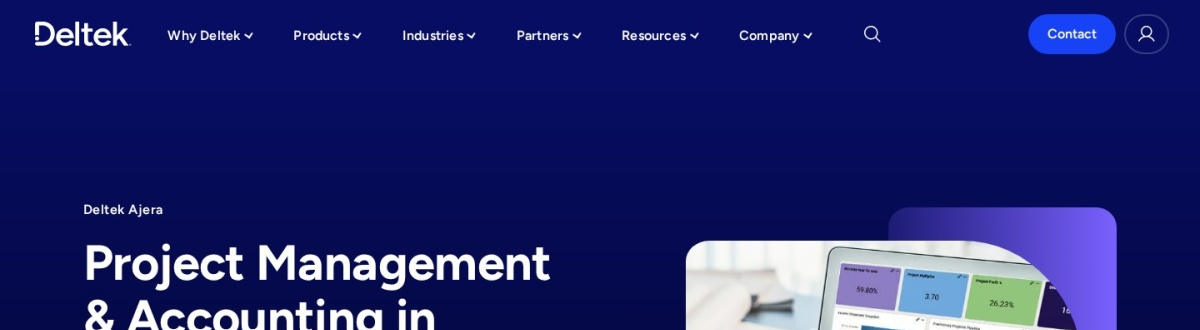
Deltek Ajera homepage, captured Nov 2026.
Deltek Ajera is a project management and accounting application built for small architecture and engineering firms. It connects scheduling, resource management, time and expense, billing and reporting in one application, with role-based dashboards for project health, utilisation, budgets and cash flow. Its AI features include Ask Dela, Timesheet Assist and receipt reading for expenses.
The trade off is price and setup. Deltek publishes no price for Ajera, so every figure comes from a quote, and G2 reviewers report a typical implementation time of about 3 months. It suits small to mid-size firms that want a full accounting system behind their projects.
What we like
Full project accounting with a general ledger
Scheduling by type or named staff
A&E-ready reports and dashboards
Watch out for
Quote-only pricing
Setup takes about 3 months
No free plan or trial stated
Every tier is quoted, so ask for the full price in writingVisit deltek.com
Phase planning vs simple scheduling
Phase planning books people against a design phase with a fee attached, so the plan, the hours and the money stay in one view. Monograph and Deltek Ajera are built this way, and Scoro and Productive come close when the project is split into phases.
Simple scheduling books people against dates and shows who is free. Float, Resource Guru, Runn and Teamdeck do this well, and they cost $2 to $10 a person a month, but they cannot say whether a phase is still profitable.
Pick phase planning when fees are fixed and phases are long. Pick simple scheduling when most work is hourly, the team is small and billing already lives in another tool.
How we chose
We started from the tools named most often in architecture and resource management guides for this keyword, then kept the nine with a published price or a clear quote-only position and a public rating.
Prices come from each vendor's pricing page and vendor-supplied G2 listings, checked on 30 November 2026. Ratings and review counts come from G2 on the same day, except Runn, which uses Capterra because its G2 base is a single review. Where a vendor shows a sale, the list shows the regular price.
We left out BQE CORE because its G2 review count could not be verified today, and tools with no public rating at all. No vendor paid for a place, and we do not claim to have used these tools ourselves.
How to choose resource planning software for architecture firms
Start with your fee structure, then check the schedule.
List your phases and fees first. Write down the phases you bill by and the fee in each one. A tool earns its place only if it can plan staff against those phases.
Check what the entry plan actually covers. Scoro's cheapest plan has no resource planning, and Teamdeck's cheapest seats cannot log time. Read the plan table before you compare prices.
Count the bill for your whole team. Seat minimums change the real cost: Scoro needs five users and Productive needs three. Multiply the per-user price by the minimum, not by your headcount.
Run a trial on one live project. Book a real project for two weeks, log time against its phases and check the fee left at the end. If the report is unclear, the tool is wrong for your firm.
FAQ
What is the best resource planning software for architecture firms in 2026?
Monograph is the best pick for most small architecture studios. It plans staff by design phase, tracks fees against each phase and is rated 4.5 out of 5 on G2. Productive is the better value when budgets and profitability matter more than phase billing.
How much does resource planning software for architecture firms cost?
Published prices run from $2 a person a month for Teamdeck to $60 a user a month for Monograph. Most dedicated schedulers cost $5 to $10 a person a month, while full platforms cost $9 to $29. Deltek Ajera sells by custom quote only.
Is there a free resource planning tool for architecture firms?
Runn is free for teams of up to five people, with paid plans from $10 a person a month. The other tools here offer free trials of 14 or 30 days instead of a free plan, so a small studio can still test them on a live project.
Which resource planning tool is best for a small architecture studio?
Monograph fits a small studio that bills by phase, while Float at $7 a person a month fits one that only needs a visual schedule. Resource Guru at $5 a person a month is the cheapest dedicated scheduler with leave management included.
Monograph or Deltek Ajera: which is better for an architecture firm?
Monograph is better for a small studio that wants phase budgets and a quick setup at a published price of $60 a user a month. Ajera is better for a firm that wants full project accounting with a general ledger and can wait about 3 months for setup.
Does Scoro include resource planning in its cheapest plan?
No. Scoro's $17 Time-billing plan covers time tracking and invoicing only. Resource planning needs the Projects & Resources plan at $29 per user a month, and every plan needs at least five users.
SaaS SEO and WordPress specialist with about 8 years of experience. Rakib compares WordPress plugins, themes, hosting and software using public pricing, documentation and user reviews. See how we rank.