OBS Studio is the best live streaming software for social media if you want zero subscription fees and full scene control, holding a 4.6 out of 5 rating across 141 G2 reviews. For browser-based multistreaming and guest shows, Restream and StreamYard stand out.
How we make this list: we compare pricing pages, product documentation and public user reviews, then re-check every price before each update. No product paid for a place. Disclosure.
OBS Studio costs $0 with open-source scene mixing and holds 4.6/5 across 141 G2 reviews.
Restream starts at $19/mo (or $16/mo billed annually) to stream to 3 channels without Restream branding.
StreamYard starts at $18.99/mo ($14.99/mo billed yearly) on Essential, though removing its logo requires Core at $44.99/mo.
Streamlabs Ultra costs $27/mo or $189/yr for multistreaming and creator alerts, backed by 4.1/5 across 59 G2 reviews.
vMix Basic HD is a one-time $60 license on Windows, while Wirecast Studio starts at $34/mo billed yearly.
How do you choose live streaming software for social media?
Local encoders and cloud studios split the workload differently. Desktop apps like OBS Studio, Streamlabs, vMix, and Wirecast mix video and audio on your computer, while browser studios like Restream and StreamYard handle guests and cloud relays without heavy local encoding.
Destination limits and branding rules drive real monthly cost. Free tiers often cap simultaneous channels, limit recording hours, or keep a vendor watermark on screen until you step up to a paid tier.
Computer hardware and upload speed decide whether local multistreaming holds up. Sending separate feeds from one machine uses more CPU, GPU, and bandwidth than pushing a single feed to a cloud relay.
Workflow style matters as much as video quality. Solo creators, interview hosts, and multi-camera event operators each hit different bottlenecks around guest links, chat overlays, and scene switching.
The 7 best live streaming software for social media
01
OBS Studio
4.6/5on G2 (141 reviews, checked Nov 2026)
PriceFree
Best free desktop production studio
PlatformsWindows, macOS, Linux
Cost$0 open source
G2 rating4.6 / 5 (141)
PluginsLua, Python, native
obsproject.com
OBS Studio homepage, captured Nov 2026.
OBS Studio is free and open-source broadcasting software for Windows, macOS, and Linux with unlimited scenes, custom transitions, and a multi-source audio mixer. Users can configure source filters, multiview scene switching, and community plugins at no cost.
The trade off is setup time and local hardware load, with no official paid tier and higher CPU or bandwidth demands on complex scenes. It suits creators and teams willing to configure their own desktop studio.
What we like
Completely free with no subscription or watermark
Runs on Windows, macOS, and Linux
Flexible scene layout and plugin support
Watch out for
Steeper learning curve for first-time streamers
Local multistreaming relies on your computer and upload speed
OBS Studio has no paid plan; all core features and plugins are free.Visit obsproject.com
02
Restream
4.5/5on G2 (85 reviews, checked Nov 2026)
Paid from$19/mo
Best cloud multistreaming across channels
Free tier2 channels with logo
Entry paid$19/mo (3 channels)
G2 rating4.5 / 5 (85)
Annual billing$16/mo on Standard
restream.io
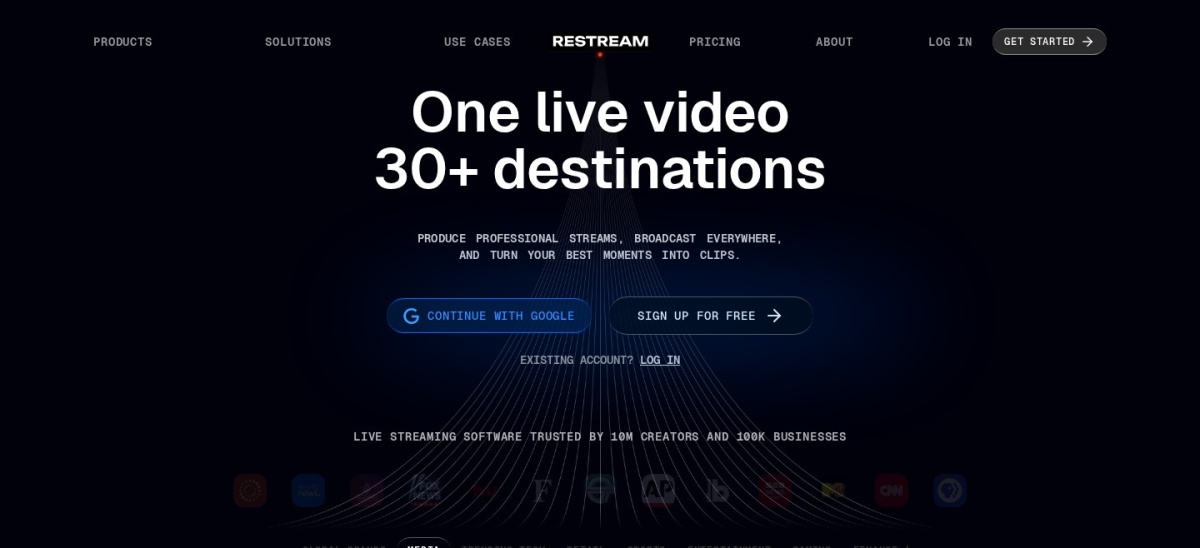
Restream homepage, captured Nov 2026.
Restream is a browser studio and cloud relay that sends one stream to social platforms at once with a unified chat view. Its free plan supports streaming to 2 channels at a time with Restream branding.
The trade off is higher costs as you add channels, HD/4K tiers, or add-ons on top of the $19/mo Standard plan. It suits marketers and creators pushing live shows to several social accounts at once.
What we like
Streams to multiple social channels from one feed
Combines platform chats into a single view
Offers a free tier to test basic multistreaming
Watch out for
Free plan includes Restream branding
Add-ons like clips and webinars cost extra
Standard ($19/mo) expands to 3 simultaneous channels and removes Restream branding.Visit restream.io
03
StreamYard
4.8/5on G2 (299 reviews, checked Nov 2026)
Paid from$18.99/mo
Best browser studio for live guests
Free tierUp to 6 on screen
Entry paid$18.99/mo Essential
G2 rating4.8 / 5 (299)
Logo removalCore ($44.99/mo)
streamyard.com
StreamYard homepage, captured Nov 2026.
StreamYard is a browser-based live studio built around inviting guests via a link without extra downloads. Its free plan supports up to 6 on-screen participants and 2 hours of local recording per month with StreamYard branding.
The trade off is that Essential at $18.99/mo ($14.99/mo billed yearly) still keeps the StreamYard logo, requiring Core at $44.99/mo to remove it. It suits hosts running interviews, talk shows, and live Q&As.
What we like
Guests join quickly from a browser link
Simple layouts, banners, and on-screen comments
Highest G2 rating in this group at 4.8/5
Watch out for
Entry Essential plan still shows StreamYard branding
Riverside is a browser recording and live streaming studio that captures separate local audio and video tracks up to 4K alongside clip and editing tools. It offers a 14-day free trial on Pro, Grow, and Webinar plans rather than a permanent free tier.
The trade off is a higher starting price of $35/mo on Pro ($24/mo billed annually), with multistreaming on Grow ($34/mo billed annually). It suits podcasters and teams turning live shows into short social clips.
What we like
Records separate local tracks up to 4K quality
Includes AI clip and editing tools for social posts
Strong G2 rating backed by 1,761 reviews
Watch out for
No permanent free tier beyond a 14-day trial
Multi-track hours and higher tiers cost more
Pro ($35/mo) adds 4K capture and clip tools, while Grow unlocks multistreaming.Visit riverside.com
05
Streamlabs
4.1/5on G2 (59 reviews, checked Nov 2026)
Paid from$27/mo
Best for live alerts, overlays, and tipping
Free tierDesktop, mobile, overlays
Paid planUltra $27/mo ($189/yr)
G2 rating4.1 / 5 (59)
Tip fee0% platform cut
streamlabs.com
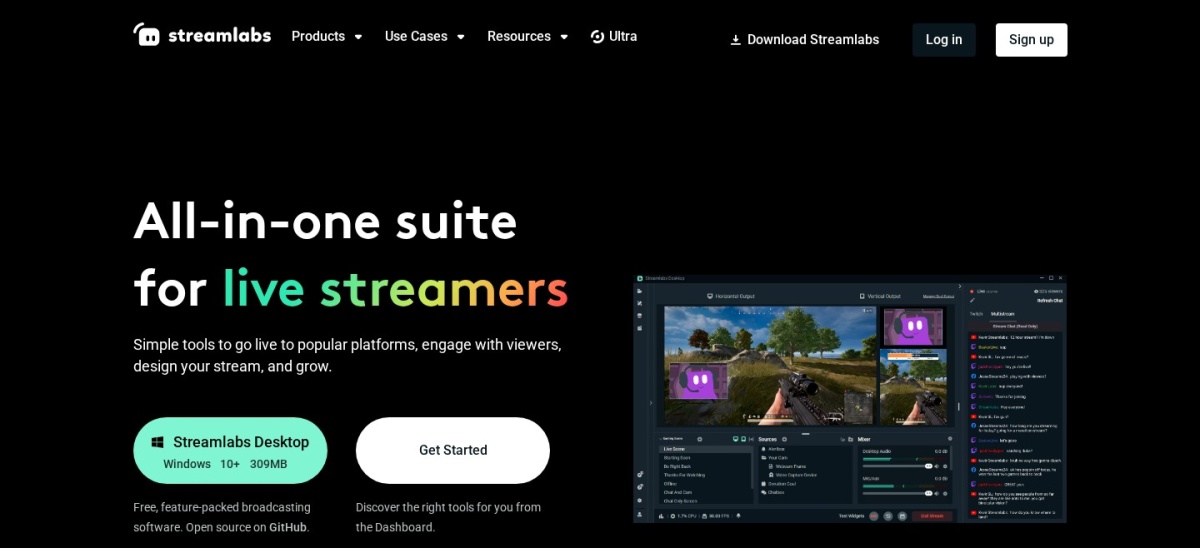
Streamlabs homepage, captured Nov 2026.
Streamlabs is a streaming and creator suite that bundles desktop and mobile broadcasting with built-in alerts, overlay themes, chat tools, and a no-cut tip page. Its free version covers core streaming, widgets, and basic overlays.
The trade off is paying $27/mo (or $189/yr) for Streamlabs Ultra when you want full premium perks and multistreaming, plus extra system load from plugins. It suits live creators who rely heavily on alerts and audience tipping.
What we like
Built-in alerts, overlays, and tipping without a platform cut
Covers desktop, mobile, and browser workflows
Free tier works well for getting started
Watch out for
Premium features and multistreaming sit behind Ultra
Can use noticeable CPU resources with extra add-ons
Streamlabs Ultra ($27/mo or $189/yr) unlocks full premium tools and multistreaming.Visit streamlabs.com
06
vMix
4.3/5on G2 (32 reviews, checked Nov 2026)
Starts at$60 one-time
Best one-time Windows production switcher
OS supportWindows only
Basic HD$60 one-time license
G2 rating4.3 / 5 (32)
Trial60-day free trial
vmix.com
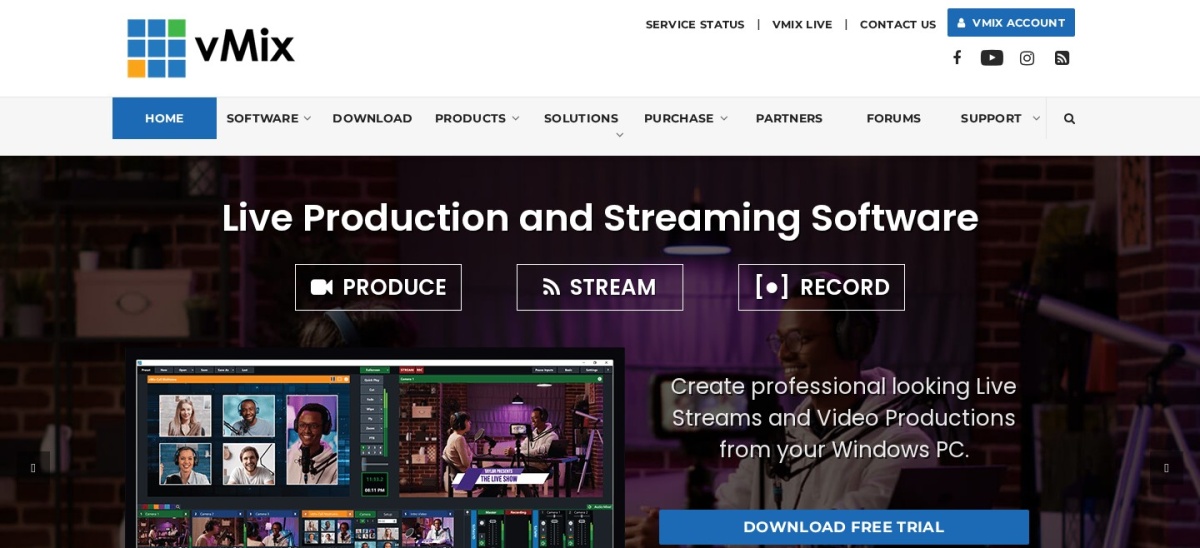
vMix homepage, captured Nov 2026.
vMix is Windows live video mixing and streaming software that switches cameras, NDI and SRT feeds, titles, and media sources in real time. Basic HD starts at a $60 one-time license with a 60-day free trial.
The trade off is Windows-only support, a steep learning curve, and a $60 fee for another year of version upgrades after 12 months. It suits Windows event producers, churches, and multi-camera broadcasts.
What we like
One-time $60 Basic HD license with a 60-day trial
Handles multi-camera mixing, SRT, and NDI feeds
Stable performance for structured live productions
Watch out for
Windows only with no macOS version
Interface takes time to learn and upgrades cost extra later
Basic HD ($60 one-time) covers core 1080p mixing, while higher tiers add more callers and 4K.Visit vmix.com
07
Wirecast
4.2/5on G2 (37 reviews, checked Nov 2026)
Starts at$34/mo
Best dedicated Mac and Windows broadcast tool
PlatformsmacOS and Windows
Studio yearly$34/mo billed yearly
G2 rating4.2 / 5 (37)
Studio monthly$59/mo month to month
telestream.net
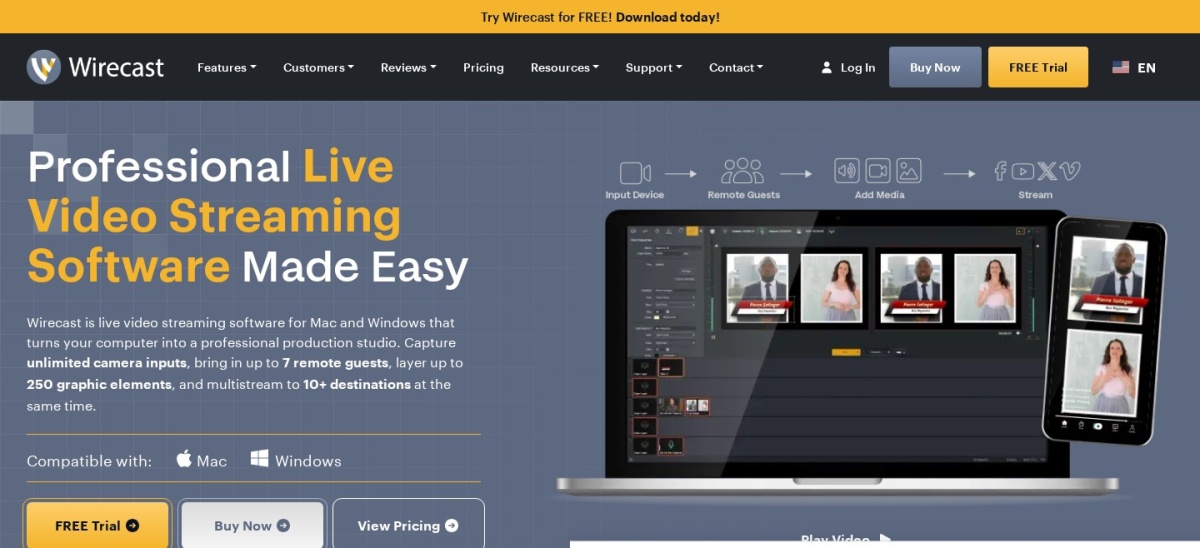
Wirecast homepage, captured Nov 2026.
Wirecast is live video production and streaming software for Mac and Windows that supports multiple cameras, NDI, IP sources, and live switching. Wirecast Studio starts at $34/mo billed yearly ($408/yr) or $59/mo month to month.
The trade off is no free permanent plan and higher pricing than entry browser tools, especially if you step up to Pro. It suits teams and organizations running regular multi-source social broadcasts.
What we like
Available on both macOS and Windows
Supports multi-camera switching, NDI, and graphics layers
Includes a free trial before buying
Watch out for
No permanent free tier
Costs more than basic browser studios for casual creators
Wirecast Studio ($34/mo billed yearly) provides multi-source production, while Pro adds larger guest counts and cloud multistreaming.Visit telestream.net
Should you multistream from your computer or the cloud?
Cloud relays save upload bandwidth and CPU by taking one outgoing stream and pushing it to multiple social platforms. Restream and cloud-enabled studios reduce strain on your laptop during busy shows.
Local streaming keeps everything on your machine, which avoids recurring relay fees when your hardware and internet upload can handle it. OBS Studio and Streamlabs work well for solo broadcasts or lighter destination counts.
How we chose
This list focuses on established live streaming software used for social media broadcasts, comparing desktop production encoders and browser-based studios.
All prices, review scores, and review counts were checked on 30 Nov 2026 from official pricing pages and G2 listings.
Tools without a verifiable public rating on an approved review source or without a clear price on their official pricing page were left out. No vendor paid for a place, and we do not claim testing for this list.
How to pick live streaming software for social media
Follow these four steps to match the software to your show format and budget.
Start with how you host guests and scenes. Pick a browser studio like StreamYard or Riverside if guests join via link, or a desktop encoder like OBS Studio or vMix for complex local scenes.
Check how many social platforms you need at once. Count your simultaneous destinations so you know whether a free tier, a relay plan, or a single-channel setup fits.
Watch branding and recording limits on entry plans. Verify whether low-cost or free tiers keep a vendor watermark or cap recording hours before you commit.
Match billing terms to how often you go live. Monthly plans suit occasional streams, while annual or one-time licenses lower costs for weekly shows.
FAQ
What is the best live streaming software for social media in 2026?
OBS Studio is the best overall pick if you want a free desktop setup with full scene control and a 4.6/5 G2 rating. Restream is strong for multistreaming across social channels, and StreamYard fits browser shows with guests.
Is there good free live streaming software for social media?
Yes. OBS Studio is free and open source with no paid tier, while Restream, StreamYard, and Streamlabs offer free plans with limits on destinations, branding, or features.
How much does live streaming software usually cost?
Prices range from $0 on OBS Studio to $18.99/mo on StreamYard Essential, $19/mo on Restream Standard, $27/mo on Streamlabs Ultra, and $60 one-time for vMix Basic HD.
Which live streaming tool is better for beginners: OBS Studio or StreamYard?
StreamYard is easier for beginners who want browser controls and guest links with little setup. OBS Studio takes longer to learn, but gives you free, flexible scene building on your computer.
Do I need a paid plan to stream to multiple social media accounts?
Not always, since some free tiers allow limited simultaneous streams or local setups with plugins. Paid plans or cloud relays become more practical when you want more channels, higher quality, or no branding.
SaaS SEO and WordPress specialist with about 8 years of experience. Rakib compares WordPress plugins, themes, hosting and software using public pricing, documentation and user reviews. See how we rank.