DaVinci Resolve is the best free alternative to a popular paid subscription, replacing Adobe Premiere Pro with a professional editor rated 4.7/5 on G2 at $0. LibreOffice covers Microsoft 365 for documents, and Bitwarden covers 1Password for passwords.
How we make this list: we compare pricing pages, product documentation and public user reviews, then re-check every price before each update. No product paid for a place. Disclosure.
DaVinci Resolve replaces Premiere Pro at $0, rated 4.7 out of 5 on G2 from 221 reviews.
OBS Studio replaces paid screen recorders, rated 4.6 out of 5 on G2 from 141 reviews.
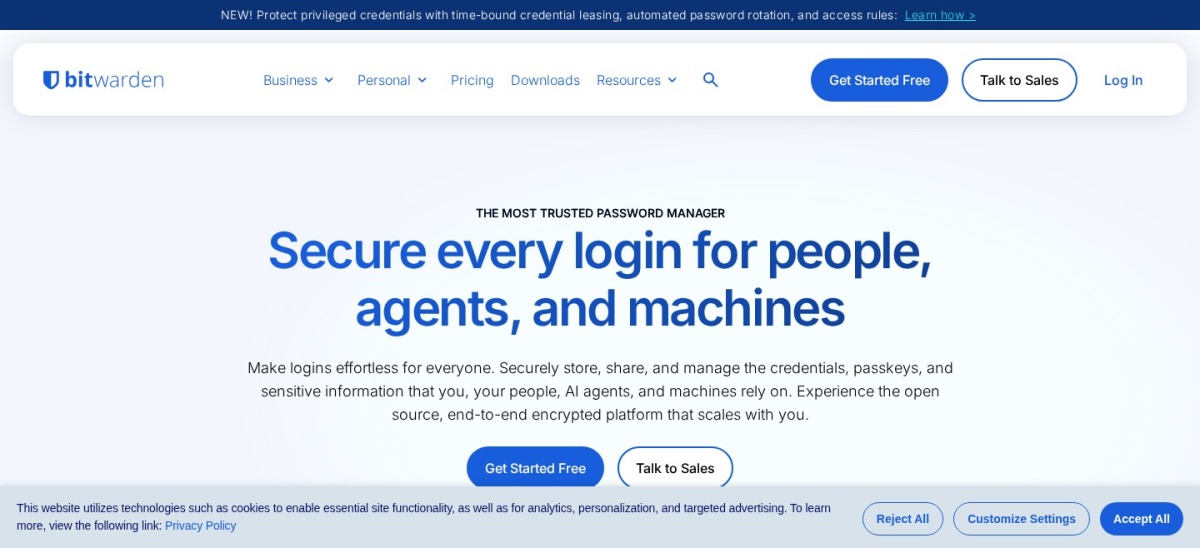
Bitwarden replaces 1Password with a free plan for unlimited passwords and devices; Premium is $10 a year.
Blender, GIMP, Inkscape, Audacity and LibreOffice are fully free with no paid tier at all.
Affinity is now free as a single design app, rated 4.5 out of 5 on G2 from 234 reviews.
What are the best free alternatives to popular paid subscriptions?
The best free alternatives to popular paid subscriptions cover the core job of the paid product, not every extra. A free video editor should cut, grade and export real projects, and a free office suite should open and save the files other people send you.
Most of the money in a subscription stack sits in a few big names. Adobe Creative Cloud lists at $54.99 a month for all apps, Microsoft 365 Personal at $9.99 a month, and Spotify Premium at $12.99 a month, so replacing one or two of those is where the saving is.
Open-source tools dominate this list because they have no paid tier to push you toward. GIMP, Blender, Inkscape, Audacity, LibreOffice and OBS Studio are free forever, while DaVinci Resolve, Affinity and Bitwarden pair a genuinely free version with an optional paid step.
The honest limit is collaboration and convenience. Free tools rarely match the cloud libraries, shared folders and one-click sync of the paid products, so check how you share files before you switch. Our guide on embedding a video in WordPress shows one place where a free editor's export still has to fit a real workflow.
The 9 best free alternatives to popular paid subscriptions
01
DaVinci Resolve
4.7/5on G2 (221 reviews, checked Nov 2026)
Paid from$295/one-time
Best free alternative to Premiere Pro
ReplacesAdobe Premiere Pro, $22.99/mo
Free versionFull editor, colour, VFX, audio
PlatformsWindows, macOS, Linux
Paid planStudio, $295 one-time
blackmagicdesign.com
DaVinci Resolve homepage, captured Nov 2026.
DaVinci Resolve is a professional video editor from Blackmagic Design, and its free version is the real product, not a trial. It covers editing, colour grading, visual effects in Fusion and audio in Fairlight, and it is rated 4.7 out of 5 on G2 from 221 reviews.
The trade off is learning time and hardware. The interface packs four specialist pages into one app, and 4K work wants a strong machine. Studio is a $295 one-time licence that adds extra AI tools and features for large productions. It suits creators who edit every week and want to stop paying monthly.
OBS Studio is a free, open-source app for screen recording and live streaming, with no watermark, no time limit and no paid tier. It handles scenes, sources, overlays and multiple audio tracks, and it is rated 4.6 out of 5 on G2 from 141 reviews.
The trade off is that it records and streams only. There is no built-in video editor, so clips still need a cut in an editor such as DaVinci Resolve, and the first setup takes some configuration. It suits anyone who records tutorials, gameplay or live streams every week.
Bitwarden is an open-source password manager with a free plan that covers unlimited passwords and unlimited devices, plus passkeys, a password generator and sync across browser, mobile and desktop. It is rated 4.6 out of 5 on G2 from 1,515 reviews.
The trade off is polish. Autofill and the interface feel plainer than 1Password, and the extra checks such as one-time codes and vault health reports sit in Premium at $10 a year. It suits anyone who wants a password manager they can trust and audit without a monthly bill.
What we like
Rated 4.6 out of 5 on G2 from 1,515 reviews
Free plan has unlimited passwords and devices
Open-source code with zero-knowledge encryption
Passkeys and generator included free
Watch out for
Plainer interface than 1Password
One-time codes need the $10 Premium plan
Family sharing needs the Families plan
Premium adds one-time codes and vault health reports for $10 a yearVisit bitwarden.com
04
Blender
4.6/5on G2 (319 reviews, checked Nov 2026)
PriceFree
Best free alternative to Maya and 3ds Max
ReplacesAutodesk Maya and 3ds Max
Free versionModelling, animation, rendering
PlatformsWindows, macOS, Linux
Paid planNone, fully free
blender.org
Blender homepage, captured Nov 2026.
Blender is a free and open-source 3D creation suite with no paid tier of any kind. It covers modelling, sculpting, rigging, animation, rendering and even video editing in one download, and it is rated 4.6 out of 5 on G2 from 319 reviews.
The trade off is the learning curve. The interface is dense, and studio pipelines built around Maya files and plugins take work to move. It suits 3D artists, animators and game makers who want professional tools without a licence fee.
Audacity is a free, open-source multi-track audio editor and recorder for podcasts, voice-overs and music. It covers cutting, noise reduction, effects and export to common formats, and it is rated 4.5 out of 5 on G2 from 459 reviews.
The trade off is that it is a plain editor, not a full studio. There is no built-in music library, no cloud collaboration and no AI cleanup, and the interface looks dated. It suits podcasters and voice-over work where clean recording and simple edits matter most.
Affinity is now a single free app covering photo editing, vector design and page layout, after Canva merged Affinity Photo, Designer and Publisher into one free download. It needs only a free Canva account to activate, and it is rated 4.5 out of 5 on G2 from 234 reviews.
The trade off is the AI extras. Generative fill, background removal and other AI tools need a paid Canva subscription, and Affinity files do not always round-trip perfectly with Adobe formats. It suits designers who want one polished app instead of three subscriptions.
Inkscape is a free, open-source vector graphics editor for logos, icons, illustrations and diagrams, built around the SVG format. It covers node editing, path operations, text on paths and snapping, and it is rated 4.4 out of 5 on G2 from 416 reviews.
The trade off is speed and polish. Large files can feel slow, the interface is less refined than Illustrator, and CMYK print work needs extra steps. It suits logo and icon work, web graphics and anyone who needs real vector files without a subscription.
GIMP is a free, open-source image editor for photo retouching, compositing and graphic design, with layers, masks, curves, custom brushes and plugin support. It opens PSD files and runs on Windows, macOS and Linux, and it is rated 4.3 out of 5 on G2 from 1,485 reviews.
The trade off is the learning curve and the missing Adobe extras. The interface feels dated, complex PSD layer effects do not always survive the round trip, and there is no Generative Fill. It suits photo editors and designers who want Photoshop-style tools without a monthly bill.
What we like
Rated 4.3 out of 5 on G2 from 1,485 reviews
Full layer, mask and brush toolset free
Opens PSD files and supports plugins
Maintained since 1996 with a large community
Watch out for
Steep, unintuitive learning curve
No Adobe AI features such as Generative Fill
Complex PSD effects may not carry over
There is no paid plan; the full editor is freeVisit gimp.org
09
LibreOffice
4.3/5on G2 (272 reviews, checked Nov 2026)
PriceFree
Best free alternative to Microsoft 365
ReplacesMicrosoft 365 Personal, $9.99/mo
Free versionWriter, Calc, Impress, Draw
FormatsOpens and saves docx, xlsx, pptx
Paid planNone, fully free
libreoffice.org
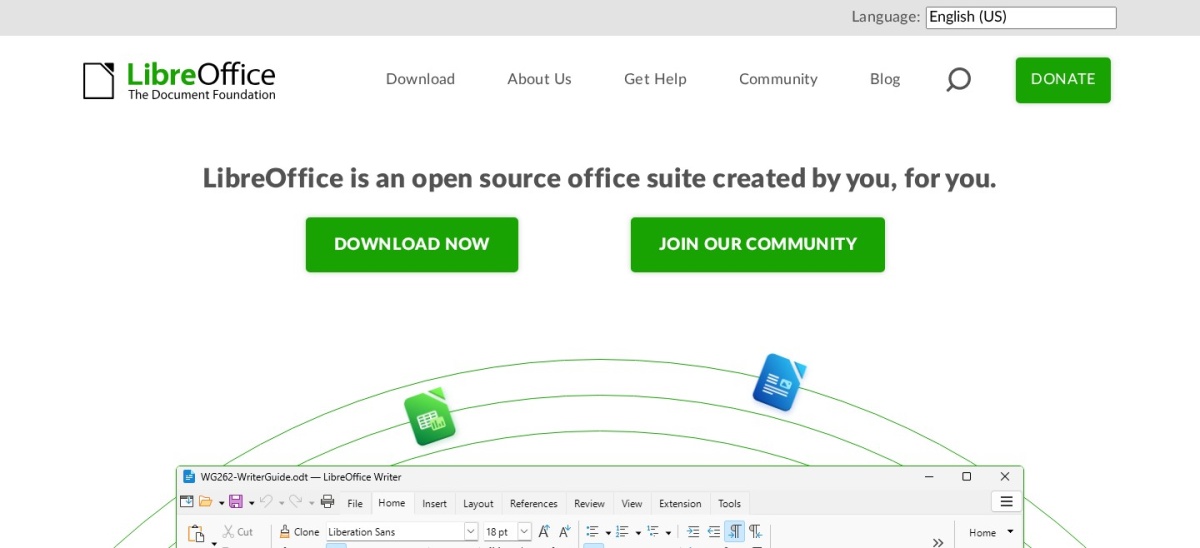
LibreOffice homepage, captured Nov 2026.
LibreOffice is a free, open-source office suite with Writer, Calc, Impress and Draw, covering documents, spreadsheets, presentations and diagrams. It opens and saves Microsoft formats, works fully offline, and is rated 4.3 out of 5 on G2 from 272 reviews.
The trade off is collaboration and polish. There is no built-in cloud co-editing like Microsoft 365, the interface looks older, and complex Excel macros do not always translate. It suits students, freelancers and small teams who need a solid office suite without a subscription.
Free plans cover the core job well. Every tool in this list edits, records, stores or writes without charging, and six of the nine have no paid tier at all.
Paid products mostly add convenience and teamwork. You get cloud libraries, shared folders, live co-editing, AI features and a support line, which matter most when clients or colleagues share your files.
The other gap is format fidelity. Free editors open PSD, docx and other paid formats, but complex layer effects, macros and linked libraries do not always survive the round trip, so keep the paid app for final delivery if a client demands its native files.
For personal projects, study and small teams, the free side usually wins. Start with the free tool, and only pay when a missing feature blocks real work, not before.
How we chose
We started from the paid subscriptions people most often ask to replace, then kept the free tool that covers each core job with a public rating and a real free version.
Prices come from each vendor's pricing page, checked on 30 November 2026. Ratings come from G2 or Capterra on the same day, with the source named on every tool. Where a vendor shows a sale, the list shows the regular price.
We left out tools with no verifiable public rating, and we left out the paid products themselves, since this list is the free substitutes. No vendor paid for a place, and we do not claim to have used these tools ourselves.
How to choose a free alternative to a paid subscription
Start with the subscription that costs you the most, then match the free tool to the job you actually do.
Name the job, not the brand. Write down what you do each week, such as cut video, edit photos or store passwords, then pick the free tool built for that job.
Check the file formats first. Open one of your real files in the free tool before you cancel anything, and confirm the export looks right.
Test the free version for a week. Use it on a real project, not a demo, and note which missing feature, if any, actually slows you down.
Cancel only after the switch works. Keep the paid plan until the free tool has handled a full week of real work, including sharing files with others.
FAQ
What are the best free alternatives to popular paid subscriptions?
DaVinci Resolve is the best overall, replacing Premiere Pro with a pro editor rated 4.7 out of 5 on G2 at $0. LibreOffice replaces Microsoft 365, GIMP replaces Photoshop, and Bitwarden replaces 1Password.
Are these free alternatives really free, or do they charge later?
Six of the nine have no paid tier at all, including GIMP, Blender, Inkscape, Audacity, LibreOffice and OBS Studio. DaVinci Resolve Studio is a $295 one-time licence, and Bitwarden Premium is $10 a year, but both free versions are complete tools.
Which free alternative is best for beginners?
LibreOffice is the easiest switch, because Writer, Calc and Impress work much like Word, Excel and PowerPoint. Affinity is the friendliest design pick, while DaVinci Resolve and Blender need the most learning time.
DaVinci Resolve or OBS Studio: which should I pick first?
Pick OBS Studio first if you record your screen or stream live, since it captures video with no watermark or time limit. Pick DaVinci Resolve first if you edit video, since it cuts, grades and exports finished projects.
Is there a free alternative to Spotify Premium?
Not a full equal. Spotify's own free tier and YouTube Music's free tier keep the full catalog with ads and playback limits on mobile, and offline listening stays a paid feature. There is no free service with the same catalog and offline downloads.
Do free alternatives replace the paid apps completely?
For the core job, usually yes, but not for everything around it. Cloud libraries, live co-editing, AI features and native file exchange are where paid apps still lead, so check sharing and file formats before you cancel.
SaaS SEO and WordPress specialist with about 8 years of experience. Rakib compares WordPress plugins, themes, hosting and software using public pricing, documentation and user reviews. See how we rank.