Riverside is the best Loom alternative, rated 4.8/5 on G2 from 1,664 reviews, with local 4K recording and a free plan. Pick BombBomb for video email inside Gmail and Outlook, or ScreenPal when the budget matters most at $4 a month.
How we make this list: we compare pricing pages, product documentation and public user reviews, then re-check every price before each update. No product paid for a place. Disclosure.
Riverside leads at 4.8/5 on G2 from 1,664 reviews, the highest rating in this list.
8 of the 9 tools have a free plan; only BombBomb is trial-only.
Cheapest paid plans run from $4 a month (ScreenPal) to $59 a seat (Vidyard).
Zight is the closest Loom lookalike: record, annotate and share a link for $7.95 a month.
Wistia and Vidyard are built for marketing teams, with lead capture and viewer analytics behind paid tiers.
How do you pick the right Loom alternatives?
Start with how you share video. Loom's core job is record, link, done, so an alternative should match that flow before anything else.
Free plans differ more than prices do. Riverside caps free recording at 2 hours a month, Wistia at 10 videos, and Zight at 5-minute clips, so check the cap against how often you record.
Price per seat is the trap for teams. Vidyard Starter is $59 a seat a month and Claap Pro is $32, so a five-person team pays very different totals for the same headcount. Our guide on embedding a video in WordPress shows where the hosted video ends up once you share it.
Editing depth is the other split. Descript edits video by editing the transcript, while Zight and ScreenPal keep editing light and fast.
Riverside is a browser-based recorder that captures each guest locally, so a bad connection does not hurt the final file. The free plan covers 2 hours of recording a month at 720p, and Standard adds 1080p, watermark-free exports and transcription.
The trade off is the monthly recording allowance. Standard includes a limited number of recording hours each month, so heavy publishers need Creator at $24 a month. It suits podcasters and teams who record remote interviews and want studio-quality audio and video.
What we like
Local recording keeps quality high on bad connections
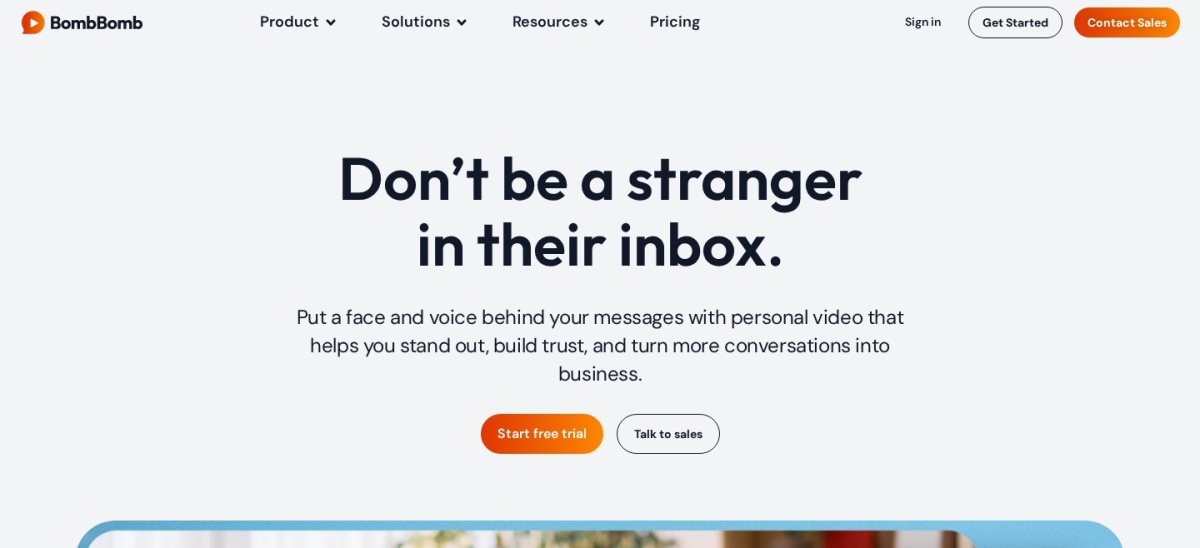
BombBomb is a video email tool that puts a playable preview inside Gmail and Outlook messages instead of a link. Essentials includes unlimited camera and screen recording, unlimited videos and storage, custom branding and video editing.
The trade off is price and scope. At $36 a month with no free plan, it costs more than most recorders here, and it is built for relationship video rather than team libraries. It suits estate agents, mortgage advisers and sales reps who send personal video to clients every day.
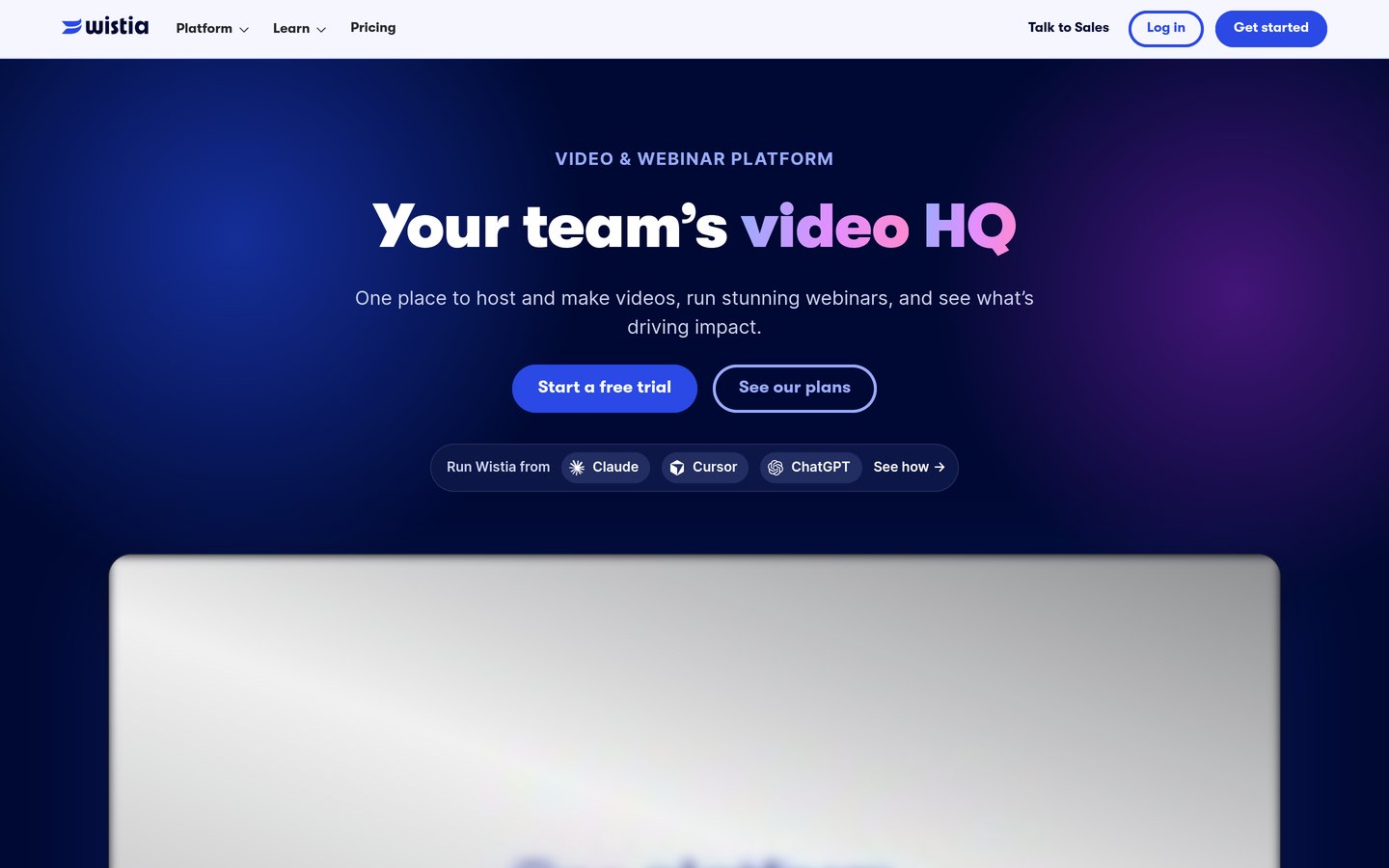
Wistia is a video hosting platform for marketing teams that pairs a branded player with viewer analytics. The free plan hosts 10 videos, and Plus at $19 a month removes Wistia branding, adds clickable calls to action and covers 20 videos.
The trade off is the video cap. Plus limits how many videos you host, and lead capture forms and heatmaps wait for Pro at $79 a month. It suits marketing teams that embed video on their site and want to see who watched and for how long.
Descript is an AI video and audio editor that lets you cut video by deleting words in the transcript. The free plan includes 1 media hour a month with watermarked exports, and Hobbyist at $16 a month adds 10 media hours, 400 AI credits and 1080p export without a watermark.
The trade off is the credit system. Every AI action spends credits, and reviewers report burning through them fast, while Trustpilot scores it far lower than G2. It suits creators who edit spoken video every week and want filler-word removal and Studio Sound in one app.
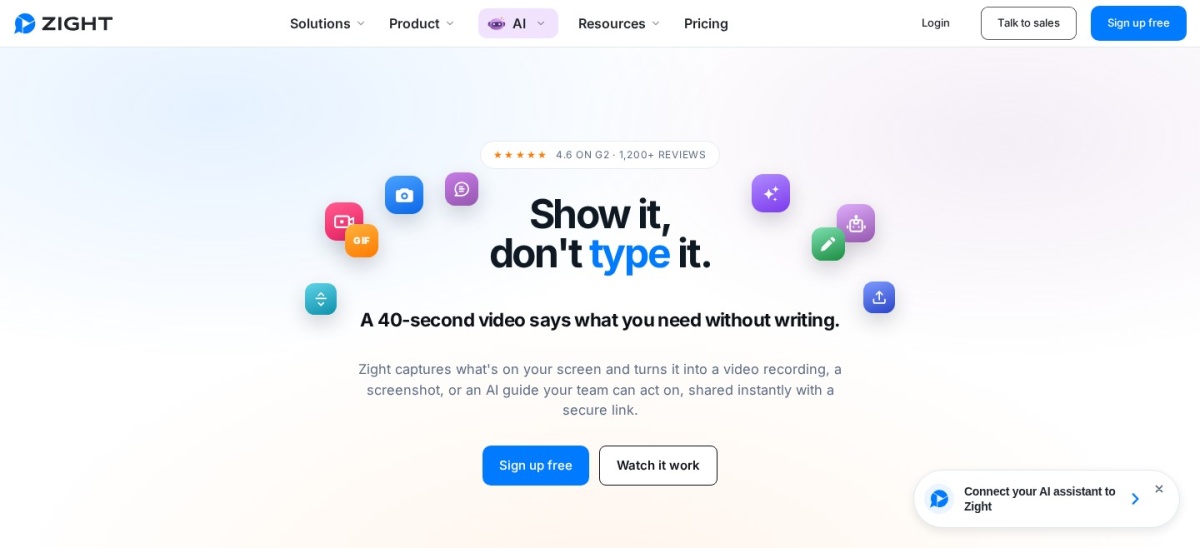
Zight is a visual communication tool that turns a screenshot, GIF or screen recording into a shareable link in seconds. The free plan covers 5-minute recordings and the last 50 captures, and Pro at $7.95 a month adds unlimited recording time, AI transcription and 4K quality.
The trade off is polish. Zight has no real editor, so polished demos still need another app, and its free plan is a sampler rather than a tier you can work on. It suits support and product teams who explain things visually several times a day.
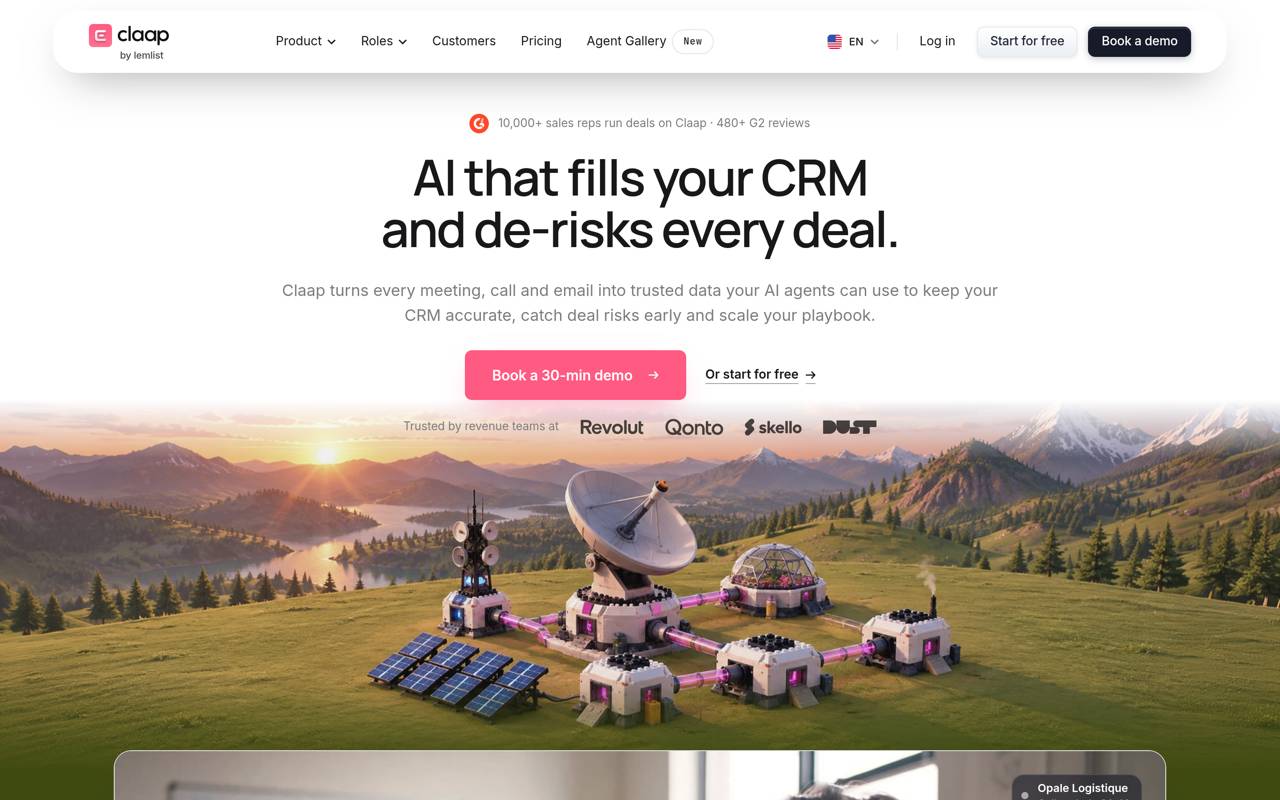
Claap is an AI meeting tool that records calls, writes the notes and fills CRM fields in HubSpot or Salesforce. The free Basic plan covers 10 recordings and 300 transcription minutes, and Pro at $32 a seat a month removes recording caps and adds 1,000 transcription minutes.
The trade off is focus. Claap is built for sales calls, not quick async explainers, and CRM auto-complete waits for Business at $60 a seat a month. It suits sales teams of 5 to 100 reps who want every call written up the same way.
What we like
Notes and follow-ups from every call
CRM fields filled automatically
Transcribes 99+ languages
SOC 2 Type II certified
Watch out for
Built for meetings, not quick screen shares
CRM auto-complete needs Business
Reviewers report slow processing at times
Business adds CRM auto-complete at $60 a seat a monthVisit claap.io
07
Vidyard
4.5/5on G2 (834 reviews, checked Nov 2026)
Paid from$59/mo
Best for sales video analytics
Free planYes, 5 videos/mo
RecordingUnlimited on Starter
AnalyticsFull viewer analytics
Paid planStarter, $59/seat/mo
vidyard.com
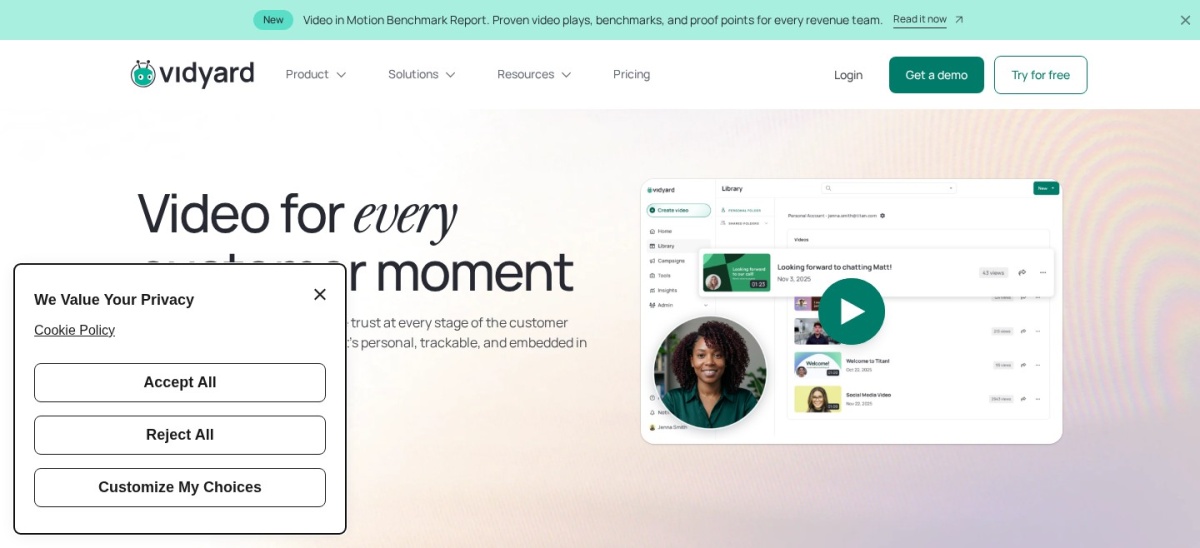
Vidyard homepage, captured Nov 2026.
Vidyard is a video platform for sales teams that records personal videos, shares them by link and shows who watched. The free plan covers 5 recordings a month up to 30 minutes, and Starter at $59 a seat a month adds unlimited recording, full analytics and branded sharing pages.
The trade off is the per-seat price. At $59 a seat a month it is the priciest tool in this list, and CRM integrations wait for the custom-priced Teams plan. It suits sales teams that want viewer tracking and analytics on every video they send.
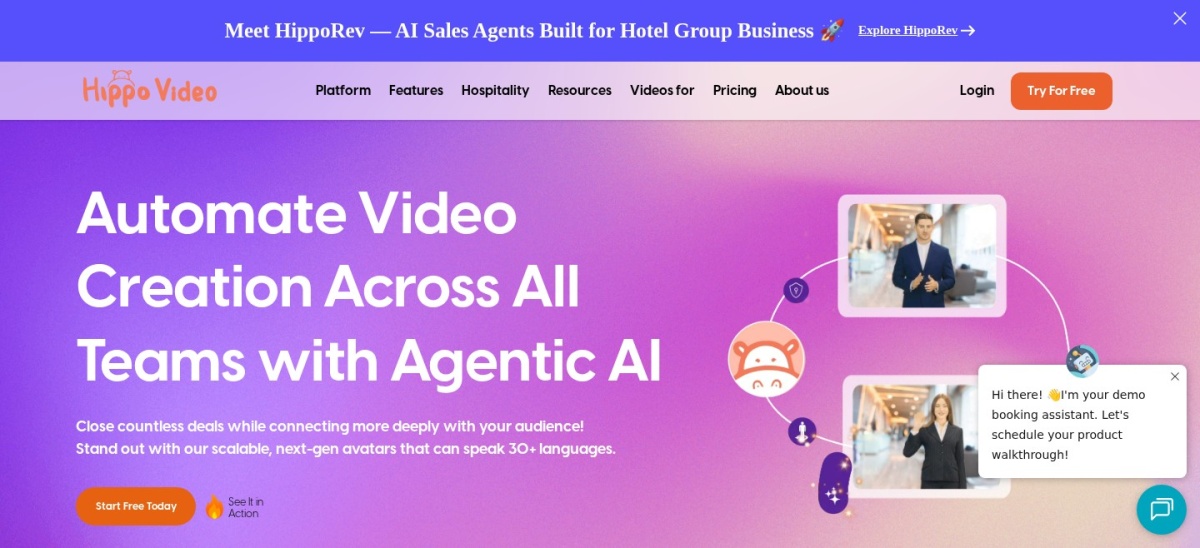
Hippo Video is a video messaging platform for sales and support teams with interactive video, a teleprompter and AI avatars. The free plan covers 30-minute recordings, and Pro at $20 a user a month adds 1-hour recordings, virtual backgrounds, interactive videos and 100 personalized videos a month.
The trade off is the two product lines. Video messaging and text-to-video are priced separately, and the flows and AI allowances start on Teams at $60 a user a month. It suits sales teams that want quizzes and CTAs inside the video itself.
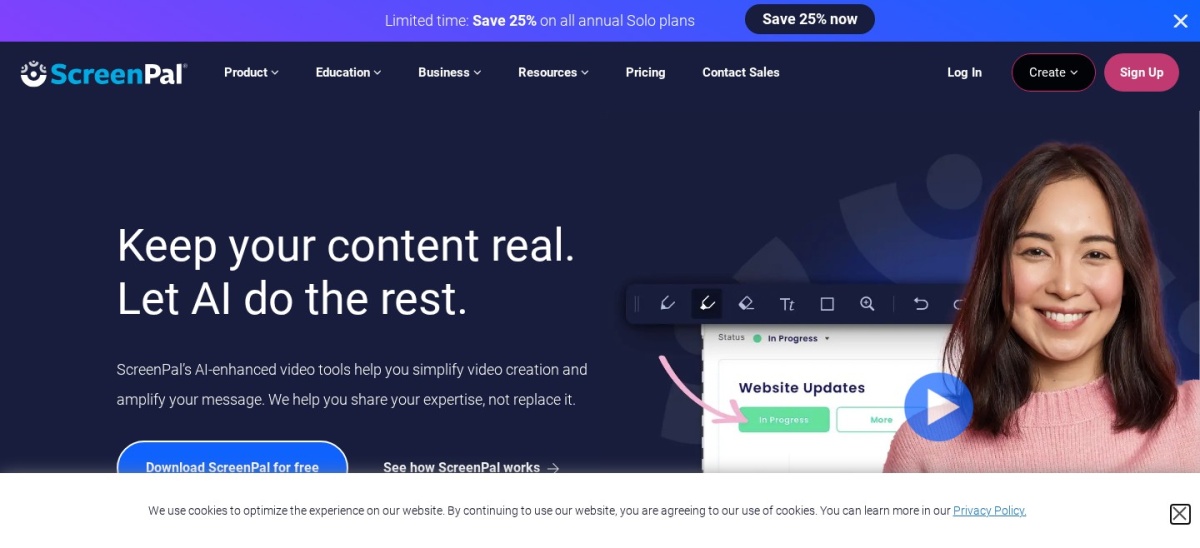
ScreenPal is a screen recorder and video editor for people who explain work through video on a small budget. The free plan covers 15-minute recordings with a watermark, and Solo Deluxe at $4 a month removes the recording cap and the watermark and adds the full editor.
The trade off is polish and power. There is no 4K recording, and multi-track editing feels clunky next to pricier tools, while AI features wait for Solo Max at $10 a month. A holiday sale cuts Deluxe to $3 a month for the first year until 5 December 2026. It suits teachers and solo creators who want a recorder and an editor in one cheap app.
Free plans cover the core job well. Most record screen and camera, host the video and give you a link to share.
Paid plans mostly add length and polish. You get longer recordings, no watermark, 4K export and branding control.
The biggest gap is analytics. Viewer tracking, lead capture and CRM sync sit behind paid tiers on Wistia, Vidyard and Claap, so check whether you need to know who watched.
How we chose
We started from the tools most often named as Loom replacements in 2026 roundups, then kept the nine with a published rating on G2 and a public pricing page.
Prices come from each vendor's pricing page, checked on 29 November 2026. Ratings and review counts come from G2 on the same day. Where a vendor shows a sale, the list shows the regular price.
We left out Tella: its Capterra rating rests on 2 reviews and its G2 base is 2 reviews, too thin to rank fairly. No vendor paid for a place, and we do not claim hands-on testing for this list.
How to choose a Loom alternative
Match the tool to how you record, not to the feature list.
Count how often you record. A free plan with 5 videos a month fits occasional use; daily recorders need unlimited recording on a paid plan.
Check the free-plan cap that bites first. Riverside limits hours, Wistia limits videos and Zight limits clip length, so pick the cap you will not hit.
Decide whether you need to know who watched. Viewer analytics and CRM sync cost extra on Vidyard, Wistia and Claap; skip them if a share link is enough.
Price it per seat, not per plan. Vidyard at $59 a seat and Claap at $32 a seat multiply fast across a team; ScreenPal at $4 a month does not.
FAQ
What is the best Loom alternative in 2026?
Riverside is the best Loom alternative in 2026, rated 4.8/5 on G2 from 1,664 reviews. Its local recording keeps audio and video quality high even on a bad connection, and the free plan covers 2 hours a month.
What is the best free alternative to Loom?
ScreenPal has the most useful free plan for casual use, with 15-minute recordings and unlimited hosting, though exports carry a watermark. Zight is the closest free match to Loom's quick-link flow, with 5-minute recordings and 50 stored captures.
How much does a Loom alternative cost?
Paid plans in this list run from $4 a month for ScreenPal Solo Deluxe to $59 a seat a month for Vidyard Starter, both billed annually. Most tools sit between $16 and $32 a month, and 8 of the 9 have a free plan.
Which Loom alternative is best for sales teams?
Vidyard is the strongest pick for sales teams, with viewer tracking, branded sharing pages and CRM integrations, at $59 a seat a month. BombBomb is the better fit for personal video email inside Gmail and Outlook at $36 a month.
Is Riverside better than Loom?
Riverside beats Loom on recording quality, with local 4K capture and separate tracks per guest, and it holds a higher G2 rating at 4.8/5 against Loom's 4.7/5. Loom is still simpler for quick async messages and has a larger video library.
Which Loom alternative is cheapest?
ScreenPal is the cheapest, at $4 a month billed annually for Solo Deluxe, with unlimited recording and the full editor. Zight is next at $7.95 a month billed annually, and both have free plans for testing first.
SaaS SEO and WordPress specialist with about 8 years of experience. Rakib compares WordPress plugins, themes, hosting and software using public pricing, documentation and user reviews. See how we rank.