Google Fonts is the best font tool for most people: a free library of open fonts rated 4.7 out of 5 from 294 G2 reviews, with no licence fees. Pick Adobe Fonts if you already pay for Creative Cloud, or Font Awesome when your project needs icons more than text fonts.
How we make this list: we compare pricing pages, product documentation and public user reviews, then re-check every price before each update. No product paid for a place. Disclosure.
Google Fonts is free, open-licensed and rated 4.7/5 from 294 G2 reviews — the default starting point.
Adobe Fonts adds 20,000+ fonts for Creative Cloud subscribers, with a free tier of 5,000+ fonts.
Font Awesome Pro costs $96 a year and covers 65,000+ icons; its free set holds 2,000+ icons.
MyFonts sells single families from $15, so one commercial font can cost less than a month of a subscription.
Seven of the nine tools have a free plan, but DaFont licences vary by font — check before commercial use.
How do you pick the right font tools for a project?
Start with the licence, not the look. A font you cannot legally use in client work is the wrong font, however good it looks.
Free libraries cover most web projects. Google Fonts costs nothing and its open licences allow commercial use, which is why it leads this list.
Paid libraries pay off when you need a specific family or centralised licences. Monotype Fonts gathers 400,000+ fonts under one subscription, and our guide on preloading fonts in WordPress shows how to keep a large library fast.
Icons and text fonts are different jobs. Font Awesome and IcoMoon build icon sets, while Google Fonts and Adobe Fonts supply text typefaces — most projects need one of each.
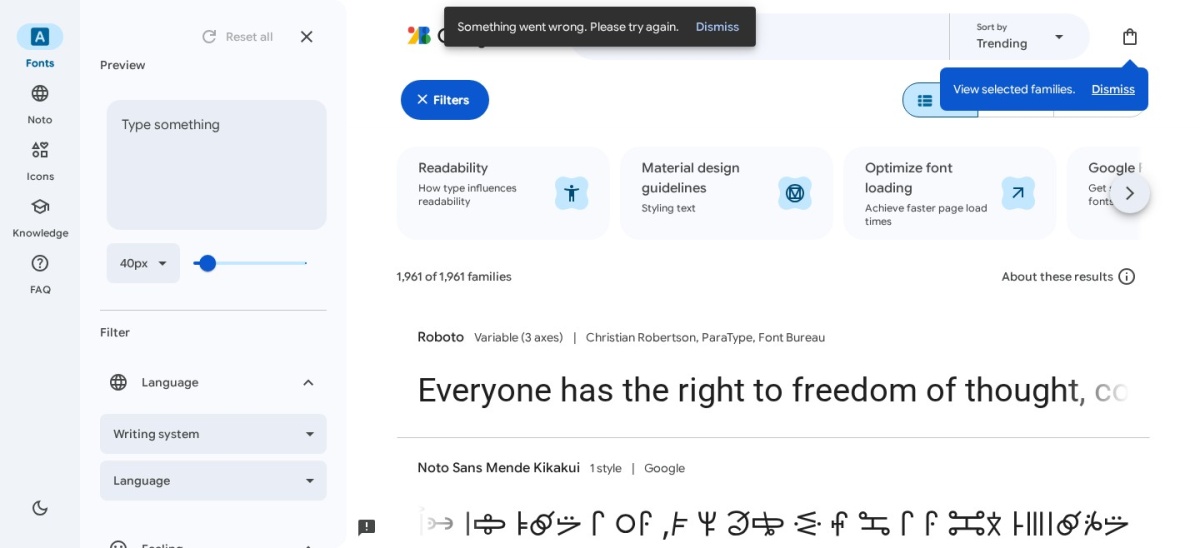
Google Fonts is a free library of open-source fonts for the web and print, with every family free to use. Its fonts carry open licences, so they can be used in commercial work without a fee, and they load from Google's servers or can be downloaded and hosted locally.
The trade off is range. Google Fonts covers the most-used styles well but has no premium families from commercial foundries, so a distinctive brand face usually comes from a paid library. It suits almost any website, app or document that needs reliable, free type.
What we like
Completely free with open licences
Rated 4.7 out of 5 from 294 G2 reviews
Easy web embedding or local hosting
Watch out for
No premium commercial families
Fewer distinctive display faces than paid libraries
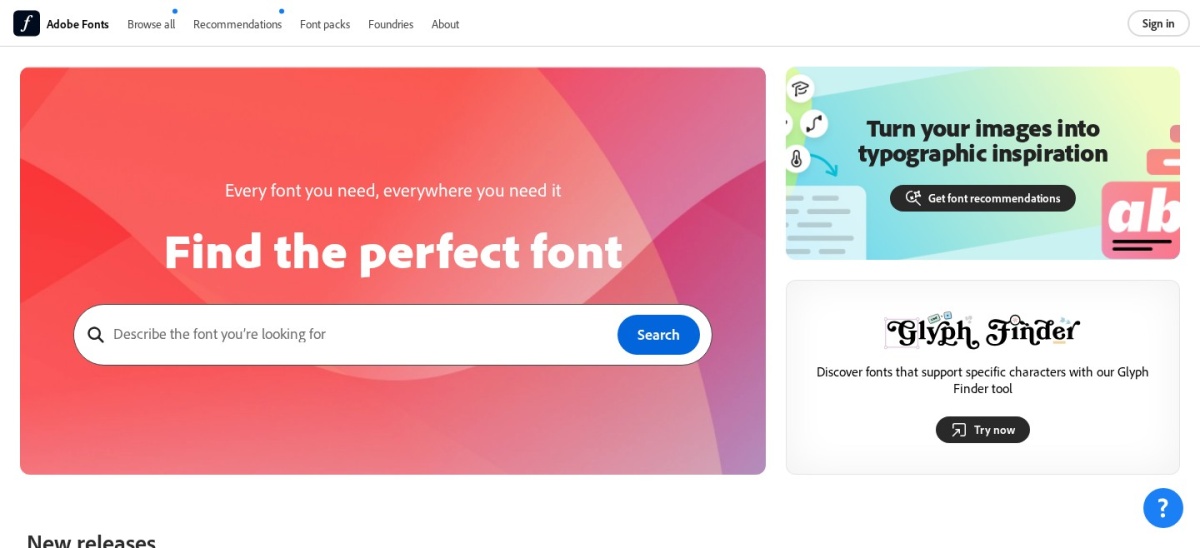
Adobe Fonts is the font library bundled with Adobe Creative Cloud, with over 20,000 fonts from many foundries. Fonts activate with one click inside Adobe apps and sync to the desktop for print, web and video work, with commercial use included while subscribed. A free tier offers 5,000+ fonts with an Adobe account.
The trade off is that there is no standalone price. Full access needs a Creative Cloud plan, and the cheapest route is Creative Cloud Standard at $54.99 a month, so the fonts alone cost $659.88 a year. It suits designers who already pay for Creative Cloud.
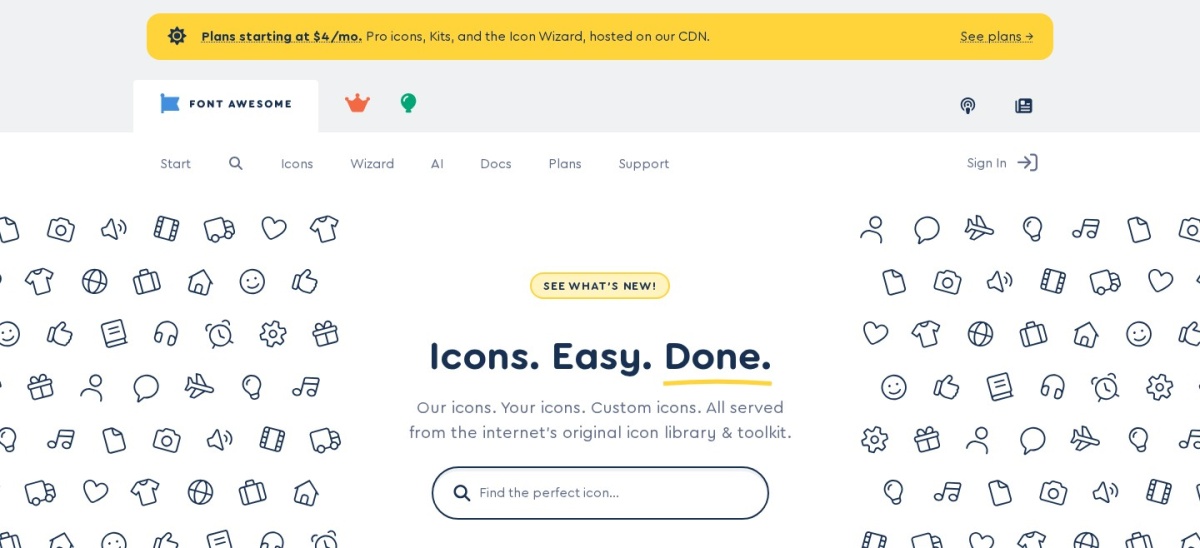
Font Awesome is an icon library for the web, with more than 65,000 icons in 36 styles on its Pro plan. The free set covers 2,000+ icons through a CDN link, and Pro adds the full set, kits for managing icons and the option to upload custom icons.
The trade off is that icons are not text fonts. Font Awesome covers UI symbols, logos and pictograms, but a project still needs a text typeface from a library such as Google Fonts. Pro costs $96 a year for a Solo licence. It suits websites and apps that need consistent icons.
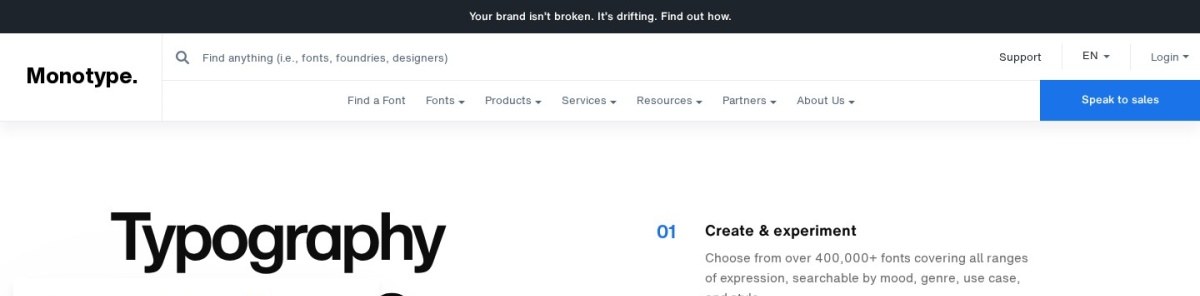
Monotype Fonts is a subscription library with over 400,000 fonts from classic foundries and new designers. It adds central licence tracking, desktop sync and integrations with Adobe apps, Figma and Sketch, so a team can share approved fonts and see what is cleared for client work.
The trade off is price. The individual plan costs $99 a year, and reviewers call it costly for small teams that use only a few families. The free plan is limited. It suits design teams that need a large licensed library under one subscription.
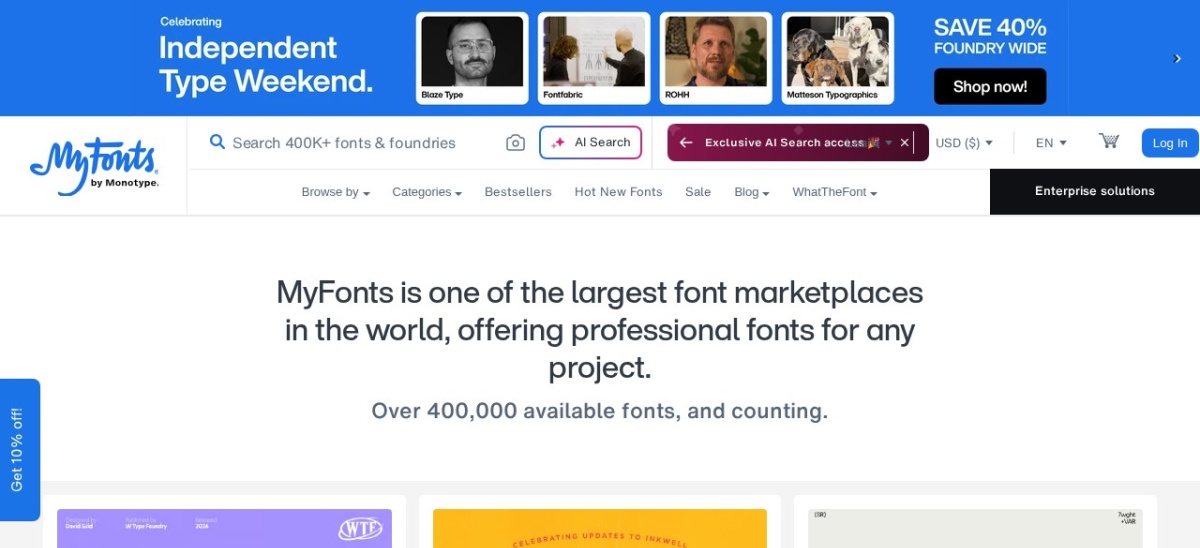
MyFonts is one of the largest font marketplaces, with over 400,000 fonts for sale as single families. You buy only the families you need, with prices starting at $15 on the homepage, and its free WhatTheFont tool identifies a font from an uploaded image.
The trade off is that costs add up family by family. There is no subscription, so a project needing many faces can cost more than a library plan, and licences are priced per use. It suits designers who need one specific commercial family for a project.
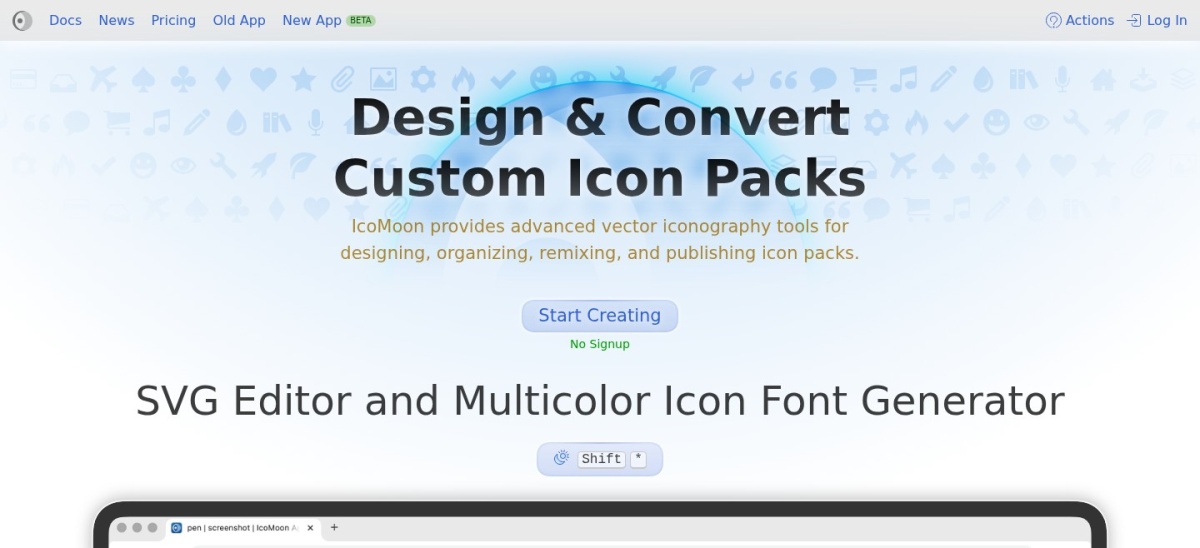
IcoMoon is a browser app that builds custom icon fonts from its own icons or your SVG files. The free tier needs no account and covers 491 icons, with exports to TTF, WOFF, WOFF2 and SVG under a GPL and CC BY 4.0 dual licence for commercial use.
The trade off is the dated built-in set. The 491 free icons cover common UI symbols but few modern styles, and free project links expire after 24 hours. Cloud saving starts with Basic at $69 a year. It suits developers who want a small self-hosted icon font.
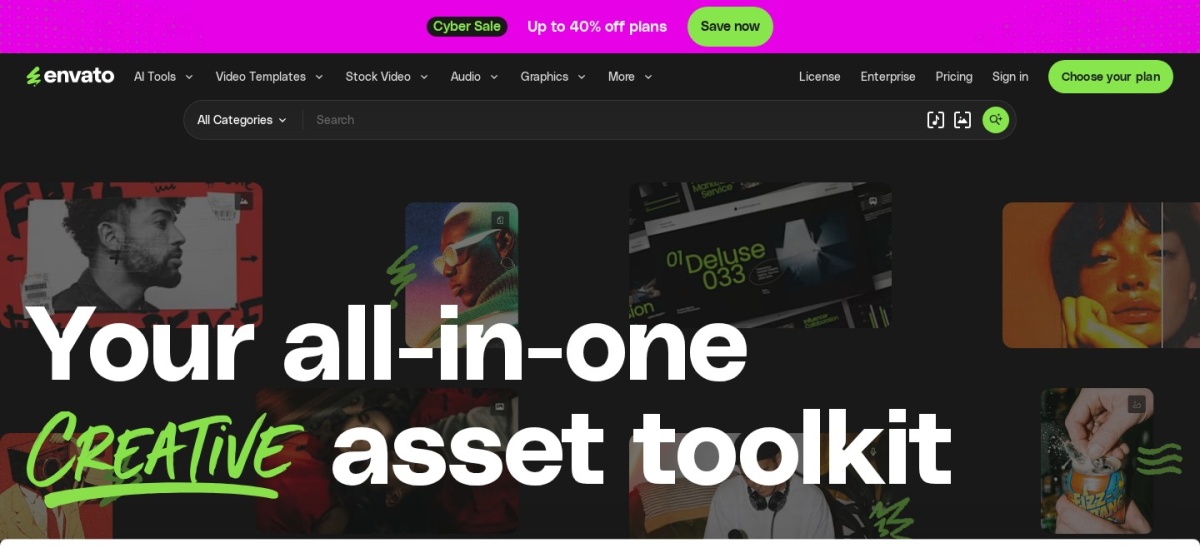
Envato Elements is a subscription library of fonts, templates, stock photos, video and audio. The Core plan costs $16.50 a month billed annually and allows unlimited downloads, so one subscription covers fonts plus the other assets a design project needs.
The trade off is that there is no free plan, and font quality varies across the catalogue. The licence is commercial but tied to each project, so every use needs to be registered. It suits designers who also need templates and stock assets every month.
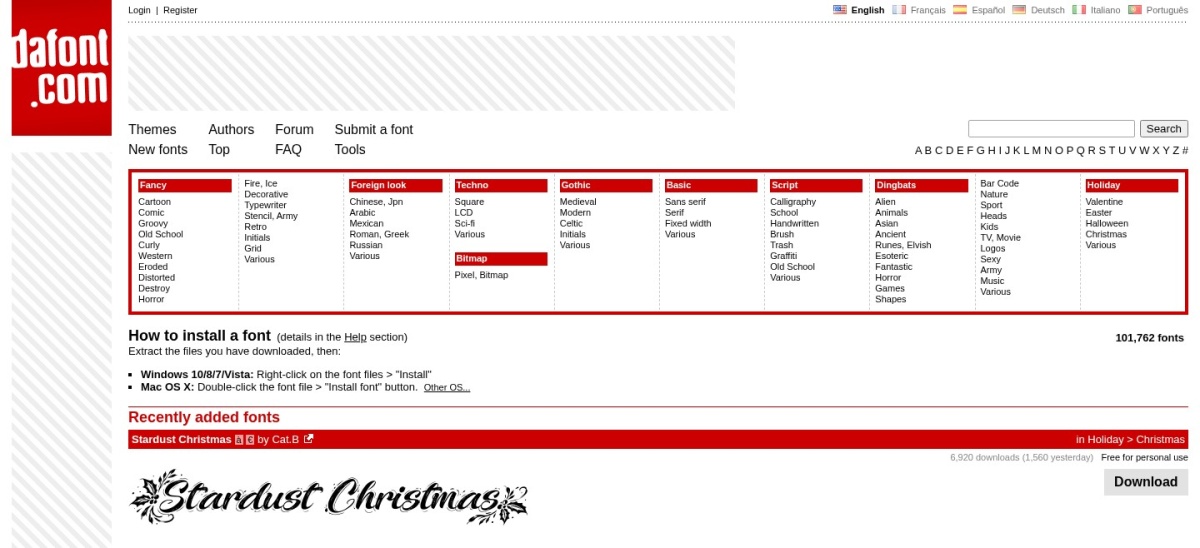
DaFont is a long-running archive of freely downloadable fonts, browsable by style, theme and author. It is a quick place to find display and decorative faces for personal projects, with most fonts available as a direct download at no cost.
The trade off is licensing. Each font sets its own terms, and many are free for personal use only, so commercial work needs a licence check on every download page. Quality varies too. It suits personal projects and display type where the licence is checked first.
What we like
Free downloads across many styles
Easy browsing by style and author
Good source of display faces
Watch out for
Licences vary by font and are often personal-use only
Quality varies across the archive
No paid plan; check each font's licence before commercial useVisit dafont.com
09
Calligraphr
3.3/5on Trustpilot (10 reviews, checked Nov 2026)
Paid from$6/mo
Best for handwriting fonts
Free characters75 per font
Pro characters600 per font
ExportTrueType and OpenType
Paid planPro, $6/mo (6-month)
calligraphr.com
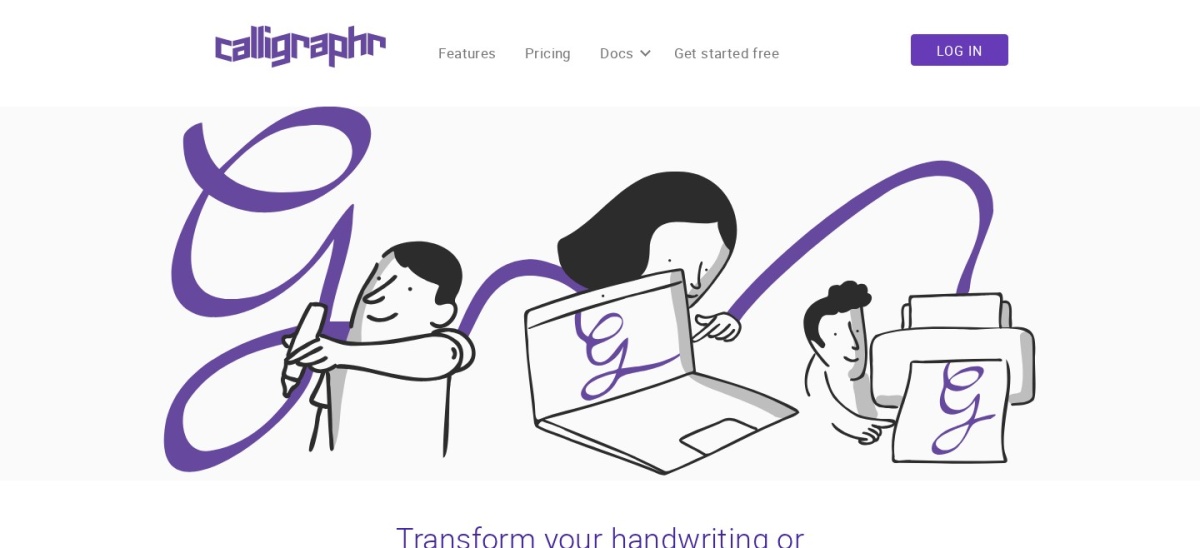
Calligraphr homepage, captured Nov 2026.
Calligraphr is a web app that turns handwriting into a real font. You print a template, write each letter in its box, scan or photograph the page, and the site builds a TrueType or OpenType font. The free plan covers 75 characters, one font at a time.
The trade off is the 75-character cap. That covers upper and lower case, digits and basic punctuation, but ligatures and per-character spacing need Pro at $10 for one month or $6 a month on a six-month upgrade. It suits personal handwriting fonts and signatures.
Free plans cover the basics well. Google Fonts and DaFont cost nothing, and Font Awesome, IcoMoon and Calligraphr all have usable free tiers.
Paid plans mostly add choice and licences. You get a wider library, commercial licences in one place and, with Monotype Fonts, central licence tracking.
Check the licence before client work. Free downloads on DaFont can be personal-use only, and our guide to hosting Google Fonts locally explains how to use free fonts without a third-party CDN.
For a single project, buying one family on MyFonts from $15 often costs less than a month of any subscription.
How we chose
We started from the font libraries, marketplaces, icon tools and font makers designers actually use, then kept the nine with a public rating and a verifiable price.
Prices come from each vendor's pricing page or a dated vendor check, read on 30 November 2026. Ratings come from G2 or Trustpilot on the same day. Where a vendor shows a sale, the list shows the regular price.
We left out tools with no public rating, including FontSquirrel, Fontshare and FontForge, and font managers already covered in our font management list. No vendor paid for a place, and we do not claim to have used these tools ourselves.
How to choose font tools for your project
Start with what the project needs — a text typeface, an icon set or a custom font — then check the licence.
Decide whether you need text fonts, icons or both. Google Fonts and Adobe Fonts supply text typefaces; Font Awesome and IcoMoon supply icons. Most sites need one of each.
Check the licence for commercial and client work. Open licences allow commercial use without a fee. DaFont licences vary by font, so read the licence on each download page.
Compare one family against one subscription. A single MyFonts family from $15 beats a $99-a-year subscription when you need one typeface. A subscription wins when you need many.
Test the font in the real layout before you commit. Check weights, sizes and pairing in your design tool. See how to preload fonts in WordPress to keep web fonts fast.
FAQ
What are the best font tools in 2026?
Google Fonts is the best font tool for most people. It is free, open-licensed and rated 4.7 out of 5 from 294 G2 reviews, and it covers web and print work without licence fees.
Which font tools are completely free?
Google Fonts and DaFont are completely free. Font Awesome, Adobe Fonts, MyFonts, IcoMoon and Calligraphr also have free plans or free tiers, though paid upgrades add more fonts and features.
How much do font tools cost?
Prices range from free to $659.88 a year for Adobe Fonts through Creative Cloud Standard. Font Awesome Pro costs $96 a year, Monotype Fonts $99 a year, and single MyFonts families start at $15.
What is the best font tool for beginners?
Google Fonts is the best starting point for beginners. It costs nothing, its licences allow commercial use, and its fonts work on the web with a single embed or a download.
Google Fonts vs Adobe Fonts: which is better?
Google Fonts is better for free, open-licensed type with no subscription. Adobe Fonts is better if you already pay for Creative Cloud, since it adds 20,000+ premium fonts that sync into Adobe apps.
Can I use free fonts from DaFont in commercial work?
Not always. DaFont licences vary by font, and many are free for personal use only. Check the licence stated on each font's page before using it in client or commercial work.
SaaS SEO and WordPress specialist with about 8 years of experience. Rakib compares WordPress plugins, themes, hosting and software using public pricing, documentation and user reviews. See how we rank.