Extensis Connect is the best font management software for most design teams, with a shared cloud library, Adobe auto-activation and licence tracking for $150 per user per year, rated 4.1 out of 5 on G2. Pick FontBase for a free cross-platform manager, or RightFont for a one-time Mac purchase.
How we make this list: we compare pricing pages, product documentation and public user reviews, then re-check every price before each update. No product paid for a place. Disclosure.
Extensis Connect is the team pick: shared cloud libraries, Adobe auto-activation and licence reports at $150 per user per year.
FontBase is the best free start: it runs on Mac, Windows and Linux, and Awesome costs $3 a month.
Monotype Fonts holds the largest library here, with over 400,000 fonts, but team pricing is quote-based.
RightFont, Typeface and MainType are one-time purchases at $47, $44.99 and $49, with no yearly bill.
NexusFont is free for Windows and commercial use, but its last release was version 2.7.1 in November 2022.
What to look for in font management software
A font manager keeps fonts organised, previewable and active only when needed, so system font menus stay fast and documents open with the right faces.
Auto-activation matters most for design work. Look for plugins that turn on the fonts a Photoshop, Illustrator or InDesign file needs when it opens, instead of asking you to hunt through folders.
Teams need shared libraries and licence records. A shared library stops two designers using different versions of the same face, and licence tracking shows which fonts are cleared for client work.
Price models split three ways: yearly subscriptions, monthly plans and one-time licences. Check whether the price is per user or per device before you compare totals. If your fonts also go on the web, our guide on hosting Google Fonts locally covers the self-hosted route.
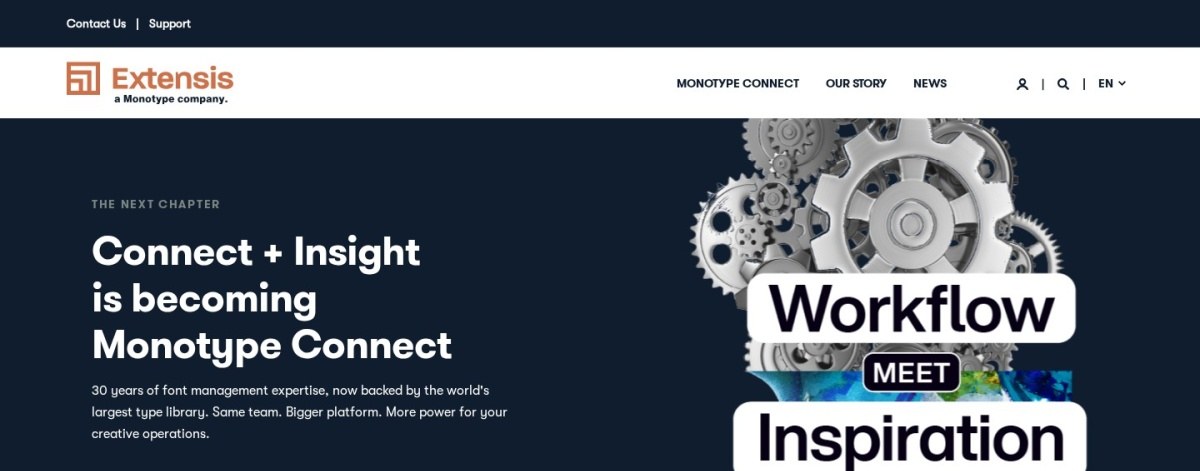
Extensis Connect is a cloud font manager for design teams, built around shared libraries that every seat can open. It stores fonts centrally, activates the fonts a document needs in Adobe apps, and tracks licences so a team can see which fonts are cleared for client work. The Connect plan costs $150 per user per year and includes 100GB of storage per user.
The trade off is the move to Monotype. Extensis Connect becomes Monotype Connect, and renewals from 1 January 2027 are priced at $200 per user per year, so budget for the higher rate. It suits agencies and in-house teams that share fonts across many seats and need licence records.
What we like
Shared cloud libraries for whole teams
Adobe auto-activation built in
Licence and compliance reporting
Rated from 77 G2 reviews
Watch out for
No free plan
Price rises to $200 per user at renewal in 2027
Lowest G2 rating among the subscription tools here
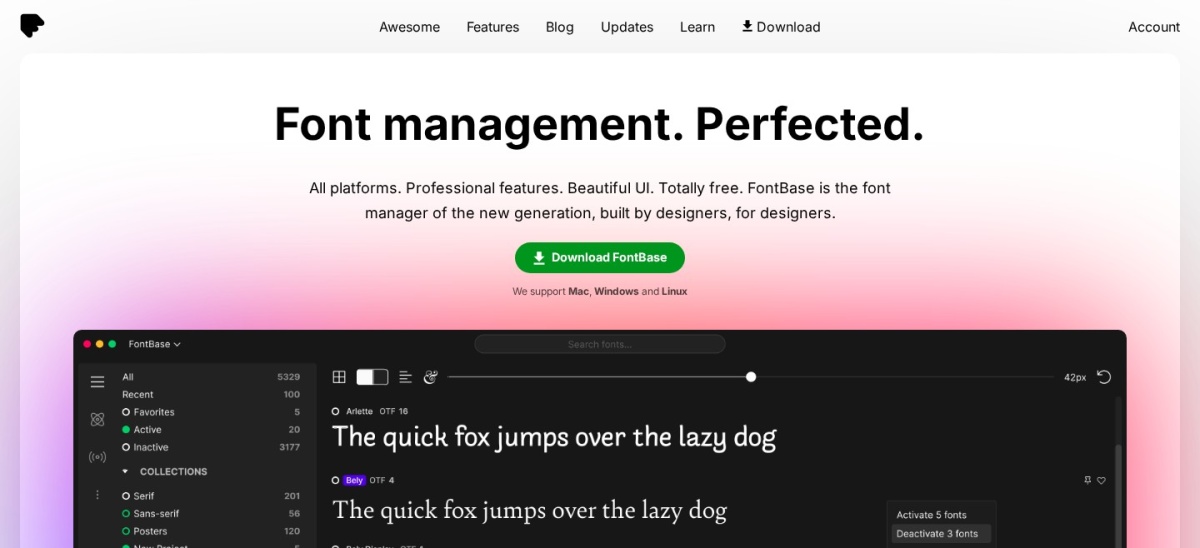
FontBase is a fast desktop font manager for Mac, Windows and Linux, built for designers who want a clean way to preview and organise fonts. The free version covers browsing, collections, grouping and activation, and it works with Google Fonts. Awesome costs $3 a month, or $29 a year, and adds auto-activation, glyphs and custom themes.
The trade off is team control. FontBase has no shared cloud library or licence reporting, so a team must sync libraries through its own folders. It suits solo designers and small studios that want a free start and a cheap upgrade.
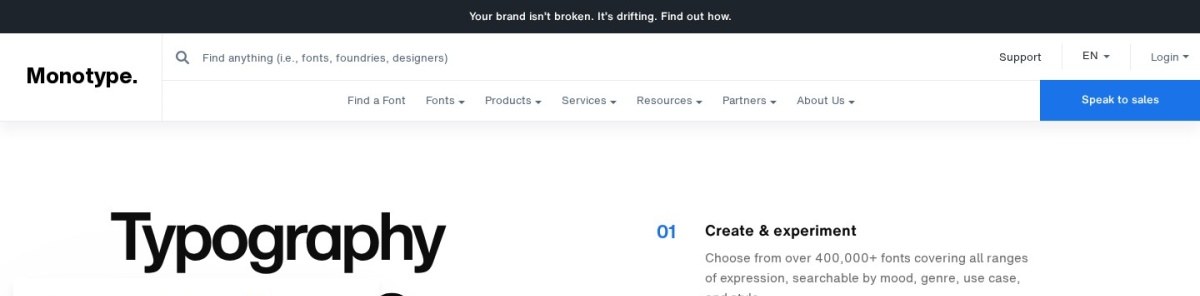
Monotype Fonts is a subscription library and font manager with over 400,000 fonts, covering classic faces and new releases from many foundries. It centralises a team's fonts, controls usage across projects and keeps deployments aligned with licences. The Individual plan costs $99 a year, and every plan includes unlimited prototyping with the full library.
The trade off is price clarity. Team plans are quote-based, and the enterprise plans listed on its site start at $2,500 a year, so a small team cannot budget from a public price list. It suits brands and agencies that want licensed fonts and management in one subscription.
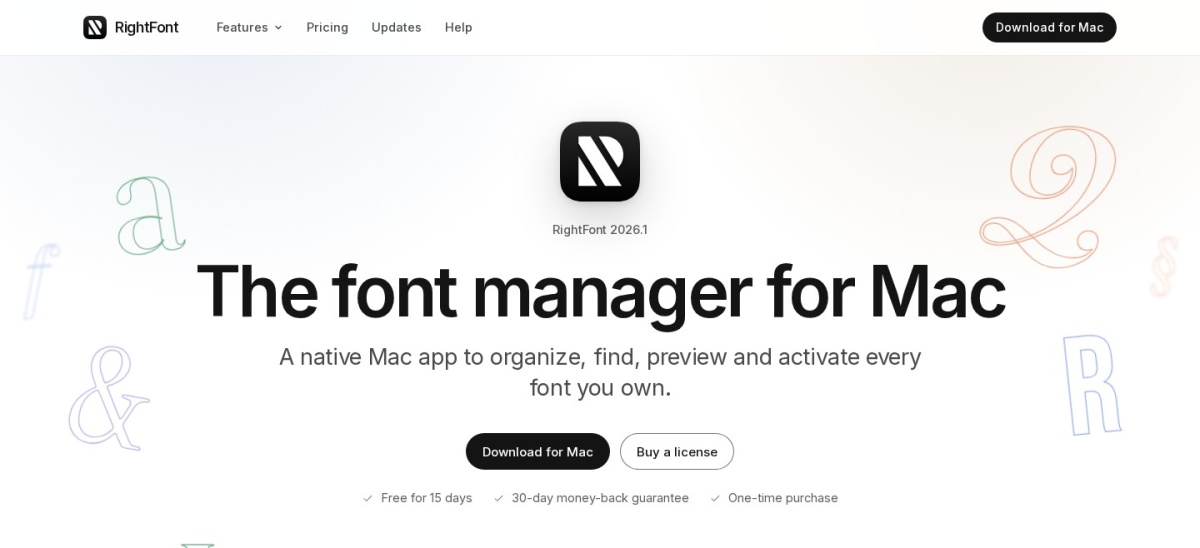
RightFont is a native Mac font manager that helps designers find, preview and install fonts fast. It activates fonts with a click instead of copying files into a system folder, syncs libraries through iCloud and Dropbox, and auto-activates fonts in Adobe apps, Sketch and Affinity. A licence costs $47 as a one-time purchase, with a 15-day free trial.
The trade off is platform. RightFont runs on macOS only, so a mixed Mac and Windows team needs a second tool. It suits Mac designers who want to own a licence and avoid a yearly bill.
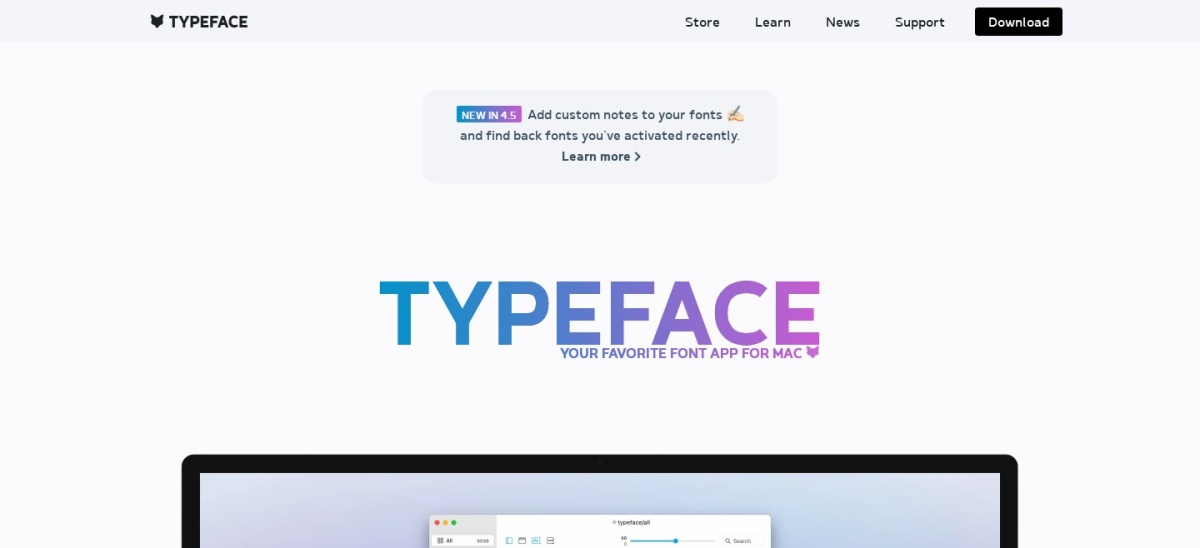
Typeface is a minimal Mac font manager with a strong focus on browsing and comparing fonts. It previews body text, inspects OpenType features, tunes variable fonts, finds duplicates and activates fonts temporarily. A Pro licence costs $44.99 as a one-time purchase and includes new Pro features for 12 months, after a 15-day trial.
The trade off is scope. Typeface is Mac-only and has no team library or licence reporting, so it fits one designer rather than a studio. It suits Mac users who browse fonts visually and want a one-time licence.
What we like
One-time purchase, yours forever
Strong visual comparison and variable font tools
Finds duplicate fonts
Rated 4.3 out of 5 on G2 from 21 reviews
Watch out for
Mac only
No team library or licence reporting
New Pro features after 12 months need a paid extension
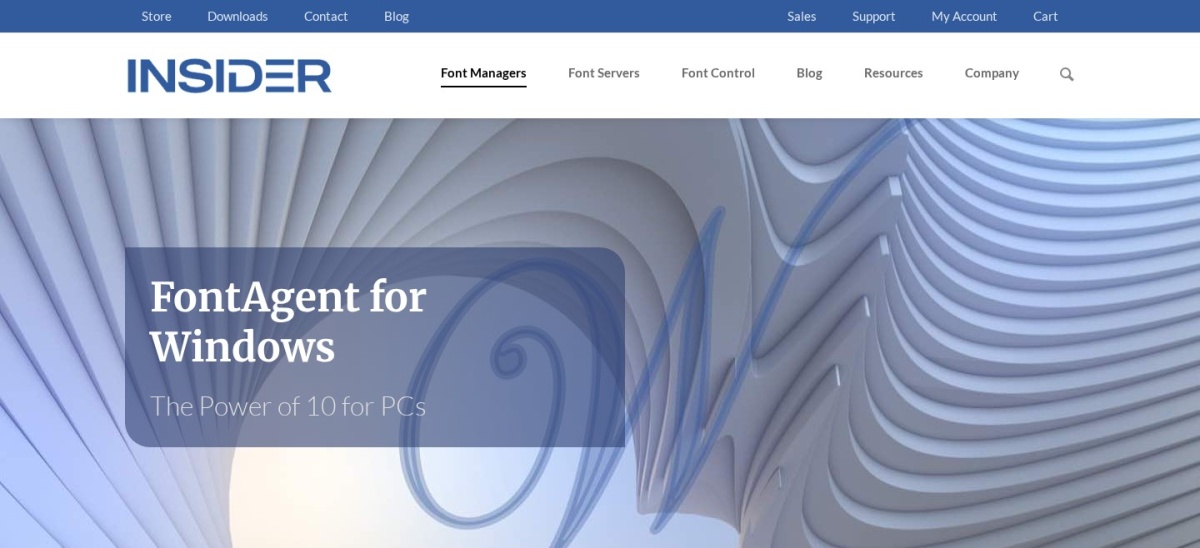
FontAgent is a font manager from Insider Software, sold since 2001, for Mac and Windows. It previews, searches and compares fonts, manages metadata, and activates the exact fonts a document needs when it opens in an Adobe app. A subscription costs $59 a year per user and includes Adobe 2026 plugins and upgrades.
The trade off is its review base. FontAgent is rated 4.2 out of 5 on G2 from only 4 reviews, so there is little public feedback to weigh against its long history. It suits studios that need font licence compliance and auto-activation on both platforms.
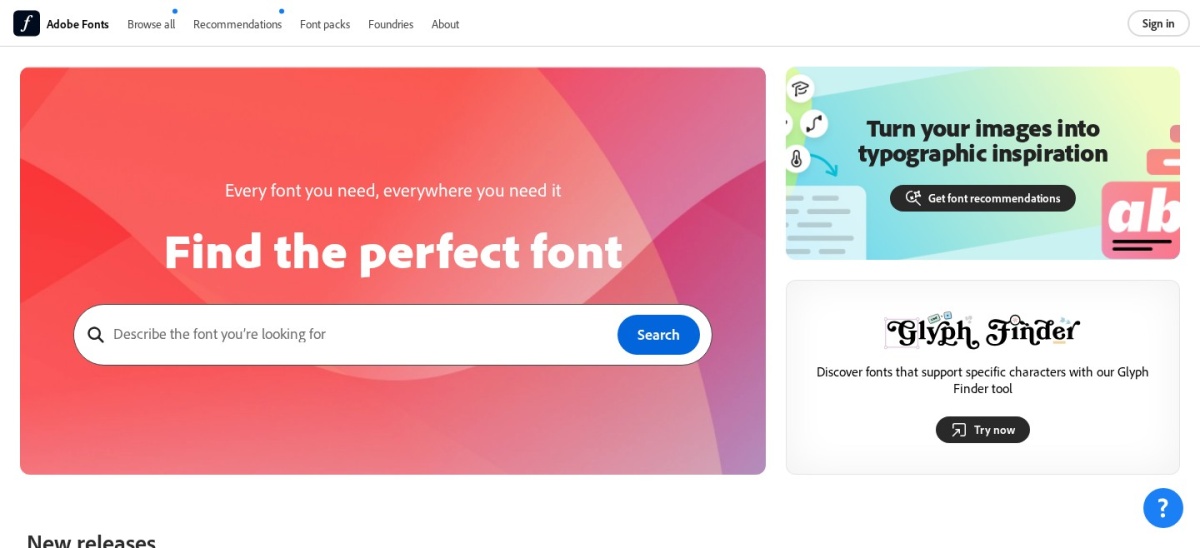
Adobe Fonts is the font library included with Creative Cloud, with over 20,000 fonts from many foundries. Fonts activate with a click inside Adobe apps and sync to the desktop for print, web and video work, with commercial use included while subscribed. The Creative Cloud Standard plan costs $54.99 a month on annual billing.
The trade off is that it is not a standalone manager. It cannot organise fonts bought elsewhere, and access ends if the subscription ends, so handoffs need care. It suits designers who already pay for Creative Cloud and work mainly in Adobe apps.
What we like
Highest G2 rating here, 4.5 out of 5 from 150 reviews
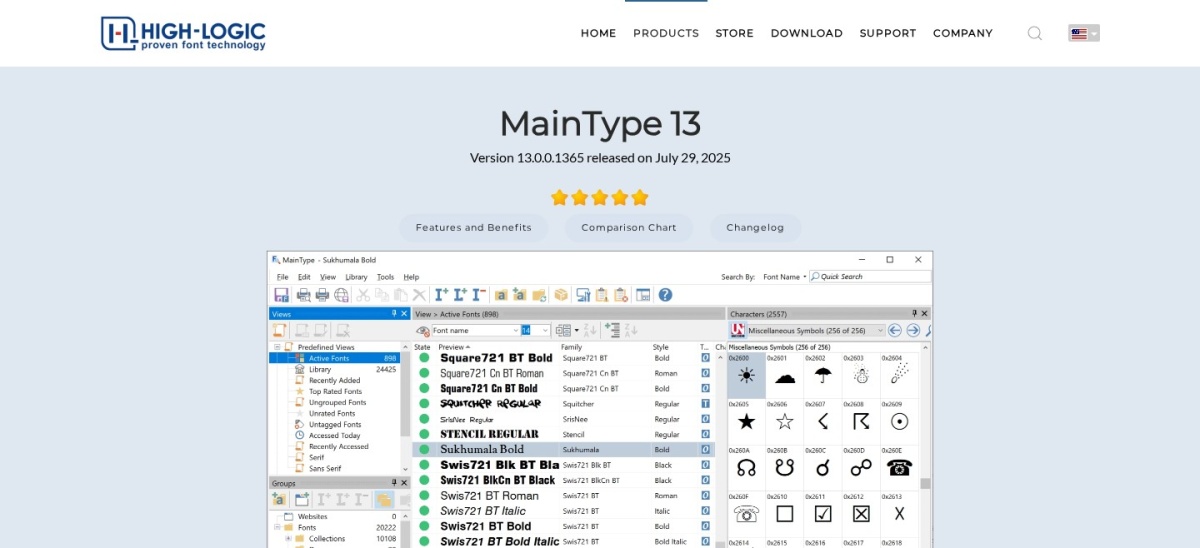
MainType is a Windows font manager and viewer from High-Logic for large local libraries. It previews, organises and installs fonts, supports variable fonts and OpenType features, and tags and groups fonts for fast search. The free edition covers 2,500 fonts for non-commercial use, and Standard costs $49 as a one-time purchase.
The trade off is platform and polish. MainType runs on Windows only, and its G2 rating of 3.9 out of 5 comes from only 5 reviews. It suits Windows power users with big libraries who want a perpetual licence.
What we like
One-time purchase, perpetual licence
Handles very large libraries
Free edition for non-commercial use
30-day money-back guarantee
Watch out for
Windows only
Only 5 G2 reviews
Free edition is non-commercial and capped at 2,500 fonts
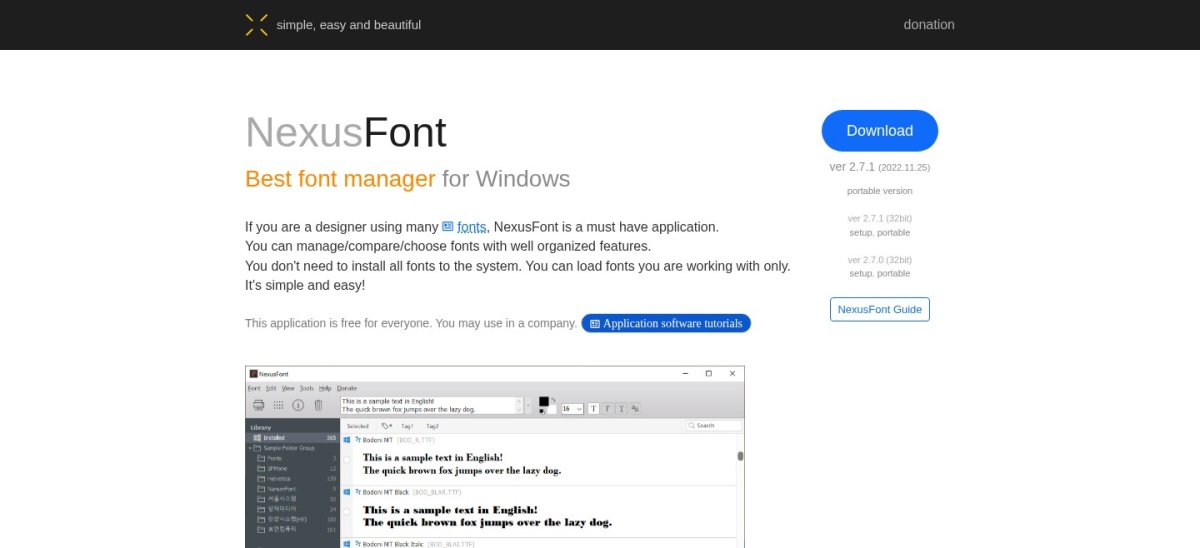
NexusFont is a free Windows font manager that lets designers preview, compare and group fonts without installing them all. It loads fonts into project sets, detects duplicates and exports specimen sheets, and it runs portably from a USB stick. It is free for personal and commercial use.
The trade off is age. The latest release is version 2.7.1 from November 2022, and there is no cloud sync or auto-activation for Adobe apps. It suits Windows users who want capable font management for free.
Free plans cover real work here. FontBase, MainType and NexusFont all organise, preview and activate fonts without payment.
Paid plans mostly add activation, teams and licences. Auto-activation in Adobe apps, shared libraries and licence reporting sit behind the paid tiers of most tools here.
One-time licences are the middle ground. RightFont, Typeface and MainType cost $44.99 to $49 once, with no yearly bill, but they cover one platform and one user.
If your fonts also ship on a website, preloading fonts can cut the delay before text appears.
How we chose
We started from the font managers most often named in designer roundups and review sites, then kept nine established tools that cover Mac, Windows and the web.
Prices come from each vendor's pricing or store page, checked on 25 November 2026. Ratings and review counts come from G2 on the same day. Where a vendor shows a sale, the list shows the regular price.
We left out discontinued tools such as FontExplorer X Pro and Suitcase Fusion, which are now folded into Monotype subscriptions, and old licences sold by resellers. No vendor paid for a place, and we do not claim hands-on testing for this list.
How to choose font management software
Start with your platform and your team size, then check the price model.
Check your platform first. RightFont and Typeface are Mac-only, MainType and NexusFont are Windows-only, and FontBase covers Mac, Windows and Linux. A mixed team needs a cross-platform or cloud tool.
Decide if you need team sharing. Solo designers can use a local manager, but a team needs shared libraries and licence records, which points to Extensis Connect, Monotype Fonts or FontAgent.
Pick a price model you can live with. One-time licences from RightFont, Typeface and MainType cost $44.99 to $49 once, while subscriptions from FontBase, FontAgent and Extensis Connect bill every month or year.
Try the trial before you pay. Most tools here offer a free plan or a 15 to 30 day trial. Load your own library and open a real project file to check activation works.
FAQ
What is the best font management software?
Extensis Connect is the best pick for most design teams. It combines a shared cloud library, Adobe auto-activation and licence tracking for $150 per user per year, rated 4.1 out of 5 on G2 from 77 reviews. FontBase is the best free start.
Is there a free font manager?
Yes. FontBase is free on Mac, Windows and Linux, and NexusFont is free on Windows for personal and commercial use. MainType has a free edition for non-commercial use, capped at 2,500 fonts. Adobe Fonts also has a free tier with an Adobe account.
What happened to Extensis Connect?
Extensis Connect is becoming Monotype Connect. The product, team and font management features carry over, but renewals from 1 January 2027 are priced at $200 per user per year, up from $150. Budget for the higher rate before you commit.
Do I need a font manager if I use Adobe Fonts?
Adobe Fonts covers the library and activation inside Adobe apps, but it cannot organise fonts you bought elsewhere. If you own fonts outside Adobe, pair it with a local manager such as FontBase, RightFont or MainType.
What is the cheapest paid font manager?
FontBase Awesome is the cheapest subscription at $3 a month, or $29 a year. For a one-time purchase, Typeface costs $44.99, RightFont costs $47 and MainType Standard costs $49. NexusFont is free.
Are one-time font managers still worth buying?
Yes, for a solo designer on one platform. You pay once and keep the licence, with no yearly bill. The trade-off is no shared cloud library or licence reporting, so teams should pick a subscription tool instead.
SaaS SEO and WordPress specialist with about 8 years of experience. Rakib compares WordPress plugins, themes, hosting and software using public pricing, documentation and user reviews. See how we rank.