OBS Studio is the best live streaming software for gamers: it is free, open source, runs on Windows, Mac and Linux, and is rated 4.7 out of 5. Streamlabs Desktop adds ready-made overlays and alerts for beginners, while Restream is the pick for streaming to several platforms at once.
How we make this list: we compare pricing pages, product documentation and public user reviews, then re-check every price before each update. No product paid for a place. Disclosure.
OBS Studio costs $0, runs on Windows, Mac and Linux, and is rated 4.7 out of 5 on G2.
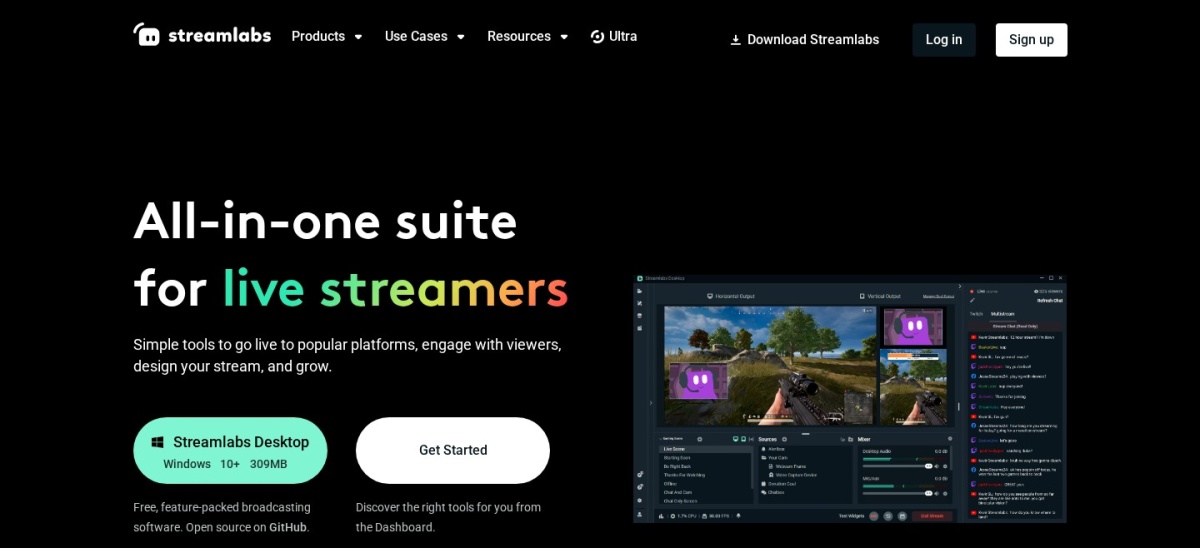
Streamlabs Desktop is the easiest route to polished overlays and alerts, with Ultra at $27 a month.
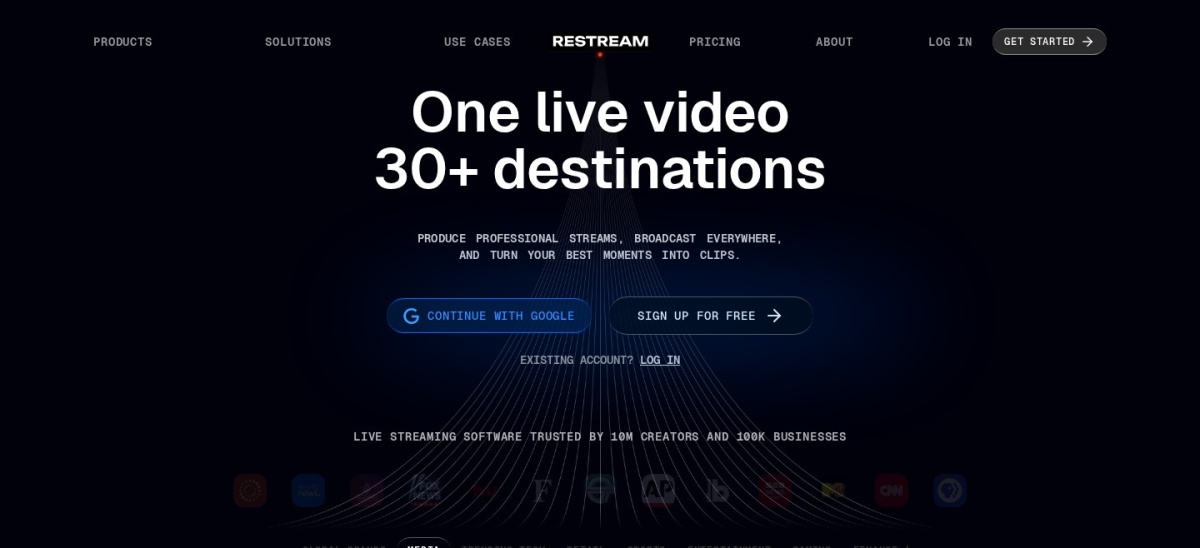
Restream multistreams to more than 30 destinations from the browser, with Standard at $19 a month.
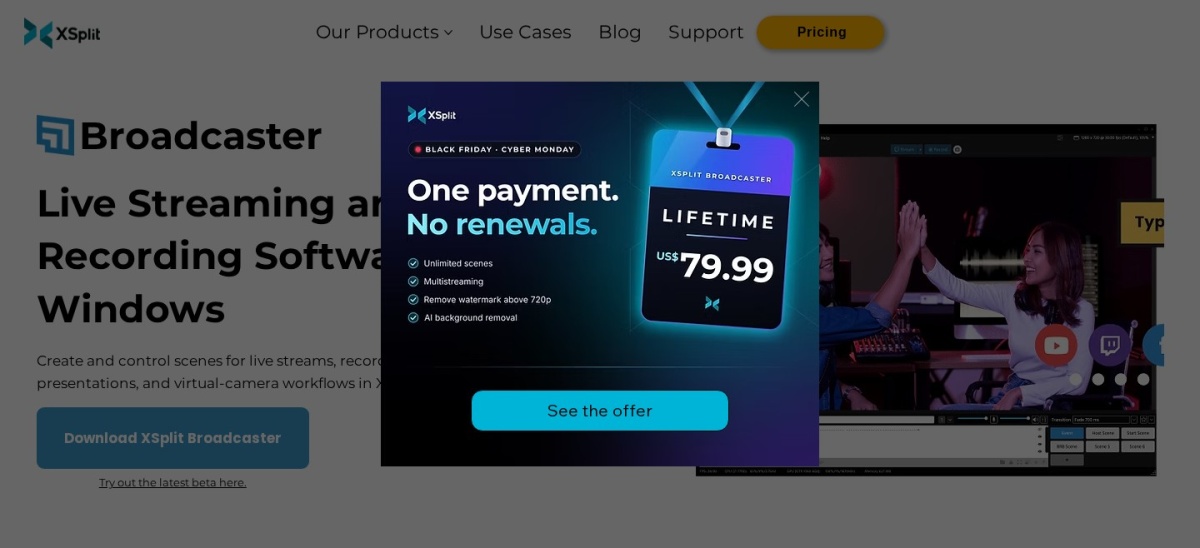
XSplit Broadcaster is the guided Windows-only option, with Premium at $14.99 a month and a free 720p tier.
vMix is the only one-time licence here at $60, while Wirecast Studio is the priciest at $59 a month.
How do you choose live streaming software for gamers?
Your graphics card matters more than your streaming app. A hardware encoder such as NVENC or AMF moves the encoding work off the CPU, so the game keeps its frame rate while you stream at 1080p60.
Free software covers most solo streamers. OBS Studio streams to Twitch, YouTube and Kick at no cost, and Restream adds multistreaming on its free plan, so paying only makes sense for overlays, guests or a simpler setup.
Overlays and alerts are the main reason to pay. Streamlabs Desktop ships theme packs, alert widgets and tipping tools in one install, which suits new streamers who would rather go live than build scenes from scratch. Our guide on how to embed a video in WordPress covers the same kind of embed step for stream clips on a site.
Browser studios trade control for convenience. Restream and StreamYard need no install and invite guests with a link, but they depend on a steady upload connection, while desktop apps such as OBS and XSplit keep encoding on your own machine.
Mac and Windows streamers do not get the same picks. Ecamm Live is Mac-only and XSplit and vMix are Windows-only, so check the operating system before the price.
OBS Studio is free, open source software for video recording and live streaming on Windows, Mac and Linux. It offers scenes, sources, transitions, an audio mixer, hardware encoding and plug-ins, with no watermark, no time limit and no paid tier at all.
The trade off is setup. There are no built-in overlays, alerts or themes, so a new streamer builds scenes from a blank canvas or adds plug-ins. It suits gamers who want full control and zero subscription cost.
What we like
Free forever, with no watermark or locked features
Lightest CPU load at the same 1080p60 settings
Largest plug-in library of any tool here
Runs on Windows, Mac and Linux
Watch out for
No built-in overlays, alerts or themes
Blank-canvas setup takes longer for beginners
No native multistreaming without a third-party service
Streamlabs Desktop is a free streaming app built on an OBS-style core, with guided setup, installable overlay themes, alert widgets, an integrated chat dock and tipping tools. The free tier streams at full 1080p to one platform with no watermark.
The trade off is weight and price. It uses more CPU than OBS at the same settings, and multistreaming, premium themes and the full app library need Ultra at $27 a month or $189 a year. It suits new streamers who want a polished look fast.
XSplit Broadcaster is Windows software for live streaming and recording, built around a Layout Wizard that sets scenes up fast. The free version is for personal use, allows 4 scenes and streams up to 720p without a watermark.
The trade off is the Windows lock-in and the watermark. Output above 720p or 30 frames per second is watermarked until Premium, which costs $14.99 a month, $59.99 a year or $119.99 once for a lifetime licence. It suits Windows gamers who want a guided setup.
What we like
Layout Wizard gets a first stream running fast
Clean Windows-native interface with low memory use
Cheapest monthly paid plan among desktop apps here
Lifetime licence option with no renewal
Watch out for
Windows only, with no Mac or Linux build
Free tier watermarks output above 720p
Smaller plug-in store than OBS or Streamlabs
Premium removes the watermark and adds multistreamingVisit xsplit.com
04
Restream
4.5/5on G2 (250+ reviews, checked Nov 2026)
Paid from$19/mo
Best for streaming to several platforms at once
PriceFree; Standard $19/mo
PlatformsBrowser, Windows, Mac, Linux
MultistreamingYes, 30+ destinations
Guest invitesYes, by link
restream.io
Restream homepage, captured Nov 2026.
Restream is a browser-based studio that multistreams one live video to more than 30 destinations, including Twitch, YouTube and Facebook. The free plan covers basic multistreaming, and the browser studio lets guests join from a link with no install.
The trade off is the cloud. Encoding runs on Restream servers, so the stream depends on a steady upload connection, and the free plan limits stream length and branding. Standard costs $19 a month. It suits gamers growing on two or more platforms at once.
What we like
Multistreaming to 30+ destinations from one feed
No install, with guests joining by link
Free plan includes basic multistreaming
Built-in chat from every platform in one place
Watch out for
Cloud encoding depends on upload speed
Free plan limits stream length and branding
Less scene control than a desktop app
Standard adds longer streams, more destinations and brandingVisit restream.io
05
StreamYard
4.6/5on G2 (400+ reviews, checked Nov 2026)
Paid from$25/mo
Best browser studio for guest shows
PriceFree; Basic $25/mo
PlatformsBrowser
MultistreamingPaid plans
Guest invitesYes, up to 10 guests
streamyard.com
StreamYard homepage, captured Nov 2026.
StreamYard is a browser-based live streaming studio for interviews, co-op shows and game broadcasts with guests. Hosts invite up to 10 guests with a link, switch layouts live and stream to Twitch, YouTube and Facebook, with local 4K recording on paid plans.
The trade off is price and the free plan. Free streams carry StreamYard branding and cap at 20 hours a month, while Basic costs $25 a month, or $20 a month billed yearly. It suits streamers who run guest shows more than solo gameplay.
What we like
Easiest guest invites of any tool here
No install, runs fully in the browser
Local recording of each guest separately
Clean layout switching during a live show
Watch out for
Free plan adds branding and a 20-hour monthly cap
Pricier than Restream for pure multistreaming
No game capture; it is a browser studio, not an encoder
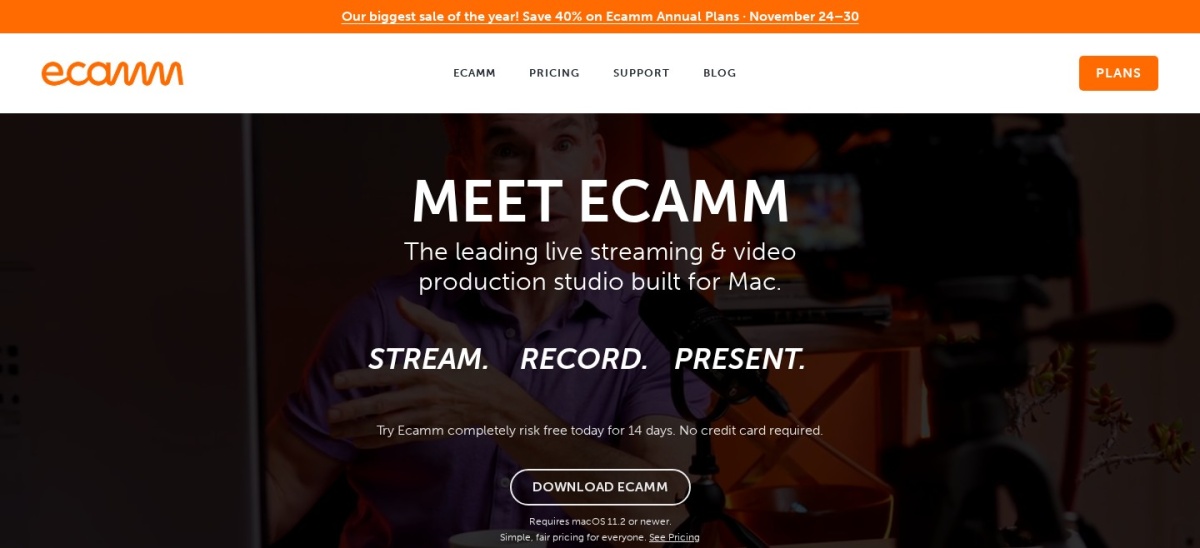
Ecamm Live is a live streaming and video production studio built for Mac, handling Twitch, YouTube, Facebook and other platforms from one app. Standard costs $16 a month and includes scenes, overlays, guest interviews and multistreaming, with a 14-day free trial.
The trade off is the Mac lock-in and the lack of a free plan. Windows gamers cannot use it at all, and Pro at $32 a month is needed for the full feature set. It suits Mac gamers and creators who stream from a Mac every week.
What we like
Highest G2 rating in this list at 4.8 out of 5
Built for Mac, with camera and mic controls included
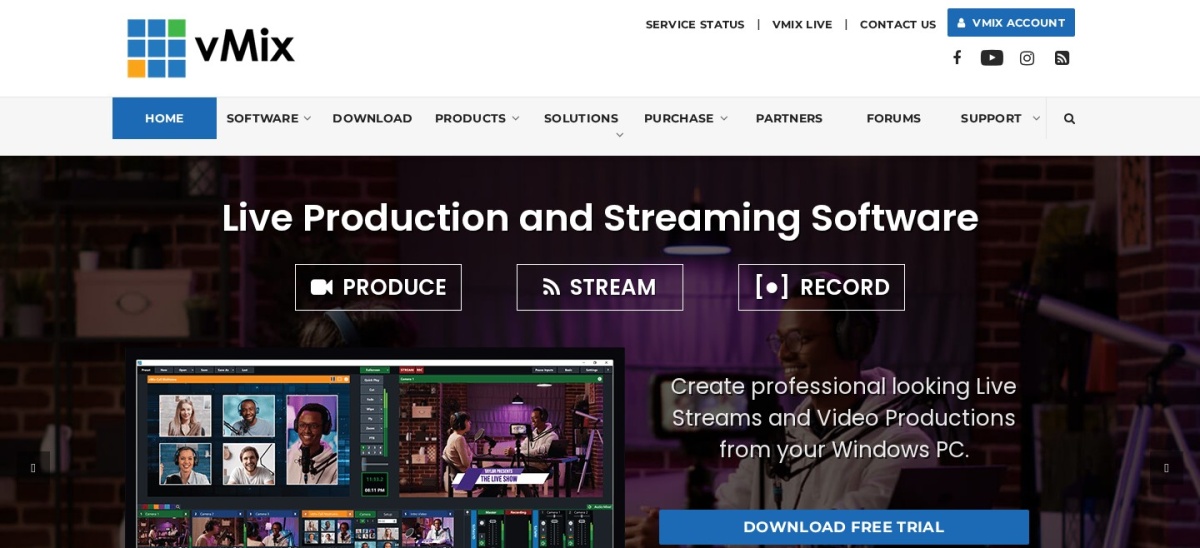
vMix is Windows live production software sold as a one-time licence instead of a subscription. Basic HD costs $60 once and allows 4 inputs, 1080p output and 1 overlay channel, while HD at $350 raises inputs to 1,000 and Pro at $1,200 adds replay and 8 callers.
The trade off is scope. Basic HD is generous for the price, but 4 inputs run out fast, and vMix is Windows-only with a steep learning curve. It suits gamers producing multi-camera shows or esports-style broadcasts on one PC.
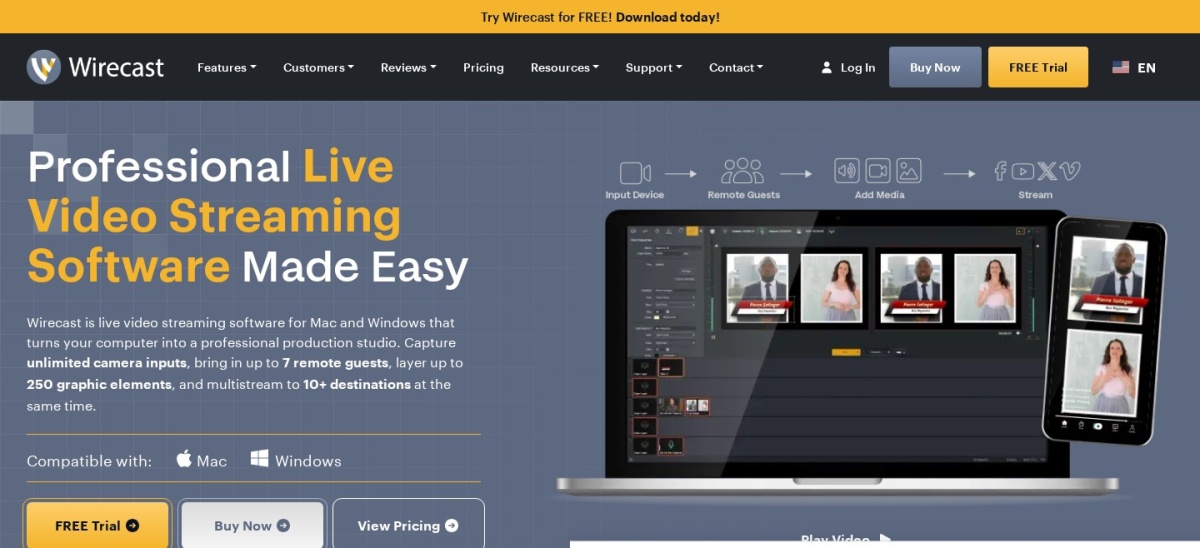
Wirecast is Telestream live production software for Mac and Windows, with scene switching, graphics, screen capture and camera switching in one app. Studio costs $59 a month, or $34 a month billed yearly, and supports 2 remote guests through Wirecast Rendezvous.
The trade off is cost. It is the priciest tool here by a wide margin, and cloud multistreaming needs Pro at $79 a month, or $42 a month billed yearly. It suits teams producing multi-camera shows for clients, not solo gamers.
Free plans cover solo streaming well. OBS Studio is free with no limits, and the free tiers of Streamlabs, XSplit and Restream all stream to at least one platform.
Paid plans mostly add convenience and reach. You get ready-made overlays, multistreaming, guest tools and branding removal, not better video quality.
A one-time licence is the cheapest paid route here. vMix Basic HD costs $60 once, against $180 to $708 a year for the subscriptions in this list.
If you stream to one platform from one PC, start free and pay only when a missing feature blocks a stream you already run.
How we chose
We started from the streaming apps most often recommended for gamers on Twitch and YouTube, then kept the eight with a current free plan or trial and a verifiable rating.
Prices come from each vendor's pricing page, checked on 30 November 2026, with the monthly regular price shown. Ratings come from G2 on the same day. Where a vendor shows a sale, the list shows the regular price.
We left out Twitch Studio, which ended support in May 2024, and PRISM Live Studio, whose pricing page was not available. No vendor paid for a place, and we do not claim to have used these tools ourselves.
How to choose live streaming software for gamers
Start with your computer and your platform, then pick the lightest tool that covers both.
Check your operating system first. XSplit and vMix are Windows-only and Ecamm Live is Mac-only, so a wrong pick wastes the whole install.
Pick OBS Studio if you stream solo. It costs nothing, runs on any computer and leaves the most CPU for the game itself.
Pay only for a missing feature. Choose Streamlabs for overlays, Restream for multistreaming or StreamYard for guests, and skip the rest.
Test with a private stream. Run a short unlisted stream first and watch for dropped frames before going live to viewers.
FAQ
What is the best live streaming software for gamers in 2026?
OBS Studio is the best live streaming software for gamers in 2026. It is free, open source, runs on Windows, Mac and Linux, and is rated 4.7 out of 5 on G2, with the lowest CPU load of the tools in this list.
Is OBS Studio really free for gamers?
Yes. OBS Studio is free and open source, with no paid plan, no watermark and no time limit. It streams to Twitch, YouTube, Kick and other platforms, and donations fund its development.
How much does live streaming software for gamers cost?
It ranges from $0 for OBS Studio to $59 a month for Wirecast Studio. Most gamers pay between $15 and $27 a month: XSplit Premium is $14.99, Restream Standard is $19, StreamYard Basic is $25 and Streamlabs Ultra is $27.
Which live streaming software is best for beginners?
Streamlabs Desktop is the easiest start. It adds guided setup, ready-made overlay themes and alert widgets to an OBS-style core, and the free tier streams at full 1080p to one platform.
OBS Studio vs Streamlabs: which is better for gamers?
OBS Studio is better for gamers who want full control and zero cost, since it is free and lighter on CPU. Streamlabs is better for beginners who want overlays, alerts and tipping ready to use without building scenes from scratch.
Can I stream to Twitch and YouTube at the same time?
Yes, with multistreaming. Restream multistreams to more than 30 destinations from the browser, Streamlabs Ultra adds multistreaming to its desktop app, and OBS Studio can multistream through a plug-in or a third-party service.
What live streaming software works on Mac for gamers?
OBS Studio, Streamlabs Desktop, Restream, StreamYard, Ecamm Live and Wirecast all run on Mac. Ecamm Live is Mac-only and is rated 4.8 out of 5, while XSplit and vMix are Windows-only.
SaaS SEO and WordPress specialist with about 8 years of experience. Rakib compares WordPress plugins, themes, hosting and software using public pricing, documentation and user reviews. See how we rank.