FreeCAD is the best LibreCAD alternative for most 2D drafters: it is free and open source, with parametric modeling and dimensioned 2D drafting, rated 4.1 out of 5 on G2. Pick QCAD for cleaner 2D drafting with a $48 one-time DWG upgrade, or DraftSight at $299 a year for professional DWG work.
How we make this list: we compare pricing pages, product documentation and public user reviews, then re-check every price before each update. No product paid for a place. Disclosure.
FreeCAD is the best free LibreCAD alternative, with parametric modeling and 2D drafting at $0 and a 4.1 out of 5 G2 rating.
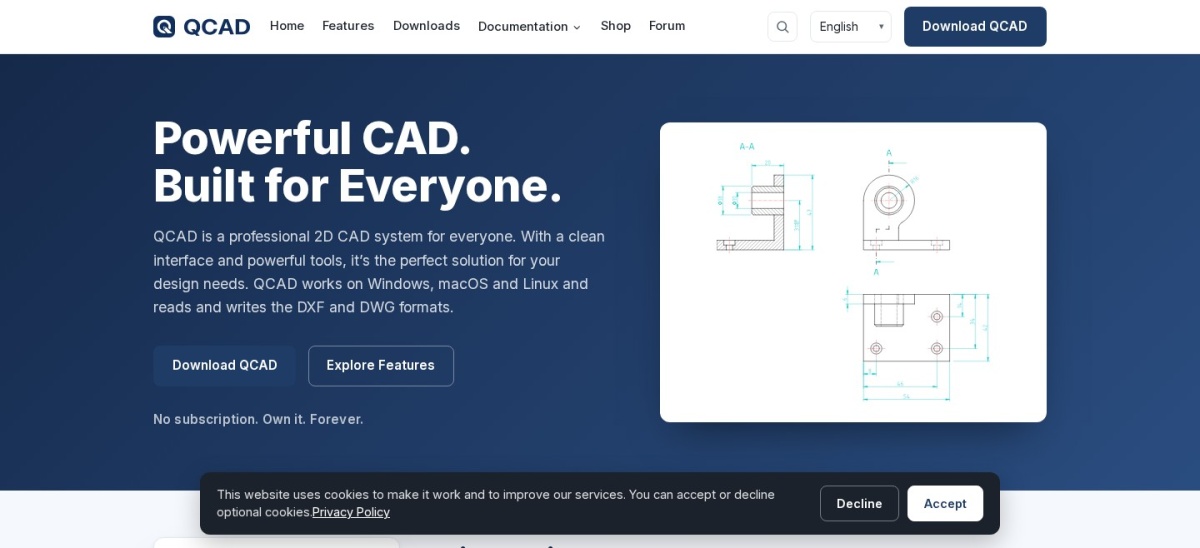
QCAD is the closest free 2D drafting match, and its $48 one-time Professional licence adds full DWG read and write.
DraftSight, ActCAD and ZWCAD all cover professional DWG drafting for $249 to $299, far below AutoCAD LT at $540 a year.
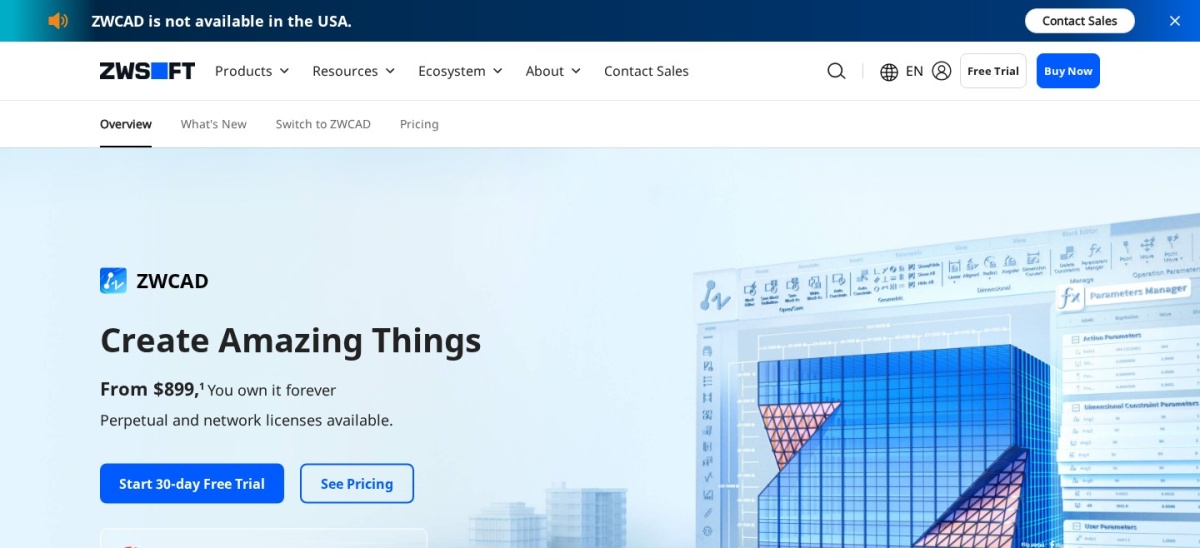
ZWCAD shows a banner saying it is not available in the USA, so check availability before you plan a switch.
Four of the 9 tools are free: FreeCAD, QCAD Community Edition, OpenSCAD and Fusion for personal use.
How do you choose the best LibreCAD alternatives?
Start with the file format your work already uses. LibreCAD reads and writes DXF, so a replacement must open your existing drawings without conversion loss, and DWG support matters the moment you exchange files with AutoCAD users.
Free tools cover most 2D drafting needs. FreeCAD, QCAD and OpenSCAD cost nothing, and each suits a different workflow: FreeCAD for parametric parts, QCAD for plain 2D drawings, OpenSCAD for code-driven models.
Paid tools earn their price through DWG compatibility and support. DraftSight, ZWCAD, BricsCAD and AutoCAD LT all read and write DWG natively, which removes the conversion step that slows down shared projects.
Price spreads are wide in this list. Entry costs run from $0 to $680 a year, with two one-time licences at $48 and $249, so the cheapest good fit is often a free tool or a one-time purchase rather than a subscription.
FreeCAD is a free, open-source parametric modeler with sketch constraints, assemblies, technical drawings and workbenches for CAM and simulation. It costs nothing, has no licence limits, and your files stay on your own computer.
The trade off is polish. The interface feels dated next to paid tools, and learning sketches and constraints takes time. It suits makers and engineers who want real parametric CAD without paying a subscription.
QCAD is a free, open-source 2D CAD application for technical drawings such as building plans, mechanical parts and schematics. The Community Edition is free, runs on Windows, macOS and Linux, and includes layers, blocks, dimensioning and a part library with over 4,800 parts.
The trade off is DWG support. The free edition works with DXF, while reading and writing DWG needs QCAD Professional at $48 once, which includes one year of updates. It suits drafters who want a tidy 2D tool and only pay once.
DraftSight is a professional CAD application from Dassault Systemes for creating, editing and sharing 2D drawings. Its Professional edition costs $299 per year and provides familiar drafting commands, dimensioning, layer management and native DWG, DXF and DGN support.
The trade off is scope. Professional concentrates on 2D drafting, while 3D modeling and BIM features need Premium at $599 per year. It suits small firms that exchange DWG files daily and want a lower bill than AutoCAD LT.
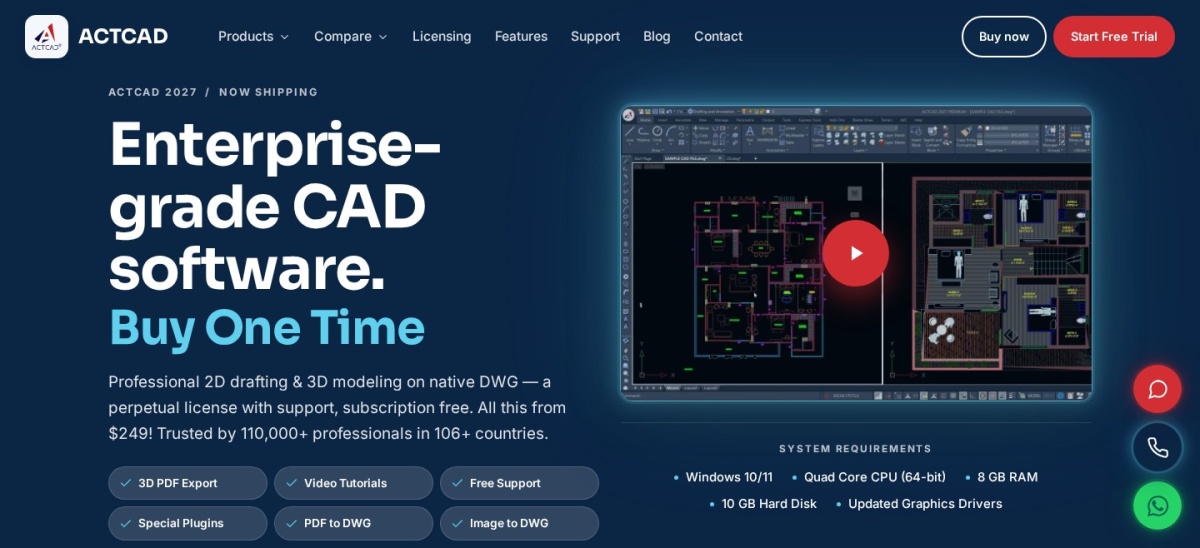
ActCAD is professional DWG and DXF CAD software for 2D drafting and 3D modeling, built on the IntelliCAD engine. The Standard edition costs $249 once for a perpetual licence, with a familiar AutoCAD-style interface, PDF to DWG conversion and a library of over 5,000 blocks.
The trade off is platform and polish. ActCAD runs on Windows only, and its smaller community means fewer tutorials than the big names. It suits Windows drafters who want to pay once and keep the licence.
ZWCAD is a fast DWG-compatible CAD tool from ZWSOFT for 2D drafting, with an interface and command set modelled on AutoCAD. The Flex Standard subscription costs $299 per year, and perpetual licences start at $899, with LISP support for custom routines.
The trade off is availability. The ZWCAD homepage states it is not available in the USA, so buyers there should confirm how to buy before planning a switch. It suits drafters outside that limit who want AutoCAD-style drafting at a lower price.
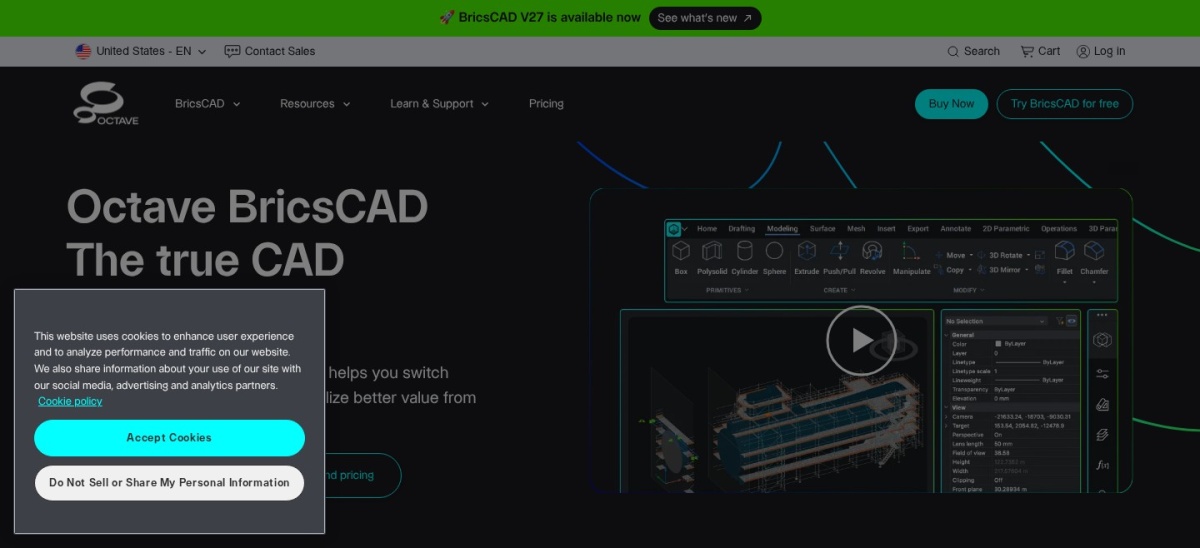
BricsCAD is a DWG-based CAD platform from Bricsys, now sold as Octave BricsCAD, for 2D drafting, 3D modeling and building design. The Lite edition costs $345 per year for 2D drafting with blocks, sheet sets, annotation and LISP routines, and a perpetual licence costs $780 once.
The trade off is that Lite is 2D only. 3D modeling needs Pro at $780 per year, and the add-on ecosystem is thinner than AutoCAD. It suits firms that want DWG drafting with the choice to own the licence outright.
AutoCAD LT is Autodesk's dedicated 2D CAD application for technical drawings, architectural plans and construction documentation. Its subscription costs $540 per year, or $45 per month billed yearly, and includes precise drawing tools, DWG compatibility and AutoLISP automation across desktop, web and mobile.
The trade off is price and scope. It costs nearly twice DraftSight, has no 3D modeling, and the Architecture and MEP toolsets are missing. It suits offices where clients and consultants expect native Autodesk DWG files.
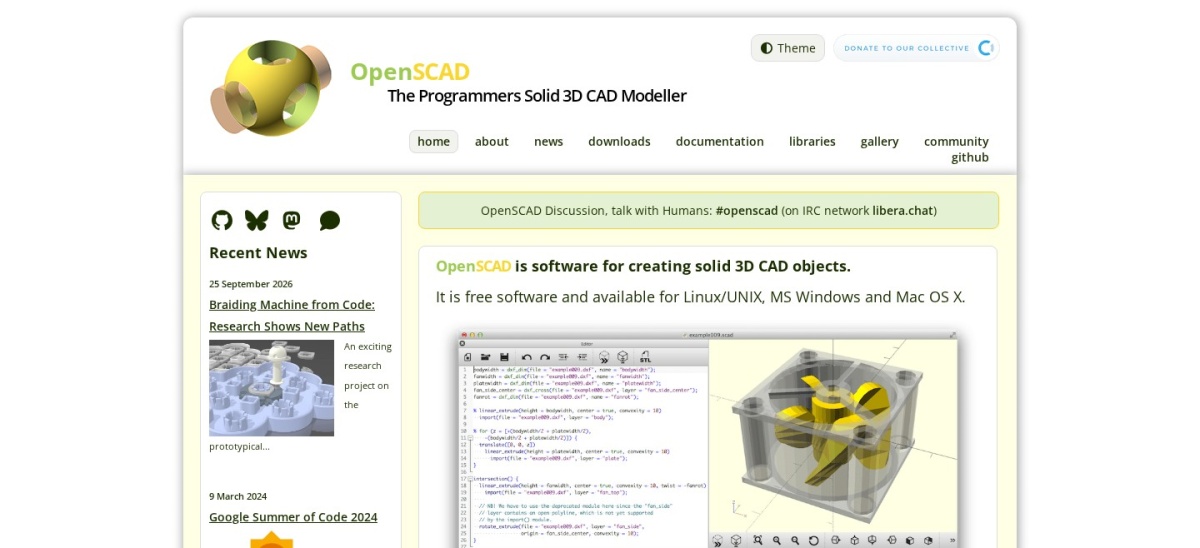
OpenSCAD is a free, open-source CAD tool where you build solid models by writing code instead of dragging shapes. Changing one number updates the whole part, so parametric brackets, gears and enclosures are easy to reuse, and scripts work well with version control.
The trade off is the learning curve. There is no interactive modeling, so you need basic coding and maths to get going, and it is a poor fit for freehand 2D drawings. It suits programmers and engineers who want exact, repeatable parts.
Autodesk Fusion is a professional parametric CAD tool with sketches, assemblies, simulation and CAM in one workspace. The free personal-use licence covers core modeling, drawings and basic CAM for home projects that earn under $1,000 a year from that work.
The trade off is the licence. Personal use is non-commercial and caps you at 10 editable documents, while commercial work needs the $680-a-year subscription. It suits LibreCAD users who are ready to model parts in 3D and send them to a printer or a machine shop.
Free tools cover 2D drafting well. FreeCAD, QCAD and OpenSCAD all draw, dimension and export files at no cost, and none of them expires.
Paid tools mostly add DWG compatibility and support. Native DWG read and write, vendor help and regular updates are what the paid plans buy, from $249 once to $680 a year.
One-time licences sit in the middle. QCAD Professional at $48 once and ActCAD at $249 once give you DWG support without a yearly bill, though updates after the first year may cost extra.
For a solo drafter, a free tool plus one one-time licence often covers everything. A firm that shares DWG files with AutoCAD users every day gets more value from DraftSight, ZWCAD, BricsCAD or AutoCAD LT.
How we chose
We started from the CAD tools most often recommended as LibreCAD replacements, then kept the 9 with active development, a working free plan or trial, and real 2D drafting.
Prices come from each vendor's pricing page and G2 pricing listings, checked on 29 November 2026. Ratings and review counts come from G2 and Capterra on the same day. Where a vendor shows a sale, the list shows the regular price.
We left out tools with no public rating and tools that only view drawings. No vendor paid for a place, and we do not claim to have used these tools ourselves for this list.
How to choose a LibreCAD alternative
Start with the drawings you already have, then match the tool to the files you exchange most.
Check your file formats first. If you only use DXF, a free tool is enough. If clients send DWG files, pick a tool with native DWG support such as QCAD Professional, DraftSight or ZWCAD.
Decide between 2D and 3D. Plain plans and schematics suit QCAD or DraftSight. Parts you will print or machine suit FreeCAD, OpenSCAD or Fusion instead.
Weigh one-time against subscription. QCAD at $48 once and ActCAD at $249 once cost less over three years than any subscription here except the free tools.
Try the export before you switch. Draw one real plan, export it in the format your clients need, and open it in their tool. A clean round trip on day one saves hours later.
FAQ
What is the best LibreCAD alternative in 2026?
FreeCAD is the best LibreCAD alternative for most people. It is free and open source, covers parametric modeling and dimensioned 2D drafting, and is rated 4.1 out of 5 on G2. QCAD is the better pick for plain 2D drafting only.
Is there a free alternative to LibreCAD?
Yes. FreeCAD, QCAD Community Edition and OpenSCAD are all free and open source. FreeCAD suits parametric parts, QCAD suits plain 2D drawings, and OpenSCAD suits code-driven models. None of them has a paid plan or an expiry date.
Which LibreCAD alternative is best for beginners?
QCAD is the easiest start for 2D drafting, with a clean interface, layers, blocks and dimensioning in the free Community Edition. FreeCAD is stronger for parts but takes longer to learn, so beginners who only draw plans should start with QCAD.
How much does a LibreCAD alternative cost?
Four tools in this list are free: FreeCAD, QCAD Community Edition, OpenSCAD and Fusion for personal use. Paid options start at $48 once for QCAD Professional and $249 once for ActCAD, while subscriptions run from $299 to $680 a year.
FreeCAD vs QCAD: which is better for 2D drafting?
QCAD is better for plain 2D drafting, with a cleaner interface and faster setup for plans and schematics. FreeCAD is better when drawings come from 3D parts, because its parametric sketches and assemblies link the drawing to the model.
Can LibreCAD alternatives open DWG files?
Yes, most paid tools here read and write DWG natively, including DraftSight, ActCAD, ZWCAD, BricsCAD and AutoCAD LT. QCAD needs the $48 Professional edition for DWG, and FreeCAD needs a converter, so check DWG support before you switch.
SaaS SEO and WordPress specialist with about 8 years of experience. Rakib compares WordPress plugins, themes, hosting and software using public pricing, documentation and user reviews. See how we rank.