GQueues is the best Google Tasks integration for most people, with native Google sync, a 4.8 out of 5 G2 rating and paid plans from $3 per user a month. Zapier is the better pick if you want Google Tasks to trigger workflows in hundreds of other apps, while Todoist is the strongest task manager that connects through it.
How we make this list: we compare pricing pages, product documentation and public user reviews, then re-check every price before each update. No product paid for a place. Disclosure.
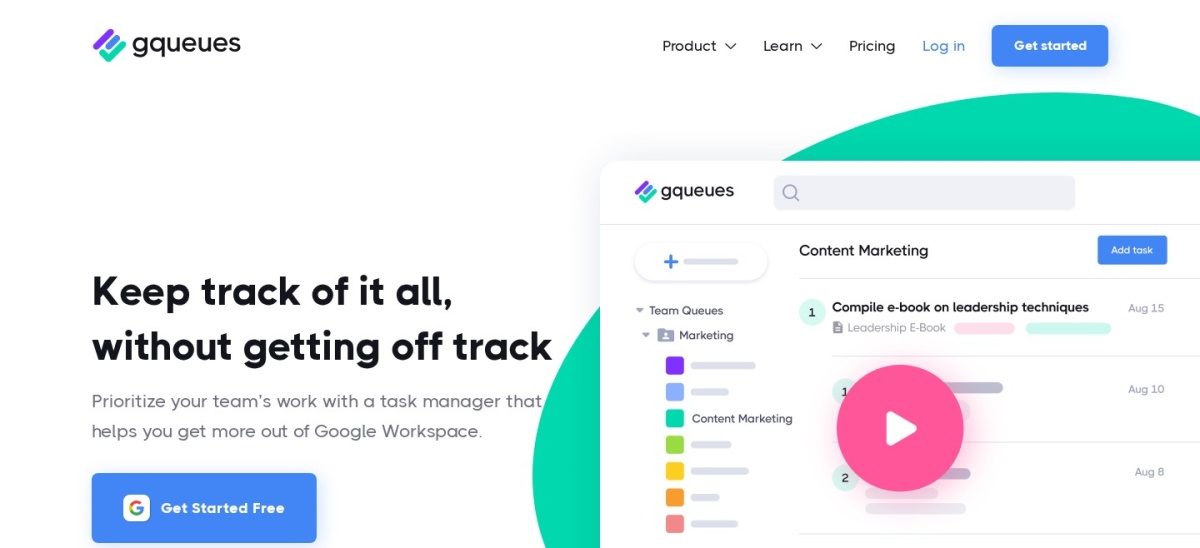
GQueues is the only native pick here: built for Google Workspace, it syncs tasks with Google Calendar and Gmail, from $3 per user a month.
Zapier connects Google Tasks to more than 9,000 apps; its free plan covers 100 tasks a month, and paid plans start at $19.99 a month.
Todoist, TickTick and Any.do are the cheapest task managers here, with paid plans from $35.99 to $60 a year.
Only GQueues and Zapier connect to Google Tasks directly; the other seven tools connect through Zapier or a similar automation platform.
ClickUp at $12 per user a month is the priciest team pick here, while Notion at $10 is the dearest single-user route to a Google Tasks link.
How do you pick the right Google Tasks integrations for your workflow?
Native sync beats a workaround every time. GQueues is the only tool here built on Google Workspace, so its tasks live beside Google Calendar and Gmail instead of passing through a third service.
Most task managers reach Google Tasks through Zapier. Todoist, TickTick, ClickUp, Asana, Trello, Any.do and Notion all connect that way, so budget for Zapier at $19.99 a month if you want live flows rather than a one-off import.
A task list only helps if it fits your week. Our guide on planning a content calendar shows how to turn a list into a dated plan you can actually follow.
Free plans cover the basics in all nine tools. Paid plans add reminders, team sharing, automation steps or unlimited projects, so pay only when a limit blocks you.
GQueues is a task manager built for Google Workspace, with two-way Google Calendar sync, a Gmail add-on and Google Drive attachments. The free Lite plan covers core task lists with due dates, tags and subtasks, and paid plans start at $3 per user a month.
The trade off is size. GQueues is rated 4.8 out of 5 on G2, but from only 34 reviews, and its Google integrations and reminders sit behind the paid YOU plan. It suits Google Workspace users who want their tasks to live where their email and calendar already are.
Zapier is an automation platform that lists Google Tasks among its 9,000+ apps, so a new or completed task can trigger actions in the tools you already use. The free plan covers 100 tasks a month and two-step Zaps, so a simple Google Tasks flow costs nothing to start.
The trade off is price. Paid plans start at $19.99 a month for Professional, and costs climb as task volume grows, so heavy flows get expensive fast. It suits anyone who wants Google Tasks to feed Slack, Sheets or a CRM without writing code.
Todoist is a to-do list app built around fast capture and natural language dates, so typing a task with a date files it at once. The free Beginner plan covers 5 personal projects, 3 filter views, list and board layouts and task reminders, and it connects to Google Tasks through Zapier.
The trade off is price. Pro costs $5 a month billed yearly ($60 a year) and adds 300 projects, calendar and table layouts, task duration, custom reminders and 150 filter views. It suits people who plan every day in one app and want it on every device.
What we like
Fast task capture with natural language dates
Works on web, desktop, mobile and watch
Free plan is usable, with reminders included
Rated 4.5 out of 5 from 870 G2 reviews
Watch out for
Calendar layout and custom reminders need Pro
No native Google Tasks sync, Zapier only
Pro price rose in December 2025, from $48 to $60 a year
Pro adds calendar views, deadlines and 150 filter viewsVisit todoist.com
04
TickTick
4.5/5on G2 (114 reviews, checked Nov 2026)
Paid from$35.99/yr
Best value paid plan
Google Tasks linkVia Zapier
Free planLists, reminders, calendar
PlatformsWeb, desktop, iOS, Android
Paid planPremium, $35.99/yr
ticktick.com
TickTick homepage, captured Nov 2026.
TickTick is a to-do list app that packs a calendar, habit tracker and Pomodoro timer into the same app as your tasks. The free plan covers lists, reminders and a calendar view, and Premium costs $35.99 a year or $2.99 a month. It connects to Google Tasks through Zapier.
The trade off is polish. TickTick is rated 4.5 out of 5 on G2 from 114 reviews, a much smaller base than Todoist or Asana, and its dense interface takes a day to learn. It suits people who want one app for tasks, habits and time blocking at the lowest paid price here.
ClickUp is a team workspace that covers tasks, docs, goals and chat in one place, with list, board, calendar and timeline views. The free plan covers unlimited tasks and members, and the paid Unlimited plan costs $12 per user a month. It connects to Google Tasks through Zapier.
The trade off is complexity. ClickUp is rated 4.6 out of 5 on G2 from 13,725 reviews, but new users often find the setup heavy, and the $12 seat price adds up fast for a team. It suits teams that want Google Tasks to feed a shared project hub rather than a personal list.
Asana is a team project tool built around shared tasks, timelines and workload views, with templates for common workflows. The free Personal plan covers up to 10 teammates, and the paid Starter plan costs $10.99 per user a month. It connects to Google Tasks through Zapier.
The trade off is cost per seat. Asana is rated 4.4 out of 5 on G2 from 14,024 reviews, and the per-user price makes it dearer than the personal tools here for a small group. It suits teams that already run projects in Asana and want Google Tasks items to land there automatically.
Trello is a Kanban board tool where each task is a card you drag between lists, with checklists, due dates and attachments on every card. The free plan covers 10 boards per workspace, and the paid Standard plan costs $5 per user a month. It connects to Google Tasks through Zapier.
The trade off is depth. Trello is rated 4.4 out of 5 on G2 from 14,037 reviews, but simple boards need Power-Ups and paid plans for timelines, dashboards and heavier automation. It suits visual planners who want Google Tasks to feed a board they can see at a glance.
What we like
Boards are quick to grasp and easy to share
Cards carry checklists, dates and attachments
Free plan covers 10 boards per workspace
Rated 4.4 out of 5 from 14,037 G2 reviews
Watch out for
Timelines and dashboards need paid plans
Thin for complex projects without Power-Ups
No native Google Tasks sync, Zapier only
Standard adds unlimited boards and advanced checklistsVisit trello.com
08
Any.do
4.2/5on G2 (197 reviews, checked Nov 2026)
Paid from$4.99/mo
Best for a calm daily plan
Google Tasks linkVia Zapier
Free planLists, reminders, calendar
PlatformsWeb, desktop, iOS, Android
Paid planPremium, $4.99/mo
any.do
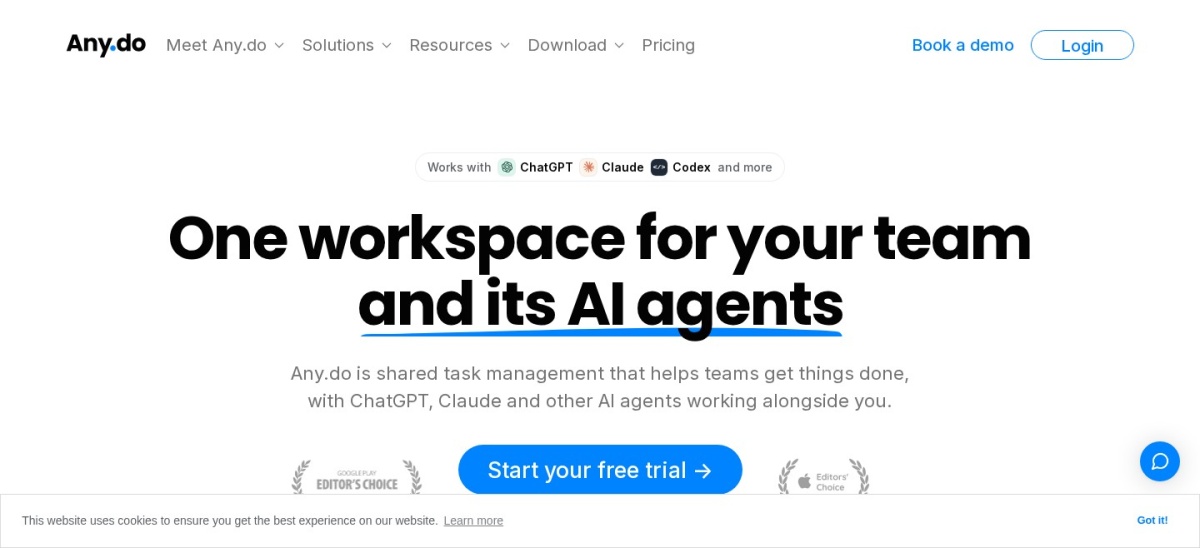
Any.do homepage, captured Nov 2026.
Any.do is a to-do list app with a built-in calendar, reminders and a daily planning view that walks through tomorrow's tasks. The free plan covers lists, reminders and a calendar view, and Premium costs $4.99 a month. It connects to Google Tasks through Zapier.
The trade off is reviews. Any.do is rated 4.2 out of 5 on G2 from 197 reviews, the lowest rating in this list, and its team features are thinner than Asana or ClickUp. It suits people who want a calm daily planner beside Google Tasks rather than a team workspace.
What we like
Daily planning view keeps each day focused
Built-in calendar and reminders
Simple to learn, with a clean layout
Free plan covers lists and reminders
Watch out for
Lowest G2 rating in this list at 4.2
Thin team features beside Asana or ClickUp
No native Google Tasks sync, Zapier only
Premium adds recurring and location remindersVisit any.do
09
Notion
4.7/5on Capterra (2,900 reviews, checked Nov 2026)
Paid from$10/user/mo
Best for tasks beside notes and docs
Google Tasks linkVia Zapier
Free planUnlimited pages for individuals
PlatformsWeb, desktop, iOS, Android
Paid planPlus, $10/user/mo
notion.com
Notion homepage, captured Nov 2026.
Notion is a workspace that mixes notes, docs, wikis and databases, so tasks can live beside the pages they relate to. The free plan covers unlimited pages for individuals, and the paid Plus plan costs $10 per user a month. It connects to Google Tasks through Zapier.
The trade off is focus. Notion is rated 4.7 out of 5 on Capterra from 2,900 reviews, the highest rating here, but it is a general workspace first and a task list second, so setup takes longer. It suits people who already plan in Notion and want Google Tasks to feed it.
Native sync is the simpler path. GQueues keeps tasks inside Google Workspace, so changes in Calendar or Gmail show up without a middle step or a task quota.
Zapier is the wider path. It connects Google Tasks to more than 9,000 apps, so one task can trigger a Slack message, a sheet row or a CRM update.
Most buyers should start native if they can. If your task manager is Todoist, Asana or Trello, the Zapier route works well, but remember the $19.99 a month for Professional once free tasks run out.
How we chose
We started from task managers and automation tools with a documented Google Tasks connection, then kept the nine with a public rating and a published price.
Prices and ratings were checked on 29 November 2026 from vendor pricing pages and G2 for GQueues, Zapier, Todoist, TickTick, ClickUp and Asana. Trello, Any.do and Notion use figures verified on 25 November 2026. Where a vendor shows a sale, the list shows the regular price.
We left out tools with no public rating, and tools that compete with Google Tasks without connecting to it. No vendor paid for a place, and we do not claim hands-on testing for this list.
How to choose a Google Tasks integration
Start with where your tasks already live, then pick the shortest path to Google Tasks.
Decide native or automation. If you live in Google Workspace, GQueues syncs natively. If Google Tasks is one of many apps, Zapier carries it everywhere else.
Pick the task manager first. Choose the list app you like using every day, then check its Google Tasks link. A strong app with a Zapier link beats a weak app with a native one.
Count seats before you pay. Team tools charge per user per month, so ClickUp at $12 or Asana at $10.99 adds up fast. Personal tools charge one flat yearly price.
Start free, then automate one flow. Try the free plan, then build a single Zap, such as new Google Tasks to your task manager, before paying for anything.
FAQ
What is the best Google Tasks integration in 2026?
GQueues is the best Google Tasks integration for most people. It is built for Google Workspace with native Google sync, rated 4.8 out of 5 on G2, and paid plans start at $3 per user a month, with a free Lite plan.
Is there a free Google Tasks integration?
Yes. GQueues Lite is free forever, and Zapier's free plan covers 100 tasks a month. Todoist, TickTick, ClickUp, Asana, Trello, Any.do and Notion all have free plans too, though their Google Tasks link runs through Zapier.
How much does a Google Tasks integration cost?
Paid plans run from $35.99 a year for TickTick to $19.99 a month for Zapier Professional. GQueues starts at $3 per user a month, Todoist Pro is $5 a month, and team tools charge $5 to $12 per user a month.
Can Todoist sync with Google Tasks?
Not directly. Todoist has no native Google Tasks sync, so the link runs through Zapier or a similar automation tool. A Zap can create Todoist tasks from Google Tasks items, or send completed Todoist tasks back the other way.
Which is better for Google Tasks, GQueues or Zapier?
GQueues is better if you live in Google Workspace and want tasks to sync natively with Calendar and Gmail. Zapier is better if Google Tasks is one stop among many apps, since it connects Google Tasks to more than 9,000 other tools.
Do I need Zapier to connect Google Tasks to Asana or Trello?
Yes, for a live link. Neither Asana nor Trello has a native Google Tasks sync, so Zapier carries tasks between them. Set the Zap to watch for new Google Tasks and create matching Asana tasks or Trello cards.
What is the cheapest Google Tasks integration?
TickTick is the cheapest paid route at $35.99 a year, and GQueues Lite and Zapier's free plan cost nothing. If you only need a basic link, start free and pay only when task volume or team features demand it.
SaaS SEO and WordPress specialist with about 8 years of experience. Rakib compares WordPress plugins, themes, hosting and software using public pricing, documentation and user reviews. See how we rank.