GanttPRO is the best gantt chart software for engineering projects for most teams, because critical path, baselines and export sit on its $7-per-user Core plan. Microsoft Project suits firms that need the desktop scheduler and .mpp files, while Smartsheet fits teams that plan in spreadsheets.
How we make this list: we compare pricing pages, product documentation and public user reviews, then re-check every price before each update. No product paid for a place. Disclosure.
GanttPRO is the only tool here with critical path, baselines, milestones and export on its cheapest plan, at $7 a user a month.
Microsoft Project Plan 3 at $30 a user a month adds the desktop client, baselines and critical path; Plan 1 at $10 is web-only.
Smartsheet starts at $9 a member a month, but baselines need Business at $19, so budget for the higher tier if you compare plans.
monday.com and Asana both charge more for a real schedule: Gantt needs monday.com Standard at $12, and Asana keeps critical path for Advanced at $24.99.
Zoho Projects is the cheapest paid Gantt in this list at $4 a user a month, while TeamGantt is the only dedicated Gantt-first tool with a full chart free for one project.
How do you choose gantt chart software for engineering projects?
A Gantt chart turns a task list into a timeline. Each bar shows when work starts and ends, so slipped dates and overloaded weeks are easy to spot before they become delays.
Dependencies matter most. A useful Gantt tool links tasks so moving one bar shifts the ones that follow, and shows the critical path of tasks that decide the finish date.
Check which plan includes the Gantt view before you buy. Several tools in this list sell a cheap first plan without it, and the Gantt view only appears one tier up.
A shared plan helps the schedule land. Our guide on creating a content calendar for a WordPress blog shows the same habit of dating work and assigning owners, which is what a Gantt chart makes visible.
The 9 best gantt chart software for engineering projects
01
GanttPRO
4.8/5on G2 (590 reviews, checked Nov 2026)
Starts at$7/mo
Best dedicated Gantt chart maker
Gantt viewCore feature
Critical pathEvery plan
BaselinesEvery plan
Paid planCore, $7/user/mo
ganttpro.com
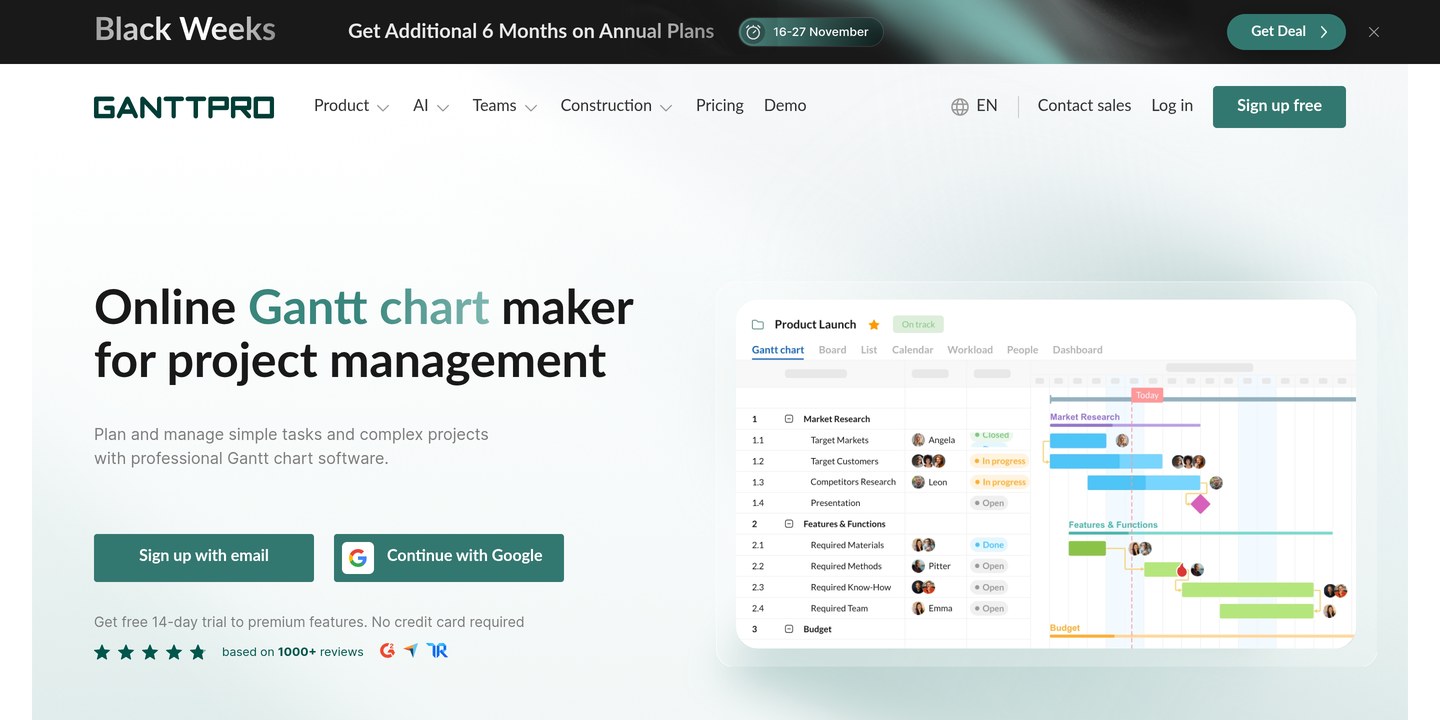
GanttPRO homepage, captured Nov 2026.
GanttPRO is an online Gantt chart maker built for planning projects on a timeline. Core starts at $7 per user a month billed yearly and covers Gantt charts with dependencies, resource workload views and time tracking, with a 14-day free trial and no free plan.
The trade off is scope. GanttPRO does less outside the timeline than the all-in-one tools here, and it has no built-in invoicing. It suits engineering teams that plan in Gantt charts all day and want a focused tool at a low price.
What we like
Joint highest G2 rating in this list at 4.8 out of 5
Critical path and baselines on the cheapest plan
Lowest paid starting price for a Gantt-first tool
Workload and time tracking included
Watch out for
No free plan, only a 14-day trial
Narrower than all-in-one rivals outside Gantt views
Microsoft Project is the reference scheduler for engineering work, now sold inside the Planner family. Planner Plan 1 costs $10 per user a month billed yearly for web planning, while Planner and Project Plan 3 at $30 adds baselines, critical path, lead and lag, and the Project desktop client.
The trade off is the tier maze. Plan 1 is web-only, so the full scheduling engine needs Plan 3, and Project Online was retired on 30 September 2026. It suits firms already on Microsoft 365 whose clients or agencies still ask for .mpp files.
What we like
Deepest scheduling logic in this list
Desktop client that agencies still request by name
Works with .mpp files clients already use
Watch out for
Full scheduling needs Plan 3 at $30 a user a month
No free plan
Overlapping tiers confuse teams that only need a timeline
Smartsheet is a grid that behaves like a database and flips to a Gantt view without rebuilding anything. Each row is a task with date, duration and predecessor columns, and the Gantt draws itself beside the grid. Pro starts at $9 per member a month billed yearly, for 1 to 10 members.
The trade off is baselines. They only come with Business at $19 a member a month, with a 3-member minimum, so a team that compares plans needs at least $57 a month. It suits teams that grew up on Excel and want formulas, predecessors and reports beside the schedule.
What we like
Most natural fit for Excel users
Dates recalculate through dependencies
Very flexible formulas and columns
Free viewers and contributors alongside paid members
Watch out for
Baselines only on Business at $19 a member a month
No free plan
Linking projects means building reports or dashboards
Wrike is a work management platform with one of the most serious Gantt charts among general tools. The interactive Gantt comes from the Team plan at $10 per user a month, with drag-and-drop bars, dependencies and workload views, plus approvals and request forms for consultant coordination.
The trade off is the step up. Critical path needs Business at $25 per user a month, sold in packs of 5 seats, and Team stops at 15 users. It suits departments and PMOs running several engineering projects at once that will invest time in setup.
What we like
Strongest Gantt among tools built for big teams
Workload and Gantt in the same place
Gantt from the first paid plan
Custom item types for submittals and inspections
Watch out for
Critical path only on Business at $25 a user a month
Business seats come in packs of 5
Slowest to learn in this list
Business adds critical path, Gantt snapshots and reportingVisit wrike.com
05
TeamGantt
4.8/5on G2 (895 reviews, checked Nov 2026)
Paid from$24.95/mo
Best Gantt-first planner
Gantt viewCore feature, drag and drop
Free plan1 user, 1 project
DependenciesYes
Paid planStandard, $24.95/mo
teamgantt.com
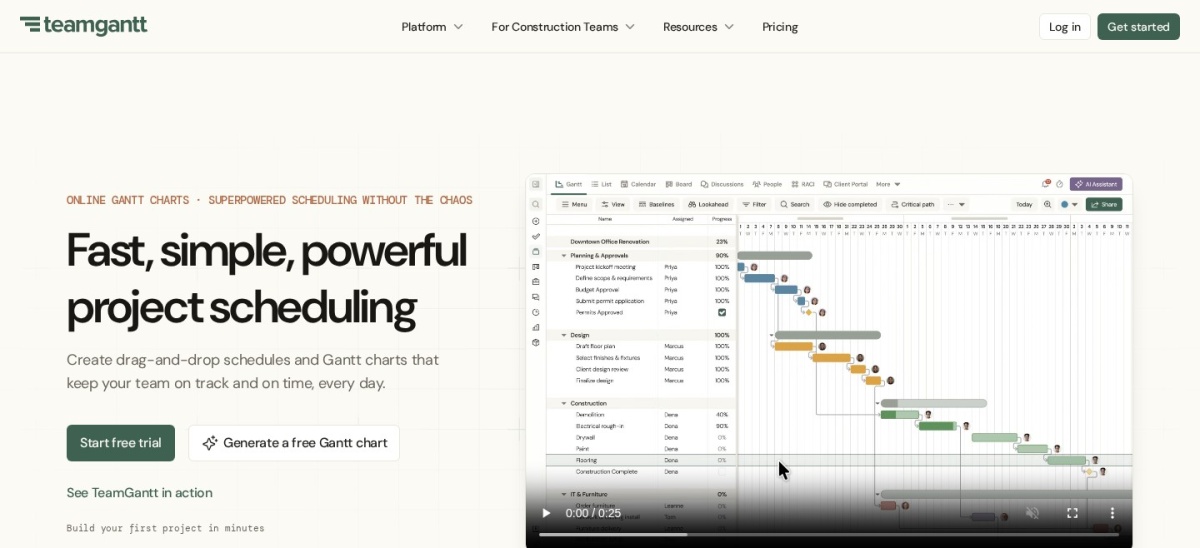
TeamGantt homepage, captured Nov 2026.
TeamGantt is a dedicated Gantt tool that opens on the schedule, not on a task list. Its drag-and-drop chart covers dependencies, lockable milestones and an actual-versus-estimated view, and it exports to CSV, PDF and Microsoft Project format. The free Personal plan covers 1 user, 1 project and 40 tasks.
The trade off is price and depth. Paid plans are priced by project count rather than per seat, and there is no clearly offered critical path, so check that before you buy. It suits small teams that want a readable schedule to share with clients and consultants without per-seat costs.
What we like
Joint highest G2 rating in this list at 4.8 out of 5
Very easy to pick up
Clients and collaborators invited without per-seat cost
monday.com is a board-based work platform where the schedule lives beside the work, with timelines, calendars and a Gantt view on the same board. The free plan covers up to 2 seats, and the Gantt view starts on Standard at $12 per seat a month billed yearly.
The trade off is that the cheapest paid plan is light. Basic at $9 has no Gantt view, and dynamic dependencies that push later tasks when one slips need Pro at $19. It suits teams that want a visual schedule everyone can read, and are fine paying for Pro to get dependencies.
What we like
Highest G2 rating among the all-in-one tools here at 4.7 out of 5
Easiest Gantt to get a team using
Schedule lives where the work is
Clear dashboards for leadership
Watch out for
No Gantt on the free plan or Basic at $9
Dynamic dependencies only on Pro at $19
Real cost inflated by the 3-seat minimum
Standard adds the Gantt view; Pro adds dynamic dependenciesVisit monday.com
07
Asana
4.4/5on G2 (14,164 reviews, checked Nov 2026)
Paid from$10.99/mo
Best for cross-functional teams
Gantt viewStarter, $10.99/user/mo
Critical pathAdvanced, $24.99/mo
Free planPersonal, up to 2 users
Paid planStarter, $10.99/user/mo
asana.com
Asana homepage, captured Nov 2026.
Asana is a work management platform built on clarity, and its Gantt follows suit. From Starter at $10.99 per user a month billed yearly, you get Timeline, the Gantt view, dependencies and milestones, plus forms, rules and dashboards. The free Personal plan covers up to 2 users with no Gantt view.
The trade off is heavy scheduling. Critical path needs Advanced at $24.99 per user a month, and the baseline comparison is hard to act on, with no variance column. It suits cross-functional teams that run projects of a few weeks or months and want a readable timeline.
What we like
Most readable Gantt for non-specialists
Dependencies and milestones on the first paid plan
Great PM tool for everything else
Free guests cover external collaborators
Watch out for
Critical path only on Advanced at $24.99
Baseline comparison hard to act on
Gantt columns cannot be edited
Advanced adds critical path, portfolios and workloadVisit asana.com
08
ClickUp
4.6/5on G2 (13,719 reviews, checked Nov 2026)
Paid from$12/mo
Best Gantt inside an all-in-one tool
Gantt viewCore, $12/user/mo
Critical pathBusiness, $17/mo
Free planYes, unlimited tasks
Paid planCore, $12/user/mo
clickup.com
ClickUp homepage, captured Nov 2026.
ClickUp is an all-in-one work platform that bundles tasks, docs, whiteboards, chat, goals and time tracking into one workspace. Gantt is one view out of about fifteen, with dependencies on the free plan and unlimited Gantt from Core at $12 per user a month billed yearly, the regular price.
The trade off is that the serious scheduling features sit higher. Critical path and slack time are only a trial on Core and included from Business at $17, and Gantt PDF export is Business-only. It suits teams of 5 to 50 that want one tool for everything, with a Gantt view beside the work.
What we like
Tasks, docs, time and Gantt in one tool
Best feature-to-price ratio among all-in-one tools
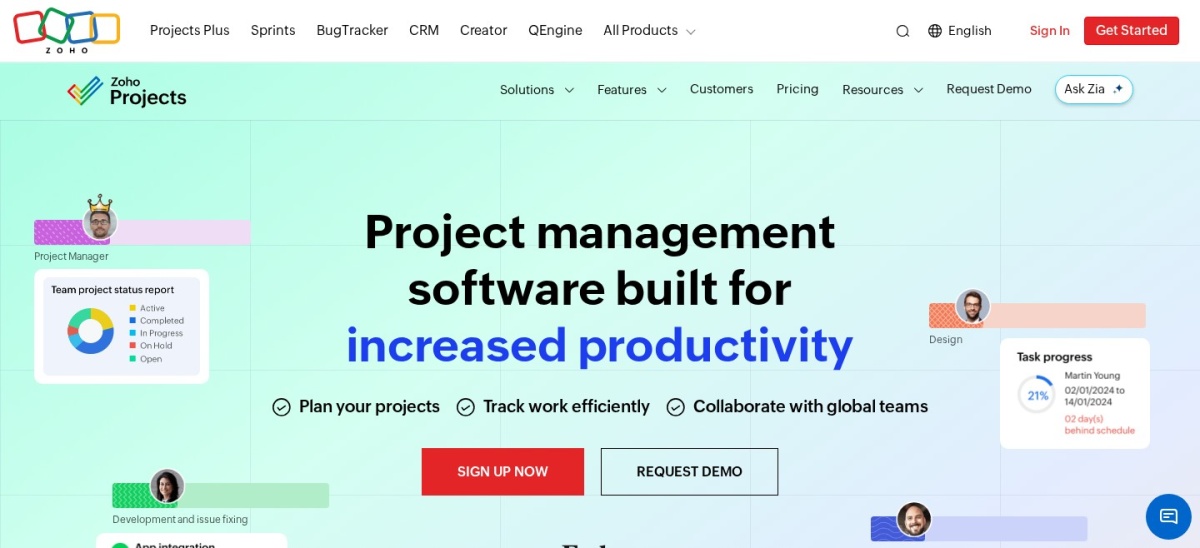
Zoho Projects is a project management tool with Gantt charts, milestones, dependencies and time tracking at a low price. Premium starts at $4 per user a month billed yearly and includes the Gantt view, while the free plan covers small teams getting started.
The trade off is depth. Critical path and baselines sit on the higher Enterprise plans, and the Gantt view is less polished than the dedicated tools here. It suits small engineering teams that want a full project tool for the price of a coffee each month.
What we like
Cheapest paid Gantt in this list at $4 a user a month
Gantt, milestones and time tracking included
Free plan for small teams
Watch out for
Critical path on higher plans only
Gantt view less polished than dedicated tools
Reporting is thinner than Smartsheet or Wrike
Premium adds the Gantt view; Enterprise adds critical pathVisit zoho.com
Gantt basics: dependencies, baselines and the critical path
A Gantt chart is only as good as its links. Without dependencies, a chart is a picture of dates, not a plan that updates when work slips.
The critical path is the chain of tasks that sets the finish date. If a task on that path slips by a day, the whole project slips by a day.
Baselines let you compare the plan with reality. Save the first agreed dates, then check current bars against them when you report progress.
Free plans rarely include all three. Check dependencies, baselines and the critical path on the plan you would actually pay for, not the free tier.
How we chose
We started from the Gantt tools most often named for engineering work, then kept nine with a real Gantt view, dependencies and a published price.
Prices come from each vendor's pricing page, checked on 30 November 2026. Ratings and review counts come from G2 on the same day. Where a vendor shows a sale, the list shows the regular price, and the price shown is the cheapest plan that includes the Gantt view.
We left out tools with no published price and quote-only enterprise suites. No vendor paid for a place, and we do not claim to have used these tools ourselves.
How to choose gantt chart software for engineering projects
Start with the schedule, not the task list, then check which plan actually includes the scheduling features.
List the scheduling features you need. Dependencies, critical path and baselines are the three that matter for engineering work. If any of them sits on a higher plan, price that plan, not the entry one.
Check the Gantt plan, not the cheapest plan. monday.com Basic and Asana Personal have no Gantt view, and Smartsheet keeps baselines for Business. Confirm the Gantt tier before you budget.
Count seats and minimums. monday.com needs 3 seats, Smartsheet Business needs 3 members, and Wrike Business sells seats in packs of 5. Multiply by the minimum, not your headcount.
Check the export your client expects. A general contractor may ask for a PDF or an MS Project file. TeamGantt exports to Microsoft Project format, while ClickUp keeps Gantt PDF export for Business.
FAQ
What is the best gantt chart software for engineering projects?
GanttPRO is the best pick for most engineering teams. Its $7-per-user Core plan includes critical path, baselines, milestones and export, which other tools keep for higher tiers.
How much does gantt chart software for engineering projects cost?
Paid plans in this list run from $4 a user a month to $24.95 a month. GanttPRO costs $7, Smartsheet $9, Microsoft Project $10 and Zoho Projects $4, all billed yearly.
Is there free gantt chart software for engineering projects?
Yes, with limits. TeamGantt gives a full Gantt chart free for 1 user and 1 project of 40 tasks, while ClickUp limits Gantt use on its free plan. monday.com and Asana have no Gantt on their free plans.
Which gantt chart software is best for small engineering teams?
GanttPRO is the best fit for a small team that lives in the schedule, at $7 a user a month. TeamGantt suits teams that share the plan with clients, and Zoho Projects is the cheapest paid option at $4.
GanttPRO vs Microsoft Project: which is better for engineering projects?
GanttPRO is better for most teams, with critical path and baselines from $7 a user a month. Microsoft Project is better when a client or agency requires .mpp files or the desktop client, which needs Plan 3 at $30.
Does Microsoft Project include baselines and critical path?
Yes, but not on the cheapest plan. Planner Plan 1 at $10 a user a month is web-only, while Planner and Project Plan 3 at $30 adds baselines, critical path and the desktop client.
What is a baseline in a Gantt chart?
A baseline is a frozen copy of the schedule, taken when the plan is approved. The tool then shows planned bars beside actual bars, so you can see every slip. Set it on sign-off day and only reset it after a signed scope change.
SaaS SEO and WordPress specialist with about 8 years of experience. Rakib compares WordPress plugins, themes, hosting and software using public pricing, documentation and user reviews. See how we rank.