Notion is the best free alternative to OneNote for most people. Its free plan covers unlimited pages for one person, with databases and templates OneNote lacks, and it is rated 4.6 out of 5 on G2. Pick Obsidian if you want notes as local files you own, or Google Keep for the fastest quick notes.
How we make this list: we compare pricing pages, product documentation and public user reviews, then re-check every price before each update. No product paid for a place. Disclosure.
Notion is the strongest free pick: unlimited pages for one person, plus databases, tasks and templates.
Obsidian, Joplin, Google Keep and Simplenote cost nothing for the full app, with no note limit on the free plan.
Bear Pro rose to $39.99 a year for new subscribers on 24 November 2026, up from $29.99.
Evernote has the tightest free plan here: 50 notes, one notebook and one device.
Five of the nine tools charge under $50 a year for their cheapest paid plan.
What should a free alternative to OneNote do?
A good free alternative to OneNote should let you write, organise and find notes without a subscription. That means no hard note cap, sync across your devices, and search that works on the free plan.
Free does not mean the same thing in every app. Obsidian, Joplin and Simplenote give away the whole app, while Notion, Bear and Evernote keep sync, history or extra devices behind a paid plan.
Check the free plan limits before you move your notes. Evernote caps free users at 50 notes and one notebook, and Bear keeps sync behind Pro, so a big OneNote library may not fit.
Local-first apps change the deal. Our guide on the 3-2-1 backup rule for websites explains why a copy outside the app matters, and the same idea applies to notes stored only on your own devices.
Notion is an all-in-one workspace for notes, docs, tasks and wikis that runs on Windows, Mac, iOS, Android and the web. The free plan gives one person unlimited pages and blocks, 10 guests, 7-day page history and 5 MB file uploads, plus databases, templates and a calendar.
The trade off is that the bill grows per person. Plus costs $10 per member a month billed yearly, or $12 billed monthly, and adds unlimited file uploads, 30-day history and 100 guests. It suits people and small teams who want notes, tasks and docs in one place rather than a notes-only app.
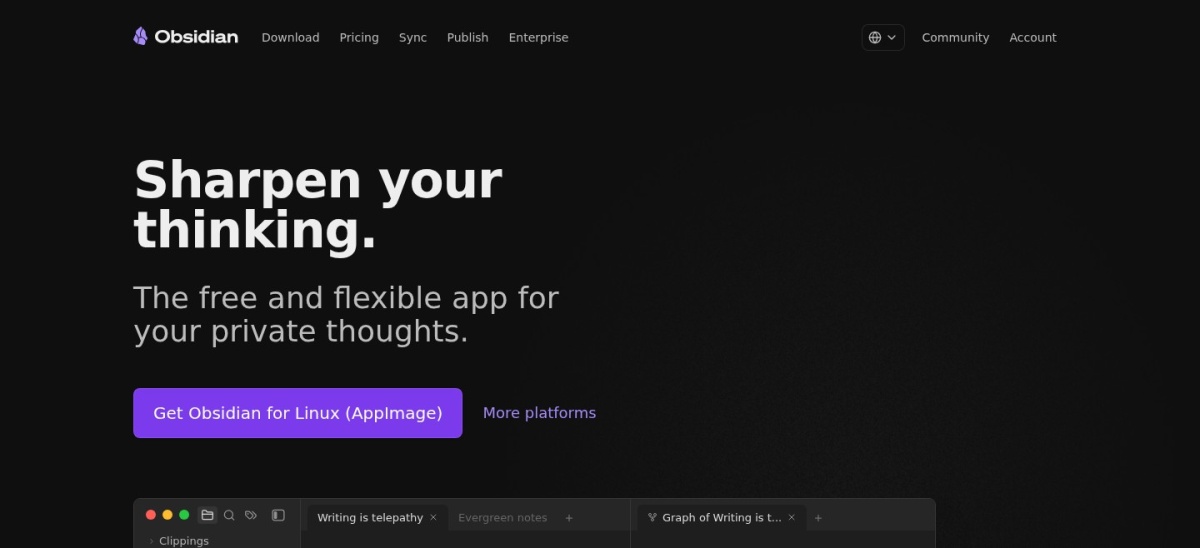
Obsidian is a free Markdown note app that stores every note as a plain-text file on your device, with apps for Windows, Mac, Linux, iOS, Android and the web. Backlinks, a graph view and community plugins turn notes into a linked knowledge base, and the app is free for personal and commercial use.
The trade off is sync. Sync Standard costs $4 a month billed yearly, or $5 billed monthly, for one vault with 1 GB of storage and a 5 MB file limit. It suits writers and researchers who want to own their files and pay only for sync.
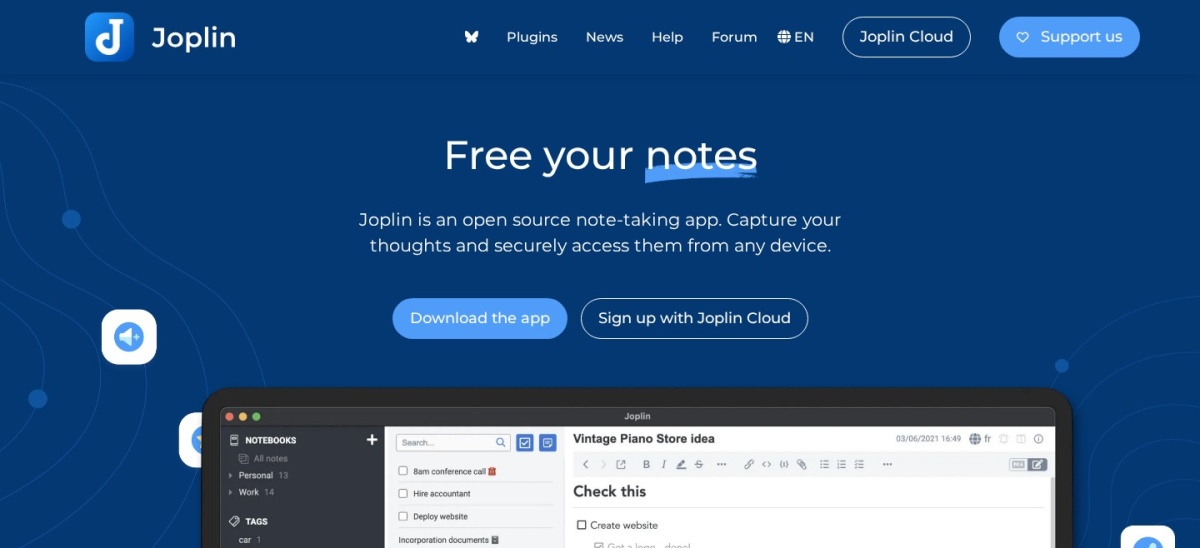
Joplin is an open-source note-taking app for desktop and mobile that supports Markdown, to-dos and end-to-end encryption. The apps are free, with no cap on notes, and you can sync free through Dropbox, OneDrive, Nextcloud or WebDAV, or pay for the hosted Joplin Cloud service.
The trade off is polish and currency. Cloud Basic lists at EUR 2.40 a month billed yearly (about $2.63) for 2 GB of storage and a 10 MB note size, and prices are shown in euros only. It suits people who want open-source notes and control over where their data lives.
What we like
Free open-source apps across desktop and mobile
Low-cost Joplin Cloud sync starting around $2.63/mo yearly
End-to-end encryption built in
Sync free through your own cloud storage
Watch out for
Basic cloud sync caps storage at 2 GB and 10 MB files
Cloud prices are in euros, not dollars
Smallest review base in this list, only 14 on Capterra
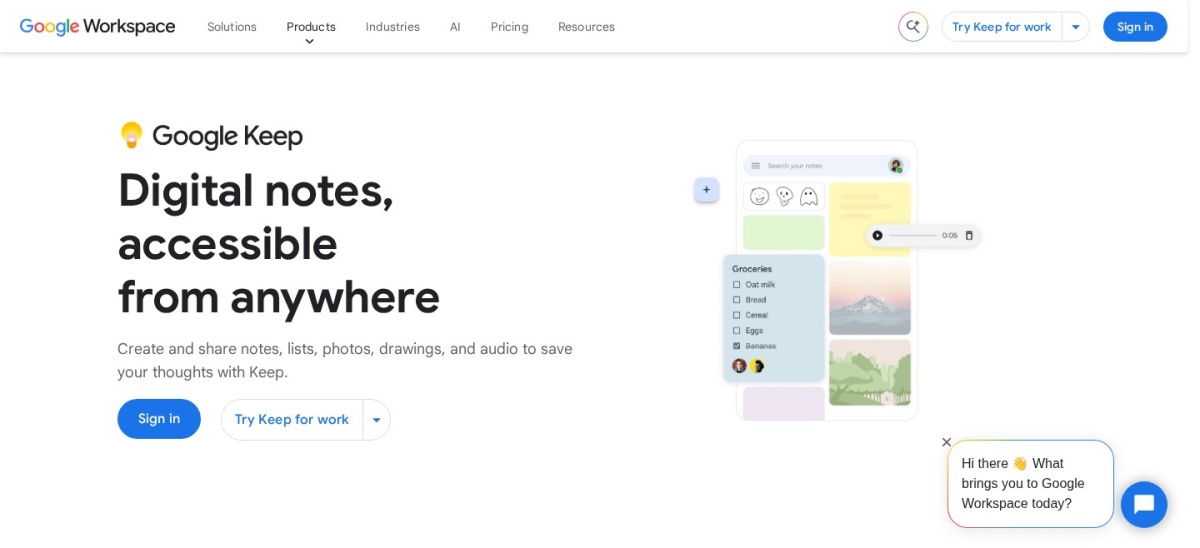
Google Keep is a free note app from Google for Android, iOS and the web, with a Chrome extension and an Android widget for quick capture. Notes can be colour-coded, labelled, pinned, shared, and set with time or location reminders, and voice notes are transcribed automatically.
The trade off is depth. Keep has no folders, little formatting and no handwriting canvas, so long documents and large notebooks outgrow it fast. It suits anyone who wants the fastest way to catch a thought, a list or a reminder.
Bear is a Markdown notes app for Mac, iPhone and iPad that organises notes with nested tags instead of folders. The free version gives local access to notes, document scanning, tables, sketches and three themes, with Apple Pencil support on iPad.
The trade off is sync. Bear Pro costs $3.99 a month or $39.99 a year after a 7-day trial, and adds iCloud sync across devices, note encryption, OCR search and export to PDF, HTML, DOCX and JPG. It suits Apple users who write in Markdown and want a calm editor.
What we like
Free core covers writing and organising
Rated 4.5 out of 5 on G2 from 45 reviews
Fast, focused editor with nested tags
Apple Pencil sketches inside notes
Watch out for
Apple devices only, no Windows, Android or web app
Sync needs the Pro subscription
Pro price rose from $29.99 to $39.99 a year in Nov 2026
Pro adds iCloud sync, encryption and OCR searchVisit bear.app
06
Evernote
4.3/5on G2 (2,046 reviews, checked Nov 2026)
Paid from$8.25/mo
Best for searching years of clipped notes
PlatformsWindows, Mac, iOS, Android, web
Free plan50 notes, 1 notebook, 1 device
Web clipperYes
Paid planStarter, $8.25/mo billed yearly
evernote.com
Evernote homepage, captured Nov 2026.
Evernote is the classic note-taking app, with a web clipper, notebooks, tags and search that reads text inside PDFs, photos and scanned documents. The free plan allows 50 notes, one notebook and one device, which works as a trial rather than a long-term home.
The trade off is price against that tight free plan. Starter costs $8.25 a month billed yearly ($99 a year) and lifts the caps, adds offline notebooks and 10 GB of monthly uploads. It suits people with years of saved documents who need powerful search across everything they clip.
UpNote is a clean, typed notes app that works on iPhone, iPad, Android, Mac, Windows and Linux. It syncs across devices, works offline, supports Markdown shortcuts, and the free version allows up to 50 notes with syncing, formatting, organisation and linking.
The trade off is scale. Premium costs $1.99 a month or $39.99 for lifetime access, and removes the note cap while adding attachments, tables, note locking and export to PDF and Markdown. It suits people who want a simple cross-platform notebook without a recurring bill.
What we like
Rated 4.7 out of 5 on G2 from 135 reviews
Lifetime Premium costs $39.99 once, no subscription
Standard Notes is an encrypted note-taking app with end-to-end encryption and multi-device sync included on its free plan. Free users get unlimited plain-text notes on unlimited devices, and the code is open source with audits by Cure53 and Trail of Bits.
The trade off is the editor. Markdown, rich text, checklists, folders and the Super note type need the Productivity plan at $90 a year, billed yearly only. It suits people who store private journals and sensitive writing and want encryption by default.
What we like
End-to-end encryption on every plan, including free
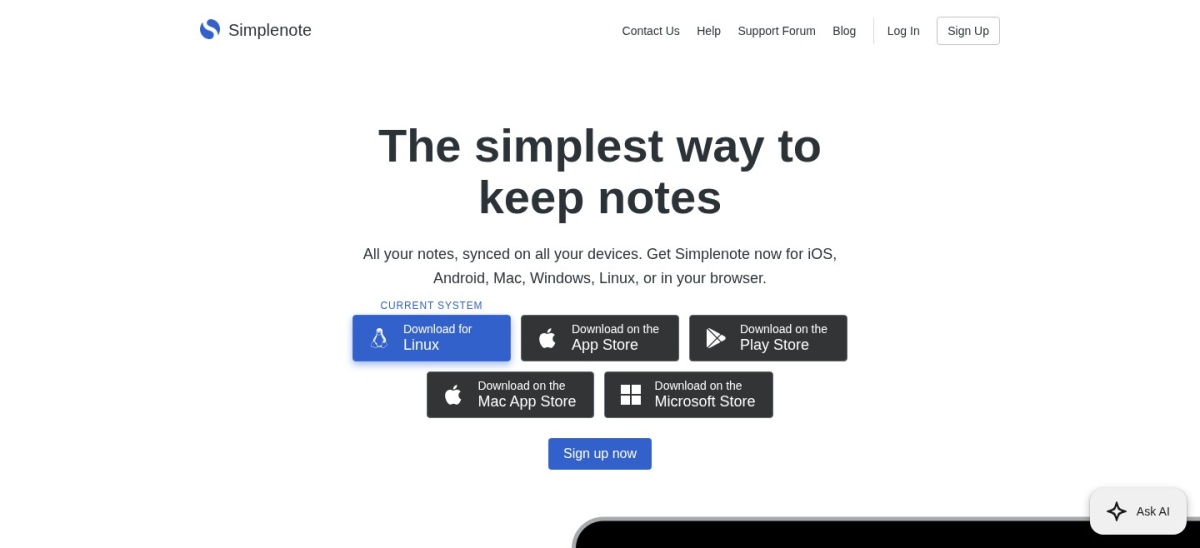
Simplenote is a plain-text and Markdown note app from Automattic that is completely free, with no paid tier at all. Every feature is included: apps on every platform, syncing, backups, tags, sharing and version history, with no cap on notes.
The trade off is features. There are no folders, no rich formatting, no handwriting and no file attachments, so it stays a simple text notebook by design. It suits people who want the lightest possible OneNote replacement and never want to see a paywall.
Free plans cover daily notes well. Most include unlimited notes, sync on at least one or two devices, and search.
Paid plans mostly add device limits, storage and history. Evernote Starter lifts the free plan from 50 notes to 1,000, and Notion Plus adds 30-day page history.
Local-first apps flip the deal. Obsidian, Joplin and Standard Notes give you the full app free and only charge for their own sync service.
Whatever you pick, keep a copy outside the app. Our 3-2-1 backup rule guide explains the habit, and the same idea applies to notes stored only on your own devices.
How we chose
We started from the note apps most often named as OneNote replacements, then kept those with a usable free plan and a published rating on G2 or Capterra.
Prices come from each vendor's pricing page, checked on 29 November 2026. Ratings come from G2 or Capterra on the same day. Where a vendor shows a sale, the list shows the regular price.
We left out Apple Notes, which has no solid G2 or Capterra rating base. No vendor paid for a place, and we do not claim to have used these tools ourselves.
How to choose a free alternative to OneNote
Start with how you take notes now, then match the free plan to that habit.
Count your notes and devices. If you have hundreds of notes, skip free plans capped at 50, such as Evernote and UpNote, and start with Notion, Obsidian or Joplin.
Decide where your notes should live. Pick Obsidian or Joplin if you want local files you own, or Notion and Google Keep if cloud sync matters more.
Check the free plan on your phone. Bear and Apple Pencil features only help on Apple devices, so Windows and Android users should look at Notion, Joplin or UpNote instead.
Move a small batch first. Export ten notes from OneNote, import them into your top pick, and check search, sync and formatting before moving the rest.
FAQ
What is the best free alternative to OneNote?
Notion is the best free alternative to OneNote for most people. Its free plan covers unlimited pages for one person, with databases and templates, and it is rated 4.6 out of 5 on G2. Obsidian is the best pick if you want local files you own.
Is there a completely free alternative to OneNote?
Yes. Obsidian, Joplin, Google Keep and Simplenote are completely free for the full app, with no note cap on the free plan. Obsidian charges only for its optional sync service, and Joplin charges only for its optional cloud sync.
Which free OneNote alternative is best for beginners?
Google Keep is the easiest to start with, because it has no settings to learn and every feature is free. Notion is the best beginner pick if you want notebooks, tasks and templates in one place and can spend an hour learning it.
Notion vs Obsidian: which is the better free OneNote alternative?
Notion is better if you want databases, templates and team sharing on a free plan. Obsidian is better if you want notes as local Markdown files you own, with no account and no feature paywall. Notion wins on collaboration, Obsidian wins on privacy and portability.
What is the cheapest paid plan among free OneNote alternatives?
UpNote Premium is the cheapest at $1.99 a month, or $39.99 once for lifetime access. Joplin Cloud Basic is next at about $2.63 a month billed yearly, and Obsidian Sync is $4 a month billed yearly.
Can I use a free OneNote alternative on Windows and Android?
Yes. Notion, Obsidian, Joplin, Evernote, UpNote, Standard Notes and Simplenote all run on Windows, Android, Mac, iOS and the web. Bear is Apple only, and Google Keep runs on Android, iOS and the web.
Is Evernote still a good free alternative to OneNote?
Only as a trial. The free plan allows 50 notes, one notebook and one device, so most OneNote users outgrow it fast. Starter at $8.25 a month billed yearly lifts the caps, but Notion Plus costs less per month and does more.
SaaS SEO and WordPress specialist with about 8 years of experience. Rakib compares WordPress plugins, themes, hosting and software using public pricing, documentation and user reviews. See how we rank.