HubSpot Sales Hub is the best customer revenue optimization software for remote teams, because its free CRM covers two seats and Starter costs 9 dollars a seat a month. Pipedrive is the sharper pipeline pick, and Freshsales is the cheapest paid route for phone-led teams.
How we make this list: we compare pricing pages, product documentation and public user reviews, then re-check every price before each update. No product paid for a place. Disclosure.
HubSpot Sales Hub and Freshsales both start at 9 dollars a seat a month, the lowest paid prices here.
Pipedrive has the clearest visual pipeline, but automation needs Advanced or Professional.
Salesforce is the deepest platform, yet Pro Suite costs four times Starter at 100 dollars a user a month.
Close has the highest G2 score at 4.7, with calling built into every plan.
Copper is the pick for Google Workspace teams, at 9 dollars a user a month on Starter.
How do you choose customer revenue optimization software for remote teams?
Revenue optimization is mostly follow-up. The tool that wins is the one your reps actually open every day, because a perfect pipeline nobody updates tells you nothing about next month.
Remote teams need one shared view of the pipeline. A deal card that shows the next action, the last call and the expected close date keeps a distributed team aligned without a daily status meeting.
Price spreads are wide once seats multiply. Paid plans here run from 9 dollars a seat a month to 29 dollars, and a 10-seat team pays between about 1,080 and 3,480 dollars a year before add-ons.
Free plans can carry a small remote team. HubSpot covers two seats free, Zoho and Freshsales cover three users, and Insightly covers two, so a tiny team can start without paying at all.
The 9 best customer revenue optimization software tools for remote teams
01
HubSpot Sales Hub
4.4/5on G2 (14,407 reviews, checked Nov 2026)
Paid from$9/mo
Best free start for remote sales teams
Free planYes, 2 seats
Paid planStarter, $9/mo
SequencesProfessional only
Onboarding fee$1,500 on Pro
hubspot.com
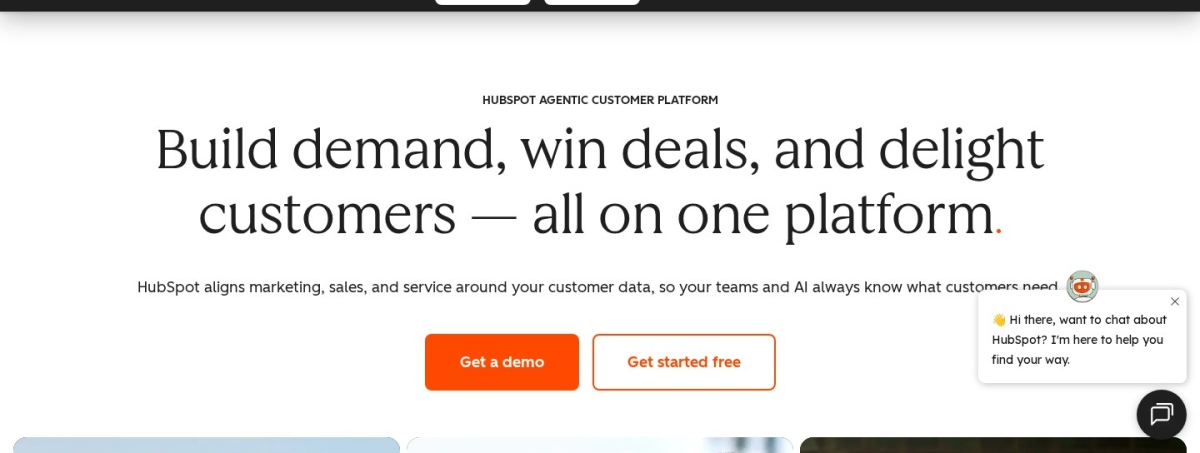
HubSpot Sales Hub homepage, captured Nov 2026.
HubSpot Sales Hub is the sales layer of HubSpot's customer platform, built around a free CRM that remote teams can share from day one. The free plan covers two seats with contact and deal management, meeting scheduling and email tracking. Starter costs 9 dollars a seat a month billed annually and removes HubSpot branding while adding routing and payments.
The trade off is the jump to Professional. Sequences, workflows, forecasting and custom reporting need Professional at 90 dollars a seat a month billed annually, plus a 1,500 dollar onboarding fee. It suits remote teams that already live in HubSpot and want one system for marketing, sales and service.
4.5/5on Capterra (3,060 reviews, checked Nov 2026)
Starts at$14/mo
Best visual pipeline for remote teams
Free planNo, 14-day trial
Paid planEssential, $14/mo
PipelinesCustom, visual
Automations1 on Essential
pipedrive.com
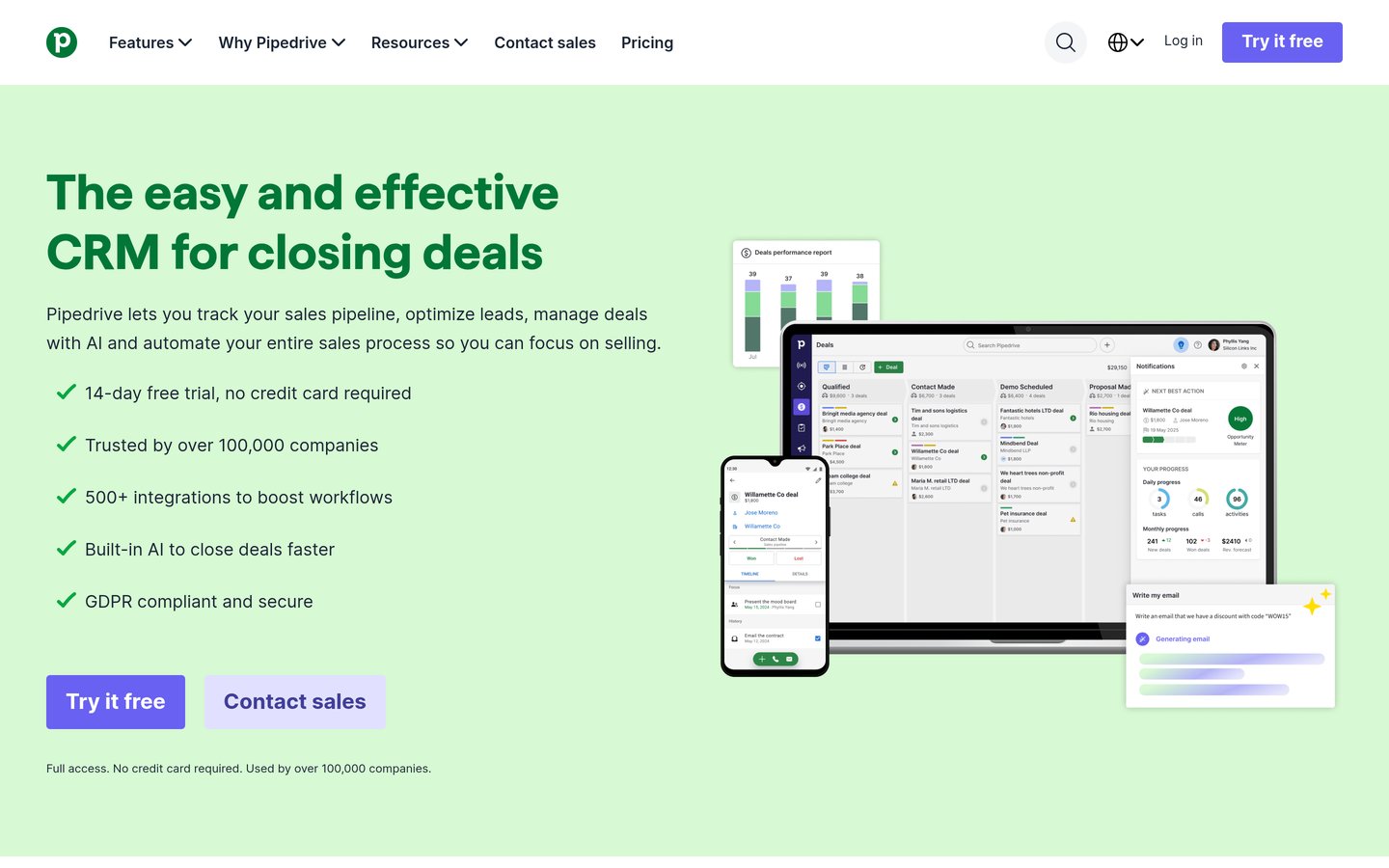
Pipedrive homepage, captured Nov 2026.
Pipedrive is a pipeline-first CRM that shows every deal as a card moving through stages, which is exactly what a remote team needs to see at a glance. Essential costs 14 dollars a user a month billed annually and covers pipelines, contacts, deals and basic reports, with a 14-day free trial and no free plan.
The trade off is automation. Essential has no two-way email sync and only one workflow, so most teams move to Advanced or Professional for automation and revenue forecasting. It suits small remote teams that want a visual pipeline without the setup work of a bigger platform.
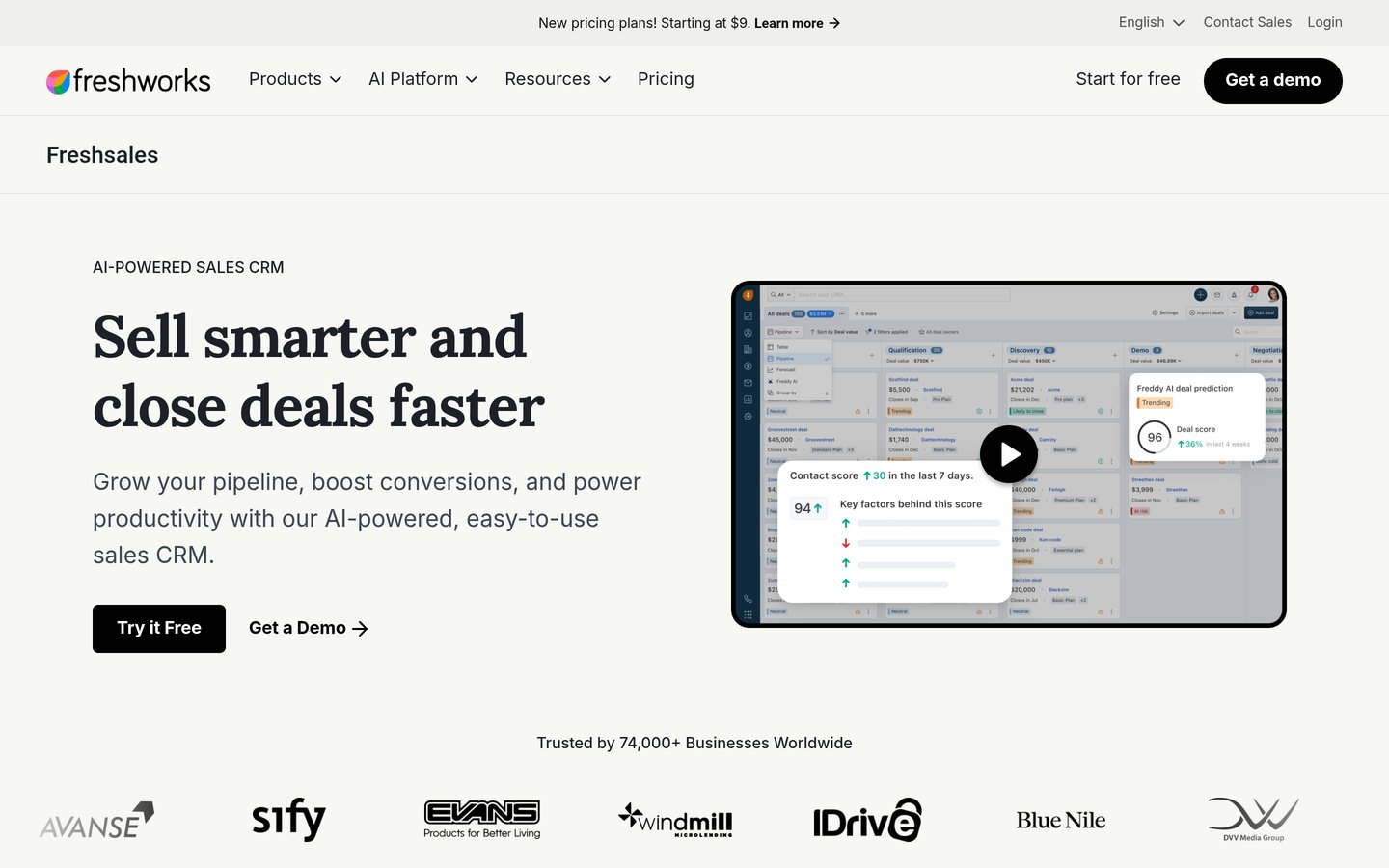
Freshsales is the sales CRM from Freshworks, and it is the cheapest paid route in this list for teams that sell by phone. Growth costs 9 dollars a user a month billed annually and includes a Kanban pipeline, built-in phone, email and chat, and basic workflows. A free plan covers three users.
The trade off is the jump to Pro. Sales sequences, multiple pipelines, territory rules and Freddy AI scoring all need Pro at 39 dollars a user a month. It suits small remote teams that want calling, email and pipeline in one system without buying a separate dialer.
4.3/5on Capterra (6,972 reviews, checked Nov 2026)
Paid from$14/mo
Best value for custom processes
Free planYes, 3 users
Paid planStandard, $14/mo
AI assistantEnterprise only
UsersUnlimited on paid
zoho.com
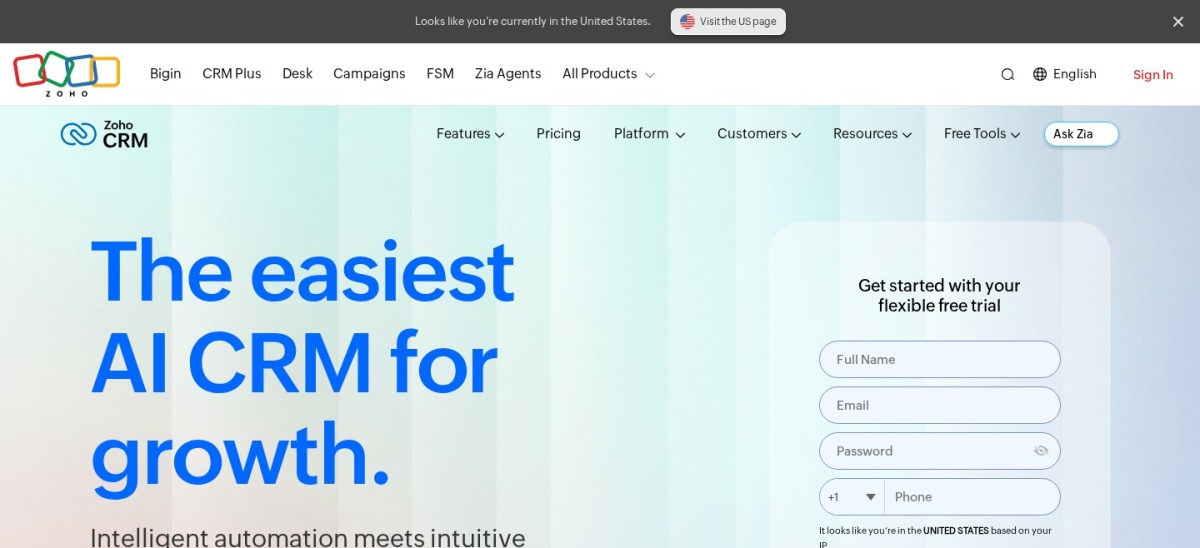
Zoho CRM homepage, captured Nov 2026.
Zoho CRM is the most configurable CRM in this list, with a free plan for up to three users and paid plans from 14 dollars a user a month. Standard includes mass email, custom modules, workflows, cadences and sales forecasting, so a small remote team gets a full CRM for the price of a lunch.
The trade off is setup time. Zoho's depth means more configuration than Pipedrive or Freshsales, and the Zia AI assistant only arrives on Enterprise at 40 dollars a user a month. It suits remote teams that want to shape the CRM around their own process instead of adapting to it.
4.4/5on Capterra (18,800 reviews, checked Nov 2026)
Paid from$25/mo
Best for teams planning to scale
Free planFree Suite, $0
Paid planStarter, $25/mo
ForecastingPro Suite and up
Review base18,800 on Capterra
salesforce.com
Salesforce Sales Cloud homepage, captured Nov 2026.
Salesforce Sales Cloud is the deepest CRM in this list, covering leads, accounts, contacts, opportunities, quotes and forecasts on one platform. Starter Suite costs 25 dollars a user a month and covers the core records, sales flows, lead routing and email marketing, with a 30-day free trial.
The trade off is scale and cost. Forecasting, quoting and custom objects need Pro Suite at 100 dollars a user a month, and the higher editions climb to 550 dollars. It suits remote teams that expect to grow into a large platform and can invest in setup and training.
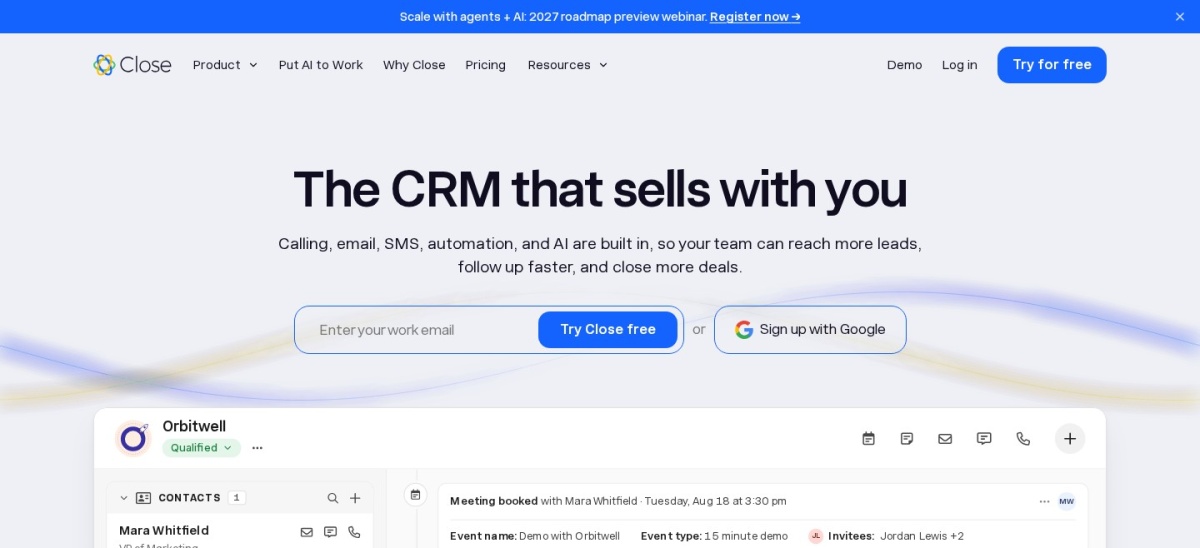
Close is a sales CRM built around calling, with a dialer, email and SMS in the same screen as the pipeline. Solo costs 9 dollars a month billed annually for one user and up to 10,000 leads, including built-in calling and the Chloe AI assistant. Teams start on Essentials at 35 dollars a user a month.
The trade off is that the Power Dialer costs more. Automated dialling through lead lists needs Growth at 99 dollars a user a month, and the Predictive Dialer needs Scale at 139 dollars. It suits remote outbound teams that live on the phone and want every call logged automatically.
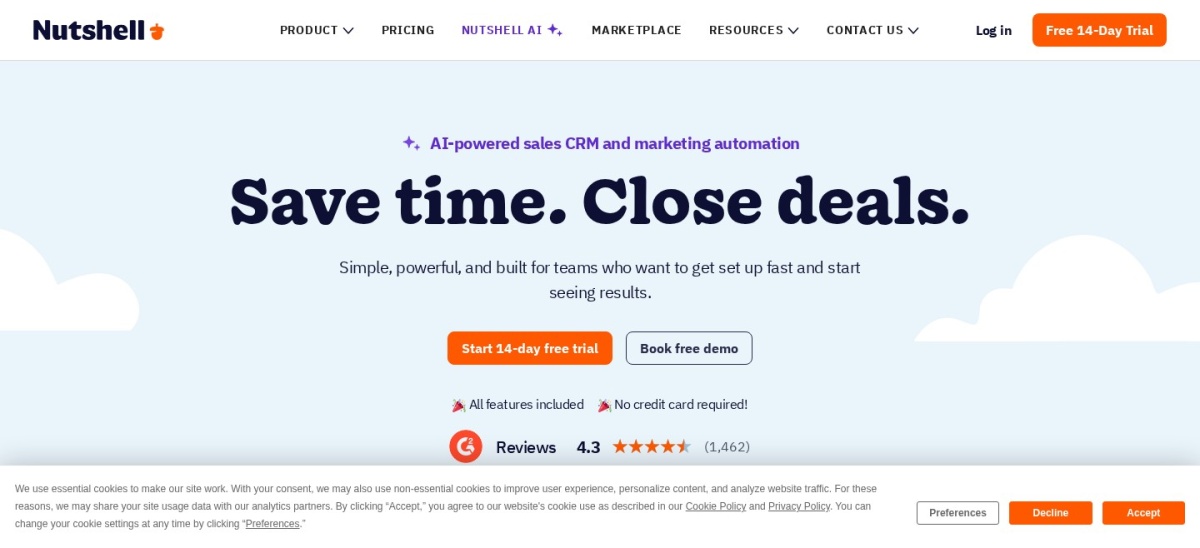
Nutshell is a small-business CRM built around a next-action approach, so every deal shows the one step a rep should take next. Foundation costs 13 dollars a user a month billed annually and covers pipelines, email and calendar sync, reporting and sales automation, with a 14-day free trial.
The trade off is marketing depth. Email marketing and the fuller automation set are add-ons or higher tiers, so a team that wants campaigns in the same tool pays more. It suits small remote teams that want a simple CRM with strong US-based support and free onboarding.
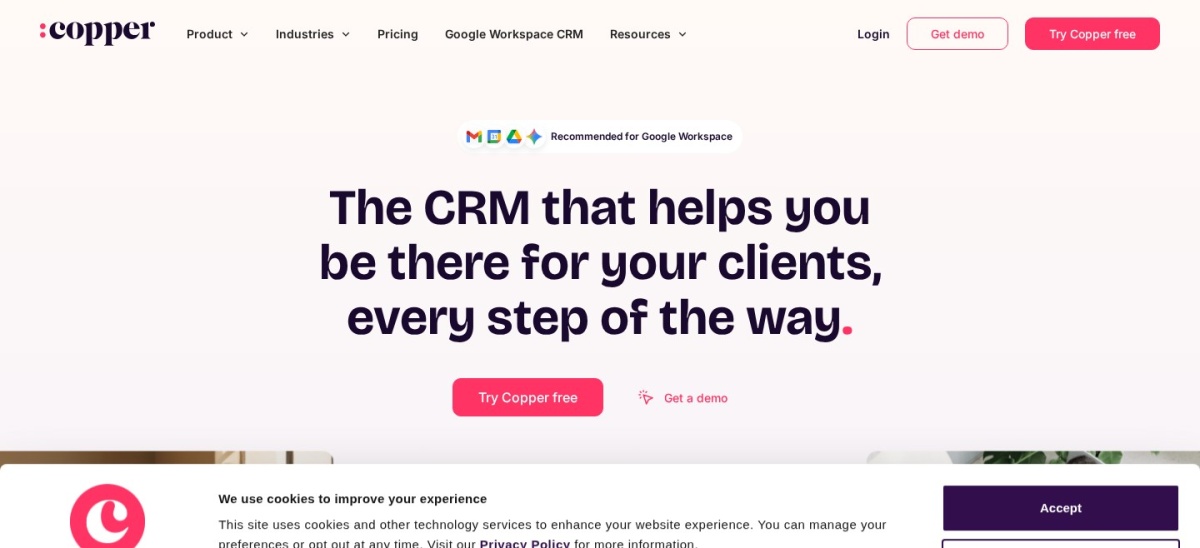
Copper is a CRM built for Google Workspace, so pipelines, contacts and deals live beside Gmail, Docs and Calendar. Starter costs 9 dollars a user a month billed annually, and Basic at 23 dollars adds workflow automation and bulk email. It suits remote teams that already run their work in Google apps.
The trade off is depth outside Google. Copper's integrations beyond Workspace are thinner than HubSpot's or Salesforce's, and email marketing features sit on the 99 dollar Business plan. It suits teams that want the CRM to feel like part of Gmail rather than a separate system.
Insightly is a CRM with built-in project management, so a remote team can hand a won deal to delivery without switching tools. The free plan covers two users, and Plus costs 29 dollars a user a month billed annually with lead management, web-to-lead capture and automated emails.
The trade off is price for what you get. Plus is 29 dollars a user a month with no workflow automation, which only arrives on Professional at 49 dollars. It suits service businesses where the same team sells the work and delivers it.
Free plans cover the pipeline itself well. HubSpot, Zoho, Freshsales and Insightly all offer a free CRM, and Salesforce has a free Suite.
Paid plans mostly add automation and forecasting. Sequences, workflows, lead scoring and revenue forecasts sit above the entry tier on nearly every tool here.
Calling is the exception. Freshsales and Close include a built-in phone on their cheapest paid plans, so a phone-led team can skip a separate dialer.
For a remote team, the real cost is seats times months. Check the annual-billing price, because monthly billing adds 20 to 40 percent on most of these tools.
How we chose
We started from the CRMs remote sales teams most often compare in 2026, then kept the nine with a published price or a free plan and a G2 or Capterra rating.
Prices come from each vendor's pricing page or its own published pricing guide, checked on 30 November 2026. Ratings and review counts come from G2 or Capterra on the same day. Where a vendor shows a sale, the list shows the regular price.
We left out quote-only revenue platforms such as Clari, Gong and Outreach, because a remote team cannot compare them on a published price. No vendor paid for a place, and we do not claim hands-on testing for this list.
How to choose customer revenue optimization software for remote teams
Start with how your team sells, then check the price per seat at your real headcount.
Count the seats first. Per-seat prices look small until you multiply by ten reps. A 10-seat team pays about 1,080 dollars a year on the cheapest plans here and 3,480 on the dearest.
Check what the cheapest plan leaves out. Sequences, forecasting and automation often sit one or two tiers up. HubSpot, Pipedrive and Freshsales all gate their best revenue features above the entry plan.
Match the tool to your sales motion. Phone-led teams need a built-in dialer like Close or Freshsales. Google Workspace teams fit Copper. Teams that sell and deliver fit Insightly.
Try the free plan with real deals. Run two weeks of real pipeline in the free plan before you pay. If reps stop updating it, the tool is wrong, whatever its rating.
FAQ
What is the best customer revenue optimization software for remote teams in 2026?
HubSpot Sales Hub is the best customer revenue optimization software for remote teams for most small teams. Its free CRM covers two seats, Starter costs 9 dollars a seat a month, and it connects sales, marketing and service in one system.
How much does revenue optimization software cost?
Paid plans in this list run from 9 dollars a seat a month for HubSpot Starter, Freshsales Growth and Close Solo to 29 dollars for Insightly Plus. A 10-seat team pays between about 1,080 and 3,480 dollars a year before add-ons.
Is there a free CRM for remote sales teams?
Yes. HubSpot covers two seats free, Zoho CRM and Freshsales cover three users free, and Insightly covers two users. Salesforce also offers a free Suite, so a small remote team can start without paying.
HubSpot Sales Hub vs Pipedrive: which is better for a remote team?
HubSpot is better if you want marketing, sales and service in one system with a free CRM. Pipedrive is better if you want the clearest visual pipeline and the fastest setup, though automation costs more on higher tiers.
What is the cheapest revenue optimization software?
HubSpot Sales Hub Starter, Freshsales Growth and Close Solo all cost 9 dollars a seat a month billed annually. Freshsales Growth is the most complete of the three, with a built-in phone and a free plan for three users.
Do I need Salesforce for revenue optimization?
No, not for a small remote team. Salesforce is the deepest platform here, but Starter at 25 dollars a user a month is only the beginning, and forecasting needs Pro Suite at 100 dollars. Most small teams do better with HubSpot or Pipedrive.
SaaS SEO and WordPress specialist with about 8 years of experience. Rakib compares WordPress plugins, themes, hosting and software using public pricing, documentation and user reviews. See how we rank.