Homebase is the best Connecteam alternative for most small teams, with a free plan for up to 10 staff and paid plans from $24 a location a month. Deputy suits compliance-heavy rosters, while When I Work is the cheapest per-user pick.
How we make this list: we compare pricing pages, product documentation and public user reviews, then re-check every price before each update. No product paid for a place. Disclosure.
Homebase is the only pick with a free plan that covers scheduling, time tracking and messaging for up to 10 staff.
When I Work costs $2.50 a user a month, the cheapest per-user price here, against Deputy at $5 a user.
Buddy Punch holds a joint-highest G2 rating at 4.8 out of 5 from 404 reviews, but adds a $19 monthly base fee.
Sling is free for up to 30 users, the most generous free plan here, with Premium at $1.70 a user a month.
Rippling holds a 4.7 G2 score from 15,313 reviews, but payroll and time tracking are paid modules.
How do you choose the best Connecteam alternatives?
Connecteam earns its popularity with a useful free tier for up to 10 users, then prices Operations, Communications and HR separately, so the bill climbs fast once a team needs more than one hub.
Per-user and per-location pricing decide the real bill. Deputy and When I Work charge per user, so the bill grows with headcount, while Homebase and 7shifts charge per location, so adding staff costs nothing.
Free plans differ more than they look. Homebase covers scheduling and a time clock for 10 staff, Sling covers scheduling for 30 users with no time clock, and 7shifts covers 15 restaurant staff.
Check what the hub model hides. A flat $29 a month for the first 30 users looks cheap until a second hub doubles it, which is why per-user tools often win for growing teams.
Homebase is an all-in-one app for hourly, shift-based small businesses that combines scheduling, a time clock, team messaging, hiring and an optional payroll add-on. Essentials costs $24 a location a month billed annually, and the free plan covers one location with up to 10 employees.
The trade off is the per-location model. A second location doubles the bill even with the same staff, and payroll is a paid add-on. It suits single-location retail and hospitality teams that want one flat bill.
Deputy is a scheduling and time-tracking app for shift-based teams, with rosters, timesheets, a time clock, leave management and shift swaps. Lite costs $5 a user a month billed annually, with a $30 monthly minimum invoice.
The trade off is the minimum and the add-ons. Small teams pay at least $30 a month, and there is no free plan at all. It suits multi-site teams that need break rules, overtime thresholds and labour law checks built in.
When I Work is a shift scheduling and time clock app for hourly teams in retail, restaurants and service businesses. Essentials costs $2.50 a user a month and includes auto-scheduling, shift swaps, open shifts and team messaging.
The trade off is depth. When I Work is a focused scheduler, so HR, hiring and payroll need other tools. It suits small businesses that want the cheapest per-user scheduling with a clean app.
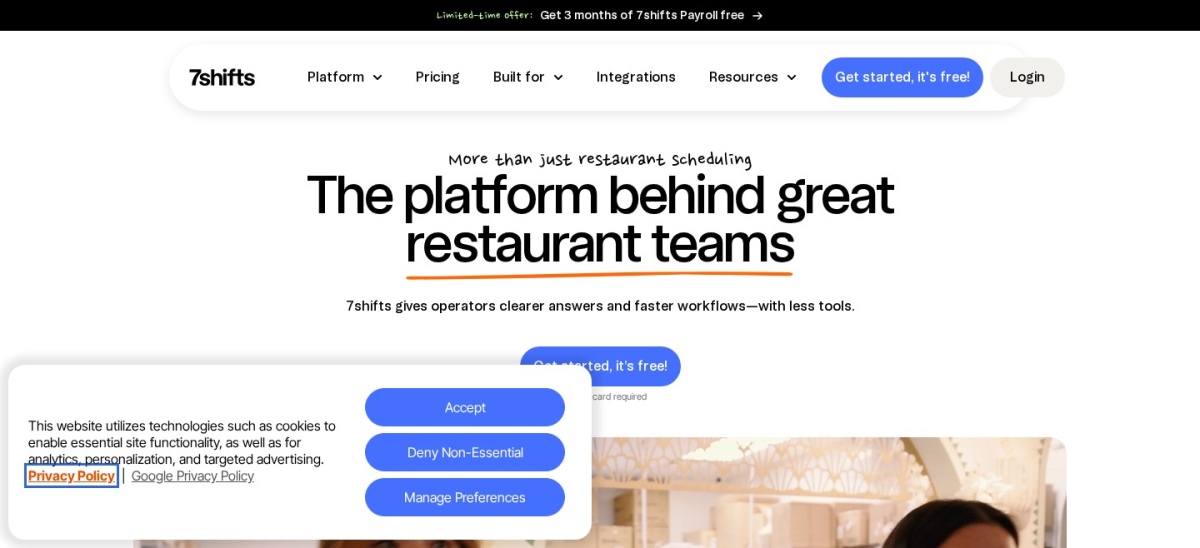
7shifts is a restaurant scheduling and team management app with rosters, a time clock, labour compliance tools and team communication. Essentials costs $39.99 a location a month billed annually, and a free Comp plan covers up to 15 employees at one location.
The trade off is the niche. 7shifts is built for restaurants, so teams outside hospitality pay for POS links and tip pooling they never use. It suits restaurants that schedule to expected covers with POS-based labour forecasting.
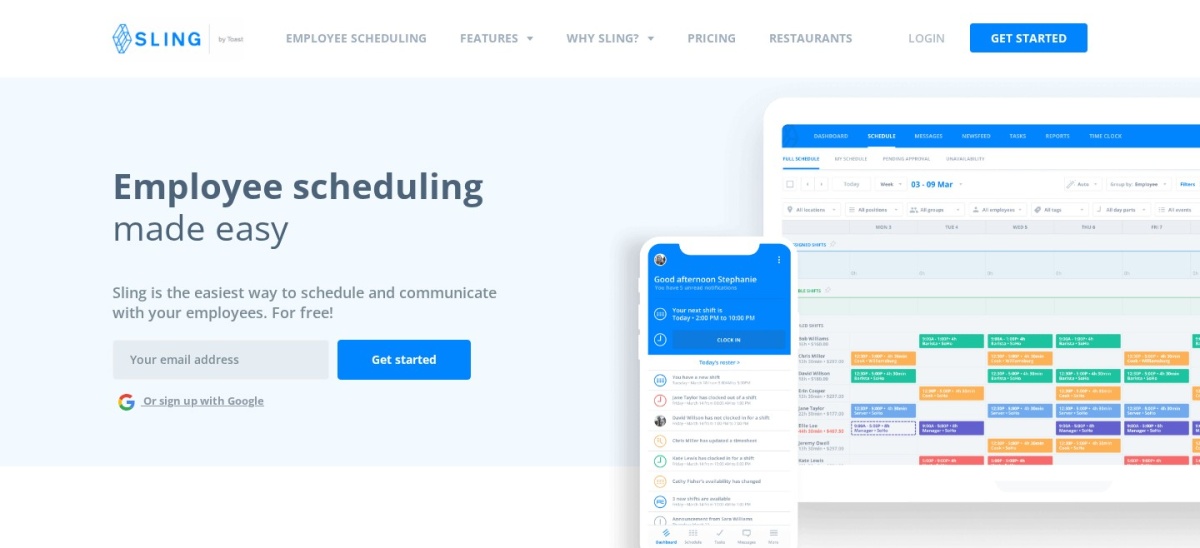
Sling is a free scheduling app for teams of up to 30 people, with rosters, time-off requests, available shifts and private messaging. Premium costs $1.70 a user a month billed annually and adds a time clock, labour costs and integrations.
The trade off is the rating and the free-plan limits. Its 4.2 G2 score is the lowest in this list, and the free plan has no time tracking. It suits teams that need a shared schedule and chat but no time clock yet.
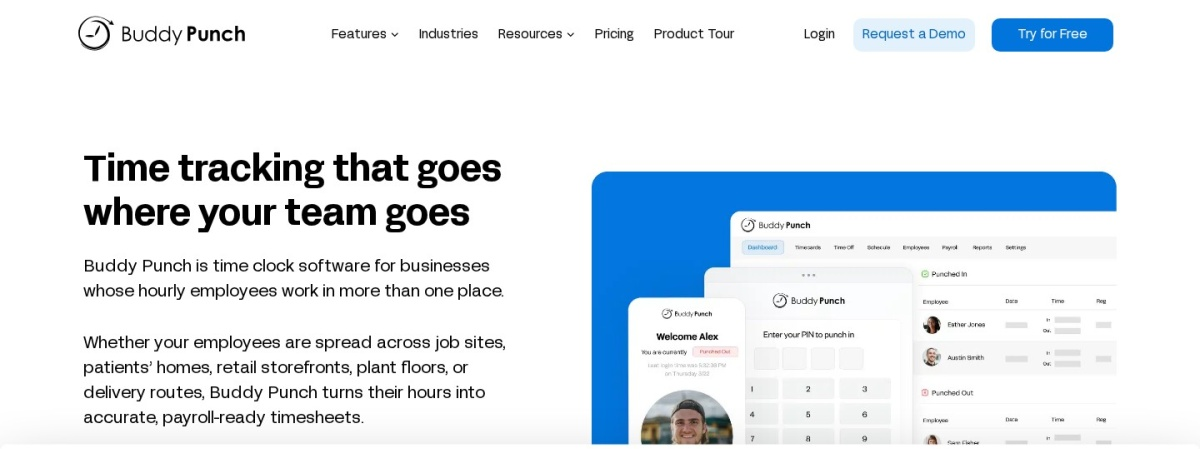
Buddy Punch is time clock software for teams that work off site, with GPS punch checks, geofencing, photo verification and PTO management. It costs $4.99 a user a month billed annually plus a $19 monthly base fee, and scheduling is included on the Pro plan.
The trade off is the base fee and the scheduling tier. The $19 base fee applies on top of the per-user price, and scheduling needs Pro at $6.99 a user. It suits field teams where clock-in accuracy matters most.
Clockify is a free time tracker for teams that covers time tracking, timesheets and basic reporting without a trial. The free plan covers unlimited users, and Basic costs $3.99 per seat a month and adds scheduling, approvals and GPS.
The trade off is scheduling depth. Clockify is a time tracker first, so its scheduling is simpler than Deputy or When I Work. It suits agencies and small teams that track billable hours against clients.
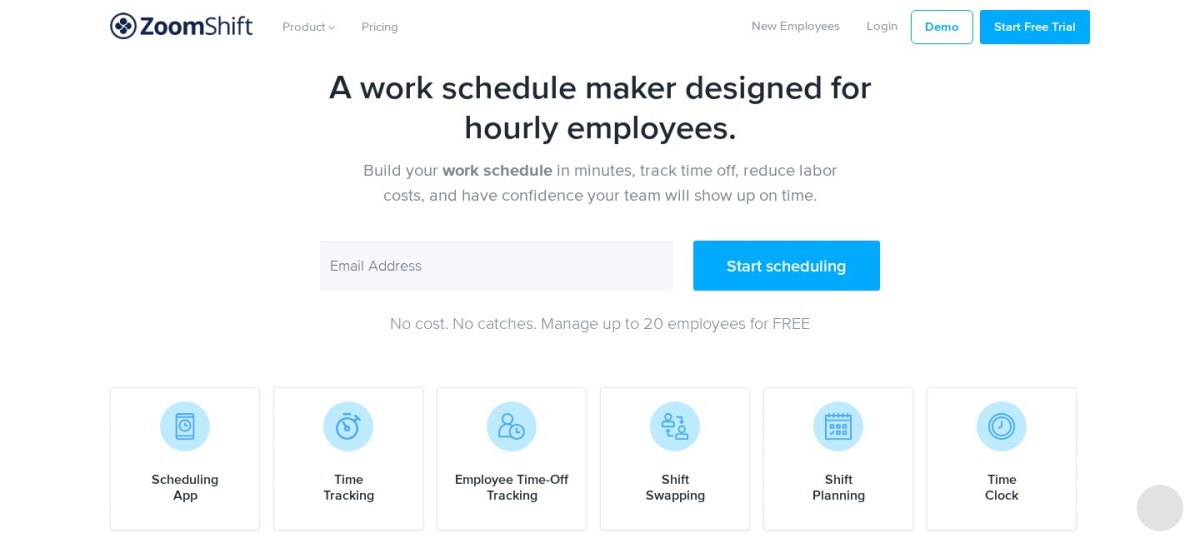
ZoomShift is a plain web scheduler for hourly teams, with drag-and-drop rotas, templates, time-off requests and a time clock. The free Essentials plan covers up to 20 users at one location, and Starter costs $2 a user a month billed annually.
The trade off is the thin review base. Only 46 G2 reviews sit behind its 4.8 score, and the free plan has no time clock or timesheets. It suits small teams that want the simplest possible rota tool.
Rippling is an all-in-one HR platform that combines payroll, benefits, IT and workforce management, with scheduling and time tracking as paid modules. It starts at $8 a user a month, and it holds a 4.7 G2 score from 15,313 reviews, the largest base here.
The trade off is the module model. Payroll and time tracking are paid modules on top of the $8 base, so the real bill is higher than the headline. It suits larger hourly teams that want HR, payroll and scheduling in one system.
Per-user pricing suits small teams. When I Work at $2.50 a user costs $25 a month for 10 staff, while Homebase Essentials at $24 a location costs about the same.
Per-location pricing suits growing teams. Homebase costs the same $24 a month whether a site has 11 staff or 40, while Deputy at $5 a user costs $200 a month for 40 staff.
Work out the bill at your real headcount, not the headline price, because the cheapest tool for 10 staff is rarely the cheapest for 40.
How we chose
We started from the workforce tools most often named as Connecteam replacements, then kept those with a published price and a public G2 rating.
Prices come from each vendor pricing page, checked on 29 November 2026. Deputy at $5 and When I Work at $2.50 were confirmed on their pricing pages today, and the rest are corroborated by recent comparisons. Ratings and review counts come from G2 on the same day.
We left out tools with no verifiable rating. No vendor paid for a place, and we do not claim hands-on testing for this list.
How to choose a Connecteam alternative
Start with your team size and locations, then match the pricing model to the headcount.
Count staff and locations first. Per-user tools suit small teams, per-location tools suit growing sites, and flat plans suit teams of about 30.
List the hubs you actually need. Scheduling alone is cheap everywhere. Time tracking, messaging and HR each add a hub or a module, so price the whole stack.
Test the free plan with real shifts. Run two weeks of real rotas on the free plan before you pay, because setup time and staff adoption matter more than features.
Check the caps that force upgrades. Free plans cap users, locations or features. Confirm the cap covers your team before you build on it.
FAQ
What is the best Connecteam alternative in 2026?
Homebase is the best Connecteam alternative for most small teams. Its free plan covers scheduling and time tracking for up to 10 employees at one location, and it holds 4.6 out of 5 on G2 from 586 reviews.
How much do Connecteam alternatives cost?
When I Work costs $2.50 a user a month and Deputy costs $5 a user a month. Homebase Essentials costs $24 a location a month, 7shifts Essentials costs $39.99 a location a month, and Sling Premium costs $1.70 a user a month.
Which Connecteam alternative has the best free plan?
Sling has the most generous free plan, covering scheduling for up to 30 users. Homebase is better for teams that also need a time clock, with a free plan for up to 10 employees at one location.
Is Deputy better than Connecteam?
Deputy is better for compliance-heavy scheduling with break rules and labour law checks. Connecteam is better for deskless teams that want communications and HR in the same app as scheduling.
What is the cheapest Connecteam alternative?
Sling Premium is the cheapest paid plan after When I Work, at $1.70 a user a month billed annually, with a free plan for up to 30 users. When I Work is the cheapest per-user price at $2.50 a user a month.
Which Connecteam alternative is best for restaurants?
7shifts is the best Connecteam alternative for restaurants, with POS-based labour forecasting and tip pooling from $39.99 a location a month. Homebase is the best general pick for a single restaurant.
SaaS SEO and WordPress specialist with about 8 years of experience. Rakib compares WordPress plugins, themes, hosting and software using public pricing, documentation and user reviews. See how we rank.