Best Restaurant Scheduling Software in 2026: 8 Tools Compared
WLWPLegible EditorsLast verified 23 Nov 2026How we rank9 min read
★ Short answer
Homebase is the best restaurant scheduling software for a single location: the Basic plan is free for one location and up to 10 employees, and Essentials costs $30 a location a month. Multi-location groups should pick Deputy at $5 a user a month.
How we make this list: we compare pricing pages, product documentation and public user reviews, then re-check every price before each update. No product paid for a place. Disclosure.
Homebase Basic is free for one location and up to 10 employees, with a 4.6/5 G2 rating from 586 reviews.
Deputy Lite costs $5 a user a month billed annually and adds break rules, overtime and demand forecasting.
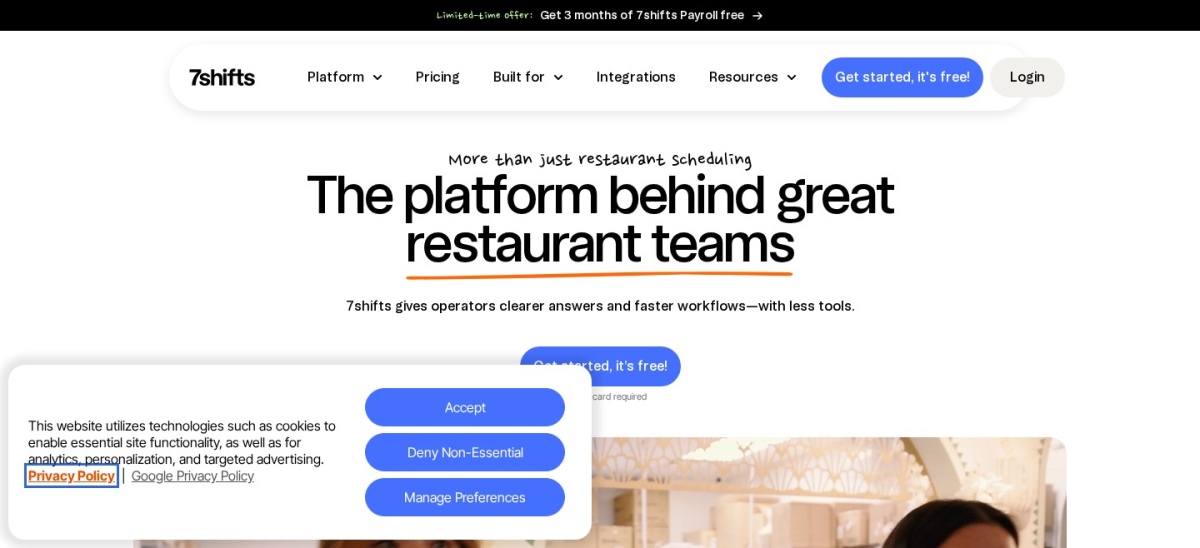
7shifts Essentials costs $39.99 a location a month billed annually, with POS-based labor forecasting.
Sling is free for up to 30 users, the largest free plan here, with Premium at $2 a user a month.
Schedulefly costs a flat $30 a month for up to 19 staff, with no per-user bill.
What restaurant scheduling software should cover
Restaurant scheduling is different from office scheduling. Roles change by daypart, demand swings by service period, and labor costs must be visible before the schedule is published, not after payroll catches the overtime.
Per-location pricing usually wins for restaurants with many part-time staff, while per-user pricing suits small teams. Homebase and 7shifts charge per location, so adding a server never raises the subscription; Deputy, When I Work and Sling charge per user.
Free plans cover real scheduling here. Homebase Basic is free for one location and up to 10 employees, Sling is free for up to 30 users, and 7shifts has a free Comp plan for up to 15 employees. Time tracking and compliance tools often sit on paid tiers.
Adoption decides the pick. When I Work and Schedulefly are among the quickest to set up, and staff check shifts from their phones. Our guide on scheduling posts in WordPress covers the same publish-and-notify habit for content teams.
Homebase is the practical choice for a single restaurant that wants scheduling, time tracking and messaging without a per-head bill. The Basic plan is free for one location and up to 10 employees, and paid plans charge per location rather than per user, so adding a server never raises the subscription. Essentials, at $30 per location per month or $24 billed annually, adds GPS time tracking, late arrival alerts and stronger scheduling tools.
The trade off is multi-location cost. Per-location pricing adds up fast across many sites, and payroll costs $49 a month plus $6 per employee on every plan. It suits single-location restaurants and cafes on a budget.
Deputy is the scheduling tool for growing hourly teams that need real compliance muscle, with break rules, overtime thresholds and local labor law checks built in rather than policed by hand. The Lite plan runs $5 per user per month billed annually, or $5.50 monthly, with a time clock included, while Core at $6.50 adds auto-scheduling and demand forecasting.
The trade off is the $30 monthly minimum and the per-user bill, which grows with every headcount including owners and managers. It suits multi-location groups and franchises in fair-workweek cities.
7shifts is the only tool here built from the ground up for restaurants, connecting to POS systems such as Toast, Square and Clover to pull sales data and forecast demand, so managers schedule to expected covers rather than gut feeling. Essentials costs $39.99 per location per month billed annually, and the free Comp plan covers one location and up to 15 employees.
The trade off is price: the jump to Pro at $79.99 a location a month for full labor compliance and forecasting is steep. It suits full-service restaurants that want POS-based forecasting in one restaurant-focused platform.
What we like
Built only for restaurants
POS-based labor forecasting
Free Comp plan up to 15 employees
Watch out for
Pro jumps to $79.99 a location
Full compliance sits on higher tiers
Payroll is a paid add-on
Essentials costs $39.99 a location a month billed annuallyVisit 7shifts.com
04
Schedulefly
4.5/5on G2 (48 reviews, checked Nov 2026)
Starts at$30/mo
Best for independent restaurants
Entry plan$30/mo flat, up to 19 staff
Free planNo, 30-day trial
PricingFlat by staff band
SchedulingShifts + trades + messaging
schedulefly.com
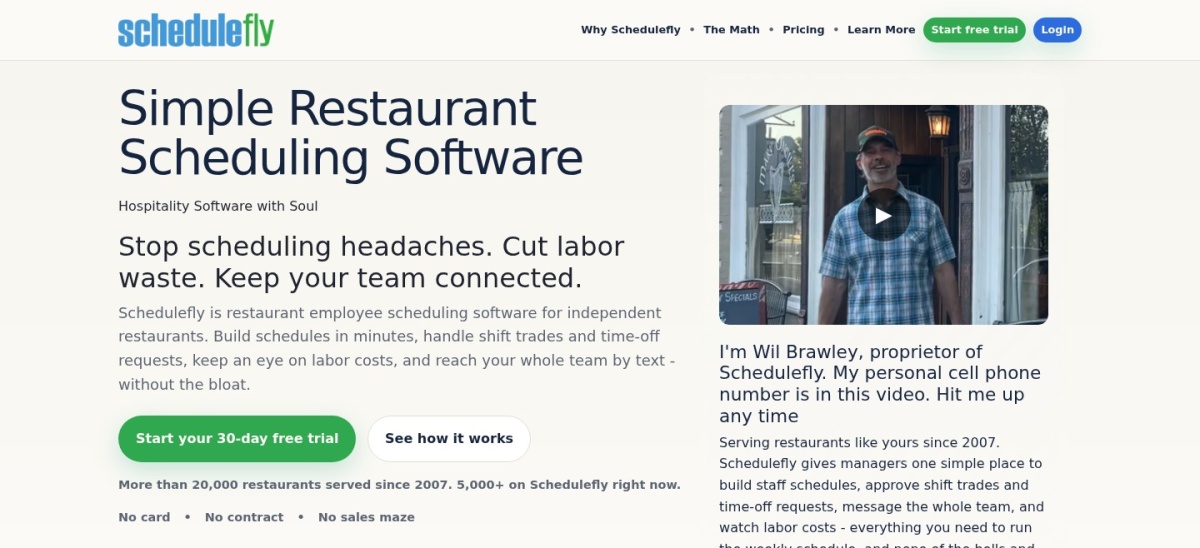
Schedulefly homepage, captured Nov 2026.
Schedulefly is restaurant-specific scheduling software built exclusively for the hospitality industry, handling staff scheduling, shift trades, time-off requests, team messaging and labor reporting. Plans run $30 a month for up to 19 staff, $40 for 20 to 39 staff, $50 for 40 to 59 staff and $60 for 60 to 79 staff, with a 30-day free trial.
The trade off is scope: it does not try to be a payroll system or an HR platform, so there is less setup but also fewer tools. It suits independent restaurants that want fast adoption and simple team communication.
When I Work is a scheduling tool that builds the roster for you on every plan. Essentials costs $2.50 a user a month for scheduling, and auto-scheduling is included even at that price, alongside shift swaps, open shifts, availability requests and multi-location scheduling for unlimited users. It holds a 4.4 out of 5 G2 rating from 382 reviews.
The trade off is depth: time tracking costs $4 a user a month, and compliance tools are thinner than Deputy's. It suits small teams that want simple scheduling with auto-scheduling at the lowest per-user price.
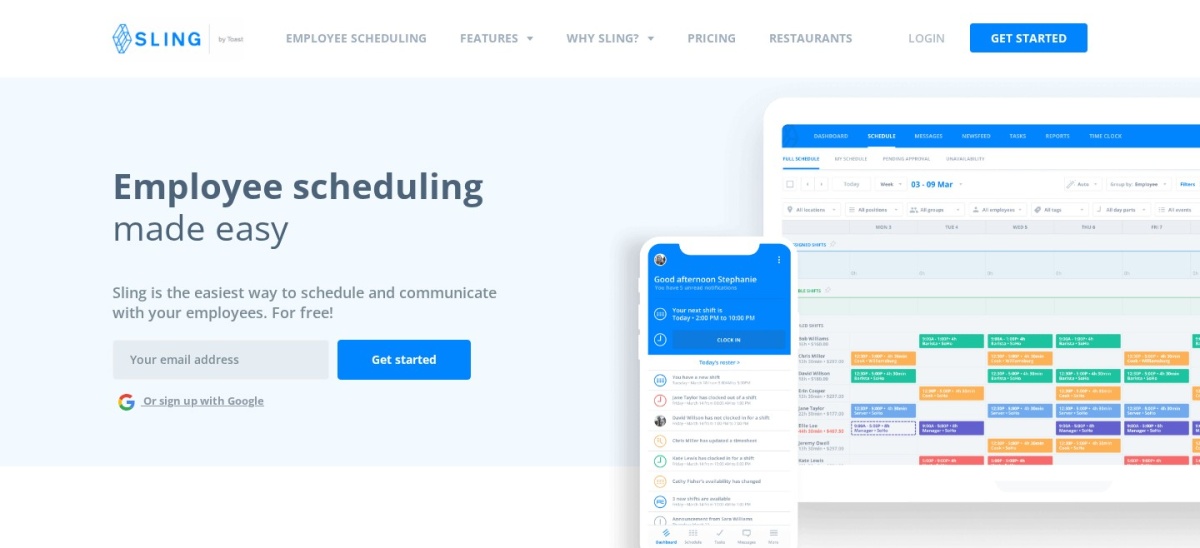
Sling is workforce management software that combines employee scheduling, time tracking, team communication, task management and labor-cost reporting in one platform. The free tier covers up to 30 users, which handles most single-location restaurants, and Premium adds mobile time tracking and overtime alerts at $2 a user a month, or $1.70 billed annually.
The trade off is the interface: reviewers call the mobile version less user-friendly than the desktop, and navigation can feel cumbersome. It suits budget teams with a large part-time crew that want a generous free plan.
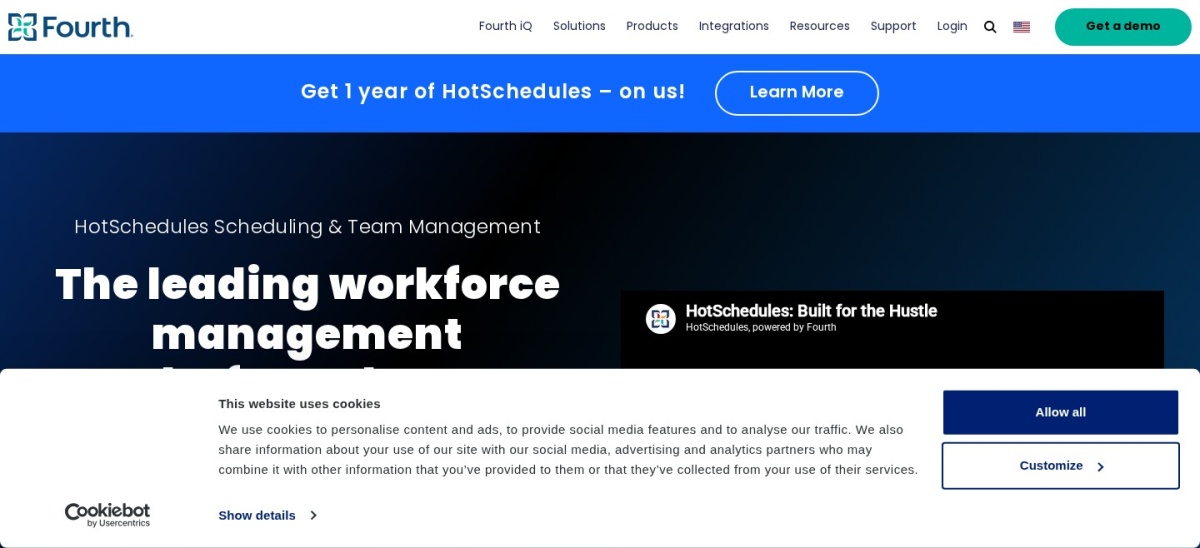
HotSchedules is the enterprise choice for restaurants, with forecasting, labor optimization and manager workflows across many locations from one account. Its mobile app keeps over 3 million hospitality workers engaged with their schedule and team every day, and it is part of Fourth's workforce management suite for hospitality.
The trade off is price and setup: pricing is custom, and implementation averages two months. It suits enterprise restaurant groups that need forecasting and labor optimization across sites.
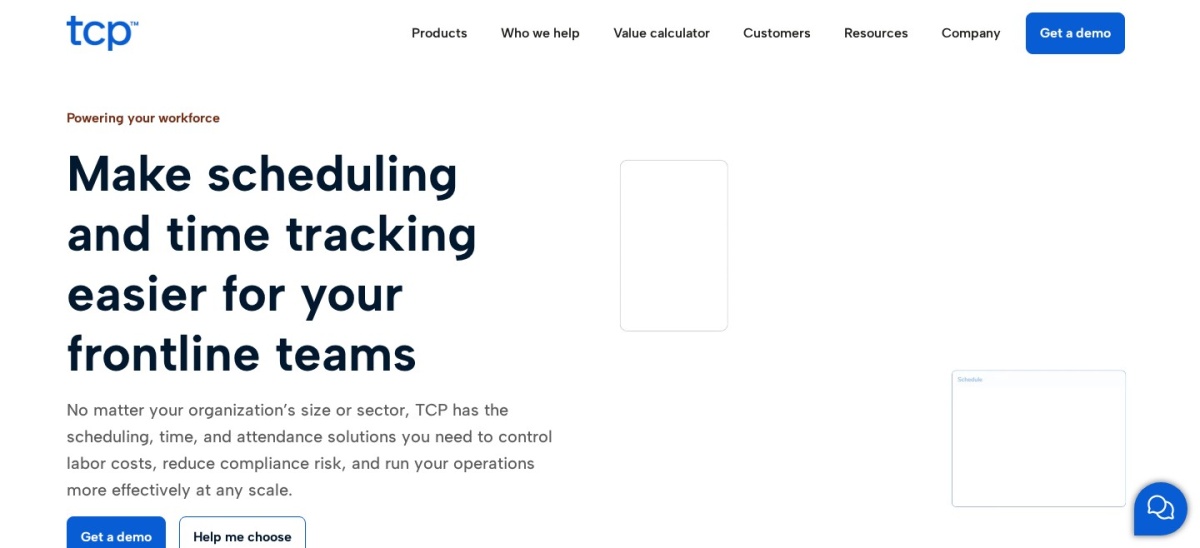
TCP is a workforce management platform covering employee scheduling, time and attendance, leave management, compliance controls and payroll integrations. Its scheduling product, Humanity Schedule, holds a 4.3 out of 5 G2 rating from 1,061 reviews. Pricing starts at $2.75 per employee per month on annual billing.
The trade off is complexity: TCP fits restaurant groups that need stronger labor governance than a basic scheduling app provides, not a single cafe. It suits multi-location groups with complex payroll rules and compliance needs.
Per-location pricing, used by Homebase and 7shifts, means hiring never raises the bill, but a second site doubles it. Per-user pricing, used by Deputy, When I Work and Sling, means the bill follows headcount. Flat pricing, used by Schedulefly, means the bill follows staff bands.
Work out the bill for your real headcount and location count before choosing. A 30-person crew costs $60 a month on Sling Premium, $75 on When I Work Essentials and $30 a month flat on Schedulefly.
How we chose
We started from the restaurant scheduling tools owners name most often in 2026 comparisons, then kept those with a published price and a public G2 rating. Prices come from each vendor's pricing page or a comparison that read it, checked on 23 November 2026. Homebase Essentials is $30 a location a month, Deputy Lite is $5 a user a month billed annually and 7shifts Essentials is $39.99 a location a month billed annually.
Ratings come from G2 on the same day. Homebase holds 4.6/5 from 586 reviews and Deputy 4.6/5 from 666 reviews, while 7shifts holds 4.5/5 from 129 reviews and Schedulefly 4.5/5 from 48 reviews. Sling is free for up to 30 users, and Schedulefly charges a flat $30 a month for up to 19 staff.
We left out tools with no G2 rating and general HR suites where scheduling is a side feature. No vendor paid for a place, and this list is based on pricing, docs and reviews, not on using the tools ourselves.
How to choose restaurant scheduling software
Start with the location count, then check how the bill grows.
Count the locations first. One location suits Homebase or Schedulefly. Several locations need Deputy or HotSchedules, with permissions per site.
Price it per head or per site. Per-location plans win with many part-timers. Per-user plans win for small teams. Work out the bill for your real headcount.
Check the free plan. Homebase is free for one location and up to 10 employees, Sling for up to 30 users. Test the free tier on a real week before paying.
Look for POS forecasting. 7shifts pulls sales from Toast, Square and Clover to forecast demand. If labor cost is the problem, forecasting matters more than the roster.
FAQ
What is the best restaurant scheduling software?
Homebase is the best pick for a single location. Its Basic plan is free for one location and up to 10 employees, it holds a 4.6 out of 5 G2 rating from 586 reviews, and Essentials costs $30 a location a month.
Is there free restaurant scheduling software?
Yes. Homebase Basic is free for one location and up to 10 employees, Sling is free for up to 30 users, and 7shifts Comp is free for one location and up to 15 employees.
How much does 7shifts cost?
Essentials costs $39.99 a location a month billed annually. Pro costs $79.99 and Premium $134.99 a location a month, and the Comp plan is free for one location and up to 15 employees.
Deputy vs Homebase?
Deputy suits multi-location groups with compliance needs: $5 a user a month billed annually, 4.6/5 on G2 from 666 reviews. Homebase suits a single location with free Basic and per-location pricing, 4.6/5 on G2 from 586 reviews.
What is the cheapest restaurant scheduling software?
Free plans cover real scheduling: Homebase Basic, Sling for up to 30 users and 7shifts Comp. The cheapest paid plan is Sling Premium at $2 a user a month, or $1.70 billed annually.
Does Schedulefly charge per user?
No. Schedulefly charges a flat $30 a month for up to 19 staff, $40 for 20 to 39 staff, $50 for 40 to 59 staff and $60 for 60 to 79 staff, with a 30-day free trial.