Homebase is the best HR software for most hourly workforces, with a free plan covering scheduling and time tracking for up to 10 employees at one location and a 4.6 out of 5 G2 rating. Pick Deputy for stronger auto-scheduling, or When I Work for the lowest per-user price at $2.50 a month.
How we make this list: we compare pricing pages, product documentation and public user reviews, then re-check every price before each update. No product paid for a place. Disclosure.
Homebase is the only pick with a free plan that covers scheduling, time tracking and team messaging for up to 10 staff.
When I Work is the cheapest per-user option at $2.50 a month, while Deputy starts at $5 a user a month.
Connecteam charges a flat $29 a month for the first 30 users, so it stays cheap as headcount grows.
Rippling is the highest rated here at 4.7 out of 5 from 15,313 G2 reviews, but payroll and time tracking are paid modules.
Gusto and BambooHR are stronger on payroll and HR records than on shift scheduling, and both charge per person plus a base fee.
What hourly teams need from HR software
Hourly work runs on shifts, not salaries. The software has to build rosters, track clock-ins, handle shift swaps and turn hours into payroll without manual retyping.
Scheduling comes first. A tool that cannot publish a roster, collect availability and let staff swap shifts will slow managers down no matter how good its HR records are.
Time tracking is the second test. GPS clock-ins, break rules and overtime alerts keep timesheets honest, and our guide on scheduling posts in WordPress shows the same planning habit in a different setting.
Payroll is where the bill grows. Some tools include it, some sell it as an add-on, and per-person fees mean a cheap headline price can double once every hourly worker is counted.
The 8 best HR software tools for hourly workforces
01
Homebase
4.6/5on G2 (565 reviews, checked Nov 2026)
Paid from$30/mo
Best HR software for hourly teams overall
Free planYes, up to 10 staff
Cheapest paid$30/location/mo
Payroll$49/mo + $6/person add-on
Time clockYes, with GPS
joinhomebase.com
Homebase homepage, captured Nov 2026.
Homebase is an all-in-one app for hourly, shift-based small businesses that combines scheduling, a time clock, team messaging, hiring and an optional payroll add-on. The free Basic plan covers one location and up to 10 employees with basic scheduling and time tracking.
The trade off is that the price is per location, not per person, and payroll costs extra at $49 a month plus $6 per employee paid. Essentials costs $30 a location a month, or $24 on annual billing. It suits restaurants, shops and clinics that want one app for the whole hourly workflow.
What we like
Free plan covers scheduling and time tracking for up to 10 staff
Per-location pricing stays flat as headcount grows
Built-in messaging, hiring and tip management
Rated 4.6 out of 5 from 565 G2 reviews
Watch out for
Payroll is a paid add-on on every plan
Per-location pricing penalises multi-site teams
Advanced HR features need the $120 All-in-One plan
Deputy is a scheduling and time-tracking app for shift-based teams, with rosters, timesheets, a time clock, leave management and shift swaps. The Lite plan costs $5 per user per month and covers basic scheduling, timesheets, time clocking and payroll integrations.
The trade off is that the useful automation sits higher up. Auto-scheduling, demand forecasting and biometric clocking start on Core at $6.50 per user per month, and HR is a $2 add-on. It suits growing hourly teams that want rosters to build themselves.
What we like
Clear per-user pricing from $5 a month
Strong auto-scheduling and demand forecasting on Core
When I Work is a shift scheduling and time clock app for hourly teams in retail, restaurants and service businesses. The Essentials plan costs $2.50 per user per month and includes auto scheduling, multi-week and multi-location rosters, templates, forecasting and team messaging.
The trade off is depth. Time tracking and attendance is a separate toggle with no published price, and scheduling rules, role permissions and custom reporting need Pro at $5. It suits single-location teams that want the cheapest workable roster tool.
What we like
Lowest per-user price in this list at $2.50 a month
Auto scheduling and templates on the cheapest plan
Connecteam is a mobile-first app for deskless teams that bundles shift scheduling, a GPS time clock, team chat, forms, checklists and training. The free Small Business plan covers up to 10 users, and the Basic Operations plan costs $29 a month for the first 30 users on annual billing.
The trade off is that the product is sold in hubs, so the price depends on which hubs a team needs. Basic covers scheduling and the time clock, while HR features sit in a separate hub. It suits field, retail and care teams that live on their phones.
What we like
Flat $29 a month for the first 30 users, not per user
Rippling is a workforce platform that runs HR, payroll, IT and finance from one employee record. The core platform starts at $8 per employee per month, plus a monthly base fee, and payroll, benefits, time tracking and device management are modules added as needed.
The trade off is price growth. The $8 starting price covers only the core platform, so the bill rises with every module and the base fee, and the final total comes from a sales quote. It suits growing companies that want to replace several HR, payroll and IT tools with one system.
What we like
One employee record drives HR, payroll, IT and spend
Automation covers onboarding, offboarding and approvals
Highest rating here: 4.7 out of 5 from 15,313 G2 reviews
Time and attendance syncs approved hours to payroll
Watch out for
Final price needs a quote; modules and base fee add up
No free plan, only a trial
More platform than a small hourly team usually needs
Payroll and time tracking are paid modules on top of the $8 coreVisit rippling.com
06
Gusto
4.6/5on G2 (10,208 reviews, checked Nov 2026)
Starts at$49/mo
Best payroll-first HR for small hourly teams
Free planNo
Cheapest paid$49/mo + $6/person
Time trackingPlus plan and up
Payroll statesSingle state on Simple
gusto.com
Gusto homepage, captured Nov 2026.
Gusto is a payroll, benefits and HR platform for small businesses, with unlimited payroll runs, automatic tax filing, onboarding and employee self-service. The Simple plan costs $49 a month plus $6 per person, and covers single-state payroll with basic PTO and holiday pay.
The trade off is that scheduling is not its strength. Time tracking only arrives on Plus at $80 a month plus $12 per person, so hourly teams usually pair Gusto with a scheduling app. It suits small teams that want payroll done properly first.
What we like
Clear published pricing with unlimited payroll runs
Automatic tax filing and W-2s included
Easy setup, rated 4.6 out of 5 from 10,208 G2 reviews
Contractor payroll available on a $35 a month plan
Watch out for
No scheduling tools of its own
Time tracking needs the Plus plan
Simple covers payroll in one state only
Plus adds time tracking at $80 a month plus $12 a personVisit gusto.com
07
BambooHR
4.4/5on G2 (8,398 reviews, checked Nov 2026)
Starts at$10/mo
Best for HR records and onboarding at scale
Free planNo, trial only
Cheapest paid$10/employee/mo
Time trackingPaid add-on
PayrollPaid add-on
bamboohr.com
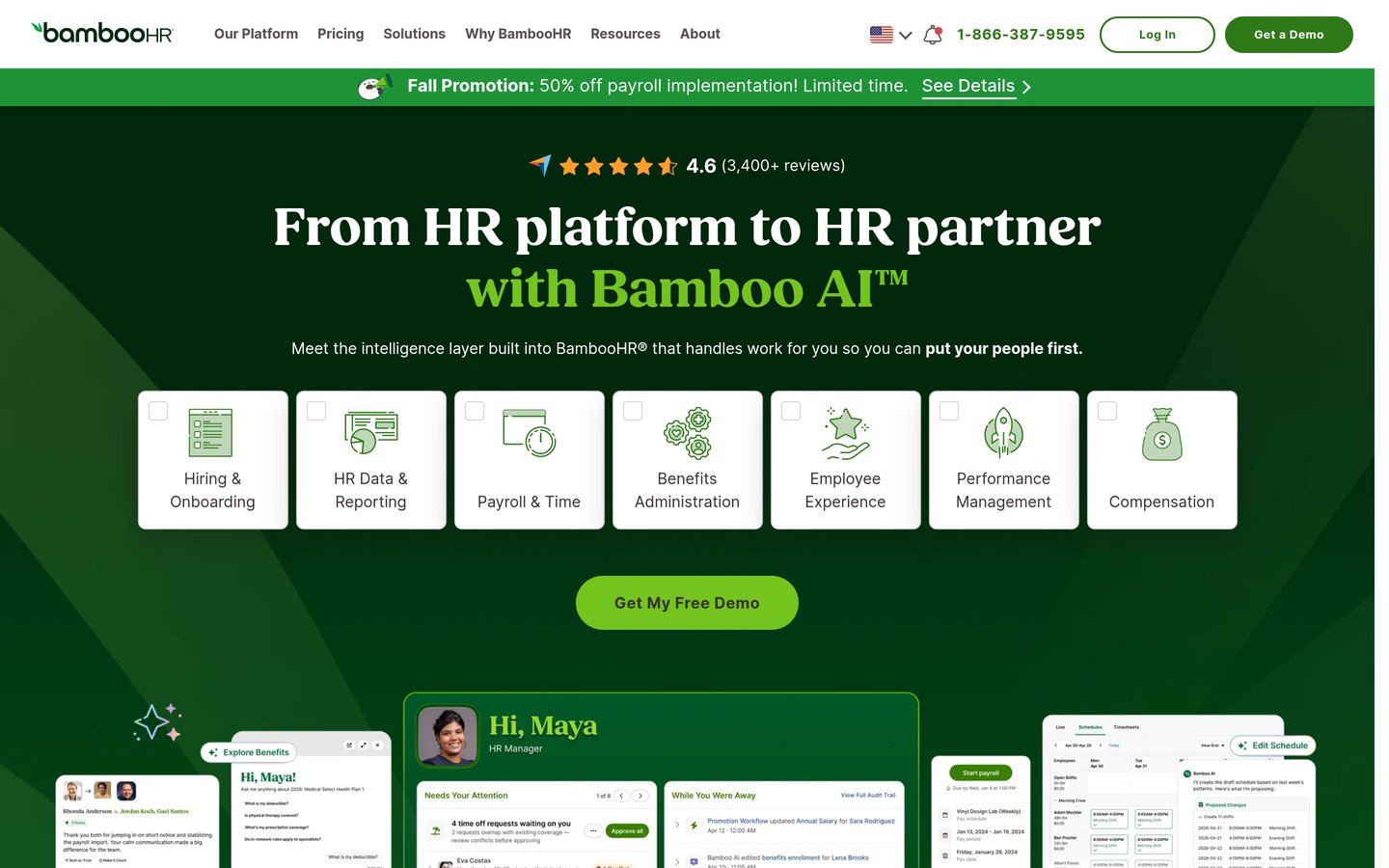
BambooHR homepage, captured Nov 2026.
BambooHR is a human resources platform for small and mid-size businesses that keeps employee records, onboarding, time off, benefits and reporting in one place. The Core plan costs $10 per employee per month and covers records, onboarding, PTO, reporting and employee self-service.
The trade off is that hourly essentials cost extra. Time tracking and payroll are paid add-ons, and BambooHR has no shift scheduling of its own. It suits hourly employers that already have a scheduling tool and want solid HR records behind it.
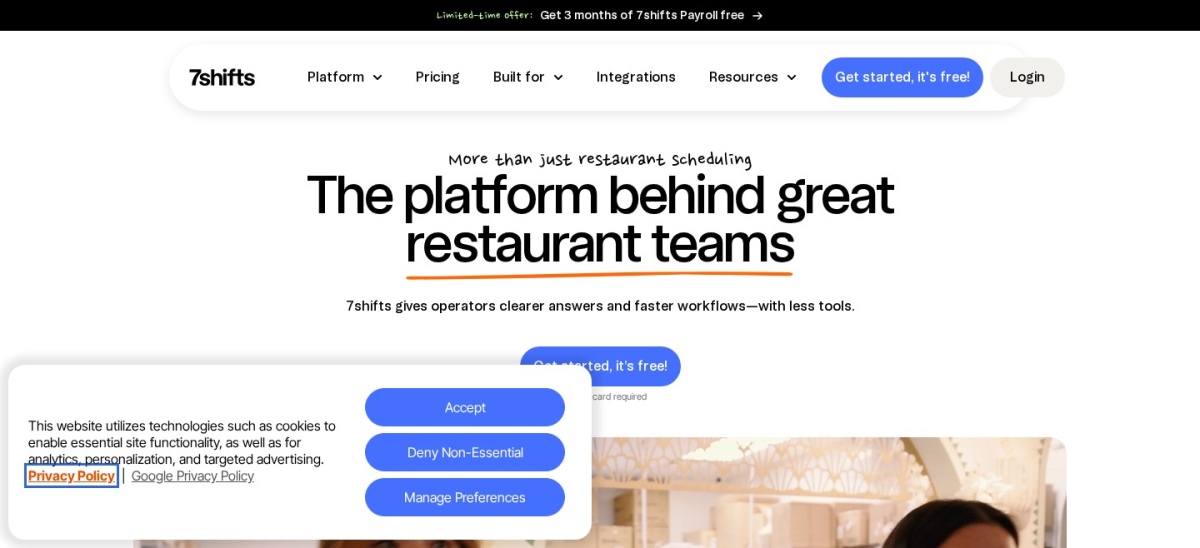
7shifts is a restaurant scheduling and team management app with rosters, a time clock, labour compliance tools and team communication. The free Comp plan covers one location and up to 15 employees with basic scheduling, announcements and time-off requests.
The trade off is scope. It is built for food service, so teams outside restaurants get less from its labour and tip tools, and Essentials costs $39.99 a location a month on annual billing. It suits restaurants and cafes that schedule around covers and tips.
What we like
Free plan for up to 15 staff at one location
Labour forecasting and compliance tools for restaurants
Tip management on the Premium plan
Rated 4.5 out of 5 from 129 G2 reviews
Watch out for
Built for restaurants, less useful elsewhere
Monthly billing is $44.99, not the $39.99 annual rate
Payroll is a paid add-on
Pro adds labour compliance tools at $69.99 a location a monthVisit 7shifts.com
Scheduling first, HR records second
Hourly teams should pick the roster tool first and the HR system second. A great HR record does not help if managers still build the weekly rota in a spreadsheet.
That is why Homebase, Deputy and When I Work lead this list. Each one publishes rosters, tracks hours and handles swaps before it talks about HR records.
Gusto and BambooHR flip the order. They are stronger on payroll and employee records, so they work best beside a scheduling app rather than instead of one.
If a team has one location and under 10 staff, a free plan may cover everything. Our small business guide covers the same start-small thinking for a different kind of setup.
How we chose
We started from the scheduling and HR tools most often named for hourly, shift-based teams, then kept the eight with a published price and a public G2 rating.
Prices come from each vendor's pricing page or G2 pricing page, checked on 25 November 2026. Ratings and review counts come from G2 on the same day. Where a vendor shows an annual rate, the list shows that rate and notes the monthly-billing price.
We left out tools with quote-only pricing and no published starting price. No vendor paid for a place, and we do not claim to have used these tools ourselves.
How to choose HR software for hourly workforces
Start with the roster, then check what the price covers per person.
Count how the vendor charges. Per-location tools such as Homebase stay flat as you hire, while per-user tools such as Deputy get dearer with every new starter.
Check what the cheapest plan actually includes. Some cheap plans leave out the time clock or charge extra for it, so confirm scheduling, clock-ins and payroll are covered before comparing prices.
Test the shift swap flow. Staff should be able to offer, pick up and swap shifts from their phones without a manager retyping the roster.
Add up the full monthly bill. Base fees, per-person charges and payroll add-ons stack up. See how to schedule posts in WordPress for the same plan-ahead habit in publishing.
FAQ
What is the best HR software for hourly workforces?
Homebase is the best pick for most hourly teams. Its free plan covers scheduling and time tracking for up to 10 employees at one location, and it is rated 4.6 out of 5 on G2. Deputy is the stronger choice for auto-scheduling.
What is the cheapest HR software for hourly employees?
When I Work is the cheapest per-user option here at $2.50 per user per month on Essentials. Homebase and Connecteam can be cheaper for larger teams, because Homebase charges per location and Connecteam charges a flat $29 a month for 30 users.
Do any of these tools have a free plan?
Yes. Homebase is free for one location and up to 10 employees, Connecteam is free for up to 10 users, and 7shifts is free for one location and up to 15 staff. The other tools offer free trials instead of a free plan.
Does HR software for hourly workers include payroll?
Sometimes, but often as a paid add-on. Gusto includes payroll on every plan, while Homebase, Deputy and 7shifts sell payroll separately. Rippling and BambooHR treat payroll as a module or add-on with its own price.
What should hourly teams look for in scheduling software?
Look for drag-and-drop rosters, availability and time-off requests, shift swaps, a GPS time clock and payroll integrations. Overtime alerts and labour cost forecasts matter once a team grows past one location.
Can hourly staff use these tools on their phones?
Yes. All eight tools offer mobile apps, and Connecteam and Homebase are built around phone-first use. Staff can check rosters, clock in, swap shifts and message managers without a desktop computer.
SaaS SEO and WordPress specialist with about 8 years of experience. Rakib compares WordPress plugins, themes, hosting and software using public pricing, documentation and user reviews. See how we rank.