Best Time Clock App for Small Business in 2026: 9 Apps Compared
WLWPLegible EditorsLast verified 24 Nov 2026How we rank12 min read
★ Short answer
Homebase is the best time clock app for small business, with a free Basic plan for one location and up to 10 employees, rated 4.6/5 on G2. Clockify is the best free option for teams of up to 5 users, and Buddy Punch is the best paid option from $4.99 per user a month.
How we make this list: we compare pricing pages, product documentation and public user reviews, then re-check every price before each update. No product paid for a place. Disclosure.
Homebase is rated 4.6/5 on G2 from 586 reviews, with a free plan for one location and up to 10 employees.
Connecteam is rated 4.6/5 on G2 from 3,506 reviews, free for up to 10 users.
Buddy Punch is rated 4.8/5 on G2, the highest in this list, from $4.99 a user a month plus a $19 base.
Sling is free for up to 30 users, the most generous free plan here, with paid plans from $1.70 a user a month.
When I Work is rated 4.4/5 on G2 from 404 reviews, from $2.50 a user a month.
What a time clock app for a small business should do
A time clock app replaces the paper timesheet. Staff clock in and out on a phone or tablet, managers approve hours, and payroll gets clean totals without chasing cards.
The best small business apps start free. Homebase, Connecteam, Clockify and Sling all offer a free plan, so a small team can run time tracking without paying anything.
GPS and geofencing are the features that matter for teams that work off site. Buddy Punch and When I Work both include location tracking, so you know where a clock-in happened.
Watch the per-user maths. A $2.50 per user plan looks cheap, but a base fee or a per-location charge can change the monthly total once you add a second site.
Homebase is the time clock app built for hourly teams. Its free Basic plan covers one location and up to 10 employees, with time tracking, scheduling and messaging included, and paid plans add GPS tracking, geofencing and payroll connections. It is the only app here that combines a real free plan with hiring and HR tools.
The trade off is the free plan cap. One location and 10 employees is generous, but a second site or an eleventh hire moves you to $24 a location a month. It suits restaurants, retail and service businesses with one or two sites.
What we like
Free plan for up to 10 employees
Rated 4.6/5 on G2 from 586 reviews
Time tracking, scheduling and messaging in one app
Connecteam is the employee app that combines time tracking with scheduling, communication and training. Its free plan covers up to 10 users, and the paid plan is $29 a month for 30 users, which makes it cheap for small teams that want more than a clock. It is rated 4.6/5 on G2 from 3,506 reviews.
The trade off is that it is a broad app, not a time clock specialist. Teams that need deep GPS or payroll features may prefer a focused tool. It suits small teams that want one app for staff management.
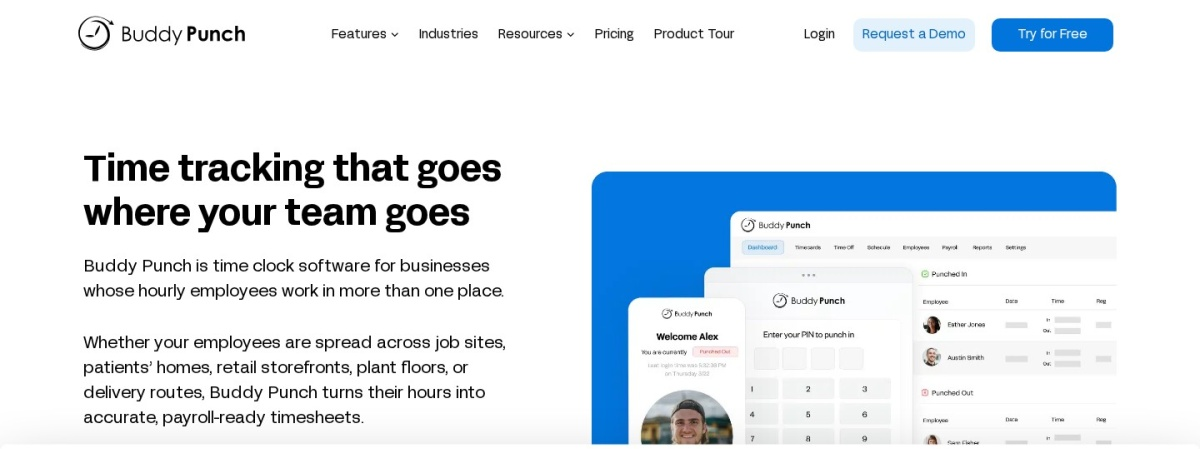
Buddy Punch is the time clock app for teams that work off site. It combines clock-in with GPS tracking, photo verification and PTO management, and it is rated 4.8/5 on G2, the highest score in this list. Pricing starts at $4.99 per user a month plus a $19 base fee, so a small team pays little for real tracking.
The trade off is the base fee. The $19 a month base makes it pricier for very small teams than the per-user price suggests. It suits field and service teams that need to prove where clock-ins happened.
Deputy is the scheduling and time clock app for shift-based teams. It covers clock-in, scheduling, task management and payroll connections, with a clean app that staff pick up fast. Pricing is $5 per user a month billed annually, and it is rated 4.6/5 on G2 from 666 reviews.
The trade off is price at scale. Five dollars a user adds up for a large hourly team, and there is no free plan. It suits hospitality, retail and healthcare teams that run shifts.
When I Work is the cheap paid option, from $2.50 per user a month. It covers time tracking, scheduling and team messaging, with GPS tracking for off-site teams, and it is rated 4.4/5 on G2 from 404 reviews. The low per-user price makes it the cheapest paid plan here for teams that outgrow free options.
The trade off is depth. The entry plan is basic, and GPS and payroll features need higher tiers. It suits small teams that want a low-cost paid plan without a free-tier cap.
Clockify is the free time tracker for teams of up to five users. It covers time tracking, timesheets and basic reporting without a trial, and it is rated 4.5/5 on G2 from 1,448 reviews. Paid plans start at $3.99 per seat a month and add scheduling, approvals and GPS.
The trade off is the free cap. Five users is small, so a growing team moves to paid plans fast, and GPS tracking needs a higher tier. It suits freelancers and tiny teams that want a free tracker.
QuickBooks Time is the time tracker for teams already running QuickBooks. Hours flow straight into payroll and invoicing, with GPS tracking, scheduling and overtime alerts. It is rated 4.5/5 on G2 from 204 reviews, and the Essentials plan starts at $20 per user a month.
The trade off is that it works best inside QuickBooks. Teams on other accounting tools get less value, and the per-user price is higher than rivals here. It suits QuickBooks shops that want hours in payroll without retyping.
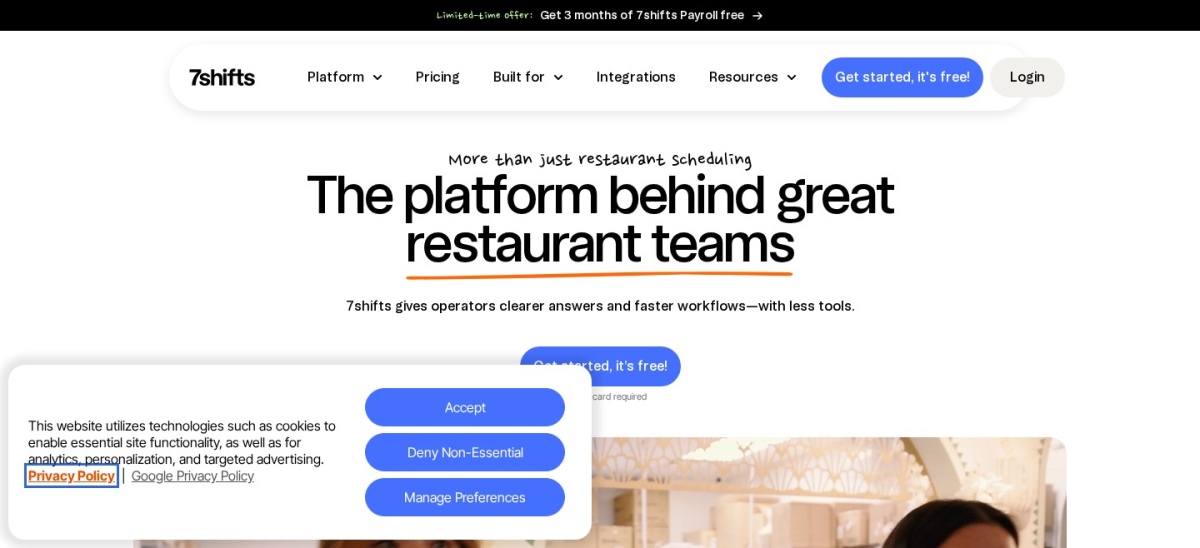
7shifts is the scheduling and time clock app for restaurants. It covers scheduling, time tracking, team messaging and payroll, with a restaurant-specific workflow that covers shift swaps, tip pools and labour cost tracking. Pricing starts at $39.99 per location a month, and it is rated 4.5/5 on G2 from 279 reviews.
The trade off is the per-location price. Thirty-nine ninety-nine a location is the highest starting price here, so small restaurants should check the maths. It suits restaurants that want scheduling and time tracking built for hospitality.
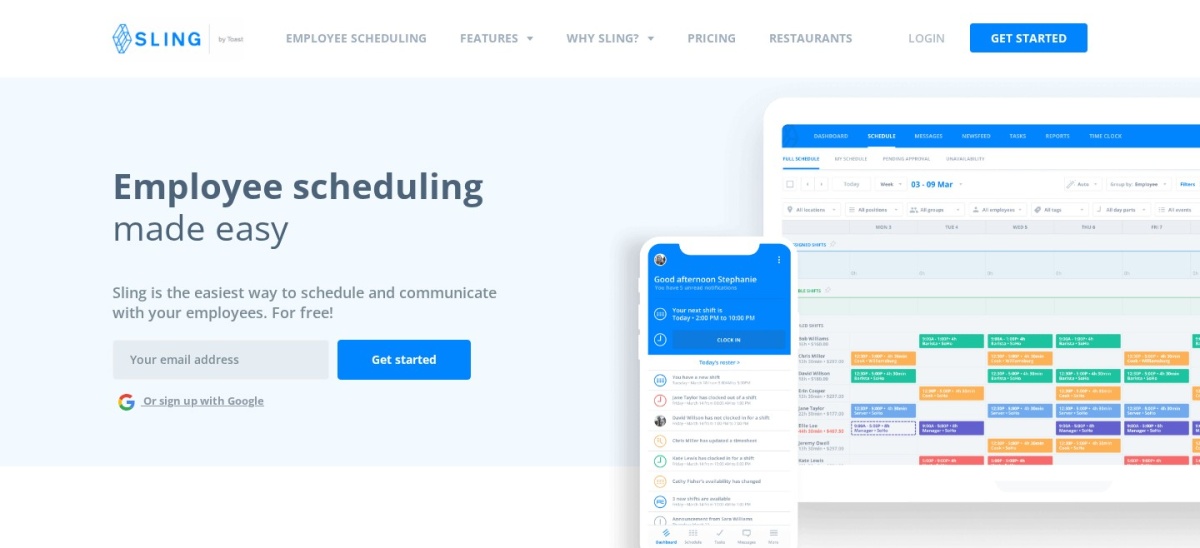
Sling is the free plan for larger teams, with up to 30 users on the free tier. It covers time tracking, scheduling and team messaging, and paid plans start at $1.70 per user a month, the cheapest paid price here. It is rated 4.2/5 on G2 from over 150 reviews.
The trade off is rating. At 4.2 it is the lowest rated app in this list, and payroll features are thinner than rivals. It suits teams that want a free plan for more than a handful of staff.
Homebase Basic is free for one location and up to 10 employees, with time tracking, scheduling and messaging included. Connecteam is free for up to 10 users, and Clockify is free for up to 5 users with unlimited tracking.
Sling is the most generous free plan, with up to 30 users, while Deputy has no free plan and starts at $5 per user a month. The free plans are real, not trials, so a small team can run them for months.
The catch is scale. Free plans cap users or locations, so a growing team should check the paid price before settling in, because switching time clock apps is work.
How we chose
We started from the time clock apps most often recommended for small business, then kept nine that cover free plans, GPS tracking and payroll links.
Prices come from each vendor's pricing page and dated November 2026 checks. Ratings and review counts come from G2, checked in November 2026.
We left out enterprise workforce suites priced for hundreds of staff. No vendor paid for a place, and we do not claim hands-on testing for this list.
How to choose a time clock app for small business
Start with how many staff and locations you have, then check the free plan covers them.
Count staff and locations. Free plans cap users or locations, so list both before you pick, or you will outgrow the free tier in a month.
Check GPS and geofencing. If staff work off site, you need location tracking. Buddy Punch and When I Work include it; check it is on your plan.
Test the clock-in on a phone. Staff will use their phones, so clock in and out on a real phone in the trial and check the app is fast and clear.
Connect payroll before you buy. Approve hours in the app and check they flow into your payroll, so you are not retyping totals every week.
FAQ
What is the best time clock app for small business?
Homebase is the best pick, with a free Basic plan for one location and up to 10 employees, rated 4.6/5 on G2. Clockify is the best free option for up to 5 users, and Buddy Punch is the best paid option from $4.99 a user a month.
Is there a free time clock app?
Yes. Homebase, Connecteam, Clockify and Sling all have free plans. Homebase covers one location and up to 10 employees, while Sling is free for up to 30 users.
How much does a time clock app cost?
Paid plans start at $1.70 a user a month on Sling and $2.50 a user a month on When I Work, rising to $39.99 a location a month on 7shifts. Most plans are billed annually.
Does Homebase have GPS tracking?
Yes, Homebase includes GPS tracking and geofencing on paid plans, so managers can see where staff clock in and out. The free Basic plan covers time tracking and scheduling.
Can a time clock app connect to payroll?
Yes. Homebase, Deputy, When I Work and QuickBooks Time all connect to payroll, so approved hours flow straight into pay runs without retyping.