Best Free Time Tracking Software for Freelancers in 2026: 7 Tools Compared
WLWPLegible EditorsLast verified 23 Nov 2026How we rank12 min read
★ Short answer
Clockify is the best free time tracking software for freelancers, with a free plan covering 5 users and unlimited projects, rated 4.5 out of 5 from 202 G2 reviews. Pick Toggl Track for the simplest timer and Harvest if you also need invoicing.
How we make this list: we compare pricing pages, product documentation and public user reviews, then re-check every price before each update. No product paid for a place. Disclosure.
Clockify gives the most in its free plan: 5 users, unlimited projects and reports.
Toggl Track is the simplest timer here, with a free plan for small teams.
Harvest pairs time tracking with invoicing, so freelancers can bill from the same app.
Timely is the highest rated at 4.8, but it has no free plan, only a 14-day trial.
TimeCamp and RescueTime both offer free plans, with TimeCamp better for teams and RescueTime for solo focus.
What free time tracking software should cover
A free time tracker should start and stop in one click and show where the day went. If starting a timer takes more than a second, you will stop using it.
The free limit matters most. Some tools cap users, others cap projects or clients. Match the cap to how you work: solo freelancers need few users but many projects.
Reports and invoicing are where free plans differ most. Harvest turns tracked hours into invoices, while other tools need a paid plan for that.
The 7 best free time tracking software tools for freelancers
01
Clockify
4.5/5on G2 (202 reviews, checked Nov 2026)
Paid from$3.99/seat/mo
Best free time tracking software overall
Free plan5 users, unlimited projects
Paid planBasic, $3.99/seat/mo
InvoicingPaid
ReportsYes
clockify.me
Clockify homepage, captured Nov 2026.
Clockify is the most generous free time tracker in this list, with a free plan covering 5 users, unlimited projects and reports. It includes a timer, timesheets, a calendar view and basic reports, all without a paid plan.
The trade off is depth. Advanced features such as invoicing, scheduling and audit logs need the Basic plan at $3.99 a seat a month billed yearly. It suits freelancers and small teams who want a free tracker that stays free.
Toggl Track is the simplest timer in this list, with a one-click start and a clean timeline of the day. The free plan covers small teams with unlimited projects and clients, and the Starter plan costs $9 a user a month billed yearly.
The trade off is reporting. Deeper reports, billable rates and project templates need paid plans. It suits freelancers who want a fast timer and simple weekly reports.
Harvest pairs time tracking with invoicing, so freelancers can track hours and bill them from the same app. The free plan covers 1 seat and 2 projects, and the Teams plan costs $9 a seat a month billed yearly.
The trade off is the free limit. One seat and 2 projects is tight, so most freelancers need the Teams plan. It suits freelancers who bill by the hour and want invoicing built in.
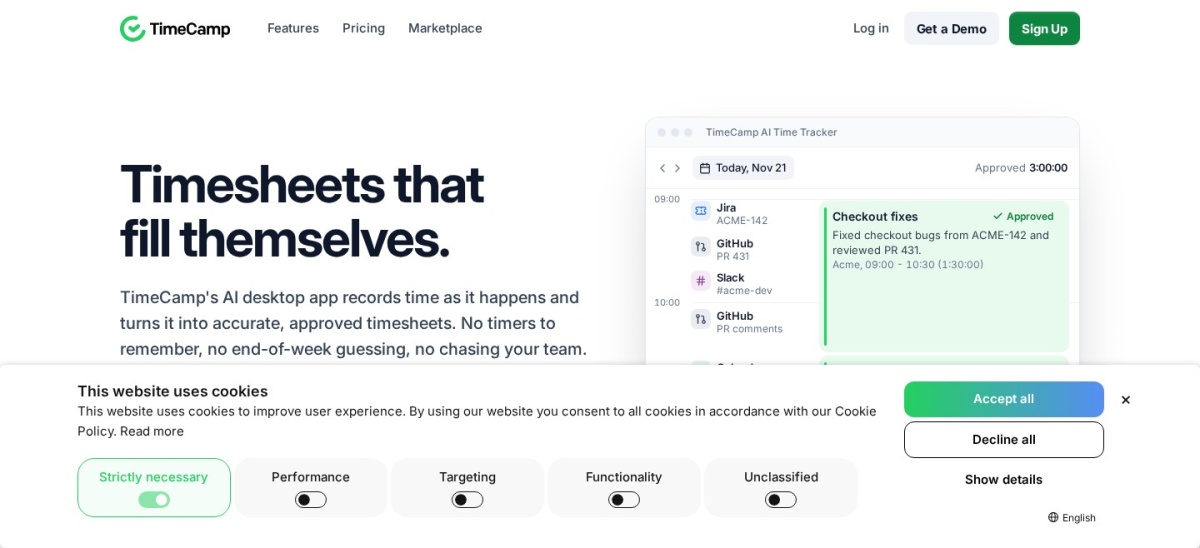
TimeCamp is a time tracker with automatic tracking and invoicing, and its free Solo plan covers one user with unlimited tasks. The Basic plan costs $5.25 a user a month and adds billing rates and more integrations.
The trade off is the free tier. Solo covers one user only, so teams need a paid plan. It suits solo freelancers who want automatic tracking and a low paid upgrade.
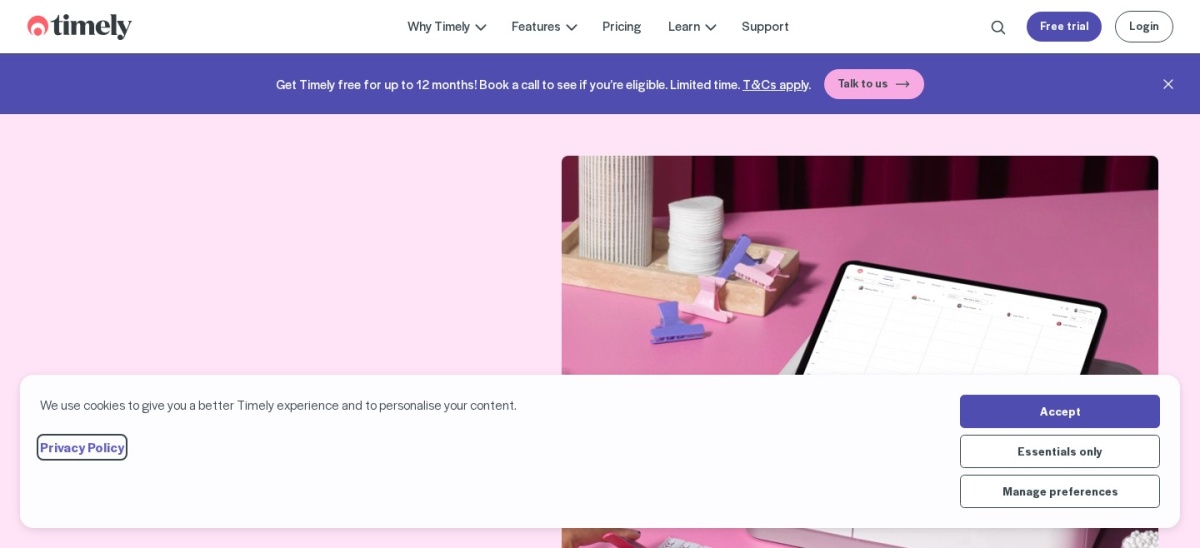
Timely is the highest-rated time tracker in this list at 4.8 out of 5 from 498 G2 reviews. It records apps, documents and meetings automatically and drafts timesheets with AI, so freelancers recover hours they would have missed.
The trade off is the free plan. Timely has no free plan, only a 14-day trial, and Starter costs $9 a user a month billed yearly for up to 5 users. It suits freelancers who lose billable hours to forgotten timers.
RescueTime is a focus tracker that shows where the day goes and blocks distracting sites. The free plan covers basic tracking and focus sessions, and Premium costs $9 a user a month with goals and alerts.
The trade off is billing. RescueTime tracks time for focus, not for invoicing, so freelancers who bill hours need another tool. It suits solo freelancers who want to protect focus time.
DeskTime is a time tracker with automatic tracking, screenshots and productivity reports. The free Lite plan covers one user, and the Pro plan costs $7 a user a month with shift scheduling and absence tracking.
The trade off is scope. DeskTime is built for teams that want oversight, so solo freelancers get less from it than from Clockify or Toggl. It suits small teams that want automatic tracking with reports.
Free plans cover basic tracking well. Most include a timer, timesheets and simple reports.
Paid plans mostly add billing and automation. You get invoicing, billable rates and automatic tracking.
If you bill by the hour, Harvest is the only free plan with invoicing built in. Our project management software list covers tools that add tasks and clients.
For a freelancer tracking a few projects, the free plans here are often enough.
How we chose
We started from the time tracking tools with the most G2 reviews, then kept those with a free plan or a free trial.
Prices come from each vendor's pricing page or G2 pricing data, checked on 23 November 2026. Ratings and review counts come from G2 on the same day. Where a vendor shows a sale, the list shows the regular price.
We left out tools with no G2 rating and no free way to track. No vendor paid for a place, and this list is based on pricing, docs and reviews, not on using the tools ourselves.
How to choose free time tracking software
Start with whether you bill by the hour, then check the free limit.
Count your projects. Match the free cap to your work. Clockify covers unlimited projects, Harvest covers 2, TimeCamp Solo covers 1 user.
Check invoicing. If you bill hours, invoicing matters. Harvest includes it, while Clockify and Toggl need paid plans.
Decide on automatic tracking. Timely and TimeCamp track automatically. See the project management list for tools that add tasks.
Plan for growth. If you add clients, the cheapest paid upgrade matters. Clockify Basic costs $3.99 a seat a month.
FAQ
What is the best free time tracking software for freelancers?
Clockify is the strongest free option. Its free plan covers 5 users and unlimited projects, and it is rated 4.5 out of 5 from 202 G2 reviews.
Is Clockify really free?
Yes. The free plan covers 5 users, unlimited projects and reports, with no time limit. Paid plans add invoicing and scheduling.
Which free time tracker has invoicing?
Harvest is the best pick for invoicing. Its free plan covers 1 seat and 2 projects, and the Teams plan adds unlimited seats for $9 a month.
Do free plans include automatic tracking?
Some do. TimeCamp Solo and DeskTime Lite include automatic tracking for one user, while Timely needs a paid plan.
What is the best time tracker for focus?
RescueTime is the best pick for focus. It shows where the day goes, runs focus sessions and blocks distracting sites on Premium.
Can I track time for clients for free?
Yes. Clockify and Toggl Track both cover unlimited clients on their free plans, so you can track time per client at no cost.