Homebase is the best Deputy alternative for most shift teams, with a free plan for one location and up to 10 staff and paid plans from 30 dollars a location a month. Pick When I Work for the cheapest per-user scheduling, and Connecteam when field teams also need chat and HR tools in one app.
How we make this list: we compare pricing pages, product documentation and public user reviews, then re-check every price before each update. No product paid for a place. Disclosure.
Homebase is the only alternative here with a free plan that covers scheduling, a time clock and team chat for up to 10 staff.
When I Work starts at 2 dollars 50 per user a month, the lowest per-user price in this list, with auto-scheduling included.
Connecteam charges a flat 29 dollars a month per hub for the first 30 users, so larger teams pay less per person.
7shifts is the restaurant specialist, with tip pooling and labour cost tracking, from 39 dollars 99 a location a month on annual billing.
Rippling costs more, from 8 dollars per user a month, but it replaces separate HR, payroll and IT tools.
How do you choose the best Deputy alternatives?
Deputy charges per user and builds schedules around demand, breaks and labour rules. An alternative earns its place by matching that scheduling depth, or by beating Deputy on price, free plan or payroll.
Price models differ more than headline prices. Homebase and 7shifts charge per location, When I Work, Sling and Planday charge per user, and Connecteam charges a flat rate per hub, so the cheapest option depends on headcount and sites.
Free plans are the fastest way to narrow the list. Homebase covers one location with up to 10 staff, Sling covers up to 30 users, and 7shifts covers one location with up to 15 staff, while When I Work and Planday offer trials only. Our guide to the best workforce management software compares Deputy itself with these same tools.
Payroll decides the rest. If hours must flow straight into pay, Homebase and Rippling keep payroll in the same system, while the cheaper schedulers need an integration.
Homebase is a scheduling, time tracking and payroll app for hourly teams at one location. The free Basic plan covers scheduling, a basic time clock, team messaging and point-of-sale links for up to 10 employees, and paid Essentials starts at $30 a location a month.
The trade off is the per-location price. A second site means a second subscription, so multi-site teams pay more than with a per-user tool. It suits single shops, cafes and clinics that want payroll in the same app.
When I Work is a simple scheduling app that builds rosters automatically and handles shift swaps, open shifts and team messaging. Essentials costs $2.50 per user a month, with no base fee and no minimum headcount, so a twelve-person team pays $30 a month.
The trade off is that the time clock costs extra. Add it and Essentials becomes $4 per user a month, and there is no free plan, only a 14-day trial. It suits retail and restaurant teams that want scheduling live the same day.
Connecteam is a mobile-first app for deskless teams that combines scheduling, a GPS time clock, forms, tasks and team chat. Its free plan covers up to 10 users, and the Operations Hub Basic plan costs $29 a month for the first 30 users.
The trade off is the hub structure. Scheduling, communications and HR are separate hubs at $29 a month each, so the full suite costs more than one hub. It suits field, retail and hospitality teams that live on their phones.
4.5/5on G2 (Not published reviews, checked Nov 2026)
Paid from$39.99/mo
Best for restaurants
Free plan1 location, up to 15 staff
Paid planEssentials, $39.99/location/mo
Tip poolingYes
Labour cost trackingYes, against sales
7shifts.com
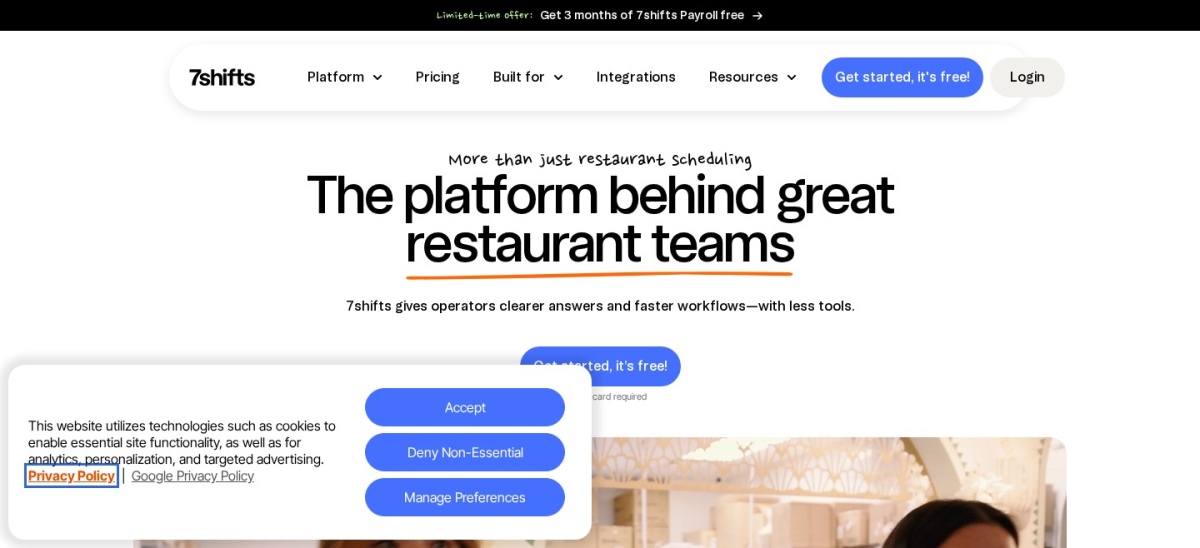
7shifts homepage, captured Nov 2026.
7shifts is a scheduling app built for restaurants, with shift planning around sections and roles, tip pooling, labour cost tracking against sales and POS links. Its free Comp plan covers one location with up to 15 staff, and Essentials costs $39.99 a location a month on annual billing.
The trade off is the headcount cap on every tier. Essentials covers up to 30 staff, so hiring alone can push a restaurant onto a higher plan. It suits restaurants that schedule around tips and daily labour targets.
4.4/5on G2 (Not published reviews, checked Nov 2026)
Paid from$2/user/mo
Best free scheduling for small teams
Free planUp to 30 users
Paid planPremium, $2/user/mo
Time trackingPaid plan only
Team messagingYes
getsling.com
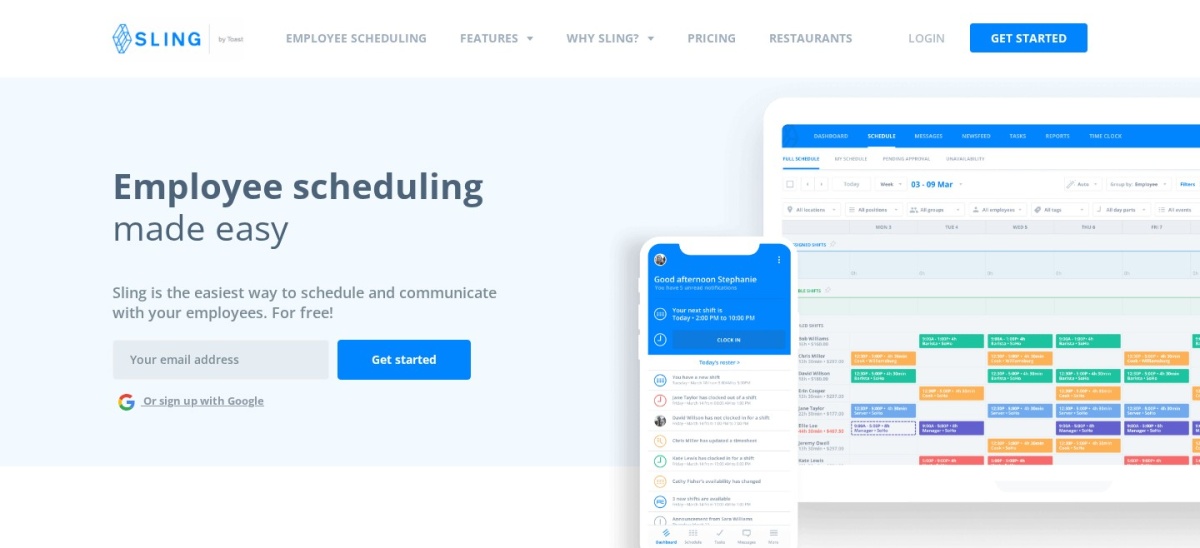
Sling homepage, captured Nov 2026.
Sling is a free scheduling app for small teams, with drag-and-drop rosters, shift swaps, availability requests and team messaging for up to 30 users at no cost. Premium costs $2 per user a month, or $1.70 on annual billing, and adds time tracking.
The trade off is that the free plan has no time clock. Teams that need clock-ins and timesheets must pay, and labour cost tools sit on higher tiers. It suits small teams that only need a roster and a chat channel.
4.5/5on G2 (Not published reviews, checked Nov 2026)
Starts at$2.99/user/mo
Best for European hospitality teams
Free planNo, 30-day trial
Paid planStarter, $2.99/user/mo
Payroll reportingYes
Minimum users5 on Starter
planday.com
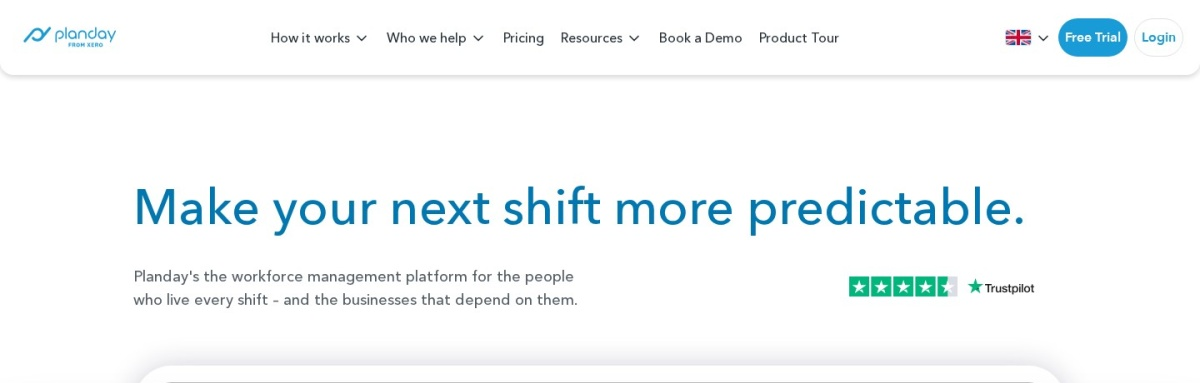
Planday homepage, captured Nov 2026.
Planday is a shift scheduling platform for retail and hospitality teams, with rota templates, shift swaps, time tracking and payroll-ready reporting. Starter costs $2.99 per user a month with a minimum of five users, and Plus adds more payroll depth.
The trade off is regional pricing. Its pricing page renders by region, so the figure shown can vary by currency, and the Pro tier is quote only. It suits hospitality chains that need strong payroll reporting in Europe.
Rippling is a unified HR, IT and payroll platform with scheduling and time tracking built on one employee record. Core starts at $8 per user a month, and the same record drives onboarding, payroll, benefits and device management.
The trade off is that scheduling is only one module. Time tracking and payroll are paid add-ons, so the real monthly cost is higher than $8 per user. It suits growing companies that want HR, payroll and IT from one vendor.
Per-user vs per-location pricing: do the maths first
Per-user tools look cheap at two or three dollars a seat, but the bill grows with every hire. Per-location tools look dear at 30 or 40 dollars a month, but one busy site with 40 staff costs the same as a site with 10.
Count your whole headcount, including managers, because most tools charge for every user. Then multiply by your number of sites for per-location tools, and compare the two totals side by side.
Free plans change the maths again. A team under 10 staff pays nothing on Homebase, and a team under 30 pays nothing on Sling, so the cheapest paid plan is only relevant once you outgrow the free tier.
How we chose
We started from the scheduling and workforce tools most often shortlisted against Deputy, then kept the seven with a real scheduling product and a verifiable G2 rating.
Prices come from each vendor's pricing page, checked on 29 November 2026. Homebase Essentials at $30 a location a month, When I Work at $2.50 per user a month and Connecteam at $29 a month per hub were read on their own pricing pages the same day. Ratings and review counts come from G2.
We left out tools without a published price or a verifiable rating, and tools that only do payroll. No vendor paid for a place, and we do not claim hands-on testing for this list.
How to choose a Deputy alternative
Start with headcount and sites, then check whether payroll must live in the same app.
Count staff and sites first. A per-user tool suits a small team at one site, while a per-location tool suits a busy site with many staff. Work out the total monthly bill for your headcount before comparing headline prices.
Check the free plan limits. Homebase, Sling and 7shifts all offer free plans, but each caps staff or sites. Make sure your team fits inside the cap, or the free plan is only a trial in disguise.
Test the time clock before you pay. Deputy teams rely on clock-ins, breaks and overtime rules. Check that the alternative covers GPS clock-ins, break rules and overtime before you commit.
Decide whether payroll must be built in. If hours must flow into pay without exports, pick Homebase or Rippling. If an integration is enough, the cheaper schedulers will do.
FAQ
What is the best Deputy alternative in 2026?
Homebase is the best Deputy alternative for most shift teams. Its free plan covers scheduling, a time clock and team chat for one location with up to 10 staff, and paid plans start at $30 a location a month. When I Work suits teams that want the lowest per-user price.
Is there a free alternative to Deputy?
Yes. Homebase is free for one location with up to 10 staff, Sling is free for up to 30 users, and 7shifts is free for one location with up to 15 staff. All three cover scheduling and messaging, but Sling has no time clock on its free plan.
How much do Deputy alternatives cost?
Prices in this list run from $2 per user a month for Sling Premium to $44.99 a location a month for 7shifts on monthly billing. When I Work starts at $2.50 per user a month, Planday at $2.99, and Rippling at $8 with payroll as a paid extra.
Which Deputy alternative is best for restaurants?
7shifts is the best Deputy alternative for restaurants. It schedules around sections and roles, handles tip pooling and tracks labour cost against sales, with a free plan for one location with up to 15 staff. Homebase is the better pick for a single cafe that also wants payroll.
Which is cheaper, Deputy or When I Work?
When I Work is cheaper per user. Deputy Lite starts at $5 per user a month on annual billing, while When I Work Essentials starts at $2.50 per user a month. Deputy adds deeper labour-law compliance and demand forecasting, which When I Work does not match.
Do Deputy alternatives include payroll?
Some do. Homebase offers payroll as an add-on, and Rippling includes payroll as a paid module on one employee record. When I Work, Sling, Planday and 7shifts rely on payroll integrations instead, so hours are exported to a separate payroll tool.
SaaS SEO and WordPress specialist with about 8 years of experience. Rakib compares WordPress plugins, themes, hosting and software using public pricing, documentation and user reviews. See how we rank.