Adobe Lightroom is the best Capture One alternative for most photographers, rated 4.6 out of 5 on G2 from 3,420 reviews, with the catalog, presets and cloud sync Capture One users expect at $11.99 a month. Affinity Photo costs nothing for photographers who want a free editor, and DxO PhotoLab leads on RAW image quality.
How we make this list: we compare pricing pages, product documentation and public user reviews, then re-check every price before each update. No product paid for a place. Disclosure.
Adobe Lightroom leads at 4.6 out of 5 on G2 from 3,420 reviews, with the strongest catalog and cloud sync here.
Affinity Photo is now free, with the full editor included and only the AI tools behind a Canva plan.
Five of the eight tools sell a one-time licence, from ACDSee at $49.95 to Luminar Neo at $417.
DxO PhotoLab has the best RAW image quality, but its Capterra rating rests on only 14 reviews.
ON1 Photo RAW is the closest one-app Lightroom replacement at $99.99 once, with layers and effects included.
How do you pick the right Capture One alternative?
Capture One charges a subscription or a costly perpetual licence, so the first decision is how you want to pay. Five of the eight tools in this list sell a one-time licence, and one, Affinity Photo, costs nothing at all.
RAW quality and catalog tools are the two things that separate the serious picks from the quick editors. DxO PhotoLab leads on image quality, Lightroom leads on cataloguing, and Polarr trades both for speed and price.
Prices spread from $0 to $417 once, or $3.99 to $22.99 a month, so the cheapest headline is rarely the cheapest year. If you publish your photos on a WordPress site, our guide to optimizing images for WordPress shows how to keep them fast after export.
Adobe Lightroom is the closest match to Capture One in this list, with non-destructive RAW editing, a catalog for large libraries, presets, masking and cloud sync across desktop and mobile. The Lightroom plan costs $11.99 a month billed yearly and includes 1TB of cloud storage, with a 7-day free trial.
The trade off is the subscription, which never ends, and the retouching tools are basic next to Photoshop or DxO. It suits photographers who want one app to organise, edit and deliver whole shoots.
What we like
Best catalog and organization here
Huge preset and plugin ecosystem
Cloud sync across desktop and mobile
4.6 out of 5 on G2 from 3,420 reviews
Watch out for
Subscription only, no perpetual licence
Built-in retouching is basic
Photography plan with Photoshop costs $19.99 a month
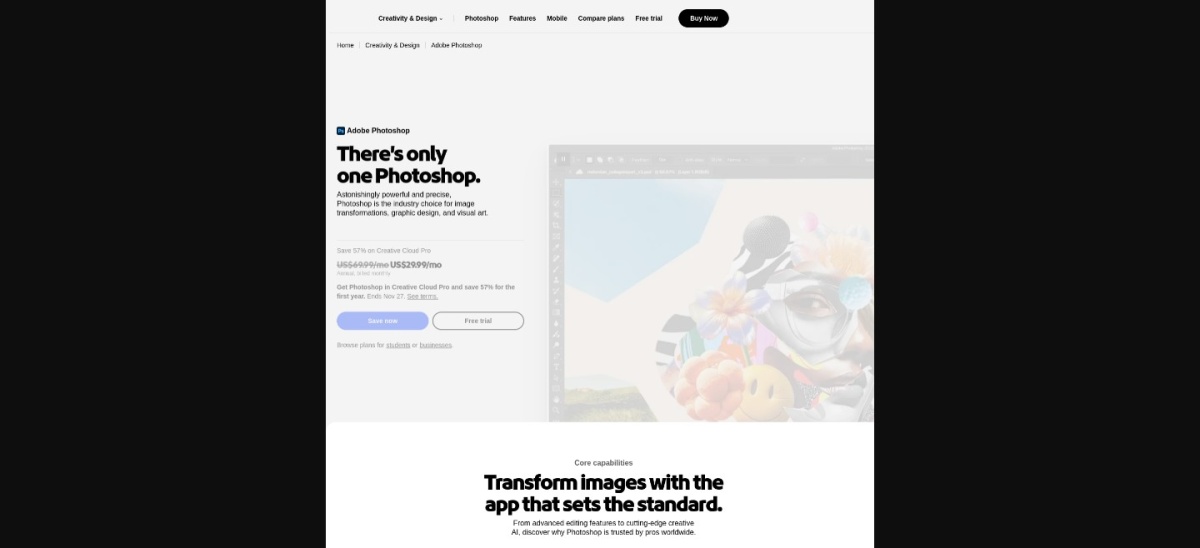
Adobe Photoshop is the deepest editor in this list, with layers, masks, frequency separation, dodge and burn, and AI tools such as Generative Fill and neural filters. The single-app plan costs $22.99 a month billed yearly, with a 7-day free trial.
The trade off is speed and price. It is slow for batch work across hundreds of photos, and it costs more per year than every one-time licence here. It suits hero images, beauty work and album covers, while a RAW editor handles the rest of the gallery.
What we like
Unmatched manual retouching depth
Neural filters and Generative Fill
The industry standard clients expect
4.6 out of 5 on G2 from 13,463 reviews
Watch out for
Steep learning curve
Subscription pricing, no one-time licence
Slow for batch retouching
Photography plan pairs it with Lightroom for $19.99/moVisit adobe.com
03
Affinity Photo
4.5/5on G2 (234 reviews, checked Nov 2026)
PriceFree
Best free Capture One alternative
Price$0, free for individuals
RAW editingNon-destructive Develop persona
LayersAdjustment and live filter layers
AccountFree Canva account required
affinity.serif.com
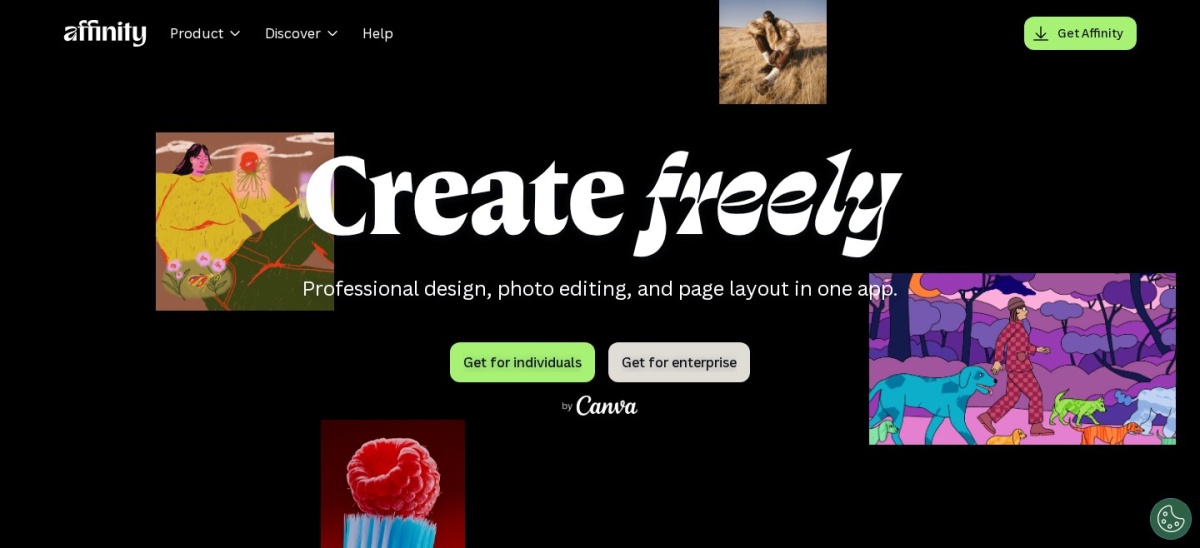
Affinity Photo homepage, captured Nov 2026.
Affinity Photo is the full professional editor from Serif, now free inside the single Affinity app from Canva. It covers non-destructive RAW development, layers, masks, frequency separation, HDR and focus merging, with no subscription and no watermark. You sign in with a free Canva account to download it.
The trade off is the account and the AI tools. A free Canva account is required, and Generative Fill and background removal need a paid Canva plan. It suits photographers who want a full editor for nothing and can live without an AI studio.
ACDSee Photo Studio is a photo organiser first, with editing built in. Fast browsing and batch tools rename and export whole sets quickly, and AI keywording, face detection and subject selection speed up tagging. The Home edition costs $49.95 once, with a 30-day trial.
The trade off is depth. Its editing tools are thinner than Lightroom or DxO, and the top Ultimate edition costs more and is Windows-only. It suits photographers with large local libraries who want one payment and fast browsing.
What we like
Cheapest one-time purchase here
Fast browsing for large libraries
AI keywording and face detection
4.5 out of 5 on Capterra from 61 reviews
Watch out for
Editing is thinner than Lightroom or DxO
Top edition is Windows-only
Higher editions cost more
Professional costs $99.99 once, Ultimate $149.99 onceVisit acdsee.com
05
Luminar Neo
4.4/5on G2 (115 reviews, checked Nov 2026)
Starts at$417/once
Best for fast AI-assisted edits
AI toolsSkinAI, FaceAI, sky replacement
LicencePerpetual, desktop on 2 computers
Free start30-day money-back guarantee
PluginsWorks inside Lightroom and Photoshop
skylum.com
Luminar Neo homepage, captured Nov 2026.
Luminar Neo is an AI photo editor from Skylum with portrait tools built in. SkinAI smooths skin while keeping texture, FaceAI refines features and light, and sky replacement and relighting finish a photo in a few clicks. The Desktop Only licence is a one-time purchase with a regular price of $417.
The trade off is the fine print. Generative tools and the asset library run for a year, then need a Luminar Prime subscription, and the current $99 sale price is far below the $417 regular price. It suits photographers who want strong portrait AI without another monthly subscription.
What we like
One-time purchase, no subscription
SkinAI and FaceAI built in
Works as a Lightroom and Photoshop plugin
4.4 out of 5 on G2 from 115 reviews
Watch out for
Generative tools lapse after a year
Regular price of $417 is steep
Catalog is weaker than Lightroom's
Luminar Prime subscription keeps generative tools goingVisit skylum.com
06
Polarr
4.4/5on G2 (46 reviews, checked Nov 2026)
Paid from$3.99/mo
Best cheap cross-device editor
PlatformsDesktop, mobile and web
Free planYes, basic edits
Face toolsFace-aware adjustments
Paid planPro, $3.99/mo
polarr.com
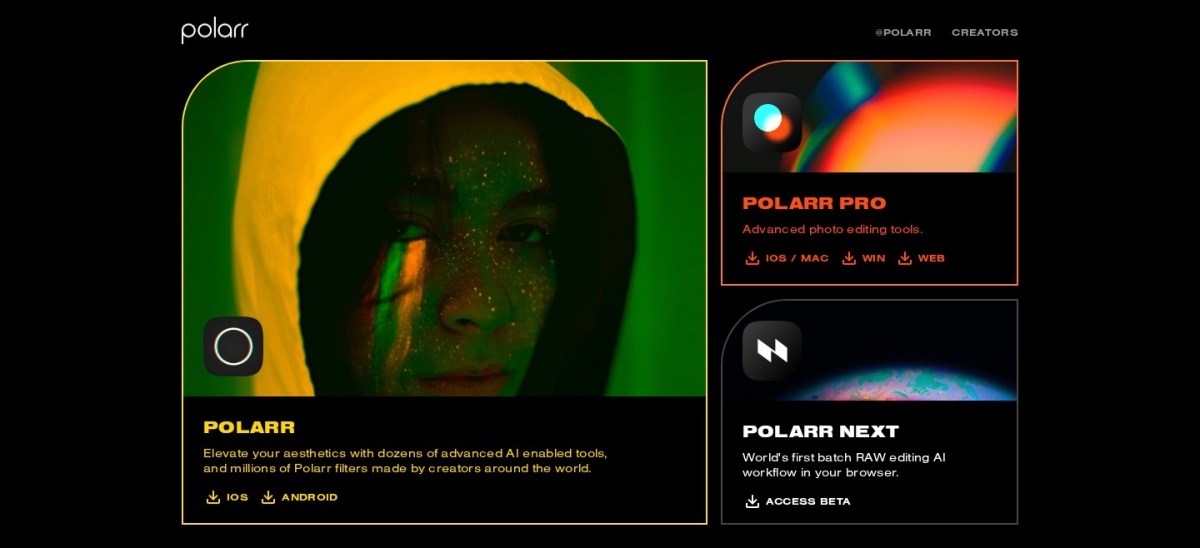
Polarr homepage, captured Nov 2026.
Polarr is a light photo editor that runs on desktop, mobile and the web, with filters, colour tools, masking and face-aware adjustments. The free plan covers basic edits, and Pro costs $3.99 a month billed yearly, or $47.88 a year.
The trade off is power. It is a quick editor, not a full RAW workflow, so heavy local edits and large catalogs belong elsewhere. It suits beginners and phone shooters who want cheap, cross-device editing with a free plan to start.
DxO PhotoLab is a RAW editor built around image quality first. Its DeepPRIME denoising and lab-measured lens corrections are rated ahead of Adobe's by reviewers, and version 10 adds depth-aware masking and AI selections of people and faces. Essential costs $159.99 as a one-time licence.
The trade off is that it is a RAW developer first and a retoucher second. Skin retouching and face-aware tools exist but are thinner than Luminar or Photoshop, so buy it for image quality at the RAW stage. It suits photographers who put file quality above all else.
What we like
Best denoising and lens corrections here
Perpetual licence, no subscription
30-day free trial
Depth masks and per-person AI masks in v10
Watch out for
Portrait tools are thinner than rivals
Only 14 Capterra reviews behind the rating
Major upgrades cost extra
Elite at $249.99 adds DeepPRIME and more local toolsVisit dxo.com
08
ON1 Photo RAW
4.1/5on Trustpilot (3,227 reviews, checked Nov 2026)
Starts at$99.99/once
Best all-in-one RAW workflow
WorkflowBrowse, develop, effects, retouch
LayersLayered editing with AI masking
LicencePerpetual, 2 computers
Free start30-day free trial
on1.com
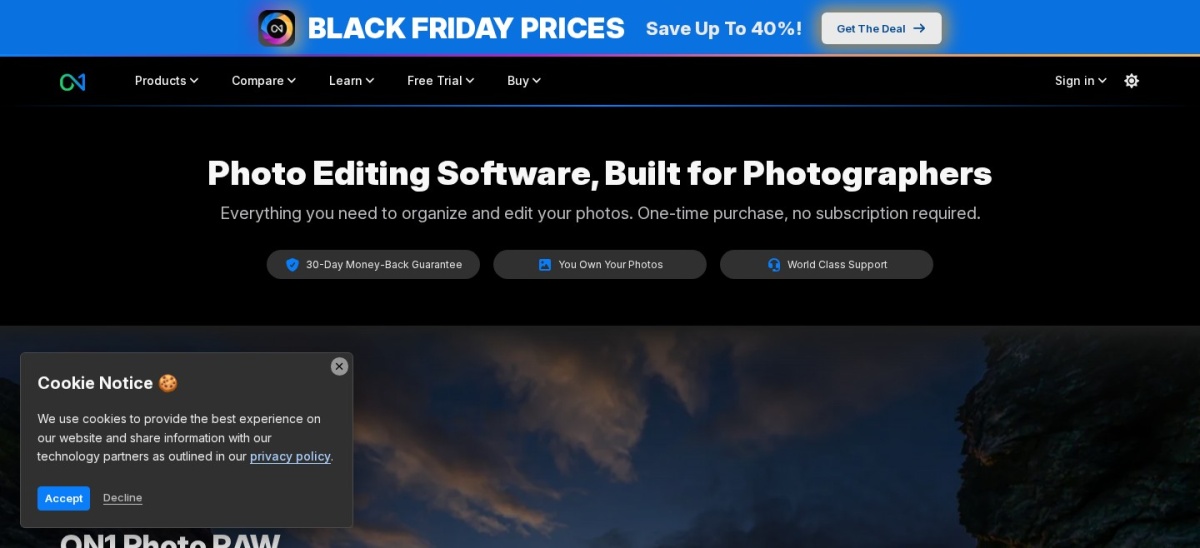
ON1 Photo RAW homepage, captured Nov 2026.
ON1 Photo RAW is an all-in-one editor that combines RAW processing, layers, effects and photo management in a single app, with no need for separate programs. The perpetual licence costs $99.99 once, installs on two computers, and includes a 30-day free trial.
The trade off is that it does many things well rather than one thing best. Its catalog and masking take time to learn, and the interface can feel dense next to Lightroom. It suits photographers who want one app for the whole workflow at one fixed price.
What we like
One app for the whole workflow
Perpetual licence, no subscription
Layers and AI masking included
4.1 out of 5 on Trustpilot from 3,227 reviews
Watch out for
Interface can feel dense for beginners
Catalog is basic next to Lightroom
Lowest rating in this list
MAX at $169.99 once adds plugins and cloud syncVisit on1.com
One-time licence or subscription: what costs less?
A one-time licence wins if you keep the same version for years. ON1 Photo RAW at $99.99 once costs less than a year of Lightroom at $143.88, and it keeps working with no further payment.
A subscription wins if you want every update and cloud sync. Lightroom and Photoshop update constantly and sync across devices, which a fixed licence cannot match.
Watch the fine print on one-time licences. Luminar Neo's generative tools lapse after a year, and major version upgrades cost extra, so the second year is rarely free.
How we chose
We started from the photo editors photographers actually name as Capture One replacements in reviews and round-ups, then kept eight that cover RAW editing, cataloguing, retouching and budget picks.
Prices come from each vendor's pricing page, checked on 29 November 2026. Ratings and review counts come from G2, Capterra or Trustpilot on the same day. Where a vendor shows a sale, the list shows the regular price.
We left out tools with no public numeric rating on G2, Capterra or Trustpilot. No vendor paid for a place, and we do not claim hands-on testing for this list.
How to choose a Capture One alternative
Start with how you edit now, then match the billing model to how long you keep a version.
Count how many photos you edit each month. Under 100 a month, a free editor or a one-time licence costs least. Over 500, a catalog and batch tools decide the bill.
Decide RAW-first or retouch-first. RAW-first editors such as DxO and Lightroom handle whole shoots. Retouch-first tools such as Photoshop and Affinity shape single images deeply.
Check the free start. Most tools here offer a trial or a free plan. Run 20 real photos through before you pay, and compare the same images across tools.
Read the billing fine print. Some AI features lapse after a year, sale prices rise at renewal, and major upgrades cost extra. Check what the second year costs, not just the first.
FAQ
What are the best Capture One alternatives?
Adobe Lightroom is the best Capture One alternative for most photographers, with a 4.6 out of 5 G2 rating from 3,420 reviews. Affinity Photo is the best free option, DxO PhotoLab leads on RAW quality, and ON1 Photo RAW is the closest one-app replacement at $99.99 once.
What is the best free alternative to Capture One?
Affinity Photo is the best free alternative. The full editor costs $0 since Canva made it free in October 2025, with RAW development, layers and HDR included. You need a free Canva account to download it, and only the AI tools need a paid Canva plan.
How much do Capture One alternatives cost?
Prices run from $0 for Affinity Photo to $417 for a Luminar Neo one-time licence. Subscriptions start at $3.99 a month for Polarr and $11.99 a month for Lightroom, while ON1 Photo RAW, DxO PhotoLab and ACDSee sell one-time licences from $49.95 to $159.99.
Is there a Capture One alternative without a subscription?
Yes. Affinity Photo is free, and ACDSee Photo Studio, ON1 Photo RAW, DxO PhotoLab and Luminar Neo all sell one-time licences. Check the fine print first: some AI features lapse after a year and need a subscription to keep working.
Lightroom or Photoshop: which replaces Capture One better?
Lightroom replaces Capture One better for most photographers, because it covers the catalog, RAW editing and batch workflow in one app. Photoshop suits photographers who edit single images deeply, with layers and retouching Capture One does not offer.
Which Capture One alternative is best for beginners?
Polarr is the easiest start, with a free plan, simple filters and apps on every device. Affinity Photo is the best free step up, with full RAW editing and layers, though it takes longer to learn than Polarr.
SaaS SEO and WordPress specialist with about 8 years of experience. Rakib compares WordPress plugins, themes, hosting and software using public pricing, documentation and user reviews. See how we rank.