Monday is the best business software for most small teams, covering projects, CRM and chat from $9 a seat a month. Add HubSpot for a free CRM and QuickBooks when bookkeeping becomes the bottleneck.
How we make this list: we compare pricing pages, product documentation and public user reviews, then re-check every price before each update. No product paid for a place. Disclosure.
monday.com leads with a 4.7 out of 5 G2 rating from 17,182 reviews and Basic at $9 a seat a month.
HubSpot CRM is free for up to 2 users and Starter costs $20 a seat a month at the regular price.
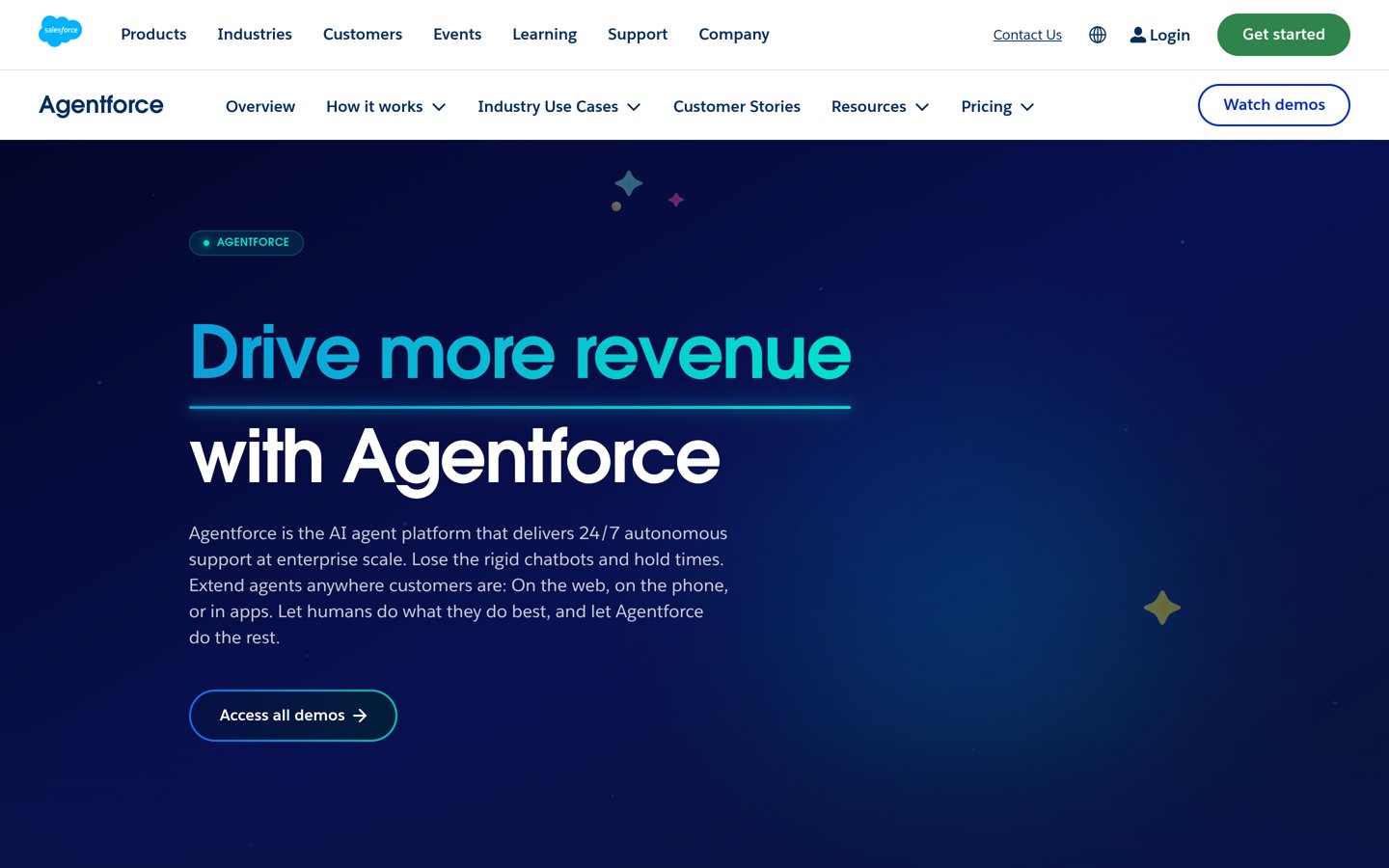
Salesforce Starter Suite costs $25 a user a month and suits teams that need deep customization.
Slack Pro at $7.25 a user a month and Microsoft 365 Basic at $7 are the cheapest paid plans here.
QuickBooks Simple Start at $38 a month and Xero Early at $27 are the accounting picks.
How do you choose the best business software?
Business software earns its keep when one login replaces three. The tools here cover projects, sales, chat, meetings and books, so a small team can run the whole business without stitching apps together.
Free plans decide the real cost. HubSpot, Slack and monday.com all let a small team start free, while Salesforce, Microsoft 365 and Xero charge from the first seat.
Per-seat pricing punishes growth. A $7 plan costs $350 a month for 50 people, so check seat minimums and volume tiers before you pick a winner.
Accounting is the one category to buy separately. QuickBooks and Xero do books properly, while the all-in-one tools only track invoices at the edges.
monday.com is the most visual work platform in this list, with colour-coded boards, timelines and calendars that show the state of every project at a glance. The free plan covers up to 2 seats, and Basic at $9 per seat a month billed annually adds unlimited items and docs.
The trade off is that Basic has no automations and no timeline view, so most teams land on Standard at $12 a seat a month, and a 3-seat minimum applies to paid plans. It suits small teams that want one place for projects, dashboards and reporting.
What we like
Highest G2 rating in this list at 4.7 out of 5
Boards, timelines and calendars in one view
More than 200 templates to start from
Watch out for
Basic has no automations or timeline view
3-seat minimum means solo users pay for three seats
HubSpot CRM is the free starting point in this list, with contacts, deals, email tracking and meeting scheduling for up to 2 users and 1,000 contacts. Starter at $20 per seat a month at the regular price adds simple automation, goals and calling.
The trade off is the upgrade ladder. Sequences, workflow automation and forecasting need Professional at $100 per seat a month, and new-customer promotions of $7 a seat are limited-time offers. It suits small businesses that want a free CRM with room to grow.
What we like
Genuinely useful free CRM for up to 2 users
Easiest setup in this list for non-technical teams
12,000+ G2 reviews at 4.4 out of 5
Watch out for
Key sales features need the $100 Professional plan
Promotional Starter prices expire for new customers
Salesforce is the CRM most businesses mean when they say CRM, with the deepest app ecosystem in this list. Starter Suite at $25 per user a month bundles sales, service and marketing basics, and it is the only edition Salesforce sells month to month.
The trade off is cost and setup. Pro Suite jumps to $100 per user a month, everything above Starter is billed annually, and setup takes real admin time. It suits growing sales teams that can live with per-user pricing and want the widest integrations.
Slack is the team chat standard, with channels, threads, calls and a searchable record of files and conversations. The free plan keeps 90 days of message history, and Pro at $7.25 per user a month billed annually adds unlimited history, huddles and workflow automation.
The trade off is noise. Channels multiply fast on busy teams, and Business+ at $15 a user a month is needed for the strongest admin controls. It suits teams that live in chat and want unlimited history without enterprise prices.
What we like
Largest team-chat review base at 38,563 G2 reviews
Unlimited history from the $7.25 Pro plan
Integrations with nearly every business tool
Watch out for
Channels get noisy on large teams
Strongest admin controls need Business+
Business+ adds stronger admin and security controlsVisit slack.com
05
Zoom
4.5/5on G2 (56,560 reviews, checked Nov 2026)
Paid from$14.16/mo
Best video meetings
Cheapest paidPro, $14.16/user/mo
Free plan40-minute group meetings
Meeting length30 hours on Pro
AI CompanionIncluded on Pro
zoom.us
Zoom homepage, captured Nov 2026.
Zoom is the meeting standard, with reliable video, screen sharing and AI Companion summaries built in. The free plan covers meetings up to 40 minutes, and Pro at $14.16 per user a month billed annually removes the limit, extends meetings to 30 hours for up to 100 participants and includes AI summaries.
The trade off is that the best AI features and phone options cost extra on higher plans, and monthly billing jumps to $16.99 a user. It suits small businesses that need dependable video meetings with AI notes at no extra charge.
What we like
Largest review base in this list at 56,560 G2 reviews
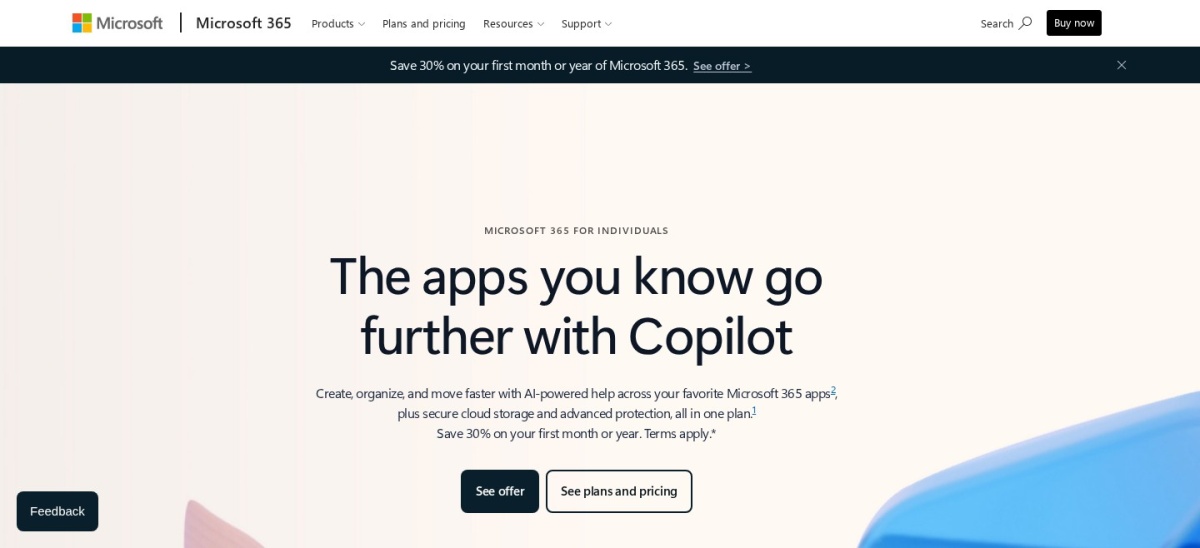
Microsoft 365 is the cheapest paid plan in this list, with email, Office apps, Teams and 1 TB of storage for every user. Business Basic at $7 per user a month on annual billing covers Outlook, Word, Excel, PowerPoint and Teams in one subscription.
The trade off is the desktop gap. Basic covers web and mobile apps only, so desktop Office needs Standard at $14 a user a month. It suits teams already living in Outlook and Teams that want one suite for everything.
QuickBooks Online is the accounting pick in this list, with invoicing, expense tracking, bank syncing and general business reporting. Simple Start at $38 a month covers one user plus two accountants, with automated bookkeeping and invoice payments.
The trade off is price creep. Essentials jumps to $85 a month and Plus to $140, and reviewers cite frequent price increases as the biggest frustration. It suits small businesses that work with an outside accountant who already uses QuickBooks.
Xero is the cleanest accounting interface in this list, with invoicing, bank reconciliation, expenses and reporting that reviewers rate above QuickBooks. Early at $27 a month covers 20 invoices and 5 bills, with unlimited users on every plan.
The trade off is the US network. Fewer American accountants use Xero than QuickBooks, and a 90 percent off promotion for new customers ended on 2 November 2026. It suits small businesses that want simple books and unlimited users.
Asana is a work management platform that connects tasks, projects, goals and AI agents in one shared workspace. The free Personal plan covers up to 2 users, and Starter at $10.99 per user a month billed annually adds timeline and Gantt views, reporting dashboards and unlimited automations.
The trade off is the free plan. Two seats is a trial rather than a working setup for a team, and portfolios, goals and workload views need Advanced at $24.99 a user a month. It suits teams running structured, repeatable work across departments.
HubSpot gives the most away free: contacts, deals and email tracking for up to 2 users with 1,000 contacts.
Slack keeps 90 days of message history free, and monday.com gives 2 seats with 3 boards.
QuickBooks and Xero offer trials, not free plans, so budget for accounting from day one.
How we chose
We picked the nine most widely used business software tools across projects, CRM, chat, meetings and accounting, each with a verifiable G2 rating.
Prices come from each vendor pricing page, checked on 29 November 2026. Ratings and review counts come from G2 on the same day. Where a vendor shows a sale, the list shows the regular price.
We left out tools with no verifiable rating on G2, Capterra or Trustpilot. No vendor paid for a place, and we do not claim hands-on testing for this list.
How to choose business software
Start with the job your team does most, then price the whole team before you commit.
List the jobs the software must do. Write down projects, sales, chat, meetings and books, then drop any tool that covers only one of them.
Start with the free plans. HubSpot, Slack and monday.com all start free, so test the real workflow before paying anything.
Price the whole team for a year. Multiply the per-seat price by headcount and add seat minimums, then compare the yearly total.
Trial the top two side by side. Run one real week of work in each finalist and check reporting, integrations and support.
FAQ
What is the best business software in 2026?
monday.com is the best business software for most small teams. It scores 4.7 out of 5 on G2 from 17,182 reviews, and Basic costs $9 a seat a month with boards, timelines and dashboards.
What business software should a small business start with?
Start free with HubSpot CRM for sales and Slack for chat, then add monday.com for projects at $9 a seat a month. That trio covers most of a small business for under $10 a seat.
Is there free business software?
Yes. HubSpot CRM, Slack and monday.com all offer free plans, and Zoom offers free meetings up to 40 minutes. QuickBooks and Xero give free trials rather than free plans.
What is the cheapest business software here?
Microsoft 365 Business Basic at $7 a user a month and Slack Pro at $7.25 are the cheapest paid plans, followed by monday.com Basic at $9 a seat a month.
Is Salesforce or HubSpot better for a small business?
HubSpot is better for a small business starting out, with a free CRM and Starter at $20 a seat a month. Salesforce Starter Suite at $25 a user a month suits teams that need deeper customization and forecasting.
Do I need separate accounting software?
Yes, if you send invoices and track expenses. QuickBooks Online and Xero handle books, tax and payroll far better than any project or CRM tool in this list.
SaaS SEO and WordPress specialist with about 8 years of experience. Rakib compares WordPress plugins, themes, hosting and software using public pricing, documentation and user reviews. See how we rank.