Financial Cents is the best workflow software for accountants overall, offering workflow automation, client requests and document management from $19 per month. Karbon is better for firms that prioritize email-based collaboration, while Jetpack Workflow suits practices focused on recurring assignments and deadline tracking.
How we make this list: we compare pricing pages, product documentation and public user reviews, then re-check every price before each update. No product paid for a place. Disclosure.
Financial Cents starts at $228 annually for solo accountants and earns 4.7/5 across 262 G2 reviews.
Karbon Team costs $59 per user monthly on annual billing and includes integrated email and workflow management.
Jetpack Workflow earns 4.8/5 on Capterra and offers unlimited projects and clients from $40 per user monthly.
Uku starts at $19 per month for solo accountants managing up to 20 active clients.
TaxDome starts at $1,500 annually for 150 active clients and includes 20 staff seats.
Canopy Standard combines recurring workflows, document management and client portals for $74 per user monthly.
What accountants need from workflow management software
Accounting practices manage recurring bookkeeping, payroll, tax preparation and financial reporting assignments. Workflow software helps standardize these processes and gives staff visibility into deadlines, responsibilities and outstanding client requests.
Look for recurring task scheduling and reusable workflow templates. These features reduce the administrative work involved in creating assignments whenever a reporting period or filing deadline approaches.
Client communication matters as much as internal task management. Secure document requests, automated reminders and client portals help accountants collect missing information without relying entirely on email.
Compare pricing models carefully. Some platforms charge per employee, while others base subscription fees on active clients. The cheaper option depends on staffing levels, client volume and required automation features.
The 7 best workflow software tools for accountants
01
Financial Cents
4.7/5on G2 (262 reviews, checked Nov 2026)
Starts at$19/mo
Best for overall accounting workflow management
Entry planSolo
Team pricing$49/user/month billed annually
Free trial14 days
Accounting integrationQuickBooks Online
financial-cents.com
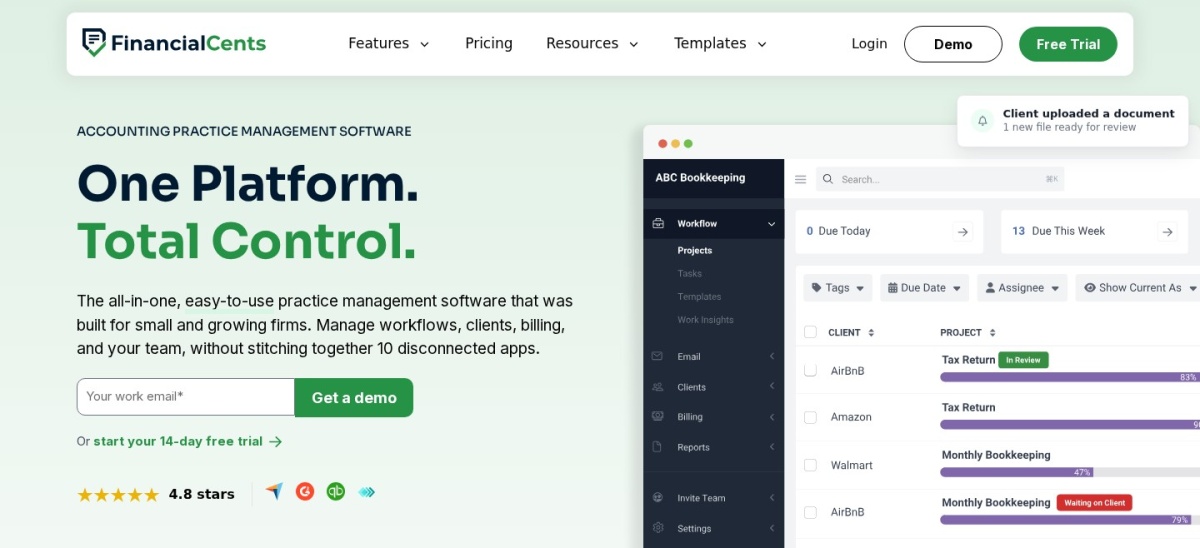
Financial Cents homepage, captured Nov 2026.
Financial Cents is an accounting practice management platform that combines task scheduling, workflow automation, client requests and billing. Its $19 monthly Solo subscription includes document management, time tracking, a client portal and QuickBooks Online integration.
The trade off is that the Solo plan supports only individual accountants, while collaborative Team subscriptions start at $49 per user monthly. It suits bookkeeping and accounting practices that want centralized workflow management without purchasing several separate applications.
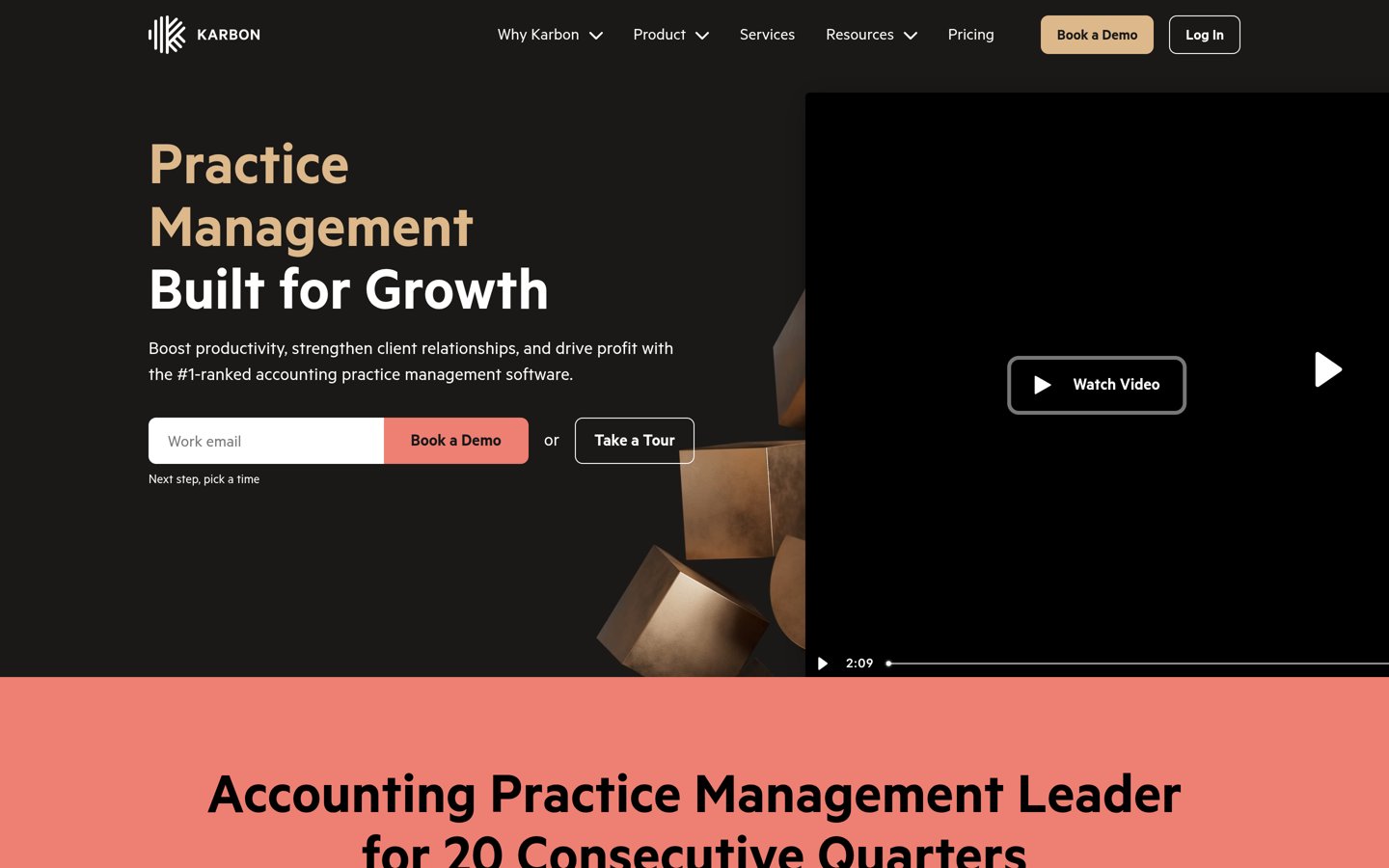
Karbon is an accounting practice management platform that connects employee communication with assignments, client records and scheduled work. Its Team subscription costs $59 per user monthly on annual billing and supports 40 work templates, integrated email, time tracking and billing.
The trade off is that advanced task automation and automatic client reminders require Business at $89 per user monthly on annual billing. It suits established accounting firms that need better coordination between employees, client communications and complex engagements.
What we like
Shared email assignment and collaboration
Accounting-specific work templates
Centralized client communication history
Integrated time tracking and billing
Watch out for
Higher subscription cost than budget alternatives
Advanced automation requires Business
Initial workflow configuration takes time
Team includes shared email, workflow scheduling and billing.Visit karbonhq.com
03
Jetpack Workflow
4.8/5on Capterra (56 reviews, checked Nov 2026)
Starts at$40/mo
Best for recurring accounting assignments
Entry planStarter
Annual billing$40/user/month
Monthly billing$49/user/month
Projects and clientsUnlimited
jetpackworkflow.com
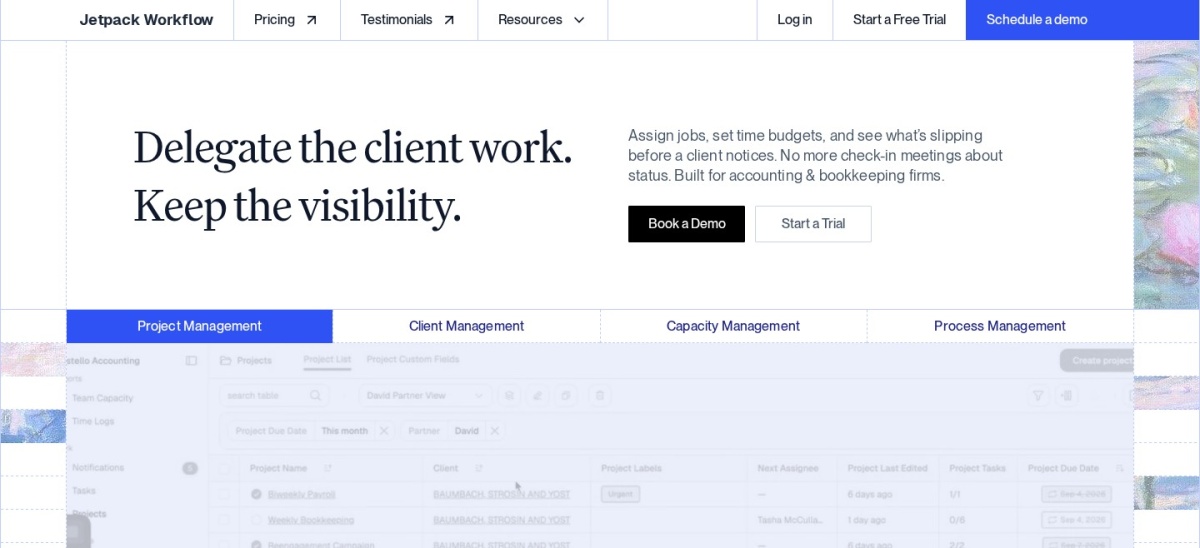
Jetpack Workflow homepage, captured Nov 2026.
Jetpack Workflow is accounting workflow software designed around recurring assignments, deadlines and standardized processes. Starter costs $40 per user monthly when billed annually and includes unlimited projects, clients, workflow templates and customizable automation.
The trade off is that task dependencies, time tracking and capacity management require Premium at $50 per user monthly on annual billing. It suits accounting firms that primarily need reliable job scheduling and internal task accountability rather than a comprehensive practice management suite.
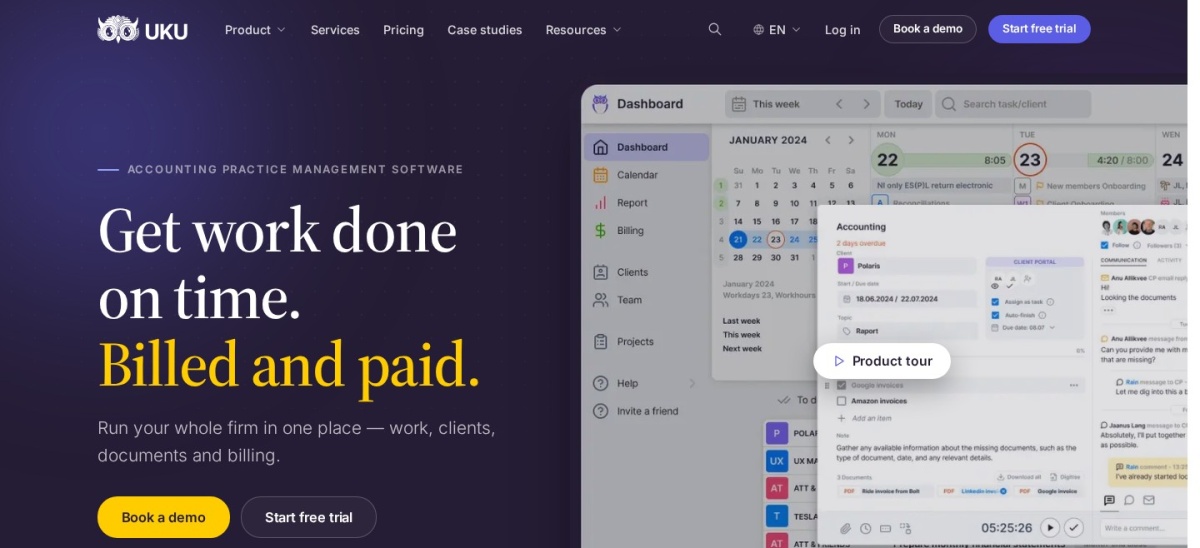
Uku is accounting practice management software that connects recurring tasks, time tracking, client information and billing. Its $19 monthly Solo plan supports one accountant and up to 20 active clients, with workflow automation, reporting and a client portal.
The trade off is that accountants exceeding the Solo client limit need Team at $38 per member monthly on annual billing, while some advanced capabilities require Elite. It suits bookkeeping practices that want to connect completed assignments with billable work.
What we like
Affordable solo subscription
Integrated time tracking and billing
Recurring task automation
Client portal and accounting integrations
Watch out for
Solo plan has an active-client limit
Advanced business analytics require Elite
Detailed billing setup requires configuration
Solo includes workflow automation, billing and client management.Visit getuku.com
05
TaxDome
4.7/5on G2 (743 reviews, checked Nov 2026)
Starts at$1,500/yr
Best for client-facing tax workflows
Minimum active clients150
Included staff seats20
Billing modelActive-client subscription
Entry subscription$1,500/year
taxdome.com
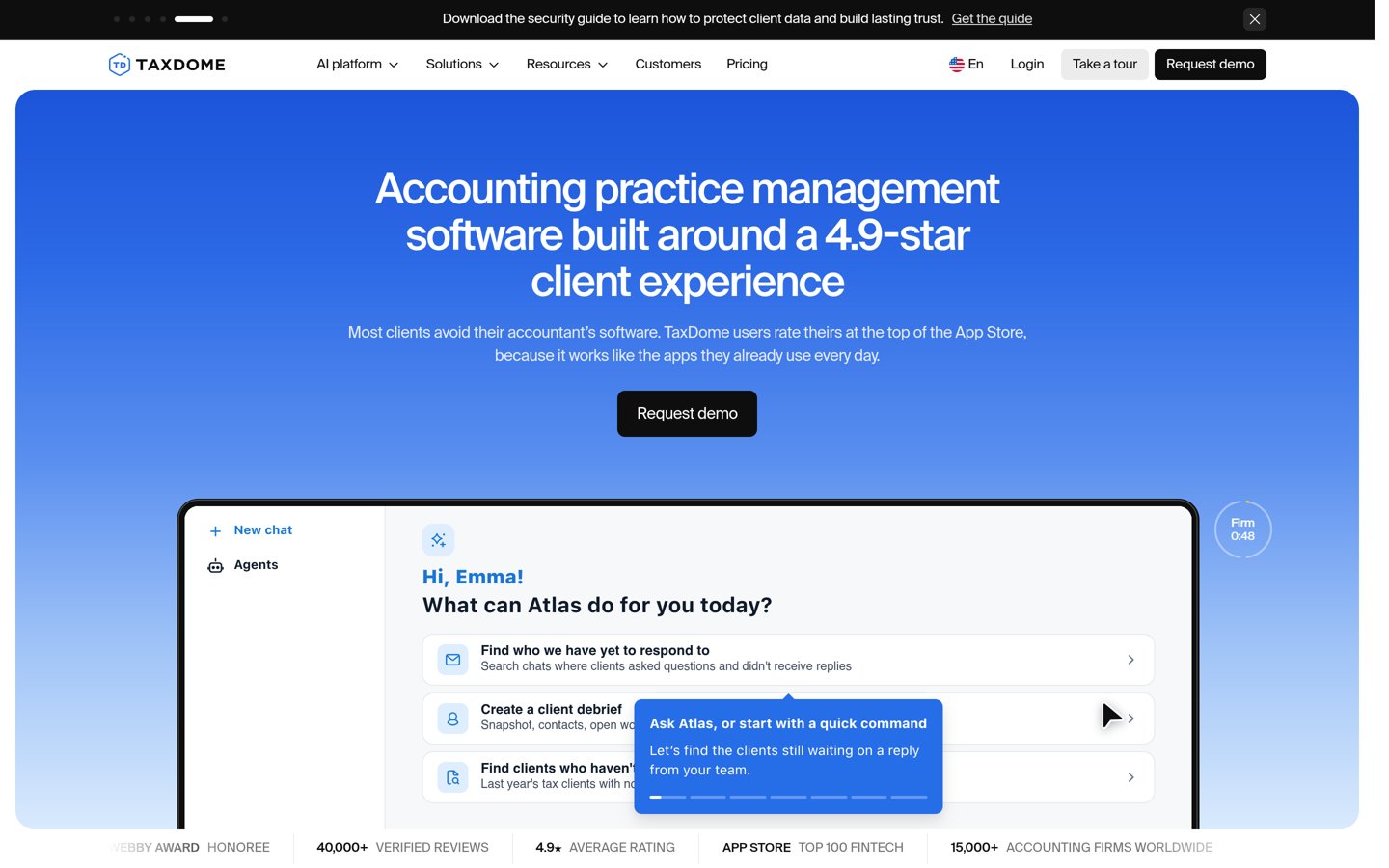
TaxDome homepage, captured Nov 2026.
TaxDome is a practice management platform that combines accounting workflows, client onboarding, document collection, invoicing and secure client communication. Its standard subscription starts at $1,500 annually for 150 active clients and includes 20 employee seats.
The trade off is that the $1,500 annual minimum applies even when firms serve fewer than 150 active clients, and additional client activity can increase costs. It suits tax and accounting practices with substantial client portfolios and several collaborating employees.
What we like
Client-facing workflow automation
Integrated document collection and signatures
Staff seats included in standard pricing
Centralized invoicing and client communication
Watch out for
High minimum annual subscription
Additional active clients increase costs
Optional AI capabilities cost extra
Standard pricing includes 150 active clients and 20 staff seats.Visit taxdome.com
06
Canopy
4.6/5on Capterra (320 reviews, checked Nov 2026)
Starts at$74/mo
Best for document-heavy accounting workflows
Entry planStandard
BillingPer user, billed annually
Recurring workflowsIncluded
Document managementIncluded
getcanopy.com
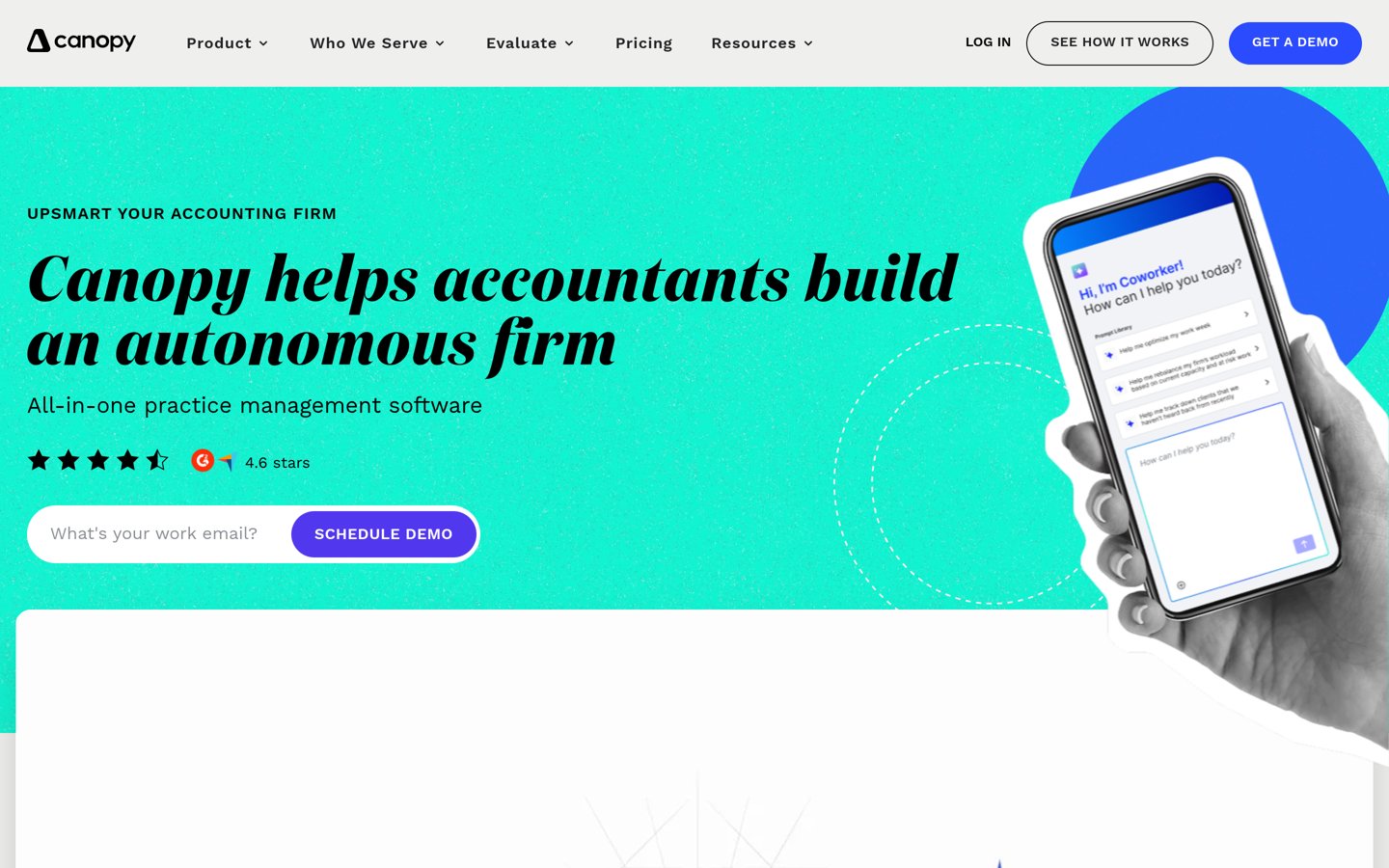
Canopy homepage, captured Nov 2026.
Canopy is accounting practice management software that connects client records, document handling and recurring assignments. Its Standard plan costs $74 per user monthly when billed annually and includes client management, automated workflows, electronic signatures and secure messaging.
The trade off is that Standard costs $888 annually per user, making it a substantial commitment for firms that only need basic task tracking. It suits accounting practices that want client documentation, internal workflows and professional communication within one platform.
What we like
Integrated document and workflow management
Secure client portal and messaging
Electronic signature functionality
Automated recurring assignments
Watch out for
Relatively expensive per-user subscription
More features than basic workflow users may need
Migration and staff training require planning
Standard includes recurring workflows, client management and document tools.Visit getcanopy.com
07
Client Hub
4.8/5on Capterra (40 reviews, checked Nov 2026)
PricingCustom pricing
Best for bookkeeping client communication
Entry planSolopreneur
Team plansPractice Manager and PLUS
Client work managementIncluded
Primary audienceAccounting and bookkeeping firms
clienthub.app
Client Hub homepage, captured Nov 2026.
Client Hub is accounting workflow software that connects recurring assignments with client communications and document requests. Its Solopreneur, Practice Manager and Practice Manager PLUS subscriptions cover three practice management tiers, with job management available across all plans.
The trade off is that subscription costs require confirmation through the vendor, and firms with complex approval processes may need broader workflow functionality. It suits bookkeeping practices that prioritize collecting client information and reducing communication across disconnected email threads.
What we like
Client-focused bookkeeping workflows
Centralized job status and deadlines
Secure client communication
Accounting-oriented document collection
Watch out for
Requires direct subscription price confirmation
Limited depth for complex workflow requirements
Clients must adopt a new communication process
Paid subscriptions combine client job management and communication.Visit clienthub.app
Which accounting workflows should you automate?
Start with recurring bookkeeping assignments, bank reconciliations and month-end reporting. Templates can automatically create the relevant tasks, assign responsibilities and establish deadlines for each reporting period.
Automate document requests and reminders for missing client information. Keeping requests connected to specific engagements helps accountants identify which jobs are blocked and which are ready for review.
Use separate preparation, review and approval stages for financial deliverables. Automation should coordinate the process without replacing professional judgment or required accounting controls.
Per-user vs. per-client accounting workflow pricing
Financial Cents, Karbon, Jetpack Workflow and Canopy use subscriptions that generally increase with employee numbers. This approach can work well for small teams managing substantial client portfolios.
TaxDome instead starts at $1,500 annually for 150 active clients and includes 20 staff seats. This model changes the cost calculation for practices with larger teams.
Compare the total cost for your current staffing level and expected growth. Include migration, premium automation, document storage, payment processing and other services that may carry additional fees.
How we chose
We compared established accounting workflow platforms covering recurring job management, deadline tracking, client communication and practice administration. Accounting-specific functionality received more weight than generic project management features.
Official subscription pages and public ratings from G2 and Capterra were checked on 27 Nov 2026. Published monthly prices were annualized, and individual, per-user and active-client subscriptions were identified separately. Client Hub appears below the publicly priced leaders.
We excluded products without suitable accounting workflow features or established customer review histories. No vendor paid for a place, and we do not claim testing for this list.
How to choose the best workflow software for accountants
Evaluate your recurring assignments, client communication requirements and practice budget before committing to an accounting workflow platform.
Map your recurring accounting processes. Document how bookkeeping, tax preparation and reporting assignments move from client onboarding through preparation and final approval. Choose software that can reproduce those processes using reusable templates.
Identify your collaboration requirements. Determine whether employees need shared inboxes, task dependencies, workload reports or approval stages. Prioritize features that address existing coordination problems rather than paying for unnecessary complexity.
Review client communication and integrations. Check whether the platform connects with your accounting applications and supports secure document requests. Consider how easily clients can submit information and respond to outstanding assignments.
Calculate the total subscription cost. Compare individual subscriptions, employee-based pricing and client-based fees. Include any additional costs for automation, onboarding, electronic signatures, payment processing and future staff expansion.
FAQ
What is the best workflow software for accountants?
Financial Cents is the best overall choice for accountants who want recurring workflow automation, client requests and billing in one application. Karbon is better for email-heavy collaboration, while Jetpack Workflow focuses on recurring assignments and internal deadlines.
What is the best workflow software for solo accountants?
Financial Cents and Uku both offer Solo subscriptions starting at $19 per month on annual billing. Financial Cents provides integrated accounting practice management, while Uku is particularly useful for combining recurring assignments with time tracking and billing.
What is accounting workflow automation?
Accounting workflow automation uses predefined rules and templates to schedule recurring assignments, allocate responsibilities and track deadlines. It can also coordinate document requests and reminders, reducing repetitive administration while allowing accountants to retain control over professional decisions.
Is Karbon better than Financial Cents?
Karbon is preferable for firms that prioritize shared email, detailed collaboration and coordinated client engagements. Financial Cents generally offers better entry-level affordability and a more accessible starting point for small bookkeeping and accounting practices.
How much does accounting workflow software cost?
Published entry subscriptions in this comparison start at $19 per month for solo accountants. Collaborative platforms such as Jetpack Workflow and Karbon charge per employee, while TaxDome starts at $1,500 annually using an active-client pricing model.
Can accountants automate recurring client document requests?
Yes. Several accounting workflow platforms support client requests, document collection and reminders. Financial Cents, Karbon, TaxDome and Canopy provide client-facing capabilities, although automatic reminders and more advanced automation may depend on the selected subscription.
SaaS SEO and WordPress specialist with about 8 years of experience. Rakib compares WordPress plugins, themes, hosting and software using public pricing, documentation and user reviews. See how we rank.