monday.com is the best project management software with financials for most teams, rated 4.7 out of 5 on G2 from 17,144 reviews, with budget columns and dashboards from $9 a seat a month. Pick Zoho Projects for the lowest price at $4 a user a month, or Paymo and Scoro if you need invoicing built in.
How we make this list: we compare pricing pages, product documentation and public user reviews, then re-check every price before each update. No product paid for a place. Disclosure.
monday.com leads at 4.7 out of 5 on G2 from 17,144 reviews, with budget columns beside tasks from $9 a seat a month.
Zoho Projects is the cheapest paid plan at $4 a user a month, with project budgets and time tracking on Premium.
Paymo and Scoro are the only tools here with invoicing built in from the start; Teamwork adds it on Accelerate.
Asana and Wrike track work well but keep time tracking and budgeting on higher tiers, so price the plan you will really use.
Paid plans in this list run from $4 to $26 a user a month, and Scoro needs 5 seats, so its real floor is $130 a month.
What financials mean in project software
Financials in project software means more than a price tag. It covers budgets set against a project, hours logged against tasks, and the step from tracked time to an invoice.
Most general tools in this list handle the first two well. They track planned spend against actual spend in columns, sheets or dashboards, and several add native time tracking.
Invoicing is rarer. Only Paymo and Scoro invoice from tracked time without an add-on, while Teamwork adds it higher up. Our guide on budgeting for a WordPress website shows the same planned-versus-actual thinking on a smaller scale.
The other cost trap is the seat minimum. monday.com needs 3 seats, Teamwork needs 3, and Scoro needs 5, so multiply the per-user price before you compare.
The 9 best project management software tools with financials
01
monday.com
4.7/5on G2 (17,144 reviews, checked Nov 2026)
Paid from$9/mo
Best project management software with financials overall
Free planUp to 2 seats, 3 boards
Entry paid planBasic, $9/seat/mo
Budget trackingNumbers and formula columns
Time trackingPro plan, $19/seat/mo
monday.com
monday.com homepage, captured Nov 2026.
monday.com is a visual work platform where teams plan projects on boards with status, owner, date and budget columns. The free plan covers up to 2 seats and 3 boards, and Basic at $9 a seat a month billed yearly adds unlimited items, unlimited free viewers and 1,000 AI credits a month.
The trade off is that real financial control costs more. Time tracking needs Pro at $19 a seat a month, and invoicing needs an integration or a separate product. It suits teams that want budgets beside tasks on one clear board.
ClickUp is an all-in-one workspace where lists, boards, docs, Gantt charts and dashboards share one dataset. The free plan covers unlimited tasks and members with 60 MB of storage, and Core at $12 a user a month billed yearly adds unlimited storage, Gantt charts, custom fields and guests.
The trade off is setup time. The long feature list takes longer to configure than monday.com, and timesheets with resource management need Business at $25 a user a month regular price. It suits teams that want time, budgets and docs in one paid seat.
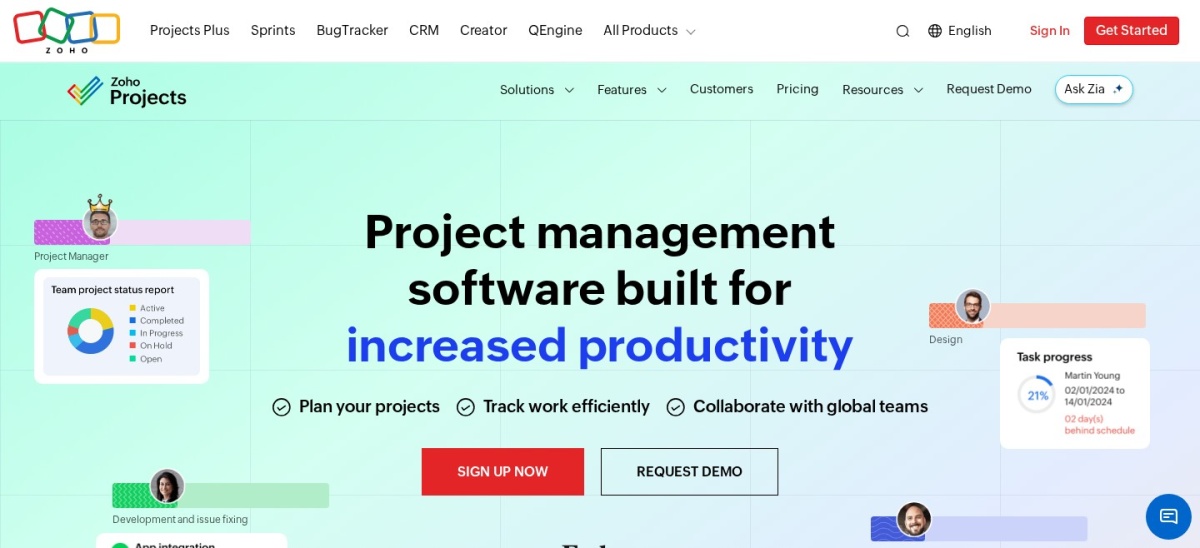
Zoho Projects is project software for small and midsize teams, with Gantt charts, task automation and project budgeting. The free plan covers 3 users and 2 projects, and Premium at $4 a user a month billed yearly adds unlimited projects, time tracking, Gantt charts and resource utilisation.
The trade off is depth. Invoicing needs Zoho Books or another finance tool, and the interface takes some learning. It suits small teams that want real budget tracking for less than any other tool in this list.
What we like
Lowest paid price in this list at $4 a user a month
Budgeting and time tracking on the first paid plan
Teamwork.com is project software built for agencies and consultancies that bill clients for their time. The free plan covers up to 5 users and 5 projects, and Basics at $9.99 a user a month billed yearly adds time tracking, budget views and client users at no extra seat cost.
The trade off is that billing sits higher up. Invoicing and deeper profitability reports need Accelerate at $24.99 a user a month, and Basics needs at least 3 seats. It suits client teams that want hours, budgets and margins in one place.
Asana is work management software with list, board, timeline and Gantt views that most teams learn fast. The free Personal plan covers up to 2 users with unlimited tasks and projects, and Starter at $10.99 a user a month billed yearly adds timeline views, dashboards and unlimited automations.
The trade off is financial depth. Starter has no native time tracking or invoicing, so budgets live in custom fields and hours need Advanced at $24.99 or an integration. It suits teams that value easy adoption over built-in finance tools.
What we like
Easiest tool here for new teams to adopt
Timeline and Gantt on the first paid plan
Large review base of 14,000+ on G2
Watch out for
No native time tracking below Advanced
No invoicing at any tier
Advanced costs more than double Starter
Advanced adds portfolios, goals and time trackingVisit asana.com
06
Smartsheet
4.4/5on G2 (23,251 reviews, checked Nov 2026)
Starts at$9/mo
Best for spreadsheet-style budgets
Free planNone, 30-day trial
Entry paid planPro, $9/user/mo
Budget trackingSheets, formulas, dashboards
Resource managementBusiness plan, $19/user/mo
smartsheet.com
Smartsheet homepage, captured Nov 2026.
Smartsheet is work management software that looks like a spreadsheet, with rows, formulas, Gantt charts and dashboards. There is no free plan, only a 30-day trial, and Pro at $9 a user a month billed yearly covers up to 10 members with 250 automations and 20 GB of storage.
The trade off is the licence model. Every editor needs a paid licence, and resource management needs Business at $19 a user a month. It suits finance-minded teams that already plan budgets in sheets.
Wrike is work management software for teams running many projects at once, with folders, Gantt charts, request forms and approvals. The free plan covers basic task work, and Team at $10 a user a month billed yearly adds interactive Gantt charts, custom workflows and AI essentials for 2 to 15 users.
The trade off is that money features sit high up. Time tracking needs Business at $25 a user a month, and budgeting needs the quote-only Pinnacle plan. It suits midsize teams that need structure and approvals more than billing.
What we like
Strong workload views and approvals
Gantt charts on the first paid plan
Handles many projects in one workspace
Watch out for
Lowest G2 rating in this list at 4.2
Time tracking needs the $25 Business plan
Team plan stops at 15 users
Business adds time tracking and resource planningVisit wrike.com
08
Paymo
4.6/5on G2 (594 reviews, checked Nov 2026)
Paid from$5.90/mo
Best for freelancers who invoice hours
Free planYes, with project limits
Entry paid planSolo, $5.90/user/mo
InvoicingYes, from tracked time
Team planPlus, $10.90/user/mo
paymoapp.com
Paymo homepage, captured Nov 2026.
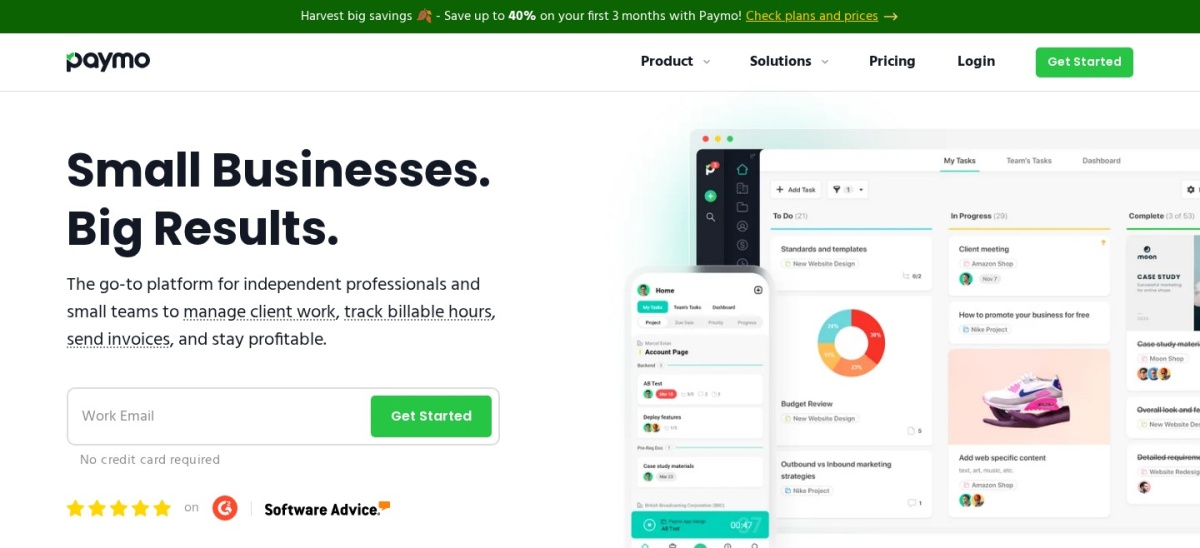
Paymo is project software for freelancers and small teams that bill by the hour, with tasks, time tracking, expenses and invoicing in one app. The free plan covers time tracking and invoices with limits on clients and projects, and Solo at $5.90 a user a month billed yearly removes those limits for one user.
The trade off is scale. Solo covers one user only, so teams start on Plus at $10.90 a user a month, and Gantt charts need Pro at $16.90. It suits small client teams that want hours turned into invoices without extra tools.
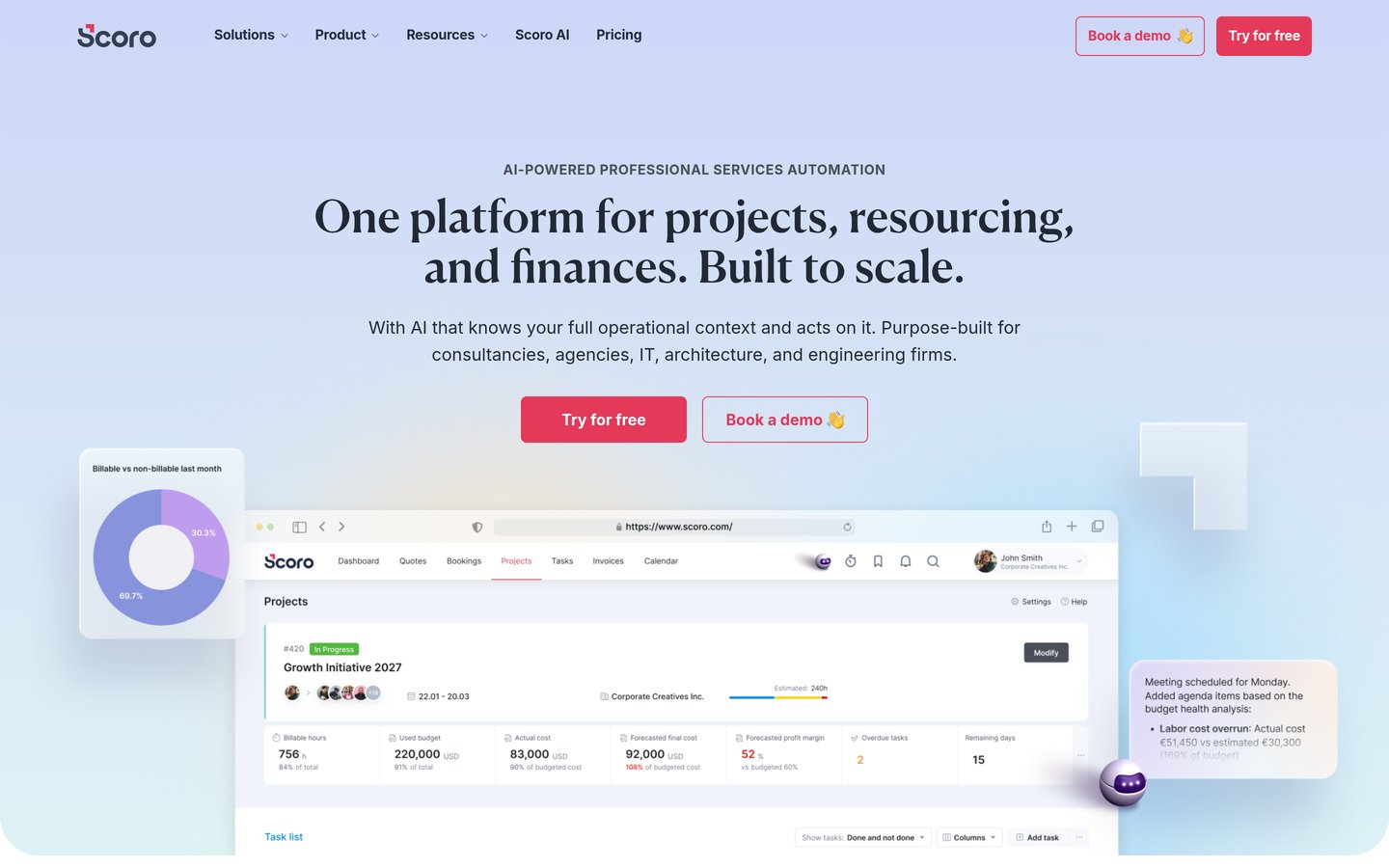
Scoro is professional services software that runs the whole client job, from quote and project plan to time, expenses and invoice. There is no free plan, only a 14-day trial, and Essential at $26 a user a month billed yearly includes quotes, invoices, bills and summary financial reports.
The trade off is the entry cost. Every plan needs at least 5 users, so the smallest bill is $130 a month, and deeper resourcing needs Standard at $37. It suits firms with 10 or more billable staff that want one system from quote to cash.
What we like
Full quote-to-cash flow in one system
Margin and utilisation reports built in
Strongest financial depth in this list
Watch out for
Highest price in this list at $26 a user a month
5-seat minimum means a $130 monthly floor
No free plan, only a trial
Standard adds resource planning at $37 a user a monthVisit scoro.com
Free vs paid: what you give up
Free plans cover the basics well. Most include tasks, boards and comments, and ClickUp and Paymo add time tracking without paying.
Paid plans mostly add views and money features. Gantt charts, workload views and budget reports usually sit on the first paid tier, while invoicing often sits higher.
If the team outgrows the free limits, the cheapest paid plan is not always the best value. Zoho Projects at $4 covers budgets, but a team that invoices clients will pay more for Paymo Plus or Teamwork Accelerate.
How we chose
We started from project tools that advertise budgets, cost tracking, time tracking or invoicing, then kept nine with published prices and a public G2 rating.
Prices come from each vendor's pricing page, checked on 26 November 2026. Ratings and review counts come from G2 on the same day. Where a vendor shows a sale, the list shows the regular price.
We left out tools with quote-only pricing and no published entry price. No vendor paid for a place, and we do not claim to have used these tools ourselves.
How to choose project management software with financials
Start with the money flow you need, then match the plan that covers it.
List the money steps you need. Budgets alone, budgets plus time, or time turned into invoices are three different tools. Only Paymo, Scoro and Teamwork cover the full chain.
Check which tier holds the feature. Time tracking and invoicing often sit one or two tiers above the entry price. Price the tier you will use, not the cheapest one.
Multiply by seats and minimums. A $9 seat on a 3-seat minimum costs $27 a month, and Scoro costs $130 a month before anyone logs in. See how to budget for a WordPress website for the same habit on a smaller project.
Run a trial on a real project. Set a budget, log a week of hours and raise a test invoice before you pay. That shows whether the finance views fit your workflow.
FAQ
What is the best project management software with financials?
monday.com is the best pick for most teams. It is rated 4.7 out of 5 on G2 from 17,144 reviews, with budget columns, formula fields and dashboards beside tasks, and paid plans from $9 a seat a month.
Which project management tool has built-in invoicing?
Paymo and Scoro invoice from tracked time without an add-on. Teamwork adds invoicing on Accelerate at $24.99 a user a month, while monday.com, Asana and ClickUp need an integration for billing.
What is the cheapest project management software with financials?
Zoho Projects is the cheapest in this list. Premium costs $4 a user a month billed yearly and adds unlimited projects, time tracking, Gantt charts and project budgets over the free plan.
Does Asana track project budgets?
Asana has no native budget tool on Starter. Teams track spend with custom fields, and native time tracking needs Advanced at $24.99 a user a month, so budget-heavy teams may prefer monday.com or Zoho Projects.
Can I track time and budgets on a free plan?
Yes, in part. ClickUp and Paymo include time tracking on their free plans, while budget views and invoicing need a paid plan on most tools here. Check the free limits first, since project and user caps are tight.
Do I need separate accounting software as well?
Usually yes for tax and payroll. These tools cover project budgets, hours and client invoices, but they do not replace bookkeeping or tax filing. Pair them with accounting software and sync invoices where an integration exists.
SaaS SEO and WordPress specialist with about 8 years of experience. Rakib compares WordPress plugins, themes, hosting and software using public pricing, documentation and user reviews. See how we rank.