Financial Cents is the best workflow management software for accountants, offering workflow automation, client requests and a client portal from $19 per month on annual billing. Choose Karbon for email-centered team collaboration or Uku for affordable recurring task management and time tracking.
How we make this list: we compare pricing pages, product documentation and public user reviews, then re-check every price before each update. No product paid for a place. Disclosure.
Financial Cents starts at $228 per year for solo accountants and holds a 4.7/5 G2 rating.
Karbon includes 40 work templates on its $59-per-user monthly Team plan, billed annually.
Uku offers workflow automation for $19 per month for solo accountants managing up to 20 active clients.
Canopy combines recurring workflows, document management and client communication for $74 per user per month on annual billing.
TaxDome starts at $1,500 per year for 150 active clients under its client-based pricing model.
Jetpack Workflow earns 4.8/5 from 56 Capterra reviews and focuses on recurring accounting projects.
What accounting workflow management software should include
Accounting firms handle recurring bookkeeping tasks, tax deadlines, financial reporting and client document requests. Workflow software helps organize these activities into repeatable processes with clear responsibilities.
Look for recurring tasks, reusable templates, deadline tracking and automated reminders. These features reduce the administrative work involved in managing monthly closes and recurring client engagements.
Client communication matters as much as internal task management. A secure client portal helps accountants collect documents, request information and communicate without relying entirely on email.
Compare subscription costs using your actual team size and client volume. Some platforms charge per employee, while others charge according to the number of active clients.
The 7 best workflow management software tools for accountants
01
Financial Cents
4.7/5on G2 (261 reviews, checked Nov 2026)
Starts at$19/mo
Best for overall accounting workflow management
Entry planSolo
Workflow automationIncluded
Client portalIncluded
Free trial14 days
financial-cents.com
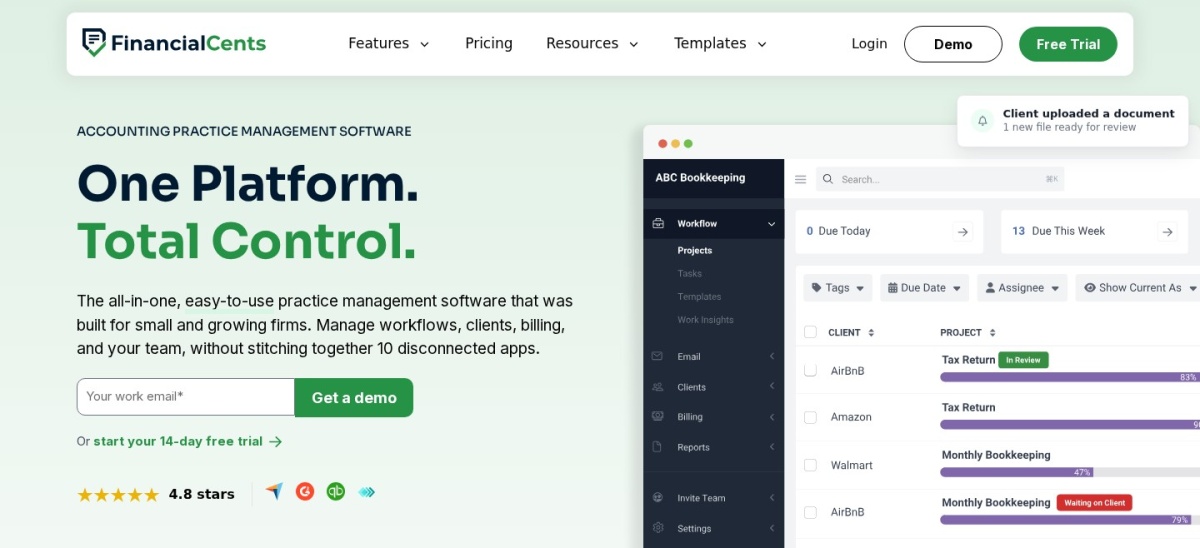
Financial Cents homepage, captured Nov 2026.
Financial Cents is an accounting practice management platform covering recurring workflows, client requests, document management and billing. Its Solo subscription includes these capabilities for $19 per month with annual billing.
The trade off is that the Solo plan supports only one user, while Team costs $49 per user per month on annual billing. It suits independent accountants and growing bookkeeping practices that want dedicated workflow management without assembling separate applications.
What we like
Affordable subscription for independent accountants
Karbon is an accounting practice management platform that connects email communication, client records and team workflows. Its Team subscription includes 40 work templates, shared email tools, time tracking and billing.
The trade off is that automatic client reminders and additional task automation require Business at $89 per user per month, compared with $59 for Team on annual billing. It suits accounting firms that rely heavily on email communication and collaborative client engagements.
What we like
Shared email management
Accounting-specific workflow templates
Centralized client communication
Integrated time tracking and billing
Detailed work visibility
Watch out for
Higher starting price than solo-focused competitors
Additional automation requires Business
Monthly billing requires at least four users
Business adds task automation, client reminders and additional integrations.Visit karbonhq.com
03
Uku
4.7/5on G2 (112 reviews, checked Nov 2026)
Starts at$19/mo
Best for affordable recurring workflows
Entry planSolo
Solo client limit20 active clients
Workflow automationIncluded
Free trial14 days
getuku.com
Uku homepage, captured Nov 2026.
Uku is an accounting workflow and practice management platform with recurring tasks, time tracking, billing and client records. Its $19 monthly Solo subscription supports one accountant and up to 20 active clients when billed annually.
The trade off is the client limit on Solo, with Team starting at $38 per member per month on annual billing for unlimited clients. It suits independent accountants and small practices looking for affordable workflow automation and detailed time tracking.
What we like
Low starting subscription cost
Recurring accounting task automation
Integrated time tracking and billing
Client portal included
Unlimited clients on Team
Watch out for
Solo limited to 20 active clients
Advanced analytics require Elite
Assisted onboarding can cost extra
Team removes the Solo client limit and adds collaboration features.Visit getuku.com
04
Jetpack Workflow
4.8/5on Capterra (56 reviews, checked Nov 2026)
Starts at$49/mo
Best for dedicated recurring task management
Entry planStarter
Project limitUnlimited
Client limitUnlimited
Workflow templatesUnlimited
jetpackworkflow.com
Jetpack Workflow homepage, captured Nov 2026.
Jetpack Workflow is a dedicated accounting workflow application for managing repeatable client work and deadlines. Its $49 monthly Starter subscription includes unlimited clients, projects and templates alongside customizable automation.
The trade off is that time tracking, budget reporting and capacity management require Premium at $59 per seat per month, while annual billing offers a discount. It suits accounting practices that already have separate billing software and primarily need dependable job tracking.
What we like
Unlimited projects and clients
Reusable accounting workflow templates
Customizable recurring work
Live chat and email support
Watch out for
Less comprehensive than full practice management suites
Best for integrated accounting practice operations
Entry planStandard
Recurring workflowsIncluded
Document managementIncluded
Billing modelPer user, annual billing
getcanopy.com
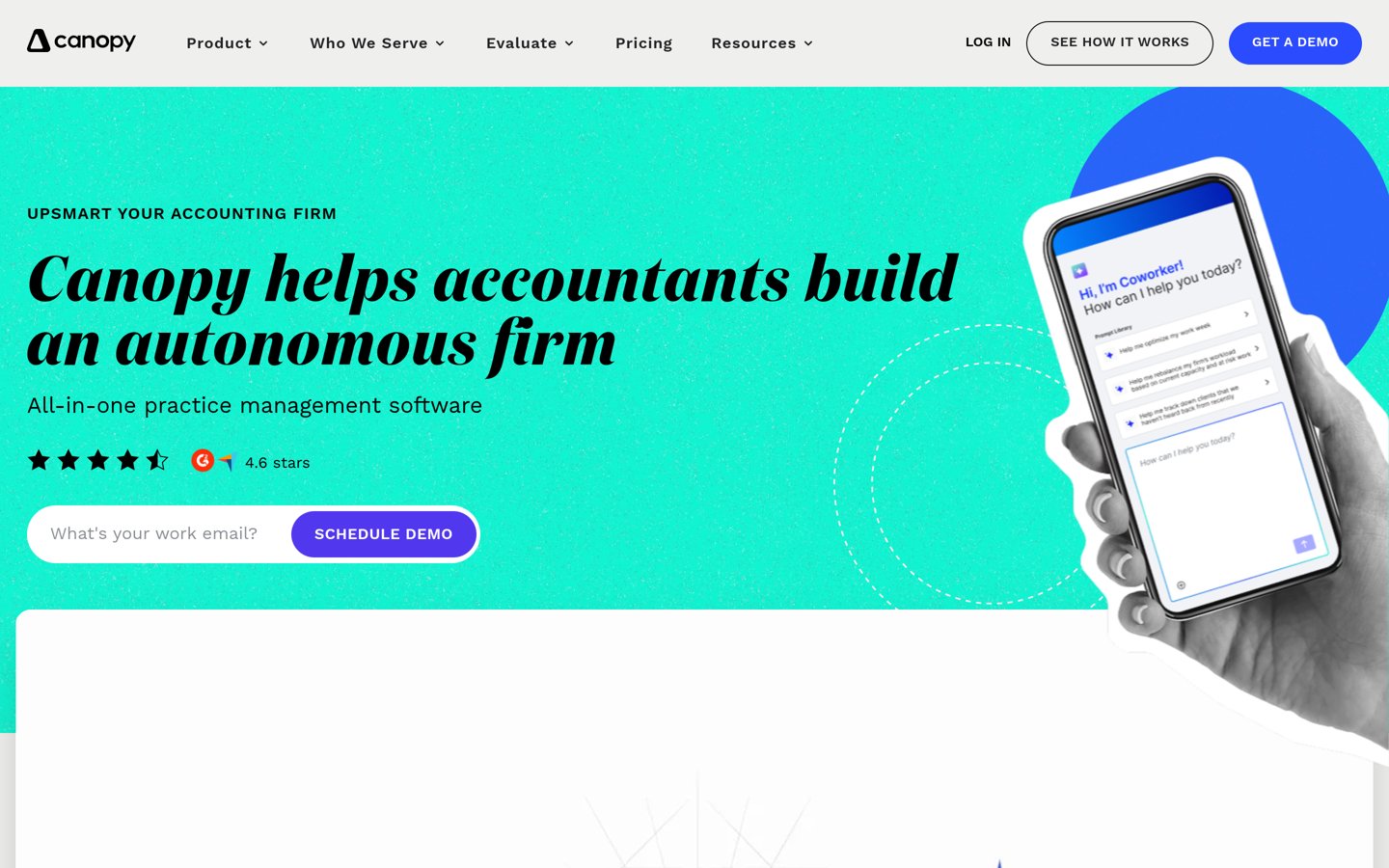
Canopy homepage, captured Nov 2026.
Canopy is an accounting practice management suite covering workflows, client records, documents and payments. Its Standard plan costs $74 per user per month on annual billing and includes recurring task automation, electronic signatures and secure client messaging.
The trade off is that its broader feature set comes with a higher subscription cost, while Plus costs $109 per user per month on annual billing. It suits established accounting firms seeking to consolidate client management and internal workflows.
What we like
Integrated recurring workflow automation
Secure client portal
Document management and electronic signatures
Invoicing and payment collection
Centralized client records
Watch out for
Higher entry price
Specialized functionality can require add-ons
Implementation requires process planning
Higher subscriptions expand accounting automation and operational capabilities.Visit getcanopy.com
06
TaxDome
4.7/5on G2 (742 reviews, checked Nov 2026)
Starts at$1,500/yr
Best for client-centered tax workflows
Entry subscription$1,500 annually
Starting client allocation150 active clients
Document storageUnlimited
Workflow automationIncluded
taxdome.com
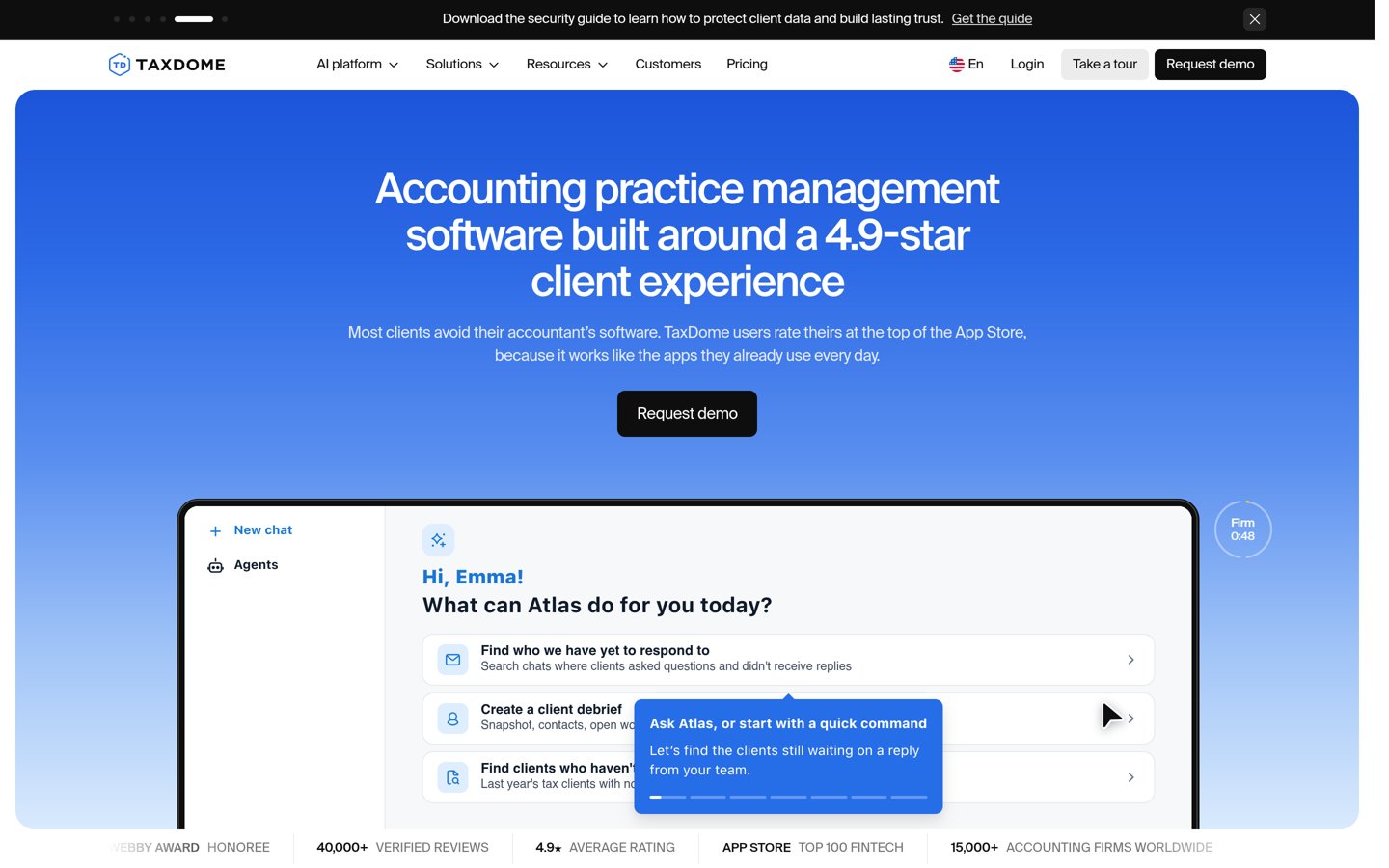
TaxDome homepage, captured Nov 2026.
TaxDome is an accounting and tax practice management platform that combines automated workflows, client intake, document collection and payment processing. Its subscription starts at $1,500 annually for 150 active clients and includes unlimited document storage and electronic signatures.
The trade off is the $1,500 annual minimum, which applies even when a practice manages fewer than 150 active clients. It suits established tax and bookkeeping practices that want to automate client-facing processes alongside internal work.
Best for accounting project and billing management
Entry planBasic
Project managementStandard plan
Time trackingIncluded
Billing commitmentAnnual
myfirm360.com
Firm360 homepage, captured Nov 2026.
Firm360 is an accounting practice management platform combining client administration, document storage, project management and billing. Its Basic subscription starts at $49 per month on annual billing and includes client records, time tracking and a secure portal.
The trade off is that full project management requires Standard at $79 per user per month with a three-user minimum on annual billing. It suits accounting firms that want project tracking and practice administration within the same platform.
What we like
Accounting-specific practice management
Integrated time tracking and billing
Secure client document portal
Advanced reporting on higher subscriptions
Watch out for
Basic excludes project management
Standard requires at least three users
Electronic signatures can involve additional fees
Standard adds project management, advanced reporting and automated collections.Visit myfirm360.com
Which accounting workflows should you automate first?
Start with recurring bookkeeping engagements. Create templates covering document collection, transaction reconciliation, financial statement preparation and internal review.
Automate routine client reminders and deadline notifications before introducing more complicated conditional workflows. These repetitive administrative activities are generally easier to standardize.
Keep professional judgment, financial approvals and final reviews assigned to qualified team members. Workflow automation should support accounting controls rather than replace them.
How much does accounting workflow management software cost?
Financial Cents and Uku offer solo subscriptions from $228 per year. Accounting teams should compare their multi-user plans rather than assuming these entry prices apply to every employee.
Karbon starts at $708 per user annually, while Canopy starts at $888 per user annually. TaxDome uses a different model, with a $1,500 annual minimum covering 150 active clients.
The price ladder shows the cheapest published entry subscription rather than the full cost of deploying every workflow feature. Firm360 requires a higher subscription for project management, and annual commitments or minimum seat requirements can increase total spending.
How we chose
We selected established accounting workflow and practice management platforms designed for accountants, bookkeepers and tax professionals. We compared recurring tasks, workflow templates, client communication, billing capabilities and subscription structures.
We checked official pricing pages and public G2 or Capterra ratings on 26 Nov 2026. Annualized prices reflect the published entry subscriptions, with billing commitments, client limits and feature restrictions explained where relevant.
We excluded products without sufficient public customer feedback and general productivity applications that lack a clear accounting workflow focus. No vendor paid for a place, and we do not claim testing for this list.
How to choose workflow management software for accountants
Evaluate your accounting processes, team structure and client responsibilities before committing to a subscription.
Identify recurring accounting processes. List bookkeeping, payroll, tax preparation, financial reporting and client onboarding tasks that require repeatable workflows.
Evaluate automation and collaboration. Check whether the software supports recurring tasks, assignment rules, automated reminders, internal reviews and shared deadline visibility.
Calculate the complete subscription cost. Compare employee-based and client-based billing, annual commitments, minimum seats and the subscription tier required for essential workflow features.
Review integrations and security controls. Confirm compatibility with your accounting applications and evaluate access permissions, document sharing, authentication and data export options.
FAQ
What is the best workflow management software for accountants?
Financial Cents is our top overall choice because it combines accounting workflows, client requests, document management and billing from $19 per month on annual billing. Karbon is better suited to email-centered collaboration, while Uku offers affordable recurring workflow management.
What is accounting workflow management software?
Accounting workflow management software helps firms organize recurring client engagements, assign responsibilities, track deadlines and automate administrative tasks. It provides visibility into outstanding work and helps accountants establish consistent procedures across clients.
What is the cheapest workflow software for accountants?
Financial Cents and Uku both offer solo subscriptions from $19 per month when billed annually. Uku limits its Solo subscription to 20 active clients, while Financial Cents reserves its entry subscription for independent accountants.
Can accounting workflow software automate monthly bookkeeping?
Yes. Accounting workflow platforms can generate recurring tasks, assign responsibilities, request client documents and track completion deadlines. Accountants should still review reconciliations, financial statements and other deliverables before approving completed work.
Is accounting workflow software different from accounting software?
Yes. Accounting software manages financial transactions, ledgers and financial reporting. Workflow management software organizes the people, tasks, deadlines and communication surrounding those activities. Accounting firms commonly use both applications together.
Is TaxDome or Karbon better for accountants?
TaxDome is better suited to client-centered tax workflows involving document collection, signatures and payments. Karbon is preferable for accounting teams that prioritize shared email, internal collaboration and visibility across multiple client engagements.
Do small accounting firms need workflow management software?
Small accounting firms can benefit from workflow software when recurring deadlines and client requests become difficult to manage through spreadsheets or email. A dedicated application helps standardize procedures, clarify responsibilities and reduce missed tasks.
SaaS SEO and WordPress specialist with about 8 years of experience. Rakib compares WordPress plugins, themes, hosting and software using public pricing, documentation and user reviews. See how we rank.