Monograph is the best project management software for most architecture firms. It tracks fees and time by project phase from $45 per user a month, with invoicing built in, while BigTime and BQE CORE suit larger firms that need deeper accounting.
How we make this list: we compare pricing pages, product documentation and public user reviews, then re-check every price before each update. No product paid for a place. Disclosure.
The 9 best project management tools for architects
01
Monograph
4.5/5on G2 (31 reviews, checked Nov 2026)
Starts at$45/user/mo
Best for architecture studios
Cheapest paid planTrack, $45/user/mo
Phase budgetsYes
Time trackingYes
Free planNo
monograph.com
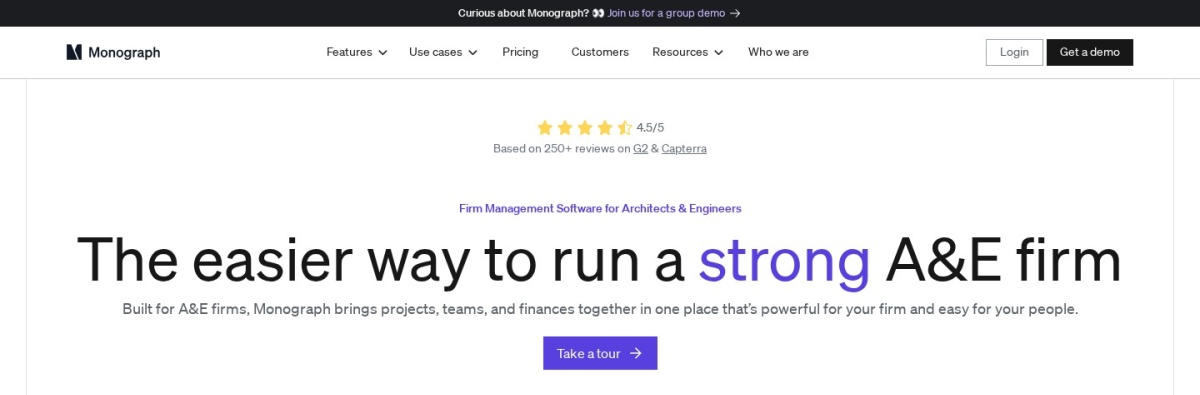
Monograph homepage, captured Nov 2026.
Monograph is a practice management tool built for architecture firms, with phase planning, time tracking, fee views and invoicing. Its Track plan lists at $45 per user a month, with pricing by firm size on annual billing. It suits small studios that bill by phase.
The trade off is price clarity. Published figures range from $25 to $60 per user a month across sources, and full pricing comes after a demo. Its G2 base is also small at 31 reviews. It fits studios that want a visual, phase-first workflow.
BigTime is a time and billing platform for architecture and engineering firms, with phase budgets, mobile time entry and QuickBooks sync. Its Essentials plan starts at $20 per user a month. It suits growing firms that bill by phase and run QuickBooks.
The trade off is the quote wall. Advanced, Premier and Enterprise tiers are quote-based, so the real cost for a larger firm is unclear. It fits firms that want published entry pricing with room to grow.
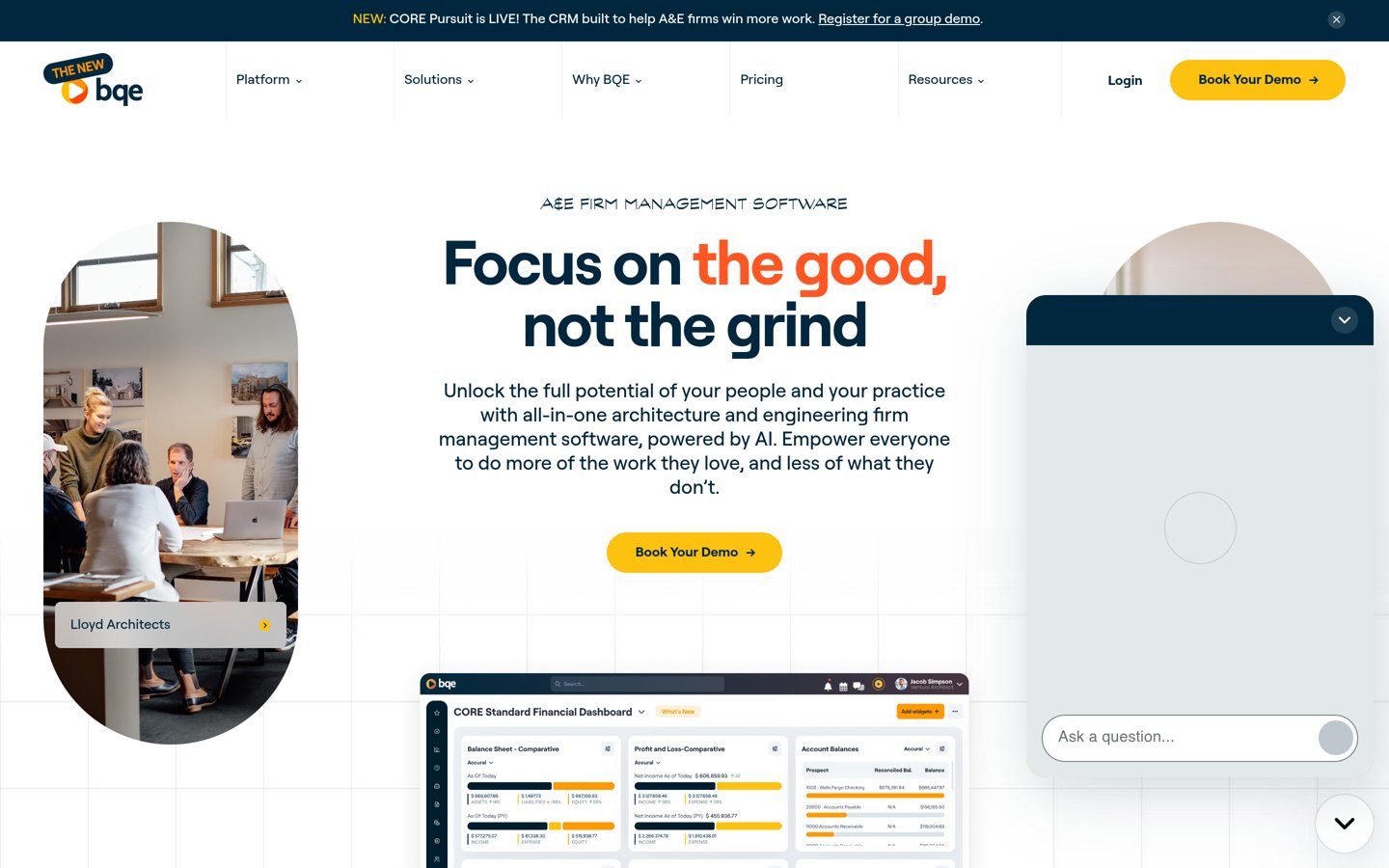
BQE CORE is a project management and accounting platform for architecture and engineering firms, with time, billing and optional general ledger in one system. It is sold by quote only, with modular per-user pricing. It suits mid-size firms that want accounting beside project management.
The trade off is cost and setup. Pricing is quote-only, reviewers mention slow screens and rigid reports, and small firms find it dear. It fits firms ready to invest in setup and training.
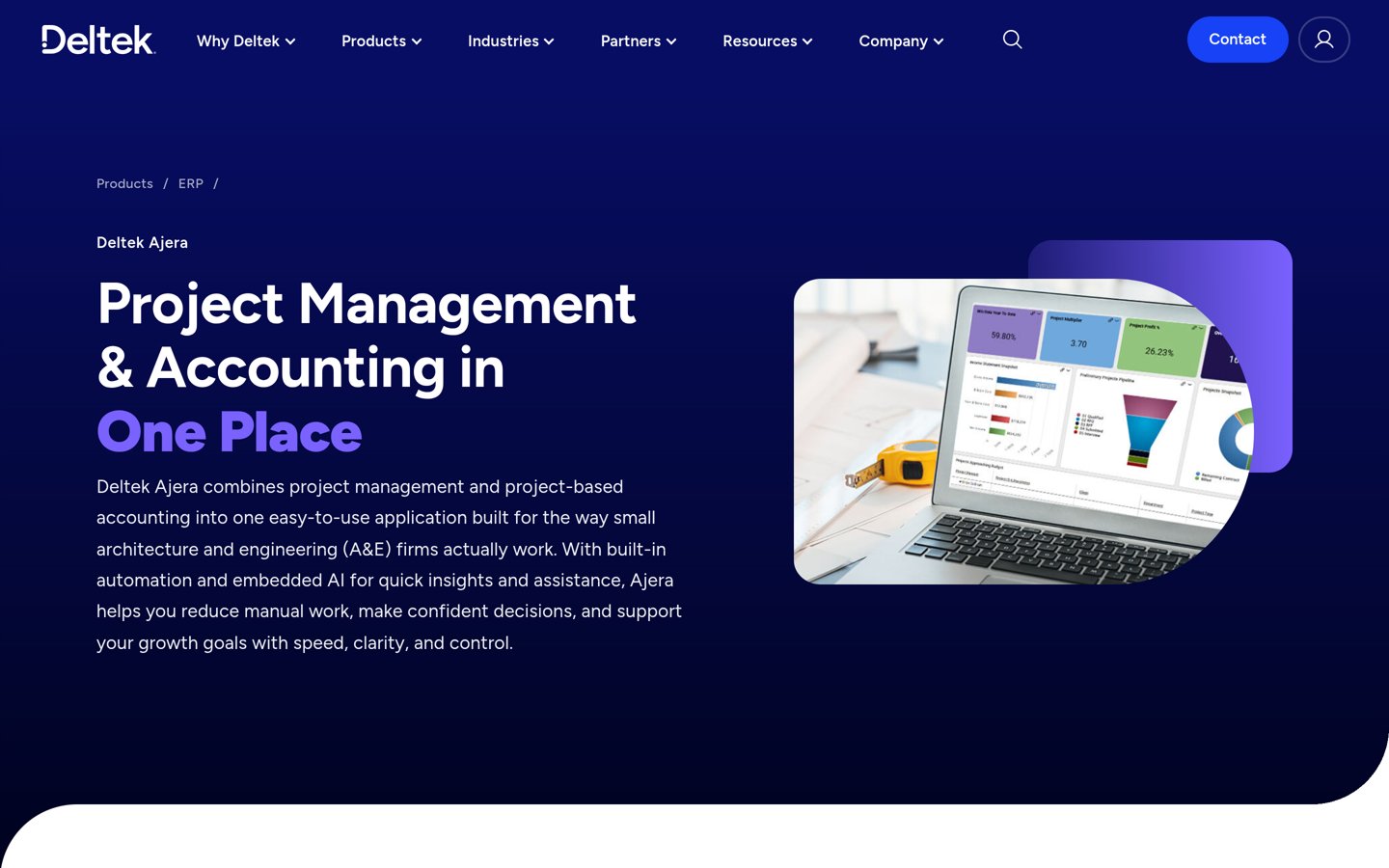
Deltek Ajera is a project accounting platform for small and mid-size architecture and engineering firms, with time, expenses, earned value and a built-in general ledger. It is sold by quote only through a demo. It suits established firms moving accounting out of QuickBooks.
The trade off is weight. Ajera needs in-house accounting staff and a serious implementation, and its Capterra score of 3.6 is the lowest here. It fits firms of 30 to 199 people with real accounting needs.
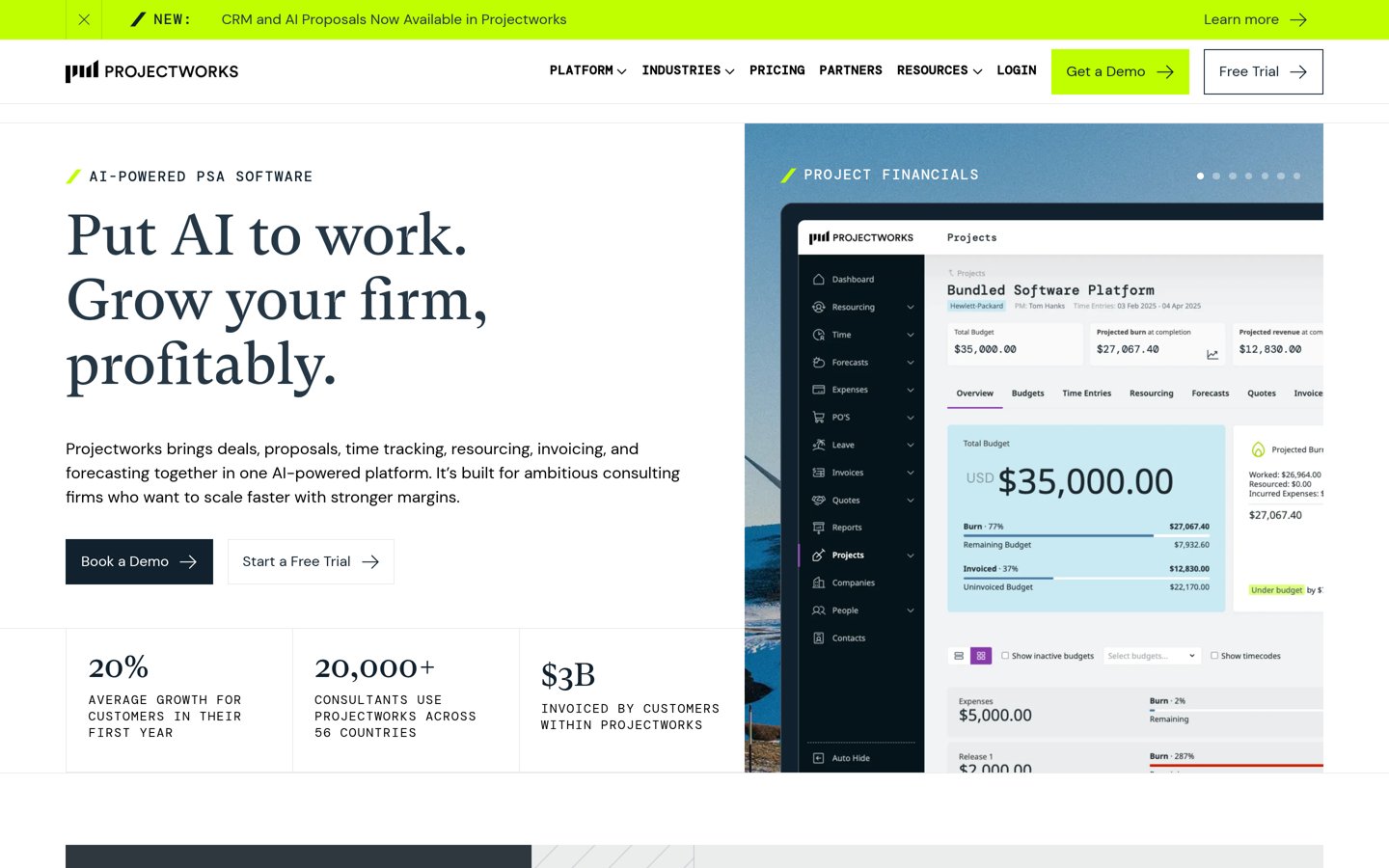
Projectworks is a professional services platform with time tracking, resourcing, invoicing and forecasting for consulting-style firms. Its Build plan costs $17 per user a month on annual billing, with a 10-user minimum. It suits practices of ten or more that plan ahead.
The trade off is the minimum. Ten users at $17 each is $170 a month before onboarding, which starts at $1,000. It fits larger practices, not solo architects or tiny studios.
monday.com is a visual work platform with boards, timelines, Gantt charts and automations that architecture firms use to track projects. Its Basic plan costs $9 per seat a month on annual billing, with a 3-seat minimum. It suits firms that want flexible, visual project tracking.
The trade off is depth. Basic has no automations or time tracking, which needs the Pro plan at $19. It is a general tool, not built for phase billing. It fits firms that value visual boards over practice accounting.
Asana is a work management platform with lists, boards, timelines and Gantt views that architecture teams use to track design and delivery. Its Starter plan costs $10.99 per user a month on annual billing. It suits cross-functional teams that need clear ownership and deadlines.
The trade off is accounting. Asana has no phase billing or invoicing, so firms pair it with a separate time and billing tool. It fits firms that want strong task tracking and already handle billing elsewhere.
What we like
Clear ownership and deadlines
Timelines and Gantt included
Free plan for 2 users
Watch out for
No phase billing or invoicing
Needs a separate billing tool
Starter is $10.99 per user a month on annual billingVisit asana.com
08
ClickUp
4.6/5on G2 (14,878 reviews, checked Nov 2026)
Paid from$7/user/mo
Best value workspace
Cheapest paid planUnlimited, $7/user/mo
Phase budgetsNo
Time trackingYes, native
Free planYes
clickup.com
ClickUp homepage, captured Nov 2026.
ClickUp is an all-in-one workspace with tasks, docs, whiteboards, goals and Gantt charts. Its Unlimited plan costs $7 per user a month on annual billing, with native time tracking included. It suits small firms that want the most features per dollar.
The trade off is focus. ClickUp is a general workspace, not a practice system, with no phase billing or invoicing. Its breadth can also overwhelm new users. It fits budget firms that want one cheap tool for tasks and time.
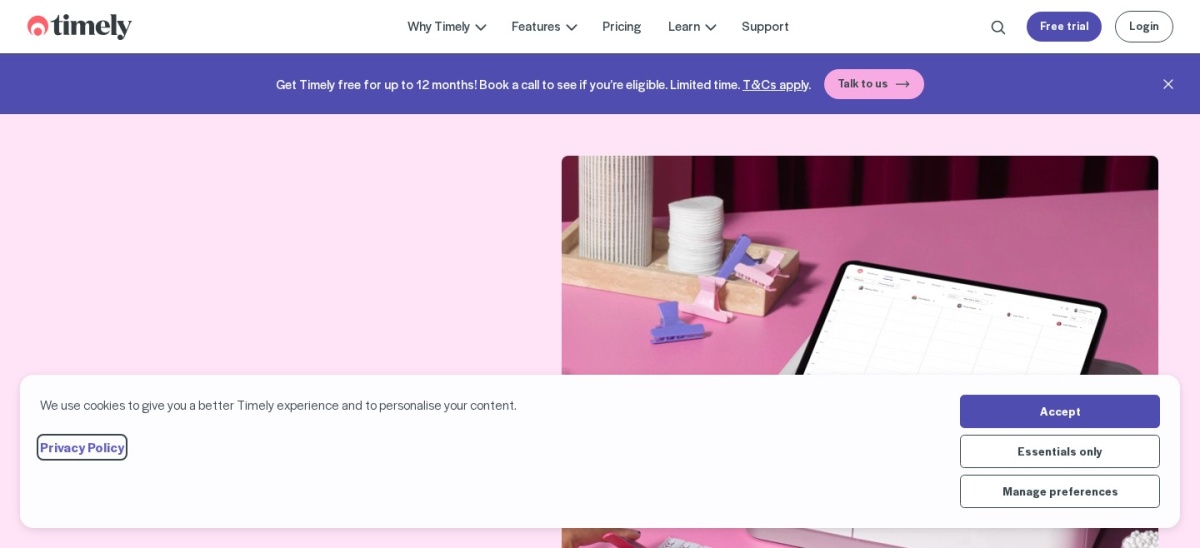
Timely is an automatic time tracking tool that captures hours in the background, with budgets, billable rates and team planning. Its Starter plan costs $11 per user a month, or $9 on annual billing. It suits teams that hate timesheets and want hours captured automatically.
The trade off is scope. Timely tracks time well but is light on phases, fees and margin reporting. It fits firms that pair it with a separate billing tool.
Practice systems like Monograph, BQE CORE and Deltek Ajera are built for architecture firms, with phase fees and billing.
General tools like monday.com, Asana and ClickUp are cheaper and more flexible, but need a separate billing tool.
Small studios can start general and switch later. Growing firms usually move to a practice system once phase billing matters.
How we chose
We started from the tools architecture firms actually shortlist, then kept those with a public rating on G2 or Capterra and a published price or a clear quote-only model. Every tool here has a review record from 2026.
Prices come from each vendor's pricing page or a comparison that quotes it, checked in October and November 2026. Ratings and review counts come from G2 or Capterra on the same day. Price conflicts are flagged in the notes.
We left out tools with no verifiable rating. No vendor paid for a place, and we do not claim hands-on testing for this list.
How to choose project management software for architects
Match the tool to your billing model, your firm size and whether you need accounting built in.
List how you bill. Phase fees, hourly billing and lump sums need different tools, so write down your billing model first.
Check phase and budget features. The tool should track time and fees by phase, not just by task or project.
Test with one project. Run a live project through the tool for a month, from fee setup to invoice, before you commit.
Confirm the real price. Practice systems often price by firm size or module, so get a written quote for your team.
FAQ
What is the best project management software for architects?
Monograph is the best pick for most architecture firms. It tracks fees and time by project phase, with invoicing built in, from $45 per user a month on its Track plan.
How much does project management software for architects cost?
General tools cost $7 to $11 per user a month, while practice systems start at $17 to $45. BQE CORE and Deltek Ajera are quote-only, so expect a higher bill and a sales process.
Is Monograph or BigTime better for architects?
Monograph suits small studios that want a visual, phase-first workflow with invoicing. BigTime suits growing firms that bill by phase, run QuickBooks and want a published $20 entry price.
Can architects use monday.com or Asana?
Yes, for task tracking and timelines. Both lack phase billing and invoicing, so firms usually pair them with a separate time and billing tool such as Harvest or BigTime.
Do architecture firms need practice management software?
Not always. Small studios can run on monday.com or ClickUp plus a billing tool. Once you bill by phase and track utilisation, a practice system like Monograph or BQE CORE pays for itself.
What is the cheapest option for a small studio?
ClickUp Unlimited at $7 per user a month is the cheapest full workspace here, with time tracking included. Timely Starter at $9 a month on annual billing is the cheapest automatic time tracker.
SaaS SEO and WordPress specialist with about 8 years of experience. Rakib compares WordPress plugins, themes, hosting and software using public pricing, documentation and user reviews. See how we rank.