Todoist is the best planner app for most people, with the fastest task capture on any device and a free plan for five projects. TickTick packs in the most features per dollar, while Notion suits anyone who wants to build a custom planning system.
How we make this list: we compare pricing pages, product documentation and public user reviews, then re-check every price before each update. No product paid for a place. Disclosure.
Todoist is the fastest way to capture a task, with natural-language entry and a free plan for five projects.
TickTick gives the most per dollar: tasks, calendar, habits and a focus timer for 49.99 dollars a year.
Notion is the most flexible system here, with a 4.6 rating from nearly 14,000 G2 reviews.
Motion and Sunsama cost far more, but they turn tasks into a real time-blocked day.
Microsoft To Do and Google Calendar are free and capable, and both sync everywhere.
What a planner app should do
A planner app should turn intentions into a day you can follow. That means fast capture, a calendar view, reminders that actually fire, and a way to see what is due today.
The apps here split into three kinds: task lists such as Todoist and TickTick, flexible workspaces such as Notion, and time blockers such as Motion and Sunsama that schedule tasks onto your calendar.
Free plans differ a lot. Todoist gives five projects, TickTick gives nine lists, and Notion gives unlimited pages, so check the free limits before you invest in a system.
Price also splits sharply: most task apps cost 50 to 60 dollars a year, while automatic scheduling costs 200 to 350 dollars a year. Our best project management software guide covers team planning tools.
Todoist is the quickest place to put a task, with natural-language entry that turns typed words into a dated task in the right project. It runs on every platform, syncs instantly and is used by more than 30 million people.
The trade off is depth. There is no built-in calendar view or time blocking, so planning the day means pairing it with a calendar. It suits anyone who wants a fast, reliable list on every device.
TickTick is the all-in-one planner here, packing more daily tools into one app than anything else: tasks, a real calendar view, habit tracking, a Pomodoro focus timer and reminders. Premium costs $49.99 a year and adds two-way calendar sync and smart lists.
The trade off is polish. The interface is busier than Todoist, and some features feel buried in menus. It suits people who want habits and focus tools beside their task list.
Notion is the parts to build a planner, not a planner out of the box: databases, calendars, boards and templates let you design a task system beside notes, goals and reading lists. It holds a 4.6 rating from nearly 14,000 G2 reviews.
The trade off is setup time. You build the system yourself, and the mobile app is slower than a dedicated task app. It suits people who want one workspace for tasks and knowledge.
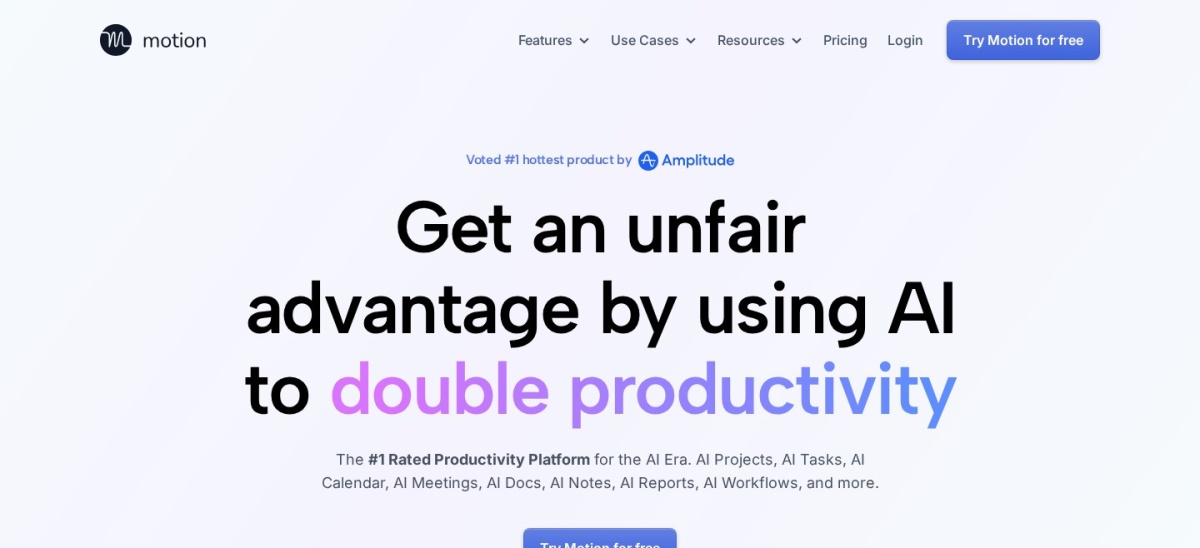
Motion is the automatic scheduler in this list: it takes your tasks, deadlines and meetings and fills your calendar for you, rescheduling when the day slips. It also handles meeting booking and project tracking in the same app.
The trade off is price and control. At $29 a month billed yearly it costs several times more than a task app, and the algorithm decides the order. It suits busy people whose days constantly change.
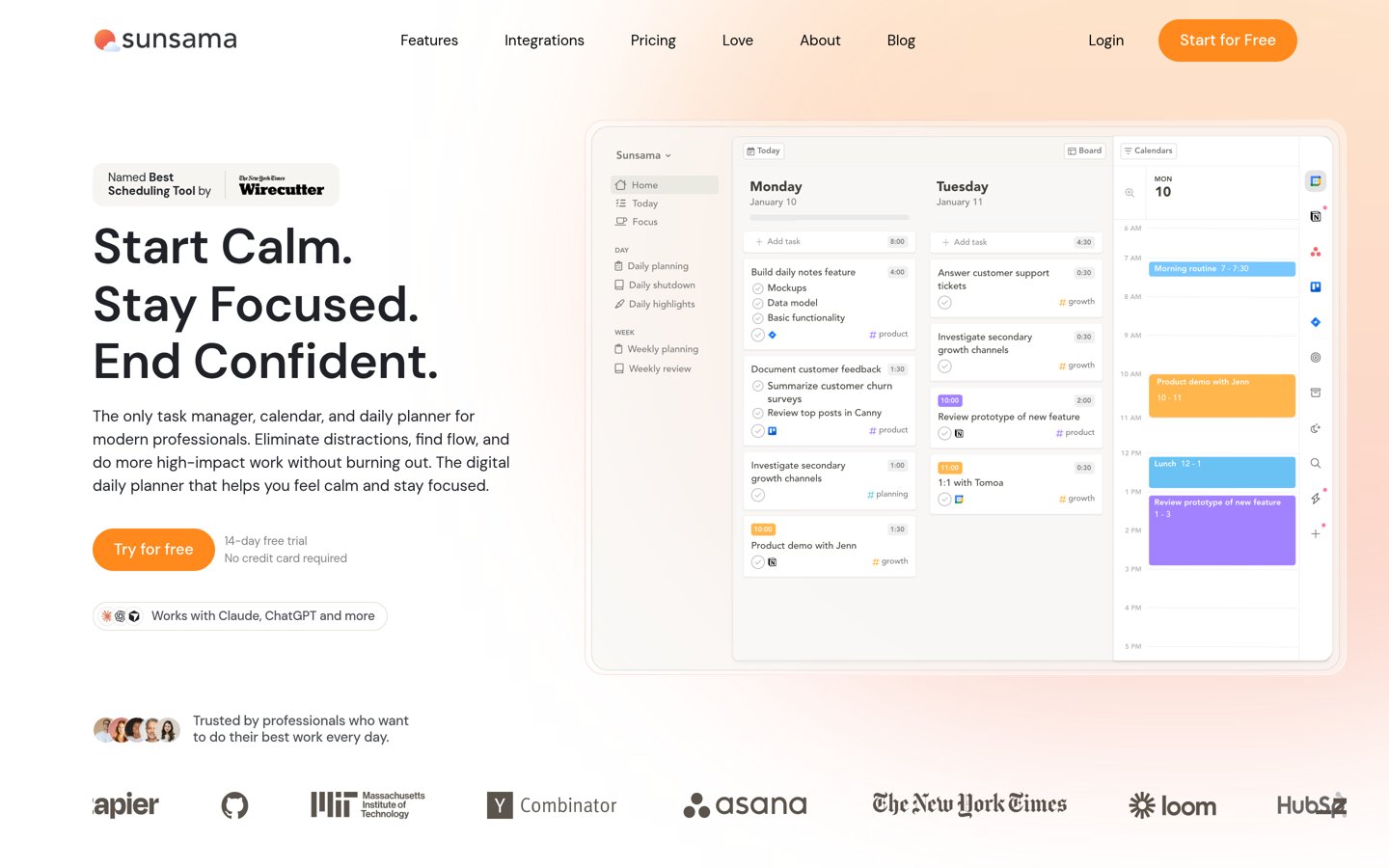
Sunsama is the calm daily planner: a guided ritual pulls tasks from your tools onto one canvas, you time-block them by hand, and the day ends with a short shutdown review. It is rated 4.7 out of 5 on Capterra.
The trade off is price and automation. At $22 a month there is no free plan, and nothing is scheduled for you. It suits people who want a deliberate daily planning ritual.
4.2/5on G2 (Not published reviews, checked Nov 2026)
Paid from$4.99/user/mo
Best simple daily planner
Free planYes
Premium$4.99/user/mo
My Day plannerBuilt in
Family sharingYes
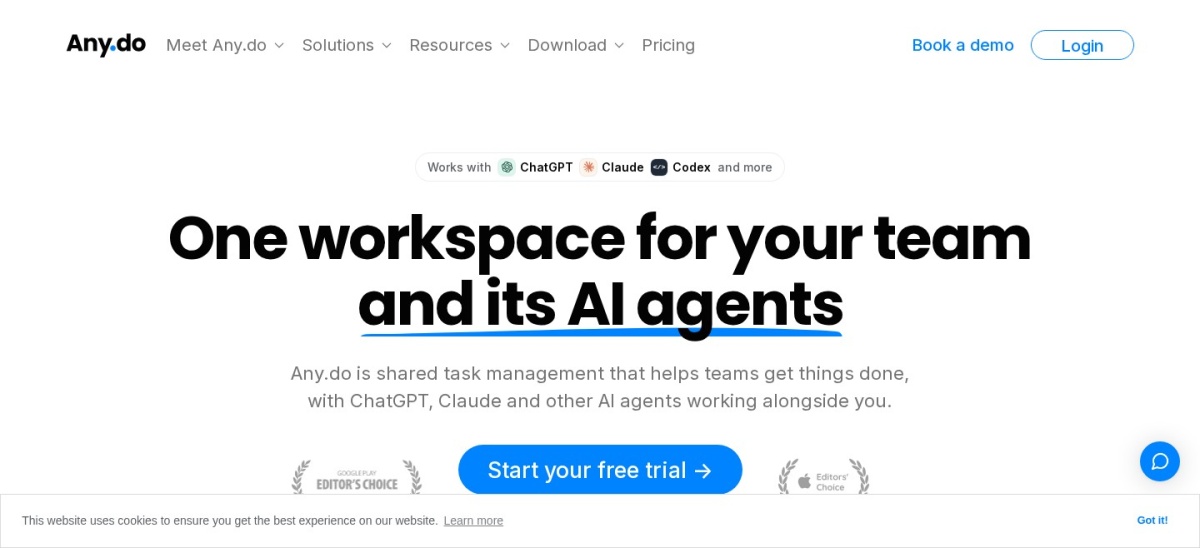
any.do
Any.do homepage, captured Nov 2026.
Any.do is built around today rather than around projects: the daily planner puts today's tasks next to your appointments, Google Calendar sync keeps them aligned, and the interface stays simple from the first minute.
The trade off is power. There are no databases or deep project views, and Premium is $4.99 a month billed yearly. It suits people who want a simple list and a calendar in one place.
What we like
Simplest day-first design here
Family sharing included
Clean calendar integration
Watch out for
Thin on project features
Smaller G2 review base
Premium adds recurring tasks and location remindersVisit any.do
07
Microsoft To Do
4.4/5on G2 (Not published reviews, checked Nov 2026)
PriceFree
Best free planner
Free planFully free
Price$0
Outlook syncBuilt in
My DayBuilt in
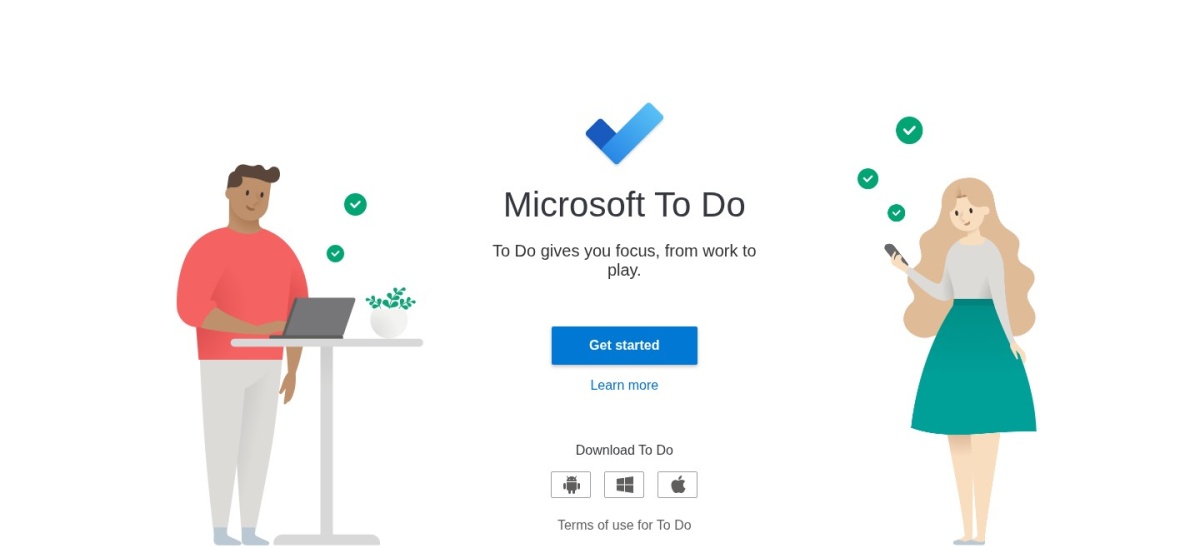
microsoft.com
Microsoft To Do homepage, captured Nov 2026.
Microsoft To Do is the fully free planner in this list, with lists, reminders, a My Day view and deep Outlook integration. It syncs across Windows, mobile and web at no cost, which makes it the easiest free start.
The trade off is ambition. There is no time blocking, no habits and no focus timer, and development is slow. It suits Outlook users who want a capable free list.
4.7/5on G2 (Not published reviews, checked Nov 2026)
PriceFree
Best free calendar planner
Free planFully free
Price$0
TasksBuilt in
SharingEasy calendar sharing
calendar.google.com
Google Calendar homepage, captured Nov 2026.
Google Calendar is the free calendar planner, with tasks, reminders and shared calendars built into the calendar most people already use. It syncs everywhere and works well as the time-blocking layer under a task app.
The trade off is task depth. Tasks are basic, with no projects, priorities beyond stars, or habit tracking. It suits anyone who plans by calendar first.
4.8/5on G2 (Not published reviews, checked Nov 2026)
Starts at$15/mo
Best calendar-first planning
Free planNo, trial
Individual$15/mo
AI schedulingYes
Task consolidationMulti-source
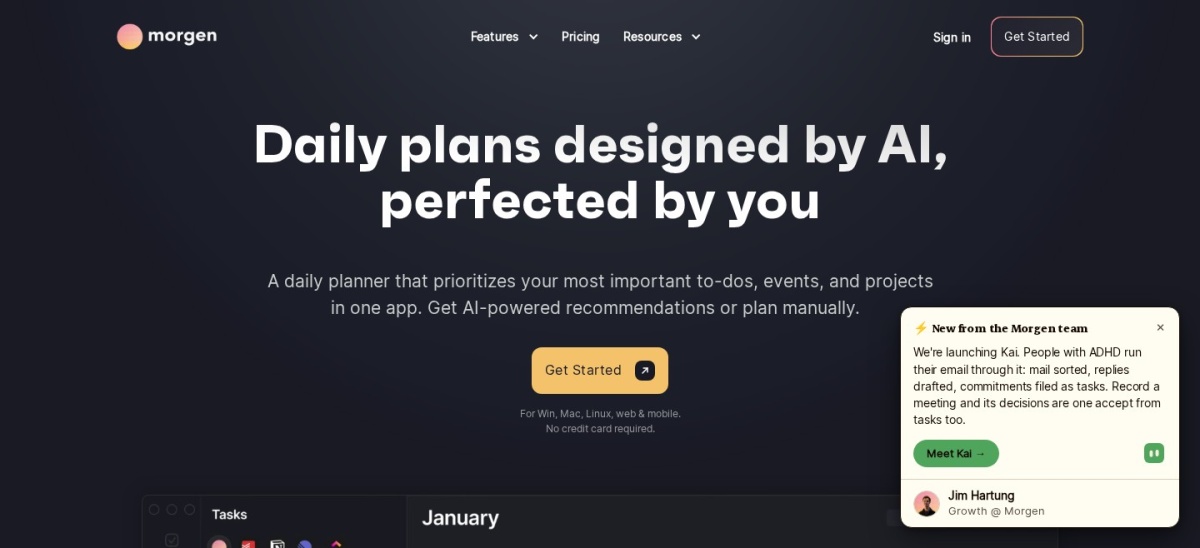
morgen.so
Morgen homepage, captured Nov 2026.
Morgen is a calendar-first planner that pulls tasks from Todoist, Notion, ClickUp and more into one time-blocked view, with AI scheduling and Frames for focused work. It holds a 4.8 rating on G2.
The trade off is price and scope. At $15 a month with no free plan, it costs more than the task apps it connects to. It suits people who already use a task app and want the calendar to run the day.
Free plans cover the basics well. Most include tasks, reminders and sync, with limits on projects or lists.
Paid plans mostly add calendar sync, smart lists and unlimited history. The jump from free to paid is usually 50 to 60 dollars a year.
Time blockers are a different price band. Motion and Sunsama cost 200 to 350 dollars a year because they schedule the day, not just list it.
How we chose
We started from the planner and task apps with the largest G2 and Capterra review bases, then kept nine that cover lists, custom systems and time blocking.
Prices come from vendor pricing pages and vendor-published plan rates, checked on 25 November 2026. Ratings come from G2 or Capterra on the same day. Where a price differs between guides, the list notes it.
We left out apps with no verifiable G2, Capterra or Trustpilot rating. No vendor paid for a place, and we do not claim hands-on testing for this list.
How to choose a planner app
Start with how you think about the day, then check the free plan limits.
Decide list, system or schedule. Pick a task list for capture, Notion for a custom system, or Motion and Sunsama if you want the day time-blocked.
Check the free plan limits. Todoist gives five projects and TickTick nine lists. If you need more, the paid plan is the real price.
Test capture for a week. Add tasks the way you really work, on phone and desktop, and see which app gets out of the way.
Add the calendar last. Once the list works, connect a calendar for time blocking instead of buying a scheduler first.
FAQ
What is the best planner app in 2026?
Todoist is the best all-round planner for most people, with the fastest capture and a free plan. TickTick is the best value, and Notion suits anyone who wants to build a custom planning system from scratch.
Is there a free planner app that is actually good?
Yes. Microsoft To Do and Google Calendar are completely free and capable, Todoist gives five projects free, and TickTick gives nine lists free. Notion also gives unlimited pages on its free plan.
What is the difference between Todoist and TickTick?
Todoist is faster at capturing tasks and simpler to use. TickTick packs in more for the money, with a calendar view, habit tracking and a Pomodoro focus timer in the same app for 49.99 dollars a year.
Are Motion and Sunsama worth the price?
They are worth it if your problem is fitting tasks into a real calendar. Motion schedules tasks for you at 29 dollars a month, while Sunsama guides a manual daily planning ritual at 22 dollars a month.
Can a planner app replace my calendar?
Not fully. Task apps plan what to do, while calendars plan when to do it. The best setup pairs a task list with Google Calendar or Morgen for time blocking.
Which planner app is best for ADHD?
Structured and Sunsama are often named for visual, time-blocked days, but neither is a medical tool. TickTick also helps, with its calendar, habits and focus timer in one app.
SaaS SEO and WordPress specialist with about 8 years of experience. Rakib compares WordPress plugins, themes, hosting and software using public pricing, documentation and user reviews. See how we rank.