Calendly is the best shared calendar app for most teams, with the highest review count in this list and booking links that work with Google and Outlook calendars. Pick Reclaim for AI scheduling that protects focus time, or Teamup for a simple shared calendar everyone can read.
How we make this list: we compare pricing pages, product documentation and public user reviews, then re-check every price before each update. No product paid for a place. Disclosure.
Calendly leads with 2,682 G2 reviews and 129 integrations, from $10 a seat a month.
Reclaim and SavvyCal both score 4.8, but SavvyCal has no free tier and Reclaim has no desktop app.
Cal.com is the only open-source pick here, with a free plan for individuals.
Teamup is the simplest shared calendar, with a free plan for 5 users.
Koalendar has the lowest paid plan at $6.99 a seat a month, but only 2 G2 reviews.
What a shared calendar app should cover
A shared calendar app does two jobs: it shows a team's availability in one place, and it lets other people book time without a round of messages. The best tools do both.
Booking links are the core feature. You share a link, guests pick a slot, and the event lands on your calendar with a video link attached. Our guide on team collaboration software covers the wider toolkit.
Price is usually per seat, so a tool that looks cheap for one person can cost hundreds a year for a team of ten. Check the per-seat price against your headcount before choosing.
Free plans matter here. Calendly, Reclaim, Cal.com, Teamup and Koalendar all offer one, while SavvyCal and Acuity start with a paid plan or trial.
Calendly is a scheduling automation platform that lets teams share booking links so clients and colleagues pick a time without the back-and-forth. The free plan covers one event type with Google and Outlook calendar connections, while Standard at $10 a seat a month adds unlimited event types, group scheduling and integrations.
The trade off is cost per seat. Every team member who needs a booking link needs a paid seat, so costs add up as the team grows. It suits sales, recruiting and customer teams that book most of their meetings with people outside the company.
Reclaim.ai is an AI scheduling tool that defends focus time and auto-schedules tasks, habits and meetings around your real availability. The free plan covers one user with basic scheduling, while Starter at $10 a seat a month adds smart scheduling links, team scheduling and more integrations.
The trade off is complexity. Reclaim has many settings and no desktop app, so setup takes longer than a simple booking link tool. It suits teams with crowded calendars who want tasks and focus time protected automatically.
SavvyCal is a scheduling tool built around clean booking links that let guests overlay their own calendar and rank their preferred times. The Basic plan at $10 a user a month billed yearly adds personalized links, multiple calendars and reminders.
The trade off is price and platform. There is no free tier and no mobile app, and reviewers call the $10 starting price high for solo users. It suits founders and consultants who want booking links that look polished to clients.
Cal.com is an open-source scheduling platform that teams can use free for individuals or self-host for full control. The free plan covers unlimited event types and bookings, while Teams at $12 a user a month billed yearly adds team scheduling, routing and analytics.
The trade off is setup. Cal.com is flexible and powerful, but advanced settings are tucked away and support gets mixed reviews. It suits technical teams that want a customizable scheduler they can brand, embed and automate.
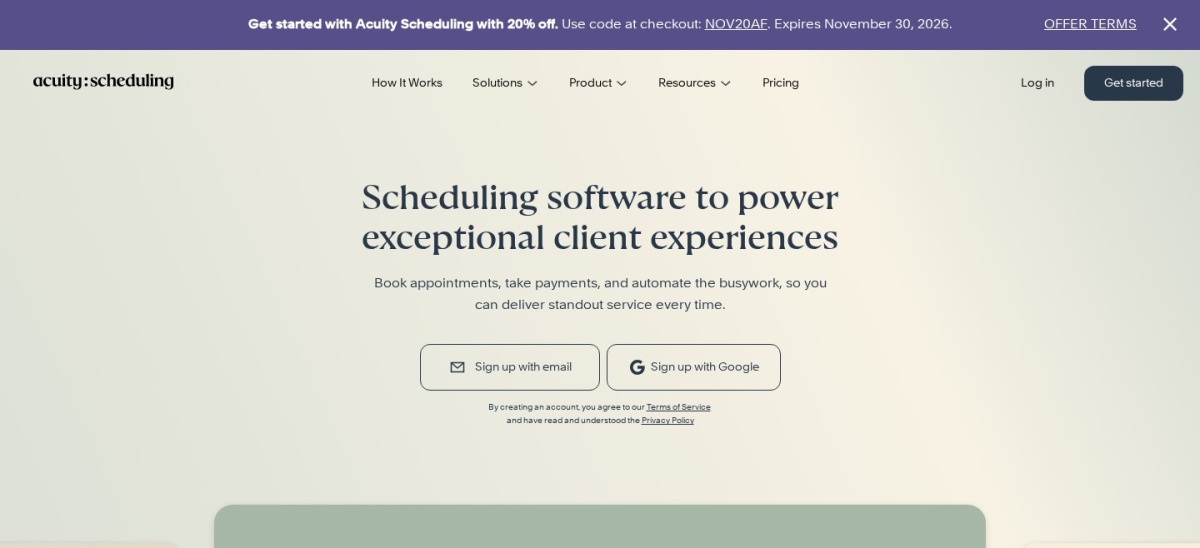
Acuity Scheduling is an online appointment tool that lets clients book their own times and pay at booking, with automated reminders to cut no-shows. The Starter plan at $16 a month billed yearly covers one calendar with intake forms, reminders and payment links.
The trade off is depth of integrations. Acuity lists only one native integration, Squarespace, and leans on Zapier for the rest. It suits coaches, clinics and service businesses that take bookings and payments online.
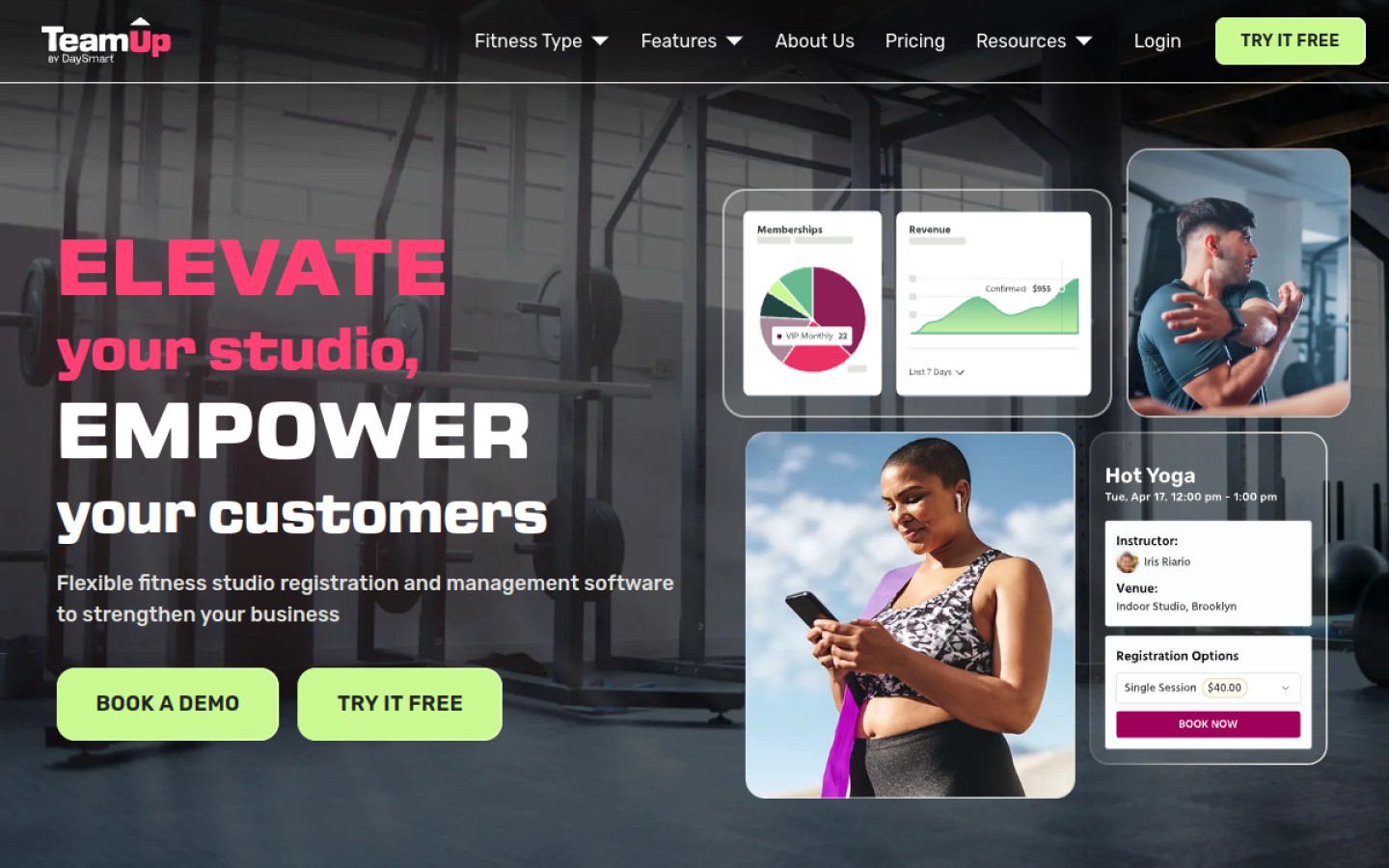
Teamup is a shared calendar built for teams, with color-coded sub-calendars for people, rooms and projects that everyone can view at once. The free plan covers 5 users, while Plus at $12 a month billed yearly adds more users, custom fields and longer history.
The trade off is integrations. Teamup lists only 3 integrations and feels basic next to full scheduling suites. It suits schools, clinics and small teams that need one shared calendar everyone can read and update.
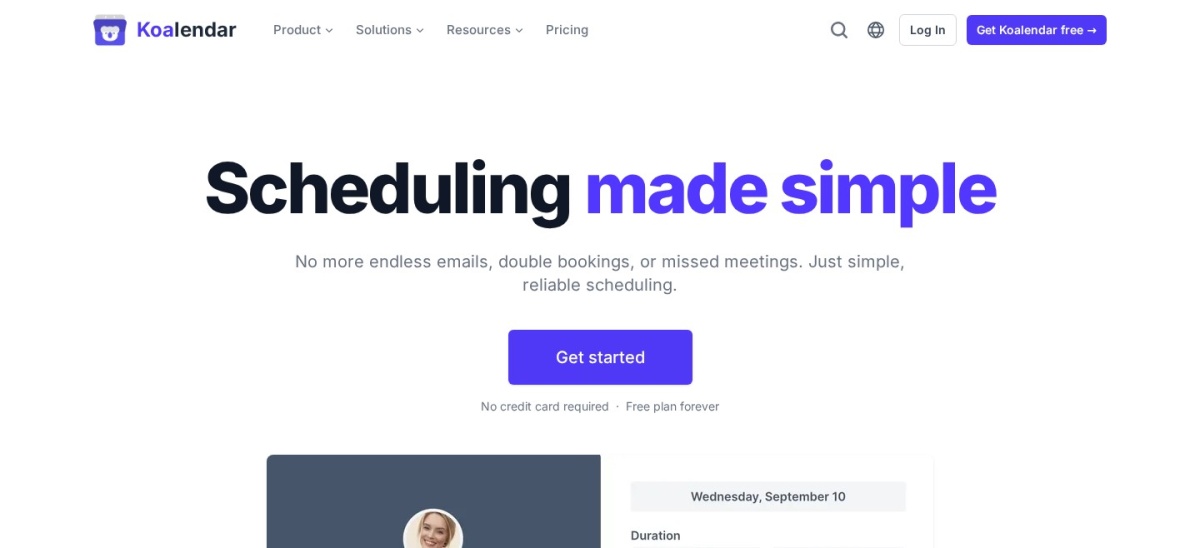
Koalendar is a booking tool for professionals, rooms and venues, with free booking links and per-seat pricing for teams. The free plan is free forever, while Pro at $6.99 a seat a month billed yearly adds custom branding, more event types and reminders.
The trade off is proof. Koalendar has only 2 G2 reviews, so its 4.5 rating rests on very little feedback. It suits small teams and venues that want the lowest paid plan in this list.
Free plans cover one person well. Most include a booking link, basic calendar sync and reminders.
Paid plans mostly add seats and team features. You get group scheduling, routing, branding and reporting for the whole team.
If only one person takes bookings, a free plan may be enough. Our guide on team collaboration software shows how scheduling fits a wider stack.
For a team that books with clients every day, the first year of a paid plan often costs less than one missed meeting.
How we chose
We started from the G2 calendar and scheduling categories and kept the tools with a verifiable rating and a clear shared-calendar or booking focus, then ranked them by rating, review count and price.
Prices come from each vendor's pricing page, checked on 25 November 2026. Ratings and review counts come from G2 on the same day. Where a vendor's page showed no price, the tool was left out.
We left out tools with no verifiable G2 rating or no confirmable price. No vendor paid for a place, and we do not claim hands-on testing for this list.
How to choose a shared calendar app
Start with who books time with you, then match the tool to that flow.
List who books time with you. Clients, candidates and colleagues need different flows. External booking needs links, while internal teams need a shared calendar view.
Check the calendar connections. Make sure the tool syncs with Google, Outlook or iCloud, so bookings never clash with events made elsewhere.
Try the free plan with a real link. Send a booking link to a colleague and book through it. You will learn more in ten minutes than from any feature list.
Multiply the seat price by your team. Most tools charge per seat per month. A $10 plan costs $1,200 a year for ten people, so check the total before you commit.
FAQ
What is the best shared calendar app?
Calendly is the best shared calendar app for most teams. It has 2,682 G2 reviews, 129 integrations and booking links that work with Google and Outlook calendars, from $10 a seat a month.
Is there a free shared calendar app?
Yes. Calendly, Reclaim, Cal.com, Teamup and Koalendar all offer a free plan. Teamup is free for up to 5 users, while Cal.com is free for individuals with unlimited event types.
How much does a shared calendar app cost?
Paid plans in this list start at $6.99 a seat a month for Koalendar Pro and $10 a seat a month for Calendly, Reclaim and SavvyCal. Acuity Scheduling starts at $16 a month for one calendar.
What is the difference between Calendly and Cal.com?
Calendly is a hosted platform with 129 integrations and a free plan for one event type. Cal.com is open source and free for individuals, with Teams at $12 a user a month and the option to self-host.
Can a shared calendar app stop double-bookings?
Yes, if it syncs with your calendar. Every tool in this list checks your connected calendar before offering a slot, so guests only see times that are actually free.
Do I need a booking link tool if I use Google Calendar?
Not always. Google Calendar covers shared team calendars, but it cannot send a public booking link with rules, reminders and payments. A booking tool adds that layer on top of your calendar.
SaaS SEO and WordPress specialist with about 8 years of experience. Rakib compares WordPress plugins, themes, hosting and software using public pricing, documentation and user reviews. See how we rank.