Lucidchart is the best wiring diagram software for most teams, with precise shapes, data linking and Visio import from nine dollars a month. SmartDraw is the best template-led option, while KiCad is the best free pick for electrical schematics.
How we make this list: we compare pricing pages, product documentation and public user reviews, then re-check every price before each update. No product paid for a place. Disclosure.
Lucidchart Individual costs nine dollars a month and has the most precise diagramming here, with Visio import and export.
KiCad and diagrams.net are completely free and handle real schematic work.
AutoCAD Electrical costs 2,095 dollars a year, but it is the only tool here with automatic wire numbering at professional depth.
SmartDraw has 4,500 templates and formats diagrams automatically as you draw.
Visio Plan 1 costs five dollars a user a month, the cheapest paid entry for Microsoft 365 teams.
How do you choose the best wiring diagram software?
A wiring diagram is not a flowchart. It needs electrical symbols, wire numbering, and a layout that an electrician or panel builder can follow on site.
General diagram tools such as Lucidchart and SmartDraw cover house wiring and control panels well, while electrical CAD tools such as AutoCAD Electrical and KiCad add wire numbering and component tagging.
Free tools go further here than in most categories. KiCad and diagrams.net cost nothing and handle real schematic work, so paying only makes sense when you need collaboration or DWG files.
Prices in this list run from free to more than two thousand dollars a year, so match the tool to the job before you compare the monthly rate.
Lucidchart is a professional diagramming tool for flowcharts, org charts, network diagrams and wiring plans, with data linking, version history and real-time collaboration. The free plan covers 3 editable documents, and Individual costs $9 a month billed annually, with Team at $10 per user a month and a 3-seat minimum.
The trade off is the free cap and the team price. Three documents run out fast for a working team, and the Team plan's 3-seat minimum makes it $30 a month for a small team. It suits teams that want precise, shareable diagrams and already work in Lucidchart.
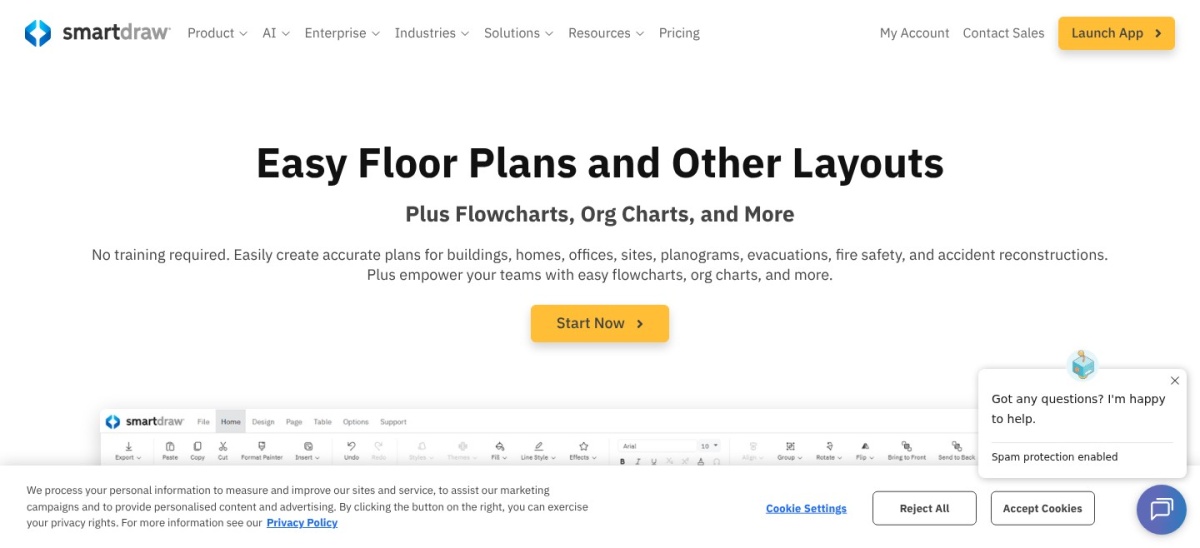
SmartDraw is a diagram tool that formats diagrams automatically as you add shapes, covering flowcharts, org charts, floor plans and wiring diagrams. It imports and exports Visio files, and its library holds 4,500 templates and 34,000 symbols, including electrical and AWS shapes.
The trade off is price and billing. The regular rate is $10.95 a month billed yearly, and new customers see lower introductory rates that rise at renewal, with no month-to-month option. It suits business users who want a diagram from a template in minutes.
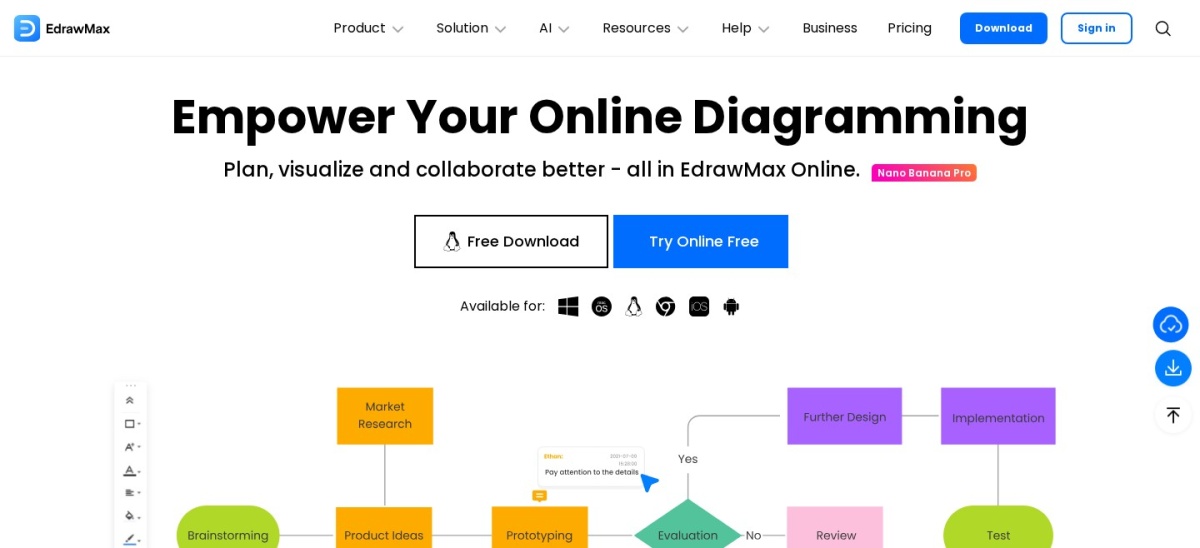
EdrawMax is a desktop and online diagrammer from Wondershare, pitched as an affordable Visio alternative. It covers more than 280 diagram types, from flowcharts and org charts to electrical schematics and floor plans, and the free plan lets you try the editor before paying.
The trade off is price clarity. The Individual plan lists at $99 a year, but other pages quote $119, so confirm the price on the pricing page before you buy. It suits buyers who want one tool for every diagram type, not just wiring.
AutoCAD Electrical is the electrical toolset inside AutoCAD, with 65,000 electrical symbols, automatic wire numbering and component tagging for control-panel schematics. It is included with AutoCAD 2027, so teams already on AutoCAD get the electrical tools without a second licence.
The trade off is price and depth. At $2,095 a year it costs more than any other published price on this list, and its PCB support is limited, so board layout still needs a separate tool. It suits firms whose clients demand DWG files and panel-grade documentation.
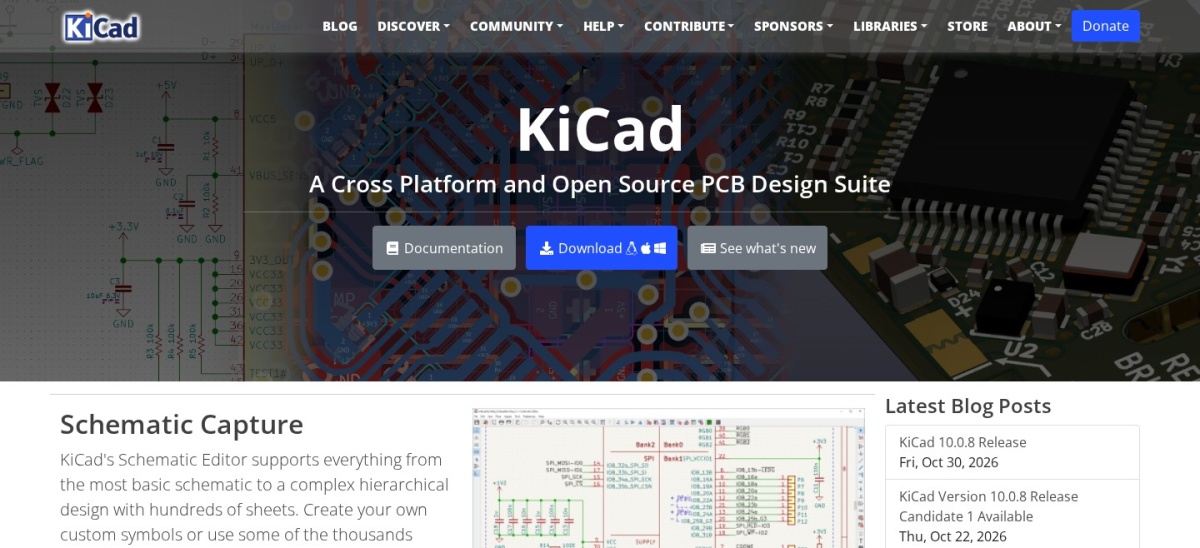
KiCad is a free, open-source suite for schematic capture and PCB layout, with no paid tier, no board-size cap and no commercial-use restriction. Its schematic editor handles hierarchical designs, with electrical rules checking, integrated ngspice simulation and large symbol libraries.
The trade off is the learning curve. KiCad is built for electronics engineers, so house wiring and panel builders face a steeper setup than in Lucidchart, and there is no cloud collaboration. It suits anyone who wants professional schematic tools for free.
EasyEDA is a browser-based tool for schematic capture, simulation and PCB layout, with a free tier that allows commercial use and 0.5 GB of cloud storage. Optional Premium plans start at $19.90 per month billed annually, and the tool links parts to suppliers so you can order boards from the schematic.
The trade off is the review base. Its 4.4 G2 rating rests on only 20 reviews, so treat the score with caution, and the free tier caps storage at 0.5 GB. It suits hobbyists and small teams who want to go from schematic to ordered boards in the browser.
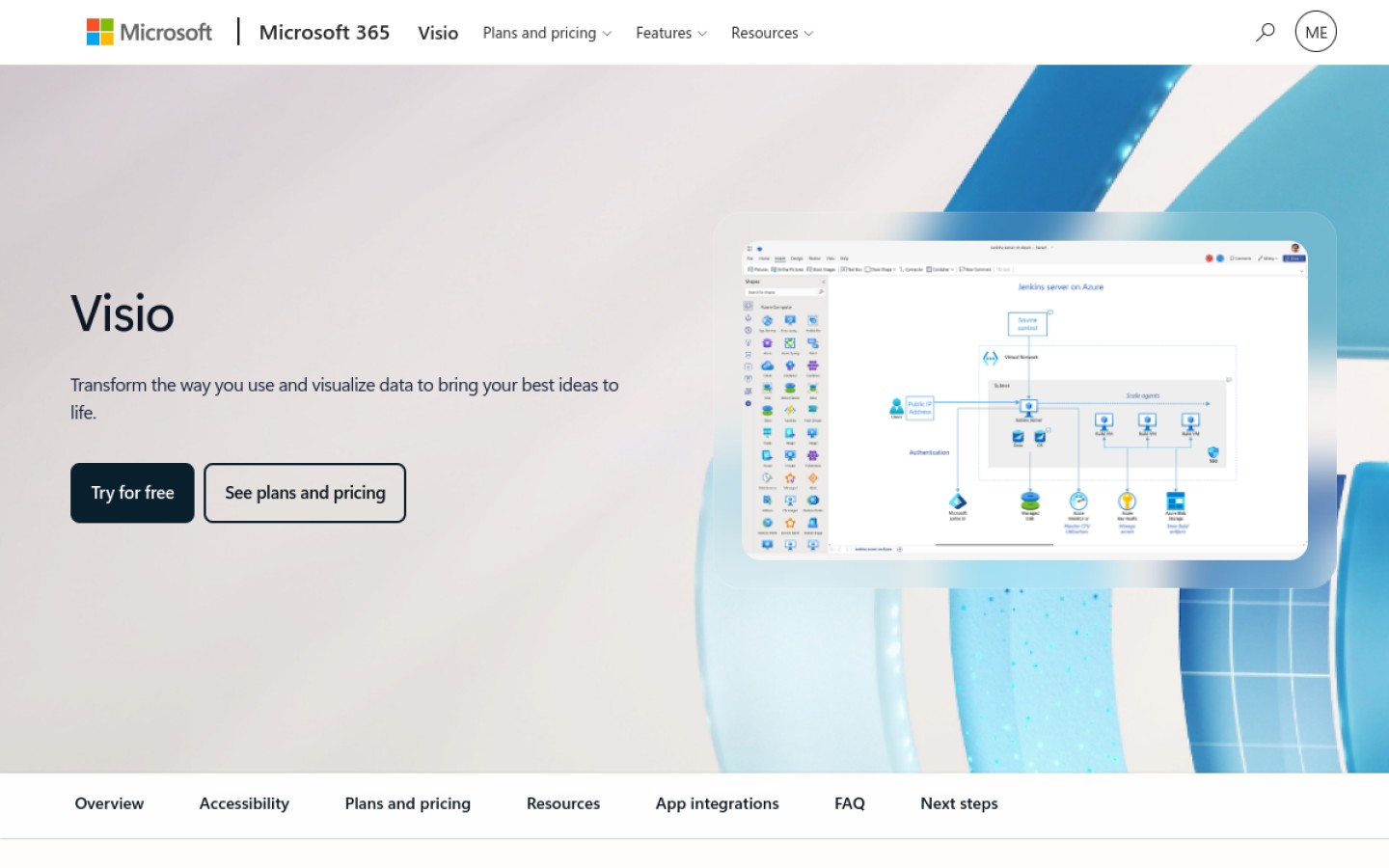
Microsoft Visio is the diagram tool for Microsoft 365 workplaces, with electrical engineering shapes, templates and sharing through OneDrive and SharePoint. Plan 1 costs $5 per user a month billed annually and covers web diagrams, while the desktop app needs Plan 2 at $15 a month.
The trade off is the plan split. Plan 1 is web-only, so desktop features and offline work need the pricier Plan 2, and Visio is Windows-first with limited Mac support. It suits teams already on Microsoft 365 who want diagrams inside the tools they use.
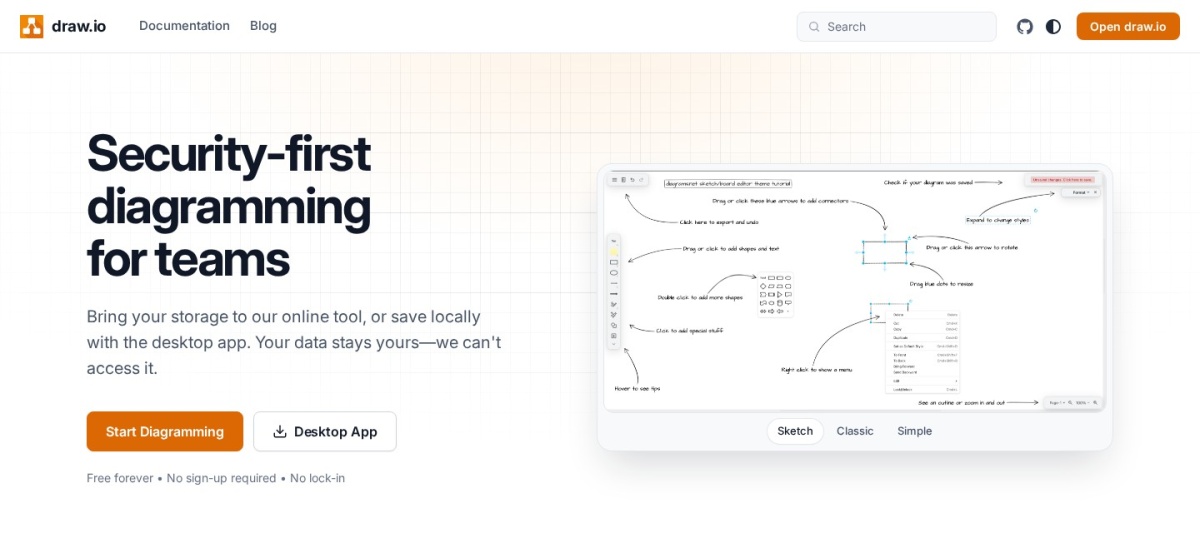
diagrams.net is a free, open-source diagram tool that runs in the browser or as a desktop app, with no account and no paid tier. It covers flowcharts, network diagrams and wiring plans with electrical shape libraries, and it saves to Google Drive, OneDrive or your own device.
The trade off is polish and depth. There is no automatic wire numbering, no component database and no paid support to buy, so it fits simple plans rather than panel engineering. It suits anyone who wants a quick wiring sketch for free.
Creately is a visual workspace for diagrams, whiteboards and data, with templates for flowcharts, org charts and network diagrams. Its free plan covers 3 canvases, and the Starter plan costs $5 per user a month billed annually, with real-time collaboration and version history.
The trade off is the electrical depth. Creately has no dedicated electrical symbol library, so wiring diagrams need generic shapes and manual labelling. It suits teams that want one shared canvas for diagrams, docs and planning rather than a specialist wiring tool.
General tools such as Lucidchart, SmartDraw and EdrawMax draw clean wiring diagrams fast, with templates, drag-and-drop shapes and easy sharing. They suit house wiring, small panels and documentation.
Electrical CAD tools such as AutoCAD Electrical, KiCad and EasyEDA understand wires as objects, so they number wires, tag components and check connections automatically. They suit control panels, machine wiring and PCB work.
If your deliverable is a DWG file a client must open in AutoCAD, only AutoCAD Electrical guarantees it. If it is a PDF for an electrician on site, any tool here can produce it.
How we chose
We started from the diagram and electrical CAD tools that appear most often in wiring diagram searches, then kept the nine with a verifiable G2 rating and a published price.
Prices come from each vendor's pricing page, checked on 29 November 2026, with Lucidchart Individual at nine dollars a month confirmed on its official pricing page today. Ratings and review counts come from G2 on the same day. Where a vendor shows a sale, the list shows the regular price.
We left out tools with no verifiable rating and quote-only tools. No vendor paid for a place, and we do not claim hands-on testing for this list.
How to choose wiring diagram software
Start with who reads the diagram, then pick the tool that produces it in their format.
Decide who reads the diagram. An electrician on site needs a clear PDF with labelled wires, while a client may need a DWG file. The reader decides the format, and the format decides the tool.
Check the symbol library first. Wiring work needs electrical symbols, not generic shapes. Confirm the library covers your symbols before you pay, because adding them by hand is slow.
Ask whether wire numbering matters. Control panels need automatic wire numbering and component tagging, which only electrical CAD tools do. House wiring plans usually do not.
Test the free plan on a real diagram. Draw one real circuit before paying. A trial shows whether the symbols, exports and sharing fit your workflow in an afternoon.
FAQ
What is the best wiring diagram software in 2026?
Lucidchart is the best wiring diagram software for most teams, with precise shapes, data linking and Visio import at nine dollars a month. KiCad is the best free pick for electrical schematics.
What is the best free wiring diagram software?
KiCad is the best free option, with open-source schematic capture, electrical rules checking and simulation at no cost. diagrams.net is the best free general diagrammer for simple house wiring plans.
Can Lucidchart draw wiring diagrams?
Yes. Lucidchart has electrical symbol libraries on paid plans, data linking and Visio import and export. It lacks automatic wire numbering, so it suits documentation and planning more than panel engineering.
Which wiring diagram software is best for electricians?
AutoCAD Electrical is the professional standard, with 65,000 electrical symbols and automatic wire numbering, but it costs 2,095 dollars a year. For small shops, ProfiCAD-style one-time tools and KiCad cover most jobs for far less.
Is SmartDraw or EdrawMax better for wiring diagrams?
SmartDraw is better for template-led business and house wiring diagrams, with 4,500 templates and automatic formatting. EdrawMax is better for engineering breadth, with more than 280 diagram types including electrical schematics.
Does Visio work for wiring diagrams?
Yes. Microsoft Visio Plan 1 costs five dollars a user a month and has electrical engineering shapes, which suits Microsoft 365 teams. The desktop app needs Plan 2 at 15 dollars a month.
SaaS SEO and WordPress specialist with about 8 years of experience. Rakib compares WordPress plugins, themes, hosting and software using public pricing, documentation and user reviews. See how we rank.