KiCad is the best schematic software for most people: free and open source, rated 4.5 out of 5 on G2 from 69 reviews, with hierarchical schematics and SPICE simulation. Pick Altium Designer for professional team workflows at $1,990 a year, or EasyEDA for the fastest browser route from schematic to an ordered board.
How we make this list: we compare pricing pages, product documentation and public user reviews, then re-check every price before each update. No product paid for a place. Disclosure.
KiCad is the best free schematic tool: open source, no limits, rated 4.5 out of 5 on G2 from 69 reviews.
Altium Designer is the professional standard, but the first seat costs $1,990 a year.
EasyEDA is the fastest browser route from schematic to ordered boards, with Premium at $19.90 a month.
DipTrace offers perpetual licences from $75, the cheapest serious desktop option.
Flux is the only AI-assisted option here, but it has only 6 G2 reviews and metered AI costs.
What to look for in schematic software
Schematic software turns a circuit idea into a readable diagram that drives the rest of the design: the netlist, the PCB layout and the bill of materials. A good editor keeps that chain intact, so a change on the schematic flows through to the board without rework.
Look for hierarchical sheets first. They let you split a large design into readable pages instead of one crowded sheet, and they matter as soon as a board grows past a handful of parts.
Simulation is the next split. Some tools include SPICE simulation in the schematic, so you can check a circuit before layout, while others only draw the diagram and leave testing to a separate tool.
Libraries and exports decide how long a tool stays useful. Large symbol libraries save hours, and open export formats such as Gerber, STEP and netlists protect you if you ever switch tools.
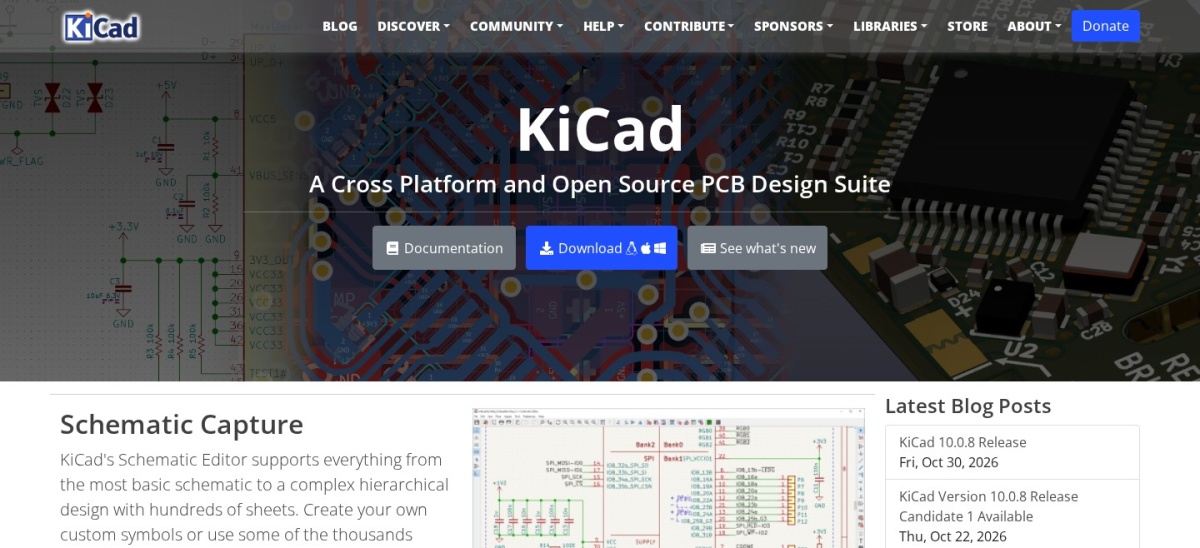
KiCad is a free, open-source suite for schematic capture and PCB layout, with no paid tier, no board-size cap and no commercial-use restriction. Its schematic editor handles hierarchical designs, with electrical rules checking, integrated ngspice simulation and large symbol libraries. KiCad 10.0.8 was released on 30 October 2026.
The trade off is support and learning time. There is no vendor support contract, so answers come from documentation and community forums, and library management takes time to organise. It suits students, startups and solo engineers who want full control of local files at $0 a year.
Altium Designer is the professional standard for schematic capture inside a full PCB design suite, pairing hierarchical sheets, multi-channel design and variants with layout, simulation and manufacturing output in one project. Its unified component model links symbols, footprints and supplier data, and Altium 365 adds cloud collaboration and review. It is rated 4.5 out of 5 on G2 from 954 reviews.
The trade off is price and platform. The first seat through Altium Develop costs $1,990 a year, extra author seats are $995 a year each, and the desktop tool runs on Windows only. It suits professional teams designing complex boards commercially, where managed libraries and review workflows justify the cost.
What we like
Single environment from schematic to manufacturing
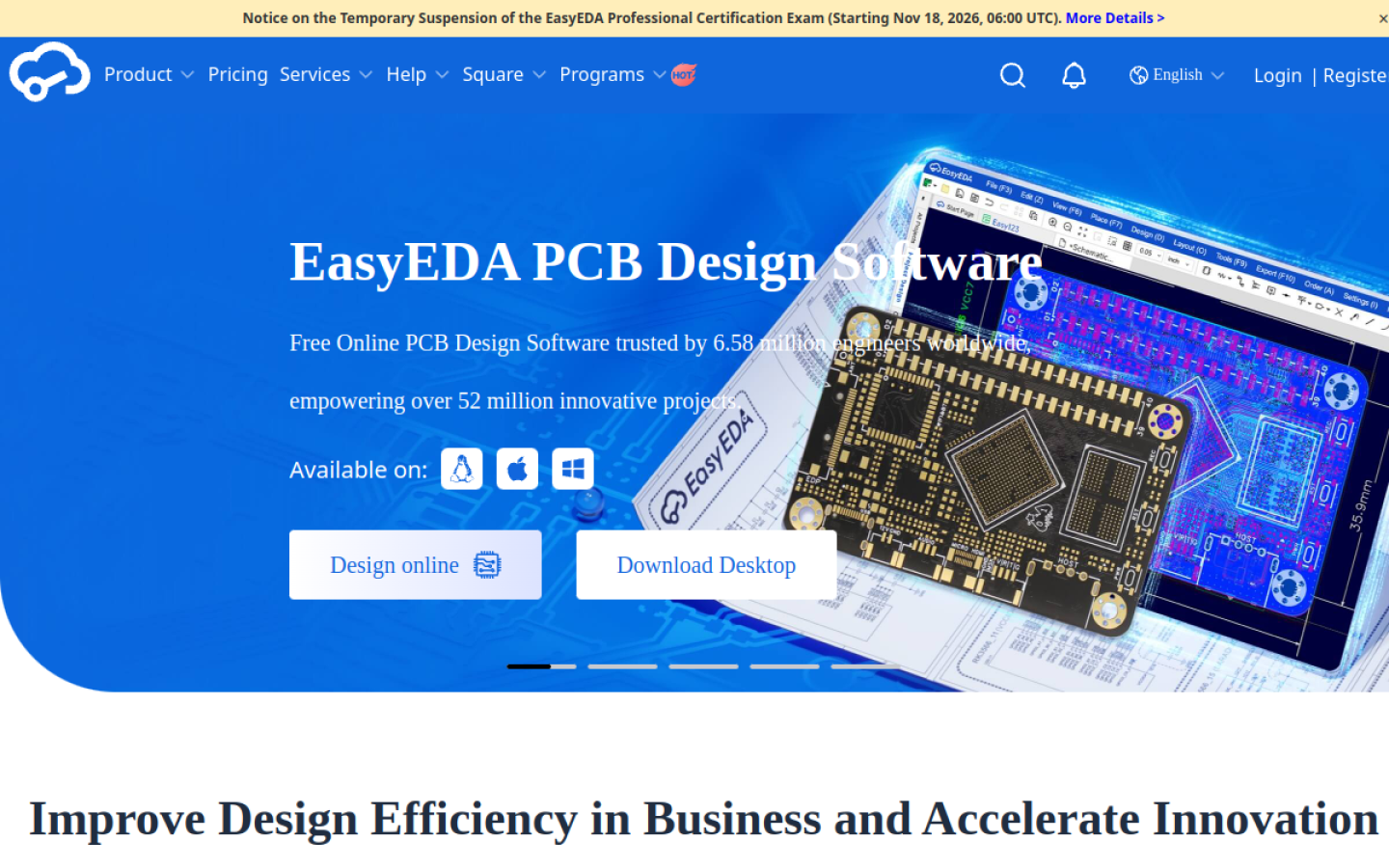
EasyEDA is a browser-based tool for schematic capture, simulation and PCB layout, with a free tier that allows commercial use and 0.5 GB of cloud storage. Its library holds millions of parts with live pricing and stock, and one-click ordering sends a finished design to JLCPCB for fabrication. The homepage reports 6.58 million engineers and over 52 million projects.
The trade off is the cloud and the free tier limits. Designs live on EasyEDA servers, free storage is 0.5 GB, and Premium costs $19.90 a month billed yearly, or $238.80 a year. It suits makers and small teams who want working hardware fast, without installing desktop software.
What we like
Free in the browser, nothing to install
One-click ordering to JLCPCB
Large library with live part pricing
Rated 4.4 out of 5 on G2 from 20 reviews
Watch out for
Designs live in the cloud
Free tier limited to 0.5 GB storage
Less depth for high-speed boards
Premium adds 10 GB storage, priority support and no adsVisit easyeda.com
04
DipTrace
4.3/5on G2 (46 reviews, checked Nov 2026)
Paid from$75/once
Best affordable perpetual licence
PriceStarter $75 one-time
Freeware300 pins, 2 layers
PlatformsWindows, macOS, Linux
Editions5, up to $995 Full
diptrace.com
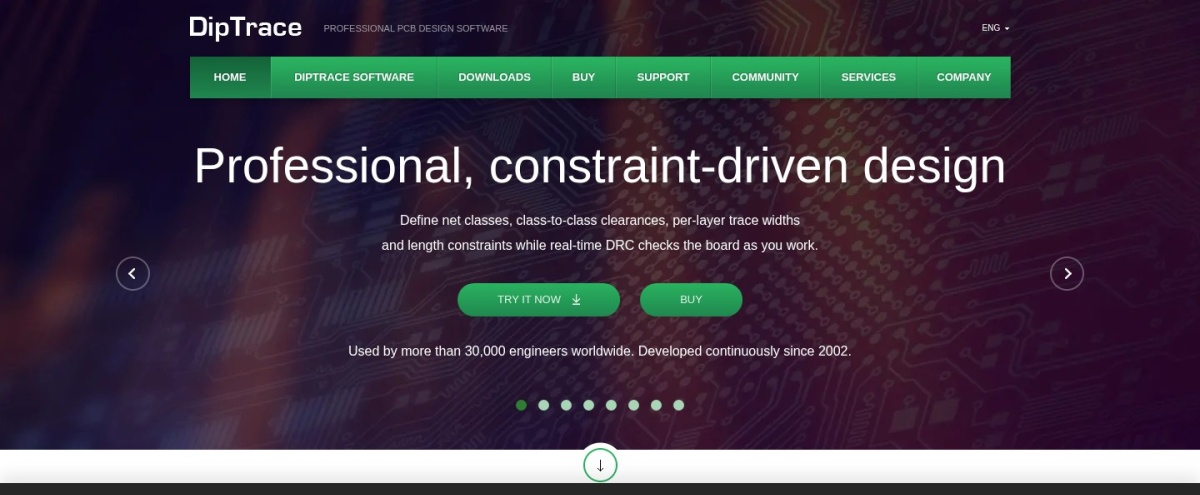
DipTrace homepage, captured Nov 2026.
DipTrace is a desktop suite for schematic capture and PCB layout with perpetual licences and no subscription. The Freeware edition covers 300 pins and two signal layers for non-profit use, and paid editions start at $75 for Starter and scale to $995 for Full, with unlimited pins and layers. It is rated 4.3 out of 5 on G2 from 46 reviews.
The trade off is scale and community. Lower editions cap pins and layers, and the library and user community are smaller than KiCad or Altium, so help can be harder to find. It suits freelancers and small shops who prefer buying a licence once over paying rent.
What we like
Perpetual licence from $75, no subscription
Runs on Windows, macOS and Linux
Consistent interface across editors
Freeware edition for non-profit use
Watch out for
Starter and Lite cap pins and layers
Smaller community than KiCad or Altium
Paid editions unlock commercial pin counts up to unlimitedVisit diptrace.com
05
Proteus Design Suite
4.3/5on G2 (46 reviews, checked Nov 2026)
Starts at$248/once
Best for microcontroller simulation
PriceFrom $248 perpetual
SimulationVSM microcontroller co-simulation
Library15 million+ parts
BundlesEnterprise $6,972, Platinum $8,622
labcenter.com
Proteus Design Suite homepage, captured Nov 2026.
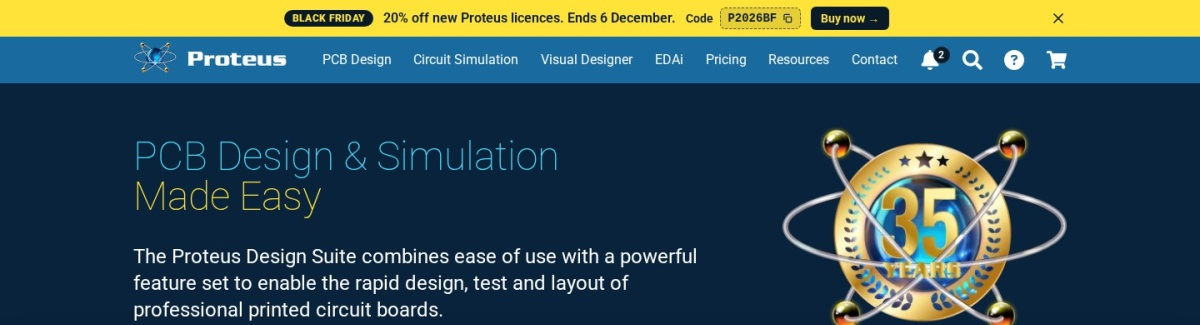
Proteus Design Suite combines schematic capture, PCB layout and simulation, and its VSM simulation runs real microcontroller firmware against virtual peripherals on the schematic. Its library lists more than 15 million parts, and modular perpetual licences start at $248. It is rated 4.3 out of 5 on G2 from 46 reviews.
The trade off is price structure and a sale. Modular pricing climbs fast as simulation cores and PCB levels are added, with full bundles at $6,972 and $8,622, and the site shows a 20% off sale ending 6 December, so confirm whether $248 is the sale or regular price. It suits embedded teams and educators who test firmware before ordering a board.
What we like
Simulates microcontroller firmware on the schematic
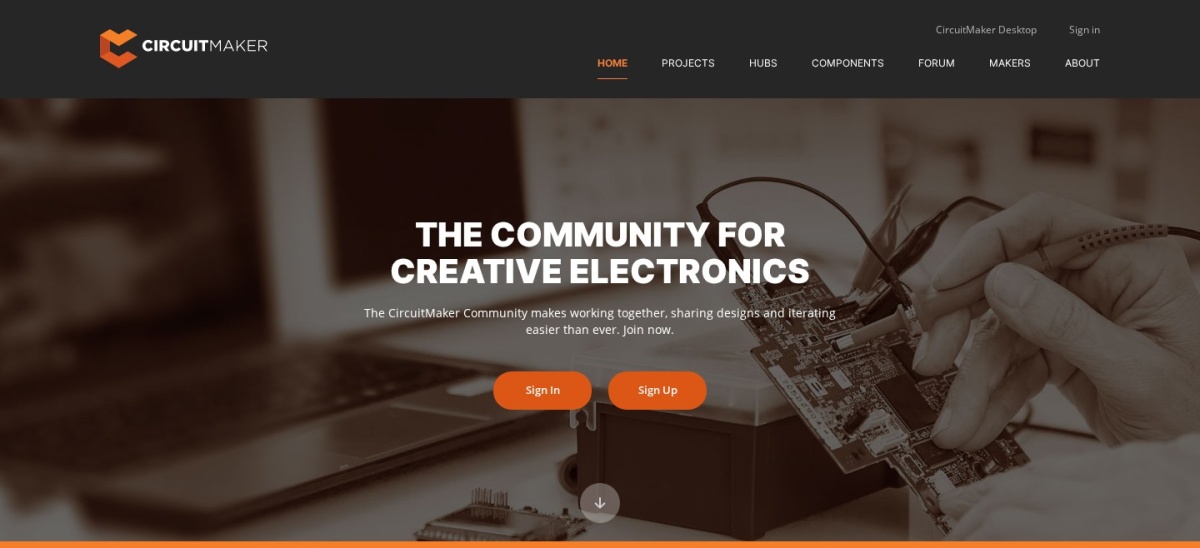
CircuitMaker is a free PCB design tool from Altium with schematic capture, PCB layout, a 3D viewer and design rule checks, and no paid subscription tier. It centres on community project sharing, with shared libraries and designs other makers can open and build on. It is rated 4.3 out of 5 on G2 from 110 reviews.
The trade off is privacy and governance. Projects are shared in a community model, with 5 private projects on the free tier, and there are fewer team governance features than paid suites. It suits makers, students and open-hardware builders who want a free Altium-style editor.
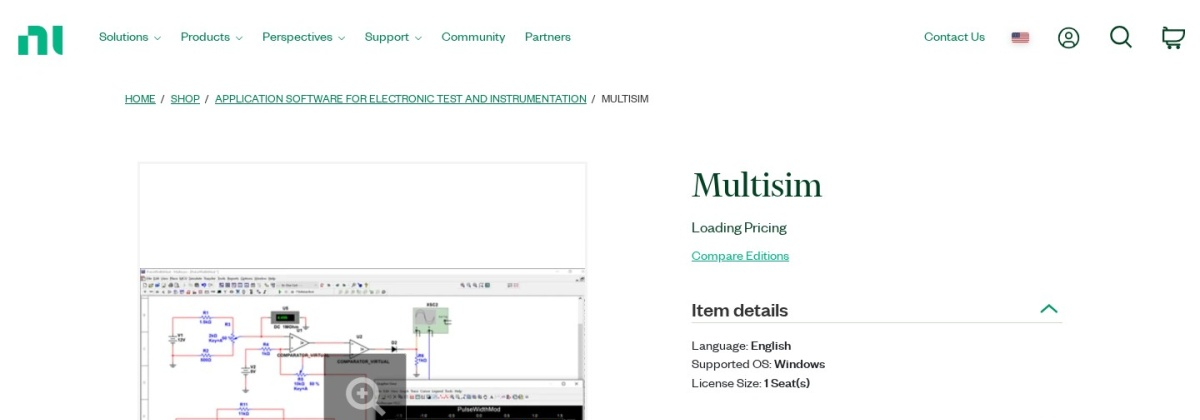
NI Multisim is a schematic capture and SPICE simulation tool from National Instruments, aimed at circuit analysis and electronics teaching. The Base edition lists more than 47,000 manufacturer-verified components and 4 virtual instruments, with 17 analyses in Full and 20 in Power Pro. It is rated 4.3 out of 5 on G2 from 42 reviews.
The trade off is price and platform. Base costs $1,869 a year, Full is $3,267 and Power Pro is $4,838, and the desktop tool runs on Windows only. It suits universities and engineering teams that need verified component models and structured analysis more than PCB layout.
What we like
Verified component models and SPICE analysis
Strong for teaching and lab work
Free trial available
Rated 4.3 out of 5 on G2 from 42 reviews
Watch out for
Base costs $1,869 a year
Windows only
PCB layout is not its focus
Student Edition is listed at $69.95 for studentsVisit ni.com
08
Flux
3.6/5on G2 (6 reviews, checked Nov 2026)
Starts at$20/mo
Best AI-assisted browser schematic tool
PriceExplore $20/mo, billed monthly
AI useMetered, extra ACUs $2 each
BoardsUp to 8 layers
Trial14-day free trial
flux.ai
Flux homepage, captured Nov 2026.
Flux is a browser-based electronics design tool that pairs schematic capture and PCB layout with an AI assistant that can draft and edit a design from a plain-language plan. Plans start at $20 a month for Explore, with Build at $60 and Pro at $200, and annual billing lowers the monthly equivalent. It is rated 3.6 out of 5 on G2 from 6 reviews.
The trade off is metered AI cost and a thin review base. AI usage is billed on top of the plan in agent compute units at $2 each, Flux publishes no conversion from usage to a finished board, and Trustpilot shows 1.6 out of 5 from 105 reviews. It suits engineers who want to try an AI-assisted browser workflow and can budget for AI use on top.
What we like
AI assistant drafts schematics from a plan
Runs in the browser, nothing to install
Live collaboration and part pricing
14-day free trial
Watch out for
AI usage is metered on top of the plan
Only 6 G2 reviews and a low Trustpilot score
Boards capped at 8 layers
Annual billing lowers Explore to $16 a monthVisit flux.ai
09
Tinkercad
4.5/5on G2 (120 reviews, checked Nov 2026)
PriceFree
Best free tool for beginners
PriceFree, no paid tier
Runs onBrowser, no install
SimulationArduino and circuit simulation
FocusEducation and beginners
tinkercad.com
Tinkercad homepage, captured Nov 2026.
Tinkercad is a free, browser-based tool from Autodesk with a Circuits workspace for drawing schematics, building breadboard layouts and simulating Arduino projects. It needs no install and no payment, and its classroom tools make it a common first step for students and hobbyists. It is rated 4.5 out of 5 on G2 from 120 reviews.
The trade off is depth. Tinkercad is built for learning and simple projects, not professional PCB layout or high-speed design, so serious boards outgrow it fast. It suits teachers, students and beginners who want to learn circuits before moving to KiCad or EasyEDA.
Free tools cover the whole first project well. KiCad, CircuitMaker and Tinkercad cost nothing, and EasyEDA's free plan allows commercial use, so you can draw, simulate and order a board without paying.
Paid plans add depth, libraries and support. Altium adds manufacturer libraries and cloud collaboration, Multisim adds verified component models and structured analysis, and Proteus adds microcontroller co-simulation.
If you might sell boards, start on a tool whose paid step is affordable. Our guide to free vs premium plugins explains how to weigh a free plan against a paid upgrade before you commit.
The cheapest paid step is DipTrace Starter at $75 one-time, then Proteus from $248. After that the jump is large: Flux at $240 a year plus metered AI use, and Altium at $1,990 a year.
How we chose
We started from the tools most often named in 2026 comparisons for schematic software, then kept 9 established products with a public review footprint and a published price or a clear quote route.
Prices come from each vendor's pricing page, checked on 26 November 2026, and ratings are G2 scores from the same day. Where a vendor shows a sale, the list shows the regular price.
We left out tools with no public review score, however well known, including OrCAD, Pulsonix and CircuitLab, and we swapped two tools whose screenshots kept failing for rated replacements. No vendor paid for a place, and we do not claim to have used these tools ourselves.
How to choose schematic software
Start with the board you actually plan to build, then match the tool to it.
Match the tool to the board. Simple hobby boards fit KiCad, EasyEDA or Tinkercad. Complex commercial boards need Altium, Multisim or Proteus, with their deeper libraries and simulation.
Check the price model first. Free tools cost nothing to keep, DipTrace and Proteus sell perpetual licences, and Altium, Multisim, EasyEDA and Flux charge every year or month. Work out the three-year cost, not just the first payment.
Try the free tier before you pay. Draw a real schematic, run a simulation and export the files. If the export formats or the library frustrate you on a small board, they will only get worse on a large one.
Check simulation and exports. If you need to verify a circuit before layout, pick a tool with built-in SPICE or microcontroller simulation. Then confirm it exports Gerber, netlists and STEP files you can use elsewhere.
FAQ
What is the best schematic software?
KiCad is the best schematic software for most people. It is free and open source, rated 4.5 out of 5 on G2 from 69 reviews, and it handles hierarchical schematics with SPICE simulation and no board-size limits.
Is there a free schematic tool?
Yes. KiCad, CircuitMaker and Tinkercad are free with no paid tier, and EasyEDA has a free plan that allows commercial use with 0.5 GB of cloud storage. DipTrace also offers a Freeware edition for non-profit use up to 300 pins.
How much does Altium Designer cost?
Altium Designer is sold through Altium Develop at $1,990 a year for the first seat, which covers one workspace and one author. Extra author seats cost $995 a year each, while reviewers who only comment are free.
Can I draw schematics in a browser?
Yes. EasyEDA, Flux and Tinkercad all run in a browser with nothing to install. EasyEDA and Flux cover full schematic-to-PCB work, while Tinkercad focuses on learning and simple Arduino circuits.
Which schematic tool is best for beginners?
Tinkercad is the easiest starting point, with free browser circuits and Arduino simulation for students. Once a project outgrows it, KiCad is the natural next step, since it is also free and has no limits.
Do I need simulation in a schematic tool?
It helps, but it is not required for every board. SPICE simulation in KiCad, EasyEDA or Multisim catches errors before layout, while Proteus goes further and runs microcontroller firmware on the schematic itself.
SaaS SEO and WordPress specialist with about 8 years of experience. Rakib compares WordPress plugins, themes, hosting and software using public pricing, documentation and user reviews. See how we rank.