Best Website Change Monitoring Software in 2026: 8 Tools Compared
WLWPLegible EditorsLast verified 24 Nov 2026How we rank10 min read
★ Short answer
Visualping is the best website change monitoring software for most teams, with a free plan for 5 pages and paid plans from $10 a month billed yearly. Pick Distill.io for precise element tracking, or changedetection.io if you want to self-host for free.
How we make this list: we compare pricing pages, product documentation and public user reviews, then re-check every price before each update. No product paid for a place. Disclosure.
Visualping starts at $10 a month billed yearly for 10 pages and 1,000 checks a month, with a free plan for 5 pages.
Distill.io costs $15 a month and watches 25 monitors free, with checks as fast as every 2 minutes on its Flexi plan.
changedetection.io costs $8.99 a month hosted for 5,000 URLs, and is free to self-host with no page limit.
Wachete is the cheapest paid plan here at $5.40 a month, and it also watches PDFs and documents.
PageCrawl holds the highest G2 rating here at 4.8 out of 5, and Hexowatch covers 13 change types including WHOIS and tech stack.
What website change monitoring software should cover
Websites change without telling you. A competitor cuts a price, a supplier edits a terms page, a regulator updates a rule, and nobody on your team notices for weeks.
Change monitoring tools check pages on a schedule and alert you when something moves. Visual tools compare screenshots, element tools watch one number or paragraph, and site-wide tools crawl everything.
The right pick depends on what you watch. Marketers want screenshots in their inbox, analysts want one exact element, developers want a self-hosted tool, and compliance teams want an archive that proves what a page said on a date. Our A/B testing guide covers the tools that test the pages you monitor.
Watch the pricing unit. Some tools charge per page, some per check, and some per site, so count your pages and how often they need checking before you compare.
The 8 best website change monitoring software tools
01
Visualping
4.6/5on G2 (525 reviews, checked Nov 2026)
Paid from$10/mo
Best website change monitoring software overall
Entry planPersonal 1K, $10/mo annual
Free plan5 pages, 150 checks/mo
Fastest checksEvery 2 minutes
Free trial14-day Business trial
visualping.io
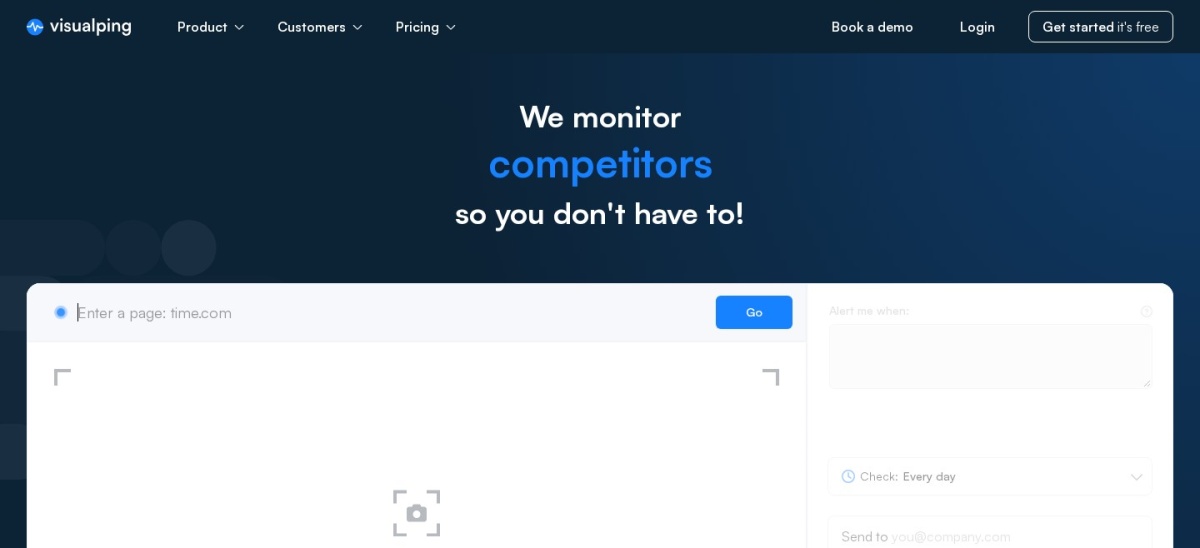
Visualping homepage, captured Nov 2026.
Visualping is the market leader for visual page change detection, comparing screenshots on a schedule and highlighting what moved. The free plan covers 5 pages and 150 checks a month, and Personal 1K costs $10 a month billed yearly for 10 pages and 1,000 checks, with AI summaries of every change.
The trade off is cost at scale. Business plans run $100 to $250 a month billed yearly, and each workspace carries its own plan. It suits marketers and small teams who want alerts anyone can understand at a glance.
Distill.io is a browser extension and cloud monitor that watches exact page elements with CSS selectors. The free plan covers 25 monitors, 5 of them in the cloud, and Starter costs $15 a month for 50 monitors with cloud checks every 10 minutes and local checks as fast as every 5 seconds.
The trade off is the thin review base. Distill.io scores 4.6 out of 5 on G2 but from only 4 reviews. It suits analysts who track one number, price or clause and need alerts the moment it moves.
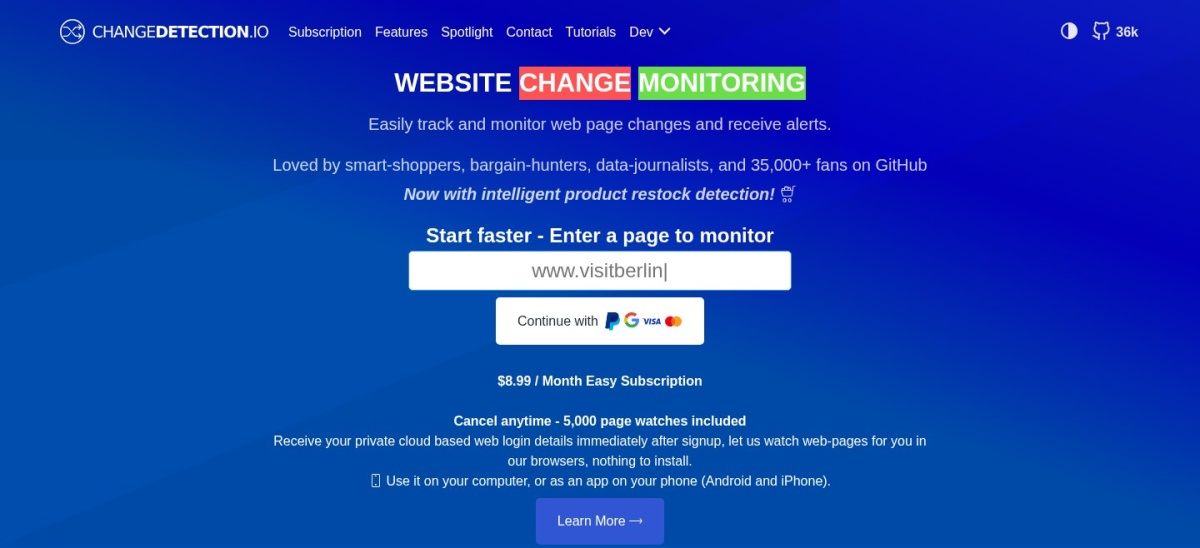
changedetection.io is an open-source change detection tool you can run on your own server with Docker, or use hosted for $8.99 a month. The hosted plan covers 5,000 URLs with checks about every 5 minutes, 170-plus notification channels and browser steps for logins and restock alerts.
The trade off is the rating. It scores 3.1 out of 5 on Trustpilot from 8 reviews, while the vendor's own site claims 4.5 from 132. It suits developers and budget teams who want unlimited watching without a per-page bill.
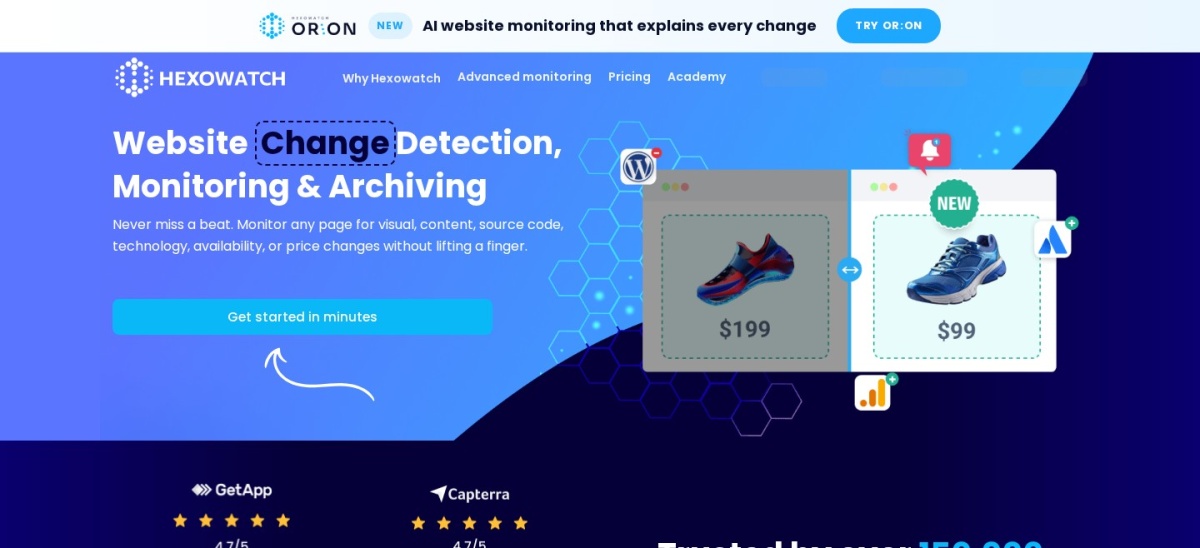
Hexowatch monitors 13 change types in one account: visual, content, keyword, price, HTML, technology stack, availability, WHOIS and sitemap. The free plan covers 2 watches with daily checks, and Personal costs $15 a month for 25 watches and 5,000 monthly tokens.
The trade off is the price history. Older reads list Hexowatch from $29 a month, while November 2026 reads show $15 a month, so confirm the current price before buying. It suits competitor intelligence teams who want one dashboard for every kind of change.
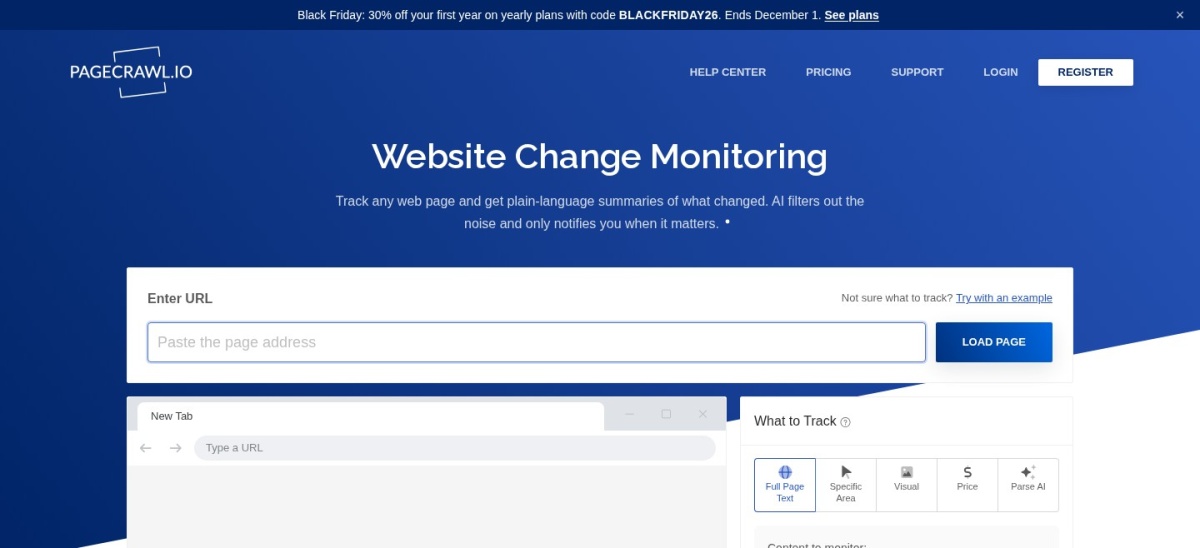
PageCrawl.io is a hosted monitoring service built for teams watching hundreds or thousands of pages. The free plan tracks 6 pages with 220 checks a month, and Standard costs $160 a year for 200 pages and 30,000 checks, with text, visual and price changes in one place.
The trade off is the price history. Older reads list PageCrawl from $8 a month, while November 2026 reads show $160 a year. It suits SEO and compliance teams with a long watch list and a yearly budget.
4.6/5on G2 (Not published reviews, checked Nov 2026)
Paid from$12/mo
Best for archives and compliance
Entry planLite, $12/mo
Free plan3 pages, daily checks
History30 days to 6 months
Free trialFree plan, no card
changetower.com
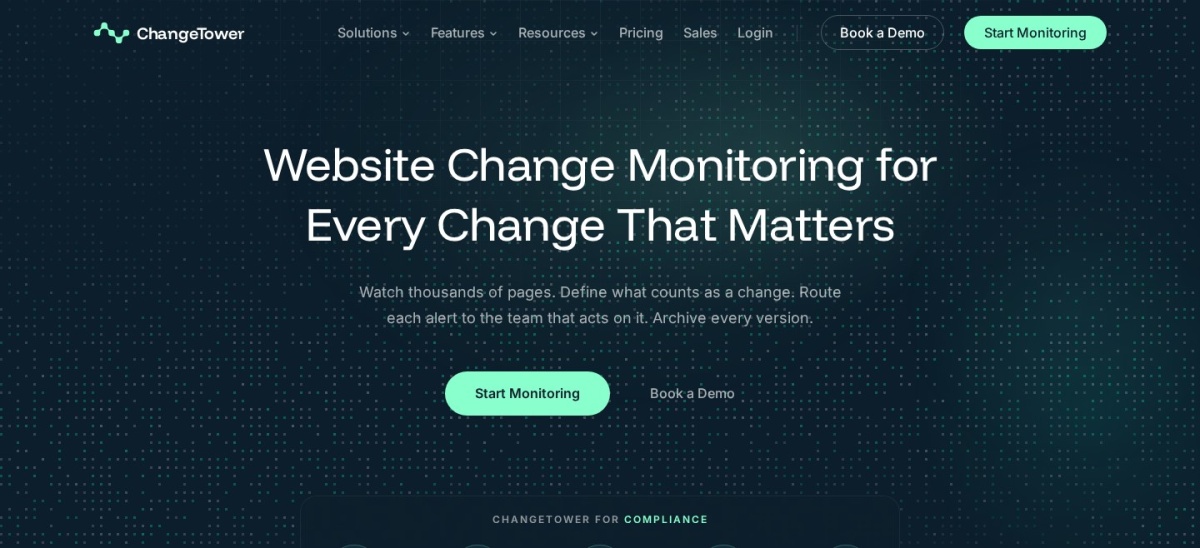
ChangeTower homepage, captured Nov 2026.
ChangeTower is a hosted monitoring app built around snapshot history, with AI monitoring, team workflows and archives that turn casual watching into evidence. The free plan monitors 3 pages daily, and Lite costs $12 a month for 25 pages checked daily.
The trade off is check speed on cheap plans. Hourly checks start at Essential for $36 a month, and the fastest plans reach $78 a month. It suits compliance and legal teams who need to prove what a page said on a date.
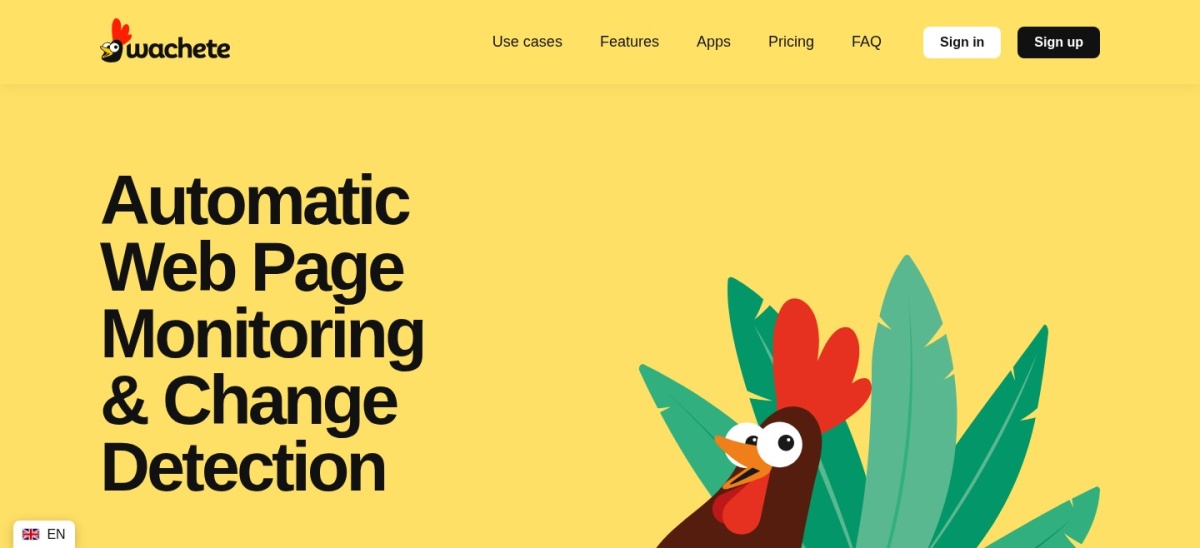
Wachete is a cloud monitoring service that watches whole pages or chosen sections, handles login-protected and dynamic pages, and reads PDFs, Word documents and spreadsheets natively. The free plan covers 5 static pages and 1 dynamic page checked daily, and Starter costs $5.40 a month for 50 static pages.
The trade off is the rating. Wachete scores 3.0 out of 5 on G2 from a single review, so the score says little. It suits small teams watching supplier price lists, regulatory PDFs and posted notices on a tight budget.
4.3/5on G2 (Not published reviews, checked Nov 2026)
Paid from$110/mo
Best for legal and compliance teams
Entry planFrom $110/mo
Free plan3 sites a month
CoverageWhole sites, not pages
Free trialFree tier, no card
fluxguard.com
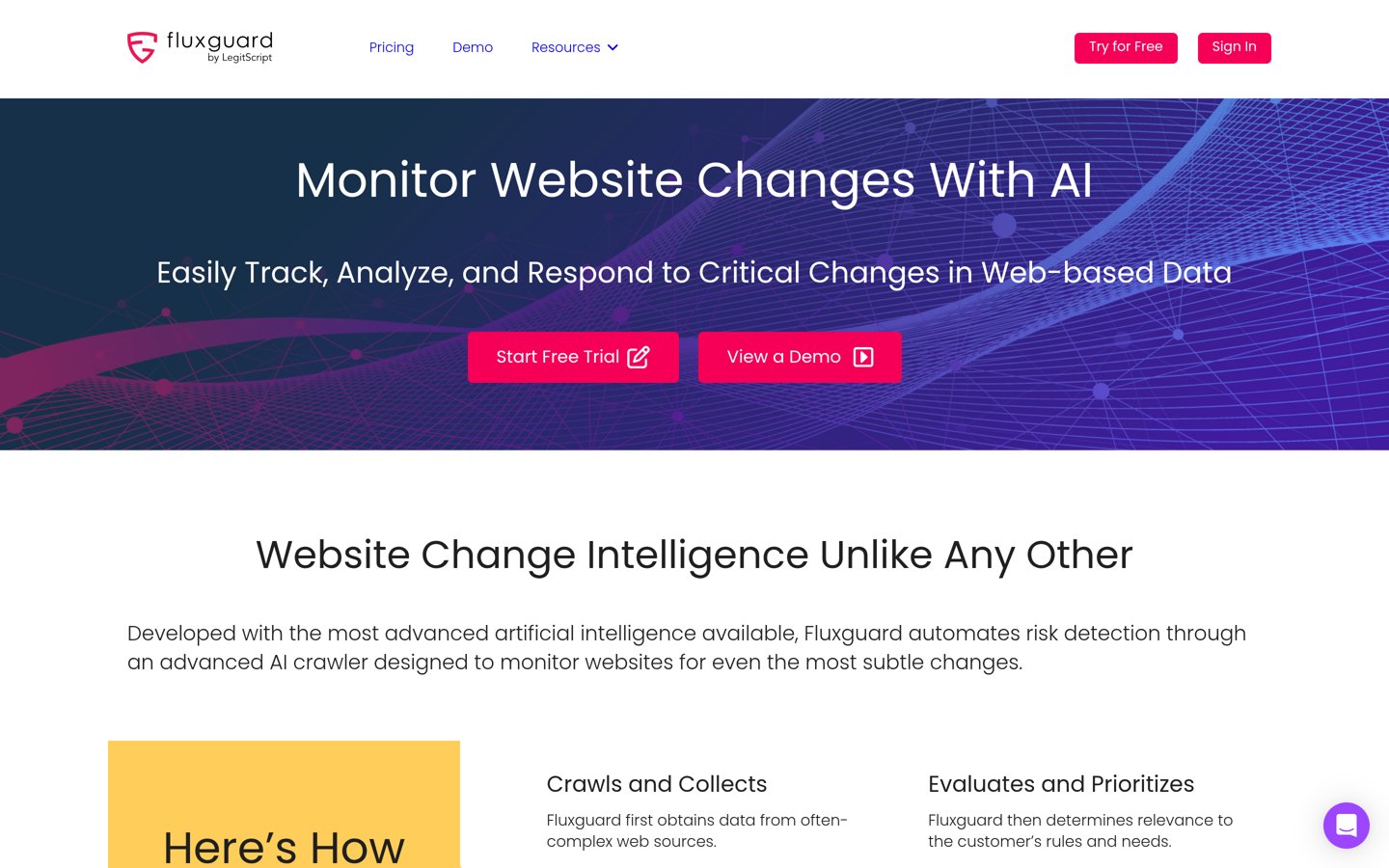
Fluxguard homepage, captured Nov 2026.
Fluxguard is a hosted service that crawls whole sites and detects visual, HTML and text changes, with AI prioritisation of the changes that matter. The free tier covers 3 sites a month, and paid plans start at $110 a month, with site-based allowances and proxy crawling.
The trade off is price. Fluxguard costs far more than the other tools here, and one read reports entry from about $83 a month. It suits legal and compliance departments where a missed change, such as an edited disclosure or cookie banner, has real consequences.
Visual monitoring compares screenshots. Visualping highlights the changed area on a before-and-after picture, which anyone can understand in seconds.
Element monitoring watches one selector, such as a price or a version number. Distill.io and changedetection.io do this well, and they ignore layout changes elsewhere on the page.
Site-wide monitoring crawls a whole domain. Fluxguard and Hexowatch cover many pages and change types at once, which suits compliance teams and competitor intelligence.
How we chose
We started from every established website change monitoring tool with a published price or a free plan and a review rating, then kept the eight with the widest adoption.
Prices for Visualping and changedetection.io come from the vendors’ own pages, opened on 24 November 2026. Distill.io’s page was opened the same day but its price table did not render, so its $15 a month comes from three November 2026 reads. Other prices and all ratings come from November 2026 reads; Hexowatch and PageCrawl prices conflict across sources, so both are flagged in the notes.
We left out tools with no verifiable rating on G2, Capterra or Trustpilot. No vendor paid for a place, and we do not claim hands-on testing for this list.
How to choose website change monitoring software
Start with what you watch, then match the tool to the job.
List the pages you need to watch. A handful of competitor prices needs a different tool than a whole catalogue. Count the pages first, because most tools charge per page or per check.
Decide how fast detection must be. Terms changes can wait a day; flash sales and restocks need checks every few minutes. Only some plans reach 2-minute checks.
Check whether pages sit behind a login. If they do, you need a tool that logs in before each check, such as Distill.io, Visualping Actions or changedetection.io browser steps. See our CRM guide for the customer data behind those logins.
Try the free plan on your real pages. Free tiers here cover 3 to 25 pages. Run them for a week to see how noisy the alerts are before paying.
FAQ
What is the best website change monitoring software?
Visualping is the best website change monitoring software for most teams, with a free plan for 5 pages and paid plans from $10 a month billed yearly. Distill.io suits power users, and changedetection.io suits developers who want to self-host.
How much does website change monitoring software cost?
Entry prices here run from $5.40 a month for Wachete to $15 a month for Distill.io and Hexowatch, with changedetection.io hosted at $8.99 a month. Fluxguard is the priciest at $110 a month.
Is there a free website change monitoring tool?
Yes. Visualping, Distill.io, changedetection.io, Wachete, Hexowatch, ChangeTower and PageCrawl all have free plans, and changedetection.io is free to self-host with no page limit at all.
How often can these tools check a page?
It depends on the plan. Visualping checks as often as every 2 minutes on paid plans, Distill.io reaches every 2 minutes on Flexi, and changedetection.io checks about every 5 minutes on hosted.
Can these tools monitor pages behind a login?
Yes, several can. Distill.io watches pages inside your logged-in browser session, Visualping records login steps with Actions, and changedetection.io supports browser steps for logins and restock alerts.
What is the difference between Visualping and Distill.io?
Visualping compares screenshots and highlights changes visually, which suits marketers. Distill.io watches exact page elements with CSS selectors, which suits analysts who track one number or paragraph.