Best Web Security Software in 2026: 9 Tools Compared
WLWPLegible EditorsLast verified 24 Nov 2026How we rank11 min read
★ Short answer
Cloudflare is the best web security software for most sites, with a free plan and a $20 a month Pro plan that adds managed firewall rules, DDoS protection and a CDN. Pick Sucuri for malware cleanup from $9.99 a month, or Wordfence if your site runs on WordPress.
How we make this list: we compare pricing pages, product documentation and public user reviews, then re-check every price before each update. No product paid for a place. Disclosure.
Cloudflare Pro costs $20 a month on annual billing and adds managed WAF rules, 20 custom rules and a CDN to a free plan.
Sucuri's firewall starts at $9.99 a month, and its Platform plan with unlimited cleanups starts at $229 a year.
Wordfence Premium costs $149 a year for one WordPress site, rising to $199 on 3 December 2026.
Intruder holds the highest G2 rating here at 4.8 out of 5, but its pricing page now shows no dollar figure.
Detectify’s Standard plan starts at 2,500 euros a year, and Akamai and F5 are both priced by quote.
What web security software should cover
Most attacks on a website are automated. Bots probe for known flaws, guess passwords and launch denial-of-service floods, often within hours of a vulnerability going public.
A web security tool sits between attackers and your site. Cloud firewalls such as Cloudflare and Sucuri filter traffic before it reaches your server, while scanners such as Intruder and Detectify find the holes first.
The right pick depends on your stack. WordPress sites get the most from Wordfence, AWS shops from AWS WAF, and large estates from managed enterprise firewalls such as F5 or Akamai. Our CRM software guide covers the tools that hold the customer data you are protecting.
Watch the pricing model. Some tools charge per site, some per target, and AWS WAF charges per rule and per million requests, so a cheap headline price can grow fast.
List prices in each vendor's currency, checked Nov 2026
IntruderFREECustom
DetectifyFREE€2,500
F5 WAFCustom
AkamaiCustom
AWS WAF$60
Sucuri$120
WordfenceFREE$149
CloudflareFREE$240
Astra$828
The 9 best web security software tools
01
Cloudflare
4.5/5on G2 (714 reviews, checked Nov 2026)
Paid from$20/mo
Best web security software overall
Entry planPro, $20/mo annual
WAFManaged rulesets included
DDoS protectionUnmetered, all plans
Free trialFree plan, no card
cloudflare.com
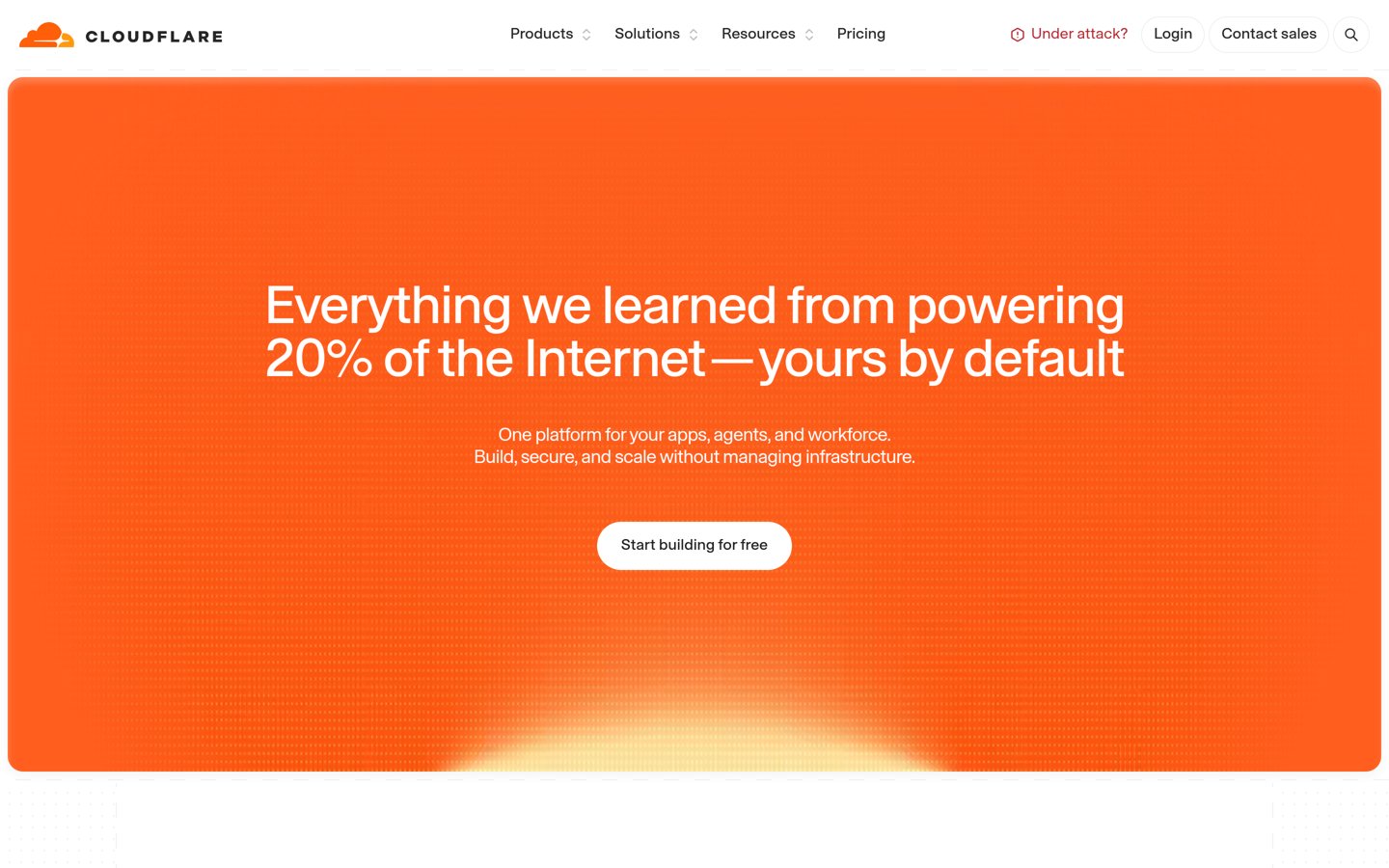
Cloudflare homepage, captured Nov 2026.
Cloudflare is a cloud security and performance platform that sits in front of your site and filters traffic before it reaches your server. The free plan includes unmetered DDoS protection, a CDN and basic firewall rules, and Pro costs $20 a month on annual billing with managed WAF rulesets and 20 custom rules.
The trade off is depth on the cheap plans. Advanced bot management and the full ruleset wait for Business at $200 a month or a custom contract. It suits almost any site that wants strong protection, speed and a free tier in one dashboard.
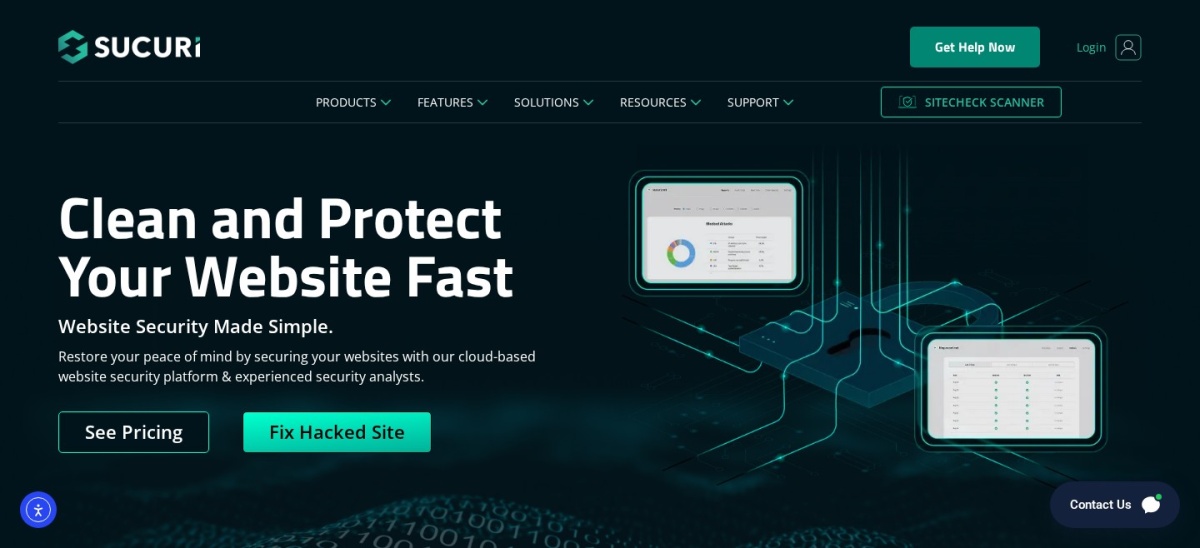
Sucuri is a website security platform built for small businesses and WordPress sites. Its firewall starts at $9.99 a month per site, and the Platform plans from $229 a year add scanning, blocklist monitoring and unlimited manual malware cleanups by Sucuri's own team.
The trade off is the G2 rating. Sucuri scores 3.3 out of 5 from 48 G2 reviews, with support and setup criticised, while Capterra reviewers rate it 4.6. It suits site owners who want one vendor to find and fix hacks.
Wordfence is a WordPress security plugin with more than 5 million active installs and a 4.7 out of 5 rating on WordPress.org. The free version includes an endpoint firewall, a malware scanner and login security, and Premium costs $149 a year for real-time firewall rules, malware signatures and country blocking.
The trade off is the coming price rise. Premium rises to $199 a year on 3 December 2026, and free users get new rules 30 days late. It suits any WordPress site that wants the deepest plugin-level protection.
Intruder is a cloud vulnerability scanner that checks infrastructure, web applications, APIs and cloud environments from one dashboard. It runs continuous scans and reports new flaws as they appear, with more than 11,000 checks and risk-based prioritisation.
The trade off is pricing transparency. Intruder's pricing page now shows no dollar figure, with a base fee plus a per-target fee agreed with sales, so budgeting needs a quote. It suits teams that manage many targets and want one place to watch them all.
Detectify combines surface monitoring, application scanning and API scanning in one platform, using checks built from research into real attacks. The free Starter tier covers API scanning for up to 5 users, and Standard starts at 2,500 euros a year for up to 10 users.
The trade off is the currency and the extras. Prices are in euros only, and scanning is charged per target on top of the platform fee, so the total depends on your estate. It suits engineering teams with many subdomains and APIs to watch.
4.5/5on G2 (Not published reviews, checked Nov 2026)
PricingCustom/yr
Best for bot-heavy environments
Entry planCustom quote
DeploymentCloud, on-premises, VM
Bot defenceBehavioural analytics
Free trialDemo via sales
f5.com
F5 Advanced WAF homepage, captured Nov 2026.
F5 Advanced WAF is an enterprise web application firewall that uses machine learning to spot behavioural anomalies and zero-day attacks. It protects web apps and APIs on cloud, on-premises or virtual machines, with bot defence and API security built in.
The trade off is access and price. There is no published price and no free plan, with deployment and pricing agreed with sales. It suits enterprises that need on-premises control and machine-learning detection for bot-heavy traffic.
4.5/5on G2 (Not published reviews, checked Nov 2026)
PricingCustom/yr
Best for high-traffic sites
Entry planCustom quote
Free planNone
DeploymentCloud edge network
Free trialDemo via sales
akamai.com
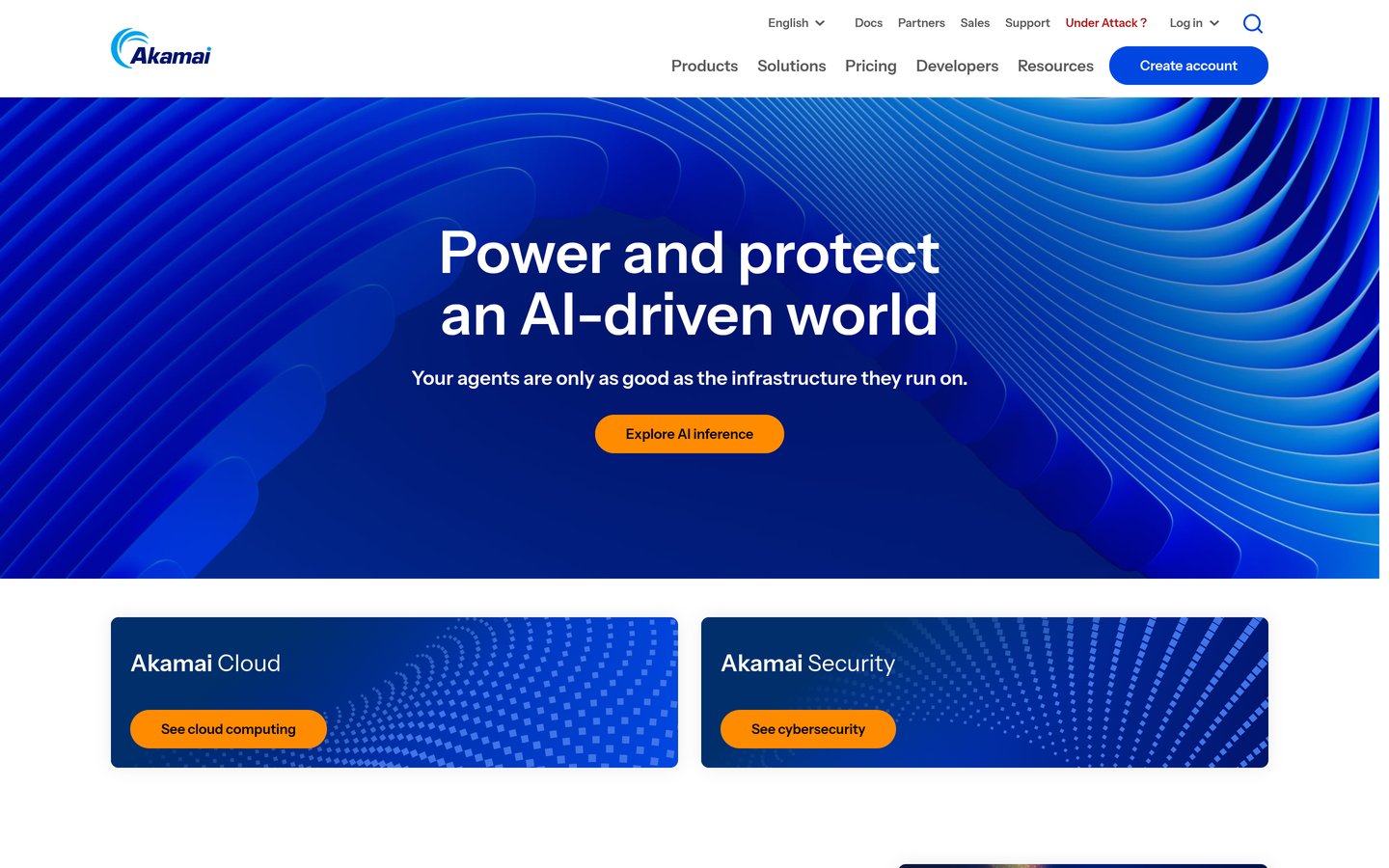
Akamai homepage, captured Nov 2026.
Akamai App & API Protector is an enterprise web application and API protection platform that runs on Akamai's global edge network. It combines a WAF, bot mitigation, API security and DDoS protection in one solution, built for high-traffic sites and API-heavy applications.
The trade off is price and complexity. There is no published price and no free plan, and setup assumes a dedicated team. It suits large enterprises and content providers that need global DDoS and bot protection at scale.
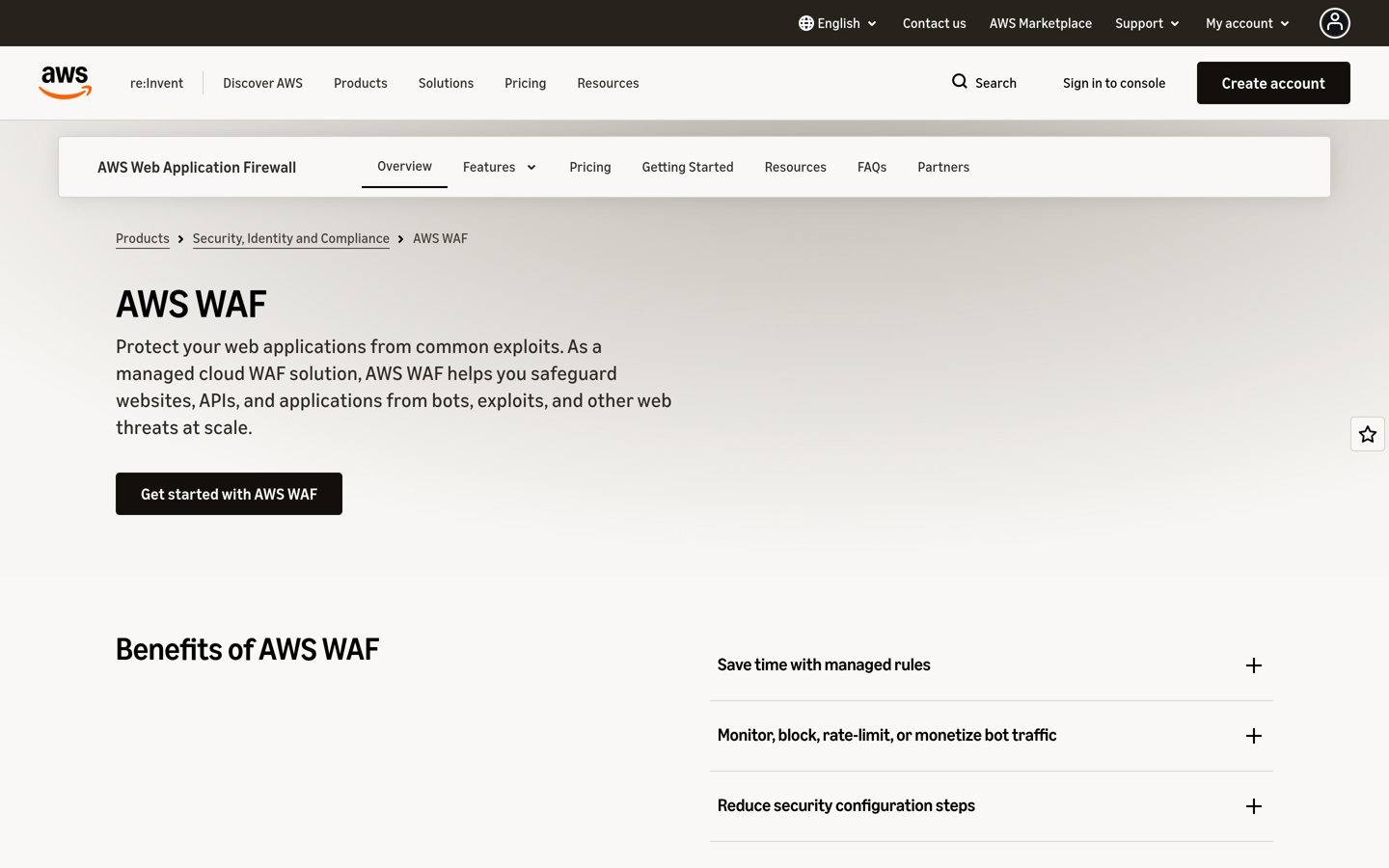
AWS WAF is a usage-priced firewall for sites already running on Amazon Web Services. It costs $5 per web ACL a month plus $1 per rule a month and $0.60 per million requests, and it plugs straight into CloudFront, API Gateway and Application Load Balancer.
The trade off is that the bill has no ceiling. Rules and traffic both add cost, so a busy site with many rules can cost far more than the $5 headline. It suits teams already on AWS who want native protection without a new vendor.
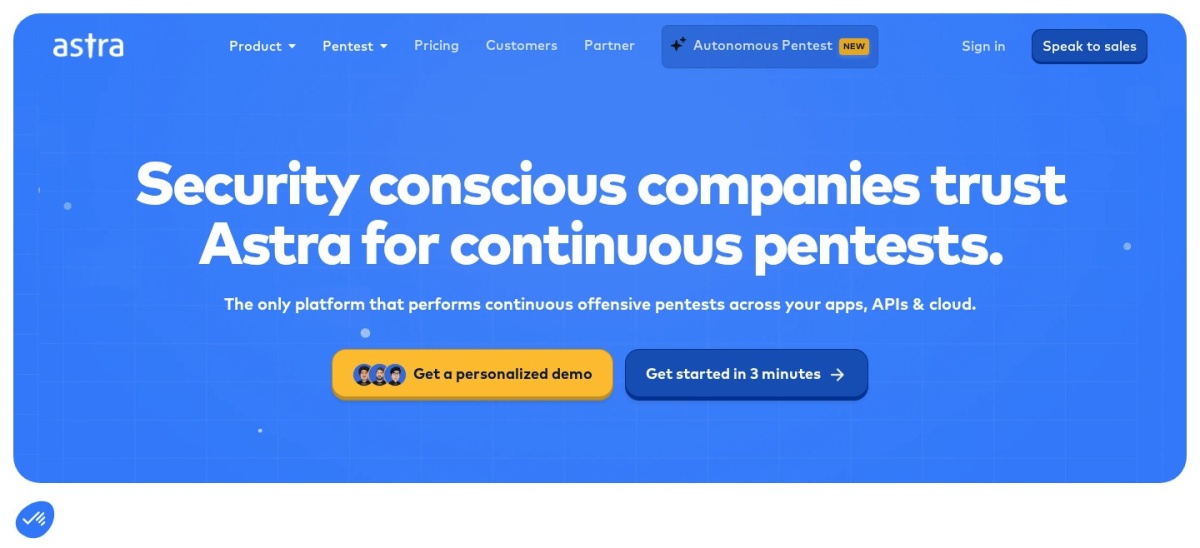
Astra Security is a web security platform that pairs automated vulnerability scanning with human-led penetration testing. Plans start at $69 a month and include continuous scanning, a firewall option and expert pentest support for teams that want a person to verify findings.
The trade off is that it is less known than the big names. The review base is smaller than Cloudflare's, and the pentest options raise the price fast. It suits small businesses that want scans plus a human expert on call.
Free plans cover the basics. Cloudflare's free plan includes DDoS protection and basic firewall rules, Wordfence free includes a firewall and scanner with 30-day delayed rules, and Intruder and Detectify both have free tiers.
Paid plans mostly add speed and cleanup. You get rules sooner, scans more often, managed support and guaranteed malware removal.
If your site is hacked, a free tool will usually tell you, but not fix it. Sucuri's Platform plans include unlimited manual cleanups by their team.
How we chose
We started from every established web security tool with a published price or a free plan and a G2 rating, then kept the nine with the widest adoption.
Prices for Cloudflare, Sucuri and Wordfence come from the vendors' own pricing pages, opened on 24 November 2026. Other prices come from November 2026 reads of each vendor's pricing page; Detectify prices in euros, and Intruder's page now shows no dollar figure, so it is listed as quote only. Ratings come from G2 on the same day. Where a vendor shows a sale, the list shows the regular price.
We left out tools with no verifiable rating. No vendor paid for a place, and we do not claim hands-on testing for this list.
How to choose web security software
Start with what your site runs on, then match the protection to it.
List what your site runs on. WordPress, custom code, AWS or many subdomains each point to a different tool. A WordPress site starts with Wordfence or Sucuri.
Check the pricing unit at your size. Cloudflare charges per domain, Sucuri per site, Intruder per target and AWS WAF per rule and request. Count your sites before you compare.
Decide whether you need cleanup. If nobody on your team can remove malware, pick a plan with guaranteed cleanup such as Sucuri Platform. See our project management guide for running the fix as a project.
Turn on the firewall before the scanner. Blocking attacks matters more than listing flaws. Add a WAF first, then schedule regular scans to find what the firewall cannot see.
FAQ
What is the best web security software?
Cloudflare is the best web security software for most sites, with a free plan and a $20 a month Pro plan covering firewall rules, DDoS protection and a CDN. Sucuri is best for malware cleanup, and Wordfence is best for WordPress sites.
How much does web security software cost?
Entry prices here run from $9.99 a month for Sucuri's firewall to $20 a month for Cloudflare Pro, with Wordfence Premium at $149 a year. Enterprise tools such as F5 and Akamai are priced by quote.
Do I need a web application firewall?
If your site takes logins, payments or form submissions, yes. A WAF blocks common attacks such as SQL injection and cross-site scripting before they reach your server, and most offer a free tier.
Is Cloudflare really free?
Yes, Cloudflare's free plan includes unmetered DDoS protection, a CDN and basic firewall rules. The $20 a month Pro plan adds managed WAF rulesets, 20 custom rules and image optimisation.
What is the difference between Sucuri and Wordfence?
Sucuri is a cloud firewall that sits in front of any site and includes malware cleanup, while Wordfence is a WordPress plugin that runs on your server with a firewall and scanner. Many WordPress sites use both.
Can web security software remove malware?
Some can. Sucuri's Platform plans include unlimited manual cleanups by their team, and Wordfence scans for malware but leaves removal to you unless you buy Care or Response.