Firecrawl is the best web scraping tool for data extraction in 2026, offering 1,000 free monthly credits and a 4.7 out of 5 G2 rating across 1,860 reviews. For pre-built scrapers and cloud browser automation, Apify and Octoparse stand out for recurring data pipelines.
How we make this list: we compare pricing pages, product documentation and public user reviews, then re-check every price before each update. No product paid for a place. Disclosure.
Firecrawl holds a 4.7/5 G2 rating across 1,860 reviews and starts at $19/mo monthly ($16/mo billed annually) on Hobby.
Apify scores 4.7/5 on G2 across 739 reviews and starts at $19/mo monthly with $5 monthly free platform credit.
Octoparse earns 4.8/5 on G2 across 52 reviews, with Basic at $19/mo and cloud scraping starting on Standard.
Browse AI holds 4.8/5 on G2 across 61 reviews and starts at $19/mo billed annually for scheduled website monitoring.
ScrapingBee rates 4.8/5 on G2 across 36 reviews and starts at $19/mo for API-driven HTML and data extraction.
ParseHub starts at $189/mo for paid subscriptions, making it steeper for casual buyers despite a free desktop tier.
How do you choose the best web scraping tool for data extraction?
Selecting the right scraper starts with matching the tool to your technical stack and target pages. Developer-focused APIs suit automated pipelines and LLM workflows, while visual scrapers fit analysts who prefer point-and-click setup.
Pricing structures vary sharply across vendors. Some charge per credit or page load, while others bill by concurrent browser capacity, proxy bandwidth, or active monitoring schedules.
JavaScript rendering and anti-bot defenses often separate reliable runs from empty exports. Modern sites that load listings dynamically or use bot checks require headless browsers, proxy rotation, or managed unblocking.
Recurring extraction also demands maintenance planning. Even well-built scrapers can break when a site changes its layout, so scheduling, retries, and structured outputs matter long term.
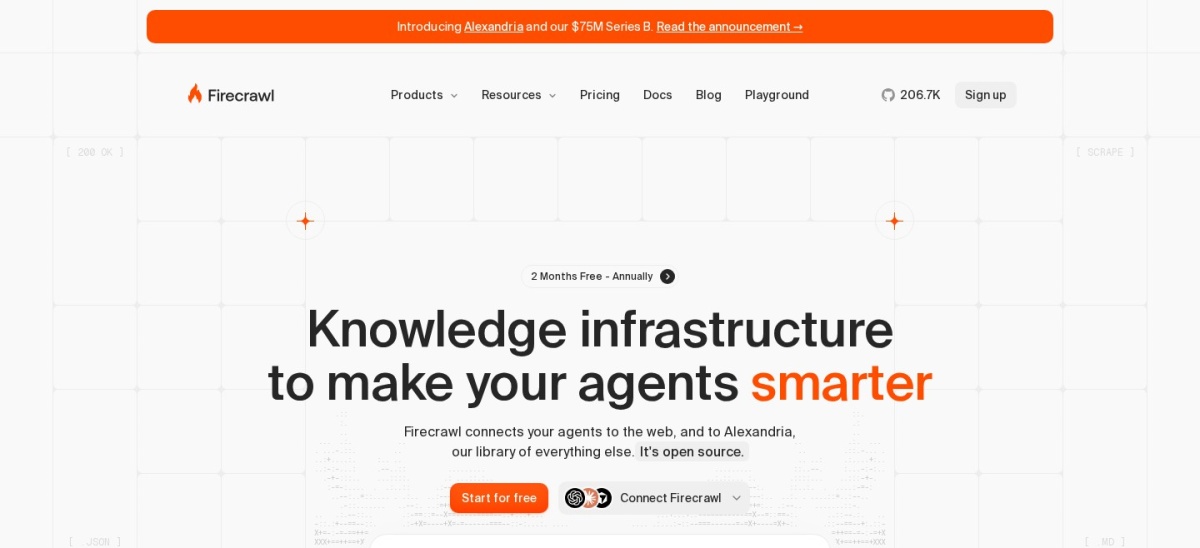
Firecrawl is a web scraping and crawling API built to turn web pages into clean markdown, structured data, and crawl maps for applications and AI workflows. Its free tier includes 1,000 monthly credits so you can test endpoints before upgrading.
The trade off is credit consumption on harder targets, with the Hobby plan starting at $19/mo ($16/mo billed annually) for 5,000 credits/mo. It suits developers and AI builders who want structured page output without managing browsers.
What we like
Free tier includes 1,000 credits per month
Supports scraping, crawling, mapping, and search workflows
Higher-cost modes can use credits faster than basic scrapes
API-first workflow requires developer integration
Hobby at $19/mo increases allowance to 5,000 credits per month.Visit firecrawl.dev
02
Apify
4.7/5on G2 (739 reviews, checked Nov 2026)
Paid from$19/mo
Best for ready-made scrapers and cloud Actors
Free tier$5 monthly credit
Entry paid planStarter ($19/mo)
G2 rating4.7/5 (739)
Execution modelCloud Actors + usage
apify.com
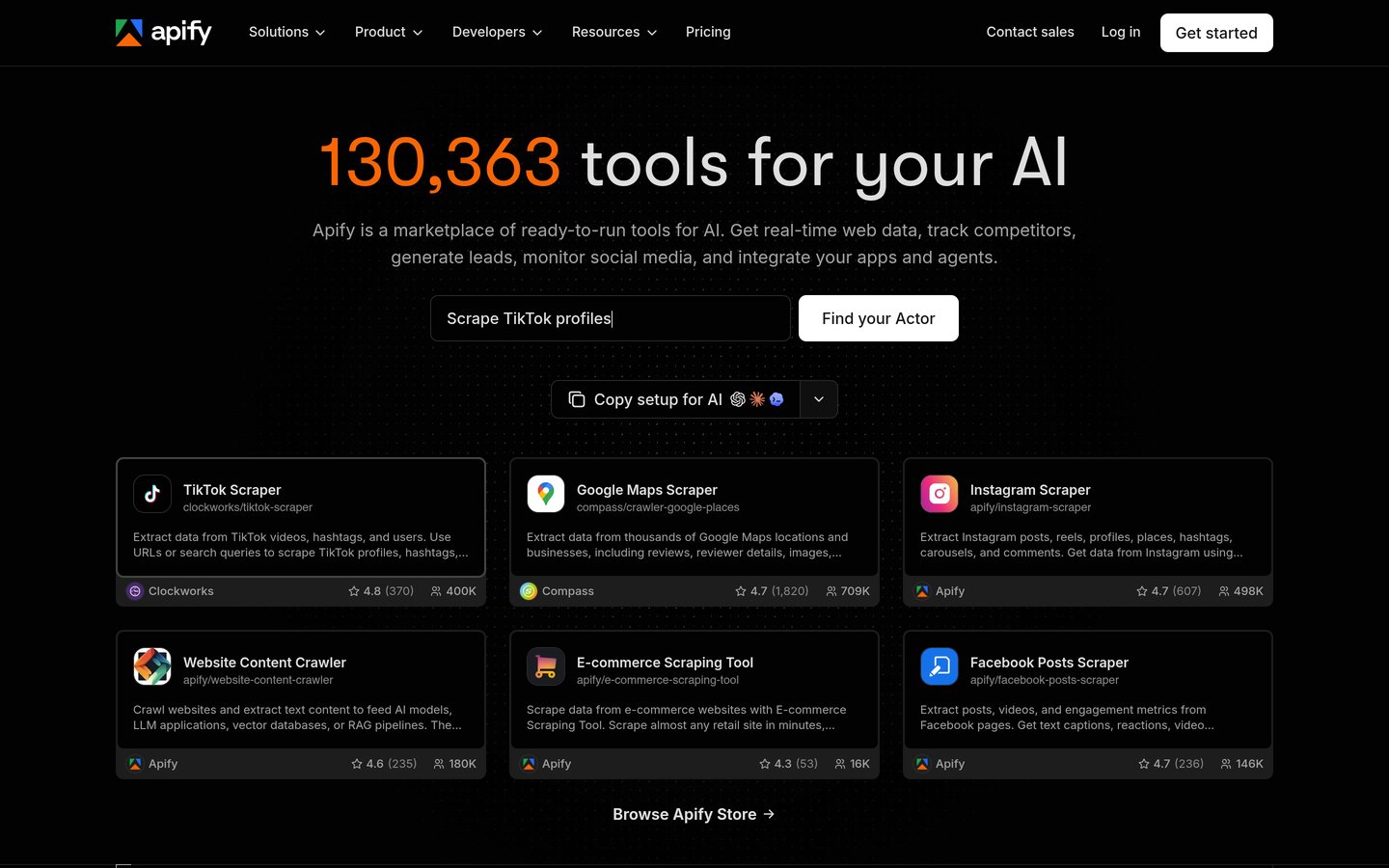
Apify homepage, captured Nov 2026.
Apify is a cloud web scraping and automation platform offering pre-built scrapers called Actors alongside custom code hosting and scheduling. Its free plan includes $5 of monthly usage credit so you can test Actors without a card.
The trade off is variable usage costs across compute units, proxies, and paid Actor events, with Starter at $19/mo plus pay-as-you-go usage. It suits teams that want existing scrapers for popular sites and scheduled runs.
What we like
Large library of pre-built scrapers saves setup time
Free plan starts with $5 in monthly platform credit
4.7/5 rating across 739 G2 reviews
Supports scheduling, APIs, and dataset exports
Watch out for
Usage and proxy charges can add up on large runs
Credit meters take a little time to estimate accurately
Starter at $19/mo adds $19 of monthly usage credit and chat support.Visit apify.com
03
Octoparse
4.8/5on G2 (52 reviews, checked Nov 2026)
Paid from$19/mo
Best for visual point-and-click scraping without code
Free tierFree local plan
Entry paid planBasic ($19/mo)
G2 rating4.8/5 (52)
Setup stylePoint-and-click visual
octoparse.com
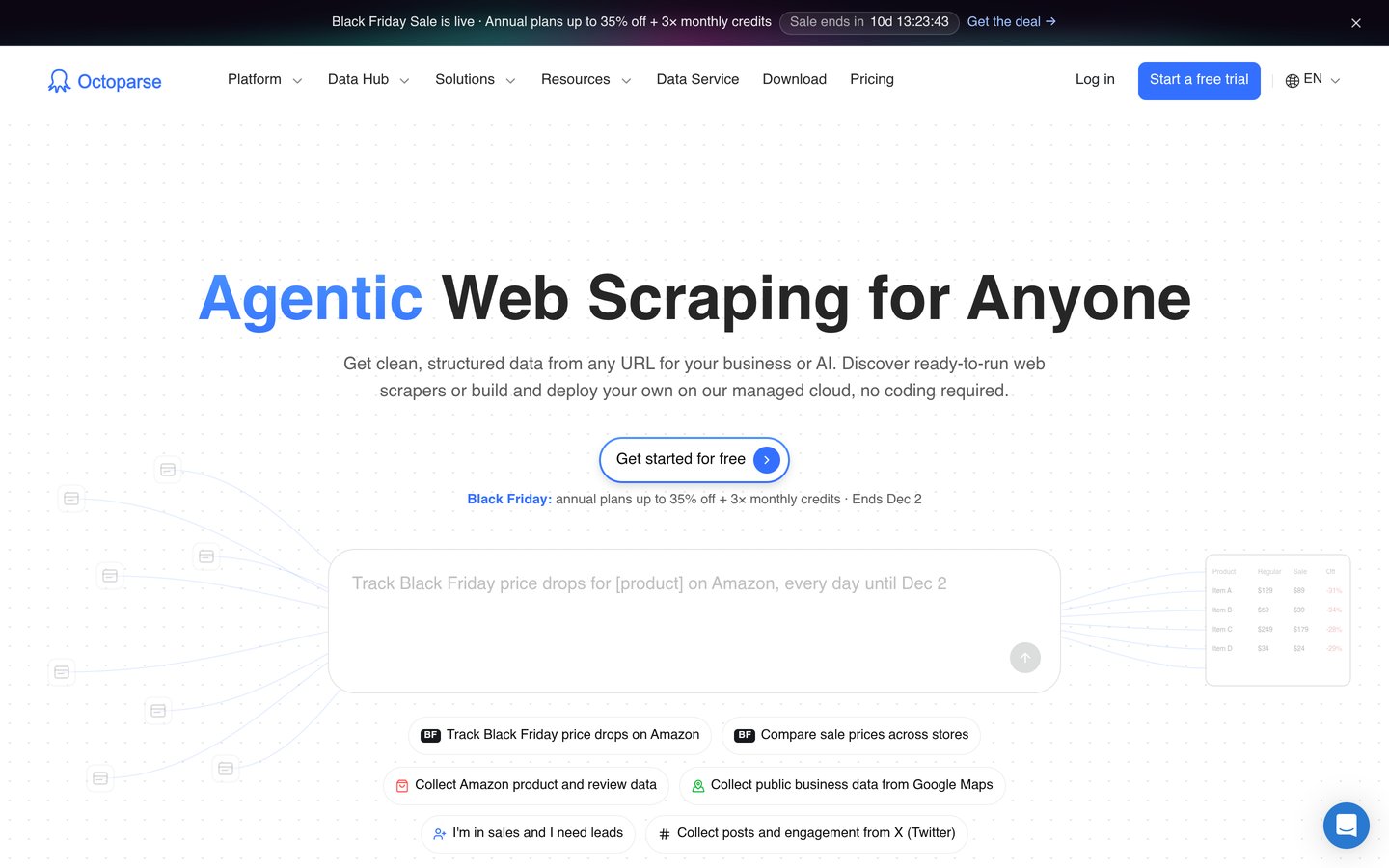
Octoparse homepage, captured Nov 2026.
Octoparse is a visual web scraping tool that lets users extract structured data from websites by clicking elements or using templates without coding. It includes a free plan for local scraping tasks.
The trade off is that cloud-based extraction sits on higher tiers while Basic starts at $19/mo ($83/mo monthly or $69/mo annually for Standard). It suits non-technical users and analysts building visual extraction workflows.
What we like
No-code point-and-click interface and ready templates
4.8/5 rating across 52 G2 reviews
Free plan lets you build and run local tasks first
Exports structured data to common spreadsheet and file formats
Watch out for
Cloud scraping and scheduling require upgrading past Basic
Complex multi-step workflows take practice to tune
Basic at $19/mo expands task capacity ahead of cloud Standard plans.Visit octoparse.com
04
Browse AI
4.8/5on G2 (61 reviews, checked Nov 2026)
Paid from$19/mo
Best for no-code website monitoring and change tracking
Free tierFree platform plan
Entry paid planFrom $19/mo (annual)
G2 rating4.8/5 (61)
Primary strengthScheduled monitoring
browse.ai
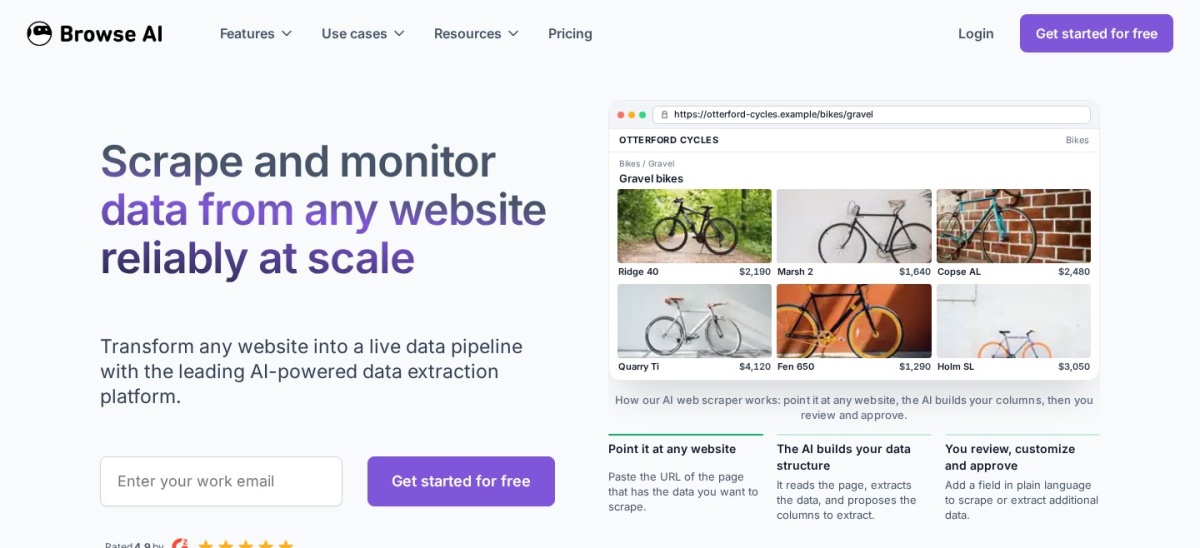
Browse AI homepage, captured Nov 2026.
Browse AI is a no-code web data extraction and monitoring platform where you train robots by example to pull data and track page changes. It offers a free platform plan to test extraction on initial pages.
The trade off is credit-based scaling across rows, detail pages, and schedules, starting from $19/mo billed annually ($48/mo monthly on Personal). It suits teams tracking prices, listings, or updates without writing code.
What we like
Straightforward setup for non-developers without coding
4.8/5 rating across 61 G2 reviews
Built for recurring website monitoring and change alerts
Connects extracted data to spreadsheets and automation apps
Watch out for
Credit usage varies by task complexity and monitored pages
Less granular code control than custom scraping frameworks
Paid plans from $19/mo billed annually increase credits and run frequency.Visit browse.ai
05
ScrapingBee
4.8/5on G2 (36 reviews, checked Nov 2026)
Paid from$19/mo
Best for developer API scraping with headless browsers
Free tierFree trial available
Entry paid planFrom $19/mo
G2 rating4.8/5 (36)
Key featuresJS rendering + proxies
scrapingbee.com
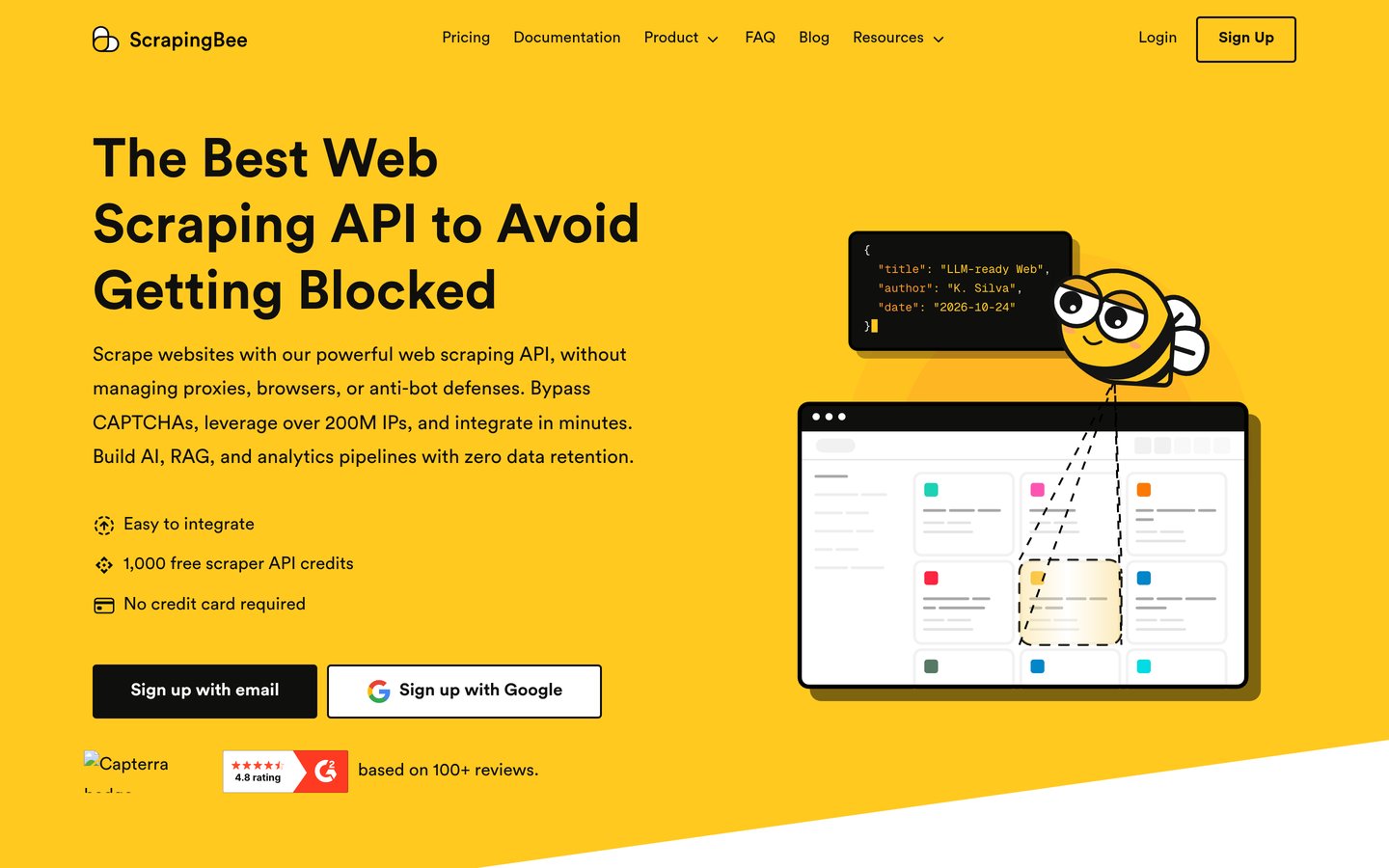
ScrapingBee homepage, captured Nov 2026.
ScrapingBee is a web scraping API that manages headless browsers, proxy rotation, and extraction rules behind a single request interface. It offers a free trial so developers can test target pages before committing.
The trade off is credit multipliers on JavaScript rendering and premium proxies, with plans starting at $19/mo for 75,000 API credits. It suits developers who want one API for dynamic pages without running browser clusters.
What we like
Handles JavaScript rendering and proxy rotation automatically
4.8/5 rating across 36 G2 reviews
Supports extraction rules, screenshots, and AI data parsing
Simple API integration for scripts and automation tools
Watch out for
Rendered and premium-proxy requests consume more credits per call
Requires code or workflow connectors rather than a visual scraper
Plans from $19/mo provide 75,000 monthly API credits and concurrency.Visit scrapingbee.com
06
Browserbase
4.3/5on G2 (55 reviews, checked Nov 2026)
Paid from$20/mo
Best for managed cloud browsers and agent workflows
Free tier$0 (3 concurrent)
Entry paid planDeveloper ($20/mo)
G2 rating4.3/5 (55)
Core focusCloud browser sessions
browserbase.com
Browserbase homepage, captured Nov 2026.
Browserbase provides managed headless browser sessions in the cloud for web scraping, automation, and AI agent workflows. Its free plan includes $0 monthly cost with up to 3 concurrent browser sessions.
The trade off is paying for browser hours, proxy bandwidth, and overages as volume grows, with Developer at $20/mo for 25 concurrent browsers. It suits engineering teams automating interactive or JavaScript-heavy sites.
What we like
Free plan available with up to 3 concurrent sessions
Session replay and observability help debug failed runs
4.3/5 rating across 55 G2 reviews
Works with browser automation tools and agent workflows
Watch out for
Overage rates apply once included browser hours or proxies are exceeded
Built for developers writing automation rather than no-code users
Developer at $20/mo adds 25 concurrent browsers, 100 hours, and proxies.Visit browserbase.com
07
ParseHub
4.3/5on G2 (10 reviews, checked Nov 2026)
Paid from$189/mo
Best for complex JavaScript pages via desktop app
Free tierUp to 200 pages/run
Entry paid plan$189/mo
G2 rating4.3/5 (10)
Desktop supportWindows, Mac, Linux
parsehub.com
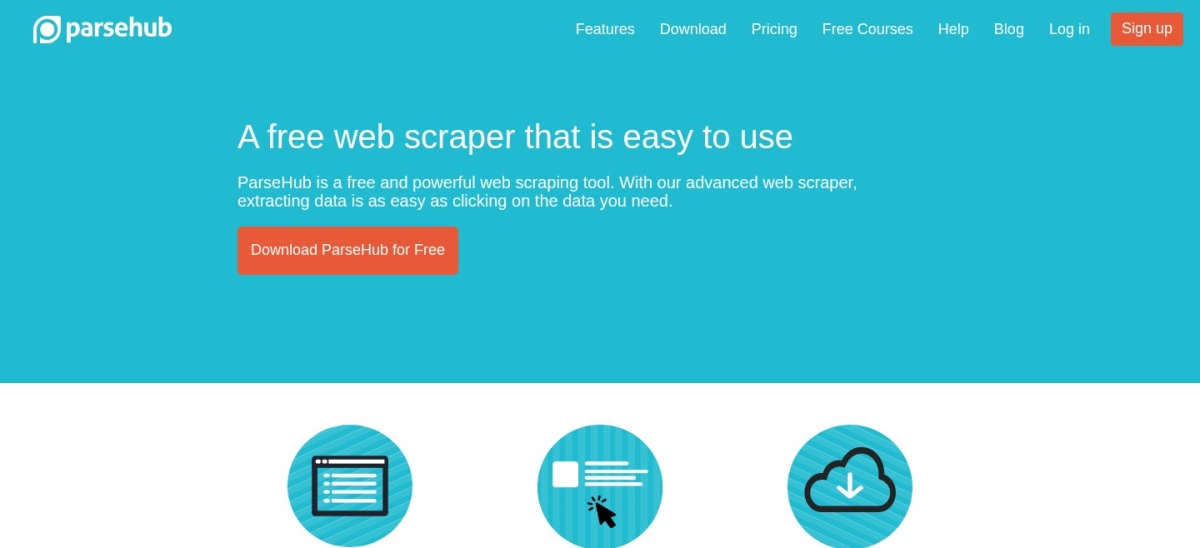
ParseHub homepage, captured Nov 2026.
ParseHub is a visual data extraction desktop app designed to scrape dynamic, JavaScript-heavy websites by clicking target elements. Its free plan lets you scrape up to 200 pages per run across a limited project count.
The trade off is a steep jump to paid plans at $189/mo, alongside pagination and selector setup details to watch. It suits analysts who need a cross-platform visual scraper for complex pages and justify the subscription.
What we like
Handles JavaScript-rendered content through a visual interface
Free tier covers light testing up to 200 pages per run
Desktop app runs across Windows, Mac, and Linux
Supports XPath and regular expressions for finer rules
Watch out for
Entry paid price of $189/mo is high for occasional projects
Pagination and dynamic page rules require careful configuration
Paid plans from $189/mo raise page limits per run and add projects.Visit parsehub.com
How scraping credits and capacity plans compare
Credit-based APIs charge according to the work each request requires. A basic fetch may cost 1 credit, while JavaScript rendering, stealth mode, or residential proxies can multiply credit usage on harder pages.
Capacity and subscription plans meter concurrent jobs, monthly page allowances, or usage credits. Checking how retries, failed requests, and scheduled runs count helps prevent unexpected bills.
How we chose
We selected established web scraping tools for data extraction that remain actively maintained and offer clear public pricing and review data.
We checked official pricing pages and G2 ratings and review counts on 29 Nov 2026, recording regular entry-level paid pricing rather than promotional discounts.
We excluded tools lacking verified public pricing or clear review counts on the sources checked today. No vendor paid for a place, and we do not claim testing for this list.
How to choose a web scraping tool in 4 steps
Follow these four steps to narrow down a data extraction tool before committing to a paid plan.
Map your target sites and rendering needs. Check whether your target pages load static HTML, rely heavily on JavaScript, or use bot defenses that require proxies.
Decide between code APIs and visual builders. Pick a developer API or cloud browser when integrating into scripts or AI pipelines, or a visual tool when non-technical teammates run extractions.
Estimate monthly volume and credit multipliers. Project how many pages or runs you need each month, factoring in extra credits for rendering, proxies, or scheduled checks.
Test on a free tier before upgrading. Run a sample batch on a free plan or trial first to confirm data accuracy, pagination handling, and export formats.
FAQ
What is the best web scraping tool for data extraction in 2026?
Firecrawl is our top pick for data extraction in 2026 with a 4.7/5 G2 rating across 1,860 reviews and 1,000 free monthly credits. Apify and Octoparse are strong alternatives depending on whether you want pre-built cloud scrapers or a no-code visual builder.
How much do web scraping tools usually cost?
Entry paid plans on the tools we compared range from $19/mo to $189/mo depending on features and volume. Credit-based APIs and usage platforms can cost more when you add JavaScript rendering, proxies, or high run frequency.
Are there free web scraping tools for data extraction?
Yes, every tool on this list offers a free tier or trial to start, such as Firecrawl with 1,000 free monthly credits and Apify with $5 in monthly platform credit. Free plans usually cap volume, concurrency, or cloud scheduling.
Which tool is better for non-technical users: Octoparse or Browse AI?
Both score 4.8/5 on G2 and offer no-code workflows starting around $19/mo. Octoparse focuses on point-and-click visual extraction and templates, while Browse AI centers on trained robots for recurring website monitoring and change tracking.
How do Firecrawl and Apify compare for developers?
Firecrawl focuses on turning web pages into clean markdown, crawls, and structured data via API starting at $19/mo. Apify centers on a marketplace of cloud Actors plus custom scraper hosting and usage-based billing starting at $19/mo.
SaaS SEO and WordPress specialist with about 8 years of experience. Rakib compares WordPress plugins, themes, hosting and software using public pricing, documentation and user reviews. See how we rank.