GitHub is the best of the Bitbucket alternatives for most teams, rated 4.7/5 on G2 with a free plan and Team seats at $4 per user a month. Pick GitLab for an all-in-one DevOps platform, or Azure DevOps if your team already lives in Microsoft tools.
How we make this list: we compare pricing pages, product documentation and public user reviews, then re-check every price before each update. No product paid for a place. Disclosure.
GitHub Team costs $4 per user a month and rates 4.7/5 on G2 across 2,399 reviews.
GitLab Premium is $29 per user a month, the dearest seat here, but bundles CI/CD, security scans and planning.
Azure DevOps gives the first 5 Basic users free, then charges $6 per user a month.
Gitea is free to self-host under the MIT licence; its paid plans list $19 per user a month, currently shown at $9.50.
Perforce P4 Cloud costs $39 per user a month, the highest paid tier in this list, for teams with large binary files.
Gerrit is free and open source, while GitKraken Pro starts at $4 per user a month.
How do you pick the right Bitbucket alternatives?
Most teams leave Bitbucket for one of three reasons: price, ecosystem or self-hosting. Bitbucket's free plan stops at 5 users, so a growing team pays per seat, and its marketplace is smaller than GitHub's. Start by naming which of the three matters most, because it decides the shortlist.
Price spreads are wide. GitHub Team costs $4 per user a month and GitKraken Pro matches it, while GitLab Premium costs $29 and Perforce P4 Cloud costs $39. Free plans also differ: GitHub's free tier has no seat cap, while GitLab and Bitbucket both cap free groups at 5 users.
Self-hosting changes the bill from seats to servers. Gitea and Gerrit cost nothing to run beyond your own machine, and GitLab and RhodeCode offer self-managed editions, but your team takes on upgrades, backups and uptime. Our guide on using Git with WordPress shows how a Git workflow fits a real project.
Migration is mostly a Git problem, not a vendor problem. Repositories move with a standard Git push, and GitHub and GitLab both ship importers that carry issues and pull requests across. Keep Jira links in mind if you leave Atlassian, since only Bitbucket ties commits to Jira issues without extra setup.
GitHub is the largest Git host, with unlimited public and private repositories on its free plan, Dependabot alerts and 2,000 Actions minutes a month. Its pull requests, code owners and repository rules cover the review workflow most Bitbucket teams rely on.
The trade off is cost creep. Advanced security, SAML single sign-on and 50,000 Actions minutes sit on Enterprise at $21 per user a month, and AI features are billed separately. It suits teams that want the widest integrations and the place where most open-source contributors already have accounts.
What we like
Largest developer community and integration library
Free plan includes unlimited private repositories
Team adds code owners, repository rules and 3,000 Actions minutes
Dependabot alerts included free
Watch out for
Enterprise controls such as SAML SSO cost $21 per user a month
Storage and compute overages add to the bill
AI features are billed separately
Team adds protected branches, code owners and 3,000 Actions minutes a month.Visit github.com
02
GitLab
4.5/5on G2 (902 reviews, checked Nov 2026)
Paid from$29/mo
Best all-in-one DevOps platform
Free planYes, up to 5 users per group
Premium plan$29/user/mo
Compute minutes on Premium10,000/mo
Storage on Premium500 GiB
gitlab.com
GitLab homepage, captured Nov 2026.
GitLab is an end-to-end DevOps platform that combines Git repositories, issue tracking, CI/CD pipelines and security scanning in one system. The free tier covers up to 5 users per top-level group with 400 compute minutes a month and 10 GiB of storage.
The trade off is the seat price. Premium costs $29 per user a month billed annually, and deeper security and compliance features sit in the higher Ultimate tier. It suits engineering teams that want to replace several tools with one platform instead of stitching hosting, CI and planning together.
What we like
Repos, CI/CD, issues and security scanning in one app
Premium includes 10,000 compute minutes a month
Works cloud-hosted or self-managed
Merge request approvals and planning built in
Watch out for
Premium seat costs over seven times GitHub Team
Broad feature set can feel complex for small teams
Free tier caps groups at 5 users
Premium adds 10,000 compute minutes a month, 500 GiB storage and merge approvals.Visit gitlab.com
03
Azure DevOps
4.4/5on G2 (136 reviews, checked Nov 2026)
Paid from$6/mo
Best for Microsoft and Azure teams
Free Basic usersFirst 5 users free
Basic plan$6/user/mo
Hosted CI minutes1,800/mo free
Artifacts storage2 GiB free
azure.microsoft.com
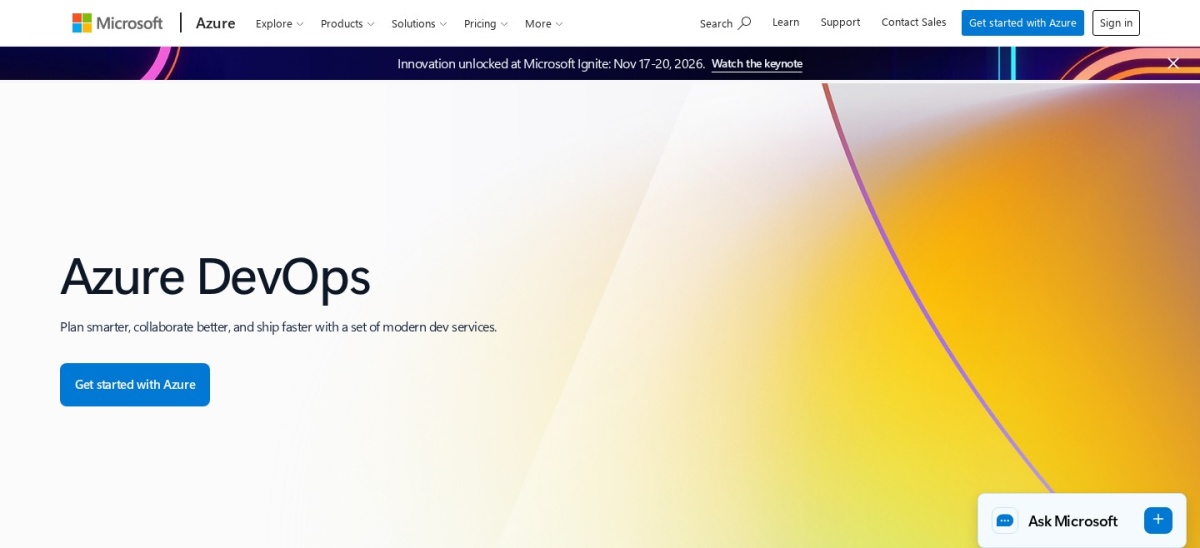
Azure DevOps homepage, captured Nov 2026.
Azure DevOps is Microsoft's suite of Azure Repos, Boards, Pipelines and Artifacts for software teams. The first 5 Basic users are free, with unlimited private Git repositories, 1,800 free Microsoft-hosted CI/CD minutes a month and 2 GiB of Artifacts storage.
The trade off is the Microsoft lock-in. The sixth user starts the $6 per user a month charge, Test Plans jumps to $52 per user a month, and extra parallel jobs cost $40 a month each. It suits teams already building on Azure or .NET who want repos, boards and pipelines on one bill.
What we like
First 5 Basic users free with full Repos access
Boards, Repos, Pipelines and Artifacts in one suite
Basic seats at $6 a month add Boards, Repos and Pipelines beyond the first 5 free users.Visit azure.microsoft.com
04
Gitea
4.7/5on G2 (17 reviews, checked Nov 2026)
Paid from$19/mo
Best lightweight self-hosted Git forge
Free planYes, MIT open source
Enterprise list price$19/user/mo
Price shown on site$9.50/user/mo
Trial30 days on paid plans
about.gitea.com
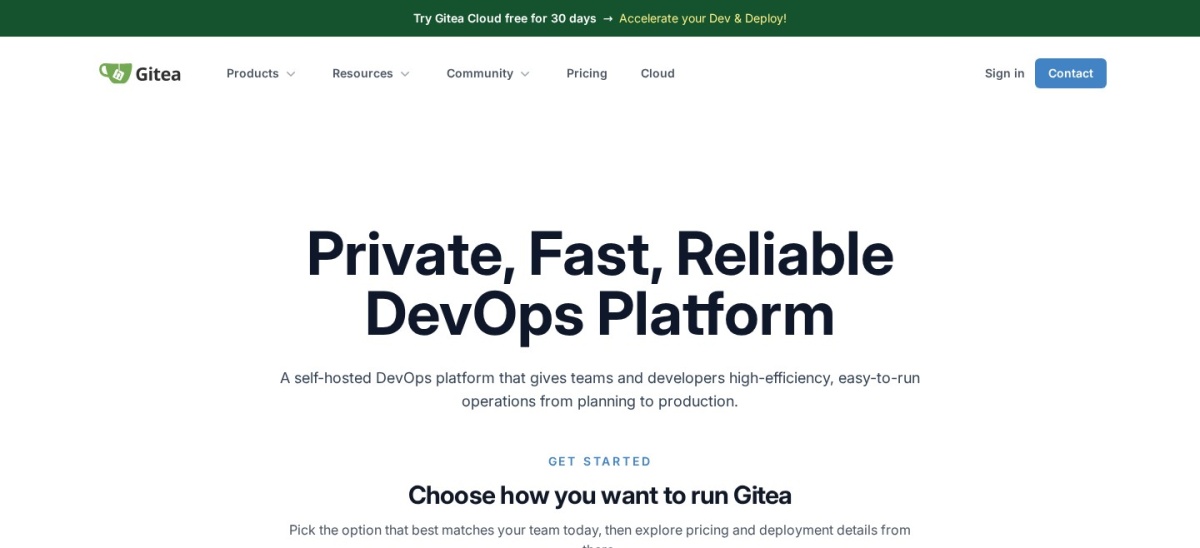
Gitea homepage, captured Nov 2026.
Gitea is a lightweight Git forge written in Go, with repositories, issues, pull requests, packages and Gitea Actions CI in one small binary. The open-source edition is free to self-host under the MIT licence, with no user or repository limits.
The trade off is the price tag on the paid tiers. Enterprise lists $19 per user a month, currently shown at $9.50 with a 1-year commitment, and you run your own server on the free edition. It suits small teams that want a compact, self-managed forge without GitLab's weight.
What we like
Free MIT edition with unlimited users and repositories
Very low hardware footprint
SAML SSO and audit logs on paid plans
Managed Gitea Cloud option available
Watch out for
Self-hosting means your team handles upgrades and backups
Perforce P4, formerly Helix Core, is version control built for large repositories, binary assets and strict file locking. Its free tier covers up to 5 users with 20 workspaces and 3 Git repositories, self-hosted with no storage limit.
The trade off is price. P4 Cloud costs $39 per user a month for teams up to 100 users, and larger self-hosted deployments are quote-based. It suits game studios, hardware teams and anyone whose assets make plain Git slow and painful.
What we like
Built for large binary assets and exclusive file locking
Free tier for up to 5 users and 20 workspaces
Cloud and on-premises deployments
Single-tenant managed hosting on P4 Cloud
Watch out for
Highest per-seat price in this list at $39 a month
Scale and Platform tiers need a sales quote
Steeper setup than Git-only hosts
P4 Cloud adds managed hosting, 64 GiB storage and unlimited workspaces up to 100 users.Visit perforce.com
06
Assembla
4.2/5on G2 (149 reviews, checked Nov 2026)
Starts at$12.50/mo
Best managed Git and SVN hosting
Free planNo, 14-day trial only
Starter plan$12.50/user/mo
Storage on Starter10 GB per user
Project managementGrowth plan, $19/user/mo
assembla.com
Assembla homepage, captured Nov 2026.
Assembla is managed cloud hosting for Git and SVN repositories with merge requests, code review and wikis included. The Starter plan costs $12.50 per user a month and covers unlimited Git and SVN repositories with 10 GB of storage per user.
The trade off is the missing free tier. Every plan starts with a 14-day trial, and project management tools such as sprints and ticketing only arrive on Growth at $19 per user a month. It suits teams with SVN history to keep, or Git teams that want hosting fully managed for them.
What we like
Managed Git and SVN hosting in one place
Merge requests, code review and wikis included
SOC 2, SSO and audit logs on every plan
Hosting in EU, US and APAC regions
Watch out for
No permanent free plan, only a 14-day trial
Project management needs the $19 Growth plan
Starter is recommended for up to 5 users
Growth at $19 a month adds sprints, ticketing, milestones and time tracking.Visit assembla.com
07
Gerrit
4.3/5on G2 (32 reviews, checked Nov 2026)
PriceFree
Best free review-first Git platform
Free planYes, open source
Price$0, no paid tier
Review modelPatchset-based, pre-merge
CI integrationJenkins and Git hooks
gerritcodereview.com
Gerrit homepage, captured Nov 2026.
Gerrit is a free, open-source code review platform for Git that gates every change behind peer review before it merges. Each change is a patchset reviewers can comment on line by line, with access controls deciding who can approve and submit.
The trade off is scope. Gerrit is a review and hosting layer, not a full DevOps platform, so issues, CI and planning come from other tools such as Jenkins. It suits teams that want strict, auditable review gates and are happy to self-host.
RhodeCode is enterprise source code management that hosts Git, Mercurial and Subversion repositories under one set of permissions and code review. The Community Edition is free under the AGPLv3 licence, with unlimited users.
The trade off is the dated feel. Reviewers praise the unified permissions and security, but call the interface old-fashioned next to GitHub-class tools, and Enterprise needs a 10-seat minimum. It suits teams running mixed Git, SVN and Mercurial history behind a firewall.
What we like
Git, Mercurial and Subversion in one platform
Free Community Edition with unlimited users
Granular permissions and code review
Self-hosted behind a firewall
Watch out for
Interface is repeatedly called dated
Enterprise needs a 10-seat minimum
Only 4 reviews on G2, so feedback is thin
Enterprise adds support, integrations and managed cloud options.Visit rhodecode.com
09
GitKraken
4.8/5on G2 (4 reviews, checked Nov 2026)
Paid from$4/mo
Best visual Git client for Bitbucket users
Free planYes, local and public repos
Pro plan$4/user/mo
Private repositoriesPro plan and up
Self-hosted integrationsAdvanced, $14/user/mo
gitkraken.com
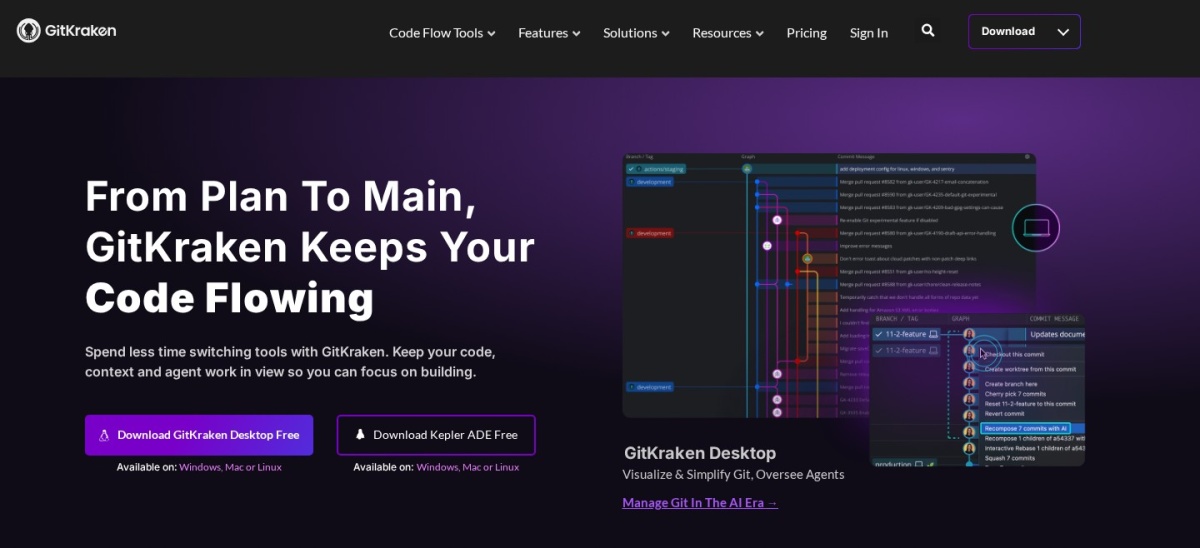
GitKraken homepage, captured Nov 2026.
GitKraken is a visual Git desktop client, CLI and GitLens code view that connects to Git repositories and issue trackers. Its free tier supports local repositories and public remotes, with commit graphs that make branches and merges easy to follow.
The trade off is that it is a client, not a host. Private repositories need Pro at $4 per user a month, and self-hosted integrations sit on Advanced at $14 per user a month. It suits developers who want a visual layer over the Git host they already use.
What we like
Clear visual interface for branches and merges
Low entry price on Pro with a free tier
Works with major Git hosts and issue trackers
GitLens adds blame and history in the editor
Watch out for
Not a repository host on its own
Private repositories need a paid plan
Only 4 reviews on G2, so feedback is thin
Pro unlocks private repository support, conflict detection and shared cloud workspaces.Visit gitkraken.com
Switching from Bitbucket without losing history
Repositories move cleanly because Git is Git. Push each repository to the new host, then point your CI and deployment hooks at the new remote.
Issues and pull requests need an importer. GitHub and GitLab both ship import tools, but review comments and build history do not always carry over, so export anything you must keep first.
Plan the cutover in stages. Move one small repository first, check that builds and deploys run, then move the rest in batches and retire the Bitbucket workspace last.
How we chose
We started from the Git hosts and forges teams most often name as Bitbucket replacements, then kept the nine with public pricing and a public rating.
Prices come from each vendor's pricing page, checked on 29 November 2026, and ratings come from G2 on the same day. Where a vendor shows a sale, the list shows the regular price.
We left out tools with no public rating and Bitbucket itself, since this list is about leaving it. No vendor paid for a place, and we do not claim to have used these tools ourselves.
How to choose a Bitbucket alternative
Match the host to your team's size, stack and hosting preference before you compare prices.
Count your seats first. Free plans cap out at 5 users on GitLab and Bitbucket, while GitHub's free tier has no seat cap, so the headcount decides whether you pay at all.
Check your stack. Azure DevOps fits Microsoft and .NET shops, Perforce fits binary-heavy game and hardware work, and Assembla fits teams still running SVN.
Decide who runs the server. Managed hosts remove maintenance, while Gitea, Gerrit and self-managed GitLab put upgrades and backups on your team.
Move one repository first. Push a small repo, run the CI pipeline and check deploys before you migrate the rest of the workspace.
FAQ
What is the best alternative to Bitbucket in 2026?
GitHub is the best Bitbucket alternative for most teams. It rates 4.7 out of 5 on G2 across 2,399 reviews, its free plan includes unlimited private repositories, and Team seats cost $4 per user a month. GitLab is the stronger pick for teams that want CI/CD and planning in the same tool.
What is the cheapest Bitbucket alternative?
Gerrit and Gitea are the cheapest, because both are free and open source to self-host. Among managed hosts, GitHub Team and GitKraken Pro start at $4 per user a month, while Azure DevOps gives the first 5 Basic users free and then charges $6 per user a month.
Is there a free alternative to Bitbucket?
Yes. GitHub, GitLab, Gitea, Gerrit and RhodeCode all offer free plans or free editions, and Perforce P4 is free for up to 5 users. GitHub's free plan is the most generous, with unlimited private repositories and no seat cap, while GitLab's free tier caps groups at 5 users.
Which Bitbucket alternative is best for small teams?
GitHub is the best fit for most small teams, with a free plan, $4 Team seats and the largest integration library. Azure DevOps is a strong second for Microsoft shops, since the first 5 Basic users are free, and Gitea suits small teams happy to self-host.
GitHub vs GitLab: which is the better Bitbucket alternative?
GitHub wins on price and ecosystem, at $4 per user a month against GitLab Premium at $29, with a 4.7 out of 5 G2 rating against GitLab's 4.5. GitLab wins as an all-in-one platform, bundling CI/CD, security scanning and planning that GitHub splits across tiers and add-ons.
Can I self-host a Bitbucket alternative?
Yes. Gitea, Gerrit and RhodeCode are built for self-hosting, and GitLab offers a self-managed edition alongside its cloud service. Self-hosting removes per-seat fees but puts upgrades, backups and uptime on your team, so budget staff time as well as servers.
Can I migrate from Bitbucket to GitHub or GitLab?
Yes. Repositories move with a standard Git push, and both GitHub and GitLab ship importers that carry issues and pull requests across. Review comments and build history do not always transfer, so export anything you must keep before you retire the Bitbucket workspace.
SaaS SEO and WordPress specialist with about 8 years of experience. Rakib compares WordPress plugins, themes, hosting and software using public pricing, documentation and user reviews. See how we rank.