Wistia is the best video hosting platform for most online course creators, with a branded player, lead capture and viewer analytics on its Business plan. Pick Vimeo for the cheapest polished player and SproutVideo for locked-down private training portals.
How we make this list: we compare pricing pages, product documentation and public user reviews, then re-check every price before each update. No product paid for a place. Disclosure.
Wistia leads for course creators who sell, with a branded player, lead capture and viewer heatmaps.
Vimeo is the cheapest polished player here, with an ad-free 4K player from $12 a month billed annually.
SproutVideo is the strongest pick for private training, with viewer logins and domain whitelists.
Gumlet is the budget pick at $6 a month, but DRM costs $99 a month extra as an add-on.
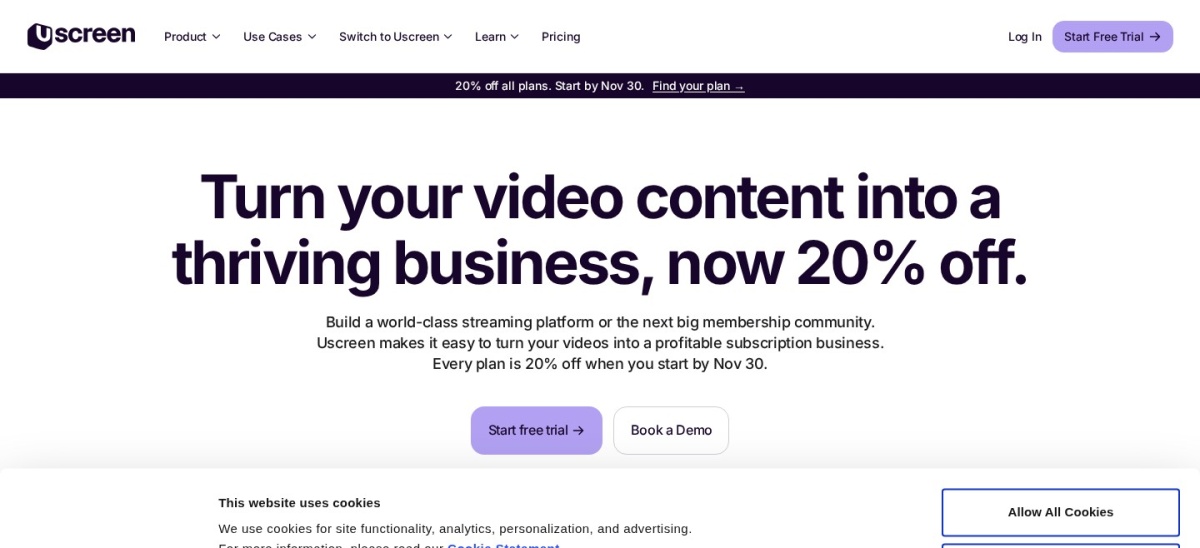
Uscreen is the only tool here that sells the course itself, with subscriptions, apps and a $149 a month start.
What course video hosting should cover
Course video is different from marketing video. Lessons must play reliably, stay private until paid for, and work on phones as well as laptops.
Look for a branded, ad-free player first. Ads and suggested videos from other creators break a learner's focus and send them away from your course.
Privacy controls matter more than raw storage. Password protection, domain whitelists and viewer logins keep paid lessons from leaking, and our guide to the best online course platforms covers the full course stack around the player.
Analytics close the loop. Heatmaps and per-viewer watch data show which lessons lose people, so you know what to re-record.
The 9 best video hosting platforms for online courses
01
Wistia
4.6/5on G2 (1,140 reviews, checked Nov 2026)
Paid from$79/mo
Best video hosting for course creators
Free plan1 user, 25 GB storage
Business plan$79/mo, 3 seats
Lead captureYes, in-player forms
Viewer analyticsHeatmaps included
wistia.com
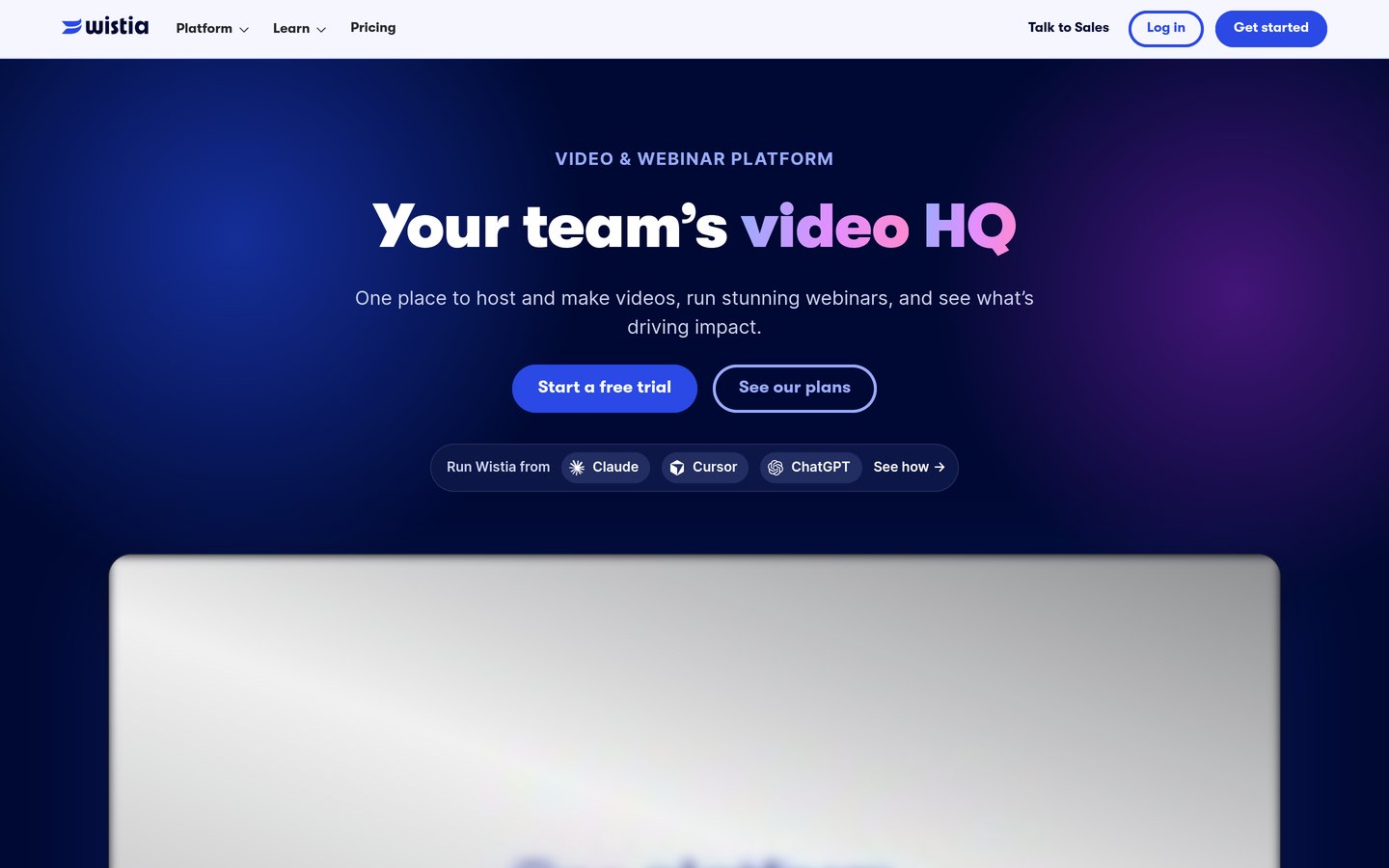
Wistia homepage, captured Nov 2026.
Wistia is a video hosting and marketing platform built for businesses that sell courses and training. The free plan covers 1 user, 25 GB of storage and 200 GB of bandwidth, with a branded player and basic analytics. The Business plan adds 3 seats, 250 GB of storage, lead capture forms and viewer heatmaps.
The trade off is price. Business costs $79 a month billed annually, and the Signals add-on that syncs viewing data to HubSpot or Marketo costs $329 a month billed annually. It suits course creators who sell with video and want to know exactly who watched what.
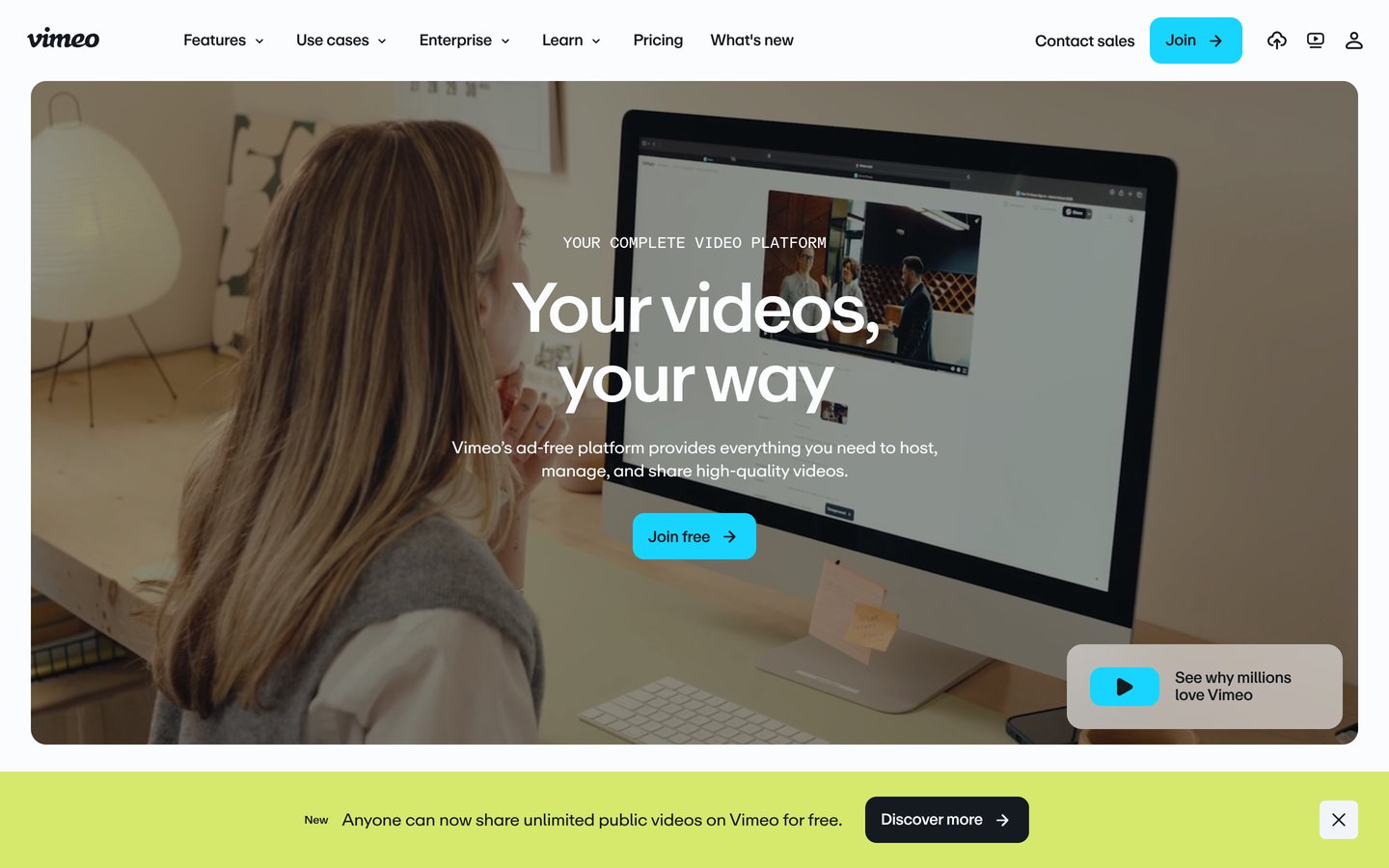
Vimeo is an ad-free video hosting platform with a polished player, privacy controls and 4K playback. The free plan includes basic hosting with no ads before, during or after videos. The Starter plan adds 2 TB of storage, password privacy, unlisted links and engagement analytics for 1 user.
The trade off is that lead capture, branded galleries and marketing integrations start on the Standard plan at $25 a month billed annually. It suits course creators who want a clean, professional player at a low price and do not need heavy marketing tools.
What we like
Clean ad-free player with 4K playback
Cheapest paid plan in this list at $12 a month
2 TB of storage and bandwidth on Starter
Watch out for
Lead capture starts on the $25 a month Standard plan
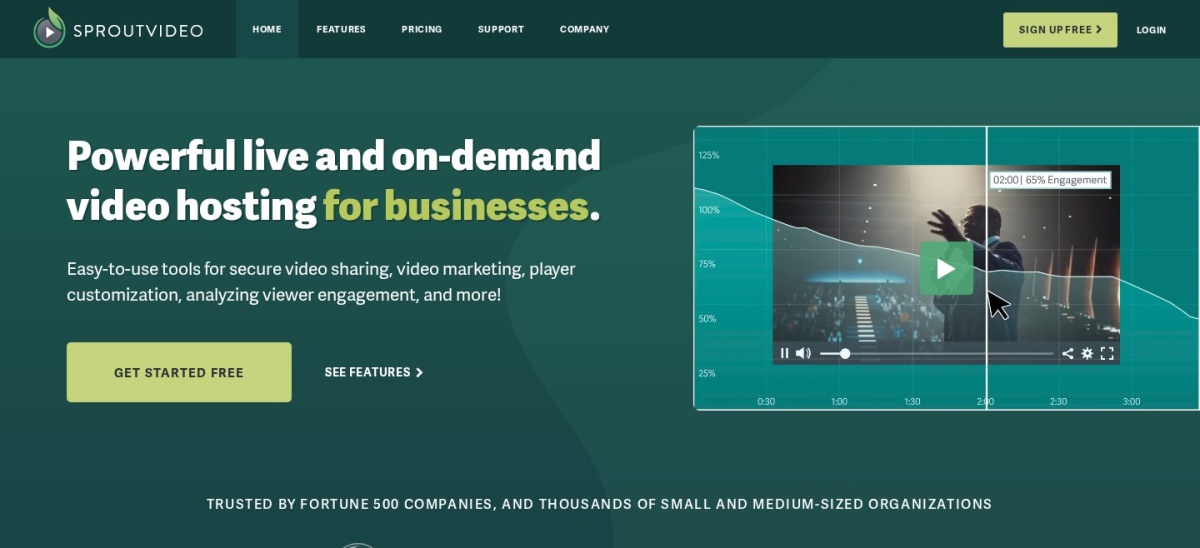
SproutVideo is a business video hosting platform focused on secure, private video and hosted video portals. The entry Seed plan costs $12 a month billed annually and includes 150 GB of storage, 1,800 GB of annual bandwidth, custom embeds and lead capture on every plan. There is no permanent free plan beyond a 30-day trial.
The trade off is that viewer login protection starts on the $35 a month Sprout plan, and single sign-on sits on the $195 a month Forest plan. It suits trainers and schools that gate lessons behind logins and want strict control over who can watch.
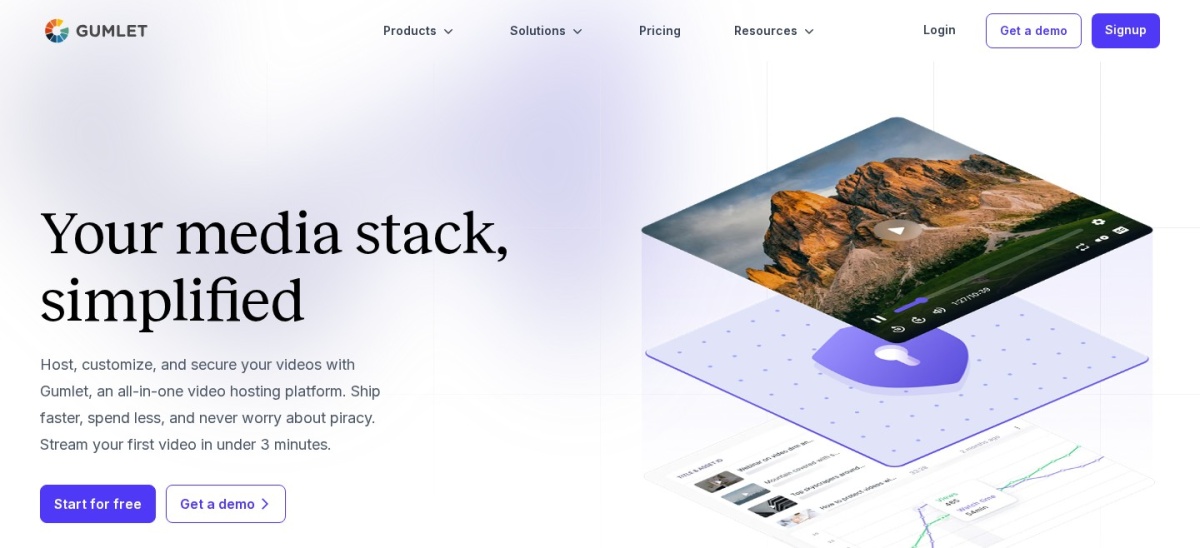
Gumlet is a low-cost video hosting platform with a free plan, fast global delivery and DRM content protection on higher plans. The free plan includes 60 storage minutes and 100 GB of monthly bandwidth with an ad-free player. The Creator plan costs $6 a month billed annually and removes Gumlet branding.
The trade off is that DRM, the feature course sellers care about most, is a $99 a month add-on rather than part of the cheap plans. It suits budget course creators who want a fast player and basic protection without paying for a full course platform.
Uscreen is a video monetization platform that turns a course library into a subscription service with its own branded website and apps. The Growth plan starts at $149 a month and includes a video catalog, 100 hours of storage, live streaming and basic marketing tools. It has no free plan, only a free trial.
The trade off is cost and fees. Growth adds $1.99 per member per month on top of the $149, and the Pro plan with branded mobile apps starts at $499 a month. It suits creators with an existing audience ready to pay a monthly subscription for a full course library.
What we like
Full subscription storefront with website and apps
Built-in marketing tools and upsells
Strong support praised across G2 reviews
Watch out for
$1.99 per-member fee sits on top of $149 a month
Branded mobile apps need the $499 a month Pro plan
Loom is an async video messaging tool for recording screen, camera or both and sharing the result as a link. The free Starter plan covers 25 videos with recordings up to 5 minutes. The Business plan costs $15 per seat a month billed annually and removes the video and recording limits.
The trade off is that Loom is built for short explainers, not full course libraries, with no video portal, paywall or learner tracking. It suits teachers who record quick walkthroughs and homework feedback and share them as simple links.
What we like
Fastest way to record and share a lesson
Free plan covers short explainers well
Transcripts in more than 50 languages
Watch out for
No video portal, paywall or learner tracking
Per-seat pricing grows with every teacher
Business + AI adds auto summaries and chaptersVisit loom.com
07
Dacast
4.3/5on Capterra (230 reviews, checked Nov 2026)
Starts at$39/mo
Best for live classes and events
Free planNo, free trial only
Starter plan$39/mo, 500 GB storage
Live channels3 transcoding channels
PaywallsEvent plan, $63/mo
dacast.com
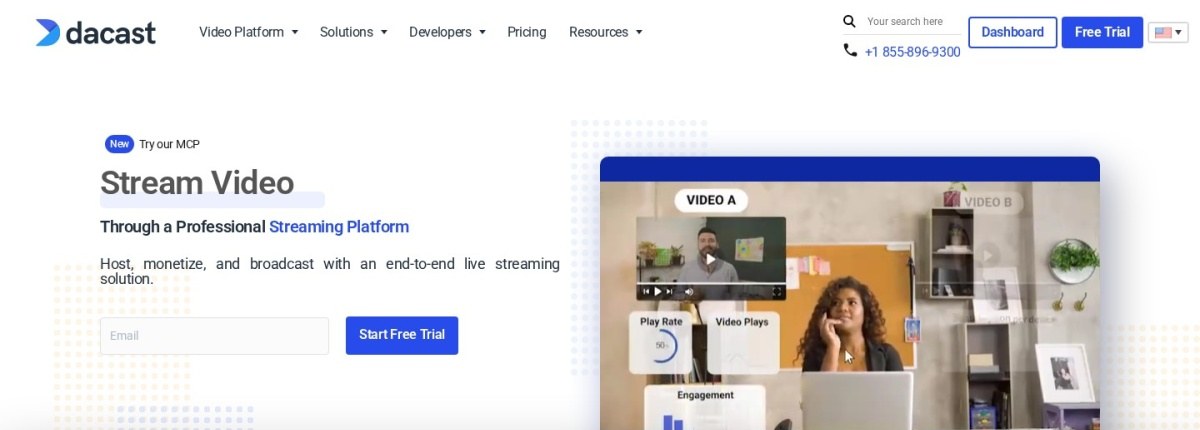
Dacast homepage, captured Nov 2026.
Dacast is a live streaming and video-on-demand platform for businesses that host, stream and monetize video. The Starter plan costs $39 a month and includes 500 GB of storage, 2.4 TB of annual bandwidth and 3 live transcoding channels. It has no free plan, only a free trial.
The trade off is that paywalls and ad insertion need the $63 a month Event plan, and the platform feels built for broadcasters rather than course sellers. It suits course businesses that also run live classes and want one platform for live and recorded video.
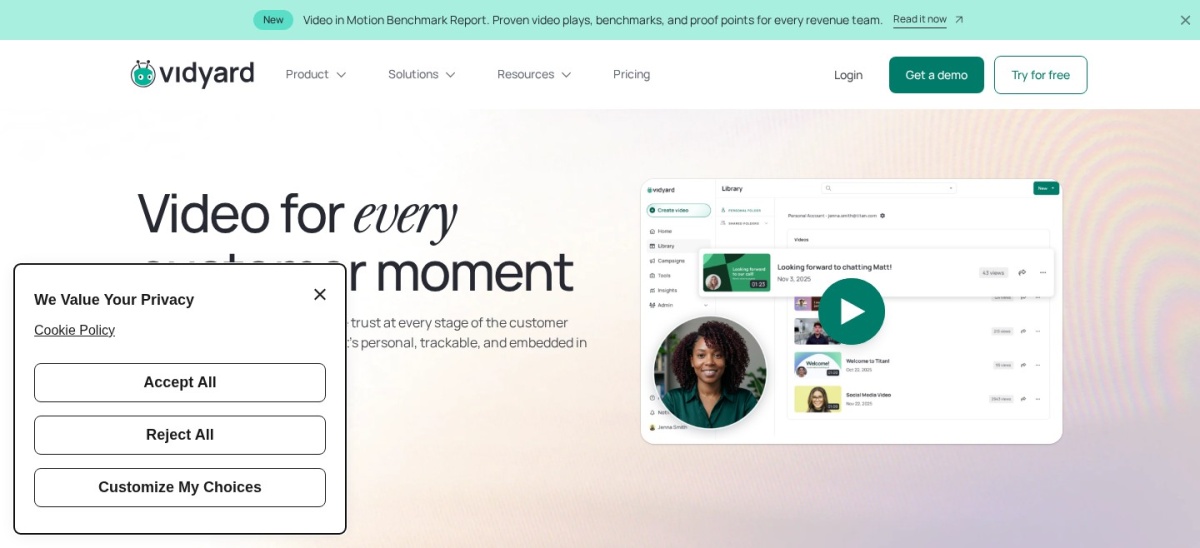
Vidyard is a video platform for sales and marketing teams with hosting, viewer analytics and personal video tools. The free plan covers basic video hosting and sharing. The Starter plan costs $59 per user a month and adds unlimited videos, video analytics and calls to action.
The trade off is that Vidyard is priced per user and aimed at sales teams, so a course team pays for seats it may not need. It suits course creators who also sell one-to-one and want viewing data tied to individual learners or prospects.
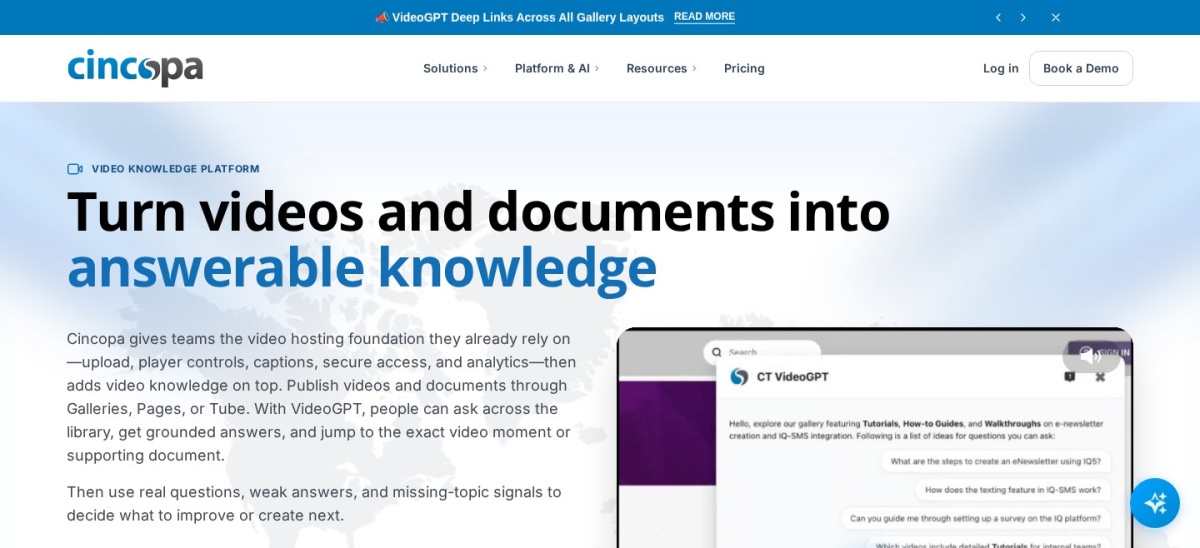
Cincopa is a video hosting platform with galleries, video pages and analytics, plus an AI tool that answers questions across a video library. The Starter plan costs $99 a month and includes 200 videos, 2 TB of monthly delivery, VideoGPT and analytics. It has no free plan, only a free trial.
The trade off is price. At $99 a month, Starter costs more than most rivals here while offering fewer course-specific features such as paywalls or learner progress. It suits training teams that want a searchable video knowledge base rather than a simple course player.
A paywall is the dividing line. Wistia, SproutVideo and Gumlet host video well, but only Uscreen and Dacast sell access directly without a separate course platform.
Check the storage math before you commit. A 2 TB monthly bandwidth cap sounds large until a thousand students stream hour-long lessons in the same week.
Captions and chapters are not extras for courses. Learners search them, and most platforms here include automated captions on paid plans.
How we chose
We started from the video hosting platforms course creators actually use, then kept the 9 with published pricing, a real free or trial option, and a verifiable rating on G2.
Prices come from each vendor's pricing page or vendor-supplied G2 pricing, checked on 25 November 2026. Ratings and review counts come from G2 on the same day. Where a vendor shows a sale, the list shows the regular price.
We left out course platforms that bundle hosting with checkout and curriculum, and enterprise-only tools with no published price. No vendor paid for a place, and we do not claim hands-on testing for this list.
How to choose a video hosting platform for online courses
Start with how you sell the course, then match the player to that model.
Decide how learners pay. If you sell subscriptions, a monetization platform saves a separate checkout. If you sell on a course platform already, a plain host is cheaper.
Check the privacy controls. Password protection and domain whitelists stop free sharing of paid lessons. Login protection matters once you charge per student.
Add up storage and bandwidth. Multiply lesson length by expected students before you pick a plan. Overage fees are the hidden cost in most video hosting.
Test the player on a phone. Most learners watch on mobile. Captions, chapters and fast loading matter more than extra analytics dashboards.
FAQ
What is the best video hosting platform for online courses?
Wistia is the best pick for most course creators. Its Business plan combines a branded ad-free player, lead capture and viewer analytics, and it is rated 4.6 out of 5 across more than 1,100 G2 reviews.
Can I host course videos on YouTube for free?
Yes, but YouTube shows ads and recommends other creators' videos after yours, which breaks the learning flow. A paid host gives you an ad-free player, privacy controls and viewer data, which is why most sellers move off YouTube once they charge.
Do I need a separate course platform as well?
It depends on how you sell. Uscreen and Dacast handle payments and access directly, while Wistia, Vimeo and SproutVideo host the video only and pair with a course platform or website for checkout and enrolment.
What does video hosting cost for a small course?
Entry paid plans in this list run from $6 to $149 a month. Gumlet starts at $6 a month, Vimeo and SproutVideo at $12, and Wistia at $79. Most small courses fit the cheapest two or three plans until enrolment grows.
How do I stop students sharing paid lessons?
Use a host with domain whitelists, password protection or viewer logins, and avoid public links. SproutVideo and Gumlet offer domain restrictions on cheap plans, while Uscreen gates the whole library behind paid memberships.
Which platform is best for live classes?
Dacast is the strongest pick for live teaching, with live transcoding and paywalls for live events on its Event plan. Vimeo Advanced also covers live events, webinars and simulive sessions for course creators who teach live.
SaaS SEO and WordPress specialist with about 8 years of experience. Rakib compares WordPress plugins, themes, hosting and software using public pricing, documentation and user reviews. See how we rank.