Zoom is the best video chat app for most people because it works everywhere, handles large meetings well, and offers a usable free plan. Pick Google Meet if your team lives in Google Workspace, Teams for Microsoft shops, and Zoho Meeting for the cheapest paid plan.
How we make this list: we compare pricing pages, product documentation and public user reviews, then re-check every price before each update. No product paid for a place. Disclosure.
Zoom is the top pick, with a free plan and Pro at $14.16 a month on annual billing.
Google Meet costs $7 a user a month through Workspace Business Starter, and the free version covers 60-minute meetings.
Teams Essentials is $4 a user a month, the cheapest paid plan from a major suite.
Zoho Meeting is the cheapest paid plan in this list at $1 a host a month.
Jitsi Meet is completely free and open source, with no time limit and no account needed.
What a video chat app should cover
A good video chat app disappears into the meeting. You want one click to join, clear audio, screen sharing that works, and no download that blocks a guest.
Free plans matter more here than in most categories. Zoom, Google Meet, Teams, Discord, Zoho Meeting and Jitsi all offer usable free tiers, but watch the limits: group meeting caps, time limits and participant counts are the usual catches.
Price is the second filter. Paid plans in this list run from $1 a month to $14.16 a month, and the cheapest paid plan is Zoho Meeting at $12 a year. Our guide to screen sharing software compares the same apps for sharing your screen.
Zoom Workplace is the most widely used video meeting app, and its free plan covers unlimited one-to-one calls plus group meetings of up to 40 minutes. Pro adds 30-hour meetings, cloud recording, AI summaries and 10 GB of cloud storage per user.
The trade off is price. Pro costs $14.16 a user a month on annual billing, which adds up fast for a large team, and some users find the settings maze hard to navigate. It suits teams that meet guests outside their own organisation every day.
What we like
Works on every major device and browser
Free plan covers unlimited one-to-one calls
Strong host controls, breakout rooms and recording
Watch out for
Pro is pricier than most rivals here
Settings can feel scattered for new admins
Pro removes the 40-minute group limit for $14.16 a monthVisit zoom.com
02
Google Meet
4.5/5on Capterra (12,079 reviews, checked Nov 2026)
Paid from$7/mo
Best for Google Workspace teams
Free planYes, 60-minute group limit
Meeting length24 hours on paid plans
Participants100 on Starter
Paid planWorkspace Starter, $7/mo annual
meet.google.com
Google Meet homepage, captured Nov 2026.
Google Meet is the video calling app built into Google Workspace, and it joins from a browser with no download. The free version covers 60-minute group meetings for up to 100 people, and the paid plan adds Gmail on your own domain, Drive storage and admin controls.
The trade off is the bundle. You cannot buy Meet on its own, so the $7 a month buys the whole Workspace suite, which is good value if you use Gmail and Docs but wasteful if you only need video calls. It suits teams already living in Google apps.
What we like
Joins from a browser with no install
Free 60-minute group meetings
Deep Gmail, Calendar and Drive integration
Watch out for
No standalone paid plan for Meet alone
Fewer host controls than Zoom
Business Starter adds Gmail, Drive and 30 GB of storage for $7 a monthVisit meet.google.com
03
Microsoft Teams
4.4/5on G2 (19,330 reviews, checked Nov 2026)
Paid from$4/mo
Best for Microsoft 365 teams
Free planYes, 60-minute group limit
Meeting length30 hours on Essentials
Participants300 on Essentials
Paid planEssentials, $4/mo annual
microsoft.com
Microsoft Teams homepage, captured Nov 2026.
Microsoft Teams is the chat and video app for Microsoft 365, combining meetings, messaging and file sharing in one place. The free version covers 60-minute group meetings for up to 100 people, and Essentials extends meetings to 30 hours with 300 participants.
The trade off is the ecosystem. Teams works best inside Microsoft 365, and guests outside it can find joining clunky. The desktop app is also heavy on older machines. It suits organisations already paying for Microsoft apps.
What we like
Chat, meetings and files in one app
Free plan covers 60-minute group calls
Cheapest paid plan from a major suite
Watch out for
Guests outside Microsoft 365 can struggle to join
Desktop app is heavy on older machines
Essentials adds 30-hour meetings and 10 GB of storage for $4 a monthVisit microsoft.com
04
Whereby
4.6/5on G2 (1,163 reviews, checked Nov 2026)
Paid from$10.99/mo
Best browser-only video chat
Free planYes, 4 attendees, 30 minutes
Meeting lengthUnlimited on Pro
Participants100 on Pro
Paid planPro, $10.99/host/mo
whereby.com
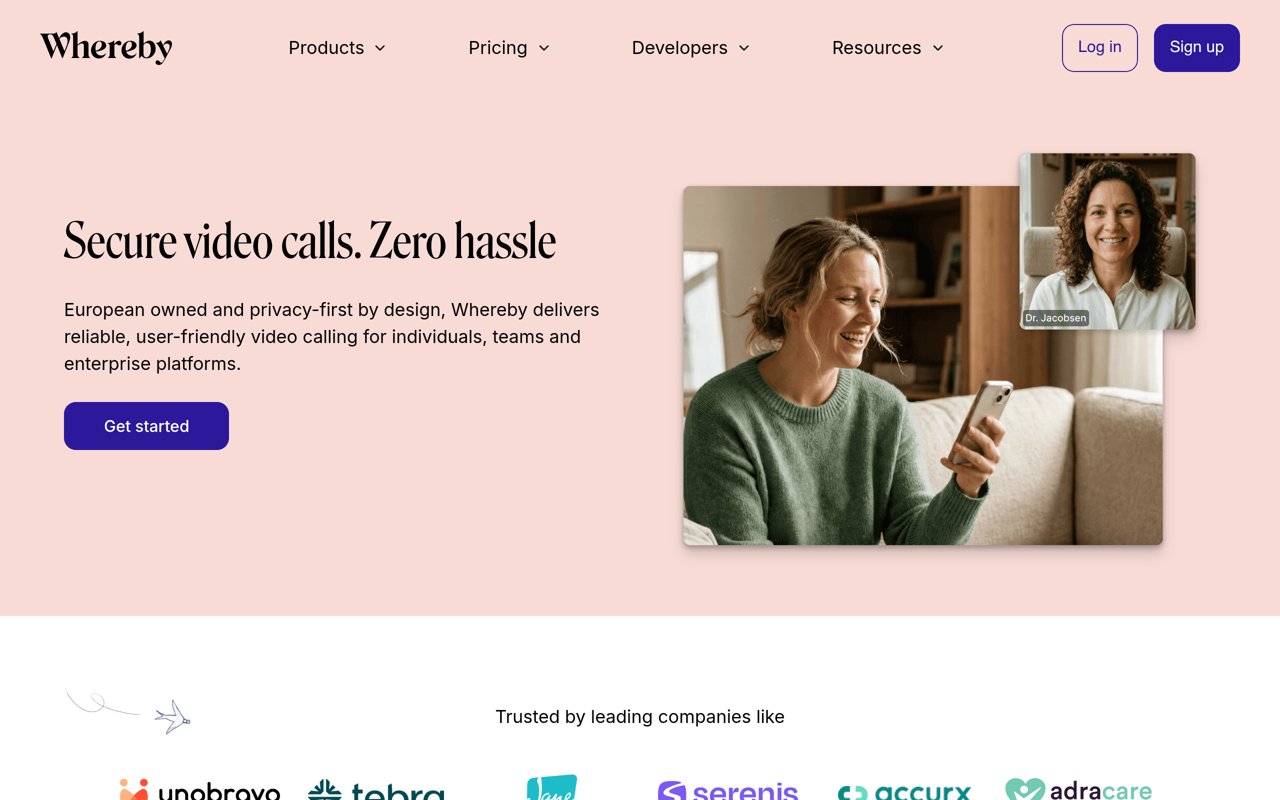
Whereby homepage, captured Nov 2026.
Whereby is a browser-only video chat app built around permanent room links, so guests join with one click and no download or account. The free plan covers one room, four attendees and 30-minute meetings, and Pro lifts the cap to 100 people with unlimited recording.
The trade off is scale. Whereby has no built-in team chat or phone system, and the free plan is too small for regular team meetings. It suits consultants and small teams that meet clients in the browser every day.
What we like
Guests join from a link with no download
Permanent room links for repeat clients
Highest G2 rating in this list
Watch out for
Free plan caps at four attendees
No team chat or phone system built in
Pro adds three room links, recording and custom branding for $10.99 a monthVisit whereby.com
05
Webex
4.2/5on G2 (18,927 reviews, checked Nov 2026)
Paid from$13.50/mo
Best for enterprise-grade security
Free planYes, 40-minute limit
Meeting length24 hours on Meet
Participants100 on free, more on paid
Paid planMeet, $13.50/mo annual
webex.com
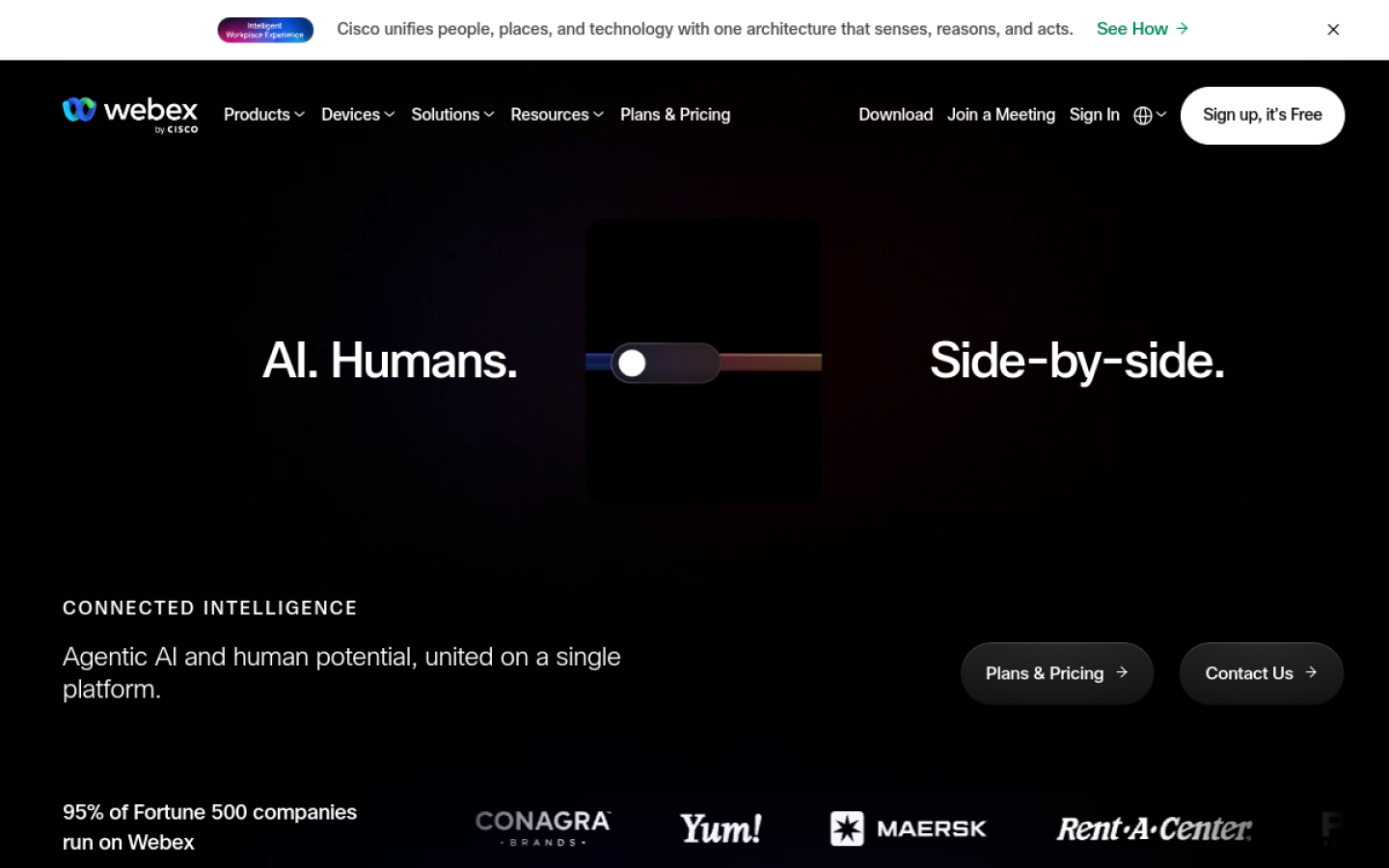
Webex homepage, captured Nov 2026.
Webex is Cisco's video meeting app, built for regulated industries that need strong security and compliance controls. The free plan covers 40-minute meetings for up to 100 people, and the Meet plan adds longer meetings, recording and more participants.
The trade off is complexity. Webex has more admin settings than most rivals, and the interface can feel dated next to Zoom or Meet. It suits large or regulated organisations that need Cisco-grade security and support.
What we like
Strong security and compliance controls
Free plan covers 100-person meetings
Good noise removal and real-time translation
Watch out for
Interface feels dated next to rivals
Admin settings can overwhelm small teams
Meet plan adds longer meetings and more participants for $13.50 a monthVisit webex.com
06
GoTo Meeting
4.2/5on G2 (17,045 reviews, checked Nov 2026)
Starts at$12/mo
Best for simple scheduled meetings
Free planNo, 14-day trial only
Meeting lengthUnlimited on Professional
Participants150 on Professional
Paid planProfessional, $12/mo annual
goto.com
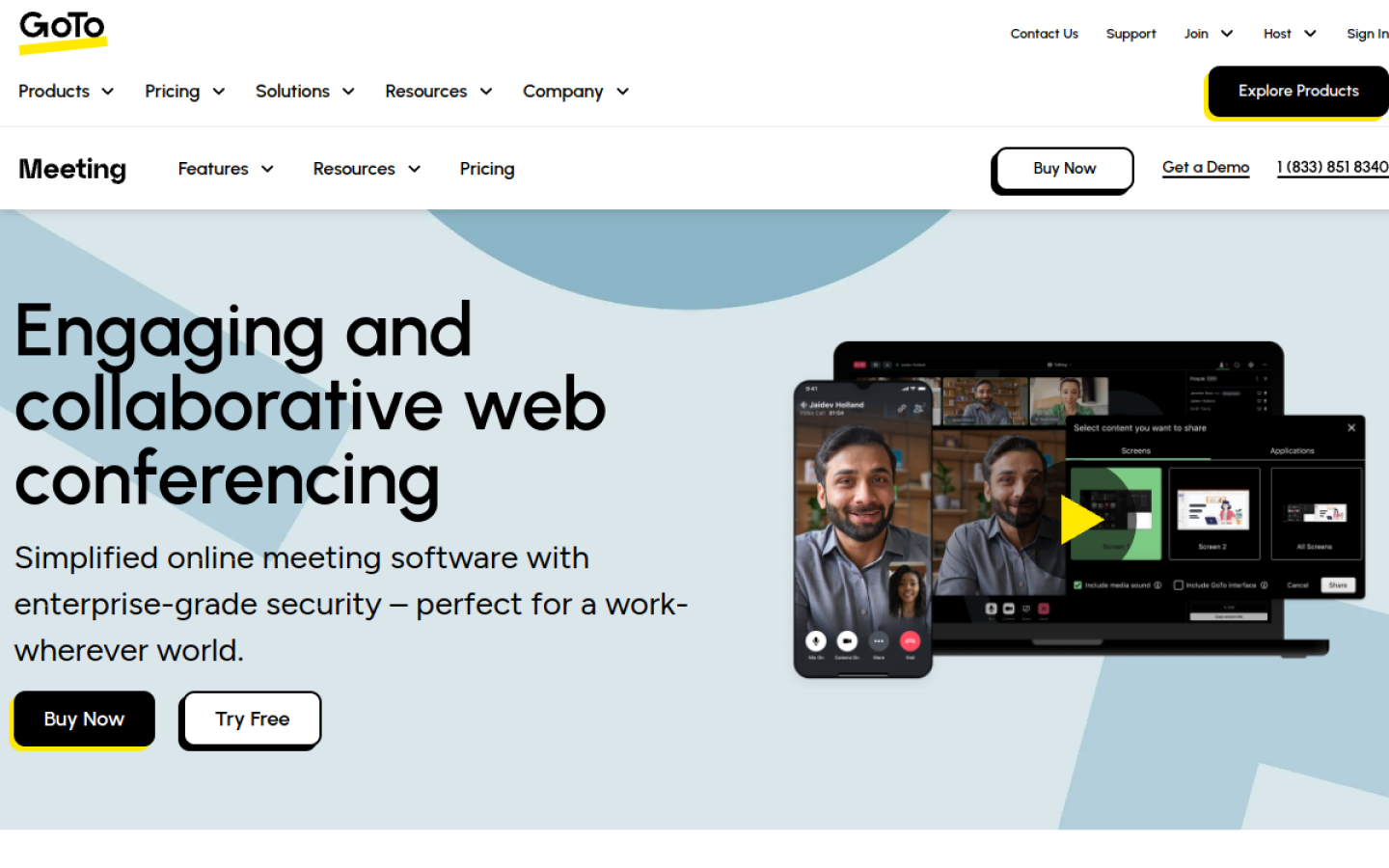
GoTo Meeting homepage, captured Nov 2026.
GoTo Meeting is a straightforward video meeting app from GoTo, built for scheduled calls with dial-in numbers and one-click joining. The Professional plan covers unlimited meetings, 150 participants, screen sharing, drawing tools and unlimited cloud recording.
The trade off is the missing free plan. There is no free tier, only a 14-day trial, so you pay from the start. It suits small businesses that want simple, reliable meetings without a big suite attached.
What we like
Simple setup with dial-in numbers
Unlimited meetings and cloud recording
Reliable audio quality on poor connections
Watch out for
No free plan, only a 14-day trial
Fewer integrations than Zoom or Teams
Professional adds unlimited recording and drawing tools for $12 a monthVisit goto.com
07
Discord
4.6/5on Capterra (543 reviews, checked Nov 2026)
Paid from$2.99/mo
Best free community video chat
Free planYes, group video included
Meeting lengthNo time limit on free calls
Participants25 on video calls
Paid planNitro Basic, $2.99/mo
discord.com
Discord homepage, captured Nov 2026.
Discord is a free chat and video app built for communities, with voice channels, group video calls and screen sharing in one place. Anyone can start a video call in a server or a direct message, and the free tier covers most of what a small community needs.
The trade off is the business fit. Discord has no meeting scheduling, no dial-in numbers and no admin controls for workplaces, and its playful style can feel unprofessional with clients. It suits communities, gaming groups and informal teams.
What we like
Completely free for group video calls
Voice channels for always-on team chat
Screen sharing and streaming built in
Watch out for
No meeting scheduling or dial-in numbers
Feels informal for client meetings
Nitro Basic adds custom emoji and larger uploads for $2.99 a monthVisit discord.com
08
Zoho Meeting
4.6/5on Capterra (928 reviews, checked Nov 2026)
Paid from$1/mo
Cheapest paid video meetings
Free planYes, 100 participants
Participants100 on Standard
Paid planStandard, $1/host/mo annual
Browser-basedYes, no download needed
zoho.com
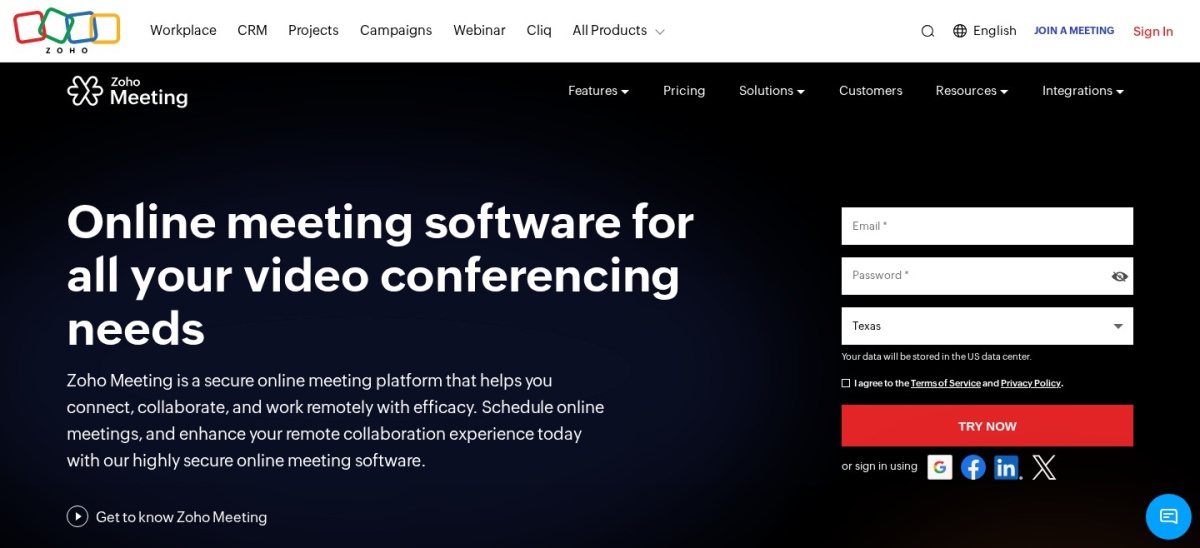
Zoho Meeting homepage, captured Nov 2026.
Zoho Meeting is a browser-based video meeting app from Zoho, with no download needed for hosts or guests. The free plan covers meetings for up to 100 people, and the Standard plan costs $1 a host a month on annual billing, the cheapest paid plan in this list.
The trade off is the feature set. Zoho Meeting is simpler than Zoom or Teams, with fewer integrations and no built-in team chat. It suits small businesses already using Zoho apps that want cheap, reliable meetings.
What we like
Cheapest paid plan in this list
Browser-based with no download
Works well with other Zoho apps
Watch out for
Fewer integrations than Zoom or Teams
No built-in team chat
Standard plan costs $1 a host a month on annual billingVisit zoho.com
09
Jitsi Meet
4.1/5on Capterra (79 reviews, checked Nov 2026)
PriceFree
Best free open-source video chat
Free planYes, unlimited
Meeting lengthNo time limit
ParticipantsUp to 100 on public service
Paid planNone, free and open source
jitsi.org
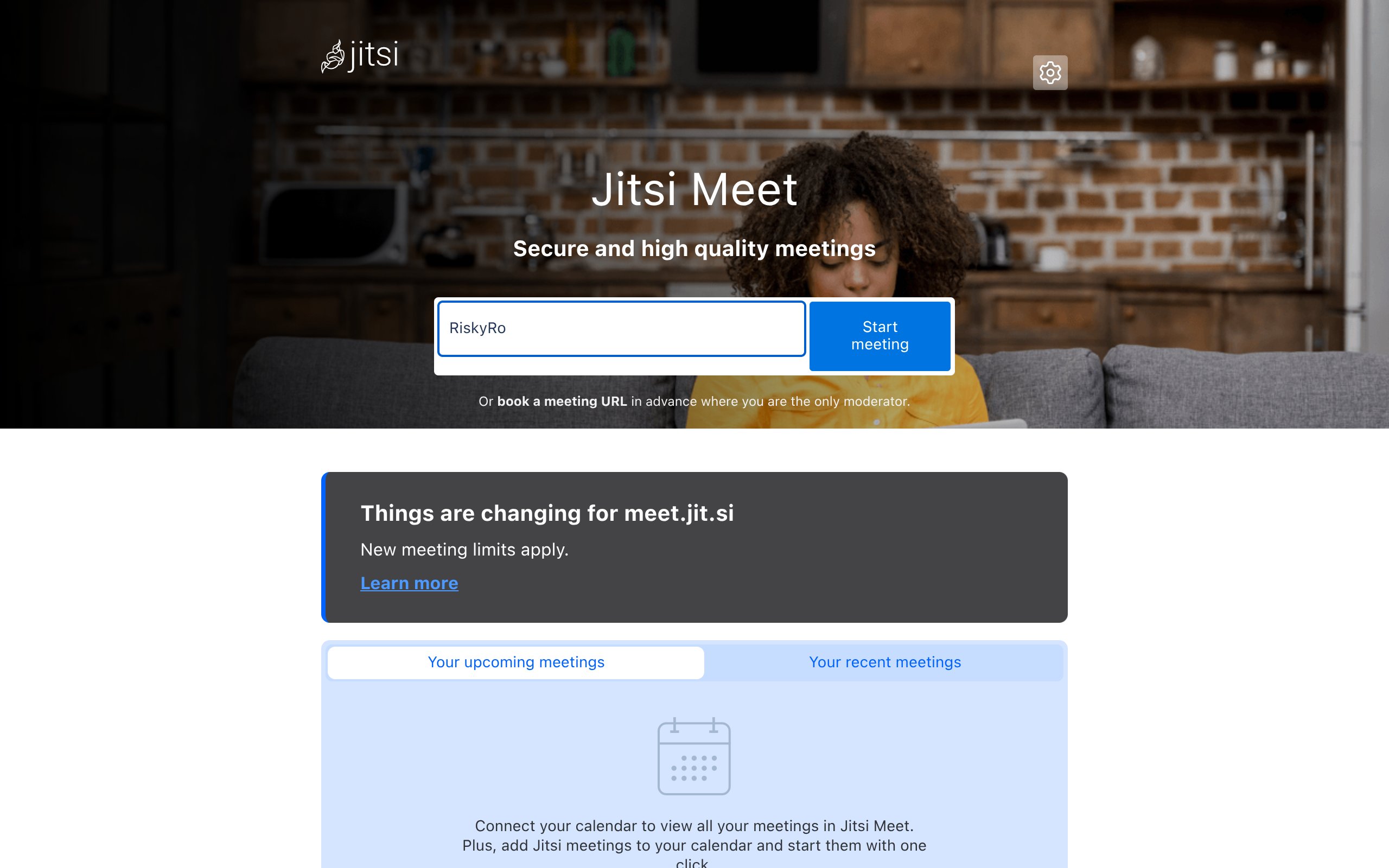
Jitsi Meet homepage, captured Nov 2026.
Jitsi Meet is a free, open-source video chat app with no time limit, no account and no download. Anyone can start a meeting from a link, and the app supports screen sharing, recording, breakout rooms and live streaming to YouTube.
The trade off is support. There is no vendor help desk, and the public service can slow down at peak times. Self-hosting fixes both, but needs a server. It suits privacy-minded teams and anyone who wants video calls without paying or signing up.
Free plans in this list cover real meetings. Zoom allows 40-minute group calls, Google Meet allows 60-minute calls, and Jitsi Meet has no time limit at all.
Paid plans mostly remove time limits and caps, and add cloud recording, admin controls and larger meetings. The cheapest paid plan here is Zoho Meeting at $1 a host a month.
If video calls earn money for the business, a paid plan usually pays for itself in saved time. If they do not, start free and upgrade only when a time limit blocks a real meeting.
How we chose
We started from the best-known video chat apps, then kept those with a useful free plan or a clear paid starting price and a public rating on G2 or Capterra.
Prices come from each vendor's pricing page or a comparison that read it, checked on 25 November 2026. Ratings and review counts come from G2 and Capterra on the same day. Where a vendor shows a sale, the list shows the regular price.
We left out apps with no public rating and those built only for social calls, such as FaceTime and WhatsApp. No vendor paid for a place, and we do not claim hands-on testing for this list.
How to choose a video chat app
Start with the people you meet most often, then match the app to that group.
List who you meet each week. Clients, teammates and family need different tools. A business app covers the first two, while a free community app covers the last.
Try the free plan first. Host a real meeting and check the time limit, participant cap and audio quality before you pay. Zoom, Meet and Teams all offer free tiers.
Check the guest experience. Guests should join from a link without installing software or creating an account. Whereby and Jitsi Meet are the simplest here.
Count the real cost per seat. A $4 plan for ten people costs $480 a year, while a $14 plan costs about $1,700. Multiply before you commit.
FAQ
What is the best video chat app?
Zoom is the best video chat app for most people. It works on every device, handles meetings of up to 100 people on the Pro plan, and offers a free plan with 40-minute group meetings. Its G2 rating is 4.5 out of 5 from more than 56,000 reviews.
What is the best free video chat app?
Jitsi Meet is the best completely free option, with no time limit, no account and no download. Zoom and Google Meet also offer strong free plans, but Zoom caps group meetings at 40 minutes and Google Meet caps them at 60 minutes.
Is Google Meet better than Zoom?
Google Meet is better if your team already uses Gmail, Drive and Calendar, since it needs no extra account and joins from a browser. Zoom is better for large meetings and guests outside your organisation, with stronger host controls and more integrations.
What is the cheapest video chat app?
Zoho Meeting is the cheapest paid option in this list at $1 a host a month on annual billing. Jitsi Meet costs nothing at all, and Discord is free for group video calls, with Nitro Basic at $2.99 a month for extra perks.
Can I use a video chat app without downloading anything?
Yes. Whereby, Google Meet and Jitsi Meet all run fully in a browser, so guests join from a link. Zoom and Teams also offer browser joining, but their desktop apps give a smoother experience for regular hosts.
Do I need a paid plan for business video calls?
Not always. Free plans cover short team calls, but most cap group meetings at 40 to 60 minutes and leave out cloud recording. A paid plan is worth it when meetings run long, you need recordings, or you want admin controls.
SaaS SEO and WordPress specialist with about 8 years of experience. Rakib compares WordPress plugins, themes, hosting and software using public pricing, documentation and user reviews. See how we rank.