JumpCloud is a top pick for mixed device fleets, holding a 4.5 out of 5 rating across 4,151 G2 reviews with plans starting at $9 per user per month billed annually. Pick Okta for deep app catalogs and Microsoft Entra ID for Microsoft 365 environments.
How we make this list: we compare pricing pages, product documentation and public user reviews, then re-check every price before each update. No product paid for a place. Disclosure.
JumpCloud starts at $9 per user per month billed annually for Device Management, holding 4.5/5 across 4,151 G2 reviews.
Okta Starter lists at $6 per user per month, while Lifecycle Management is an add-on or included from Core Essentials at $14 per user per month.
Microsoft Entra ID P1 lists at $7 per user per month paid yearly, adding Conditional Access and dynamic membership groups.
OneLogin Basic lists at $3 per user per month, and ManageEngine ADManager Plus Standard starts at $595 per year for 1 domain and 2 technicians.
Free tiers vary widely: Frontegg starts at $0 for up to 7,500 monthly active users and FusionAuth Community is free to self-host.
What to look for in user provisioning software
User provisioning creates, updates and disables accounts across directories and apps as people join, change roles or leave. Fast deprovisioning reduces lingering access from former staff or contractors.
Check how a tool connects to your source of truth, such as an HR system, Active Directory or an identity provider. Automated group rules and SCIM sync prevent manual account drift across SaaS apps.
Watch pricing structure closely before signing up. Many identity platforms charge per user per month, while developer APIs charge by connection or monthly active users and on-premises tools charge by domain and technicians.
JumpCloud is a cloud directory and device management platform that pairs user accounts with Mac, Windows, Linux, iOS and Android management. Its Device Management package starts at $9 per user per month billed annually, and SSO starts at $11 per user per month billed annually.
The trade off is bundling. Getting both SSO and device management at list rates costs $20 per user per month billed annually, and some governance features sit in higher tiers. It suits small and midsize teams managing mixed hardware from one console.
What we like
Manages identities and cross-platform devices together
Published per-user pricing on core packages
Supports à la carte feature add-ons
Watch out for
Combining SSO and device plans raises total per-user cost
Okta is a cloud identity platform built around single sign-on, multi-factor authentication and automated lifecycle management. Its Starter plan lists at $6 per user per month with 5 workflows, while Lifecycle Management is available as an add-on or from Core Essentials at $14 per user per month.
The trade off is add-on cost and minimum contract size. Full lifecycle automation and higher workflow limits require upgrading past Starter, and annual contracts carry a minimum spend. It suits growing and enterprise teams with many cloud apps.
What we like
Broad prebuilt app catalog and SSO support
Dedicated Lifecycle Management and workflow automation
Strong G2 rating across 1,435 reviews
Watch out for
Lifecycle Management is an add-on on Starter
Costs climb quickly as add-ons and user counts grow
Core Essentials at $14/user/mo includes Lifecycle ManagementVisit okta.com
03
Microsoft Entra ID
4.5/5on G2 (915 reviews, checked Nov 2026)
Paid from$7/mo
Best for Microsoft 365 and Azure shops
Free tierWith M365 / Azure
Paid P1 plan$7/user/mo yearly
Paid P2 plan$10/user/mo yearly
Reviews4.5/5 on G2
microsoft.com
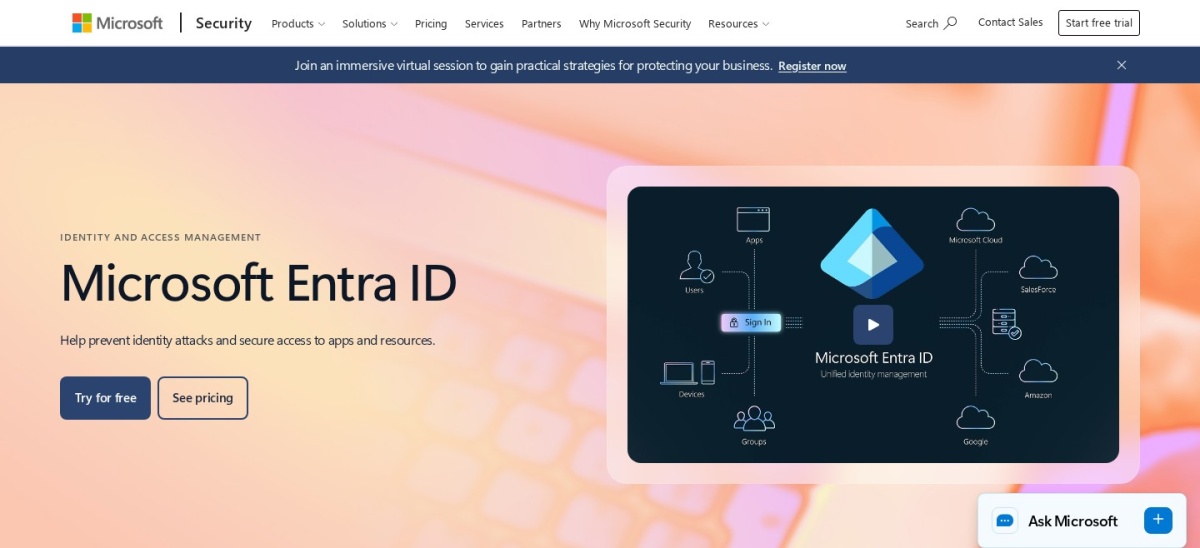
Microsoft Entra ID homepage, captured Nov 2026.
Microsoft Entra ID is Microsoft's cloud identity and access platform, with a free tier bundled with Microsoft 365 and Azure subscriptions. Paid tiers start with Microsoft Entra ID P1 at $7 per user per month paid yearly, adding Conditional Access and dynamic membership groups.
The trade off is ecosystem fit and governance add-ons. Entra ID P2 is $10 per user per month paid yearly, and standalone Entra ID Governance costs an extra $7 per user per month. It suits organizations already standardized on Microsoft 365 and Windows.
What we like
Deep integration with Microsoft 365 and Azure
Conditional Access and dynamic groups in P1
Often bundled into existing Microsoft suites
Watch out for
Extra licensing needed for governance and P2 protection
More complex outside Microsoft-centric environments
OneLogin is an identity and access management service offering single sign-on, multi-factor authentication and user lifecycle sync across cloud and on-premises directories. Its Basic plan lists at $3 per user per month with authentication and limited user management.
The trade off is feature depth on lower tiers. Moving up to Essentials at $6 per user per month or Business at $10 per user per month unlocks broader user management and automation. It suits teams wanting lower entry pricing for SSO and user sync.
What we like
Low entry list price on Basic at $3/user/mo
Supports Active Directory sync and SAML or OIDC
Offers automated provisioning and deprovisioning
Watch out for
Basic tier limits user management capabilities
No permanent free plan for production use
Essentials at $6/user/mo and Business at $10/user/mo expand automationVisit onelogin.com
05
ManageEngine ADManager Plus
4.5/5on G2 (106 reviews, checked Nov 2026)
Paid from$595/yr
Best for on-premises Active Directory bulk tasks
Free editionUp to 100 objects
Standard plan$595/yr, 1 domain
Professional plan$795/yr, 1 domain
Reviews4.5/5 on G2
manageengine.com
ManageEngine ADManager Plus homepage, captured Nov 2026.
ManageEngine ADManager Plus is an identity management console for Active Directory, Microsoft 365 and Google Workspace with a free edition for up to 100 domain objects. Standard starts at $595 per year for 1 domain and 2 help desk technicians.
The trade off is self-hosted maintenance and scaling rules. Licenses scale by domains, technicians and add-ons, and Professional starts at $795 per year for 1 domain. It suits IT teams managing Active Directory domains who want per-domain licensing.
What we like
Free edition covers up to 100 domain objects
Priced per domain and technician rather than per user
Strong bulk templates and help desk delegation
Watch out for
Self-hosted setup requires server upkeep by your team
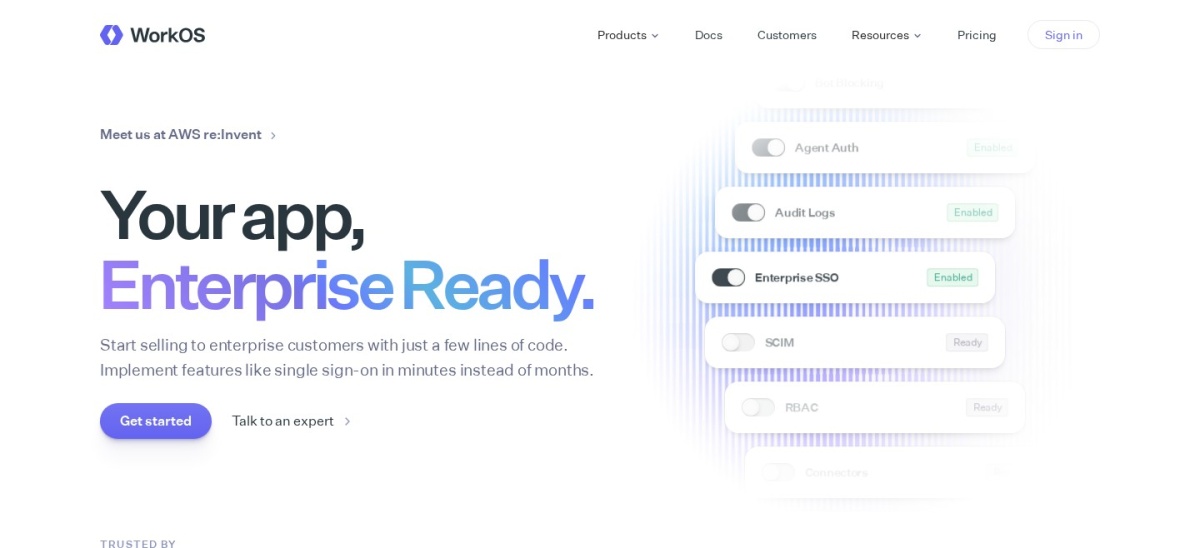
Best for embedding SCIM Directory Sync in SaaS apps
Core focusSSO & SCIM APIs
Connection rate$125/conn (1-15)
Free tierAvailable to start
Reviews4.4/5 on G2
workos.com
WorkOS homepage, captured Nov 2026.
WorkOS gives software teams APIs and admin portals to add enterprise SSO and SCIM Directory Sync to their own products. Published connection pricing starts at $125 per connection per month for connections 1 to 15, stepping down at higher volume.
The trade off is per-connection billing and developer integration. Because WorkOS is an API layer for app builders rather than an internal IT directory, adding dozens of enterprise customer connections adds up. It suits SaaS builders shipping enterprise provisioning.
What we like
Clean APIs and self-serve setup portals for customers
Volume tier discounts as connection count grows
High marks on G2 for developer documentation
Watch out for
Priced per enterprise connection rather than end users
Built for product builders, not internal IT helpdesks
Higher connection tiers drop from $125 to $100, $80 and $65Visit workos.com
07
FusionAuth
4.6/5on Capterra (92 reviews, checked Nov 2026)
Paid from$162/mo
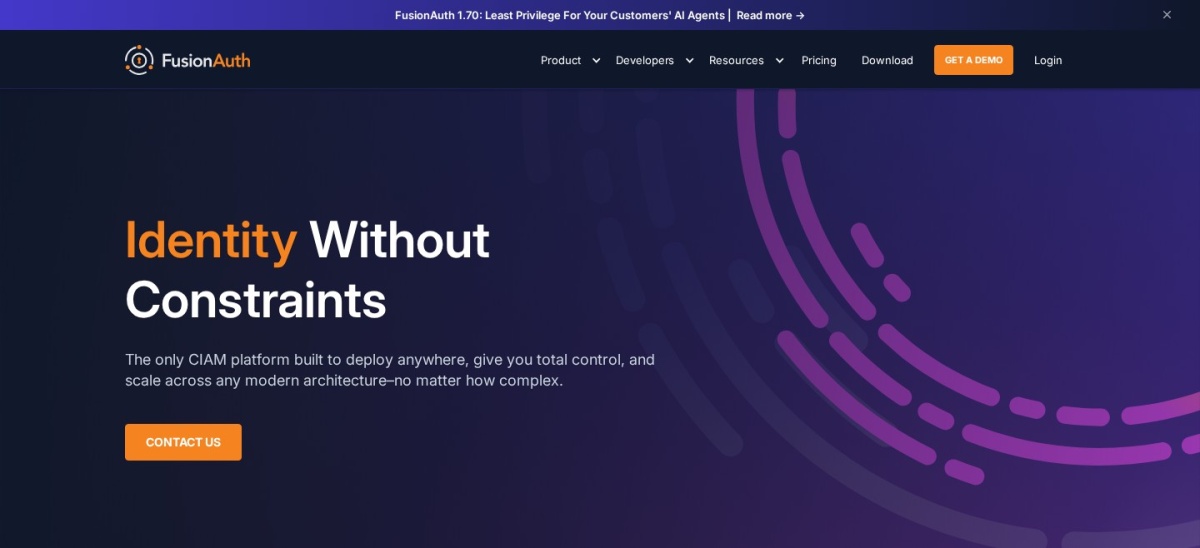
Best for self-hosted or flat-rate app identity
Community tierFree self-hosted
Starter cloud$162/mo billed yearly
Essentials cloud$240/mo billed yearly
Reviews4.6/5 on Capterra
fusionauth.io
FusionAuth homepage, captured Nov 2026.
FusionAuth is an authentication and user management platform available as a free self-hosted Community edition or hosted cloud plans starting at $162 per month billed annually. Cloud plans use flat-rate monthly pricing rather than charging per monthly active user.
The trade off is self-hosting overhead on the free tier and higher cloud base fees. Essentials starts at $240 per month billed annually, and Enterprise is quote-only. It suits engineering teams that want predictable flat pricing for application users.
What we like
Free self-hosted Community edition with core auth features
Flat-rate cloud pricing instead of per-MAU fees
4.6 out of 5 rating on Capterra across 92 reviews
Watch out for
Paid cloud tiers start higher than entry per-user tools
Self-hosting requires infrastructure and upgrade upkeep
Essentials at $240/mo yearly adds expanded connectivity and supportVisit fusionauth.io
Internal IT provisioning vs. app-level user sync
Most buyers start by separating internal employee provisioning from customer-facing application identity. Tools like JumpCloud, Okta, Microsoft Entra ID and OneLogin focus on giving staff access to company apps and directories.
If you are building a SaaS product and need your business customers to sync users via SCIM, tools like WorkOS or FusionAuth fit the application layer instead.
How we chose
We selected established identity and user provisioning platforms with active public documentation, clear lifecycle or user-sync capabilities, and verified review profiles.
Pricing and review figures were checked on 22 November 2026 from vendor pricing pages and third-party review directories, showing regular list prices rather than temporary discounts.
We excluded products without verifiable public pricing or review data for this comparison. No vendor paid for a place, and we do not claim testing for this list.
How to choose user provisioning software
Map your primary directory and offboarding workflow first, then compare licensing units against your headcount.
Identify where employee or user records originate. Pick a platform that syncs cleanly with your HR system, Active Directory or identity provider so new hires and departures trigger updates automatically.
Check whether provisioning is included on the base tier. Some vendors include automated lifecycle sync only on mid-tier plans or paid add-ons rather than the lowest entry price.
Model costs at your real team or customer size. Per-user monthly pricing behaves very differently from per-domain licensing or per-connection developer APIs as you scale.
Verify group-based role and deprovisioning behavior. Confirm that removing a user or changing a group revokes app access promptly and leaves clear audit logs.
FAQ
What is user provisioning software?
User provisioning software automates creating, updating and disabling user accounts and group permissions across applications and directories. It helps teams onboard new users faster and revoke access when someone leaves.
What is the difference between provisioning and single sign-on?
Single sign-on lets users log in to multiple apps with one set of credentials, while provisioning creates, updates and deactivates the underlying accounts and permissions. Many platforms combine both, though some charge separately for lifecycle automation.
Does SCIM automate user provisioning?
Yes, SCIM is an open standard used to exchange user identity data between an identity provider and applications. It supports automated account creation, attribute updates and deprovisioning.
How is user provisioning software usually priced?
Workforce identity tools commonly charge per user per month with annual billing, while on-premises directory tools may charge per domain and technician. Developer APIs often charge per active connection or monthly active user.
When should a team choose on-premises AD tools over cloud IAM?
On-premises tools fit organizations anchored to Windows Active Directory domains that need bulk templates, local delegation and domain reports. Cloud identity platforms fit cloud-first or remote teams managing SaaS apps and mixed devices.
Can provisioning software revoke access automatically on offboarding?
Yes, automated offboarding rules can suspend or remove user accounts across connected apps when a user leaves or changes status. Always test deprovisioning rules on key apps so critical access is not missed.
SaaS SEO and WordPress specialist with about 8 years of experience. Rakib compares WordPress plugins, themes, hosting and software using public pricing, documentation and user reviews. See how we rank.