1Password is the best password generator app for most people, with a strong generator, passkeys and a 4.6 out of 5 G2 rating from 1,824 reviews. Pick Bitwarden if you want the best free plan and a $19.80 yearly Premium, or Dashlane if you want a VPN and dark web monitoring bundled in.
How we make this list: we compare pricing pages, product documentation and public user reviews, then re-check every price before each update. No product paid for a place. Disclosure.
1Password is the top pick: the most polished generator and vault, rated 4.6/5 on G2 from 1,824 reviews, at $47.88 a year.
Bitwarden is the best value: a free plan with no device limit and Premium at $19.80 a year, up from $10 in January 2026.
Dashlane is the priciest at $64.99 a year and has no free plan, but it bundles a VPN, dark web monitoring and phishing alerts.
Proton Pass has the strongest free plan after Bitwarden, with unlimited logins and 10 email aliases, and Pass Plus costs $35.88 a year.
Enpass is the only offline-first option here: your vault never sits on a vendor server, but it has only 27 G2 reviews.
What a password generator app should do
A password generator app does two jobs: it creates long, random passwords you could never memorise, and it stores them so you only remember one master password.
Look for a generator that lets you set length and character types, and ideally one that also makes memorable passphrases of random words.
Sync matters as much as generation. A free plan that works on one device type only, like LastPass, can push you to pay sooner than you expect. Our guide on adding two-factor authentication to WordPress shows how 2FA adds a second lock to the accounts the vault protects.
Passkeys are the other thing to check. Every tool in this list stores passkeys, so you can sign in without a password at all on sites that support them.
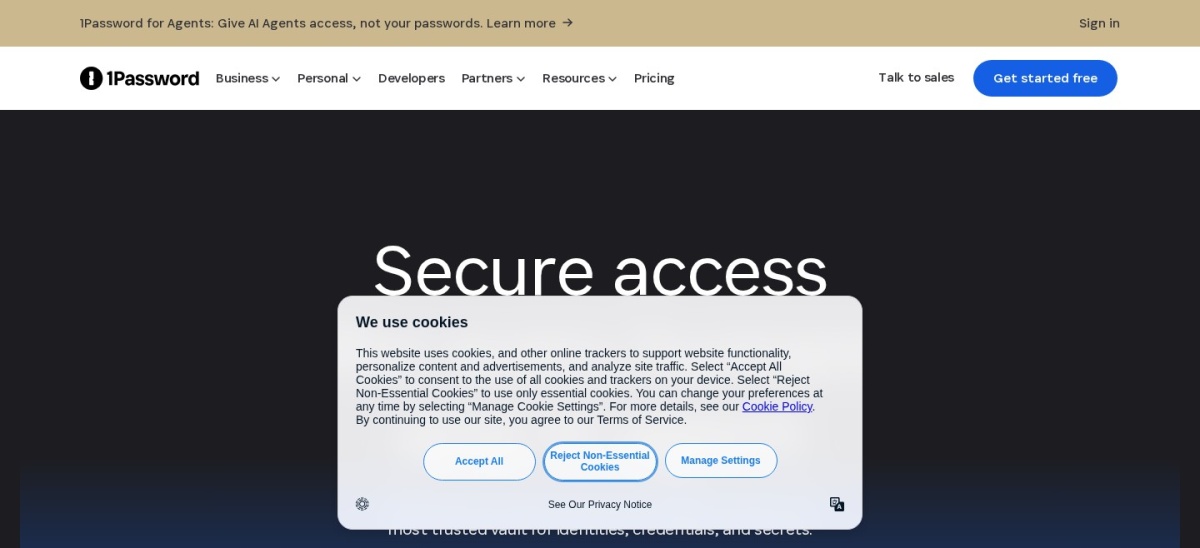
1Password is a password manager with a built-in generator that creates long random passwords and memorable passphrases, plus passkeys. Individual costs $47.88 a year and covers one person on unlimited devices, with 1 GB of document storage, Watchtower breach alerts and a Secret Key that protects the vault even if the master password leaks.
The trade off is price and the lack of a free plan. Individual rose from $35.88 to $47.88 a year in March 2026, and new customers pay $2.99 a month for the first year before it renews at $3.99. It suits people who want the most polished apps and do not mind paying for them.
What we like
Strongest generator and autofill in this list
Watchtower alerts you to weak and breached passwords
Secret Key protects the vault if the master password leaks
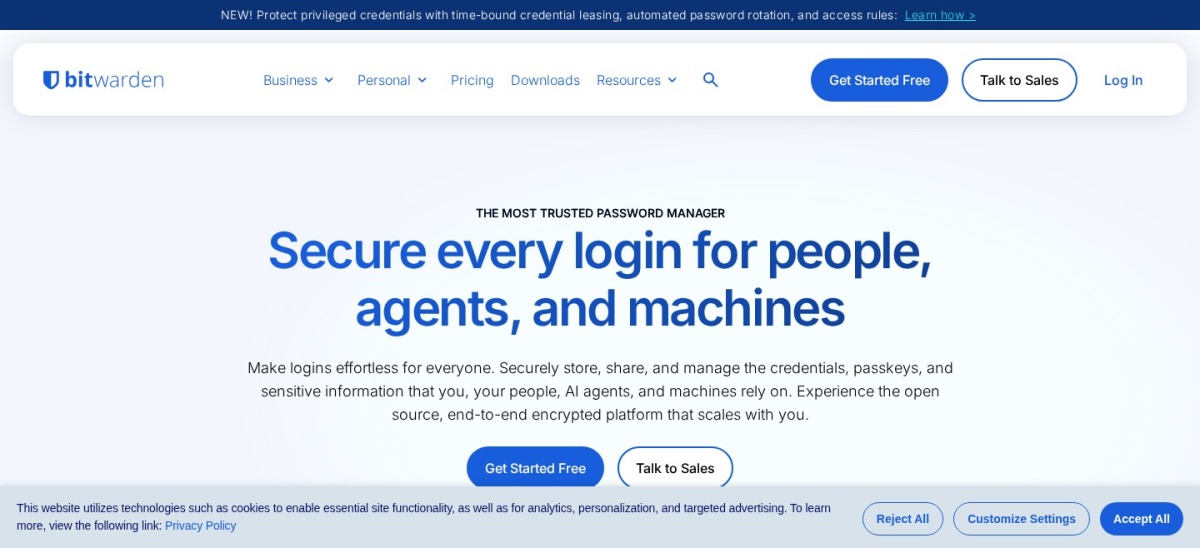
Bitwarden is an open-source password manager with a built-in generator for passwords and passphrases. The free plan covers unlimited passwords on unlimited devices, and Premium costs $19.80 a year, adding a built-in authenticator, vault health reports, emergency access and 5 GB of file storage.
The trade off is polish. Autofill and the interface feel plainer than 1Password, and Premium nearly doubled from $10 to $19.80 a year in January 2026. It suits anyone who wants a free plan with no device limit and the lowest paid price in this list.
What we like
Free plan covers unlimited passwords and devices
Open source with regular third-party audits
Lowest paid price in this list at $19.80 a year
Self-hosting option for full control
Watch out for
Interface feels plainer than 1Password
Premium price nearly doubled in January 2026
Some features need Premium, including the authenticator
Premium adds the authenticator, health reports and 5 GB storageVisit bitwarden.com
03
Dashlane
4.5/5on G2 (628 reviews, checked Nov 2026)
Starts at$64.99/yr
Best bundle with VPN and monitoring
Free planNo, 14-day trial
Built-in generatorYes, passwords and passphrases
PasskeysYes, stored and synced
Paid planPremium, $64.99/yr
dashlane.com
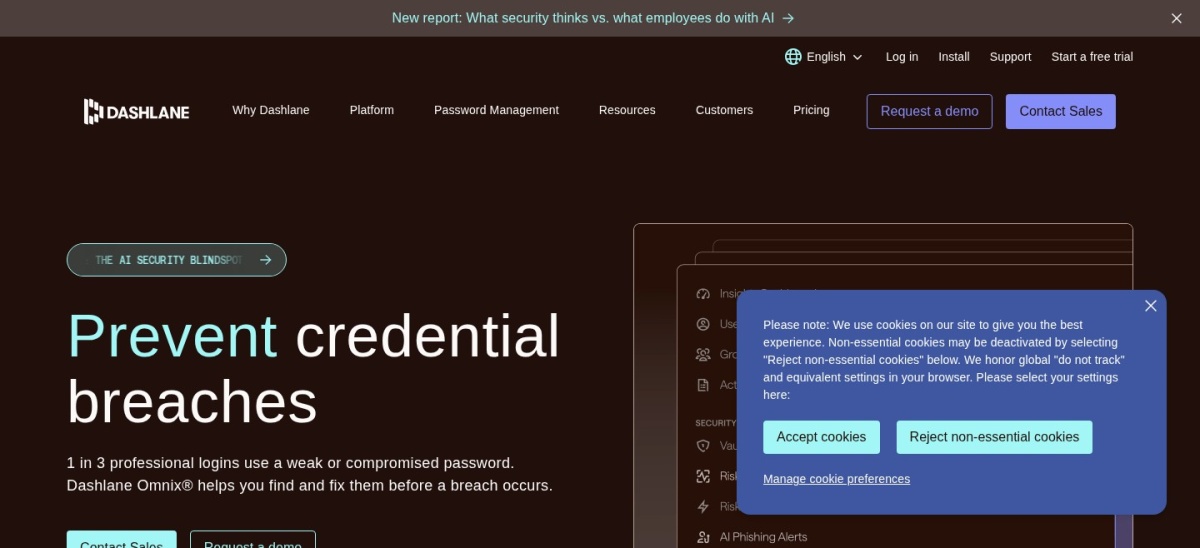
Dashlane homepage, captured Nov 2026.
Dashlane is a password manager with a built-in generator, dark web monitoring, phishing alerts and a VPN for public Wi-Fi in every paid plan. Premium costs $64.99 a year for one person on unlimited devices, with passkeys, secure sharing and 1 GB of encrypted storage.
The trade off is price and the missing free plan. Dashlane ended its free tier in September 2025, so a 14-day trial is the only way to try it before paying the highest price in this list. It suits people who want monitoring and a VPN bundled with their vault.
What we like
VPN, dark web monitoring and phishing alerts included
Password health score with steps to fix weak logins
Family plan covers 10 people, more than most rivals
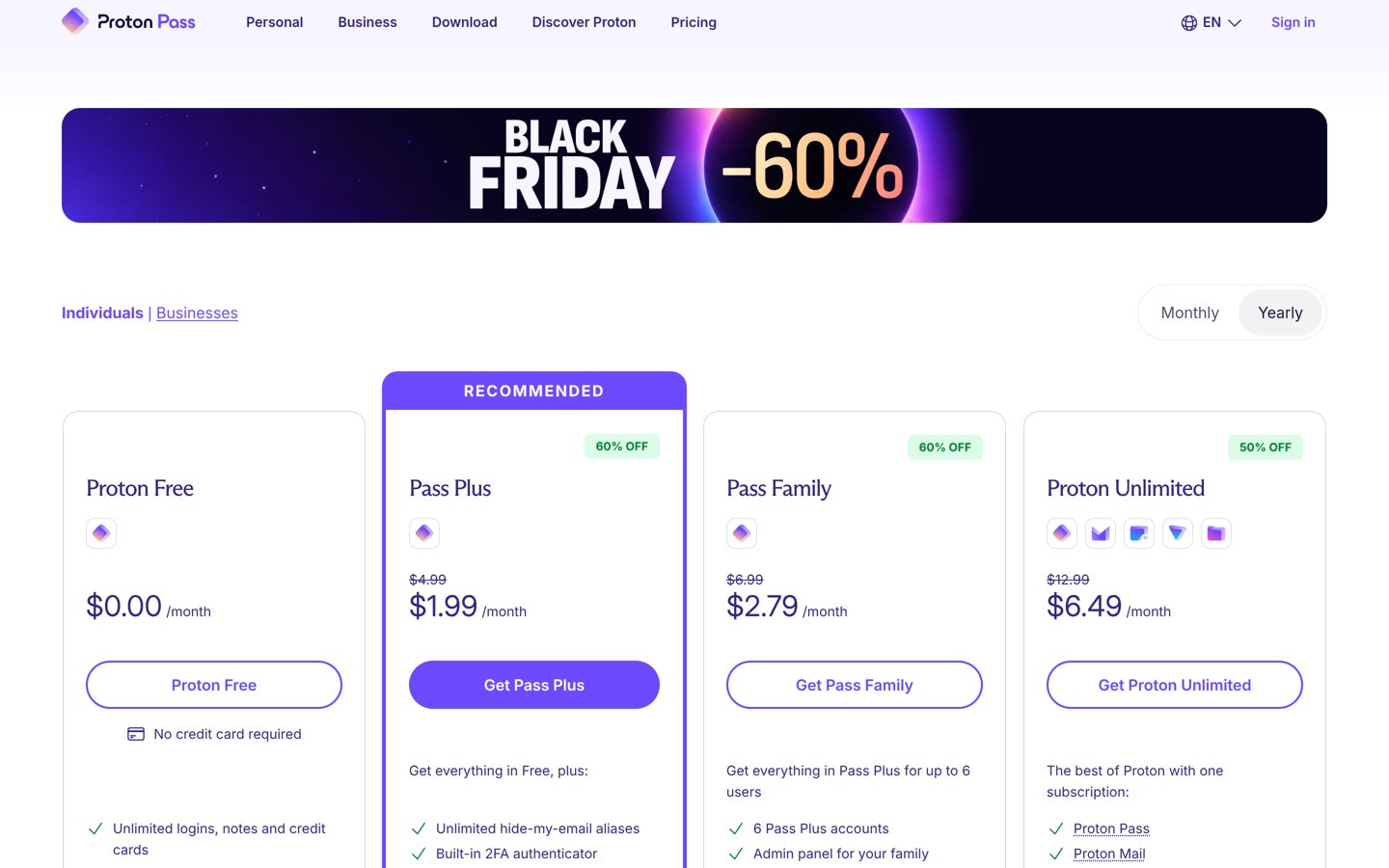
Proton Pass is an open-source password manager from the team behind Proton Mail, with a built-in generator and passkey support. The free plan covers unlimited logins on unlimited devices plus 10 hide-my-email aliases, and Pass Plus costs $35.88 a year.
The trade off is that the free plan stops at two vaults, and the authenticator, dark web monitoring and unlimited aliases need Pass Plus. It suits people who want a strong free plan and a privacy-first vault with no ads or tracking.
What we like
Strong free plan with unlimited logins and devices
Hide-my-email aliases protect your real address
Open source and end-to-end encrypted
Watch out for
Free plan stops at two vaults
Only 127 G2 reviews, far fewer than the big names here
No trial of the paid plan, only a 30-day refund window
Pass Plus adds the authenticator, monitoring and file attachmentsVisit proton.me
05
NordPass
4.5/5on G2 (643 reviews, checked Nov 2026)
Paid from$35.88/yr
Best low-cost premium plan
Free planYes, one device
Built-in generatorYes, passwords and passphrases
PasskeysYes, stored and synced
Paid planPremium, $35.88/yr
nordpass.com
NordPass homepage, captured Nov 2026.
NordPass is a password manager from the team behind NordVPN, with a built-in generator, passkeys and XChaCha20 encryption. The free plan works on one active device at a time, and Premium renews at $35.88 a year, adding Password Health, a Data Breach Scanner, an authenticator and email masking.
The trade off is pricing that changes with the term. Web prices vary by sale and contract length, and the November 2026 offer showed $1.39 a month on a 27-month term, so check the renewal figure at checkout. It suits NordVPN users and anyone who wants a low-cost premium plan.
What we like
Clean, simple apps on every platform
Password Health and breach scanner in Premium
Family plan covers six people
Watch out for
Free plan works on one device at a time
Renewal prices are not shown on the pricing page
Latest public audit reports date from 2020 and 2021
Premium adds health checks, breach alerts and email maskingVisit nordpass.com
06
Keeper
4.6/5on G2 (1,235 reviews, checked Nov 2026)
Paid from$42.99/yr
Best for secure sharing
Free planYes, 10 records
Built-in generatorYes, passwords and passphrases
PasskeysYes, stored and synced
Paid planUnlimited, $42.99/yr
keepersecurity.com
Keeper homepage, captured Nov 2026.
Keeper is a zero-knowledge password manager with a built-in generator, passkeys and secure sharing. The free plan holds 10 records on one mobile device, and Keeper Unlimited costs $42.99 a year for one person on unlimited devices, with emergency access and 24/7 support.
The trade off is add-ons. Dark web monitoring through BreachWatch costs extra, and the free plan is too small for daily use, so the 30-day trial is the real way to try it. It suits people who want strong sharing controls and round-the-clock support.
What we like
Strong sharing controls and emergency access
24/7 support included in paid plans
Zero-knowledge vault with no breach on record
Watch out for
Dark web monitoring costs extra as BreachWatch
Free plan holds only 10 records on one phone
Prices rose from $34.99 to $42.99 a year in early 2026
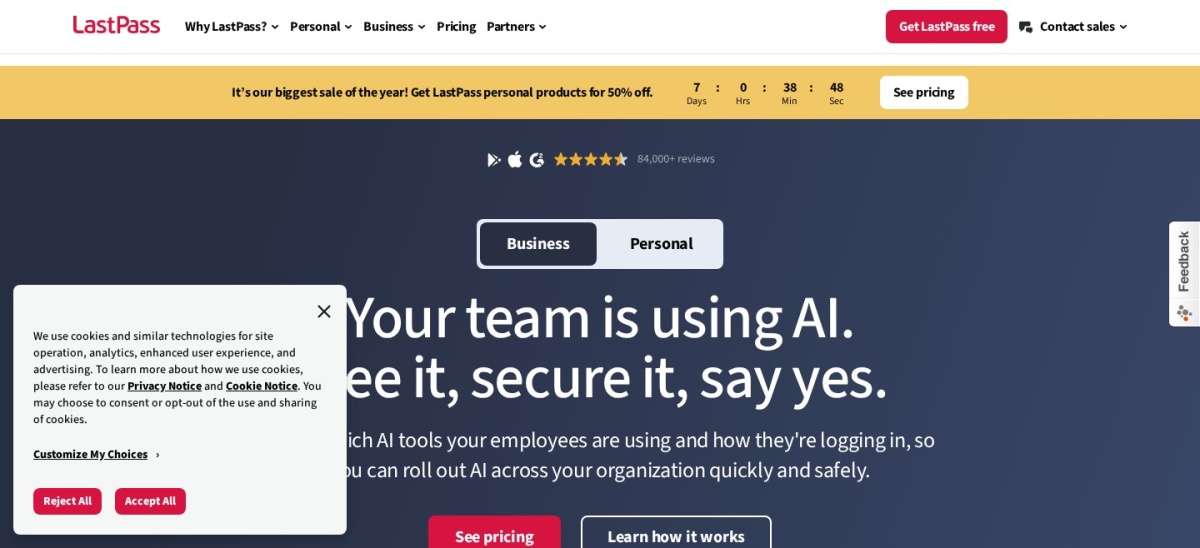
LastPass is a long-running password manager with a built-in generator and passkey support. The free plan covers unlimited passwords on one device type, computers or phones, and Premium costs $36 a year, adding sync across all devices, sharing with several people, emergency access and 1 GB of file storage.
The trade off is trust. LastPass lost encrypted vault backups in a 2022 breach, and its 4.5 G2 rating is one of the lowest in this list. It suits existing users and families, with Families covering six people for $48 a year.
What we like
Largest review base here, 2,080 G2 reviews
Families covers six people for $48 a year
Emergency access included in Premium
Watch out for
Lost encrypted vault backups in a 2022 breach
Free plan works on one device type only
Autofill errors are a common complaint on G2
Premium adds sync across devices, sharing and 1 GB storageVisit lastpass.com
08
RoboForm
4.6/5on G2 (758 reviews, checked Nov 2026)
Paid from$29.88/yr
Best form filling
Free planYes, one device
Built-in generatorYes, passwords and passphrases
PasskeysYes, stored and synced
Paid planPremium, $29.88/yr
roboform.com
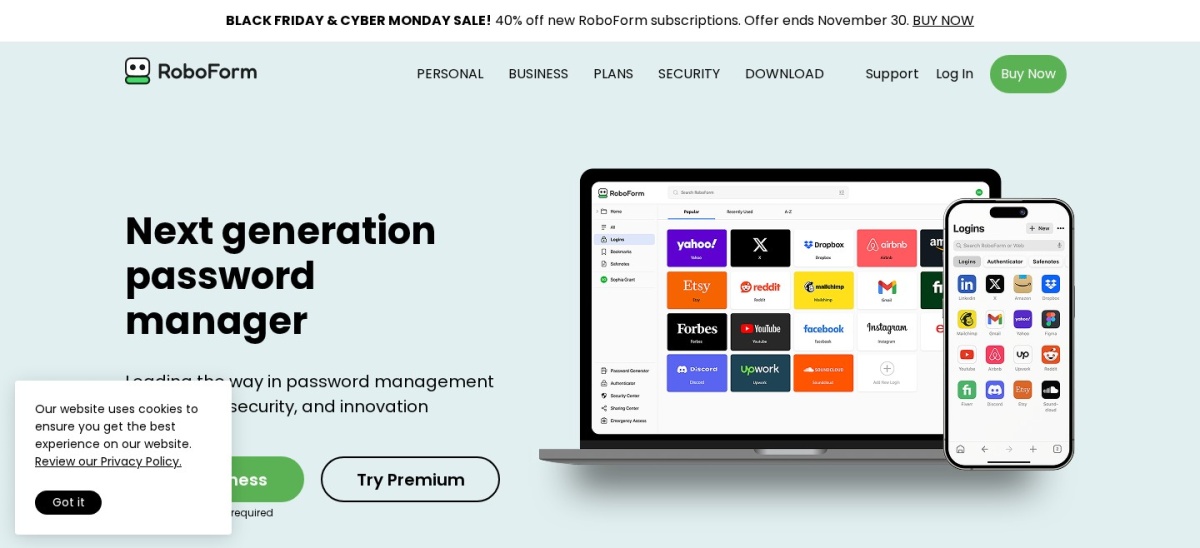
RoboForm homepage, captured Nov 2026.
RoboForm is a password manager and form filler with a built-in generator, passkeys and one-click logins. The free plan covers unlimited passwords on one device, and Premium renews at $29.88 a year, adding cloud backup, access on all devices, secure sharing, emergency access and breach monitoring.
The trade off is the interface, which looks dated next to newer rivals, and the first-year discount: new users currently pay $18 for year one with 40% off. It suits people who fill in lots of web forms and want a low renewal price.
What we like
Best form filling in this list
Low renewal price at $29.88 a year
Family plan covers five Premium accounts for $47.75 a year
Watch out for
Interface looks dated next to newer rivals
Free plan works on one device only
Business plan costs more per user than the personal plans
Enpass is an offline-first password manager with a built-in generator and passkey support. It runs no servers: your vault lives on your own device and syncs through cloud storage you already own. The free plan holds 25 items in one vault, and Individual costs $23.99 a year.
The trade off is setup and thin reviews. You arrange your own sync and backups, and Enpass has only 27 G2 reviews, the thinnest base in this list. It suits privacy-first buyers who want their vault off vendor servers.
What we like
Vault never sits on a vendor server
Works fully offline with your own cloud sync
Three-year plan costs $47.99, about $16 a year
Watch out for
Only 27 G2 reviews, the thinnest base here
You arrange your own sync and backups
Free plan holds only 25 items in one vault
Individual adds unlimited items and vaults on all devicesVisit enpass.io
Free vs paid: what you give up
Free plans in this list range from generous to barely usable. Bitwarden and Proton Pass give you unlimited logins on unlimited devices for free, while Keeper caps its free plan at 10 records on one phone.
Paid plans mostly add sync, sharing and monitoring. The cheapest is Bitwarden Premium at $19.80 a year; the dearest is Dashlane Premium at $64.99.
Watch the renewal price, not the headline. 1Password, Bitwarden and Keeper all raised prices in 2026, and NordPass and RoboForm show sale prices that renew higher.
If you only need a generator for one computer, a free plan may be enough. If your passwords must follow you to your phone, budget for a paid plan.
How we chose
We started from the password managers with the largest G2 review counts, then kept those with a built-in generator, apps for the main platforms and a current personal plan.
Prices come from each vendor's pricing page or a dated third-party read of it, checked on 25 November 2026. Ratings and review counts come from G2 on the same day. Where a vendor shows a sale, the list shows the regular price.
We left out business-only products and tools aimed at teams rather than individuals. No vendor paid for a place, and we do not claim to have used these tools ourselves.
How to choose a password generator app
Start with the devices you use every day, then check the free plan limits.
Check the free plan limits. Bitwarden and Proton Pass sync unlimited logins for free, while LastPass free works on one device type and Keeper free holds 10 records.
Pick a generator you will actually use. Set a default length of at least 16 characters with symbols, and use passphrases of random words for accounts you type by hand.
Turn on two-factor authentication. Add 2FA to the vault itself and to your most important accounts, so a stolen master password alone cannot open it.
Check the renewal price before you pay. Sale prices for 1Password, NordPass and RoboForm renew higher, so read the renewal figure at checkout.
FAQ
What is the best password generator app?
1Password is the best password generator app for most people. Its generator makes long random passwords and memorable passphrases, it stores passkeys, and it is rated 4.6 out of 5 on G2 from 1,824 reviews. Bitwarden is the best free alternative, and Dashlane is the best bundle.
Is there a free password generator app?
Yes. Bitwarden and Proton Pass both offer free plans with unlimited logins on unlimited devices, and both include a built-in generator and passkey support. LastPass, Keeper, NordPass, RoboForm and Enpass also have free plans, but each limits devices, records or items.
Are password generator apps safe?
Yes, if the generator is random and the vault is encrypted. All nine tools here use end-to-end encryption, so only you can open the vault with your master password. Use a long master password, turn on two-factor authentication, and keep a backup of your recovery details.
What is the cheapest password generator app?
Bitwarden Premium is the cheapest paid plan in this list at $19.80 a year, after rising from $10 in January 2026. Enpass Individual costs $23.99 a year, and RoboForm Premium renews at $29.88 a year. Bitwarden and Proton Pass also have free plans with unlimited logins.
Do password managers generate passphrases too?
Yes. Every tool in this list can generate passphrases made of random words, which are easier to type and remember than a string of symbols. Set the generator to at least four or five words, and use passphrases for accounts you still type by hand.
Should I use the password generator in my browser instead?
A browser generator works, but it ties your passwords to that browser and usually lacks passkeys, sharing and breach alerts. A dedicated app syncs across browsers and devices, so your passwords follow you if you switch browsers or phones.
SaaS SEO and WordPress specialist with about 8 years of experience. Rakib compares WordPress plugins, themes, hosting and software using public pricing, documentation and user reviews. See how we rank.