Verkada is the best physical security software for most sites, unifying cameras, access control and alarms in Command and rated 4.7 out of 5 on G2. Pick Rhombus for published per-camera pricing, or Kisi for phone-based access from $99 a month.
How we make this list: we compare pricing pages, product documentation and public user reviews, then re-check every price before each update. No product paid for a place. Disclosure.
Verkada leads on breadth: cameras, access, alarms, intercoms and sensors in one dashboard, rated 4.7/5 on G2.
Rhombus is the only camera-first pick with fully published prices: $149 per camera per year for the Professional license.
Coram AI has the highest G2 rating in the list at 4.9/5, and it adds AI search to cameras you already own.
Kisi is the cheapest published starting price at $99 a month, though hardware is extra.
Six of the nine tools publish no prices at all, so budget on a dealer or sales quote, not a list price.
What physical security software should cover
Physical security software runs the cameras, door readers, alarms and sensors that guard a building. The best platforms put all of them in one dashboard, so one alert can show the video, the door event and the person involved.
Most of these tools are sold with hardware, and the software is a yearly license per camera or per door. That license is the real recurring cost: Verkada lists $249 per camera per year, Rhombus $149, and Kisi $99 a month for its entry plan.
Ratings in this list come from G2, checked on 25 November 2026. Cloud tools need internet for admin changes, so check what still works offline before you buy.
Free plans do not exist in this niche. Every tool here charges a license, and most charge for hardware too, so compare the yearly license first and the hardware second.
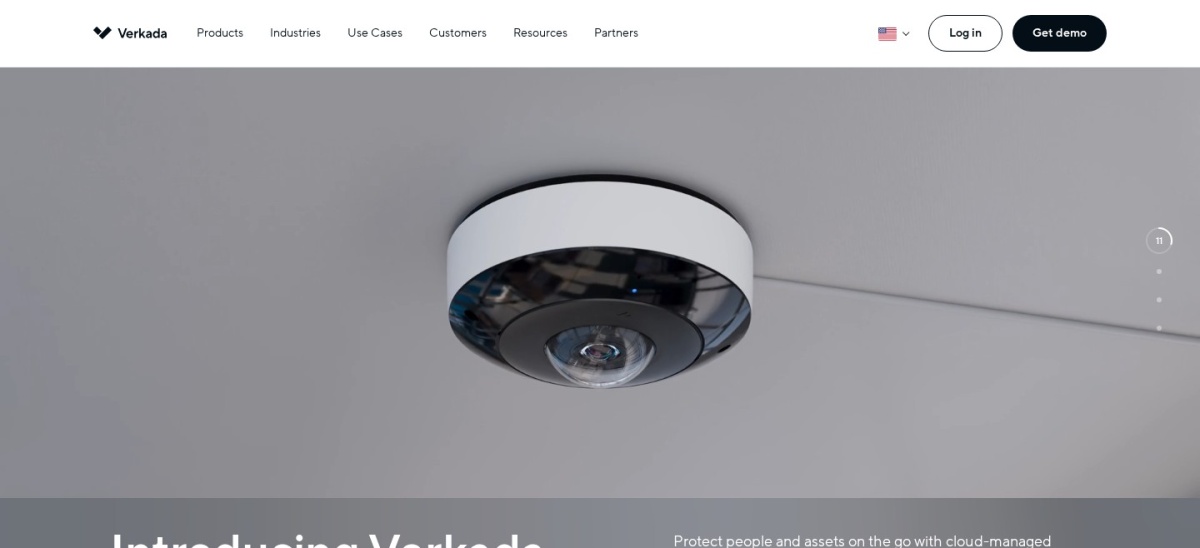
Verkada is a cloud platform that runs cameras, access control, alarms, intercoms and sensors from one dashboard, Command. More than 30,000 organizations use it, and every camera stores footage on the device, so there is no recorder to buy. A 30-day trial covers one device with full access to Command.
The trade off is cost and lock-in. The camera license lists at $249 per camera per year on a 1-year term, and the hardware starts at $699 per camera, so a small site still spends four figures before installation. It suits teams that want one vendor for cameras, doors and alarms and can fund the hardware up front.
What we like
One dashboard for cameras, doors, alarms and sensors
Footage stays on the camera, so no NVR is needed
Rated 4.7 out of 5 from 163 G2 reviews
24/7 support included with the license
Watch out for
Hardware and license are both mandatory, so costs add up
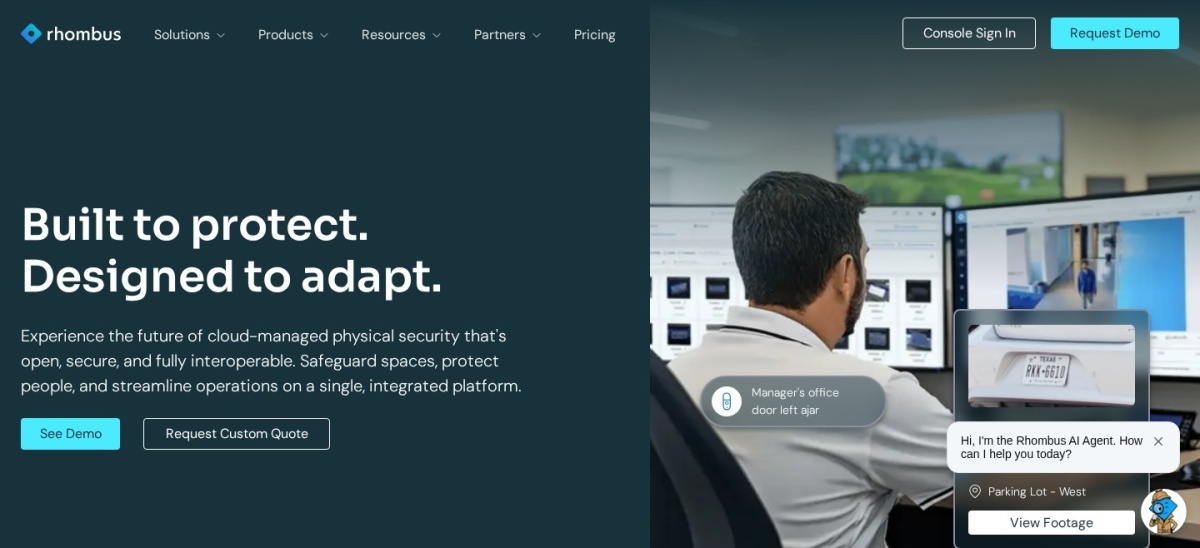
Rhombus is a cloud-managed security platform that covers cameras, door access, environmental sensors and alarm monitoring from one console. Its cameras store footage on the device, so no recorder or server is needed, and the public API has about 900 endpoints for integrations.
The trade off is the per-camera license. The Professional license costs $149 per camera per year, and a camera without an active license stops working, so the fee never ends. It suits multi-site teams that want published prices and a single console for cameras, doors and sensors.
What we like
Published hardware and license prices
Most reviewed tool in this list, 667 G2 reviews
10-year warranty on cameras
Works with third-party cameras through the N100 Relay
Watch out for
License is required for cameras to work at all
AI features need the Enterprise license
Annual per-camera fees add up across many sites
Enterprise license adds AI features and cloud archivingVisit rhombus.com
03
Coram AI
4.9/5on G2 (224 reviews, checked Nov 2026)
PricingCustom/yr
Best AI search on your existing cameras
Works withAny IP camera, no swap needed
AI searchNatural-language video search
Access controlYes, plus guest management
ComplianceSOC 2 Type II, HIPAA
coram.ai
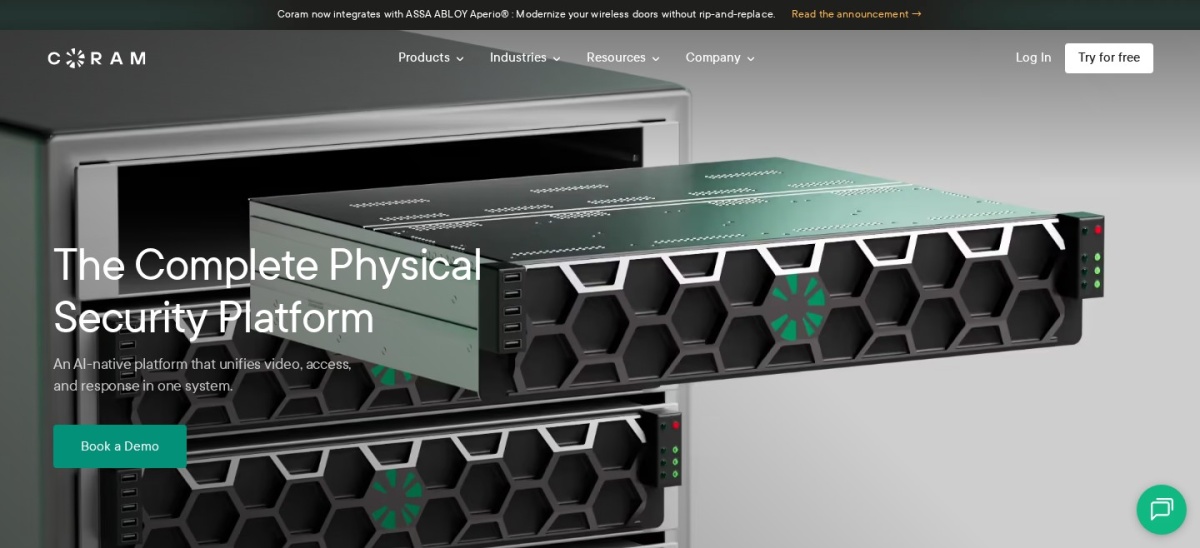
Coram AI homepage, captured Nov 2026.
Coram AI is an AI physical security platform that adds natural-language video search, weapon detection and license plate reading to the IP cameras a site already owns. Its video, access control, guest management and emergency tools run from one dashboard, and the search runs on a Coram Point appliance on site.
The trade off is youth and pricing. Coram is a newer vendor that raised a $35 million Series B in June 2026, and it publishes no prices, so every deal is quoted. It suits schools and workplaces that want AI search without replacing their cameras.
What we like
Highest G2 rating in this list, 4.9 from 224 reviews
Search footage by describing it in plain language
No camera replacement needed
Weapon and slip-and-fall detection included
Watch out for
No published pricing; every deal is quoted
Newer vendor than Verkada or Avigilon
Some G2 reviewers report occasional software freezes
Try it free, then get a quote for your camera countVisit coram.ai
04
Avigilon Alta
4.6/5on G2 (34 reviews, checked Nov 2026)
PricingCustom/yr
Best mobile-first access control
Access controlCloud-native, mobile-first
VideoYes, with Alta Video
Integrations100+ apps
Alarms100 on Premium, 500 on Enterprise
avigilon.com
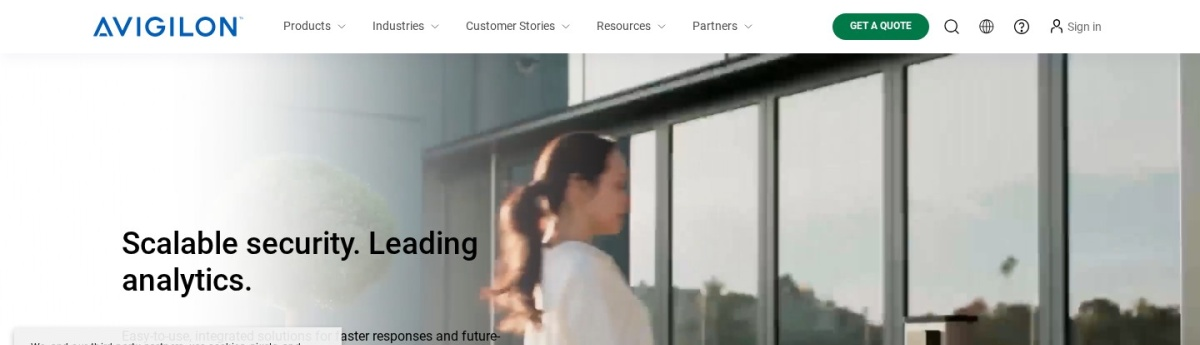
Avigilon Alta homepage, captured Nov 2026.
Avigilon Alta is Motorola Solutions' cloud access control platform, formerly Openpath. Staff unlock doors with a phone wave or tap instead of a badge, and the same dashboard covers video, intercoms and alarms, with more than 100 integration apps.
The trade off is price and channel. Avigilon publishes no price list, so cost comes as a dealer quote, and third-party estimates put installed doors at $2,500 to $5,000 each. It suits offices that want phone-first entry and already buy through a Motorola channel partner.
What we like
Phone unlock with no badge to lose
Doors keep working offline
Backed by Avigilon, trusted by 100,000+ organizations
Watch out for
No published prices; dealer quote only
Readers use OSDP only, so old wiring may need work
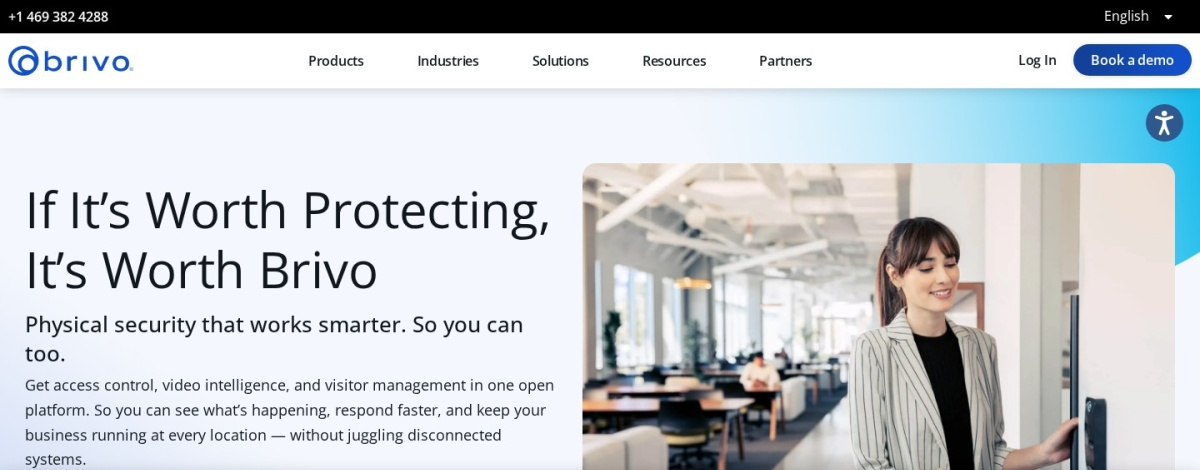
Brivo is a cloud access control platform that manages doors, cameras, visitors and alerts for more than 100,000 locations in 80 countries. Its open API links to over 400 partner systems, from HR software to property tools, and it works with readers from other makers.
The trade off is quoted pricing. Brivo publishes no manufacturer prices, so every deal comes through a certified dealer, and third-party estimates start near $13.50 per door per month. It suits portfolios with many doors that want open hardware and one login for every site.
Spot AI is a camera-agnostic video platform that turns existing IP cameras into AI agents. It watches every feed, flags the moments that matter, and can trigger talk-downs, alerts and workflows, while its Iris agent answers questions about footage in plain language.
The trade off is that pricing is not published. G2 lists a Basic plan at $1,500 a year, but Spot AI sells through its own sales team, so the real figure depends on camera count and storage. It suits operations teams that want AI monitoring without replacing cameras.
What we like
Works with the cameras you already own
AI search and case tools speed up incident review
1,000+ customers, from retail to construction
Rated 4.8 out of 5 from 75 G2 reviews
Watch out for
No published pricing
Clip downloads can be slow, per G2 reviewers
AI can mistake objects for people
G2 lists Basic at $1,500 a year; confirm with salesVisit spot.ai
07
Alarm.com for Business
4.5/5on G2 (25 reviews, checked Nov 2026)
PricingCustom/yr
Best for intrusion plus video in one app
CoverageIntrusion, access, video, energy
Multi-siteOne Enterprise Dashboard
InstallThrough authorized dealers
VideoYes, with alarm verification
alarm.com
Alarm.com for Business homepage, captured Nov 2026.
Alarm.com for Business is a dealer-installed platform that puts intrusion alarms, door access, video and energy controls in one dashboard. Its Enterprise Dashboard gives multi-location teams one view of every site, and video clips verify alarms before a false alarm is cancelled.
The trade off is the dealer model. Everything is sold and installed through authorized service providers, so there is no published price and no self-install option. It suits retail and restaurant chains that want one provider for alarms, doors and cameras at every store.
Kisi is a cloud access control platform whose One Security Platform starts at $99 a month for up to 2 doors and 10,000 users. Staff unlock doors with a phone tap, Apple Wallet or card, and the same dashboard adds visitor management, video and intrusion detection.
The trade off is that hardware is extra. Readers, controllers and installation are quoted separately, and the $99 plan covers the software only. It suits small offices, gyms and coworking spaces that want phone-first access with a published starting price.
What we like
Only tool in this list with a published price
Apple Wallet badges included
Works offline if the internet drops
Watch out for
Hardware and installation cost extra
Entry plan covers only 2 doors
G2 reviewers call it pricey for small budgets
Enterprise plans are quoted; annual contracts get discountsVisit getkisi.com
09
Eagle Eye Networks
4.4/5on G2 (83 reviews, checked Nov 2026)
PricingCustom/yr
Best cloud VMS for existing cameras
CamerasWorks with 7,500+ models
SearchNatural-language video search
AI add-onsGun detection, LPR
StorageCloud, in Eagle Eye data centers
een.com
Eagle Eye Networks homepage, captured Nov 2026.
Eagle Eye Networks is a cloud video management system that works with more than 7,500 camera models, so most sites keep the cameras they already own. Its AI adds gun detection, license plate alerts and natural-language search, and video is encrypted in transit and at rest.
The trade off is storage cost. Eagle Eye publishes no prices, and G2 reviewers warn that the bill climbs with longer retention and higher resolution. It suits teams that want cloud video without new cameras and value the Brivo access control link.
What we like
Works with the cameras you already own
Natural-language search finds clips fast
24/7 global support with a real person
Watch out for
No published pricing
Storage costs rise with retention
G2 reviewers report cameras showing offline by mistake
Request a quote; storage length sets the priceVisit een.com
What the license really costs
Every tool here except Kisi charges per camera or per door, every year. Verkada lists $249 per camera per year and Rhombus $149, so ten cameras cost $2,490 or $1,490 a year before hardware.
Hardware is a separate one-time cost. Verkada cameras list from $699, Rhombus cameras from $399, and Kisi readers and controllers are quoted per door.
Six of the nine tools publish no price at all. Treat third-party estimates as budgeting guides only and get a written quote before you plan a rollout.
How we chose
We started from the G2 physical security category and vendor homepages, then kept nine established platforms that cover cameras, access control or both.
Prices come from each vendor's pricing page or G2 listing, checked on 25 November 2026. Ratings and review counts come from G2 on the same day. Where a vendor publishes no price, the list shows Custom and the text says so.
We left out tools with no public rating and vendors that sell hardware only. No vendor paid for a place, and we do not claim to have used these tools ourselves.
How to choose physical security software
Start with what you already own, then pick the platform that fits your doors and cameras.
Count your cameras and doors first. The license is charged per camera or per door, so your count sets the yearly cost before any quote.
Decide whether to keep your cameras. Coram AI, Spot AI and Eagle Eye Networks work with cameras you already own; Verkada and Rhombus need their own hardware.
Check what works when the internet drops. Some tools keep doors unlocking offline while admin changes wait for a connection. Ask the vendor before you sign.
Get the quote in writing. Six of these nine tools publish no price, so ask for the license, hardware and installation as separate lines.
FAQ
What is the best physical security software?
Verkada is the best overall pick for most sites. It unifies cameras, access control, alarms, intercoms and sensors in one dashboard, is rated 4.7 out of 5 on G2 from 163 reviews, and is used by more than 30,000 organizations.
How much does physical security software cost?
It depends on camera and door count. Published licenses run from $149 per camera per year at Rhombus to $249 at Verkada, while Kisi starts at $99 a month for software. Hardware is extra, and six of the nine tools here publish no price at all.
Can I keep my existing cameras?
Yes, with Coram AI, Spot AI and Eagle Eye Networks, which work with the IP cameras you already own. Verkada and Rhombus need their own cameras, though both sell an appliance that brings third-party cameras into their dashboards.
Do I need access control and cameras from one vendor?
No, but one dashboard is easier to run. Verkada, Rhombus, Brivo and Coram AI cover both, while Kisi and Avigilon Alta focus on doors and Spot AI and Eagle Eye Networks focus on video.
What happens if the internet goes down?
Doors usually keep working on cached credentials, but admin changes wait until the connection returns. Camera recording varies: Verkada and Rhombus store footage on the camera itself, so recording continues offline.
Is there a free physical security software option?
No. None of the nine tools in this list has a free plan. Verkada offers a 30-day trial with one device, Avigilon Alta Visitor has a 30-day trial, and Coram AI offers a free trial, but every tool needs a paid license to keep running.
SaaS SEO and WordPress specialist with about 8 years of experience. Rakib compares WordPress plugins, themes, hosting and software using public pricing, documentation and user reviews. See how we rank.