Best Tools for Measuring Live Chat Performance in 2026: 7 Tools Compared
WLWPLegible EditorsLast verified 22 Nov 2026How we rank6 min read
★ Short answer
LiveChat is the top pick for measuring live chat performance, offering team performance reports and chat topics insights starting at $19 per user per month billed annually. Pick Freshchat for a free tier up to 10 agents, or Crisp for flat workspace pricing at $45 per month.
How we make this list: we compare pricing pages, product documentation and public user reviews, then re-check every price before each update. No product paid for a place. Disclosure.
LiveChat Essential starts at $19 per user per month billed annually, while Growth ($79/user/mo) unlocks team performance reports and chat topics insights.
Freshchat offers a free plan for up to 10 agents, with Growth starting at $19 per agent per month billed annually ($228/yr per seat).
Crisp prices by workspace rather than per seat, starting at $45 per month for 4 seats on Mini and $95 per month for 10 seats on Essentials.
Zendesk Support Team starts at $19 per agent per month billed annually ($228/yr) and Suite Team at $55 per agent per month ($660/yr) for omnichannel chat and reporting.
HubSpot Service Hub Free supports up to 2 users, with Starter beginning at $20 per seat per month at the regular price ($240/yr).
What to look for when measuring live chat performance
Measuring live chat goes beyond counting incoming chats. Teams need first response time, average speed of answer, resolution rates, and post-chat satisfaction scores to see whether queues stay manageable and customers leave with answers.
Many tools gate granular reporting and historical retention behind higher tiers. A low entry price that lacks agent metrics, chat topic tags, or conversation history can leave managers guessing when volume rises.
Billing models shape real costs as your team grows. Per-seat plans scale with headcount, workspace plans step up in seat bundles, and AI resolution meters can add variable charges on top of base seats.
Choose software that matches where your conversations live. If chat connects to email, tickets, or CRM records, unified reporting prevents blind spots across channels.
The 7 best tools for measuring live chat performance
01
LiveChat
4.4/5on G2 (832 reviews, checked Nov 2026)
Starts at$19/mo
Best for dedicated chat metrics and team reports
Entry planEssential ($19/user/mo yearly)
Reporting tierGrowth ($79/user/mo yearly)
Free tier14-day trial (no free plan)
G2 rating4.4/5 (832 reviews)
livechat.com
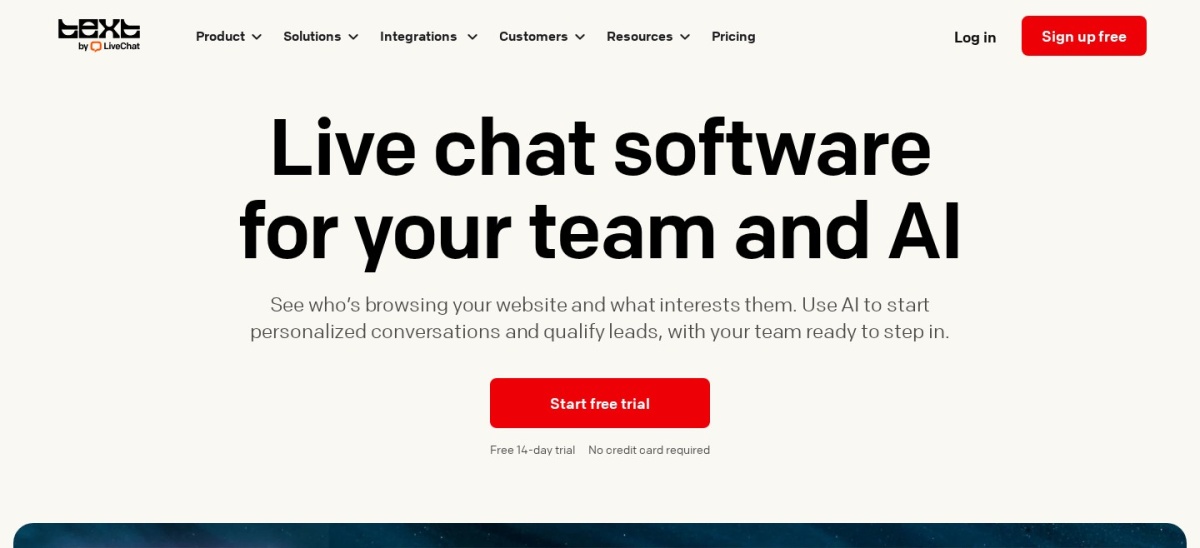
LiveChat homepage, captured Nov 2026.
LiveChat is live chat and inbox software built around real-time visitor engagement, shared inboxes, and AI agents. The Essential plan starts at $19 per user per month billed annually ($25 monthly) and includes 10 AI resolutions per month and 10,000 API calls.
The trade off is that team performance reports, chat topics insights, chat supervision, and unlimited chat history sit on Growth at $79 per user per month billed annually, which adds up across seats. It suits staffed support and sales teams that rely on live chat as a primary channel.
What we like
Clear focus on live chat workflows, agent queues, and conversation reporting
Includes AI Copilot and workflow automation from the entry plan
Rated 4.4 out of 5 across 832 G2 reviews
Watch out for
No permanent free plan, only a 14-day trial
Team performance reports and chat topics insights require the Growth tier
Extra packs of 50 AI resolutions cost $49.50
Growth ($79/user/mo yearly) adds team performance reports, chat topics insights, supervision, and unlimited chat history.Visit livechat.com
02
Freshchat
4.4/5on G2 (505 reviews, checked Nov 2026)
Paid from$19/mo
Best for a free tier up to 10 agents
Free plan$0 for up to 10 agents
Paid entryGrowth ($19/agent/mo yearly)
ReportingDashboards from Growth; custom on Pro
G2 rating4.4/5 (505 reviews)
freshworks.com
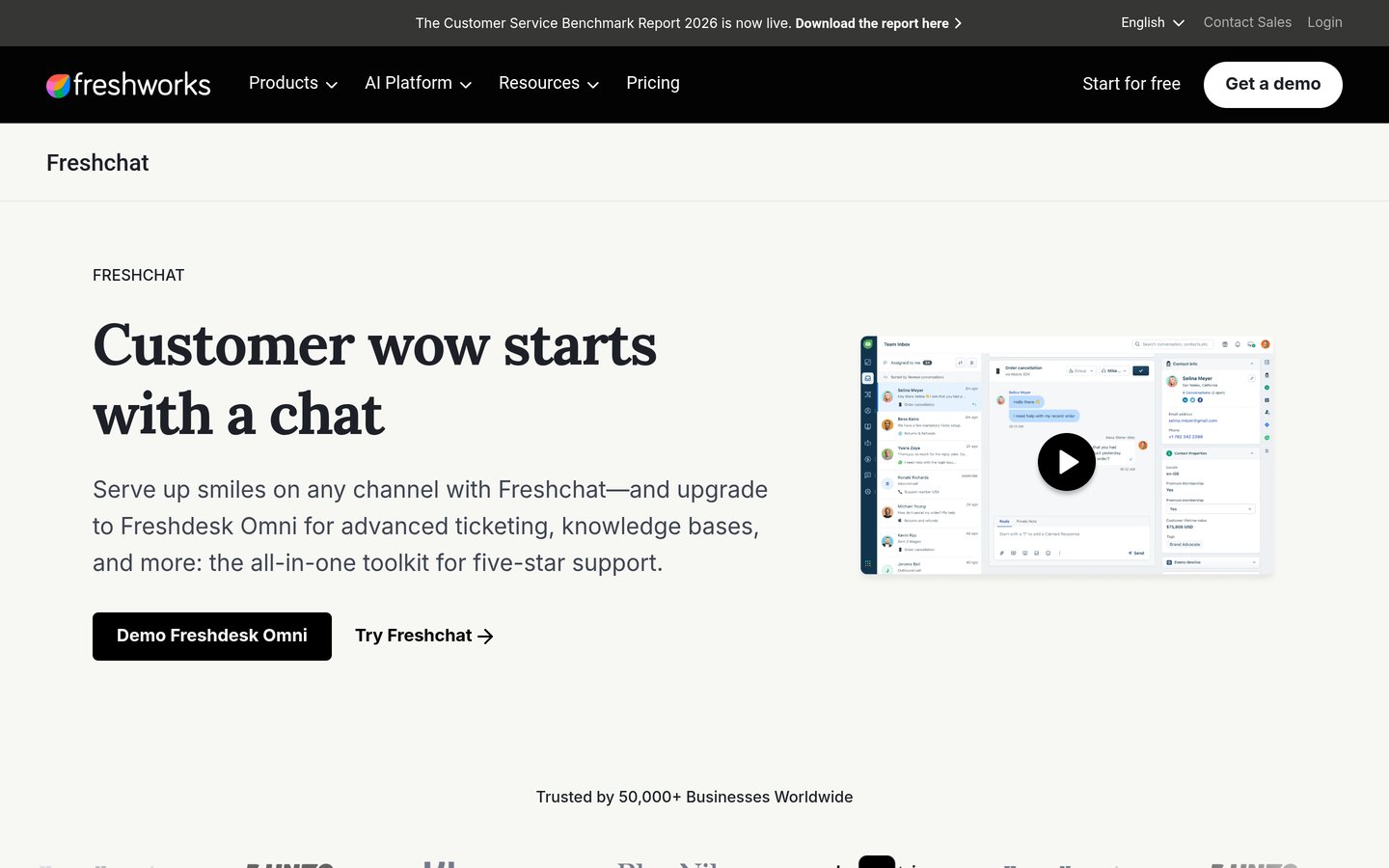
Freshchat homepage, captured Nov 2026.
Freshchat is Freshworks messaging and live chat software for web, mobile apps, email, and social channels. Its free plan covers up to 10 agents with a chat widget, shared inbox, and email, while Growth starts at $19 per agent per month billed annually.
The trade off is that reporting and dashboards start on Growth at $19 per agent per month billed annually, and custom dashboards plus intelligent routing sit on higher tiers. It suits small and mid-sized teams that want a generous free starting point across messaging channels.
What we like
Free plan supports up to 10 agents with a chat widget and shared inbox
Low entry paid rate at $19 per agent per month billed annually
Covers web, mobile, email, SMS, and social messaging channels
Watch out for
Custom dashboards and intelligent routing require Pro or higher
Freddy AI Agent sessions are billed separately at $49 per 100 sessions
Monthly billing costs roughly 20% more than annual billing
Growth ($19/agent/mo yearly) adds reporting dashboards, social messengers, and SMS; Pro ($49/agent/mo yearly) adds custom dashboards and routing.Visit freshworks.com
03
Crisp
4.5/5on G2 (207 reviews, checked Nov 2026)
Paid from$45/mo
Best for flat workspace pricing across small teams
Pricing unitPer workspace (4 seats on Mini)
Paid entryMini ($45/mo for 4 seats)
Free plan$0 for 2 seats, 100 profiles
G2 rating4.5/5 (207 reviews)
crisp.chat
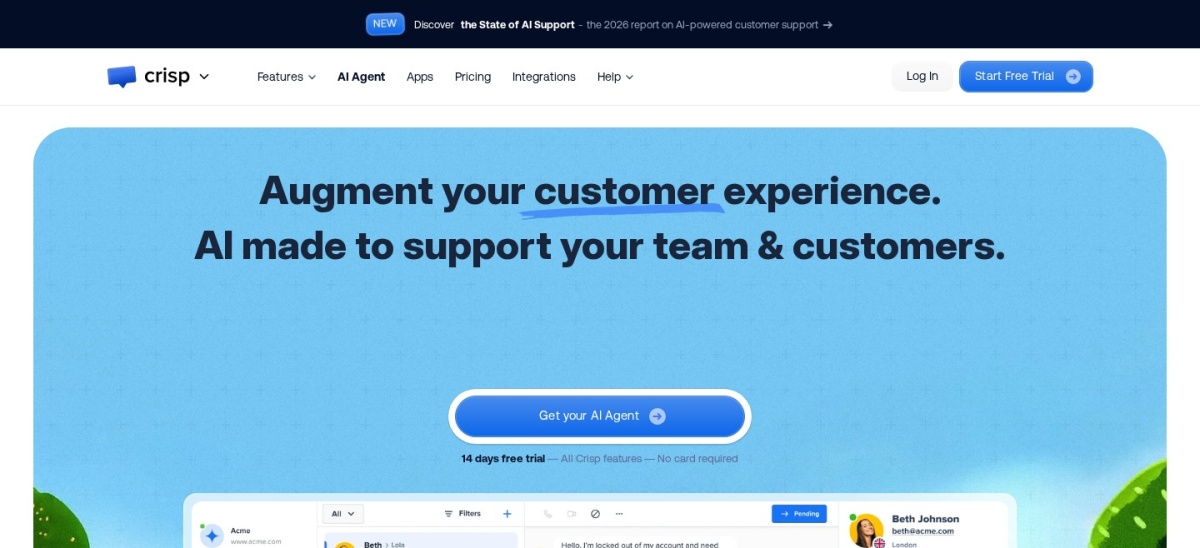
Crisp homepage, captured Nov 2026.
Crisp is a shared inbox and live chat platform priced per workspace rather than per individual seat. A free plan includes 2 seats and up to 100 customer profiles, while Mini costs $45 per month for 4 seats, 5,000 customer profiles, and $5 in monthly Hugo AI credits.
The trade off is that Mini costs $45 per month ($540/yr) and omits analytics and routing rules, which start on Essentials at $95 per month for 10 seats. It suits small teams and startups that prefer predictable workspace seat bundles.
What we like
Workspace pricing avoids paying per seat on every small headcount change
Mini includes unlimited conversation history and a custom-domain email inbox
Rated 4.5 out of 5 across 207 G2 reviews
Watch out for
Analytics and workflow routing are not included on the $45 Mini plan
Free plan caps stored customer profiles at 100
AI credits beyond the included monthly allowance add extra cost
Essentials ($95/mo for 10 seats) adds analytics, workflow routing, a knowledge base, and $25 in monthly AI credits.Visit crisp.chat
04
Tidio
4.6/5on G2 (2,168 reviews, checked Nov 2026)
Paid from$29/mo
Best for small stores tracking conversation volume
Paid entryStarter ($29/mo billed monthly)
Billing modelConversation-based tiers up to 10 agents
Free plan$0 with 50 billable chats/mo
G2 rating4.6/5 (2,168 reviews)
tidio.com
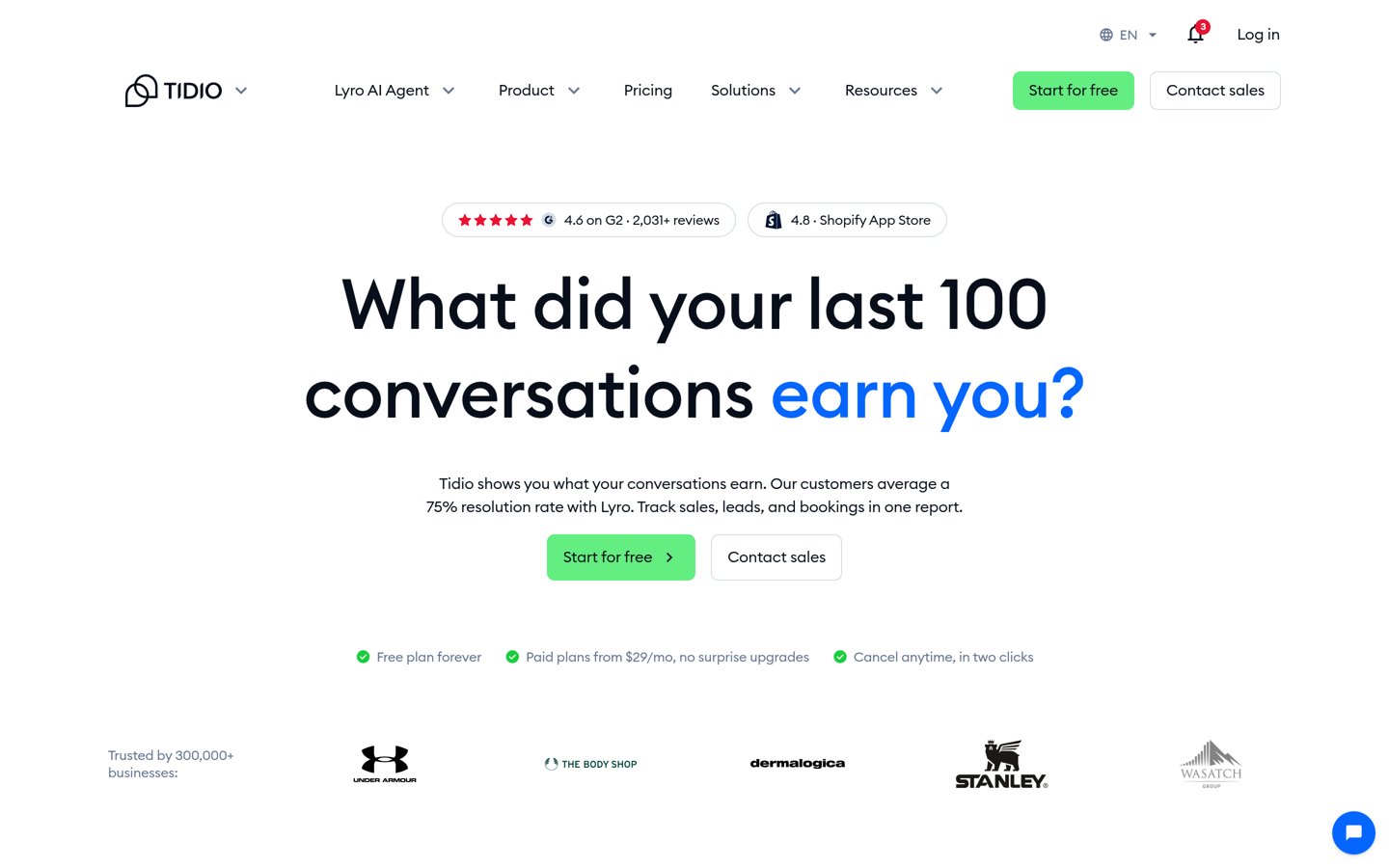
Tidio homepage, captured Nov 2026.
Tidio combines a live chat widget, shared inbox, and automation flows for small and growing businesses. Its free plan includes 50 billable conversations per month, and Starter starts at $29 per month billed monthly ($24.17/mo billed yearly) for 100 billable conversations.
The trade off is that Starter costs $29 per month ($348/yr) and ties usage to billable human conversations, with Lyro AI conversations billed separately from $0.50 each. It suits small online stores and lean teams that want fast setup and high review ratings.
What we like
Strong user rating at 4.6 out of 5 across 2,168 G2 reviews
Self-serve plans allow up to 10 agents without per-seat jumps
Includes a free tier and a 7-day trial on paid plans
Watch out for
Billable human conversation limits can constrain busy support queues
Lyro AI conversations are metered separately after a one-time 50-chat allowance
Higher-volume Growth and Plus plans jump substantially in price
Growth (from $59/mo monthly) raises billable conversation allowances up to 2,000 and expands automation options.Visit tidio.com
05
Zendesk
4.3/5on G2 (7,131 reviews, checked Nov 2026)
Starts at$19/mo
Best for omnichannel chat alongside ticketing
Entry planSupport Team ($19/agent/mo yearly)
Chat suiteSuite Team ($55/agent/mo yearly)
Free tier14-day trial (no free plan)
G2 rating4.3/5 (7,131 reviews)
zendesk.com
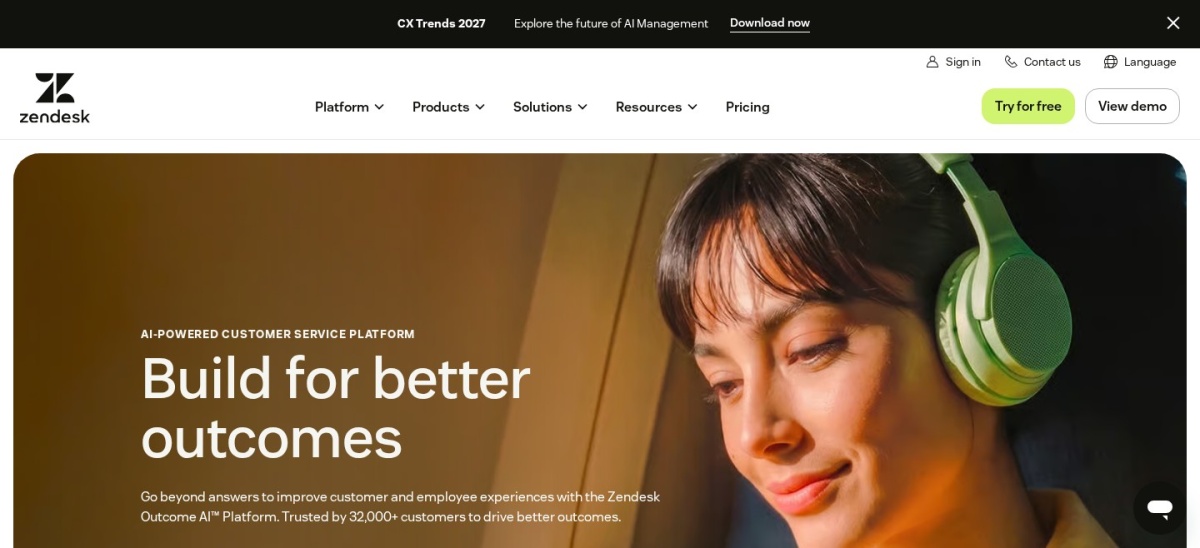
Zendesk homepage, captured Nov 2026.
Zendesk is a customer service and ticketing platform that unifies email, messaging, live chat, and voice workflows. Support Team starts at $19 per agent per month billed annually for core ticketing and prebuilt analytics dashboards, while Suite Team starts at $55 per agent per month billed annually for messaging and live chat.
The trade off is that live chat and omnichannel routing require Suite Team at $55 per agent per month billed annually rather than the $19 entry tier, and add-ons cost extra. It suits support teams that need chat metrics inside a broader ticketing operation.
What we like
Large review footprint with 4.3 out of 5 across 7,131 G2 reviews
Prebuilt analytics dashboards included from the entry tier
Scales across ticketing, live chat, and voice for larger teams
Watch out for
Messaging and live chat start on Suite Team ($55/agent/mo yearly), not the $19 plan
No permanent free tier beyond a 14-day trial
Per-seat pricing plus AI and workforce add-ons can grow expensive
Suite Team ($55/agent/mo yearly) adds messaging, live chat, AI agents, and omnichannel routing.Visit zendesk.com
06
HubSpot Service Hub
4.4/5on G2 (2,500+ reviews, checked Nov 2026)
Paid from$20/mo
Best for tying live chat to CRM contacts
Paid entryStarter ($20/seat/mo)
Free plan$0 for up to 2 users
CRM linkBuilt on HubSpot Smart CRM
G2 rating4.4/5 on G2
hubspot.com
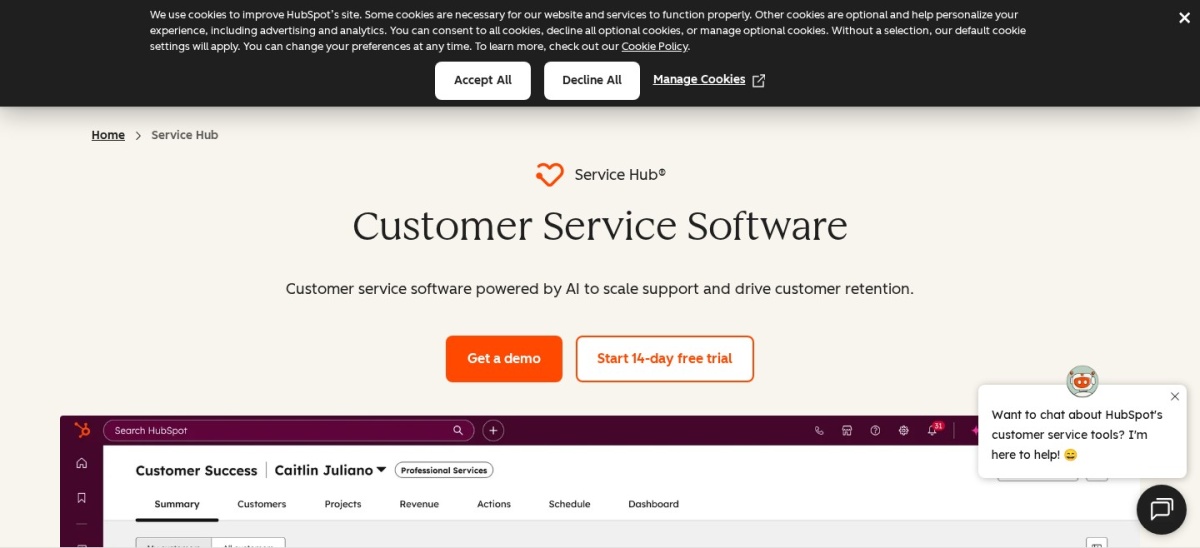
HubSpot Service Hub homepage, captured Nov 2026.
HubSpot Service Hub connects live chat, shared inboxes, and ticketing directly to contact records in HubSpot Smart CRM. A free plan supports up to 2 users with live chat and basic reporting, and Starter begins at $20 per seat per month at the regular price (new customers may see a lower introductory rate) with 500 HubSpot Credits.
The trade off is that Starter costs $20 per seat per month at the regular price ($240/yr per seat) and keeps deeper service workspaces and SLAs on higher tiers. It suits teams already running on HubSpot that want chat tied to customer records.
What we like
Low entry paid price at $20 per seat per month
Free tier available for up to 2 users with live chat
Connects chat activity directly with CRM contact context
Watch out for
Free plan includes HubSpot branding and basic reporting
Higher tiers jump significantly in per-seat price and add onboarding fees
AI features consume HubSpot Credits on top of seat fees
Starter ($20/seat/mo) removes HubSpot branding and adds conversation routing rules and 500 HubSpot Credits.Visit hubspot.com
07
Kayako
4/5on G2 (219 reviews, checked Nov 2026)
Starts at$1 per resolved ticket
Best for resolution-priced AI support and reporting
AI pricing$1 per resolved ticket (Kay)
PlatformKayako One inbox, chat, reporting
Seat feesNo seat fees on Kay resolution model
G2 rating4.0/5 (219 reviews)
kayako.com
Kayako homepage, captured Nov 2026.
Kayako provides a unified inbox, live chat widget, ticketing system, and reporting alongside its Kay AI support agent. Its resolution model charges $1 per fully resolved ticket with no seat fees or setup fees listed on its pricing page.
The trade off is that per-resolution billing scales with automated resolution volume and receives a 4.0 out of 5 rating across 219 G2 reviews. It suits teams that want reporting and live chat paired with outcome-based AI pricing.
What we like
Transparent $1 per resolved ticket pricing for Kay AI without seat fees
Includes reporting and analytics alongside live chat and ticketing
Charges only for resolved issues rather than escalations
Watch out for
Lower G2 rating (4.0/5) than several competing chat platforms
Costs scale directly with resolved ticket volume
Some plan details require checking current package terms for your team
Kayako One combines live chat, ticketing, reporting and analytics, and the Kay AI agent.Visit kayako.com
Key live chat metrics to track
Track response speed alongside resolution quality rather than looking at chat volume alone. Fast first replies mean little if issues stay unresolved or require multiple transfers.
Pair customer satisfaction surveys with tagged chat topics so you can spot recurring questions, peak traffic hours, and areas where agents need clearer documentation.
Seat vs. workspace vs. usage pricing
Per-seat plans charge for every agent license, making costs predictable when headcount is steady but higher as you add staff. Workspace plans like Crisp bundle seats up to a cap, which can save money for small teams.
Usage-based AI charges add a variable layer when bots resolve many conversations. Always estimate both human seat counts and automated resolution volume before picking a plan.
How we chose
We selected seven established live chat and customer support platforms that offer live chat workflows and performance reporting across small, mid-sized, and growing teams.
Every listed price, plan tier, and G2 rating was checked on 22 Nov 2026 directly from official vendor pricing pages and G2 product listings.
We excluded unverified tools, products with missing pricing or review data, and plans that only apply as temporary promotional discounts rather than regular rates. No vendor paid for a place, and we do not claim testing for this list.
How to choose a live chat analytics tool
Follow four practical steps to match reporting features and pricing to your team:
List the exact metrics your team reviews each week. Decide whether you need first response time, queue wait times, agent performance reports, chat topic tags, or customer satisfaction scores before comparing tiers.
Check which plan tier unlocks full reporting and history. Entry plans often restrict historical chat logs, custom dashboards, or agent-level analytics to mid-tier plans.
Model your real headcount and AI usage volume. Compare per-seat annual rates, workspace seat bundles, and per-resolution AI fees against your actual monthly chat load.
Confirm integrations with your inbox, helpdesk, or CRM. Make sure chat metrics connect with email, ticketing, or customer records where your team already works.
FAQ
What is the best overall tool for measuring live chat performance?
LiveChat is a strong overall pick for dedicated live chat workflows and reporting, with Essential starting at $19 per user per month billed annually and Growth at $79 per user per month billed annually unlocking team performance reports and chat topics insights.
Which live chat tools have a free plan?
Freshchat offers a free plan for up to 10 agents, HubSpot Service Hub offers a free tier for up to 2 users, Crisp has a free plan for 2 seats and 100 profiles, and Tidio offers a free plan with 50 billable conversations per month.
Why do some tools charge extra for reporting and analytics?
Many vendors put basic live chat and shared inboxes on entry tiers while gating team performance reports, custom dashboards, or longer chat history behind higher-priced plans.
How does workspace pricing differ from per-seat pricing?
Per-seat plans multiply a monthly or annual rate by every agent license, while workspace pricing like Crisp bundles a set number of seats into a flat monthly plan such as $45 for 4 seats on Mini.
What should I watch out for with AI chat pricing?
Several platforms charge separately per AI resolution or conversation after a limited allowance, such as $0.99 per Fin outcome on Intercom or $49 per 100 Freddy AI Agent sessions on Freshchat.
Can small teams start on a free tier and upgrade later?
Yes, platforms with free tiers like Freshchat, Crisp, Tidio, and HubSpot Service Hub let small teams start at $0 and move to paid plans when they need more seats, higher volume, or deeper reporting.