Best Online Meeting Platforms in 2026: 7 Tools Compared
WLWPLegible EditorsLast verified 22 Nov 2026How we rank12 min read
★ Short answer
Zoom is the best online meeting platform for most businesses, offering free meetings with up to 100 participants and paid sessions lasting up to 30 hours. Microsoft Teams is better for organizations working in Microsoft 365, while Google Meet fits teams using Gmail, Calendar and Google Workspace.
How we make this list: we compare pricing pages, product documentation and public user reviews, then re-check every price before each update. No product paid for a place. Disclosure.
Zoom offers free 100-participant meetings capped at 40 minutes. Workplace Pro costs $14.16 per user monthly with annual billing and extends meetings to 30 hours.
Microsoft Teams Essentials costs $4 per user monthly, paid annually, making its $48 yearly subscription one of the lowest-cost business meeting options here.
Google Meet works with Google Workspace Business Starter at $7 per user monthly on an annual commitment, equivalent to $84 yearly.
Whereby supports browser-based meetings without requiring guests to install an app. Its free plan allows 4 participants for 30 minutes, while Pro costs $10.99 monthly.
GoTo Meeting Professional starts at $12 per organizer monthly with annual billing and supports 150 participants.
RingEX Core costs $20 per user monthly with annual billing and combines HD meetings for 300 participants with business calling and messaging.
What matters most in an online meeting platform?
Online meeting platforms support video calls, screen sharing, presentations, remote interviews, customer consultations and team discussions. The right platform depends on how often you meet, who joins and which collaboration tools your organization already uses.
Start with meeting capacity and duration. A free account may support a full project team but end the session before the discussion is complete. Paid subscriptions typically increase duration limits and add recording, administration or support features.
Next, consider the guest experience. Browser-based joining reduces friction for customers and external collaborators, while integrated workplace suites can simplify scheduling and file sharing for internal teams.
Recording and meeting follow-up features also deserve attention. Cloud recordings, transcripts, AI-generated summaries and searchable notes can reduce manual documentation, but availability varies by plan.
Finally, compare costs per host rather than only the advertised monthly figure. A subscription priced per user can become expensive when every employee needs a paid license. Annual billing often reduces the effective monthly price but adds a longer commitment.
Zoom is a video conferencing and workplace collaboration platform for internal meetings, client calls, training and presentations. Its Basic plan includes 100 participants, 40-minute meetings, team chat and limited AI meeting summaries. Workplace Pro extends meetings to 30 hours and includes unlimited meeting summaries, cloud storage and additional collaboration features.
The trade off is that the free plan's 40-minute limit interrupts longer discussions. Workplace Pro costs $14.16 per user monthly with annual billing, or $16.99 with monthly billing. It suits businesses that need a familiar meeting experience, recording capabilities, guest access and structured follow-up.
Pro adds longer meetings, cloud storage, unlimited meeting summaries and expanded collaboration tools.Visit zoom.us
02
Microsoft Teams
4.4/5on G2 (19,480 reviews, checked Nov 2026)
Paid from$4/mo
Best for Microsoft 365 collaboration
Entry planTeams Essentials
Meeting capacity300 participants
Meeting duration30 hours
Paid billing$4/user/mo, paid yearly
microsoft.com
Microsoft Teams homepage, captured Nov 2026.
Microsoft Teams is a workplace communication platform combining video meetings, group chat, file sharing and collaboration. Teams Essentials costs $4 per user monthly with annual payment and supports meetings lasting up to 30 hours with up to 300 participants. It includes meeting recordings with transcripts, live captions and cloud storage for meeting collaboration.
The trade off is that Teams Essentials does not include the complete Microsoft 365 productivity suite. Its $48 yearly cost per user covers meeting essentials, while organizations needing additional Office applications and business services must choose another subscription. It suits teams already using Microsoft tools for documents, messaging and project communication.
What we like
Low annual entry price for business meetings
Supports meetings with up to 300 participants
Integrates with Microsoft 365 workflows
Meeting recordings and transcripts
Chat and file collaboration alongside calls
Watch out for
Full Microsoft 365 applications require additional subscriptions
Interface includes more features than occasional users may need
Advanced AI and security features require eligible upgrades
Essentials adds longer business meetings, recordings, transcripts and expanded meeting capacity.Visit microsoft.com
03
Google Meet
4.6/5on G2 (48,325 reviews, checked Nov 2026)
Paid from$7/mo
Best for Google Workspace users
Entry paid planWorkspace Business Starter
Meeting capacity100 participants on Starter
Storage30 GB pooled per user
Billing$7/user/mo, annual commitment
google.com
Google Meet homepage, captured Nov 2026.
Google Meet is a browser-based video meeting service integrated with Gmail, Google Calendar and Google Workspace. Personal accounts support free video meetings, while Workspace Business Starter costs $7 per user monthly on an annual commitment. Starter includes 100-participant meetings, custom business email and 30 GB of pooled storage per user.
The trade off is that advanced recording and meeting intelligence features require higher Workspace tiers. Business Starter costs $84 per user annually, while Business Standard costs $14 per user monthly with an annual commitment. It suits organizations using Google's email, calendar and document tools that want video calls integrated into their existing workflow.
What we like
Convenient browser-based meeting access
Integrated with Google Calendar and Gmail
Free meetings available through personal accounts
Business Starter includes business email
Works alongside Google Docs and Drive
Watch out for
Business Starter does not include all advanced recording features
Advanced meeting features require higher Workspace plans
Entry subscription includes services beyond video meetings
Business Starter adds managed business accounts and meetings integrated with Workspace; Standard adds more advanced meeting features.Visit google.com
04
Whereby
4.6/5on G2 (1,162 reviews, checked Nov 2026)
Paid from$10.99/mo
Best for simple browser-based client meetings
Free meeting capacity4 participants
Free duration30 minutes
Pro meeting capacity100 participants
Pro room URLs3
whereby.com
Whereby homepage, captured Nov 2026.
Whereby is a browser-based video meeting platform designed for easy guest access without mandatory application downloads. Its free plan includes 1 meeting room, 4 participants and meetings lasting up to 30 minutes. Pro costs $10.99 monthly and adds 3 room URLs, 100-participant meetings, unlimited meeting duration, custom branding and unlimited recording.
The trade off is that Whereby's free plan supports smaller meetings than competing free services. Pro costs $131.88 over 12 monthly payments, while Business starts at $13.99 per host monthly with a minimum of 3 hosts. It suits consultants, service providers and customer-facing teams that prioritize convenient joining and branded meeting rooms.
What we like
Guests can join directly through a browser
Reusable room URLs make scheduling easier
Pro supports 100 attendees per meeting
Custom branding and unlimited recording on Pro
Simple guest experience for client consultations
Watch out for
Free meetings are limited to 4 participants
Free sessions have a 30-minute limit
Business requires at least 3 hosts
Fewer bundled workplace applications than larger suites
Pro adds 100-participant rooms, unlimited meeting duration, recording and custom branding.Visit whereby.com
05
GoTo Meeting
4.2/5on G2 (17,143 reviews, checked Nov 2026)
Starts at$12/mo
Best for established business conferencing
Entry planProfessional
Participants150
Business capacity250 participants
Billing$12/organizer/mo, billed annually
goto.com
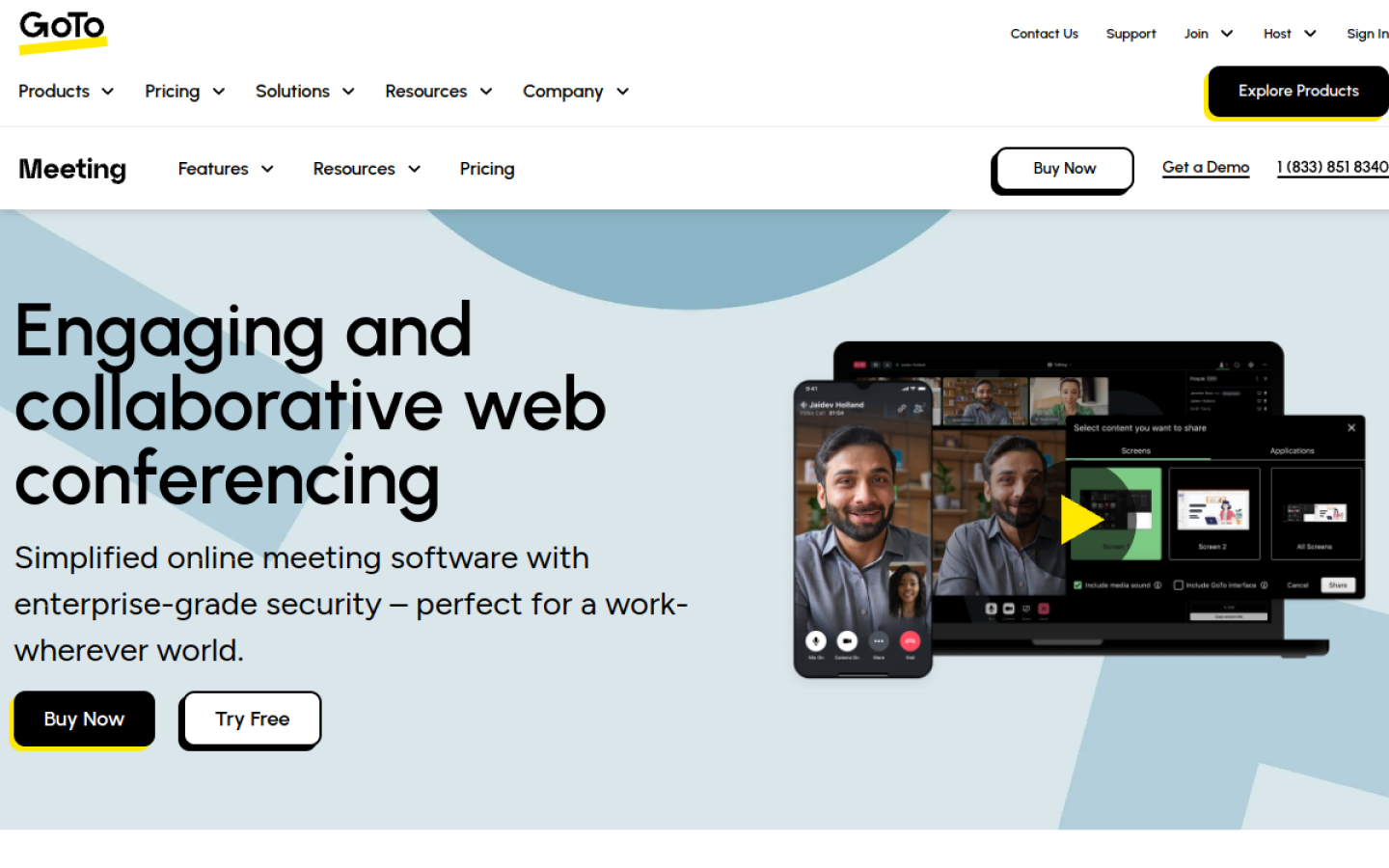
GoTo Meeting homepage, captured Nov 2026.
GoTo Meeting is a business video conferencing platform for scheduled meetings, presentations, remote collaboration and customer calls. Professional supports 150 participants and provides HD video, screen sharing, mobile meetings, meeting rooms and collaboration features. The vendor publishes annual plans starting at $12 per organizer monthly, equivalent to $144 yearly.
The trade off is that GoTo Meeting does not provide a permanent free meeting subscription comparable to Zoom or Google Meet. Professional costs $12 per organizer monthly with annual billing, and Business increases capacity to 250 participants. It suits established teams that prefer a dedicated business conferencing service with meeting management and recording options.
What we like
Professional supports 150 meeting participants
Business supports larger 250-participant meetings
HD video and screen-sharing features
Mobile meeting and annotation tools
Meeting recording and transcription capabilities
Watch out for
No permanent free plan
Annual commitment required for advertised entry pricing
Larger sessions require a higher subscription
Some advanced features vary by plan
Professional adds paid business conferencing; Business increases capacity and offers additional meeting management features.Visit goto.com
06
Webex
4.2/5on G2 (18,928 reviews, checked Nov 2026)
Paid from$14.50/mo
Best for structured enterprise meetings
Free participants100
Free duration40 minutes
Paid planWebex Meet
Published price$14.50/license/mo
webex.com
Webex homepage, captured Nov 2026.
Webex is a video conferencing and collaboration platform for business meetings, presentations and hybrid work. Its free plan supports meetings of up to 40 minutes with 100 attendees, screen sharing, annotations, whiteboards, local recording and messaging. The paid Webex Meet plan is advertised at $14.50 per license monthly and adds expanded meeting features.
The trade off is that the free plan's duration limit can interrupt longer discussions, while paid hosting requires licensed accounts. At the published $14.50 monthly rate, 12 months would cost $174 per license before applicable billing adjustments. It suits organizations that prioritize meeting controls, collaborative whiteboards and business administration.
What we like
Free meetings support 100 participants
Free whiteboards and screen annotations
Local recording included in the free plan
Business-focused meeting controls
Integrated messaging and collaboration tools
Watch out for
Free meetings have a 40-minute duration limit
Paid hosts require individual licenses
Advanced administration can add setup complexity
Webex Meet adds expanded paid meeting capabilities, while higher plans add calling and enterprise services.Visit webex.com
07
RingEX
4.2/5on G2 (1,491 reviews, checked Nov 2026)
Starts at$20/mo
Best for combining meetings and business calling
Entry planCore
HD meeting capacity300 participants
Toll-free minutes100
Billing$20/user/mo, paid annually
ringcentral.com
RingEX homepage, captured Nov 2026.
RingEX is a unified business communications platform combining HD video meetings, cloud calling, messaging and AI-assisted workflows. Its Core plan costs $20 per user monthly with annual billing and includes HD meetings supporting 300 participants, unlimited domestic calling, 100 toll-free minutes and an AI Virtual Assistant. Meetings and calls share the same business communications environment.
The trade off is that RingEX costs more than a standalone meeting subscription because it includes business telephony. Core costs $240 per user annually, while Advanced starts at $25 per user monthly with annual billing and adds CRM integrations and expanded reporting. It suits businesses replacing separate meeting and phone systems.
What we like
HD meetings with 300 participants on Core
Business calling and messaging in one subscription
AI Virtual Assistant included
Toll-free calling allowance included
Higher plans add CRM integrations
Watch out for
More expensive than dedicated meeting-only subscriptions
Some features are unnecessary for video-only teams
CRM integrations require Advanced
Costs increase with additional user licenses
Advanced adds CRM integrations, expanded reporting and a larger communication allowance.Visit ringcentral.com
Free vs. paid online meeting platforms: when should you upgrade?
Free online meeting plans are useful for occasional consultations, interviews, study groups and short team discussions. Zoom Basic and Webex Free support 100 participants with a 40-minute meeting limit, while Whereby Free supports 4 participants for 30 minutes.
The first reason to upgrade is meeting duration. A paid subscription avoids interruptions during client presentations, internal workshops and discussions that require more time.
Recording is another common requirement. Some free services provide local recording, while paid plans may add cloud storage, transcripts, searchable content and AI-generated summaries. Check where recordings are stored and who can access them.
Paid plans also offer more administrative control. Businesses managing multiple hosts should compare scheduling permissions, account management, guest restrictions and the number of licenses they actually need.
Choose a free plan for occasional short calls. Upgrade when recurring meetings, larger groups, business administration or reliable recording become part of your regular workflow.
How to keep online meetings private and organized
Meeting security starts with access control. Use waiting rooms, meeting passwords or authenticated access when discussing sensitive information. Avoid sharing unrestricted meeting links in public spaces.
Assign host permissions carefully. Screen-sharing controls, attendee muting and participant removal help prevent interruptions. Organizations holding external meetings should consider whether guests need accounts or can join from a browser.
Review recording permissions before enabling automatic capture. Tell participants when a meeting will be recorded, limit access to stored files and apply retention policies that match your organization's needs.
Finally, consider your existing identity and administration tools. Teams and Google Meet integrate with their wider workplace suites, while Webex and RingEX offer additional business administration options.
How we chose
We shortlisted established online meeting platforms with maintained business products, documented video conferencing features and substantial public review histories. The comparison emphasizes meeting capacity, free-plan restrictions, host licensing, recording, collaboration and suitability for external or internal meetings.
Official vendor pricing and independent G2 review pages were checked for this comparison, using information available in November 2026 and the editorial verification date of 22 Nov 2026. We compared the cheapest published paid subscription, using the regular annual-commitment price where stated. Monthly rates were multiplied by 12 for yearly comparisons, without assuming every vendor offers annual prepayment.
We excluded services whose current regular prices could not be independently established from official vendor information. We also avoided discontinued meeting products, lightly reviewed applications and webinar-only services without a suitable general meeting offering. No vendor paid for a place, and we do not claim testing for this list.
How to choose the best online meeting platform
Identify your meeting requirements before comparing prices, then choose the service that fits your participants, collaboration workflow and budget.
Estimate your typical meeting size and duration. Compare participant limits, host allowances and maximum meeting lengths. A free account may cover short customer consultations, while longer team workshops or larger presentations may require paid plans.
Decide how guests should join. Consider whether participants need an account, desktop application or meeting invitation. Browser-based joining can make external appointments easier, while a workplace-integrated platform may be more convenient for internal teams.
Check recording and collaboration tools. List the features you regularly use, including screen sharing, whiteboards, recordings, live captions, transcripts and AI meeting summaries. Confirm that your chosen subscription includes those features rather than assuming they are available on every plan.
Calculate the cost for your actual hosts. Multiply the regular per-user or per-organizer price by the number of paid licenses required. Check annual commitments, higher-tier features and whether your organization would benefit from bundled email, calling or workplace collaboration applications.
FAQ
What is the best online meeting platform in 2026?
Zoom is our overall pick because it combines a free 100-participant meeting plan with longer paid sessions, cloud recording and AI meeting summaries. Microsoft Teams is a strong alternative for organizations already using Microsoft 365, while Google Meet works well alongside Gmail and Google Calendar.
Which online meeting platform has the best free plan?
Zoom Basic and Webex Free both support up to 100 meeting participants with a 40-minute duration limit. Whereby Free allows 4 participants for 30 minutes. Choose based on your typical meeting size, whether you need recording and how easily guests can join.
Is Microsoft Teams cheaper than Zoom?
Yes, when comparing their published entry business subscriptions. Teams Essentials costs $4 per user monthly, paid annually, equivalent to $48 yearly. Zoom Workplace Pro costs $14.16 per user monthly with annual billing, equivalent to $169.92 yearly. The products include different collaboration and administration features.
Can I host online meetings without installing software?
Yes. Whereby specializes in browser-based meetings using reusable room URLs. Google Meet and other major conferencing services also provide browser joining options. However, advanced capabilities and supported browsers vary, so confirm that your participants can access the features needed without installing a dedicated application.
Which platform is best for client consultations?
Whereby is a good choice when easy guest access and reusable meeting links matter most. Its Pro plan supports 100 participants, unlimited meeting duration and custom branding for $10.99 monthly. Zoom is another option when recording, scheduling integrations and more extensive collaboration features are priorities.
What is the best online meeting platform for large teams?
Microsoft Teams Essentials supports meetings with up to 300 participants, while RingEX Core also lists HD meetings for 300 participants. Google Workspace, Webex and Zoom offer additional plans for different organizational requirements. Compare meeting capacity alongside administrator permissions, account management and integration with your existing systems.
Do online meeting platforms include recording?
Many offer recording, but availability differs by subscription. Webex includes local recording on its free plan, while Whereby Pro adds unlimited recording. Zoom Workplace Pro includes cloud storage and recording-related features. Check recording locations, storage allowances, participant consent controls and whether transcripts require an upgrade.
How much does business video conferencing cost?
Published entry prices vary considerably. Teams Essentials costs $48 yearly per user, Google Workspace Business Starter costs $84 yearly and Zoom Workplace Pro costs $169.92 yearly with annual billing. RingEX Core costs $240 yearly per user but also includes business calling and messaging services.
Should I pay annually or monthly for meeting software?
Annual commitments often lower the effective monthly price, making them attractive for teams with consistent meeting needs. Monthly billing provides more flexibility when staffing or usage changes. Compare the full yearly expense, cancellation terms and host requirements before selecting the billing arrangement.