Best Tools for Auditing Support Ticket Quality in 2026: 7 Tools Compared
WLWPLegible EditorsLast verified 22 Nov 2026How we rank6 min read
★ Short answer
EvaluAgent leads for transparent per-user quality assurance pricing at $35/mo per user with 100% automated conversation scoring and coaching workflows. Teams running on Zendesk can add Zendesk QA at $50/agent/mo in the Workforce Engagement bundle, while Rippit starts at $185/mo for usage-based agent runs.
How we make this list: we compare pricing pages, product documentation and public user reviews, then re-check every price before each update. No product paid for a place. Disclosure.
EvaluAgent lists AutoQM & Improvement starting from $35/user/month and holds a 4.5/5 score across 449 G2 reviews.
Zendesk QA pairs with WFM in the Workforce Engagement bundle at $50/agent/month billed annually, with 4.3/5 across 7,131 Zendesk G2 reviews.
ScorebuddyCX lists Foundation at $24/user/month and Accelerate at $32/user/month on G2, holding 4.5/5 from 841 G2 reviews.
Rippit (formerly MaestroQA) offers a free tier with 100 agent runs/month and paid plans from $185/month, with 4.8/5 across 325 G2 reviews.
Lorikeet publishes a $2,100/month Start plan billed annually plus $0.30/ticket for automated QA.
What to look for when auditing support ticket quality
Manual spot-checks on a tiny fraction of support tickets often miss repeating policy mistakes or edge cases. Modern ticket auditing software combines custom rubrics and calibration sessions with automated scoring across tickets, chats, and voice interactions.
Check how a platform handles both human reps and automated agents. Scoring human tickets and bot resolutions on one rubric makes it easier to compare outcomes and catch escalation handoff issues.
Pricing structures vary widely between per-seat licenses, usage-based agent runs, and quote-only enterprise contracts. Also note whether a QA tool requires buying add-ons across every agent in your account or restricts analytics to higher tiers.
The 7 best tools for auditing support ticket quality
01
EvaluAgent
4.5/5on G2 (449 reviews, checked Nov 2026)
Starts at$35/mo
Best for transparent per-user QA and coaching
Entry planAutoQM & Improvement ($35/user/mo)
Coverage100% voice, chat, email & bot QA
Higher tierConversation Intelligence from $65/user/mo
ComplianceSOC 2 Type II, ISO 27001, GDPR, HIPAA
evaluagent.com
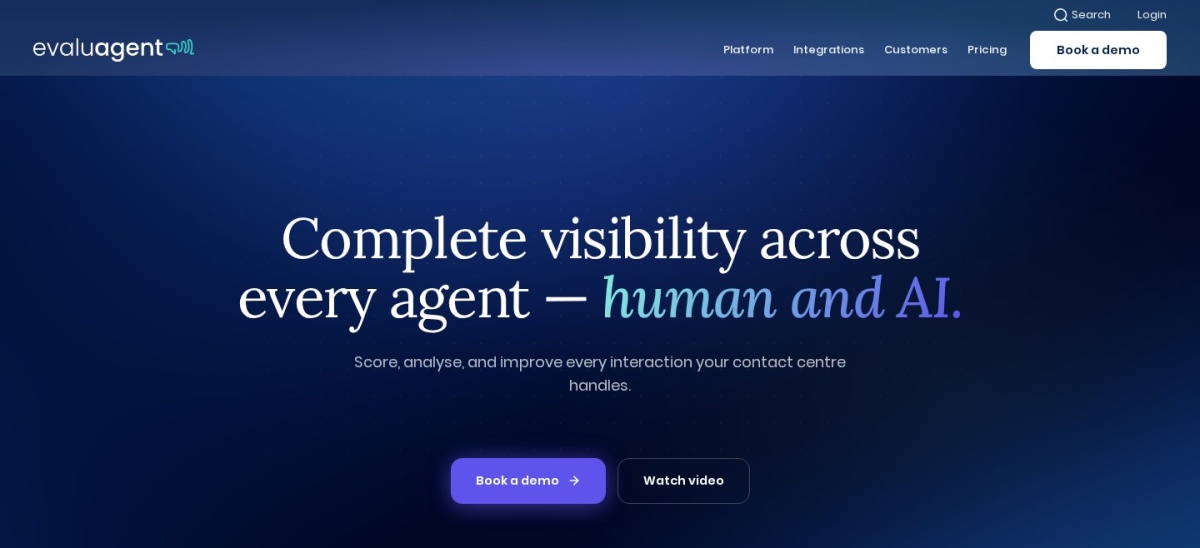
EvaluAgent homepage, captured Nov 2026.
EvaluAgent is a quality assurance and coaching platform that scores 100% of voice, chat, and email conversations against custom scorecards and includes a 14-day free trial. Its AutoQM & Improvement plan starts at $35 per user per month with calibration workflows, coaching, and Context Engine checks.
The trade off is that conversation intelligence metrics like sentiment and trend detection cost $65 per user per month, and AI agent observability adds per-conversation charges. It suits contact centers and support teams that want published per-seat pricing with closed-loop coaching.
What we like
Published starting price of $35 per user per month
Automated scoring across human agents and AI bots
Includes 1-to-1 coaching, performance plans, and calibration
Watch out for
Sentiment and topic analytics require the $65/user/month tier
Per-conversation fees apply for AI agent observability
AutoQM + Conversation Intelligence starts at $65/user/mo with sentiment, intent, and predictive metrics.Visit evaluagent.com
02
Zendesk QA
4.3/5on G2 (7,131 reviews, checked Nov 2026)
Starts at$50/mo
Best for teams already running on Zendesk
Bundle price$50/agent/mo annual ($65/mo monthly)
Scope rulePurchased for all agents in account
AutomationAutoQA scoring and Spotlight flags
Base requirementRequires an active Zendesk plan
zendesk.com
Zendesk QA homepage, captured Nov 2026.
Zendesk QA is Zendesk's native quality assurance add-on for auditing tickets, messaging, and calls, offered in the Workforce Engagement bundle at $50 per agent per month billed annually. It scores eligible conversations with AutoQA and highlights risk areas like escalations or churn signals.
The trade off is that add-ons must be purchased for every agent on your Zendesk account and sit on top of base seat plans. It suits support teams already standardized on Zendesk that want QA inside the same workspace.
What we like
Direct integration with Zendesk tickets, macros, and agent views
AutoQA and Spotlight help surface high-risk tickets for review
Combines QA with workforce management in one bundle
Watch out for
Must be bought for all agents in the account rather than a subset
Ticket sync intervals and AI check limits can constrain fast-moving queues
Monthly billing on the Workforce Engagement bundle is $65/agent/mo, with standalone QA quoted separately.Visit zendesk.com
03
Rippit
4.8/5on G2 (325 reviews, checked Nov 2026)
Paid from$185/mo
Best usage-based option with a free tier
Free tier100 agent runs/month
Entry paid planStarter at $185/mo (300 runs)
Growth plan$495/mo (1,000 agent runs)
HeritageRebranded from MaestroQA
rippit.com
Rippit homepage, captured Nov 2026.
Rippit (formerly MaestroQA) is a customer conversation analytics and quality assurance platform with a free tier covering 100 agent runs per month. Its paid Starter plan starts at $185 per month for 300 agent runs plus AI credits at cost.
The trade off is that usage-based run limits and AI credits can scale up quickly on high-ticket queues, with SSO reserved for Enterprise. It suits support and CX teams that want to test QA workflows on a free tier before scaling volume.
What we like
Includes a free tier with 100 agent runs per month
Transparent entry pricing starting at $185 per month
Connects conversation QA with broader customer insights
Watch out for
Higher run volumes require the $495/month Growth tier or custom plans
SSO is limited to the Enterprise tier
Growth is $495/mo for 1,000 agent runs, and Enterprise adds SSO and custom security controls.Visit rippit.com
04
ScorebuddyCX
4.5/5on G2 (841 reviews, checked Nov 2026)
Starts at$288/yr
Best for custom scorecards and built-in coaching
Foundation tierListed at $24/user/mo on G2
Accelerate tierListed at $32/user/mo (500 AI scores)
Elite tierListed at $41/user/mo (1,000 AI scores)
SecurityISO 27001:2022 and SOC 2 Type 2
scorebuddycx.com
ScorebuddyCX homepage, captured Nov 2026.
ScorebuddyCX is a quality assurance and customer intelligence platform offering custom scorecards, calibration tools, coaching workflows, and a free trial. G2 lists its Foundation tier at $24 per user per month and Accelerate at $32 per user per month with 500 monthly AI auto-scores.
The trade off is that official vendor pricing requires a sales quote rather than self-serve checkout, and extra AI scoring credits or LMS features cost more. It suits contact centers that want structured scorecards paired with optional learning modules.
What we like
Flexible custom scorecards with calibration and dispute workflows
AI auto-scoring and coaching modules included on Accelerate
Optional built-in learning management system for follow-up training
Watch out for
Vendor site requires a quote and pilot rather than instant self-serve signup
AI auto-scoring uses monthly credit allowances on paid tiers
Accelerate and Elite tiers expand monthly AI scoring allowances and add conversation analytics and LMS options.Visit scorebuddycx.com
05
Kaizo
4.9/5on G2 (20 reviews, checked Nov 2026)
PricingCustom quote
Best for custom AI rubrics on Zendesk and Salesforce
Coverage100% of resolved tickets via AutoPilot
IntegrationsNative Zendesk and Salesforce apps
CoachingAI-drafted coaching cards per agent
ComplianceSOC 2 Type II, ISO 27001, GDPR
kaizo.com
Kaizo homepage, captured Nov 2026.
Kaizo is a support quality assurance platform that evaluates every resolved ticket, chat, and call against custom criteria written in plain language. It connects to your knowledge base for context and generates agent coaching cards tied to real interactions.
The trade off is that pricing is custom rather than published upfront, and native integrations focus on Zendesk and Salesforce. It suits support teams on Zendesk or Salesforce that want rubric-driven automated QA and coaching.
What we like
High 4.9/5 rating across 20 G2 reviews
Plain-language custom rubrics with knowledge base context
Automated scoring on every resolved conversation with linked evidence
Watch out for
Pricing requires a demo and custom quote
Native app support centers on Zendesk and Salesforce
Enterprise plans add custom data retention, storage location controls, and implementation workshops.Visit kaizo.com
06
Level AI
4.6/5on G2 (222 reviews, checked Nov 2026)
PricingCustom quote
Best for enterprise contact centers with QA-GPT
Scoring engineQA-GPT with evidence and reasoning
ChannelsVoice, chat, email, and bot chats
SecuritySOC 2, ISO 27001, HIPAA, PCI DSS
Pricing modelCustom enterprise quote
thelevel.ai
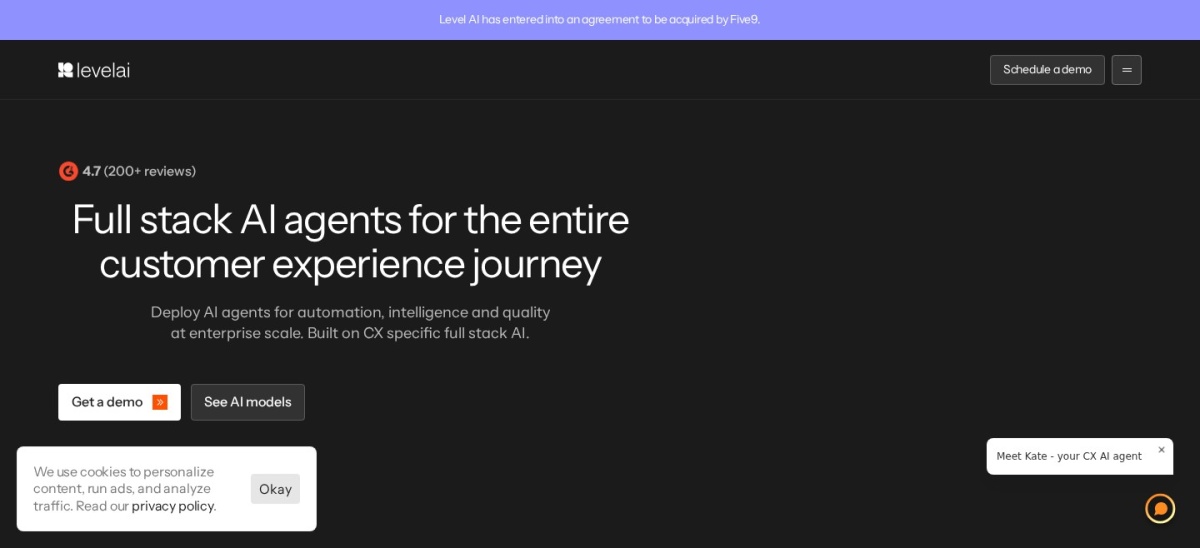
Level AI homepage, captured Nov 2026.
Level AI is an enterprise contact center platform that scores calls, chats, emails, and bot conversations against quality rubrics using QA-GPT. It attaches supporting evidence to scorecard answers and includes screen recording and PII redaction.
The trade off is that pricing is custom-quoted rather than public and rollout can take several weeks. It suits larger support and contact center teams that need enterprise compliance controls and unified analytics.
What we like
4.6/5 rating across 222 G2 reviews
Provides evidence and reasoning for automated scorecard answers
Includes PII redaction and screen recording for regulated teams
Watch out for
No published self-serve pricing tiers
Setup and scorecard tuning take longer than lightweight tools
Custom enterprise packages combine Auto QA with agent assist, conversation analytics, and virtual agent tools.Visit thelevel.ai
07
Observe.AI
4.5/5on G2 (308 reviews, checked Nov 2026)
PricingCustom quote
Best for large contact centers with heavy call volume
Core featuresAutoQA, insights, and coaching plans
RedactionPre-model masking for sensitive data
SecuritySOC 2, PCI, ISO 42001, GDPR
Pricing modelCustom enterprise contract
observe.ai
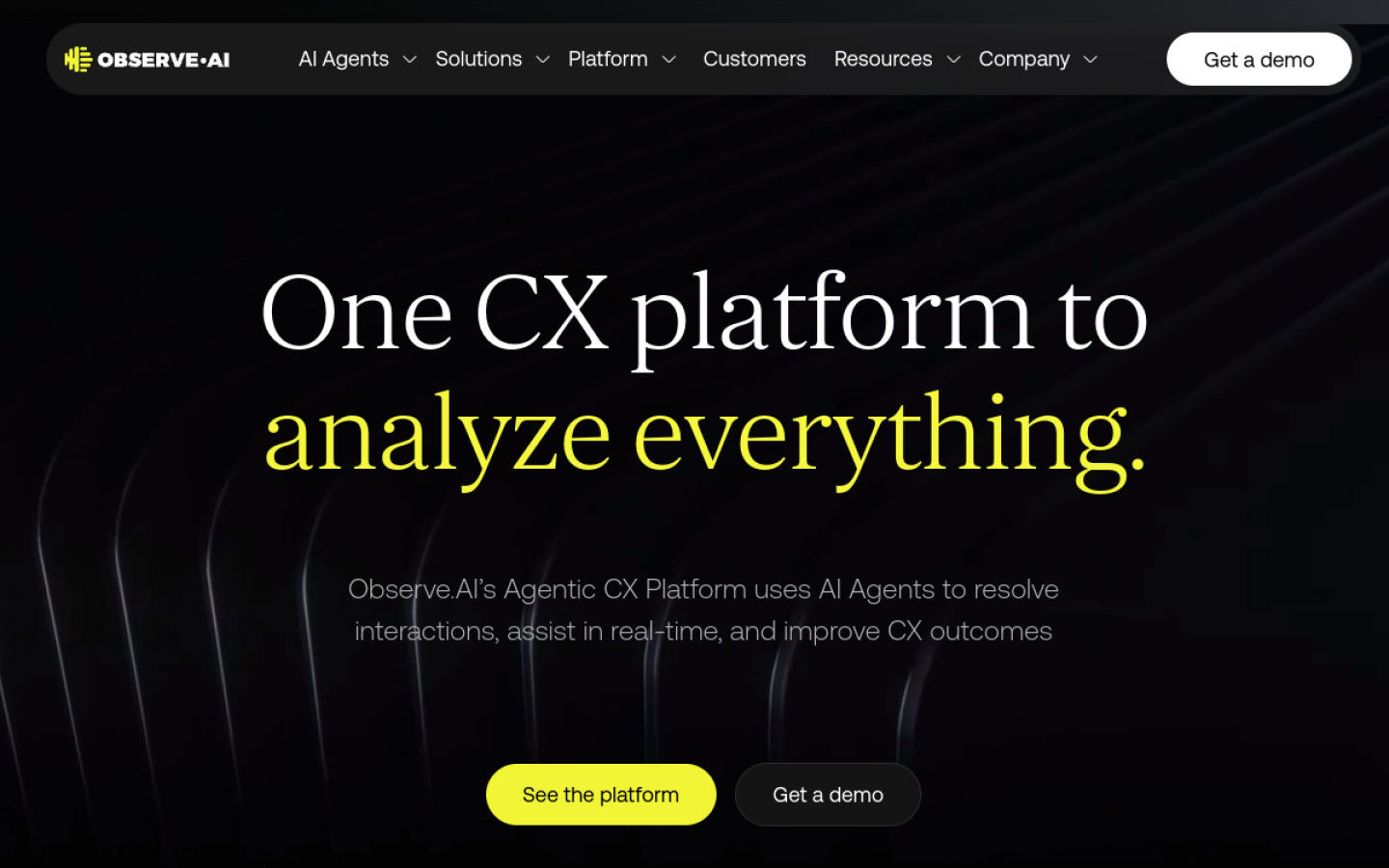
Observe.AI homepage, captured Nov 2026.
Observe.AI is a contact center intelligence and quality assurance platform that evaluates interactions against custom forms and turns findings into coaching plans. It masks sensitive personal and payment data before processing and supports multi-region data residency.
The trade off is that pricing requires a sales quote with no free plan or self-serve trial, and implementation takes time. It suits larger support operations with high interaction volume and formal compliance requirements.
What we like
4.5/5 rating across 308 G2 reviews
Grades full interaction volume rather than relying only on samples
Masks sensitive fields before model analysis with regional hosting
Watch out for
Custom quote required with no free tier or self-serve trial
Longer deployment and configuration cycle for smaller teams
Enterprise contracts bundle AutoQA, analytics, and coaching workflows based on team size and modules.Visit observe.ai
When to pair manual ticket audits with automated QA
Manual reviews remain useful for calibrating scorecards across human graders, catching subtle tone issues, and handling sensitive escalations. Automated scoring expands coverage so teams can spot recurring policy gaps or knowledge-base errors across large ticket queues.
Most teams get cleaner results by defining clear scorecard criteria first, calibrating reviewers on sample tickets, and using automated flags to prioritize where human QA leads spend their time.
How we chose
We built this shortlist from established customer support quality assurance and conversation auditing platforms, filtering for active products with public review data on G2.
All ratings, review counts, feature summaries, and starting prices were checked on 22 Nov 2026 from vendor pages, G2 listings, and current software pricing guides.
We excluded tools without verifiable active product pages or sufficient review volume, and we note where pricing requires a custom quote rather than a published rate. No vendor paid for a place, and we do not claim testing for this list.
How to pick a ticket quality auditing tool
Follow four practical steps to match a ticket QA tool to your support workflow and budget.
Map your help desk and channels first. Confirm whether the platform connects natively to your ticketing system, chat, email, or voice tools without manual exports.
Decide how much ticket volume needs automated scoring. Check whether you need automated grading across most tickets or targeted flags for high-risk escalations and low-CSAT cases.
Check seat and add-on billing rules. Watch for account-wide add-on rules, per-run credits, or extra charges for sentiment analytics and bot monitoring.
Verify coaching and calibration workflows. Make sure scores connect to reviewer calibration, feedback loops, and agent coaching rather than sitting in static reports.
FAQ
What does a support ticket quality auditing tool do?
It reviews customer support tickets and conversations against a quality rubric to check accuracy, tone, policy compliance, and resolution quality. Most modern tools combine manual scorecards and calibration with automated AI scoring and coaching workflows.
Can automated ticket QA replace human reviewers?
Automated QA widens coverage by scoring large volumes of tickets and flagging risk patterns, but human reviewers are still important for edge cases, nuance, and calibration. Pairing automated flags with targeted human audits gives more reliable coaching feedback.
Why do many ticket QA tools use custom quotes?
Enterprise contact center platforms often price around interaction volume, seat counts, data retention, and add-on modules rather than a single flat tier. Tools like EvaluAgent and Rippit publish clearer starting rates or usage tiers upfront.
What should a ticket QA scorecard measure?
Keep scorecards focused on clear criteria tied to customer outcomes, such as problem resolution, factual accuracy, policy adherence, clarity, and helpful tone. Calibrating reviewers on shared sample tickets helps keep scoring consistent.
Do ticket QA platforms also audit AI support bots?
Several platforms in this list can evaluate AI bot conversations alongside human tickets, including EvaluAgent, Zendesk QA, ScorebuddyCX, Kaizo, and Level AI. Checking bot handoffs and accuracy helps catch unresolved or repetitive customer issues.
What is calibration in support ticket QA?
Calibration is a regular review session where multiple graders score the same tickets and compare notes to align their standards. Without calibration, scores can reflect individual grader habits rather than consistent ticket quality.