Microsoft Word is the best tool that can format documents, offering reusable styles, section breaks and detailed page layout controls with Microsoft 365 Personal at $99.99 per year. Choose Google Docs for collaborative document editing or Adobe Acrobat for modifying and organizing existing PDF files.
How we make this list: we compare pricing pages, product documentation and public user reviews, then re-check every price before each update. No product paid for a place. Disclosure.
Microsoft Word earns 4.7/5 from 2,917 Capterra reviews and offers detailed control over document layouts.
Adobe Acrobat Standard costs $14.99 per month with an annual commitment and supports direct PDF editing.
LibreOffice provides free document formatting software without a required subscription.
PandaDoc Starter costs $19 per seat per month with annual billing and combines document formatting with electronic signatures.
Apple Pages users can access premium content through Apple Creator Studio for $129 per year.
How do you find the best tool that can format documents?
Document formatting starts with choosing the right file format. Word processors are generally better for editable reports and manuscripts, while PDF editors are better for modifying documents that already have a fixed layout.
Reusable styles matter more than font selection. Applying consistent heading styles, paragraph spacing and page settings makes long documents easier to maintain and reduces repetitive formatting work.
Collaboration changes which editor makes sense. Browser-based tools let colleagues review and edit shared documents without exchanging separate file copies.
Professional documents need reliable export options. Check whether your chosen editor preserves tables, images, fonts, page breaks and headings when converting a document to DOCX or PDF.
4.7/5on Capterra (2,917 reviews, checked Nov 2026)
Paid from$99.99/yr
Best for professional document formatting
Document stylesCustomizable paragraph and character styles
Page layoutMargins, columns and section breaks
File formatsDOCX and PDF
Paid planMicrosoft 365 Personal
microsoft.com
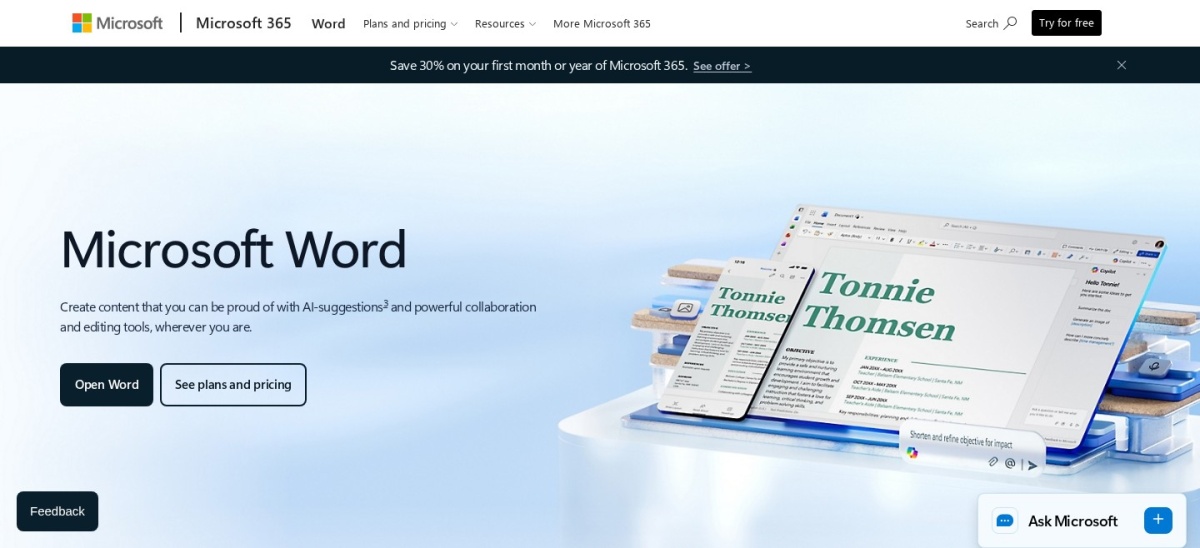
Microsoft Word homepage, captured Nov 2026.
Microsoft Word is a document editor for formatting reports, manuscripts, business letters and academic papers. Microsoft 365 Personal includes desktop productivity applications and 1 TB of cloud storage, while Word for the web provides basic editing without a subscription.
The trade off is that advanced formatting features are more accessible in the desktop application, which costs $99.99 per year through Microsoft 365 Personal. A $69.99 first-year promotion was displayed when checked. It suits professionals who regularly produce complex documents.
What we like
Detailed control over headings and paragraph styles
4.7/5on Capterra (29,254 reviews, checked Nov 2026)
Paid from$2.50/mo
Best for collaborative document formatting
Document stylesHeadings and paragraph styles
CollaborationReal-time editing and comments
File formatsDOCX, PDF and ODT
Paid planWorkspace Base, per user
google.com
Google Docs homepage, captured Nov 2026.
Google Docs is a browser-based word processor for creating, formatting and sharing documents. Its free edition includes heading styles, tables, page numbering and collaborative editing, while the listed Workspace Base plan provides 20 GB of pooled storage per user.
The trade off is limited control over complicated page layouts compared with desktop Word. Workspace Base is listed at $2.50 per user per month with annual billing, subject to plan availability. It suits distributed teams, students and writers who prioritize collaboration.
What we like
Free document creation and formatting
Real-time collaborative editing
Automatic document saving
Revision history and commenting
Accessible through a web browser
Watch out for
Fewer advanced page layout options than Word
Complex DOCX formatting may change during conversion
Paid plan availability can vary
Workspace Base adds business email, storage and administrative controls.Visit google.com
03
Adobe Acrobat
4.7/5on Capterra (4,704 reviews, checked Nov 2026)
Starts at$14.99/mo
Best for formatting existing PDF documents
PDF text editingIncluded
Page organizationIncluded
File conversionPDF creation and export
Paid planAcrobat Standard
adobe.com
Adobe Acrobat homepage, captured Nov 2026.
Adobe Acrobat is a PDF editor designed for modifying documents without rebuilding them in a word processor. Acrobat Standard costs $14.99 per month with an annual commitment and includes PDF text editing, page organization, document conversion and electronic signatures.
The trade off is that advanced functions such as redaction and scanned document recognition require Acrobat Pro at $19.99 per month. The free Reader application does not provide equivalent direct PDF editing. It suits professionals who regularly receive and revise finished PDF documents.
What we like
Edits text directly inside PDF documents
Supports PDF conversion and export
Reorders and organizes document pages
Includes electronic signature tools
Watch out for
Direct PDF editing requires payment
Annual plans can carry cancellation charges
Advanced scanned document editing requires Pro
Standard adds direct PDF editing, conversion and page organization.Visit adobe.com
04
LibreOffice
4.3/5on Capterra (2,245 reviews, checked Nov 2026)
PriceFree
Best for free offline document formatting
Document editorLibreOffice Writer
Page layoutPage styles and sections
File formatsODT, DOCX and PDF
DeploymentOffline desktop application
libreoffice.org
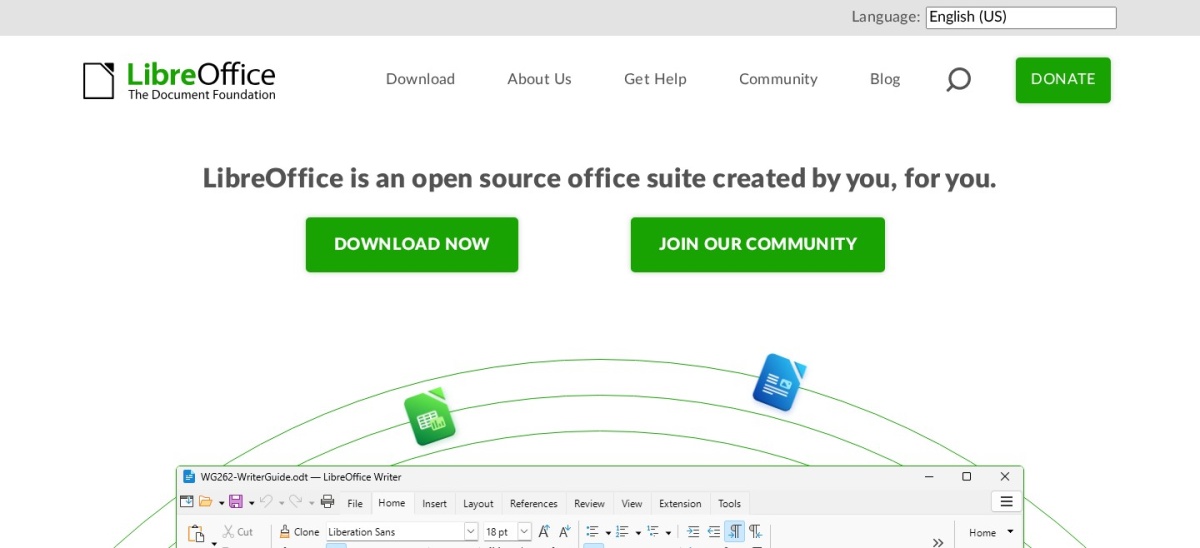
LibreOffice homepage, captured Nov 2026.
LibreOffice is an open-source office suite containing Writer, a desktop word processor for creating and formatting documents. It has a 4.3/5 Capterra rating and includes paragraph styles, page styles, tables, footnotes, indexes and PDF export without requiring a subscription.
The trade off is that complex Microsoft Word documents may require formatting adjustments after import or export. LibreOffice itself is free, although third-party commercial support can cost extra. It suits individuals and organizations that want extensive offline formatting controls without recurring software fees.
What we like
No subscription required
Advanced paragraph and page styles
Works without an internet connection
Supports open document formats
Built-in PDF export
Watch out for
Complex DOCX layouts may not transfer perfectly
Limited native real-time collaboration
Community support differs from commercial assistance
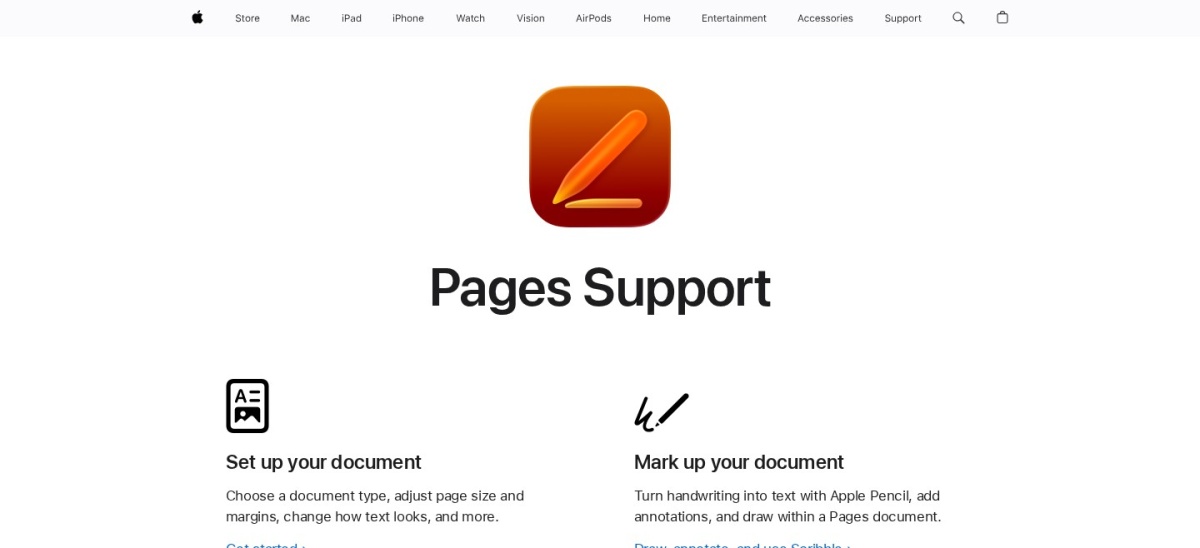
Apple Pages is a word processor and page layout application for designing letters, newsletters, resumes and reports. It earns 4.6/5 from 180 Capterra reviews, with core document creation and formatting available for free on supported devices.
The trade off is its dependence on the Apple ecosystem for the full native editing experience. Apple Creator Studio costs $129 per year and provides optional premium content and intelligent features for Pages alongside other applications. It suits users who want visually attractive documents without dedicated publishing software.
What we like
Free core word processing features
Flexible placement of images and text
Attractive document templates
Supports Word and PDF export
Watch out for
No native Windows desktop application
Complex Word layouts may change during conversion
Premium content requires a separate subscription
Creator Studio adds optional premium content and intelligent features.Visit apple.com
06
ONLYOFFICE Docs
4.5/5on Capterra (105 reviews, checked Nov 2026)
Paid from$149/yr
Best for self-hosted document editing
Document formatsDOCX and other office formats
CollaborationShared editing and comments
DeploymentDesktop, cloud and self-hosted options
Listed Home offer$149 per server per year
onlyoffice.com
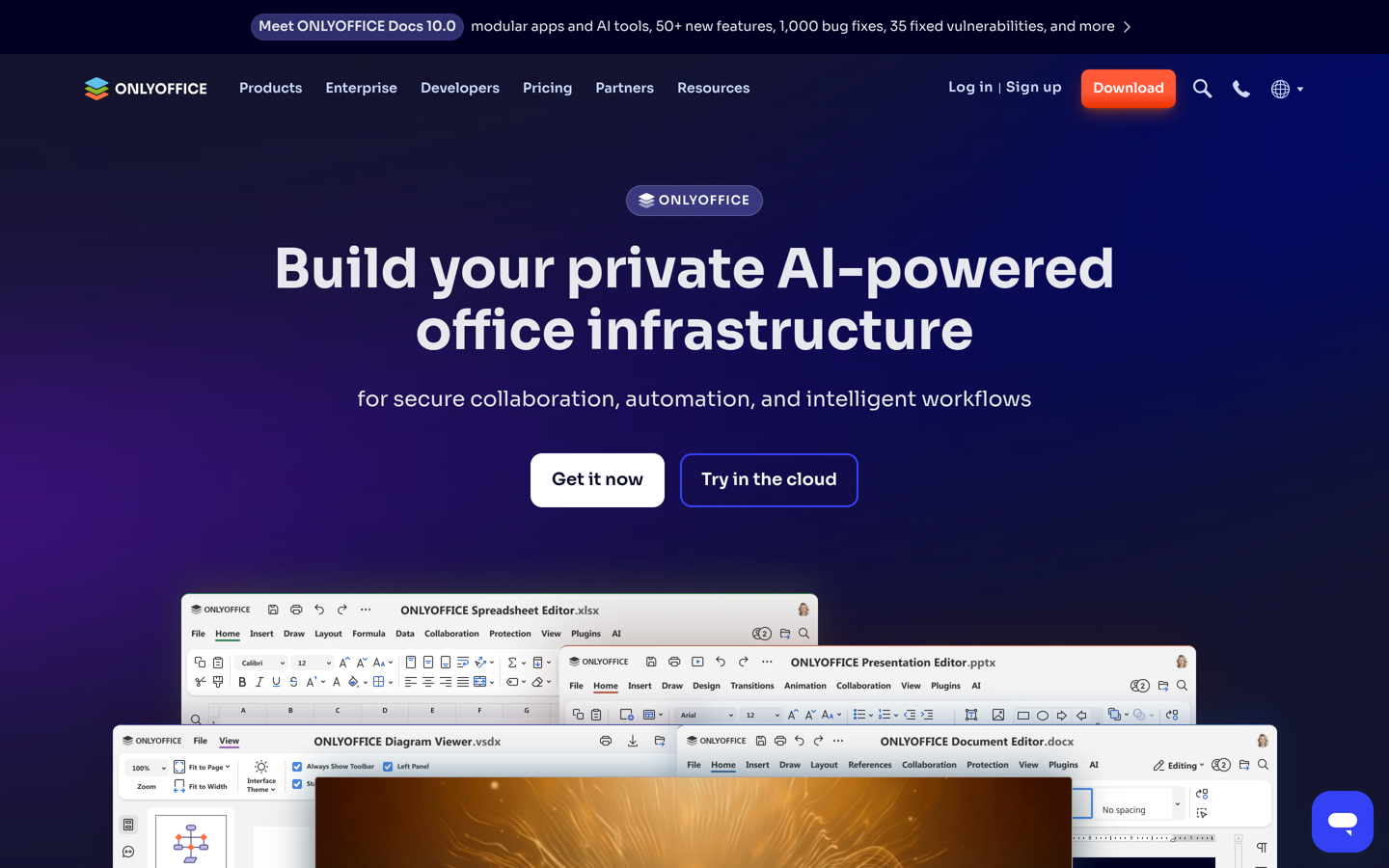
ONLYOFFICE Docs homepage, captured Nov 2026.
ONLYOFFICE Docs is an office editing suite that supports document formatting, spreadsheets, presentations and PDF editing. Its free desktop counterpart offers local document editing, while the self-hosted Home offer displayed during research supports 10 users.
The trade off is that running collaborative editors on your own infrastructure requires additional administration. The Home offer is displayed at $149 per server per year, but the vendor labels it a limited-time offer and a regular renewal price could not be confirmed. It suits teams seeking greater control over document hosting.
4.5/5on Capterra (1,268 reviews, checked Nov 2026)
Paid from$19/mo
Best for formatting proposals and contracts
Document editorDrag-and-drop content blocks
Free allowance5 documents per month
Electronic signaturesIncluded
Paid planStarter, per seat
pandadoc.com
PandaDoc homepage, captured Nov 2026.
PandaDoc is a business document platform for creating and formatting agreements, proposals and forms. Its free plan allows 5 documents per month, while Starter adds unlimited document creation, electronic signatures, document tracking and a drag-and-drop editor.
The trade off is that PandaDoc focuses on commercial document workflows rather than academic writing or general word processing. Starter costs $19 per seat per month with annual billing or $35 with monthly billing. It suits sales teams and service businesses that send documents for approval and signature.
What we like
Drag-and-drop document formatting
Built-in electronic signatures
Reusable business document templates
Document tracking and notifications
Free plan for occasional document creation
Watch out for
Less suitable for academic manuscripts
Advanced branding requires a higher plan
Per-seat pricing increases team costs
Starter adds unlimited documents, signatures and real-time tracking.Visit pandadoc.com
Should you format documents in Word or PDF?
Use a word processor when you still need to change the document structure. Microsoft Word, Google Docs and LibreOffice let you adjust headings, margins, lists and tables while allowing text to flow naturally between pages.
Use a PDF editor when the document already has an established layout. Adobe Acrobat is better suited to correcting existing PDF text, replacing images, rearranging pages and preparing documents for distribution.
Keep an editable master document whenever possible. Export a PDF only after finishing the main formatting work, then inspect the exported file before sending it to clients or colleagues.
How can you format documents automatically?
Start with a document template that contains predefined heading styles, fonts, paragraph spacing and page margins. Microsoft Word and LibreOffice let you reuse these settings across documents instead of rebuilding layouts manually.
Use document automation software for repetitive commercial documents. PandaDoc combines reusable layouts with recipient information and electronic signatures, making it more appropriate for recurring agreements than a general-purpose word processor.
Automatic formatting still requires a final review. Check heading hierarchy, table alignment, page breaks, image positioning and exported files before distributing important documents.
How we chose
We shortlisted established document editors, PDF editors and business document platforms that offer meaningful formatting controls. Products were ranked according to document layout capabilities, file compatibility, collaboration options, pricing and relevance to common professional document workflows.
Official vendor pages and public Capterra review information were consulted on 29 Nov 2026. Annual costs use regular annual subscription prices where confirmed, or monthly rates multiplied by 12. ONLYOFFICE displays a limited-time Home offer whose regular renewal price remains unverified, so its price requires confirmation before publication.
We excluded grammar-only assistants, basic text editors and products without meaningful document formatting capabilities. Zoho Writer was also excluded because its paid subscription price could not be confirmed from the accessible official pricing information. No vendor paid for a place, and we do not claim testing for this list.
How to choose the right document formatting tool
Compare your document formats, layout requirements, collaboration needs and annual software budget before selecting an editor.
Identify your primary document format. Choose Microsoft Word or LibreOffice for editable manuscripts and reports. Choose Adobe Acrobat if you regularly receive PDF documents that need direct changes.
Check the formatting controls you need. Look for heading styles, section breaks, page numbering, tables, image positioning and paragraph spacing. Complex documents benefit from dedicated desktop word processors.
Decide how people will collaborate. Choose Google Docs for shared browser-based editing. Consider ONLYOFFICE Docs if your organization prefers to manage its own document editing infrastructure.
Calculate the full subscription cost. Distinguish individual licenses from per-user subscriptions, confirm annual billing terms and check whether premium formatting features require an additional upgrade.
FAQ
What is the best tool that can format documents in 2026?
Microsoft Word is the best overall document formatting tool because it combines reusable styles, detailed page layout settings, templates and broad file compatibility. Microsoft 365 Personal costs $99.99 per year and includes the desktop Word application.
What is the best free document formatting software?
LibreOffice Writer is the best free option for advanced offline document formatting. It includes page styles, paragraph styles, tables, footnotes and PDF export without a paid subscription. Google Docs is a better free choice for online collaboration.
How much does document formatting software cost?
Document formatting software ranges from free applications such as LibreOffice to paid subscriptions. Microsoft 365 Personal costs $99.99 per year, while Adobe Acrobat Standard costs $179.88 annually when purchased through its listed annual commitment billed monthly.
Is Microsoft Word or Google Docs better for formatting documents?
Microsoft Word is better for advanced document formatting, including complex tables, section breaks and detailed page layouts. Google Docs is better for collaborative writing and shared editing. Choose according to layout complexity rather than collaboration features alone.
Which document formatting tool is best for beginners?
Google Docs is a good starting point for beginners because it provides familiar formatting controls, automatic saving and browser-based access. Users can create professional-looking documents with headings, templates, tables and page numbers without purchasing a subscription.
Can I format a PDF without converting it to Word?
Yes, Adobe Acrobat allows direct editing of existing PDF documents. You can change text, organize pages and adjust document content without first converting the file to DOCX. Advanced scanned document recognition requires the Pro edition.
What is the best document formatting software for small businesses?
Microsoft Word is a suitable general-purpose choice for small businesses that create reports, policies and internal documents. PandaDoc is better for businesses that regularly prepare proposals, agreements and documents requiring electronic signatures, with Starter priced at $19 per seat per month annually.
Can document formatting software automatically format headings and page numbers?
Yes, Microsoft Word, LibreOffice and Google Docs support reusable heading styles and automatic page numbering. Applying consistent document styles also makes it easier to generate tables of contents and update formatting throughout longer documents without manually editing every heading.
What is the best document formatting tool for offline use?
LibreOffice Writer is the best free offline choice because its document formatting features work locally without an internet connection. Microsoft Word's desktop application is another suitable option for users who prioritize compatibility with complex DOCX files.
SaaS SEO and WordPress specialist with about 8 years of experience. Rakib compares WordPress plugins, themes, hosting and software using public pricing, documentation and user reviews. See how we rank.