Best Time and Billing Software for Accountants in 2026: 7 Tools Compared
WLWPLegible EditorsLast verified 22 Nov 2026How we rank6 min read
★ Short answer
Karbon leads for accounting firms that tie time tracking and billing directly to client workflows, starting at $59 per user per month billed annually. For lightweight timer-to-invoice tracking or zero-cost billing, Harvest and Zoho Invoice offer clear alternatives depending on team size and workflow depth.
How we make this list: we compare pricing pages, product documentation and public user reviews, then re-check every price before each update. No product paid for a place. Disclosure.
Karbon starts at $59/user/mo billed annually on Team ($708/yr per seat) and holds 4.7/5 across 242 Capterra reviews.
Harvest offers a 1-seat, 2-project free plan and starts at $9/seat/mo billed annually ($108/yr per seat) on Teams.
Zoho Invoice provides free invoicing with time tracking for up to 2 users and 500 invoices per year, holding 4.7/5 across 824 Capterra reviews.
Financial Cents starts at $19/mo billed annually ($228/yr) for solo firms and holds 4.8/5 across 274 Capterra reviews.
Clockify supports up to 5 users on its free plan and starts at $3.99/seat/mo billed annually ($47.88/yr per seat) on Basic.
Toggl Track starts at $9/user/mo billed annually ($108/yr per seat) on Starter and holds 4.7/5 across 2,591 Capterra reviews.
What to look for in time and billing software for accountants
Accounting and bookkeeping teams split billable work across tax prep, monthly close, advisory retainers, and ad-hoc client requests. A tool that keeps timers disconnected from client jobs and engagement deadlines forces manual spreadsheet reconciliation before invoices go out.
Pricing structure matters as much as headline monthly rates. Some platforms price per user with annual commitments, others charge per active client band, and several offer free tiers that cap seats, projects, or annual invoice volume.
Decide whether you need full accounting practice management—such as client portals, task templates, and work-in-progress visibility—or a focused timer and billing app that exports cleanly into your general ledger.
The 7 best time and billing software for accountants
01
Karbon
4.7/5on Capterra (242 reviews, checked Nov 2026)
Starts at$59/user/mo (annual)
Best for workflow-linked time and billing
Entry planTeam ($59/user/mo annual)
Monthly billing$79/user/mo (4+ users)
Mid tierBusiness ($89/user/mo annual)
Core focusWorkflow, email, time & billing
karbonhq.com
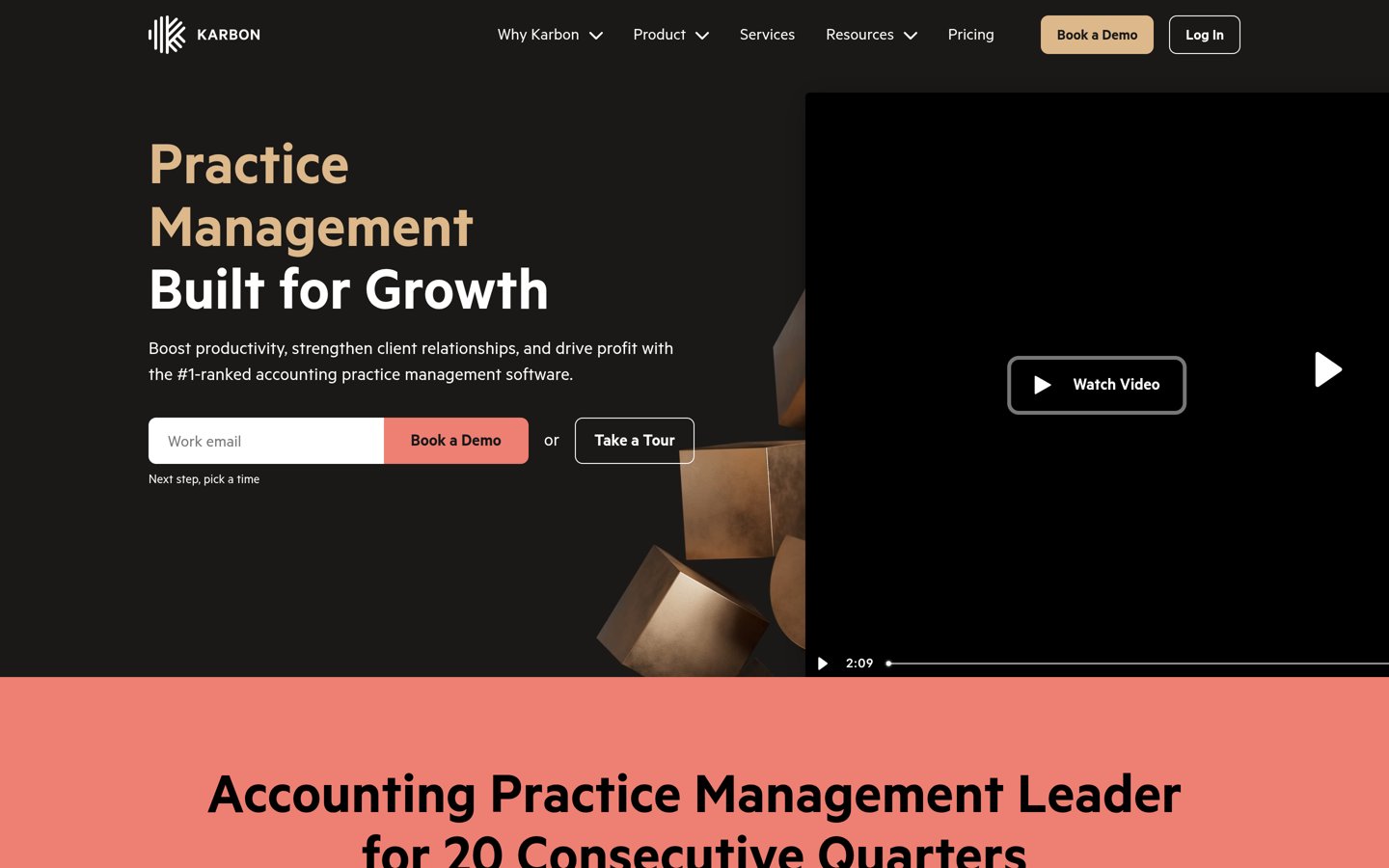
Karbon homepage, captured Nov 2026.
Karbon is an accounting practice management platform that connects client work items, email triage, time tracking, and billing in one workspace. The Team plan starts at $59 per user per month billed annually ($708 per year per user) and includes workflow management, time tracking, budget reporting, billing, and payments.
The trade off is higher per-seat cost than standalone timers and no free tier, with monthly billing listed at $79 per user per month for teams of 4 or more and Business at $89 per user per month annually. It suits small to mid-sized accounting firms that want client billing tied directly to team task progress.
What we like
Connects time tracking and billing directly to client jobs and team workflows
Includes shared email triage and budget reporting on the Team plan
High user satisfaction score across verified accounting reviews
Watch out for
No permanent free plan
Automated client reminders require upgrading to the Business tier
Monthly billing requires at least 4 users at a higher monthly rate
Business ($89/user/mo annual) adds automatic client reminders and task automation.Visit karbonhq.com
02
Harvest
4.5/5on Capterra (656 reviews, checked Nov 2026)
Paid from$9/seat/mo (annual)
Best for simple timers and client invoicing
Free tier1 seat, 2 projects
Entry paid planTeams ($9/seat/mo annual)
Monthly rate$11/seat/mo on Teams
Higher tierEnterprise ($14/seat/mo annual)
getharvest.com
Harvest homepage, captured Nov 2026.
Harvest is a time tracking and invoicing tool built around simple timers, expense logging, and turning tracked hours into client invoices. Its Free plan covers 1 seat and 2 projects with time tracking, invoicing, and expense tracking, while Teams starts at $9 per seat per month billed annually ($108 per seat per year).
The trade off is tight limits on the free tier and usage-based billing rules that can raise renewal totals beyond base seat counts if activity grows. It suits solo accountants and small teams that want fast timer entry and client invoices without heavy practice management.
What we like
Free plan includes time tracking, expenses, and invoicing for 1 seat and 2 projects
Low entry annual seat rate on Teams with a 30-day free trial
Simple interface with low setup overhead
Watch out for
Free plan caps usage at 1 seat and 2 projects
Usage-based fees can add to seat costs on paid plans
Lacks dedicated tax client portals and accounting workflow templates
Portal & billingClient portal and recurring invoices
zoho.com
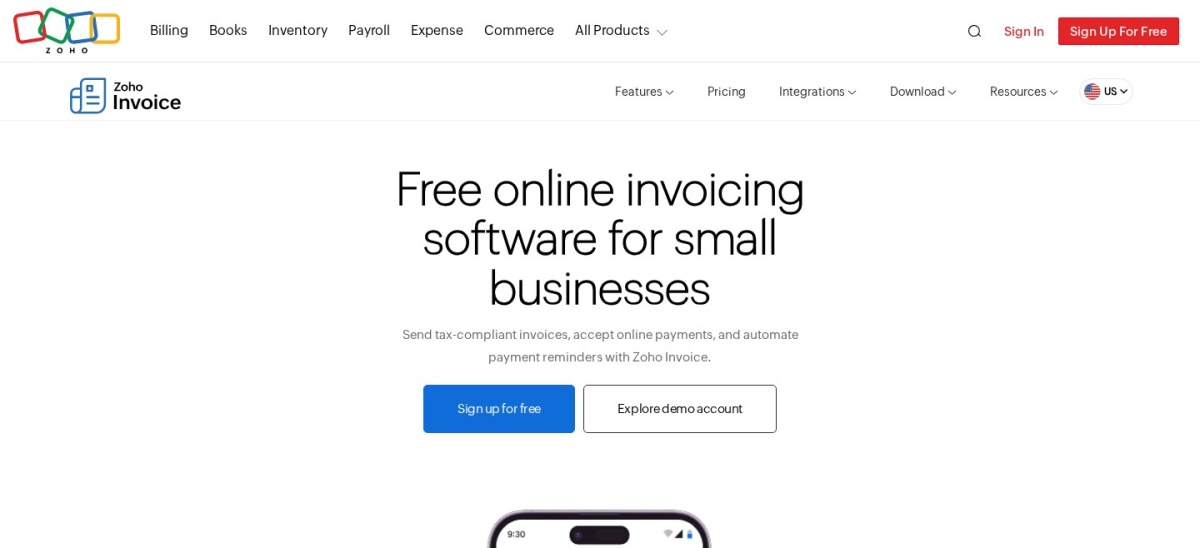
Zoho Invoice homepage, captured Nov 2026.
Zoho Invoice is a free billing and invoicing platform that includes project time tracking, expense logging, recurring invoices, and a client portal. Its free plan costs $0 and supports up to 2 users, 3 projects, and 500 invoices per year.
The trade off is a strict cap of 2 users and 500 annual invoices before you need to move to another product tier such as Zoho Billing, plus vendor branding on invoices. It suits independent bookkeepers and micro-firms that want free invoicing with basic time tracking.
What we like
Free plan with no subscription fee and a built-in client portal
Supports recurring invoices, quotes, and automated payment reminders
Connects with other Zoho applications
Watch out for
Limited to 2 users and 500 invoices per year on the free plan
Includes Powered by Zoho Invoice branding on free invoices
Not a full accounting or practice workflow suite
Stays free up to 2 users and 500 invoices per year; higher volume requires Zoho Billing.Visit zoho.com
04
Financial Cents
4.8/5on Capterra (274 reviews, checked Nov 2026)
Starts at$19/mo (annual)
Best for small bookkeeping and CPA workflows
Solo plan$19/mo billed annually (1 user)
Team plan$49/user/mo billed annually
Scale plan$69/user/mo billed annually
Contract term12-month agreement
financial-cents.com
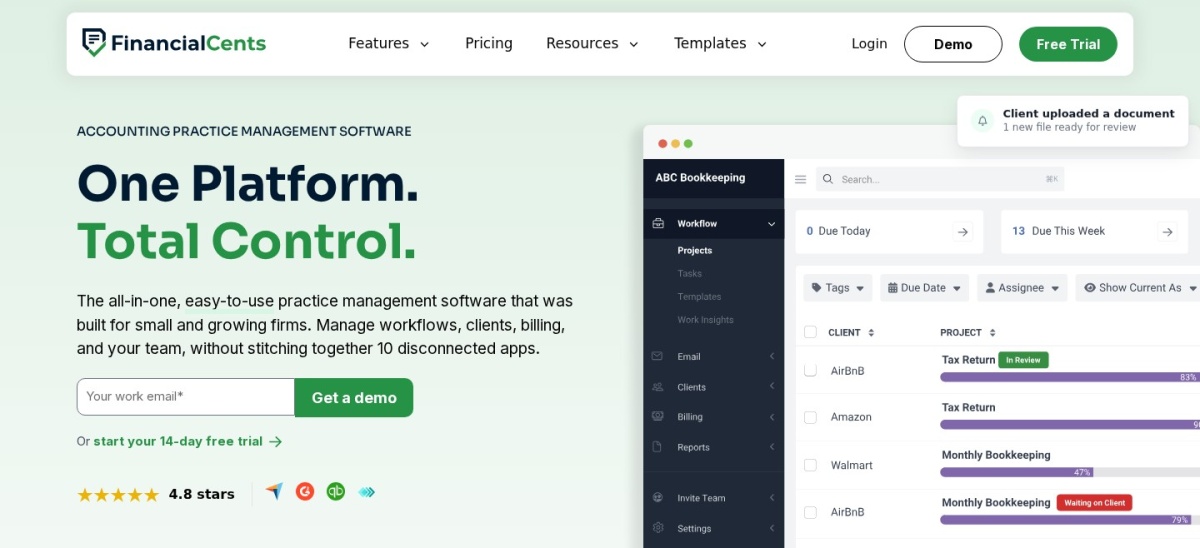
Financial Cents homepage, captured Nov 2026.
Financial Cents is an accounting practice management platform built around recurring work templates, client requests, time tracking, and billing. Its Solo plan starts at $19 per month billed annually ($228 per year) for a single user, with Team at $49 per user per month annually.
The trade off is a 12-month agreement across plans and optional add-ons such as Month-End Close priced separately per client. It suits solo practitioners and small accounting or bookkeeping teams that want structured client work tracking.
What we like
Purpose-built for accounting and bookkeeping firms with work templates
Accessible $19/mo annual entry price for single-user practices
High ease-of-use and overall score on Capterra
Watch out for
Plans require a 12-month agreement
Month-End Close is priced separately per client as an add-on
Monthly billing on Team requires a 5-user minimum
Team ($49/user/mo annual) and Scale ($69/user/mo annual) expand multi-user collaboration and automation.Visit financial-cents.com
05
Clockify
4.8/5on Capterra (9,268 reviews, checked Nov 2026)
Paid from$3.99/seat/mo (annual)
Best for multi-user free time tracking
Free tierUp to 5 users, unlimited tracking
Entry paid planBasic ($3.99/seat/mo annual)
Monthly rate$4.99/seat/mo on Basic
Higher tiersStandard ($5.49) & Pro ($7.99)
clockify.me
Clockify homepage, captured Nov 2026.
Clockify is a time tracking and timesheet tool with timers, project reports, and billing features across web, desktop, and mobile apps. Its Free plan supports up to 5 users with unlimited tracking, while Basic starts at $3.99 per seat per month billed annually ($47.88 per seat per year).
The trade off is that deeper billing, rate, and timesheet controls sit on paid tiers, and some reviewers note mobile sync friction. It suits small accounting teams that want low-cost per-seat pricing or a free tracker for up to 5 staff.
What we like
Free plan covers up to 5 users with unlimited time tracking
Low entry cost on Basic at $3.99 per seat per month billed annually
Large review volume with a 4.8/5 rating on Capterra
Watch out for
Advanced billing and management features require upgrading past Free and Basic
Mobile app sync receives mixed feedback in user reviews
No built-in accounting practice workflows or client portals
Standard ($5.49/seat/mo annual) and Pro ($7.99/seat/mo annual) unlock expanded billing and profitability controls.Visit clockify.me
06
Toggl Track
4.7/5on Capterra (2,591 reviews, checked Nov 2026)
Paid from$9/user/mo (annual)
Best for fast, low-friction timers
Free tierLimited users, timers & reports
Entry paid planStarter ($9/user/mo annual)
Monthly rate$12/user/mo on Starter
Higher tierPremium ($16/user/mo annual)
toggl.com
Toggl Track homepage, captured Nov 2026.
Toggl Track is a time tracking app focused on fast one-click timers, project tagging, and clear time summaries across desktop, mobile, and browsers. It offers a Free plan for basic tracking and starts paid plans at $9 per user per month billed annually ($108 per user per year) on Starter.
The trade off is that billable rates start on Starter and labor cost or profitability reporting requires Premium at $16 per user per month annually, plus optional add-ons cost extra. It suits accountants who want quick timers and clean reports without complex setup.
What we like
Fast timer interface across web, desktop, browser extensions, and mobile
Clear project and client reporting that reviewers find easy to read
Strong 4.7/5 rating across more than 2,500 Capterra reviews
Watch out for
Billable rates are not on the Free plan
Profitability reporting and timesheet approvals require the Premium tier
Add-ons such as Capacity Management and Time Off Pro cost extra
4.7/5on Capterra (3,630 reviews, checked Nov 2026)
Starts at$1,500/yr
Best for tax practices with client portals
Starting fee$1,500/yr billed annually
Client thresholdStarts at 150 active clients
Included seatsUp to 20 seats included
Core modulesPortal, CRM, billing, WIP & e-sign
taxdome.com
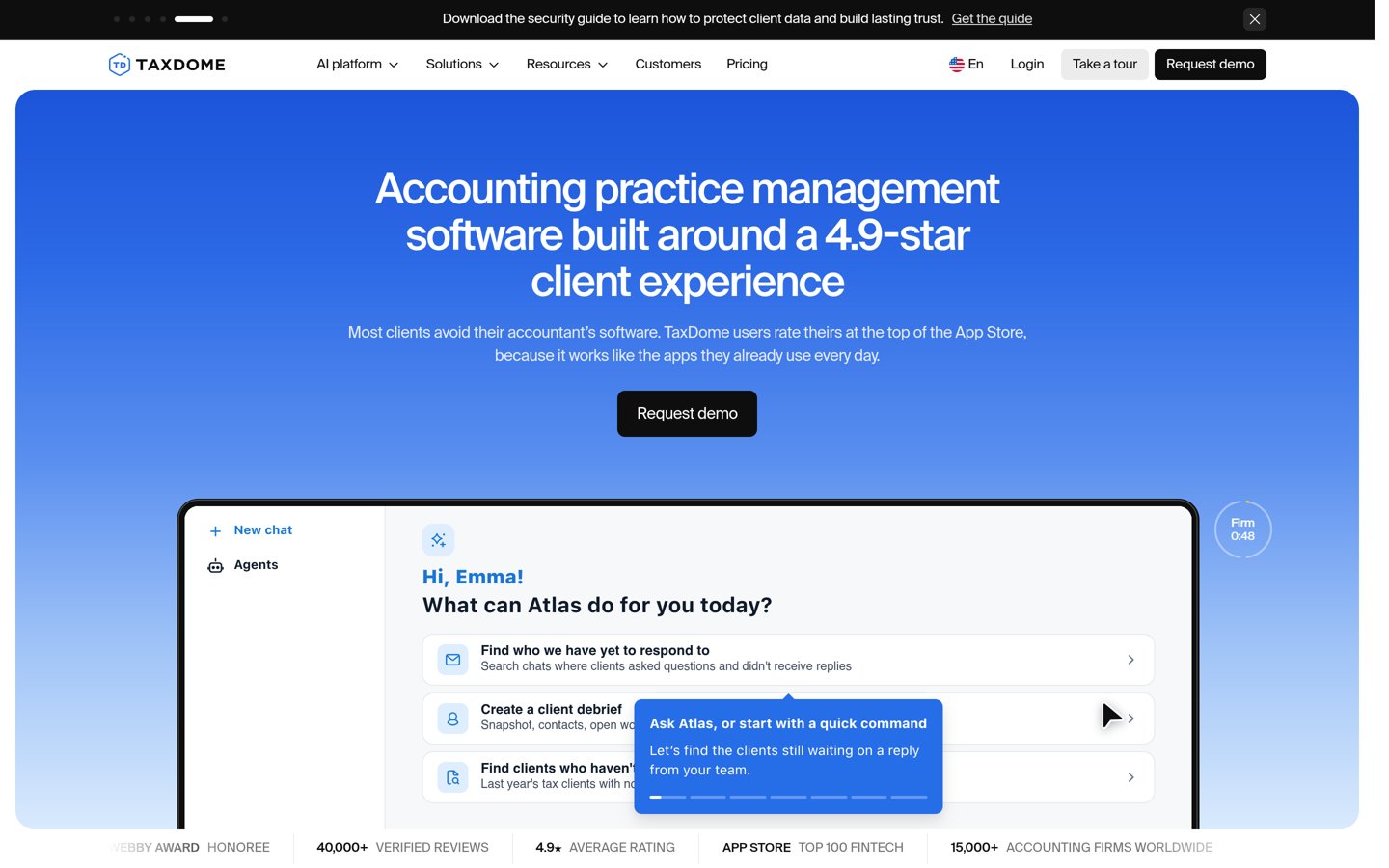
TaxDome homepage, captured Nov 2026.
TaxDome is a practice management platform for tax, bookkeeping, and accounting firms combining a client portal, CRM, workflows, e-signatures, time tracking, and billing. Pricing starts at $1,500 per year billed annually for up to 150 active clients and includes up to 20 seats.
The trade off is an annual upfront commitment with a $1,500 minimum even if you serve fewer than 150 active clients, plus a learning curve during setup. It suits tax and accounting practices that want client document collection, proposals, and billing under one roof.
What we like
Combines client portal, document requests, e-signatures, time tracking, and billing
Includes up to 20 staff seats on standard annual plans
Widely reviewed by tax and accounting firms with 3,630 Capterra reviews
Watch out for
Requires annual billing with a $1,500 minimum starting fee
Initial setup and automation configuration take noticeable time
Optional add-ons like AI or managed support cost extra per month
Adding active clients beyond 150 scales the annual fee by client tier, with optional add-ons available.Visit taxdome.com
Hourly billing vs. fixed-fee and advisory tracking
If your firm bills strictly by the hour, accurate timers, billable hourly rates by staff role, and clean invoice line items matter most. Standalone time trackers such as Harvest, Clockify, and Toggl Track handle hourly logging quickly without forcing heavy workflow setup.
If your firm packages monthly bookkeeping or fixed-fee tax returns, time tracking still matters for margin checks and WIP visibility. Practice tools like Karbon, Financial Cents, and TaxDome help you track whether fixed-fee jobs stay profitable against actual staff hours.
How we chose
We assembled this list from established time tracking, invoicing, and accounting practice platforms that support time logging and client billing workflows for accounting and bookkeeping teams.
Prices, plan tiers, and review ratings were checked on 22 Nov 2026 from vendor pricing pages and public Capterra review listings.
We excluded discontinued or unmaintained tools, products without clear public pricing or verified review data, and tools focused solely on unrelated industries. No vendor paid for a place, and we do not claim testing for this list.
How to choose the right tool in 4 steps
Follow these four steps before committing your firm to a billing and time-tracking subscription.
Map how you bill clients first. Decide whether you bill hourly, charge fixed monthly retainers, or combine advisory packages with add-on tasks so you pick software that supports your actual billing model.
Count seats and active clients accurately. Check whether a tool charges per staff seat, per active client band, or offers a free tier with seat or invoice caps before calculating your annual total.
Check workflow and portal needs. Confirm whether you only need timers and invoices or if your firm needs client document portals, recurring job templates, and team task visibility.
Verify billing cycle and add-on costs. Compare annual versus monthly pricing and check whether features like approvals, profitability reports, or extra integrations sit on higher tiers or paid add-ons.
FAQ
What is the best free time and billing software for a solo accountant?
Zoho Invoice offers a free plan with time tracking, expenses, and invoicing for up to 2 users and 500 invoices per year. Harvest also has a free tier for 1 seat and 2 projects if you want a simple timer and invoice workflow.
Do accountants need full practice management software or a simple time tracker?
A simple time tracker with invoicing fits solo practitioners or small teams that already manage client tasks and documents elsewhere. Full practice management tools like Karbon, Financial Cents, and TaxDome fit firms that want client jobs, checklists, and billing in one system.
Why do some tools charge per user while others charge by client count?
Time trackers typically price per staff seat because each team member logs hours, whereas practice platforms may price per user or per active client band. Always multiply by your real headcount or client count over a full year to compare true cost.
Are annual plans cheaper than monthly billing on these tools?
Yes, annual billing generally lowers the per-user or monthly rate compared with paying month to month. For example, Karbon lists $59 per user per month annually versus $79 monthly for 4 or more users, and Harvest lists $9 per seat per month annually versus $11 monthly on Teams.
Should fixed-fee accounting firms still track time?
Yes, tracking time on fixed-fee bookkeeping and tax work shows whether clients are profitable or consuming excess hours. Tools with budget or profitability tracking help partners spot scope creep before renewal.
What should I check before signing an annual contract?
Check minimum user counts, invoice or client caps, refund or cancellation terms, and which features require a higher tier or paid add-on. Running a trial with real client projects helps confirm your team will use it consistently.