EaseUS is the best software to recover deleted files for most users, with a 4.8/5 G2 rating from 424 reviews and an accessible recovery interface. Choose Disk Drill for Windows and Mac recovery under an annual license, or Stellar for recovering documents, photos and videos.
How we make this list: we compare pricing pages, product documentation and public user reviews, then re-check every price before each update. No product paid for a place. Disclosure.
EaseUS earns 4.8/5 from 424 G2 reviews and starts at $69.95 per month.
Disk Drill offers a regular $89 annual subscription covering Windows and Mac recovery.
Stellar receives 4.9/5 from 3,738 product reviews on Trustpilot.
R-Studio offers a dedicated FAT recovery edition for $49.99 as a one-time purchase.
MiniTool lets users recover up to 1 GB without purchasing a license.
4DDiG earns 4.8/5 from 267 G2 reviews and supports selective file recovery.
What good deleted file recovery software should offer
Deleting a file does not always erase its underlying data immediately. Recovery software searches storage devices for remaining file records and recoverable content, although overwritten files may be permanently lost.
Look for software that supports your operating system, storage device and file system. Recovering documents from a healthy hard drive requires different capabilities from recovering files from a damaged memory card.
File previews help determine whether recovered content is usable before purchasing a license. A filename appearing in scan results does not necessarily mean the entire file can be restored.
Stop writing new data to the affected drive immediately. Install recovery software on a separate drive and save recovered files to another storage device.
The 7 best software tools to recover deleted files
01
EaseUS
4.8/5on G2 (424 reviews, checked Nov 2026)
Paid from$69.95/mo
Best for recovering deleted files overall
PlatformsWindows and Mac
File previewYes
StorageHard drives, USB drives and memory cards
Entry planProfessional, 1 computer
easeus.com
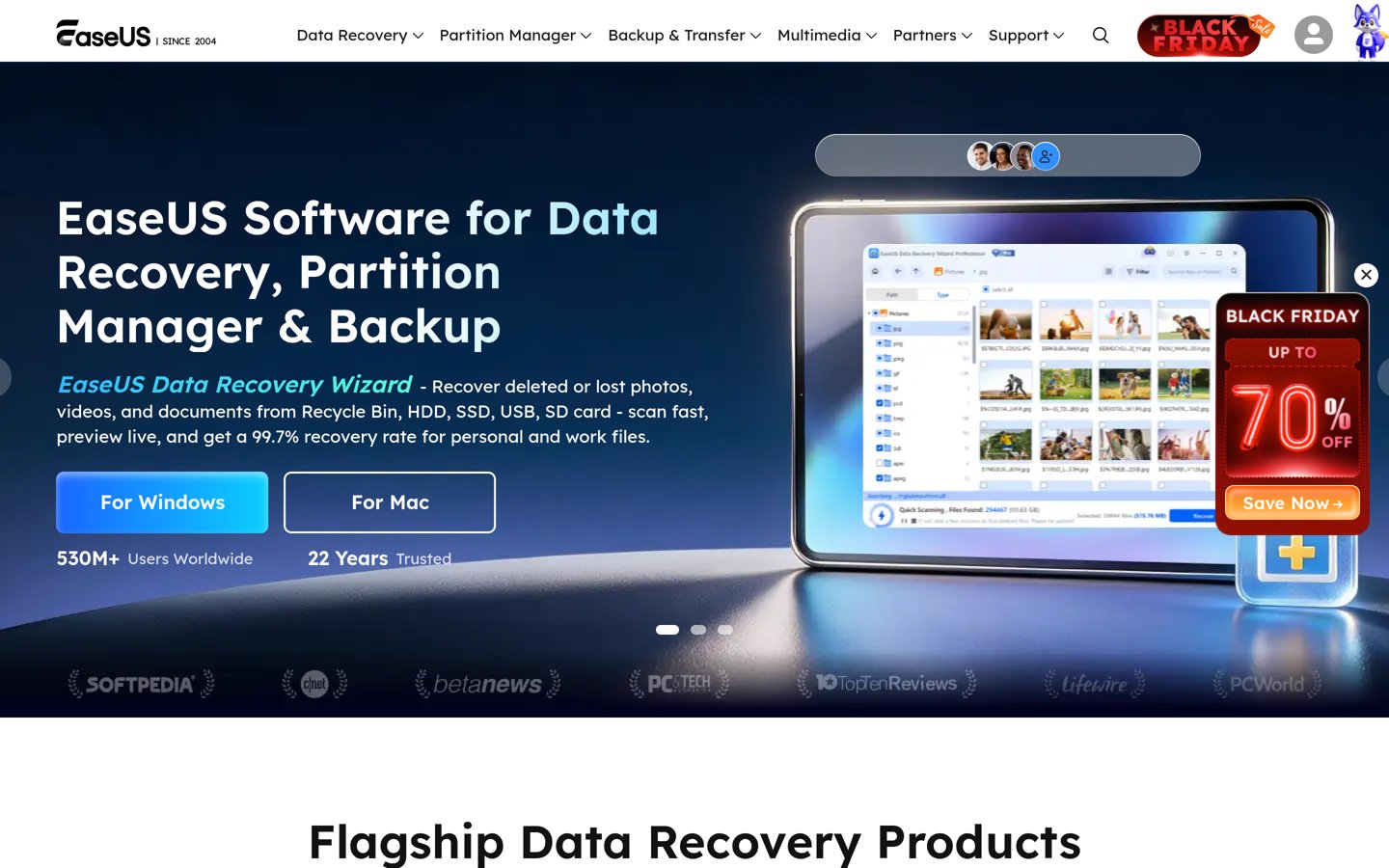
EaseUS homepage, captured Nov 2026.
EaseUS is a file recovery application for restoring deleted documents, photographs, videos and other content from storage devices. Its entry-level Professional license covers one computer and includes remote assistance.
The trade off is the recurring cost, with the monthly license priced at $69.95 and an annual option at $99.95. It suits home users and small businesses that prefer guided recovery over technical disk utilities.
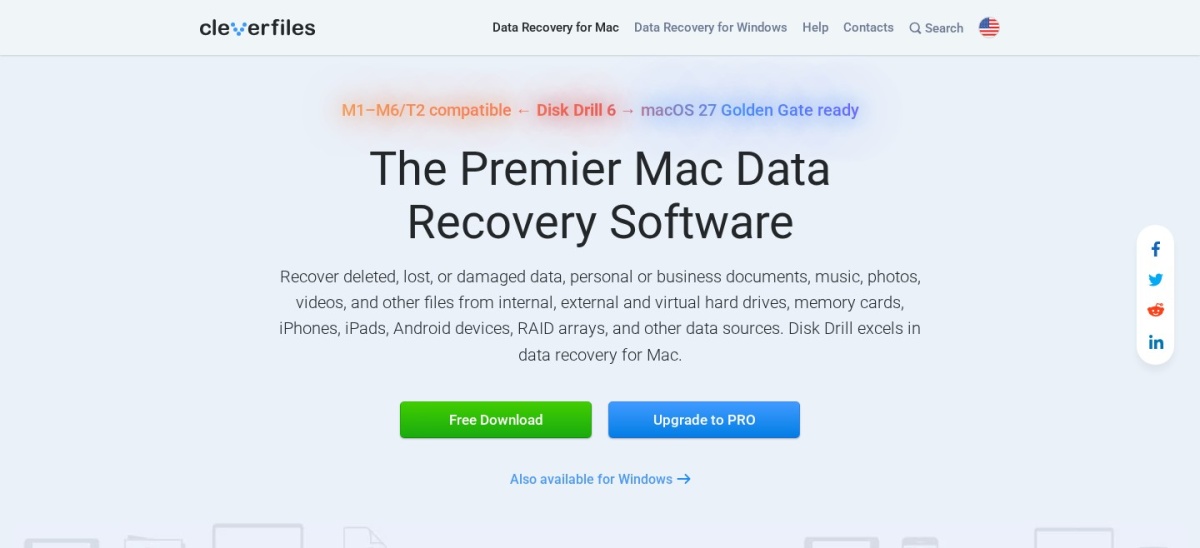
Disk Drill is a storage recovery application with file previews, scan results filtering and disk management features. Its PRO subscription provides unlimited recovery, and the vendor reports 10 million users worldwide.
The trade off is that unlimited recovery requires PRO at the regular price of $89 annually. A promotional $69 subscription was displayed during the pricing check. It suits households and independent professionals working across Windows and Mac.
4.9/5on Trustpilot (3,738 reviews, checked Nov 2026)
Paid from$69.99/yr
Best for recovering documents and media
PlatformsWindows and Mac editions
File previewYes
StorageHard drives and removable media
Entry planStandard
stellarinfo.com
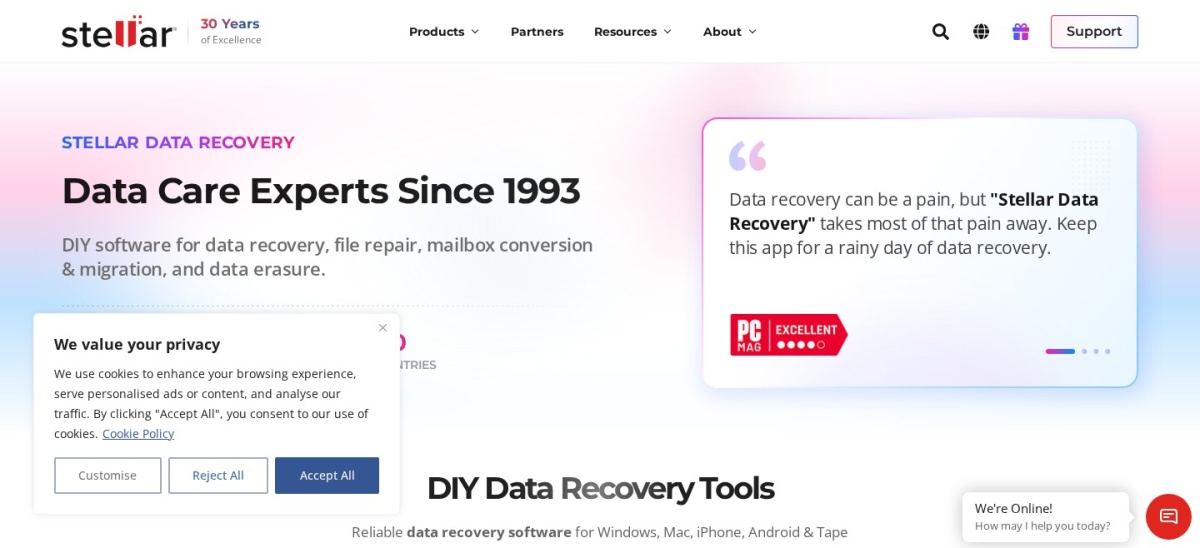
Stellar homepage, captured Nov 2026.
Stellar is a data recovery application for restoring missing documents, emails, photographs and videos. Its Standard edition provides unlimited data recovery and holds a 4.9/5 product rating from 3,738 Trustpilot reviews.
The trade off is that advanced recovery features require higher editions, while Standard regularly costs $69.99 annually and was discounted to $59.99. It suits users recovering personal files from accessible storage devices.
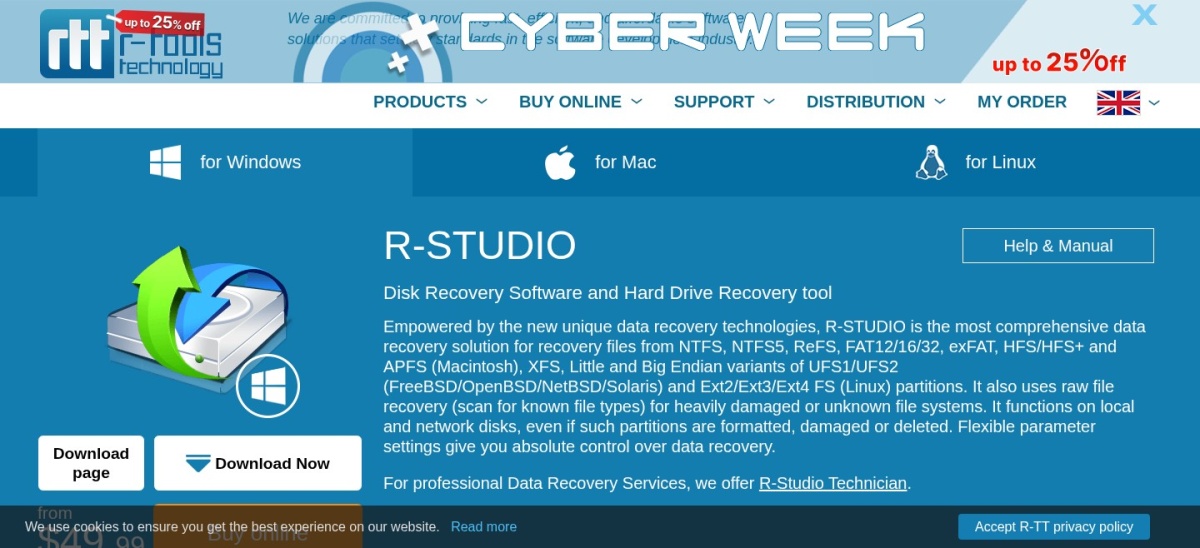
R-Studio is a technical data recovery suite with tools for examining storage devices, reconstructing lost partitions and retrieving deleted files. Its dedicated FAT edition costs $49.99, while the full Windows edition costs $79.99.
The trade off is complexity and file system restrictions on the cheapest license. The $49.99 FAT edition does not provide the full edition's file system coverage. It suits technicians and experienced users who understand disk structures.
What we like
Permanent license options
Detailed disk analysis
Multiple file system options
Advanced recovery features in higher editions
Watch out for
Steeper learning curve
Cheapest edition has restricted file system support
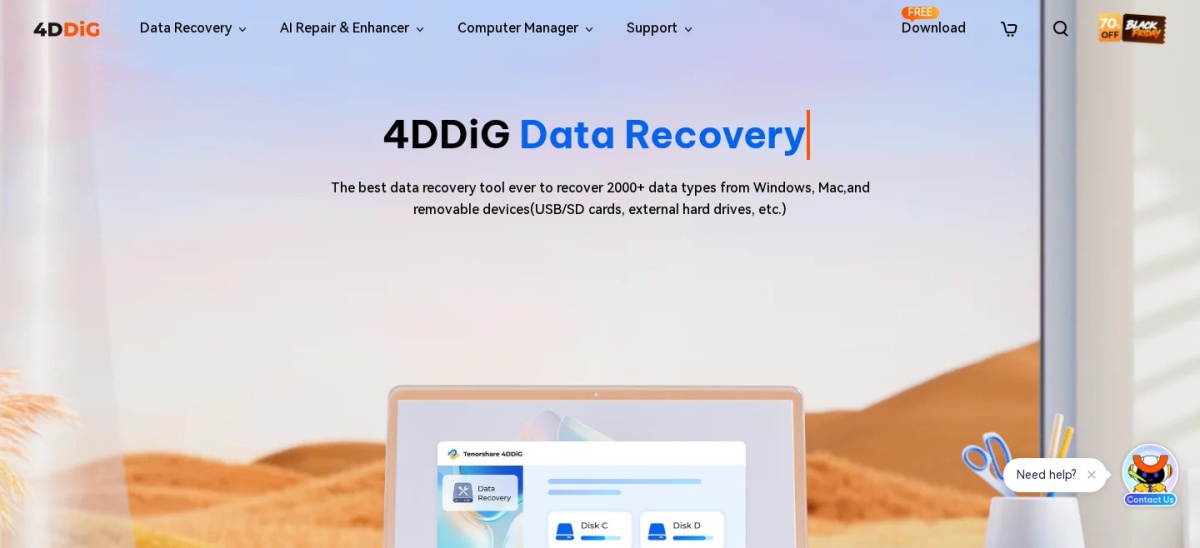
4DDiG is a data recovery application that searches storage devices for deleted and inaccessible files. Its monthly Windows license covers one computer and includes file previews, selective recovery and recovery from crashed systems.
The trade off is its regular monthly price of $89.95, although a $45.95 promotional price was displayed. The regular lifetime license costs $119.95. It suits users who want to recover specific files without navigating technical disk structures.
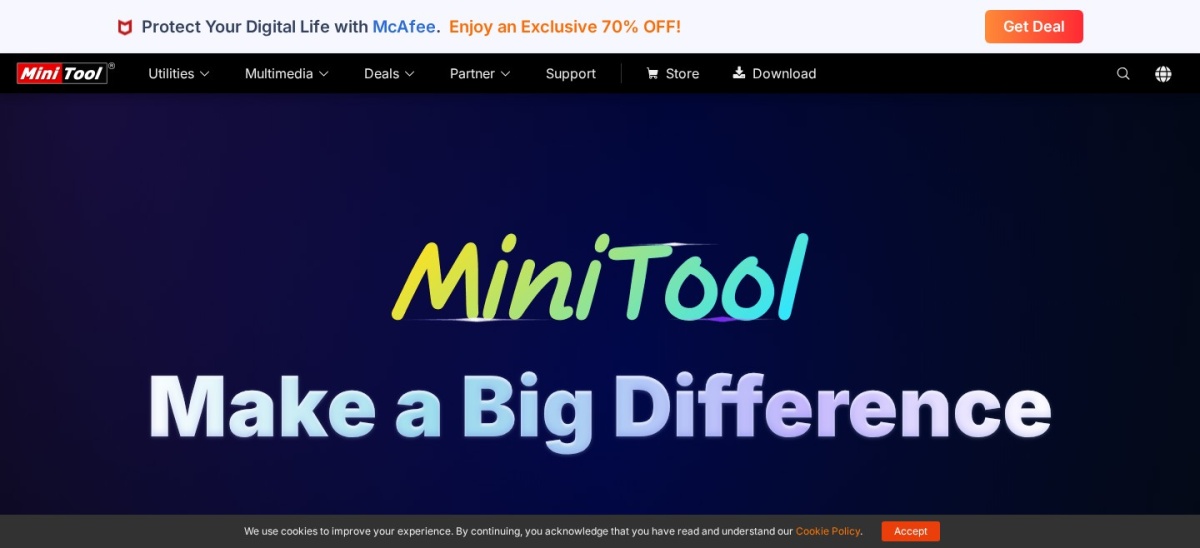
MiniTool is a Windows data recovery application for retrieving deleted files and searching damaged or missing partitions. Its free edition allows up to 1 GB of recovery, making it useful for smaller collections of documents and photographs.
The trade off is that larger recovery jobs require a paid license, starting at $69 monthly before a discounted $59 renewal. The annual subscription starts at $89. It suits Windows users who want to recover a limited amount of data first.
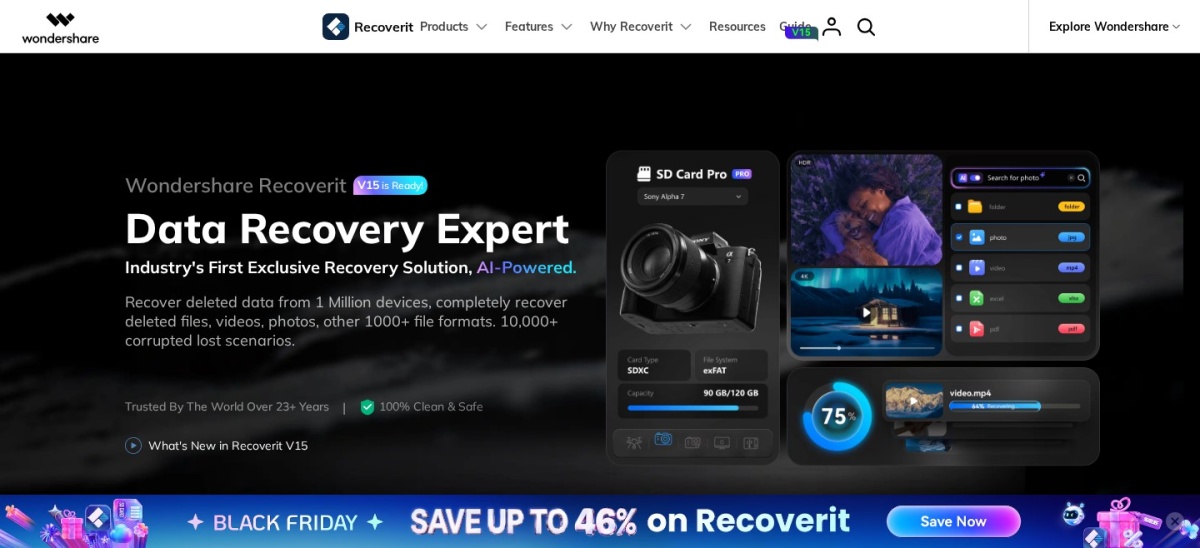
Recoverit is a file recovery application designed to retrieve deleted documents, photographs and video recordings. Its listed Windows monthly plan includes unlimited recovery for two computers, full previews and dedicated memory card recovery features.
The trade off is the regular monthly price of $139.95, with a promotional $99.95 price displayed during the check. The store also offers annual and perpetual purchase options. It suits photographers and users recovering files from removable media.
Can software recover deleted files from SSDs and hard drives?
Traditional hard drives may retain deleted data until new information overwrites the same storage locations. Recovery software can sometimes reconstruct files using remaining file system records or recognizable file signatures.
SSDs behave differently because the TRIM command can allow discarded storage blocks to be cleared. Once the original data has been erased, ordinary recovery software cannot reconstruct it.
A physically failing drive requires special care. If a device makes unusual noises, disconnects repeatedly or cannot be detected, stop scanning it and consider professional recovery services.
How we chose
We shortlisted established desktop recovery applications that support deleted files, removable storage and common data loss scenarios. We compared operating system compatibility, file previews, licensing terms and recovery features.
We checked official pricing pages and public ratings on G2, Capterra and Trustpilot on 27 Nov 2026. The price ladder annualizes monthly entry plans and treats permanent licenses as first-year purchase costs. Promotional discounts are excluded from regular price comparisons.
We excluded discontinued utilities, products with insufficient review histories and tools focused only on backup or file repair rather than deleted file recovery. No vendor paid for a place, and we do not claim testing for this list.
How to choose software to recover deleted files
Follow these steps to select a recovery application without increasing the risk of permanent data loss.
Identify the affected storage device. Determine whether the missing files came from an SSD, hard drive, USB drive or memory card. Confirm that the application supports its file system.
Stop using the affected drive. Avoid installing programs, downloading files or creating new documents on the source device. New data can overwrite recoverable content.
Scan and preview before paying. Use the free edition or demonstration mode to locate missing files. Preview important documents and photographs to assess whether their contents remain readable.
Compare the complete licensing cost. Check recovery limits, renewal prices, supported computers and cancellation terms. Save recovered content to a separate healthy drive.
FAQ
What is the best software to recover deleted files?
EaseUS is our overall pick for its guided recovery workflow, broad storage support and 4.8/5 G2 rating. Disk Drill is an alternative for cross-platform recovery, while R-Studio is better suited to experienced technicians.
Can permanently deleted files be recovered?
Yes, permanently deleted files can sometimes be recovered when their underlying data remains on the storage device. Successful recovery depends on whether the content has been overwritten, erased or damaged.
Is there free software to recover deleted files?
Yes. MiniTool offers up to 1 GB of free data recovery, and several other applications provide limited free recovery editions. Check the actual restoration allowance because free scanning alone does not restore files.
Can recovery software restore deleted files from an SSD?
Sometimes, but SSD recovery is less predictable because TRIM and internal storage management may erase deleted data. Recovery applications cannot retrieve original file contents once the relevant storage blocks have been cleared.
Is deleted file recovery software safe to use?
Established recovery applications are generally appropriate for logically deleted files on healthy storage devices. Install the application on a separate drive, avoid modifying the source device and restore files to another location.
How much does deleted file recovery software cost?
Pricing varies by license and recovery capabilities. Disk Drill regularly costs $89 annually, while R-Studio FAT costs $49.99 as a permanent license. Monthly recovery subscriptions can become considerably more expensive if retained.
SaaS SEO and WordPress specialist with about 8 years of experience. Rakib compares WordPress plugins, themes, hosting and software using public pricing, documentation and user reviews. See how we rank.