UptimeRobot is the best ping monitoring tool for most teams, with 50 free monitors at 5-minute checks and paid plans from 13 dollars a month. Choose Better Stack for on-call paging, Pingdom for real user monitoring, and StatusCake for the widest range of free monitor types.
How we make this list: we compare pricing pages, product documentation and public user reviews, then re-check every price before each update. No product paid for a place. Disclosure.
UptimeRobot is the best pick for most teams, with 50 free monitors and Solo at $13 a month.
Better Stack is the only pick here that bundles on-call paging, at $34 a month per responder.
Pingdom has no free plan and starts at $18 a month, but adds real user monitoring and 100+ check locations.
Site24x7, Uptime.com and Pulsetic are the cheapest paid steps, all starting at $9 a month.
HetrixTools adds blacklist and server monitoring to ping checks, from $9.95 a month.
What a ping monitoring tool should cover
Ping monitoring checks whether a server answers an ICMP ping, which tells you fast whether a host is reachable. Most tools in this list pair ping checks with HTTP, port, SSL and DNS checks, so one monitor covers the whole service.
This list focuses on ping and reachability checks, not general uptime pages. Our separate guide to the best uptime monitoring tools covers the same vendors in more depth for HTTP-led monitoring.
Check interval matters more than monitor count for ping use. A 1-minute check catches short outages that a 5-minute check misses, so compare the paid interval, not just the free tier.
Prices in this list are monthly rates unless stated otherwise. Annual billing cuts most of these tools by 10 to 20 percent, and SMS and voice alerts often cost extra credits.
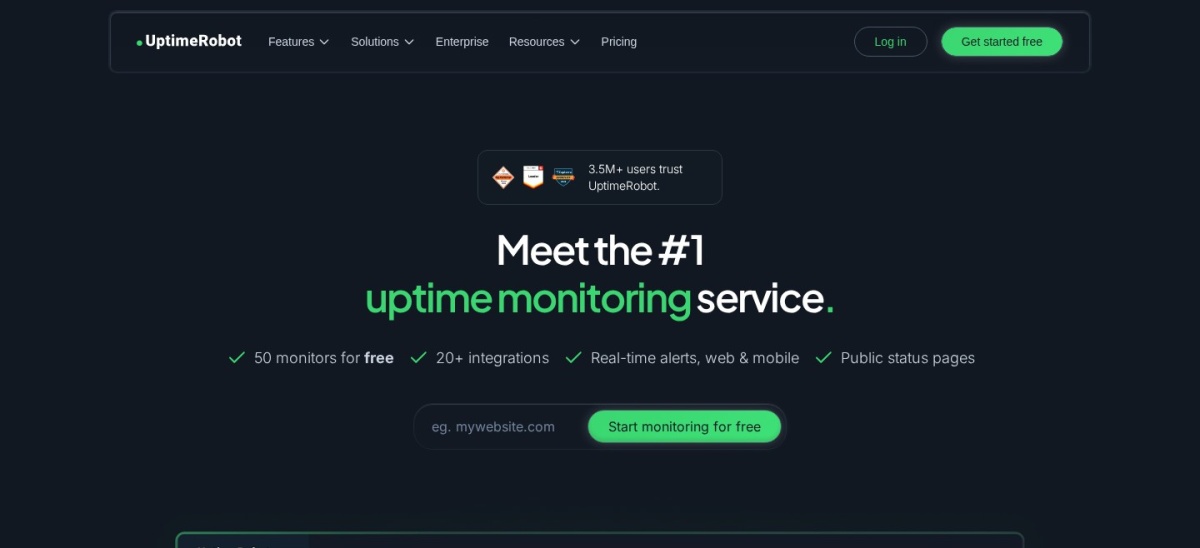
UptimeRobot is a hosted monitor that watches websites, APIs, ports and ping targets from global nodes, with alerts by email, SMS, voice and Slack. The free plan covers 50 monitors checked every 5 minutes, and Solo at $13 a month adds 60-second checks, SSL and DNS monitoring, and 3 status pages.
The trade off is monitor count on paid plans. Solo covers only 10 monitors, fewer than the free plan, so it only makes sense if you need faster checks. It suits small teams and site owners who want the largest free plan first.
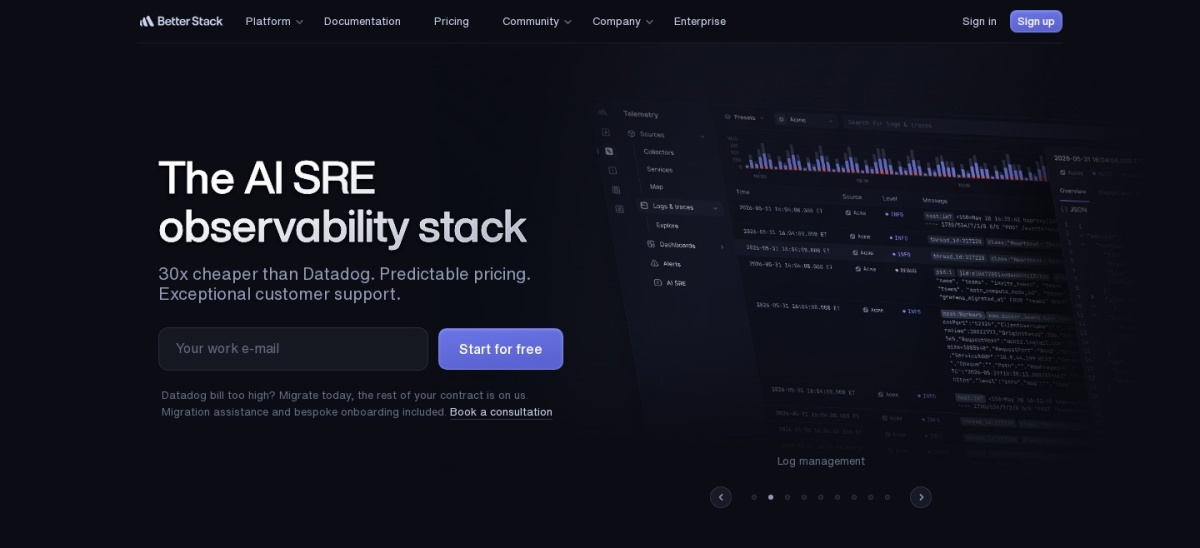
Better Stack is an observability platform that pairs uptime and ping checks with incident management, on-call schedules, logs and status pages. The free plan covers 10 monitors and 10 heartbeats with 3-minute checks, and paid access is a responder licence at $34 a month.
The trade off is price. A responder licence costs $34 a month, or $29 billed yearly, and extra monitors cost $21 a month per 50, so costs climb fast. It suits teams that want monitoring and on-call paging in one place.
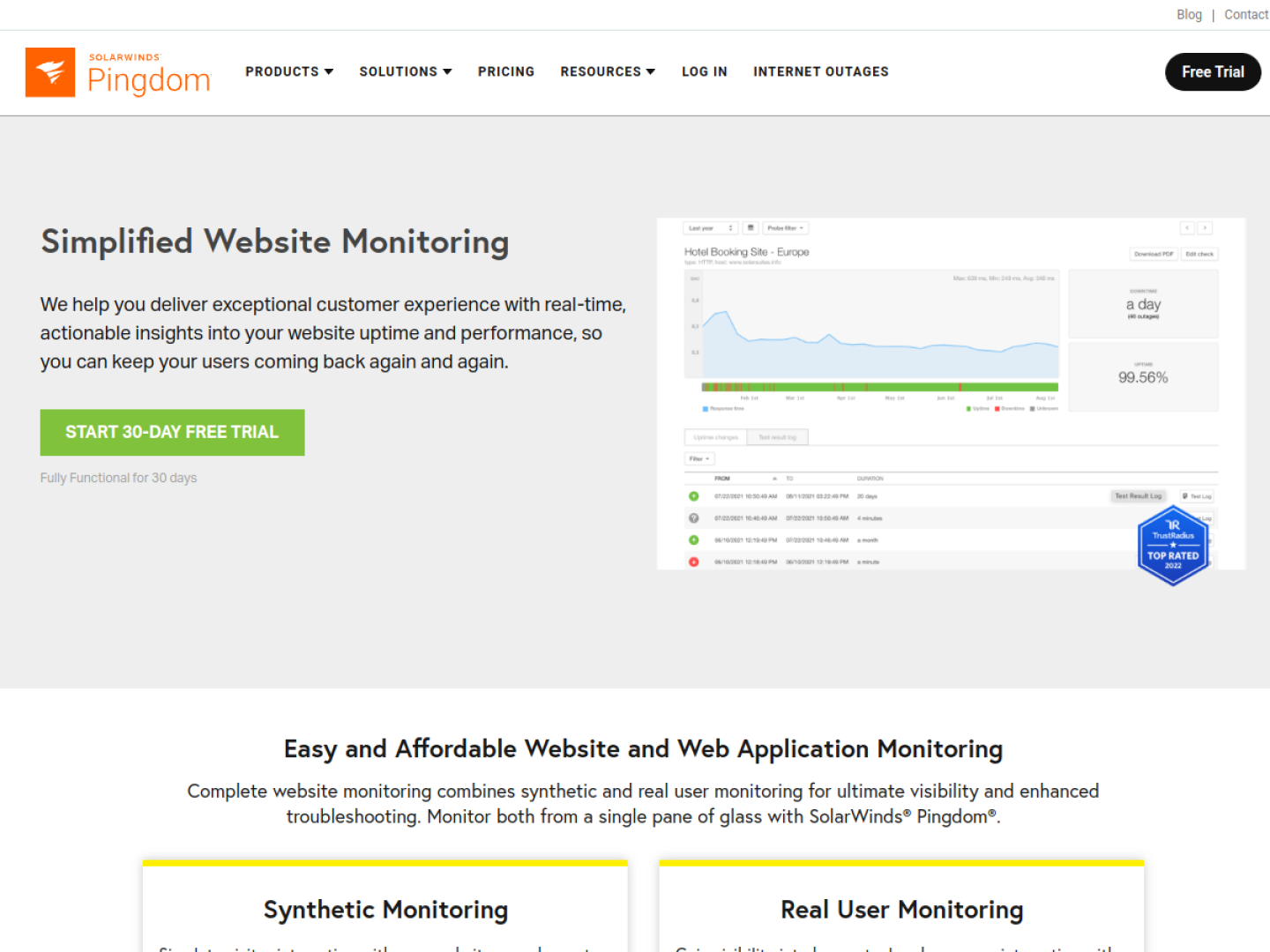
Pingdom is the longest-running monitor in this list, owned by SolarWinds, with uptime checks from more than 100 probe locations, transaction checks in a real browser, page speed checks and real user monitoring. Synthetic monitoring starts at $18 a month for 10 uptime checks.
The trade off is price and the free plan. Pingdom has no free tier, only a 14-day trial, and real user monitoring is priced separately. It suits enterprises that need third-party proof of SLA performance.
StatusCake is a monitoring service that covers uptime, page speed, SSL, domain expiry and server checks in one account. The free plan covers 10 monitors, and the Superior plan costs $24.49 a month with faster checks and more monitors.
The trade off is review depth. StatusCake holds 4.8 out of 5 on G2 but from only 15 reviews, so the rating rests on a small base. It suits small teams that want several monitor types in one account.
What we like
Uptime, speed, SSL and domain checks in one account
Site24x7 is an all-in-one monitoring platform from Zoho that covers websites, servers, networks, applications and cloud infrastructure. The website monitoring plan starts at $9 a month, and it is rated 4.6 out of 5 on G2 from 486 reviews.
The trade off is scope. Site24x7 is a full monitoring suite, so teams that only need ping checks pay for far more than they use. It suits teams that want website, server and network monitoring in one account.
Uptime.com is a monitoring service with 10 basic checks and 1 advanced check on its entry plan, covering HTTP, SSL, DNS, port and ping checks plus transaction, API and page speed monitoring. It starts at $9 a month and is rated 4.6 out of 5 on G2 from 385 reviews.
The trade off is the free plan. Uptime.com has no free tier, only a 30-day money-back guarantee, so you pay from day one. It suits teams that want built-in escalations and advanced checks at a low entry price.
Pulsetic is a budget monitoring service with uptime, ping, port, keyword, API and SSL checks plus status pages and incident reports. The free plan covers 10 monitors, and the Solo plan costs $9 a month with 30-second checks.
The trade off is the free-plan limit. Ten monitors at 5-minute checks is tight for an agency, and alert customisation draws complaints. It suits small teams that want cheap monitoring with good status pages.
HetrixTools is a low-cost monitor that pairs uptime checks with server monitoring and blacklist monitoring for IPs and domains. The free plan includes 15 uptime monitors checked every minute, and the Professional plan costs $9.95 a month.
The trade off is review depth. HetrixTools holds 4.5 out of 5 on Trustpilot but from only 9 reviews, so the rating rests on a very small base. It suits small teams that also need blacklist and server checks.
Ping monitoring tests reachability with an ICMP echo request. It answers one question fast: is the host alive.
Uptime monitoring tests the service itself with HTTP requests, checking status codes, response times and page content. A server can answer pings while its web app is down.
Use ping checks for servers, routers and network gear, and HTTP checks for websites and APIs. Most tools here do both, so pick by interval, alerts and price.
How we chose
We started from the established monitoring tools with public pricing and a track record, then kept those with a verifiable G2, Capterra or Trustpilot rating and a real ping check type. Self-hosted tools without a review profile were left out.
Prices come from each vendor's pricing page, checked on 26 November 2026, with Better Stack and Pingdom prices cross-checked against our November 2026 uptime list because their pricing pages render as calculators. Ratings and review counts come from G2, Capterra and Trustpilot on the same day.
We left out tools with no verifiable rating and uptime-only tools without ping checks. No vendor paid for a place, and we do not claim hands-on testing for this list.
How to choose a ping monitoring tool
Start with what you need to watch, then check the interval and the alert channels.
List what you need to watch. Websites need HTTP checks, servers need ping and port checks, and APIs need keyword checks. Pick a tool that covers all three if you run a mix.
Check the interval. Free plans check every 5 minutes and paid plans every 60 seconds or faster. A 1-minute interval is the minimum for production services.
Test the alerts. Make sure alerts reach you by email, SMS, voice or Slack, and that false positives are re-checked before they alert. A noisy monitor gets ignored.
Add a status page. A public status page tells customers what is happening without support tickets. UptimeRobot, Better Stack and Pulsetic all include one.
FAQ
What is the best ping monitoring tool?
UptimeRobot is the best ping monitoring tool for most teams, with 50 free monitors and paid plans from $13 a month. Better Stack is the best pick for teams that need on-call paging, and Pingdom is the best established choice for enterprises.
Is there a free ping monitoring tool?
Yes. UptimeRobot gives 50 free monitors at 5-minute checks, and StatusCake, Pulsetic and HetrixTools all have free plans. Better Stack also has a free plan with 10 monitors, while Pingdom and Uptime.com have no free tier.
How often should a ping monitor check?
A 1-minute interval catches short outages that a 5-minute check misses. Free plans usually check every 5 minutes, while paid plans in this list check every 60 seconds or faster, with UptimeRobot Scale reaching 15 seconds.
What is the difference between ping and uptime monitoring?
Ping monitoring checks whether a host answers an ICMP ping, which shows reachability. Uptime monitoring checks the service with HTTP requests, which shows whether the website or API actually works. Use both for full coverage.
Does ping monitoring work for servers?
Yes. Ping, port and heartbeat checks are the standard way to watch servers, routers and network gear. Tools such as HetrixTools and Site24x7 add server resource monitoring beside ping checks.
Which ping monitoring tool is cheapest?
Site24x7, Uptime.com and Pulsetic all start at $9 a month, and HetrixTools costs $9.95 a month. UptimeRobot is the cheapest way to start free, with 50 monitors at no cost.
SaaS SEO and WordPress specialist with about 8 years of experience. Rakib compares WordPress plugins, themes, hosting and software using public pricing, documentation and user reviews. See how we rank.