Scrivener is the best software for writers who need to organize research, chapters and long manuscripts, with a $59.99 one-time desktop license. Choose Ulysses for distraction-free writing across Apple devices or ProWritingAid for detailed grammar, readability and manuscript editing reports.
How we make this list: we compare pricing pages, product documentation and public user reviews, then re-check every price before each update. No product paid for a place. Disclosure.
Scrivener costs $59.99 per desktop platform without a recurring subscription.
Ulysses costs $39.99 annually and has a 4.6/5 App Store rating.
ProWritingAid offers free editing reports for up to 500 words of text at a time.
Grammarly has a 4.7/5 G2 rating from 14,178 reviews and offers a permanent free plan.
Atticus combines manuscript writing and book formatting for a $147 one-time payment.
The Novel Factory costs $82.50 annually for writers developing their first novel.
How do you choose the best software for writers?
The best writing software solves the most difficult part of your writing process. Novelists need manuscript organization, freelance writers need efficient editing, and screenwriters need specialized formatting.
Dedicated writing environments offer more structure than conventional word processors. Scrivener and The Novel Factory let writers separate chapters, research, characters and story notes without managing numerous independent documents.
Editing software serves a different purpose from drafting software. Grammarly and ProWritingAid help improve existing text, but their suggestions still require human judgment to preserve meaning, accuracy and individual writing style.
Subscription costs can accumulate across long writing projects. Ulysses costs $39.99 annually, while Scrivener's standard desktop license costs $59.99 upfront. Writers should consider platform compatibility, future upgrades and export options alongside the initial purchase price.
For professional screenwriters and script development
$8.33/mo
No free plan
4.4/5
Price ladder: cheapest paid plan per year
List prices, USD, checked Nov 2026
Ulysses$40
Scrivener$60
NovelFactory$83
Final Draft$100
ProWritingAidFREE$120
GrammarlyFREE$144
Atticus$147
The 7 best software tools for writers
01
Scrivener
4.5/5on G2 (87 reviews, checked Nov 2026)
Starts at$59.99 one-time
Best for long-form writing and manuscript organization
PlatformsWindows, macOS, iOS
Manuscript organizationBinder, corkboard and outliner
Free trial30 days
Desktop license$59.99 per platform
literatureandlatte.com
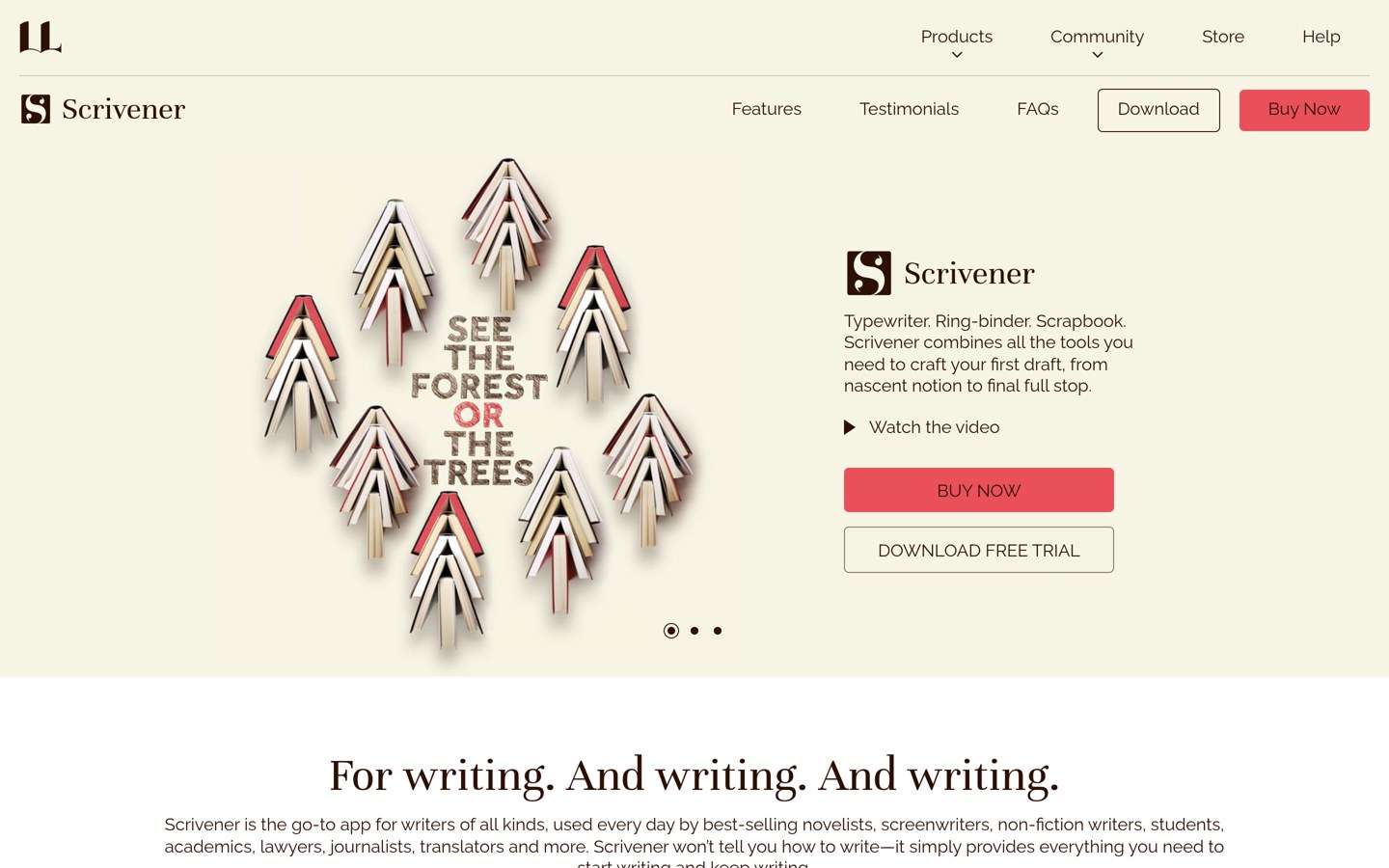
Scrivener homepage, captured Nov 2026.
Scrivener is a long-form writing application that combines manuscript drafting, outlining and research management for $59.99 per desktop platform. Writers can rearrange scenes, organize reference materials and divide substantial manuscripts into manageable sections within a single project.
The trade off is the learning curve and separate platform licensing. The standard desktop application costs $59.99, while the mobile edition is available separately for $23.99. It suits novelists, nonfiction authors and researchers who need detailed control over complicated writing projects.
What we like
Flexible chapter and scene organization
Research materials stored alongside manuscripts
One-time desktop purchase
Multiple manuscript compilation and export options
4.6/5on App Store (2.2K reviews, checked Nov 2026)
Starts at$39.99/yr
Best for distraction-free writing on Apple devices
PlatformsMac, iPad and iPhone
EditorMarkdown-based
Writing goalsWord, character and page targets
PublishingBlog publishing and document export
ulysses.app
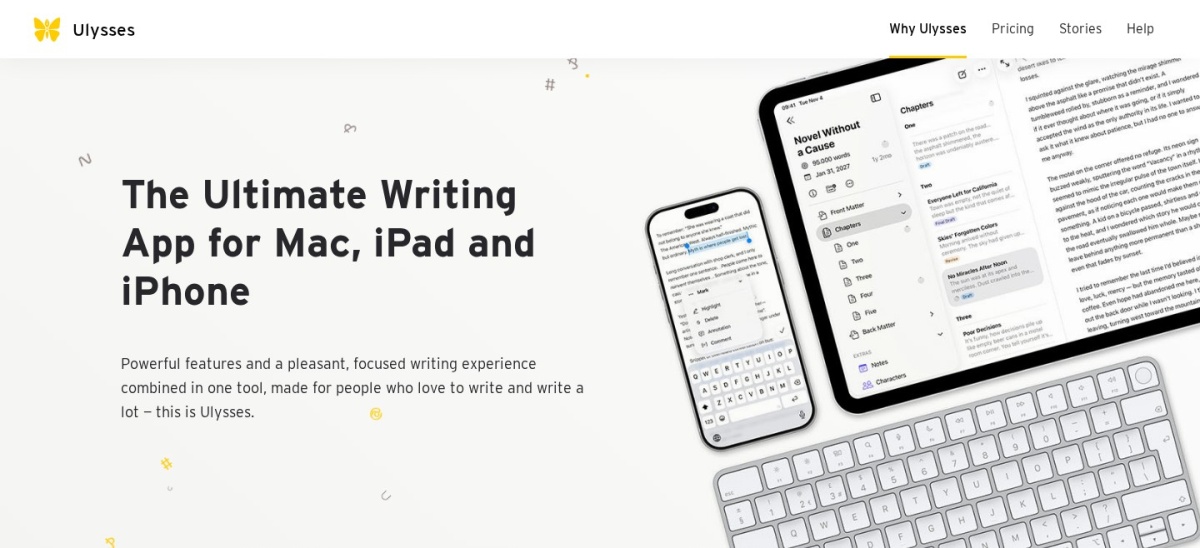
Ulysses homepage, captured Nov 2026.
Ulysses is a focused writing application that combines a minimalist editor with an organized document library for $39.99 annually. Writers can manage drafts using groups and keywords, set writing targets and synchronize their work across compatible Apple devices.
The trade off is platform availability and subscription billing. The regular annual subscription costs $39.99, compared with $5.99 for monthly billing, and there is no Windows or Android edition. It suits bloggers, essayists and authors who prefer a clean writing environment over extensive manuscript planning controls.
What we like
Minimal interface supports concentrated writing
Integrated writing targets and progress tracking
Organized library for multiple projects
Direct blog publishing options
Watch out for
Restricted to Apple devices
Recurring subscription for standard access
Less specialized story planning than Scrivener
The subscription unlocks the editor, document library, synchronization and publishing features.Visit ulysses.app
03
ProWritingAid
4.5/5on G2 (49 reviews, checked Nov 2026)
Paid from$120/yr
Best for manuscript editing and improving writing style
Free editing limit500 words per report
Writing reports25+ on Premium
IntegrationsWord, Google Docs and Scrivener
Paid planPremium
prowritingaid.com
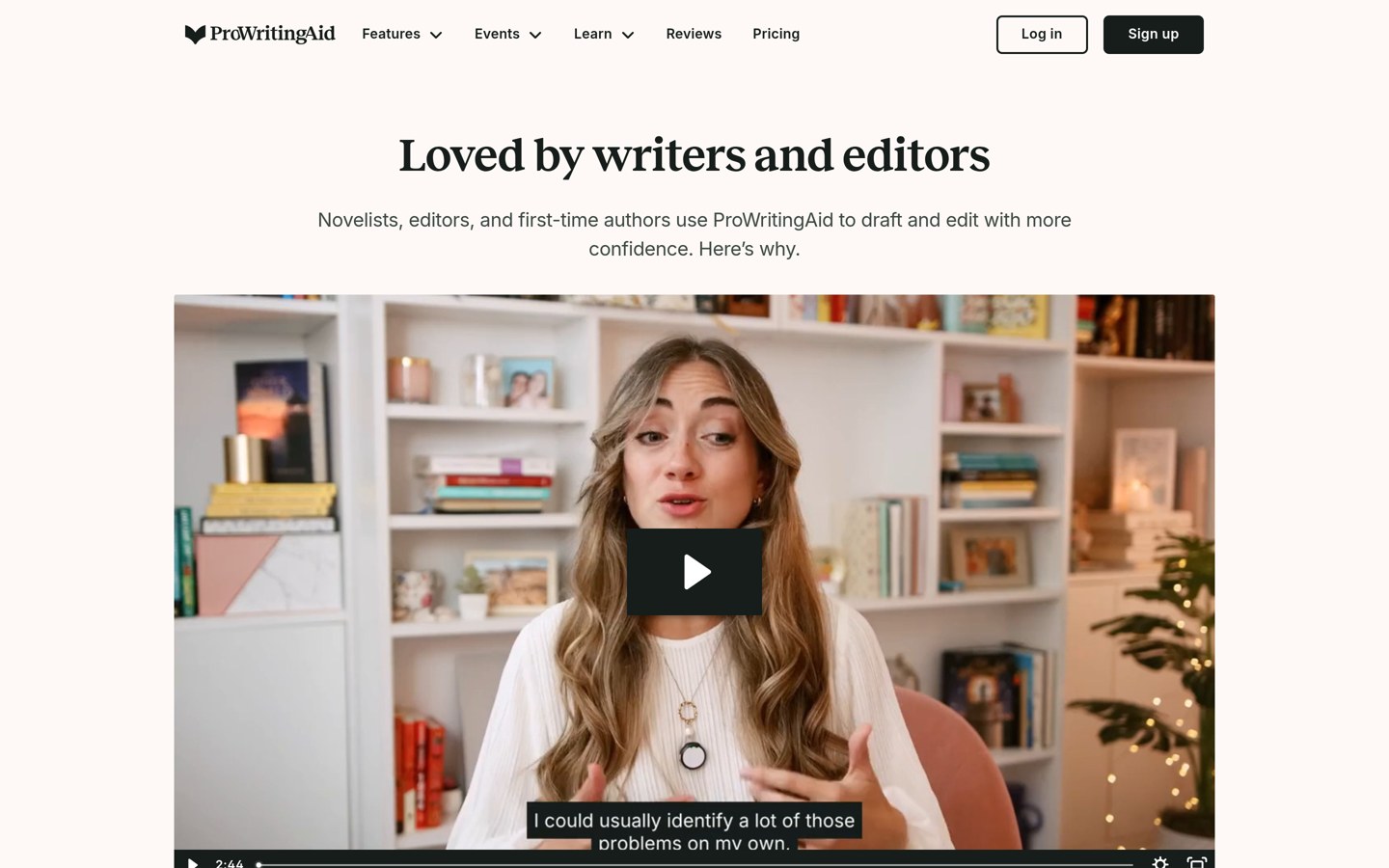
ProWritingAid homepage, captured Nov 2026.
ProWritingAid is a writing and editing assistant that evaluates grammar, readability, repetition and sentence structure. Its free plan supports editing reports on 500 words of text at a time, while Premium provides access to more than 25 writing analysis reports.
The trade off is limited free editing capacity and additional charges for certain manuscript assessments. Premium normally costs $120 annually, with a temporary Black Friday price of $60 when checked. It suits fiction authors and nonfiction writers who want detailed feedback beyond conventional spelling corrections.
What we like
Detailed analysis of long-form writing
Identifies repeated words and readability problems
Works with established writing applications
Customizable editing suggestions
Permanent free plan available
Watch out for
Free reports have a limited word count
Advanced manuscript assessments can require credits
Suggestions require careful human review
Premium adds unrestricted line editing reports, advanced style feedback and additional critique features.Visit prowritingaid.com
04
Grammarly
4.7/5on G2 (14,178 reviews, checked Nov 2026)
Paid from$144/yr
Best for everyday professional writing and proofreading
PlatformsBrowser, desktop and mobile
Grammar checkingAvailable on free plan
Tone and rewritingAdvanced features on Pro
Paid planPro
grammarly.com
Grammarly homepage, captured Nov 2026.
Grammarly is a writing assistant that provides spelling, grammar and clarity recommendations across documents, browsers and supported applications. Its free plan covers essential corrections, and its 4.7/5 G2 rating comes from 14,178 public reviews.
The trade off is that advanced rewriting and editing features require Pro, which costs $144 annually or $30 with monthly billing. Grammarly also lacks the manuscript organization of dedicated book-writing software. It suits freelance writers, students, bloggers and professionals who frequently produce shorter documents.
What we like
Accessible grammar and spelling corrections
Works across numerous writing environments
Permanent free plan
Useful tone and clarity recommendations
Large public review base
Watch out for
Not designed for complex manuscript organization
Monthly billing costs substantially more
Recommendations can change the intended writing voice
Pro adds advanced rewriting, tone adjustments and expanded writing assistance.Visit grammarly.com
05
Atticus
4.5/5on Trustpilot (204 reviews, checked Nov 2026)
Starts at$147 one-time
Best for independent authors writing and formatting books
PlatformsWindows, macOS, Linux and browser
Book formattingPrint and digital editions
Book exportsEPUB and PDF
Refund period30 days
atticus.io
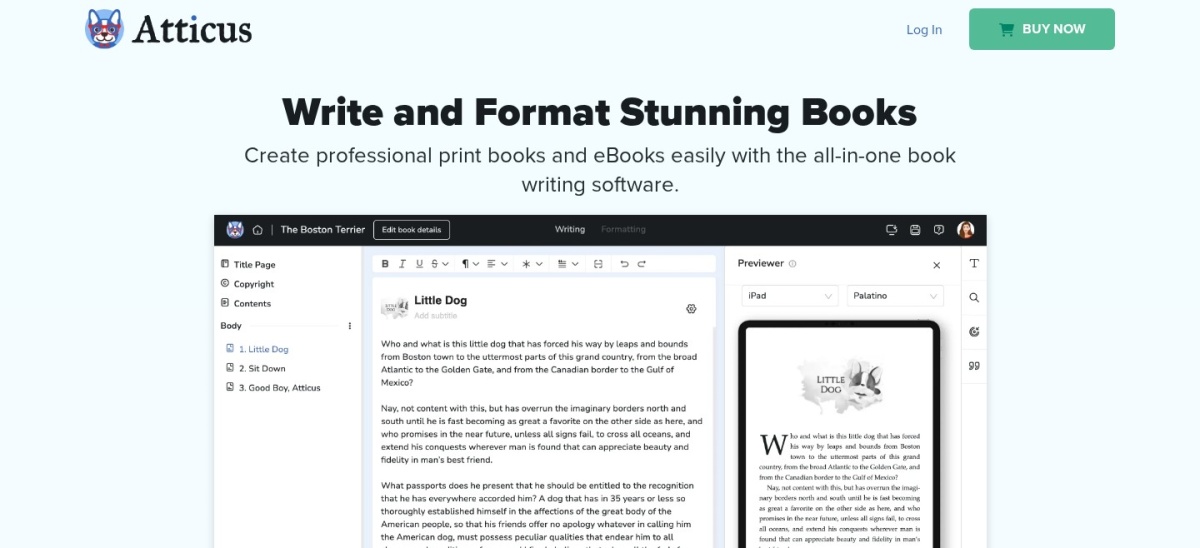
Atticus homepage, captured Nov 2026.
Atticus is a book-writing and formatting application that allows independent authors to prepare manuscripts for print and digital publication. Its $147 one-time purchase includes writing tools, formatting options and support for creating multiple books without recurring subscription charges.
The trade off is the higher upfront price and stronger emphasis on publishing rather than detailed story development. Atticus costs $147 and includes a 30-day money-back guarantee instead of a permanent free plan. It suits self-publishing authors who want to reduce dependence on separate book formatting software.
What we like
Combines writing and book formatting
Exports EPUB and print-ready PDF files
Available across major desktop platforms
One-time payment includes ongoing updates
Supports multiple book projects
Watch out for
No permanent free plan
Less suited to advanced fiction plotting
Higher upfront cost than basic drafting applications
The one-time purchase includes unlimited book projects, formatting features and ongoing updates.Visit atticus.io
06
The Novel Factory
4.3/5on Trustpilot (30 reviews, checked Nov 2026)
Starts at$82.50/yr
Best for beginners developing their first novel
Writing focusFiction and novel development
Basic project limit1 novel
Planning toolsPlot, characters and locations
Free trial30 days
novel-software.com
The Novel Factory homepage, captured Nov 2026.
The Novel Factory is a fiction-writing application that guides authors through story planning, character development and manuscript drafting. Its Basic subscription costs $82.50 annually and includes a single novel project, plot management, character records and writing statistics.
The trade off is that Basic restricts writers to one novel, while unlimited projects require Standard at $220 annually. A temporary Black Friday promotion reduced Basic to $57.75 when checked. It suits first-time novelists who want structured guidance from the initial story concept to a completed draft.
What we like
Guided novel development process
Dedicated character and location records
Organized plot and subplot management
Free trial without payment details
Watch out for
Basic supports only one novel
Unlimited projects require a more expensive plan
Less suitable for general professional writing
Basic unlocks the core novel planning and drafting workspace after the trial.Visit novel-software.com
07
Final Draft
4.4/5on Capterra (32 reviews, checked Nov 2026)
Starts at$8.33/mo
Best for professional screenwriters and script development
Writing focusScreenplays and scripts
Entry subscriptionFinal Draft Suite
Desktop applicationFinal Draft 13
CollaborationFinal Draft Cloud
finaldraft.com
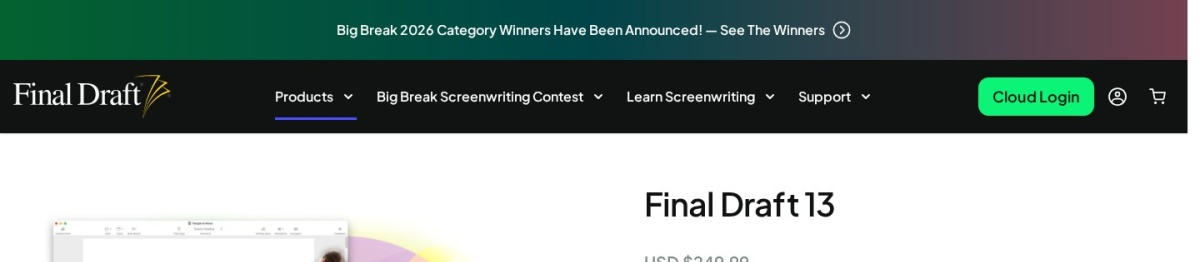
Final Draft homepage, captured Nov 2026.
Final Draft is a specialized screenwriting application for creating formatted scripts, developing stories and preparing production documents. Final Draft Suite combines the desktop application with cloud writing and collaboration tools at a regular advertised rate of $8.33 per month, billed annually.
The trade off is its narrow focus on scripts rather than prose manuscripts. The annual subscription was temporarily advertised at $5.83 per month, while the desktop-only perpetual license normally costs $249.99. It suits screenwriters, playwrights and production teams that need dedicated script formatting and development features.
What we like
Specialized screenplay formatting
Story outlining and planning features
Production-oriented script tools
Cloud collaboration through the Suite subscription
Watch out for
Not intended for conventional book manuscripts
Perpetual desktop license has a higher upfront cost
Cloud features require the subscription
Final Draft Suite includes Final Draft Cloud and the Final Draft 13 desktop application.Visit finaldraft.com
Do writers need separate drafting and editing software?
Drafting and editing software perform complementary tasks. A dedicated drafting application helps structure ideas, chapters and reference materials, while an editing assistant examines the language inside the manuscript.
Scrivener and ProWritingAid are a practical combination for long-form authors. Scrivener handles manuscript organization, and ProWritingAid provides feedback on repetition, readability and sentence construction. Writers can start with the free editing tier before deciding whether a subscription is necessary.
Freelancers may need a simpler combination. An existing word processor paired with Grammarly's free plan can cover everyday drafting and proofreading without adding another specialized writing application.
Is one-time purchase writing software better than a subscription?
One-time purchase software can reduce ongoing expenses for authors who expect to use the same writing environment for several years. Scrivener's $59.99 desktop license and Atticus's $147 purchase provide alternatives to recurring subscriptions.
Subscriptions can make sense when writers rely on cloud synchronization, collaboration or continuously updated editing services. Ulysses, Grammarly and ProWritingAid deliver different recurring services that may justify their annual costs.
Check what happens when a subscription expires before committing to any writing platform. Export availability, continued document access and ownership of local manuscript files matter more than saving a small amount on the initial purchase.
How we chose
We selected established writing applications covering manuscript drafting, distraction-free writing, grammar correction, book formatting, novel development and screenwriting. Products were assessed on writing features, platform compatibility, export options, pricing structures and publicly available customer feedback.
Regular pricing and public ratings were checked on 29 Nov 2026 using official vendor websites, G2, Capterra, Trustpilot and the App Store. Annual subscriptions use their regular annual rates, while perpetual licenses use their upfront purchase costs. Scrivener is compared using its desktop license rather than its cheaper mobile edition. App Store review totals may be rounded, and Final Draft's annual figure is calculated from its advertised monthly equivalent.
We excluded applications without sufficiently established public review profiles or verifiable pricing. Temporary Black Friday discounts, restricted educational offers and upgrade-only prices were excluded from the price ladder. No vendor paid for a place, and we do not claim testing for this list.
How to choose the right writing software
Identify the biggest obstacle in your current writing process before comparing subscriptions, editing features and manuscript management tools.
Identify your primary writing format. Choose Scrivener for complex manuscripts, The Novel Factory for guided fiction development or Final Draft for screenplays. Avoid paying for specialized features that do not match the documents you produce.
Decide whether you need drafting or editing assistance. Choose Ulysses or Scrivener if organizing and completing drafts is your main challenge. Consider Grammarly or ProWritingAid if improving grammar, clarity and sentence structure is more important.
Compare the actual ownership cost. Evaluate regular annual subscriptions against perpetual licenses. Include potential upgrades, separate platform purchases and additional editing services when calculating the cost of your complete writing workflow.
Check compatibility and manuscript portability. Confirm that the software supports your preferred devices, offline requirements and export formats. Keep independent manuscript backups so that changing software does not put your writing projects at risk.
FAQ
What is the best software for writers in 2026?
Scrivener is the best software for writers managing substantial manuscripts because it combines drafting, outlining and research organization for a $59.99 desktop license. Ulysses is better for minimalist writing, while ProWritingAid specializes in detailed manuscript editing and style improvement.
What is the best free software for writers?
Grammarly is a good free choice for everyday proofreading, while ProWritingAid offers more detailed writing analysis on its free tier. Neither replaces a full manuscript drafting environment, but both can complement a free word processor without requiring an immediate subscription.
How much does good writing software cost?
Good writing software can cost $39.99 annually for Ulysses or $59.99 upfront for a standard Scrivener desktop license. Specialized publishing software such as Atticus costs $147 once, while professional editing assistants typically require recurring payments for advanced features.
Is Scrivener better than Ulysses for writing books?
Scrivener is better for books that require extensive outlining, research organization and flexible chapter management. Ulysses is better for writers who prefer a minimalist editor and synchronization across Apple devices. The right choice depends on manuscript complexity and preferred writing habits.
What writing software is best for beginner novelists?
The Novel Factory is best for beginner novelists who want guided help developing plots, characters and story locations. Its Basic plan costs $82.50 annually and supports one novel, making it a practical starting point for writers completing their first manuscript.
Is Grammarly or ProWritingAid better for authors?
ProWritingAid is generally better for authors who need detailed feedback on long manuscripts, including repetition and readability analysis. Grammarly is better for everyday proofreading, professional documents and shorter articles. Both offer free plans that allow writers to evaluate their editing features.
What software should independent authors use to format books?
Atticus is a good choice for independent authors who want drafting and book formatting in the same application. Its $147 one-time purchase supports print and ebook preparation, reducing the need to maintain separate writing and formatting subscriptions.
What is the best software for writing screenplays?
Final Draft is the best specialized option in this comparison for screenplay formatting, script development and production workflows. Final Draft Suite has a regular advertised price of $8.33 per month when billed annually and includes both desktop and cloud writing tools.
SaaS SEO and WordPress specialist with about 8 years of experience. Rakib compares WordPress plugins, themes, hosting and software using public pricing, documentation and user reviews. See how we rank.