Adobe Photoshop is the best of these Affinity Photo alternatives, with the Photography plan at $19.99 a month and a 4.6/5 rating from 13,463 G2 reviews. GIMP is free and closest for layers and retouching, while Pixelmator Pro costs $49.99 once for Mac owners.
How we make this list: we compare pricing pages, product documentation and public user reviews, then re-check every price before each update. No product paid for a place. Disclosure.
Photoshop leads at $19.99 a month through the Photography plan, which also adds Lightroom and 1TB of storage.
GIMP and Photopea are both free: GIMP is the stronger desktop editor, Photopea runs in a browser.
Pixelmator Pro is the cheapest paid pick at $49.99 once, but it needs a Mac.
Affinity Photo itself is now free with a Canva account, so these alternatives compete with a $0 editor.
Capture One is the priciest here at $349 once, built for tethered studio work.
How do you choose the best Affinity Photo alternatives for your work?
Affinity Photo is now free with a Canva account, so the bar for its alternatives is high. Any paid replacement has to beat a full layers, masks and RAW toolkit that costs $0, which is why the strongest picks here are either free or clearly better at one job.
Price is the first split. Photoshop costs $19.99 a month on the Photography plan, Pixelmator Pro costs $49.99 once, and GIMP and Photopea cost nothing, so the yearly spread runs from $0 to about $240.
RAW workflow is the second split. Editors such as ON1, DxO and Capture One organise and grade hundreds of photos from a shoot, while pixel editors such as Photoshop, GIMP and Pixelmator Pro work on one image at a time with layers and masks. Our guide on optimising images for WordPress covers what happens after the edit, when the file goes on a site.
Platform is the third split. Pixelmator Pro needs a Mac and PaintShop Pro needs Windows, while Photoshop, GIMP, Photopea, Luminar Neo, ON1, DxO and Capture One run on more than one platform, so check your computer before you check the price.
Adobe Photoshop is the most complete pixel editor in this list, with layers, masks, smart objects, Camera Raw and generative fill in one app. The Photography plan at $19.99 a month also adds Lightroom, Lightroom Classic and 1TB of cloud storage, so it covers organising as well as retouching.
The trade off is the subscription. There is no one-time purchase, and the single-app plan costs $22.99 a month, $3 more than the Photography plan. It suits photographers and designers who want the deepest toolkit and the widest plugin support.
What we like
Deepest layers, masks and retouching toolkit
Generative fill and remove tools built in
Photography plan adds Lightroom and 1TB storage
Watch out for
No one-time purchase; subscription only
Steep learning curve for beginners
Photography plan is the cheapest way to get PhotoshopVisit adobe.com
02
GIMP
4.3/5on G2 (1,484 reviews, checked Nov 2026)
PriceFree
Best free Affinity Photo alternative
PriceFree
PlatformsMac, Windows, Linux
RAW editingVia plugin
Paid planNone
gimp.org
GIMP homepage, captured Nov 2026.
GIMP is a free, open-source editor with layers, masks, paths, filters and a large plugin library, and it runs on Windows, Mac and Linux. It handles advanced retouching that paid editors charge for, with no licence fee and no account needed.
The trade off is polish. The interface feels dated next to Affinity Photo, and RAW files need a plugin such as RawTherapee or darktable rather than opening directly. It suits anyone on a tight budget who wants serious power for free.
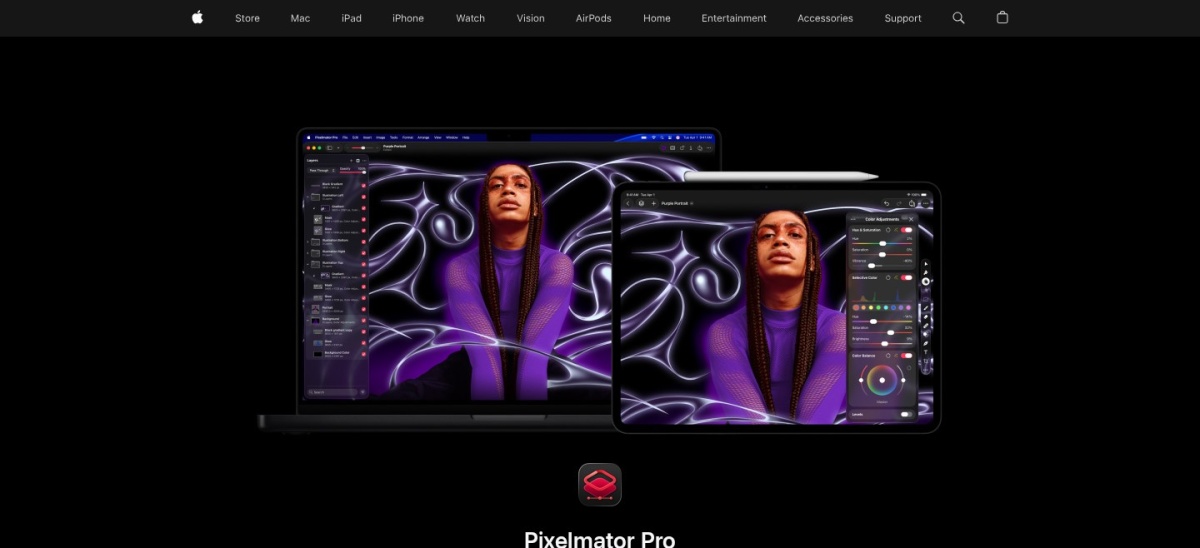
Pixelmator Pro is a native Mac editor you buy once for $49.99, with layers, masks, RAW editing and machine-learning tools in a clean Mac interface. It is fast on Apple silicon, works with the Photos app, and covers most retouching and design jobs.
The trade off is the platform. It needs a Mac, and the iPad version now sits inside the Apple Creator Studio subscription at $12.99 a month. It suits Mac owners who want a fast, elegant editor without a monthly bill.
Photopea is a free photo editor that runs in a browser tab, with layers, masks, adjustment layers and PSD support in an interface close to Photoshop. Every editing feature is free, files stay on your device, and there is nothing to install.
The trade off is the ads. The free version shows video ads beside the workspace, and Premium at $5 a month only removes them and adds storage. It suits quick edits on any computer, including one that is not yours.
Luminar Neo is an AI-first editor from Skylum with a $119 lifetime licence for the desktop app. Sky AI replaces skies, Relight AI reshapes light, Skin AI retouches portraits and GenErase removes distractions, all with a few sliders.
The trade off is the fine print. Generative tools work for one year from purchase, then need a renewal, and the price varies by tier and sale. It suits beginners who want a finished landscape in minutes.
What we like
Fastest path from flat RAW to finished photo
One-click sky and light AI tools
Supports 1,000-plus cameras
Watch out for
Generative tools last one year only
Price varies by tier and sale
Lifetime licence; generative tools need renewal after a yearVisit skylum.com
06
ON1 Photo RAW
4.1/5on Trustpilot (3,227 reviews, checked Nov 2026)
Starts at$99.99/once
Best all-in-one RAW workflow
Price$99.99 once
PlatformsMac, Windows
RAW workflowYes, plus catalog
ComputersUp to 2
on1.com
ON1 Photo RAW homepage, captured Nov 2026.
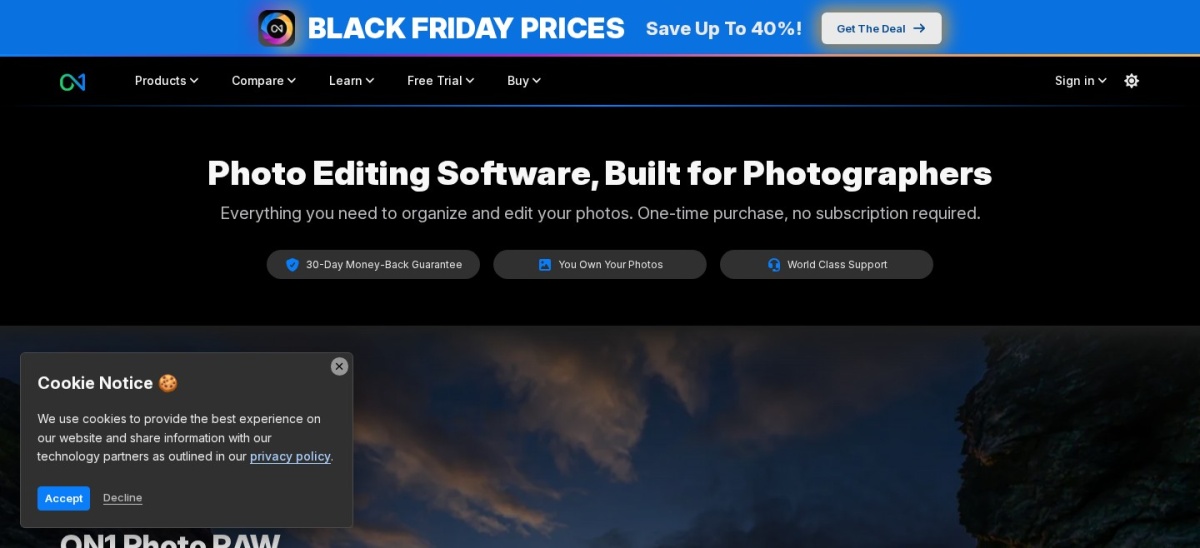
ON1 Photo RAW is the closest single-app replacement for Lightroom without a subscription. It browses folders without forcing an import, develops RAW files, and adds layers, effects, AI masking and NoNoise AI in the same app.
The trade off is size. It is a big app with a learning curve, and the MAX edition costs extra for photo restoration and plugin support. It suits photographers who want one app for organising and editing.
What we like
Whole workflow in one app, no import step
Perpetual licence at $99.99
Layers, effects and AI masking included
Watch out for
Big app with a learning curve
MAX edition costs extra for plugins
MAX edition costs extra for restoration and pluginsVisit on1.com
07
DxO PhotoLab
4.4/5on Capterra (14 reviews, checked Nov 2026)
Starts at$159.99/once
Best RAW image quality
Price$159.99 once, Essential
Noise reductionDeepPRIME
Lens profilesLab measured
Free trial30 days
dxo.com
DxO PhotoLab homepage, captured Nov 2026.
DxO PhotoLab is built for maximum image quality from RAW files. Its DeepPRIME noise reduction recovers clean detail from high-ISO shots, and its lens correction modules use lab measurements of specific camera and lens combinations.
The trade off is scope and price. Essential costs $159.99 once and Elite costs $249.99 for the full set, and there are no layers, so retouching needs a second app. It suits wedding and wildlife shooters who judge software by the pixels.
What we like
Best noise reduction in this list
Lab-measured lens corrections
No subscription at any tier
Watch out for
No layers for retouching
Elite costs $249.99 for the full set
Elite adds the full noise reduction and masking setVisit dxo.com
08
Capture One
4.5/5on G2 (78 reviews, checked Nov 2026)
Starts at$349/once
Best for studio and tethered shoots
Price$349 once, perpetual
TetheringBest in this list
SubscriptionAbout $18/mo instead
Free trialYes
captureone.com
Capture One homepage, captured Nov 2026.
Capture One is the studio photographer's tool, with the fastest tethering, live view and colour editing in this list. Its colour rendering and skin tone handling are widely rated the best in the category, and its layers and colour editor give precise local control.
The trade off is price. The perpetual licence costs $349, while the subscription runs about $18 a month on an annual plan, and it rewards users who learn its deeper toolset. It suits fashion, product and commercial photographers who shoot tethered.
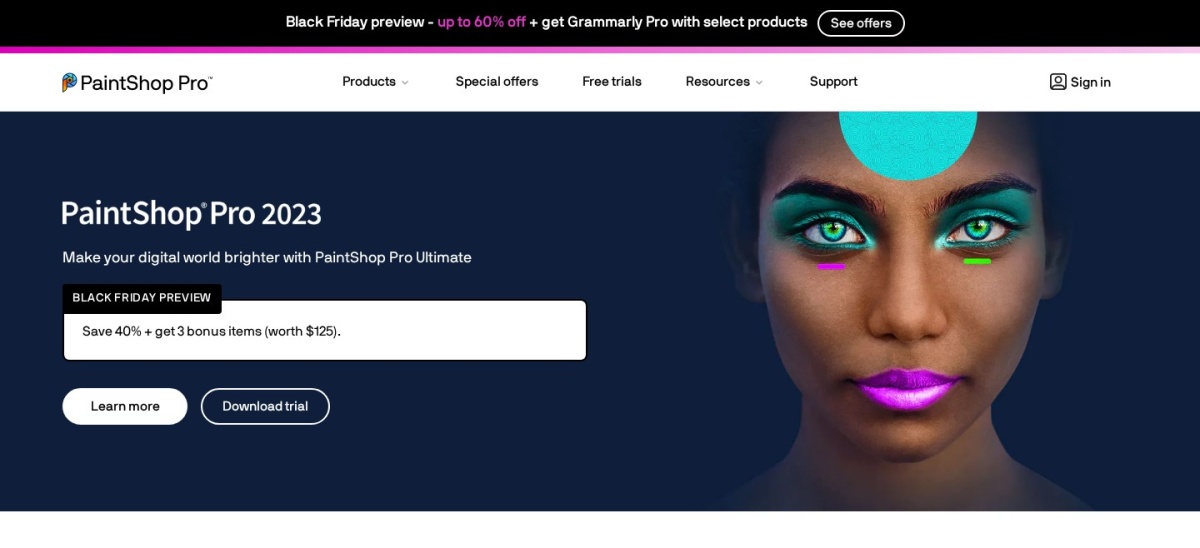
PaintShop Pro is the budget Windows alternative to Photoshop, sold as a one-time purchase covering photo editing, RAW processing, graphic design tools and batch processing. The standard version costs $79.99 once, and Ultimate at $99.99 adds AI styles and brushes.
The trade off is freshness. Corel is still selling the 2023 version in 2026, with no newer release in sight, and it never came to the Mac. It suits Windows power users who want a complete toolkit without a subscription.
One-time payment vs subscription: which wins here?
One-time licences cover the version you bought, not the next one, and new camera support can stop with it.
Subscriptions keep updating, but the cost never stops: Photoshop at $19.99 a month costs about $240 a year, every year.
Affinity Photo changed the maths by going free with a Canva account, so a one-time licence now has to earn its price against $0.
How we chose
We started from the established photo editors most often named as Affinity Photo replacements, then kept nine with a free version, a perpetual licence or a current subscription, covering pixel editing and RAW workflow.
Prices come from each vendor pricing page or a current reliable source, checked on 29 November 2026. Ratings come from G2, Capterra or Trustpilot on the same day. Where a vendor shows a sale, the list shows the regular price.
We left out Affinity Photo itself, since this list is its alternatives, and we left out editors with no public rating. No vendor paid for a place, and we do not claim to have used these tools ourselves.
How to choose an Affinity Photo alternative
Start with how you edit, then match the price to how often you edit.
Decide pixel editing or RAW workflow. If you retouch one image at a time with layers, pick a pixel editor such as Photoshop, GIMP or Pixelmator Pro. If you grade hundreds of RAW files, pick ON1, DxO or Capture One.
Set your budget rule first. Free tools cover most jobs: GIMP on the desktop and Photopea in a browser. Pay once for Pixelmator Pro or PaintShop Pro, or pay monthly only if you edit every week.
Check your platform. Pixelmator Pro needs a Mac and PaintShop Pro needs Windows. The rest run on Mac and Windows, and Photopea runs in any browser.
Try the free version before you pay. GIMP and Photopea are free, most paid tools offer a trial, and Photoshop offers a 7-day trial. Open a real file from your last shoot and check layers, RAW support and export before buying.
FAQ
What is the best Affinity Photo alternative in 2026?
Adobe Photoshop is the best Affinity Photo alternative for most people. The Photography plan costs $19.99 a month, adds Lightroom and 1TB of storage, and Photoshop is rated 4.6 out of 5 from 13,463 G2 reviews.
Is there a free alternative to Affinity Photo?
Yes. GIMP is the best free alternative, with layers, masks and plugins on Windows, Mac and Linux, and Photopea offers a full editor free in a browser. Affinity Photo itself is now free with a Canva account, so the free bar is high.
How much does the best Affinity Photo alternative cost?
Photoshop costs $19.99 a month on the Photography plan, or $22.99 a month as a single app, which is about $240 a year. The cheapest paid pick is Pixelmator Pro at $49.99 once, while GIMP and Photopea cost nothing.
Which Affinity Photo alternative is best for beginners?
Luminar Neo is the easiest paid pick for beginners, with one-click sky, light and skin tools that finish a photo in minutes. Photopea is the easiest free start, since it runs in a browser and its layout is close to Photoshop.
Photoshop or GIMP: which is the better Affinity Photo alternative?
Photoshop is better for professional work, with deeper tools, generative fill and the widest plugin support. GIMP is better if you want the same kind of layers and retouching for free, though its interface is less polished and RAW files need a plugin.
Is there an Affinity Photo alternative with a one-time payment?
Yes. Pixelmator Pro costs $49.99 once on the Mac, PaintShop Pro costs $79.99 once on Windows, and ON1 Photo RAW costs $99.99 once. Capture One also sells a $349 perpetual licence, though its subscription is about $18 a month.
SaaS SEO and WordPress specialist with about 8 years of experience. Rakib compares WordPress plugins, themes, hosting and software using public pricing, documentation and user reviews. See how we rank.