Best Software for Timelines in 2026: 9 Tools Compared
WLWPLegible EditorsLast verified 24 Nov 2026How we rank13 min read
★ Short answer
Office Timeline is the best software for timelines if you present in PowerPoint, with a free version and paid licences from $59 a year. Preceden is the best browser-based roadmap maker at $10 a month, and TimelineJS is the best free option for the web.
How we make this list: we compare pricing pages, product documentation and public user reviews, then re-check every price before each update. No product paid for a place. Disclosure.
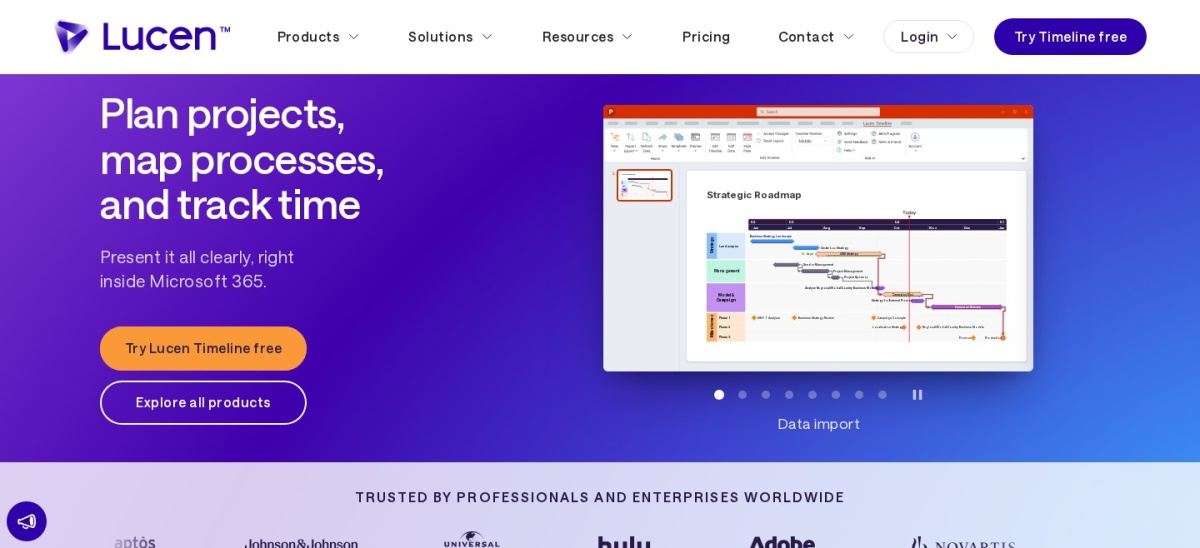
Office Timeline, now Lucen Timeline, is the standard for timelines inside PowerPoint, from $59 a year, at 4.6 out of 5 on Capterra from 37 reviews.
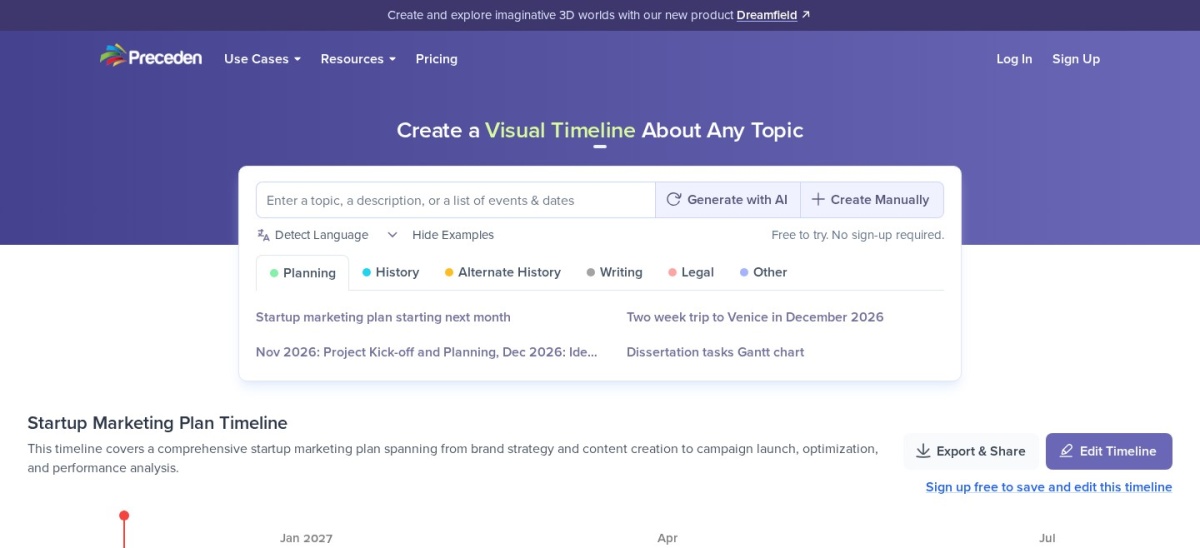
Preceden is the best browser-based roadmap maker at $10 a month billed annually, with layers, spreadsheet import and PowerPoint export.
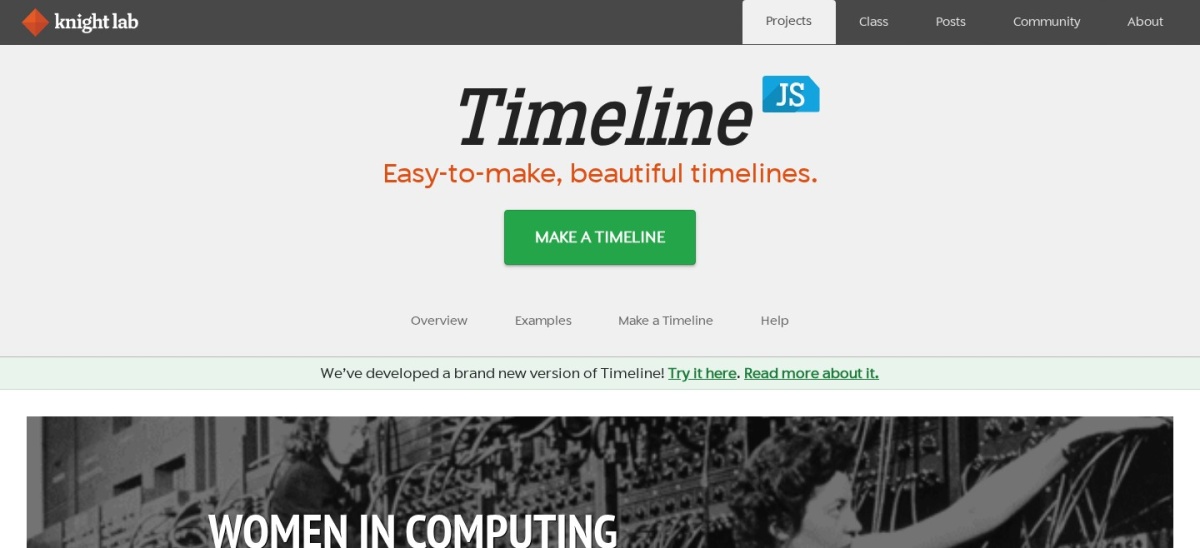
TimelineJS is the best free option: open source, embeddable in any web page, and rated 4.1 out of 5 on G2 from 7 reviews.
Five well-known dedicated timeline tools have no verifiable G2, Capterra or Trustpilot rating, so this list pairs the rated dedicated tools with template-based design tools.
Miro has the largest review base here at 4.6 out of 5 on G2 from 13,333 reviews, with timeline templates on a free plan of three boards.
What timeline software should cover
A timeline is a communication tool, not a plan. It shows events in order so an audience understands what happened or what will happen, which is a different job from a Gantt chart that manages task dependencies. Our guide on the best project management software covers Gantt tools if dependencies are what you need.
Dedicated timeline tools are a niche category, and most of them have almost no presence on review sites. Five well-known dedicated tools — Aeon Timeline, Tiki-Toki, Timeline Maker Pro, Sutori and TimeToast — publish no verifiable rating on G2, Capterra or Trustpilot, so this list pairs the four rated dedicated tools with five established design tools that people actually use to make timelines.
Where the timeline will live decides the pick. PowerPoint slides need Office Timeline, a website embed needs TimelineJS or Time.Graphics, a business roadmap needs Preceden, and a printed or branded visual needs Venngage, Visme or Piktochart.
One gap to check before you sign: free tiers cap events hard — Preceden allows 10 events free, Time.Graphics allows 18 — so a long chronology needs a paid plan even if the tool looks free.
Office Timeline is the tool behind countless executive presentations. It runs as a PowerPoint add-in: enter your milestones and dates, and it generates a polished timeline slide you can restyle with a click. It is now sold by Lucen Software, which rebranded from Office Timeline in May 2026, and nearly all of its reviews still call it Office Timeline.
The trade off is PowerPoint itself. If your team does not live in PowerPoint, the value drops, and advanced templates and features need a paid licence, though the free version handles basic timelines. It suits business users who present timelines regularly and want the fastest route to an executive-ready slide.
Preceden focuses on the business use case: project roadmaps, product timelines and company histories that need to look sharp in presentations and on the web. Layers let you show multiple projects or teams on one timeline, and sharing covers embedding, PDF export and live links. Basic costs $10 a month billed annually, or $25 month to month.
The trade off is that it is subscription software aimed at professionals, not a free classroom tool. The free tier allows only 10 events, and historical and storytelling timelines fit less naturally than business ones. It suits product managers and executives communicating plans over time.
TimelineJS, from Northwestern University's Knight Lab, is the open source standard for embeddable timelines. Authors build the timeline in a Google Sheets template, publish, and embed the result in any article or page. Journalists love it for visual storytelling, and educators use it for interactive history lessons. It costs nothing and looks professional.
The trade off is customization. It is limited to what the tool offers, so you cannot redesign it freely, and you need somewhere to embed it. It also recommends no more than 20 slides per timeline. It suits publishers and educators who need beautiful timelines without budget or developers.
3.7/5on Trustpilot (121 reviews, checked Nov 2026)
Paid from$97.90/yr
Best for quick online timelines
Free plan18 events
Premium price$97.90/yr
Free trialFree tier
Paid planPremium, $97.90/yr
time.graphics
Time.Graphics homepage, captured Nov 2026.
Time.Graphics is the quick-and-clean option: sign up, add events, get a shareable timeline. The free tier covers up to 18 events for personal and educational use, and the interface stays out of your way. Premium costs $97.90 a year and adds unlimited events, downloads in several formats and real-time collaboration.
The trade off is depth. Power users will hit limits on customization, data depth and presentation polish, and Trustpilot reviews complain about watermarks on free exports and unclear trial limits. It suits students, teachers and anyone who needs a decent timeline without learning software.
What we like
Free for up to 18 events
Fast and simple to learn
Good sharing and export options
Watch out for
Limited customization and data depth
Free exports carry watermarks
Trustpilot score of 3.7 reflects support complaints
Venngage is an information design platform with timeline templates built for business communication. It covers project timelines, company histories and process visuals with brand kits, collaboration and accessibility tools, and a free plan allows 5 designs. Premium costs $10 a month billed yearly.
The trade off is that it is a general design tool, not a dedicated timeline maker: there is no date-aware timeline engine, so long chronologies are built by hand on the canvas. It suits teams that need timelines to match the brand and sit beside reports and infographics.
Visme is a design tool for visually engaging content, with timeline templates that support interactivity, animation, data widgets and brand kits. The free Basic plan covers simple timelines, and Starter costs $12.25 a month, with Pro and Enterprise adding analytics and team controls.
The trade off is the same as Venngage: it is a design tool, not a timeline engine, so dates, dependencies and long chronologies are managed by hand. It suits teams that want a timeline inside an interactive presentation, report or web page.
Piktochart turns data into visual stories, with timeline templates for reports, roadmaps and project histories. The free plan covers basic designs, and Pro costs $14 a month billed yearly, or $19 month to month, adding brand control, more templates and team features.
The trade off is flexibility. Piktochart is built for infographics and reports, so highly visual or custom timeline layouts are harder than in a dedicated tool, and the template library is smaller than Canva's. It suits teams that already use it for infographics and want timelines in the same style.
What we like
Strong for data-rich timeline infographics
Brand control on Pro
Rated 4.4 out of 5 on G2 from 162 reviews
Watch out for
Smaller template library than Canva
Built for infographics, not timelines
Custom layouts are harder than in a dedicated tool
Canva is the fastest route to a decent timeline for most people: hundreds of timeline templates, a drag-and-drop editor, and a free plan that covers simple designs. Pro costs $10 a month billed annually per person, or $15 month to month, and adds brand kits, background removal and 1TB of storage.
The trade off is control. Canva's templates are easy but hard to customize deeply, the free plan pushes premium assets, and there is no date-aware timeline logic, so long chronologies are manual. It suits solo users and small teams that want a good-looking timeline in minutes.
Miro is an infinite-canvas whiteboard with timeline templates, tables and docs on every plan, so a team can move from a brainstorm to a timeline without switching tools. The free plan allows three editable boards, and Starter costs $8 a member a month billed annually, or $10 month to month, with unlimited boards and visitor editing.
The trade off is that it is a whiteboard, not a timeline tool: there is no date engine, and the per-member pricing adds up fast for large teams. It suits teams that plan together in real time and want the timeline to live beside the workshop board.
Timeline software splits by pricing model as much as by feature. Office Timeline sells yearly licences from $59 a year, and Time.Graphics sells an annual Premium plan at $97.90 a year, while Preceden, Venngage, Visme, Piktochart, Canva and Miro all charge monthly subscriptions.
The subscription tools look cheap per month but cost more over years: Preceden Basic is $10 a month billed annually, or $120 a year, against Office Timeline's $59 a year for the same job in PowerPoint. If you build timelines every week, the yearly licence is usually cheaper.
Free tiers suit occasional use. TimelineJS is completely free and open source, Miro gives three editable boards free, and Venngage, Visme, Piktochart and Canva all have free plans. Match the pricing model to how often you build timelines, and re-evaluate yearly.
How we chose
We started from the dedicated timeline tools most often recommended in 2026, then kept only those with a verifiable rating on G2, Capterra or Trustpilot. Five well-known dedicated tools had no such rating — Aeon Timeline, Tiki-Toki, Timeline Maker Pro, Sutori and TimeToast — so we replaced them with five established design tools that have timeline templates and verified ratings.
Prices for the top three were checked on 24 November 2026: Preceden's $10 a month was confirmed on its own pricing page, Office Timeline's $59 a year comes from its listing and November 2026 roundups because the vendor page renders no figure, and TimelineJS is free and open source. Ratings come from the review site named on each tool.
We left out generic project management Gantt features that are not really timeline software. No vendor paid for a place, and we do not claim hands-on testing for this list.
How to choose software for timelines
Start with where the timeline will live, then check the event cap and the export format.
Decide where the timeline will live first. PowerPoint slides need Office Timeline, a website embed needs TimelineJS or Time.Graphics, and a printed visual needs Venngage or Visme. See the best project management software list if you need a Gantt chart instead.
Check the free tier's event cap. Preceden allows 10 events free and Time.Graphics allows 18, so a long chronology needs a paid plan even when the tool looks free.
Check the export format. Preceden exports PDF, PNG and PowerPoint, TimelineJS embeds by iframe, and Office Timeline lands as editable PowerPoint objects. Confirm the export matches your destination before you build.
Try the free version on a real timeline. TimelineJS costs nothing, and Office Timeline, Miro, Venngage, Visme, Piktochart and Canva all have free plans. Build one real timeline before you pay.
FAQ
What is the best software for timelines?
Office Timeline is the best pick for most people, because it builds timelines directly inside PowerPoint from $59 a year and holds 4.6 out of 5 on Capterra from 37 reviews. For the web, TimelineJS is the best free option, and Preceden is the best browser-based roadmap maker.
How much does timeline software cost?
Dedicated tools run from free (TimelineJS, Time.Graphics free tier) to $59 a year for Office Timeline and $10 a month for Preceden. Design tools with timeline templates run from $8 a member a month for Miro Starter to $14 a month for Piktochart Pro.
Is there a free timeline maker?
Yes. TimelineJS is completely free and open source, built by Northwestern University's Knight Lab, and it embeds in any web page from a Google Sheet. Time.Graphics is free for up to 18 events, and Office Timeline has a free version for basic PowerPoint timelines.
What happened to Office Timeline?
Office Timeline rebranded to Lucen Timeline in May 2026, when the company became Lucen Software. The product is the same PowerPoint add-in, and nearly all of its reviews on G2 and Capterra still call it Office Timeline.
Why are Aeon Timeline and Tiki-Toki not in this list?
Both are well-known dedicated timeline tools, but neither publishes a verifiable rating on G2, Capterra or Trustpilot, and this list only includes tools with a rating from one of those sites. They are replaced here by Venngage, Visme, Piktochart, Canva and Miro, which all have timeline templates and verified ratings.
Which timeline tool is best for a business roadmap?
Preceden is built for it: layers for multiple projects or teams, spreadsheet import, and PDF, PNG and PowerPoint export from $10 a month billed annually. Office Timeline is the better pick if the roadmap lives in a PowerPoint deck.