WLWPLegible EditorsLast verified 22 Nov 2026How we rank12 min read
★ Short answer
PandaDoc is our top quote software pick, offering a free plan for 5 documents monthly and Starter at $19 per seat monthly with annual billing. Quotient is better for straightforward customer quotes, starting at $28 monthly, while Qwilr suits businesses that need interactive proposals with digital signatures and payment collection.
How we make this list: we compare pricing pages, product documentation and public user reviews, then re-check every price before each update. No product paid for a place. Disclosure.
PandaDoc Free supports 5 documents monthly, while Starter costs $19 per seat monthly with annual billing; G2 rates it 4.7/5 from 3,869 reviews.
Quotient Solo costs $28 monthly and includes 100 quotes, while Team costs $48 monthly for up to 5 members; its Capterra rating is 4.8/5 from 136 reviews.
Qwilr Starter costs $35 per user monthly with annual billing and has a 4.6/5 G2 rating from 938 reviews.
Proposify Build costs $49 per user monthly, or $39 with annual billing, and holds a 4.6/5 G2 rating from 1,144 reviews.
Better Proposals Starter lists $13 monthly for one user and 10 documents, with a 4.3/5 G2 rating from 51 reviews.
Zoho Invoice is completely free with no paid subscription tier, while FreshBooks Lite costs $23 monthly at its regular price and supports estimates for up to 5 clients.
What to look for in quote software
Quote software helps businesses prepare professional estimates, present prices, and obtain customer approval before work begins. Unlike a basic spreadsheet, it can organize line items, calculate totals, apply discounts, and track whether a prospect has viewed or accepted an offer.
The biggest distinction is between simple quoting, proposal management, and configure-price-quote (CPQ) software. Simple tools handle products, services, and prices. Proposal platforms combine pricing with presentations and signatures, while CPQ systems manage complicated product configurations and sales rules.
For smaller businesses, reusable quote templates, a product or service catalog, and straightforward acceptance options may be sufficient. Sales teams often need CRM integrations, pricing permissions, internal approvals, and engagement tracking.
Consider what happens after a customer accepts a quote. Useful platforms can collect signatures, request payments, generate invoices, or pass information into accounting and project management systems.
Pricing models vary considerably. Some products charge for each sales representative, others include a fixed number of documents, and certain tools require separate subscriptions for advanced automation. Compare total operating costs rather than the lowest advertised entry price.
PandaDoc is a document automation platform for creating sales quotes, proposals, contracts, and electronic signatures. Its free plan supports 5 documents monthly, while Starter costs $19 per seat monthly with annual billing and includes unlimited documents, reusable templates, and document tracking.
The trade off is that Starter's monthly billing price rises to $35 per seat, and advanced pricing, approval, and automation functions can require Business or additional usage credits. Business starts at $49 per seat monthly with annual billing. It suits sales teams that want quotes, customer acceptance, and document management in one platform.
What we like
Free plan supports basic document workflows
Unlimited documents on Starter
Electronic signatures and reusable templates
Document tracking and engagement visibility
Advanced pricing and CRM workflows available
Watch out for
Monthly billing costs more than annual billing
Advanced automation requires higher plans or credits
Some integrations and document operations incur extra charges
Complex CPQ requirements may require additional tools
Starter adds unlimited documents; Business expands sales workflows and automationVisit pandadoc.com
02
Quotient
4.8/5on Capterra (136 reviews, checked Nov 2026)
Starts at$28/mo
Best for straightforward online quoting
Solo price$28/month
Solo allowance100 quotes/month
Team price$48/month
Team membersUp to 5
quotientapp.com
Quotient homepage, captured Nov 2026.
Quotient is an online quoting application designed to help businesses create, send, follow up on, and manage customer quotes. Its Solo plan costs $28 monthly for one team member and includes up to 100 quotes each month, with online acceptance and customer communication features.
The trade off is the Solo quote allowance and limited team access. Team costs $48 monthly for up to 5 members and includes unlimited quotes, internal notes, and team-level tracking; additional members cost extra. It suits service providers and small sales teams that want dedicated quoting without a complicated proposal management system.
What we like
Dedicated quote creation and customer acceptance
Clear monthly subscription pricing
Quote tracking and customer follow-ups
Team plan includes unlimited quotes
Customer communication stays connected to each quote
Watch out for
Solo limited to 100 quotes monthly
Solo supports only one team member
Advanced enterprise CPQ features are outside its focus
Custom email domains cost extra
Team adds unlimited quotes, collaboration, and team-level quote managementVisit quotientapp.com
03
Qwilr
4.6/5on G2 (938 reviews, checked Nov 2026)
Starts at$35/mo
Best for interactive sales quotes and proposals
Starter$35/user/month annually
Growth$55/user/month annually
Growth minimum5 users
PaymentsQwilrPay
qwilr.com
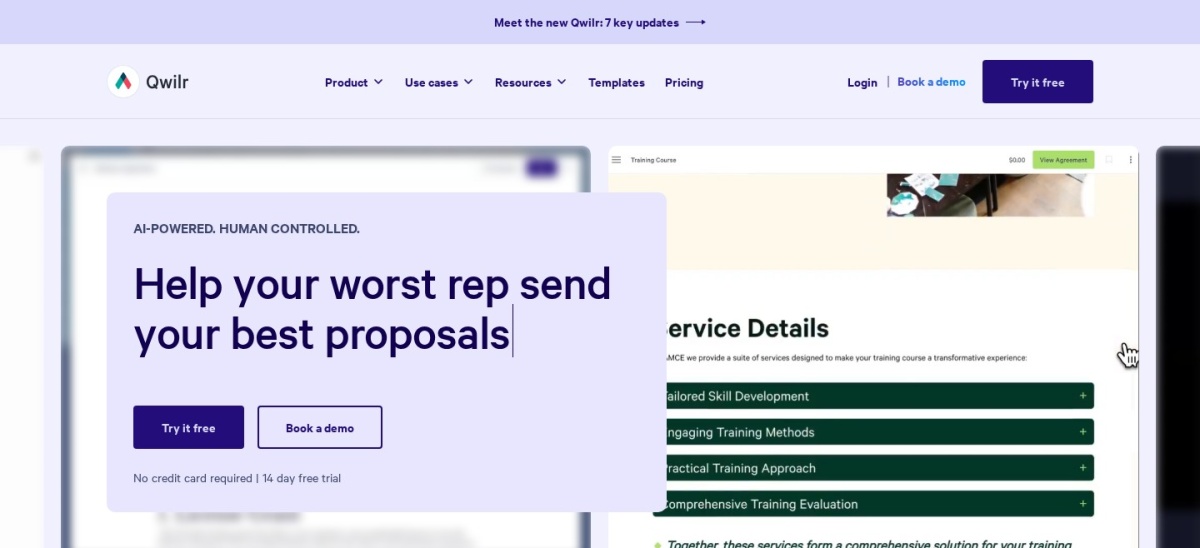
Qwilr homepage, captured Nov 2026.
Qwilr is a sales proposal platform that presents quotes as interactive web pages rather than conventional documents. Starter costs $35 per user monthly with annual billing and includes interactive pricing, electronic signatures, payment collection through QwilrPay, analytics, and integrations with HubSpot, Zoho, and Pipedrive.
The trade off is that Starter requires annual billing at the published $35 entry rate, while advanced branding, workflow automation, and reporting require Growth at $55 per user monthly with a 5-user minimum. It suits agencies and B2B sales teams that want visually engaging proposals and flexible customer acceptance.
What we like
Interactive web-based quotes
Electronic signatures and payment collection
Buyer engagement analytics
CRM integrations included in Starter
Templates support reusable sales presentations
Watch out for
Higher starting cost than basic quoting tools
Growth requires a 5-user minimum
Advanced automation is reserved for Growth
API usage can create additional charges
Growth adds workflow automation, custom branding, and expanded reportingVisit qwilr.com
04
Proposify
4.6/5on G2 (1,144 reviews, checked Nov 2026)
Starts at$49/mo
Best for structured sales proposal workflows
Build monthly$49/user/month
Build annual billing$39/user/month
Build documentsUnlimited
Grow$65/user/month
proposify.com
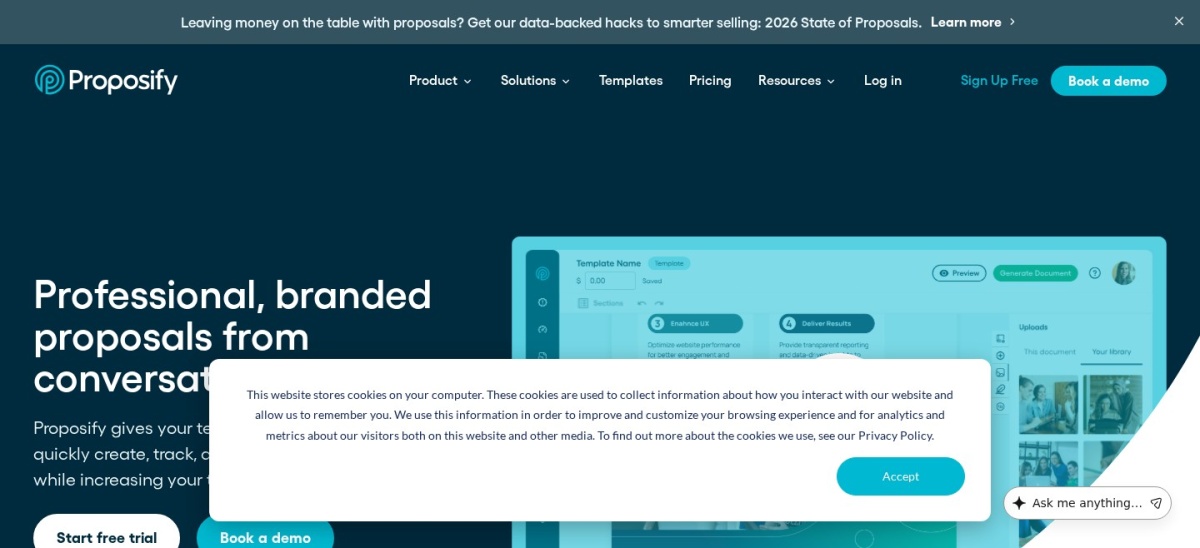
Proposify homepage, captured Nov 2026.
Proposify is proposal and quote management software for teams that need reusable sales documents, structured pricing, and customer signatures. Build costs $49 per user monthly, or $39 with annual billing, and includes unlimited documents and signatures, a content library, product catalog, integrations, and document insights.
The trade off is that formal approval workflows, advanced user permissions, and account-wide reporting require Grow at $65 per user monthly with annual billing. Optional custom template services also cost extra. It suits sales organizations that need consistent quotes across representatives and greater control over what customers receive.
What we like
Unlimited documents and signatures on Build
Reusable content and product catalog
Document engagement tracking
Integrations and automation in Build
Approval workflows available on Grow
Watch out for
Formal approvals require Grow
Custom template design costs extra
Per-user pricing increases with sales team size
Advanced enterprise controls require higher plans
Grow adds approval workflows, advanced permissions, and account reportingVisit proposify.com
05
Better Proposals
4.3/5on G2 (51 reviews, checked Nov 2026)
Starts at$13/mo
Best for freelancers sending branded quotes
Starter$13/month displayed
Starter users1
Starter documents10/month
Premium$21/user/month displayed
betterproposals.io
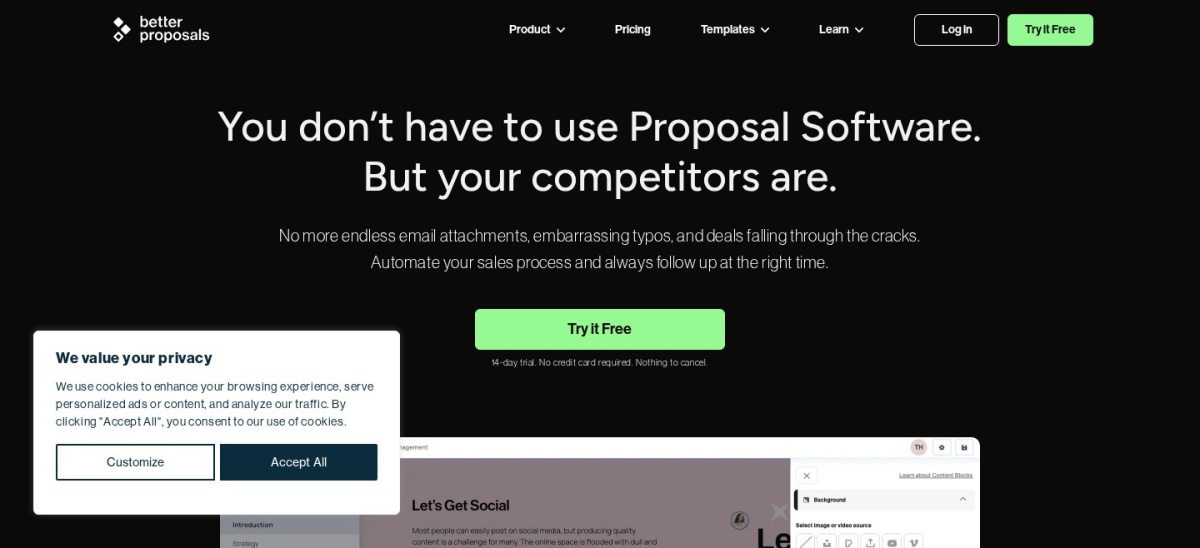
Better Proposals homepage, captured Nov 2026.
Better Proposals is an online proposal platform for creating branded quotes, contracts, and sales documents. Its pricing page displays Starter at $13 monthly for one user and up to 10 documents, including interactive pricing tables, legally binding signatures, payment integrations, reusable content, and document analytics.
The trade off is that Starter limits document volume and does not include the CRM integrations or advanced automation available on Premium, displayed at $21 per user monthly. The published pricing page offers separate billing options that should be confirmed at checkout. It suits freelancers and small agencies preparing professional customer-facing quotes.
FreshBooks is accounting and invoicing software that helps service businesses create estimates, send invoices, and collect customer payments. Its Lite plan has a regular price of $23 monthly and includes estimates, expense tracking, payment collection, and invoicing for up to 5 clients.
The trade off is the Lite client limit and the absence of the broader proposal and retainer features included in Plus at $43 monthly. FreshBooks currently advertises a temporary 90% discount for the first 4 months, not its regular rate. It suits freelancers and service businesses that want quotes connected to billing.
What we like
Estimates and invoicing in one application
Payment collection and expense tracking
Straightforward client billing workflow
Plus supports proposals and retainers
Useful accounting capabilities beyond quoting
Watch out for
Lite limits invoicing to 5 clients
Formal proposals require Plus
Additional team members cost extra
Not a dedicated advanced CPQ application
Plus adds proposals, retainers, additional clients, and accounting reportsVisit freshbooks.com
07
Zoho Invoice
4.7/5on G2 (365 reviews, checked Nov 2026)
PriceFree
Best free software for estimates and invoices
SubscriptionFree
Paid planNone
Core workflowEstimates and invoices
AccessWeb and mobile
zoho.com
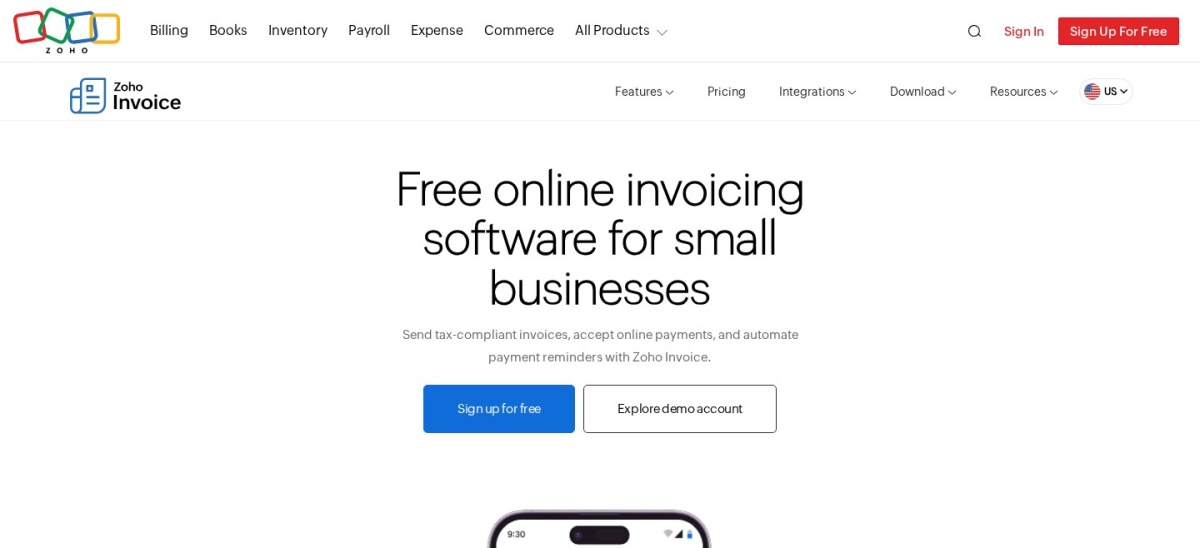
Zoho Invoice homepage, captured Nov 2026.
Zoho Invoice is a free cloud-based invoicing application that also supports creating customer estimates and managing billing. Its published pricing is $0, with no paid subscription tier, and its available features include invoicing, payment reminders, time tracking, expense management, and a customer portal.
The trade off is that Zoho Invoice focuses on estimates and billing rather than advanced interactive proposals, configurable product catalogs, or enterprise quote approvals. The software is free, although payment processing services may charge transaction fees. It suits freelancers and small businesses needing basic quotes without a recurring software subscription.
What we like
Completely free application
Estimates and invoices in one workflow
Customer portal and payment reminders
Expense and time tracking
Mobile applications available
Watch out for
Limited advanced proposal presentation features
Not designed for complex CPQ workflows
Advanced CRM and sales automation may require other applications
Payment processing can involve external transaction fees
There is no paid Zoho Invoice plan; the application remains freeVisit zoho.com
What's the difference between a quote, estimate, and proposal?
A quote communicates a price for clearly defined products or services. It typically identifies quantities, unit prices, discounts, terms, and the conditions under which the customer can accept the offer.
An estimate provides an expected cost when the exact scope or expenses may still change. Service businesses often use estimates before confirming project requirements or preparing a more formal quote.
A proposal goes beyond pricing by explaining the customer's problem, the recommended solution, deliverables, schedule, and commercial terms. Proposal platforms such as Qwilr and Proposify combine this content with interactive pricing and digital acceptance.
Choose software according to the documents your buyers actually expect. Straightforward product and service quotes may not justify advanced proposal tools, while complex B2B engagements often benefit from detailed presentations and approval workflows.
How much does quote software cost?
Quote software ranges from completely free estimate tools to paid proposal and sales automation platforms. Pricing depends on users, document allowances, integrations, approval requirements, and the complexity of your quoting process.
Zoho Invoice provides estimates without a software subscription. PandaDoc offers 5 free documents monthly, while its Starter subscription costs $19 per seat monthly with annual billing.
Quotient costs $28 monthly for one user and 100 quotes. Qwilr Starter costs $35 per user monthly with annual billing, while Proposify Build costs $49 per user monthly or $39 with annual billing.
Some applications combine quoting with other business functions. FreshBooks Lite costs $23 monthly at the regular rate and includes estimates and invoicing, although formal proposals require its higher Plus plan.
Calculate the cost for all sales representatives, expected document volume, and required integrations before subscribing. An inexpensive plan can become less attractive when advanced approvals, automation, or additional seats are necessary.
How we chose
We researched established quoting, proposal management, and estimate-to-invoice applications with documented customer-facing price workflows. We prioritized products that support reusable documents, quote creation, customer acceptance, tracking, or integrations with existing sales and accounting systems.
Official vendor pricing pages and public G2 or Capterra reviews were checked on 22 Nov 2026. We compared the cheapest available paid plans at published regular prices, identified annual-billing conditions, and distinguished permanent free subscriptions from limited trials. Document allowances and upgrade restrictions were considered alongside review ratings.
We excluded products without confirmable entry pricing, insufficient public reviews, or a clear quoting workflow. The ranking reflects pricing transparency, quote creation, customer acceptance, automation, and suitability for different businesses. No vendor paid for a place, and we do not claim testing for this list.
How to choose the right quote software
Identify the information each quote needs, how customers approve it, and what happens after acceptance before comparing platforms.
Match the software to your quoting complexity. Simple service estimates need line items, totals, and customer details. More complex sales may require product catalogs, optional items, configurable pricing, discount rules, or formal approval processes. Choose a tool that handles your actual quoting requirements.
Check how customers review and accept quotes. Look for professional templates, mobile-friendly documents, interactive pricing, electronic signatures, and clear acceptance options. Consider whether customers need to select optional services, ask questions, or submit payments directly from a quote.
Evaluate CRM and accounting integrations. Check whether approved quotes can connect to existing customer records, invoices, payment systems, or project workflows. Integration quality matters when a sales team regularly transfers quote details between applications.
Calculate total subscription and usage costs. Count sales users, monthly quotes, required integrations, and approval workflows. Compare monthly billing with annual commitments, and identify document overages or additional transaction charges. Focus on the plan that includes the features you need.
FAQ
What is the best quote software in 2026?
PandaDoc is our top choice for teams that want quotes, proposals, document tracking, and electronic signatures in one platform. Quotient is better for straightforward business quotes, while Qwilr suits teams that need interactive sales presentations and flexible customer acceptance.
Is there free quote software?
Yes. Zoho Invoice provides free estimate and invoicing capabilities without a paid software tier. PandaDoc also offers a free plan allowing 5 documents monthly. These options work for basic quoting, although advanced approvals, proposal automation, and complex pricing features may require paid platforms.
What is the difference between quoting software and CPQ software?
Quoting software creates and manages price offers for products or services. CPQ software adds configuration rules, pricing logic, and automated quote generation for complex product combinations. Businesses with straightforward pricing may not need a dedicated CPQ system.
Which quote software is best for small businesses?
Quotient is suitable for businesses that regularly prepare simple customer quotes and need acceptance tracking. FreshBooks connects estimates with invoicing, while Zoho Invoice provides a free option. PandaDoc is worth considering when a small business also needs professional proposals and signatures.
Can quote software convert estimates into invoices?
Some applications can connect estimates with invoicing workflows. FreshBooks and Zoho Invoice are designed around these activities, making them practical for service businesses. Dedicated proposal platforms may rely on integrations or payment tools rather than offering a complete accounting workflow.
Does quote software support electronic signatures?
Many proposal platforms provide electronic signatures, including PandaDoc, Qwilr, Proposify, and Better Proposals. Other quoting applications may use customer acceptance rather than a formal signature workflow. Verify which acceptance methods are included in the subscription and whether they meet your documentation requirements.
How much does quote software cost?
Zoho Invoice is free, while PandaDoc Starter costs $19 per seat monthly with annual billing. Quotient Solo costs $28 monthly, and Qwilr Starter costs $35 per user monthly with annual billing. More advanced sales workflows can require higher plans or additional charges.
What features should sales teams prioritize?
Sales teams should prioritize reusable templates, accurate pricing tables, CRM integrations, customer acceptance, engagement tracking, and internal approval controls. Teams selling complicated products may also need configurable catalogs and discount rules. Choose based on the existing sales process rather than feature count alone.
Can quote software track whether a customer opened a quote?
Yes. Several dedicated platforms provide document engagement tracking, including PandaDoc, Quotient, Qwilr, and Proposify. Depending on the application, teams may see when a quote was viewed or accepted. These signals can help organize follow-ups, although opening a document does not guarantee purchase intent.